
PROMPT
"A car drives into the house and parks."
Learn what the LTX-2 AI tool on RunDiffusion can do for video generation, controlled edits, and faster creative experimentation.
Start prompting above, or click on an image below to start generating with LTX 2.3
"A car drives into the house and parks."
"The camera smoothly floats to the left, cinematic movement."
"Rotate the camera smoothly around the room, creating a stable cinematic orbit shot."
"Slow 360-degree camera movement."
Important update: LTX-2 Fast and LTX-2 Pro have been retired from RunDiffusion. For new video projects, use LTX 2.3, with Fast and Pro options, synchronized audio, and support for portrait and landscape video. Visit the LTX 2.3 tool page to explore the model and start creating. LTX-2 Retake remains available.
The wait is over. LTX-2, the AI model built for creative is now available on the RunDiffusion Platform (Formerly Runnit Platform).
If you have been looking for a production ready AI video tool that generates native 4K visuals at 50 fps with synchronized audio and does it fast, LTX-2 delivers. You can now create LTX-2 Videos directly on the RunDiffusion Platform.
We worked closely with Lightricks team to bring LTX-2 directly into the RunDiffusion Platform because it meets what AI creators need most: speed, control, and quality.
No patchwork workflows. LTX-2 produces cinematic visuals and synced sound including voice, music, and ambience in a single generation. Ideal for high end content creators and indie studios.
LTX-2 renders synchronized video and audio together. This enables fully formed story moments, trailers, animations, and concept pieces in minutes without stitching elements manually.
The model is efficient and scales to cloud based 4K rendering. A perfect fit for RunDiffusion Platform users who want speed without compromising output.
Login to RunDiffusion
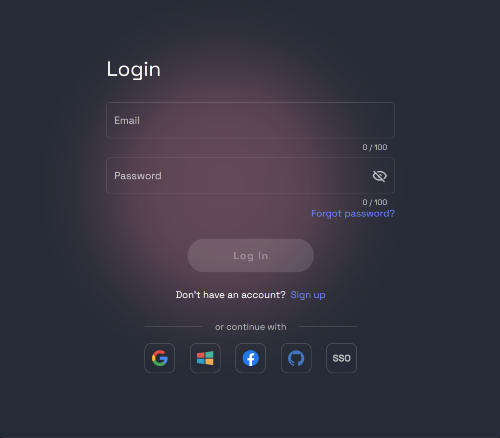
Go to the RunDiffusion Platform at https://app.rundiffusion.com/runnit/home
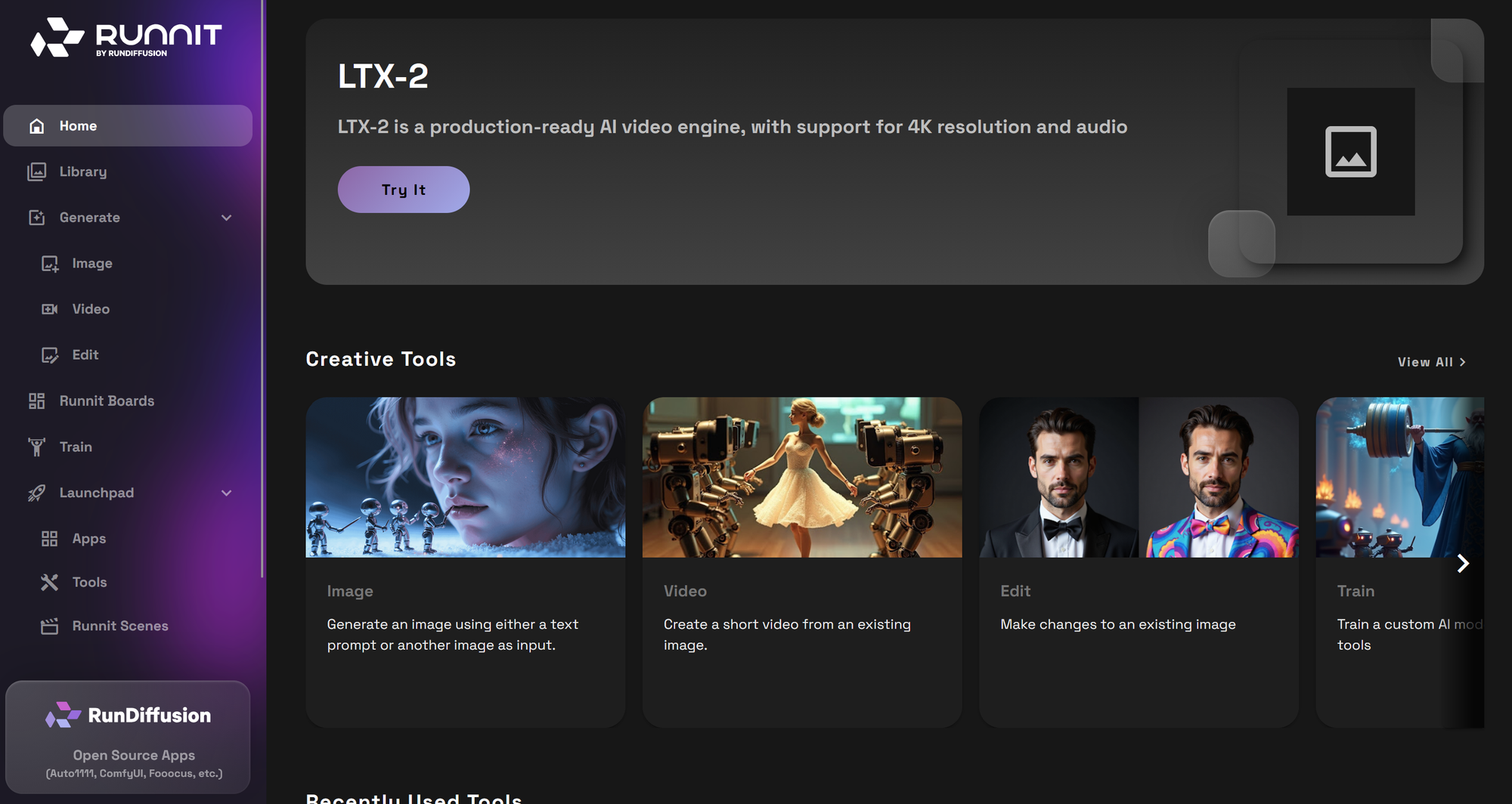
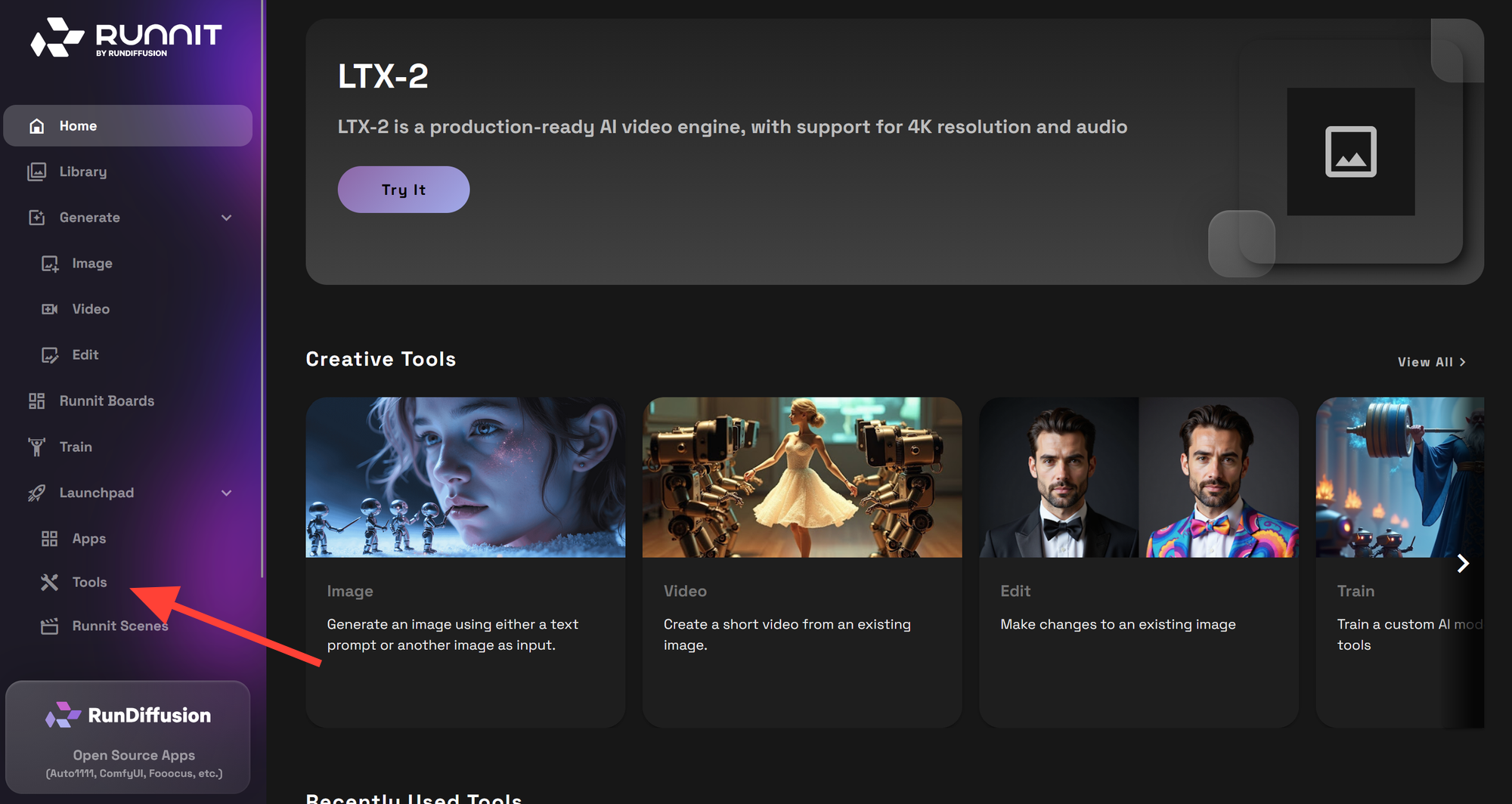
Click on Tool on the side bar.
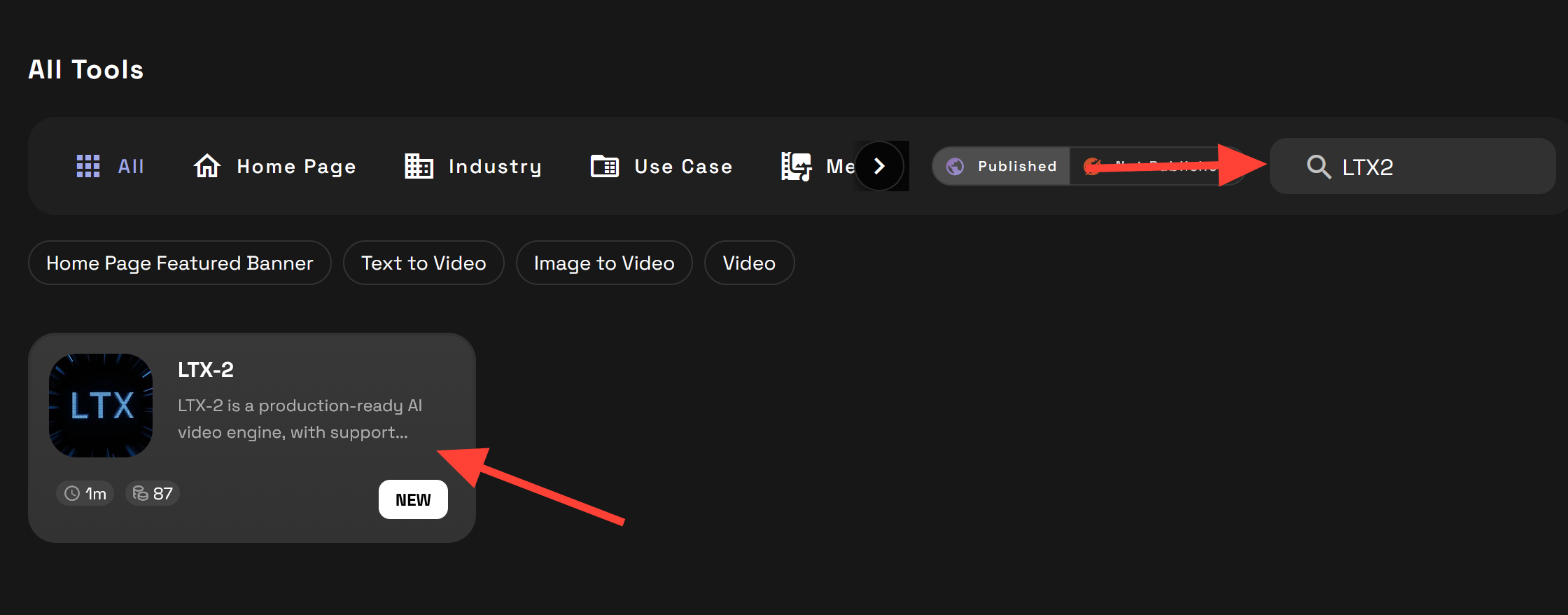
Scroll down to the search option and type LTX2 and click on LTX-2.
Write a prompt and click Generate to make your first LTX-2 video. You can also add a start frame. If you need help writing a prompt refer to our LTX-2 Prompt guide.
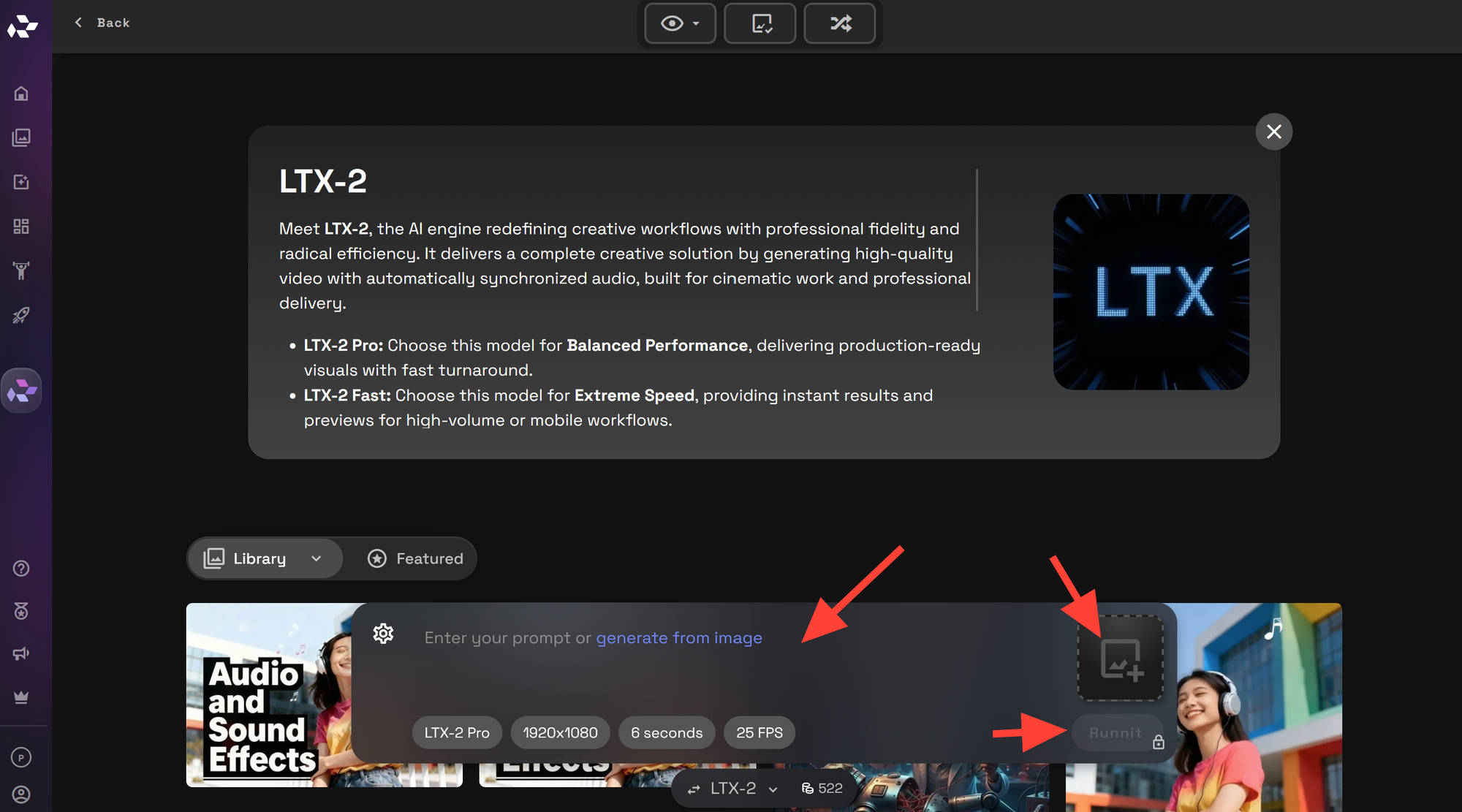
Settings
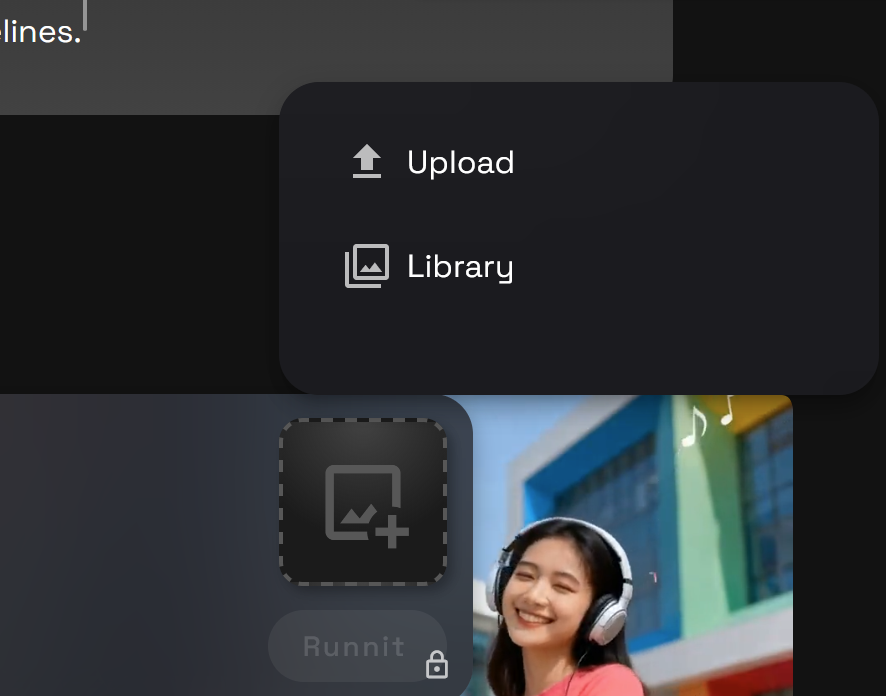
Upload an Image from your computer or select an existing image in your library on the RunDiffusion Platform to be the first frame of your video.
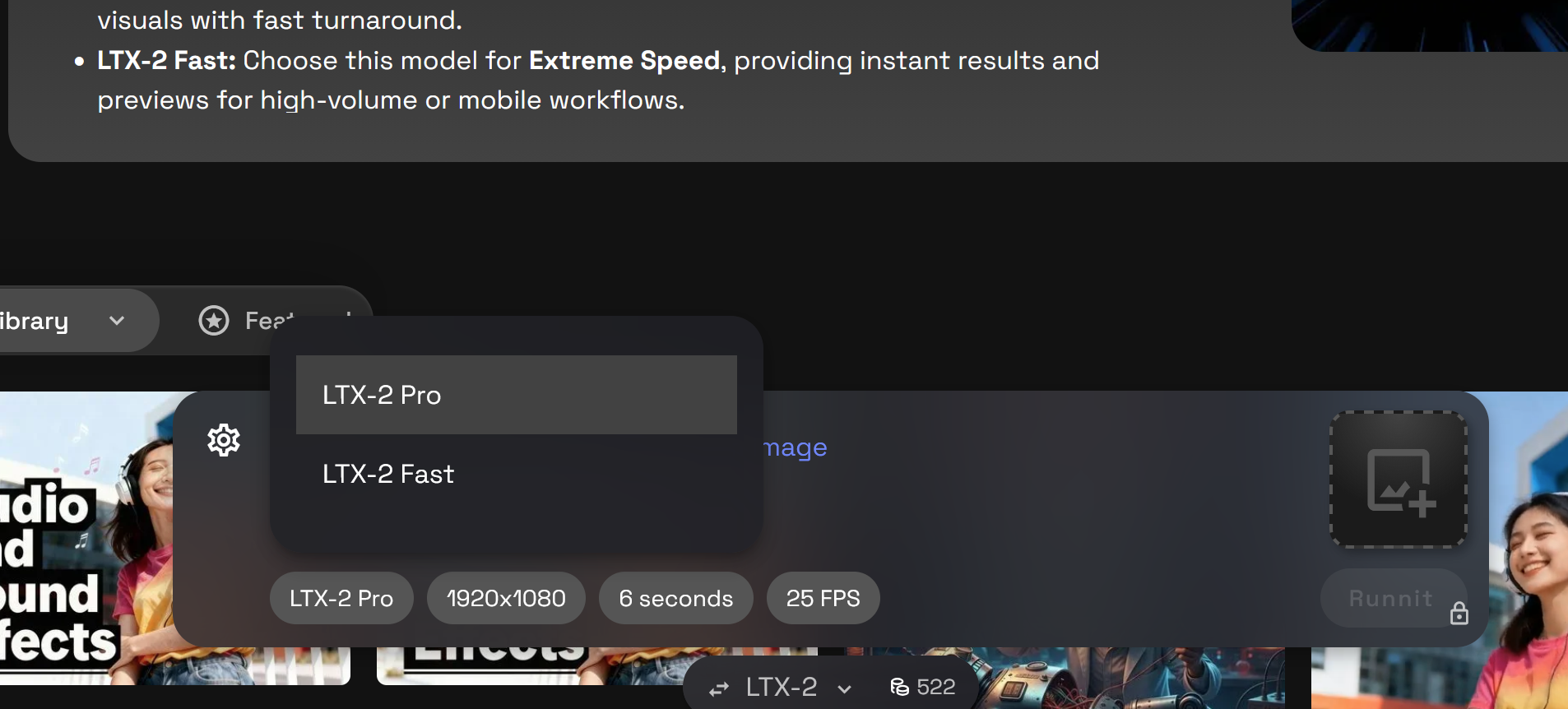
Select which model you would like to use LTX-2 Pro and LTX-2 Fast.
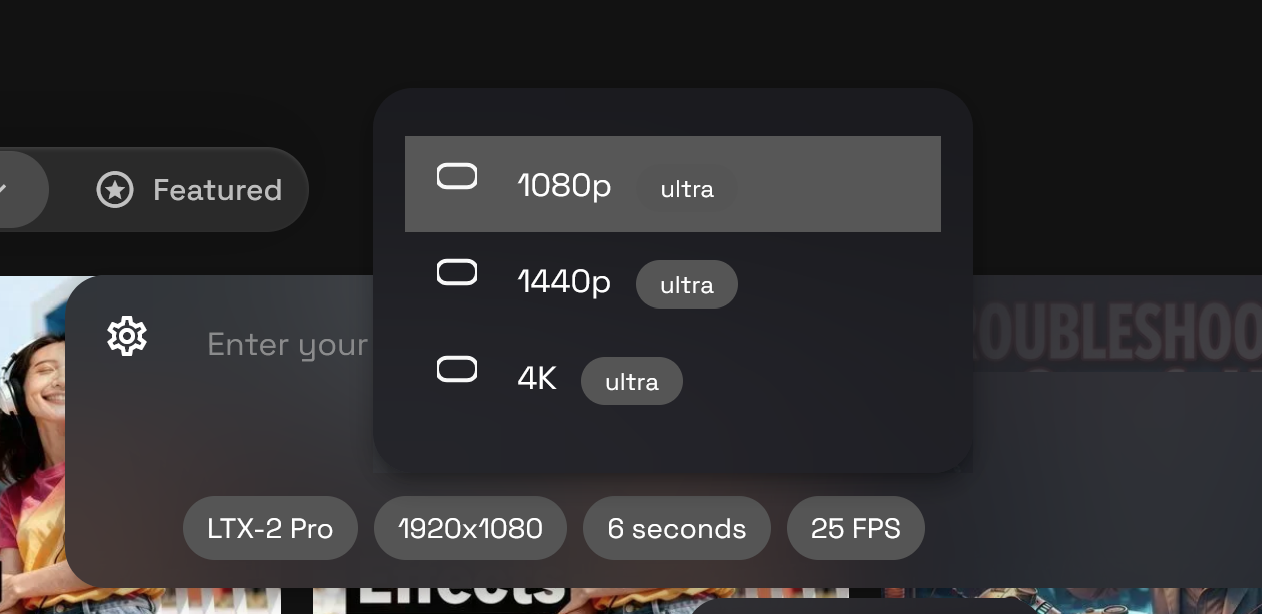
Select your resolution 1080p, 1440p or 4K.
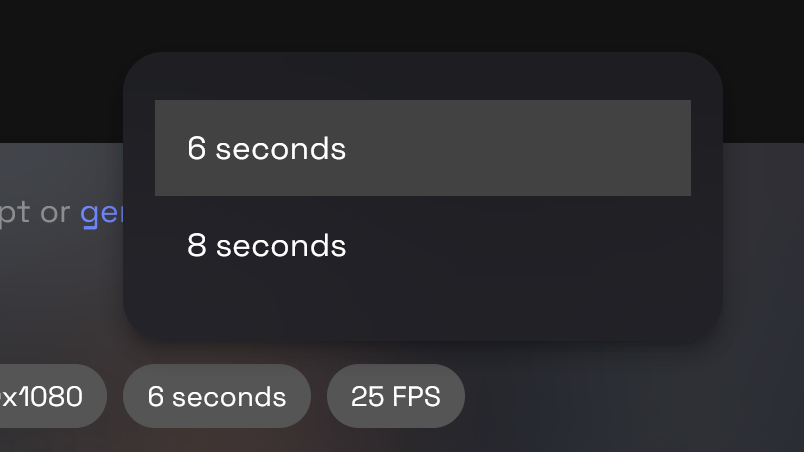
Select 6 or 8 seconds.
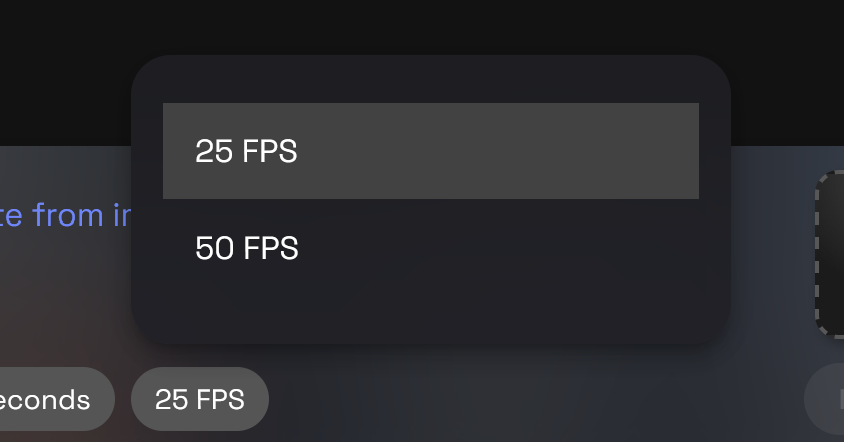
Select 25 or 50 frames per second.
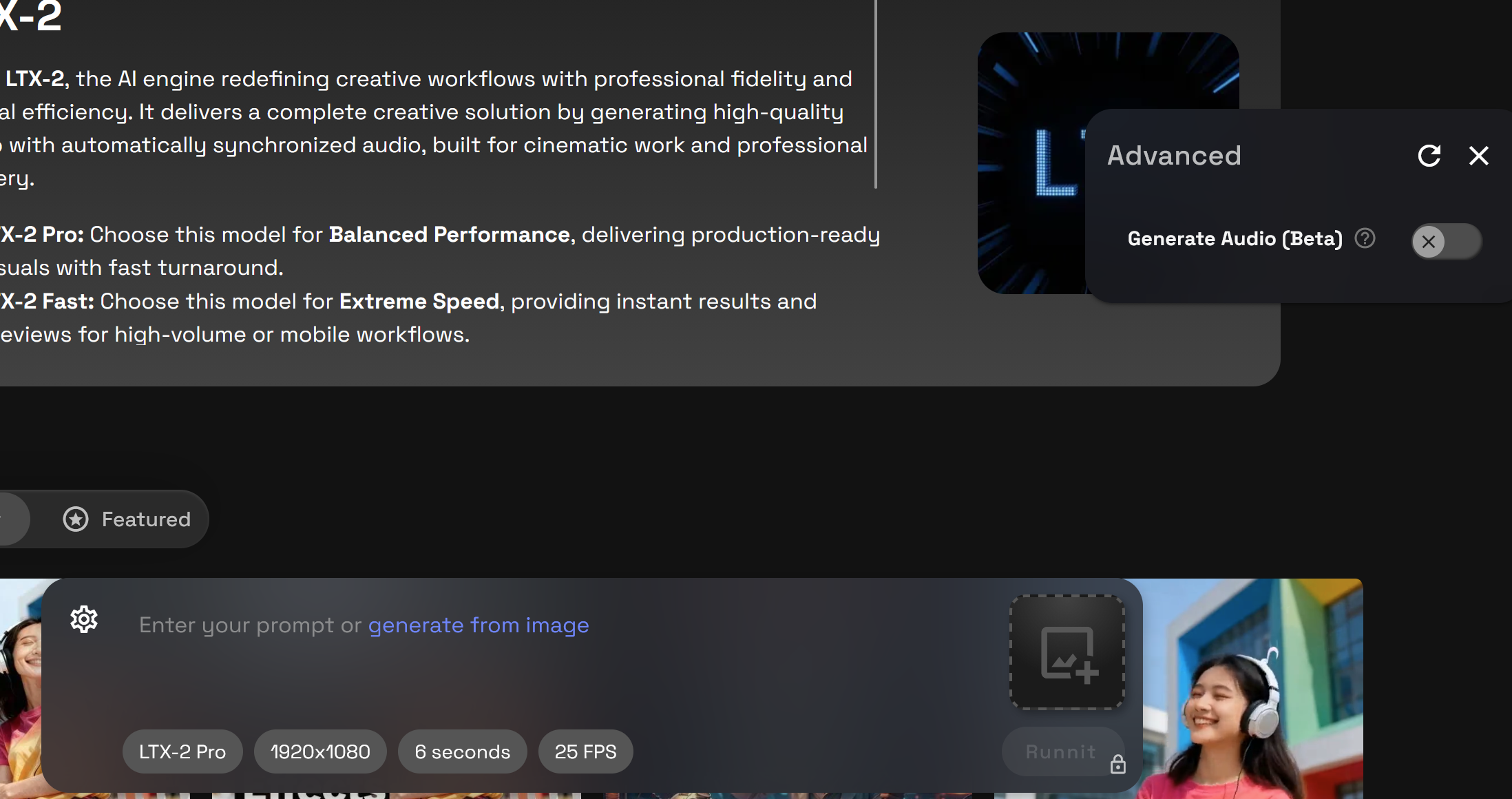
To generate Audio with your video click on the gear icon then then toggle on Generate Audio (Beta).
Use Cases We Are Already Seeing
LTX2 is now available on the RunDiffusion Platform with no local setup required. You get professional grade output, efficient rendering, and synchronized video plus audio generation in one place.
If you are working with video, this tool belongs in your workflow.
You can start now by clicking Explore LTX 2.3.
Need Help with prompting tips? Start with our LTX-2 prompt guide.
For Further reading about LTX-2 click here!