For creative teams & enterprise

RunDiffusion AI Plugins

Create in your applications.
Connect the work across your team.

Generate and edit in Photoshop, Miro, Revit, Rhino and NVIDIA Omniverse. Reuse selected images through RunDiffusion, share generation balances and track usage through the governance layer.

Install for Photoshop, Miro, Revit, Rhino or NVIDIA Omniverse. Each plugin has its own requirements.

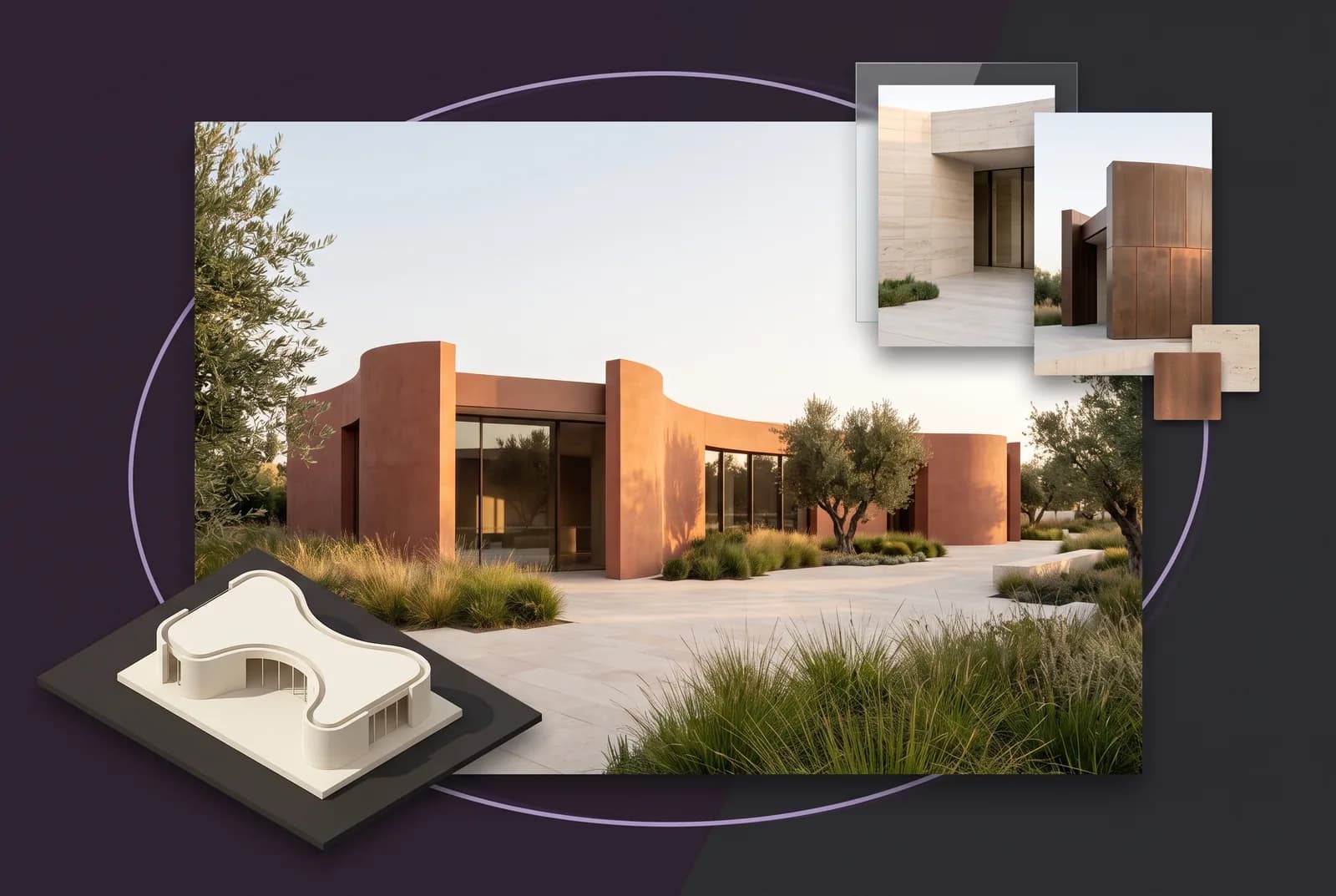
Workflow illustration combining a pavilion model, a terracotta architectural concept and stone and copper material studies.
Choose your application

See what your team can make.

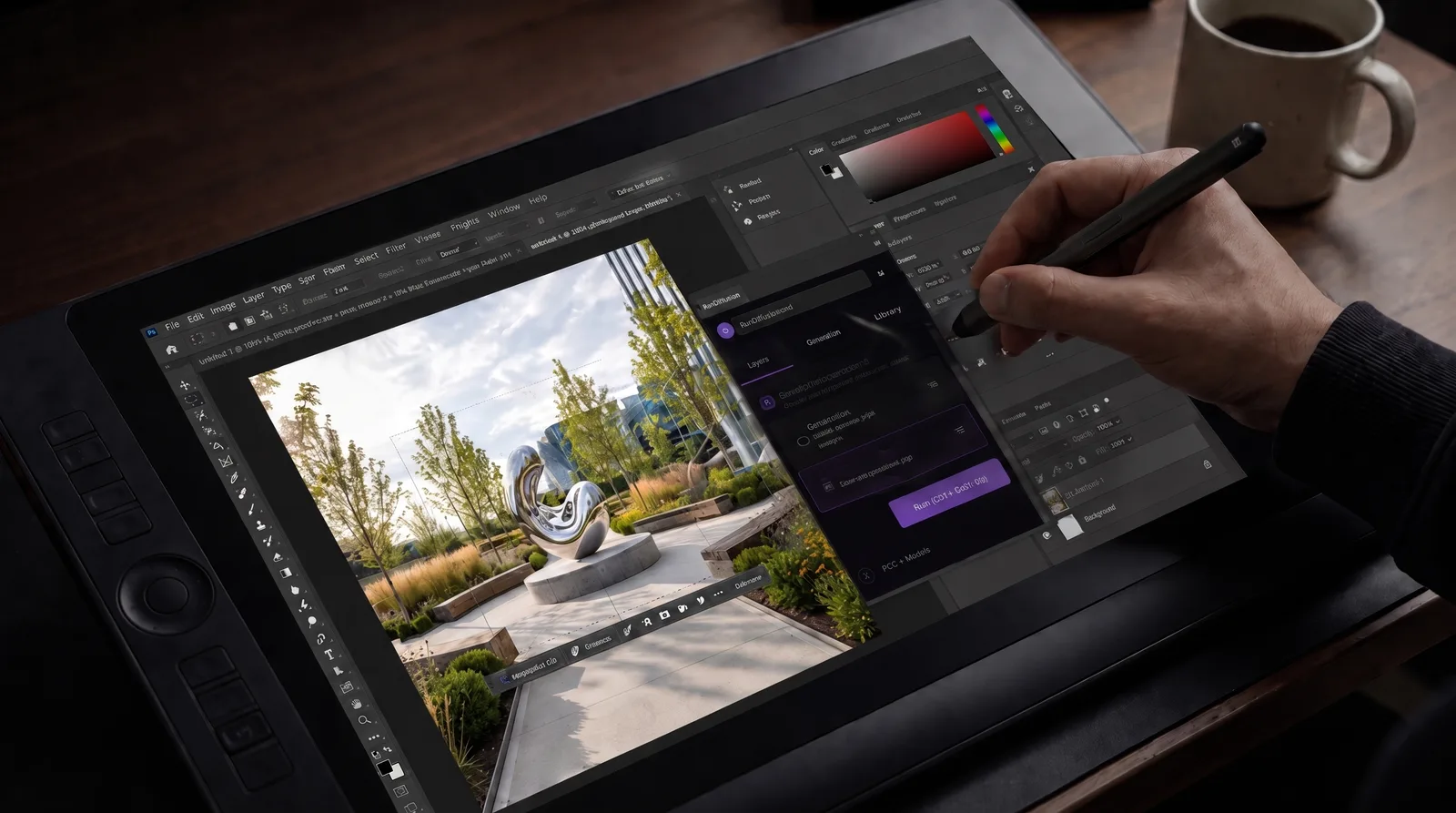
A generated courtyard kitchen on the Photoshop canvas with the RunDiffusion Generate panel open.
Available to install in beta
Photoshop AI plugin

Image generation and editing inside Photoshop, with results on new layers and selected images shared through your team’s connected RunDiffusion library.

Free to install for Photoshop 23.3.0 or later. Generating and editing images require a paid RunDiffusion plan and available tokens.

Explore PhotoshopPhotoshop installation guide
An AI-generated lakeside pavilion with a planted arrival garden, created using RunDiffusion for Miro.
Available to install in beta

Miro AI plugin

Image generation and variations on your Miro board, alongside project references and images from your team’s connected RunDiffusion library.

Requires a Miro board, permission to install apps, and a RunDiffusion account. Generation uses the selected account balance.

Explore MiroMiro installation guide
RunDiffusion Studio inside Revit comparing the original office model view with a terracotta material concept.
Available to install in beta

Revit AI plugin

Material, lighting and landscape concepts from captured Revit views, with source comparisons in Studio and selected images shared through RunDiffusion.

Free to install for Revit 2024–2027 on 64-bit Windows. Generating images requires a paid RunDiffusion plan and available tokens.

Explore RevitRevit installation guide
A pale architectural model beside a landscaped limestone and timber visualization.
Available to install in beta

Rhino AI plugin

Visual concepts from Rhino views, with results in a docked panel beside your viewports and ready to reuse for the next revision.

Rhino 8 on Windows and Mac, installed through Rhino’s Package Manager. Requires a free RunDiffusion account; generation is billed in tokens.

Explore RhinoRhino installation guide
A flowing bronze and glass building that turns from a grey 3D model into a lit photorealistic render.
Available to install in beta

NVIDIA Omniverse AI plugin

Renders from captured Omniverse views, compared with the view you started from, plus generated 3D assets added to your stage.

Windows and apps built on Kit 110.1.2. Installs from the Omniverse Extensions window; Omniverse access must be enabled on your RunDiffusion account.

Explore OmniverseNVIDIA Omniverse installation guide
Connected through RunDiffusion

Shared assets. Shared balances. Visible usage.

A connected library, shared generation balances and usage controls across supported plugin workflows.

Reuse the images you choose

Photoshop and Revit send selected results to RunDiffusion. Miro saves generations to the connected library.

Generate with a shared balance

Generation draws from the connected team or enterprise account’s balance.

Track usage through governance

Usage reporting, access permissions and spending controls for your plan and workspace.

Sharing follows the selected account and its permissions. Revit’s local Library is separate from the connected RunDiffusion library.

Architecture & setup

Take the next step with your team.

A studio’s experience with the RunDiffusion platform

“Generating a coordinated material family in one sitting changed how we present early concepts. Clients see intent, not placeholders.”
Daniel VossAssociate, NORTHFORM Architects

Plugins in Development

SketchUpIn development
Teams & enterprise

Plan your team’s plugin setup.

Talk with RunDiffusion about your applications, shared balance, access requirements and the right plan for your team.

Book a meeting or send a sales inquiry. Plugin access and available controls depend on your plan.