Reuse the images you choose
Photoshop and Revit send selected results to RunDiffusion. Miro saves generations to the connected library.
Create the image. Develop the revision. Share the result.
Image generation and editing inside Photoshop, with results on new layers and selected images shared through your team’s connected RunDiffusion library.
Free to install for Photoshop 23.3.0 or later. Generating and editing images require a paid RunDiffusion plan and available tokens.
Try another direction without losing the work your team has already done. Keep versions on separate Photoshop layers and share selected images through your connected RunDiffusion library.
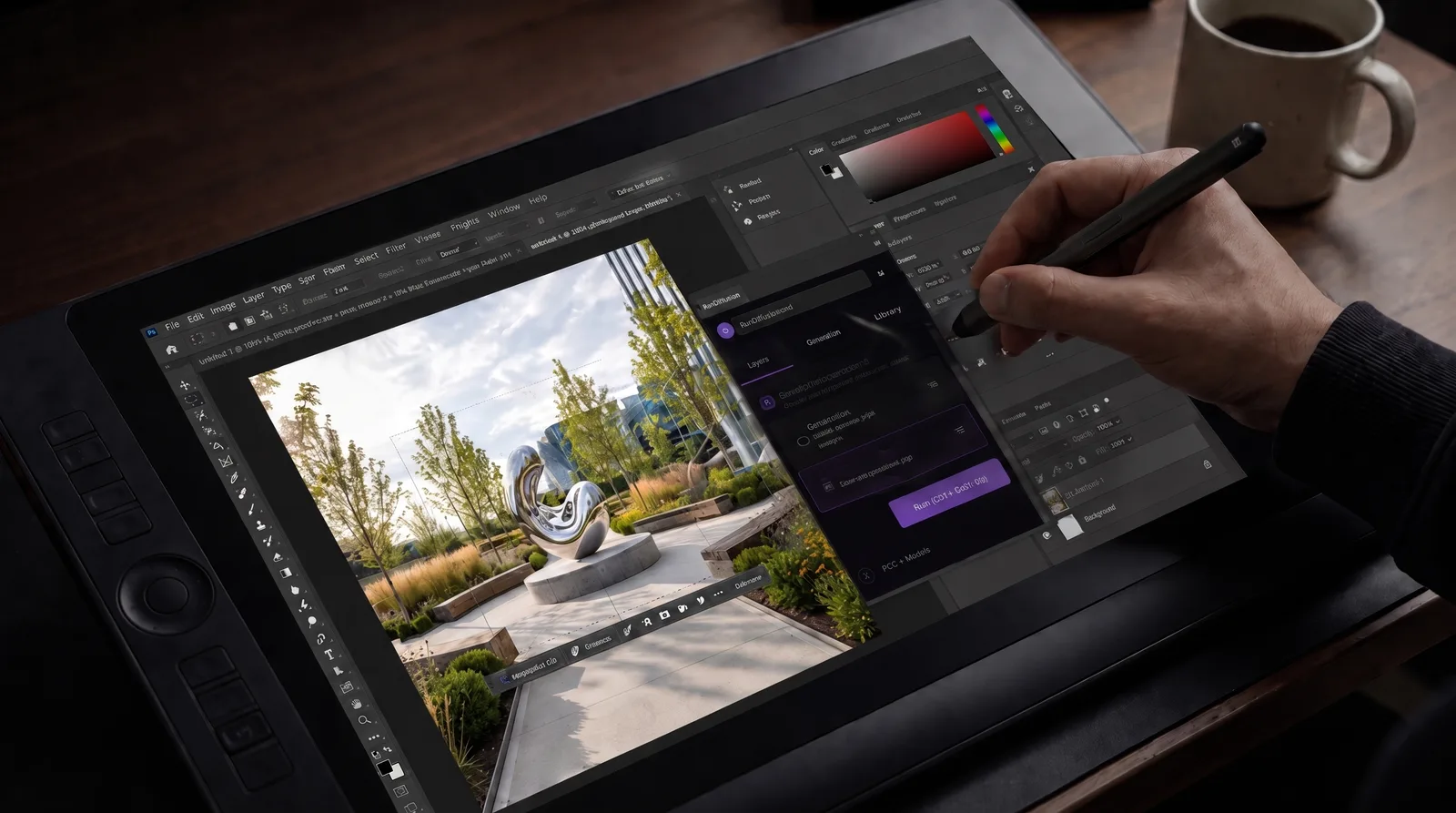
Turn a brief into visual concepts without leaving Photoshop. Generate images on new layers, then refine them with the editing tools your team already uses.

Turn client feedback into new material options without starting over. Compare finishes on separate Photoshop layers while keeping your original image.

A connected library, shared generation balances and usage controls across supported plugin workflows.

Photoshop and Revit send selected results to RunDiffusion. Miro saves generations to the connected library.
Generation draws from the connected team or enterprise account’s balance.
Usage reporting, access permissions and spending controls for your plan and workspace.
Sharing follows the selected account and its permissions. Revit’s local Library is separate from the connected RunDiffusion library.
Free to install for Photoshop 23.3.0 or later. Generating and editing images require a paid RunDiffusion plan and available tokens.
Apply Edit adds the generated result as a new layer, keeping the source image available for comparison and further work with Photoshop layers and masks.
The RunDiffusion panel generates and edits images from the canvas or a marquee selection. Results are applied to the document as new layers.
Send to RunDiffusion saves selected images to the connected library. It does not synchronize the Photoshop document or its layers.
A studio’s experience with the RunDiffusion platform
“Generating a coordinated material family in one sitting changed how we present early concepts. Clients see intent, not placeholders.”
Talk with RunDiffusion about your applications, shared balance, access requirements and the right plan for your team.
Book a meeting or send a sales inquiry. Plugin access and available controls depend on your plan.