
1
Build a Visual Style Board
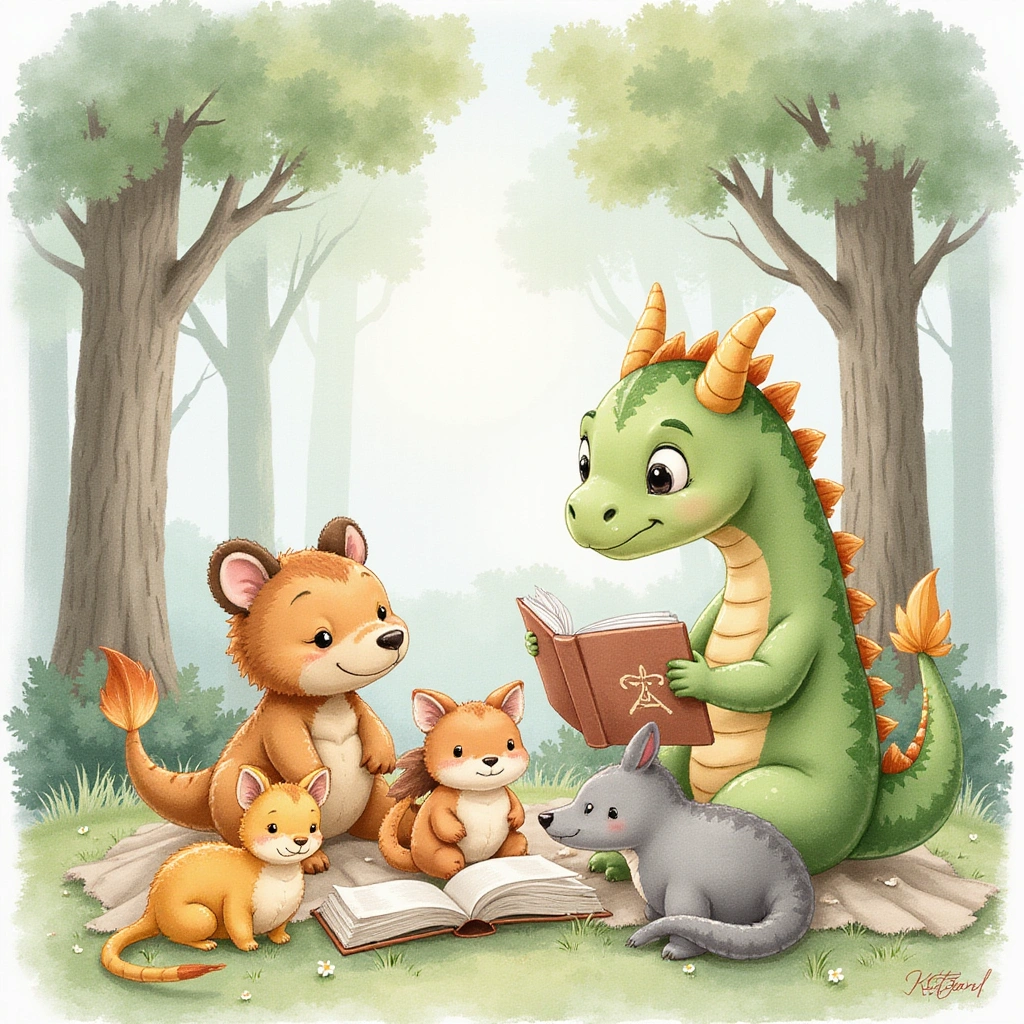
Test watercolor, pencil sketch, digital painting, collage-inspired, cartoon, 3D storybook, and line art directions before choosing a final look.
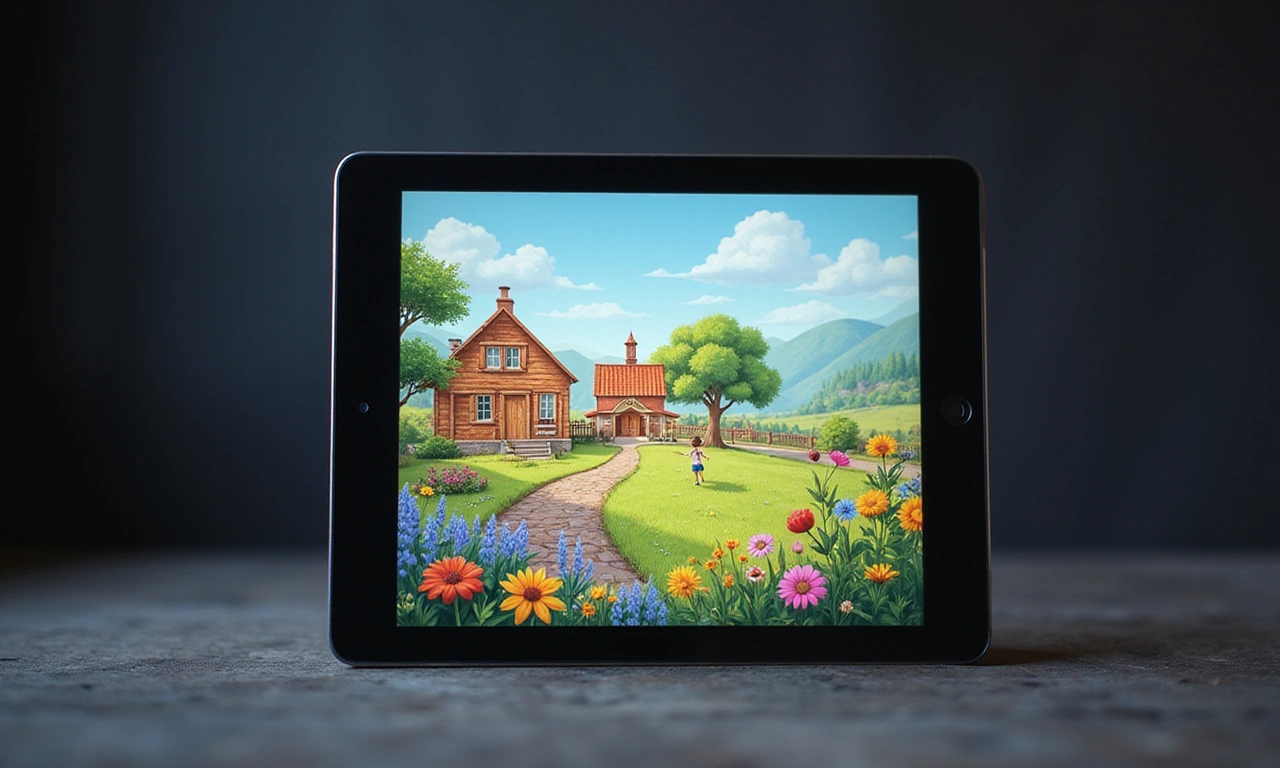
Create character concepts, page scenes, style boards, and storybook illustration variations in a cloud AI workspace built for fast creative iteration.
This preview is the safe review path for a DB-backed page. It lets us judge layout, copy, and color direction on a real website before touching the live content record.


Children's book illustration depends on more than a single beautiful image. You need a visual style, recognizable characters, clear page scenes, and enough variation to make strong creative decisions.
RunDiffusion helps you move from rough story ideas to visual direction faster. Use AI image tools to test illustration styles, create character references, sketch scene concepts, and refine artwork before committing time to final production.
This is not about removing human creative direction. It is about giving authors, illustrators, educators, and creative teams a faster way to explore ideas, compare options, and shape a stronger storybook concept.

Use RunDiffusion as a visual development workspace for early-stage storybook projects. Start broad, narrow the style, then refine the pieces that need consistency.
Test watercolor, pencil sketch, digital painting, collage-inspired, cartoon, 3D storybook, and line art directions before choosing a final look.
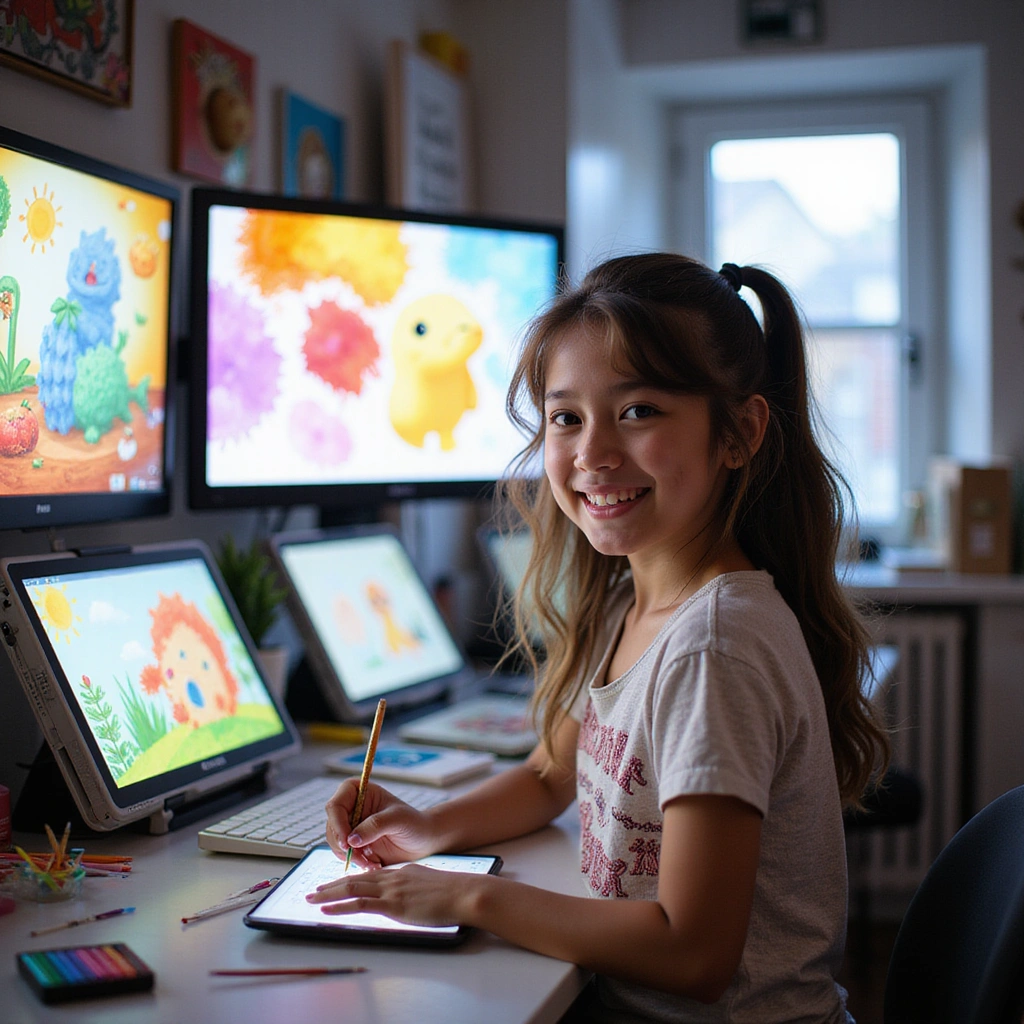
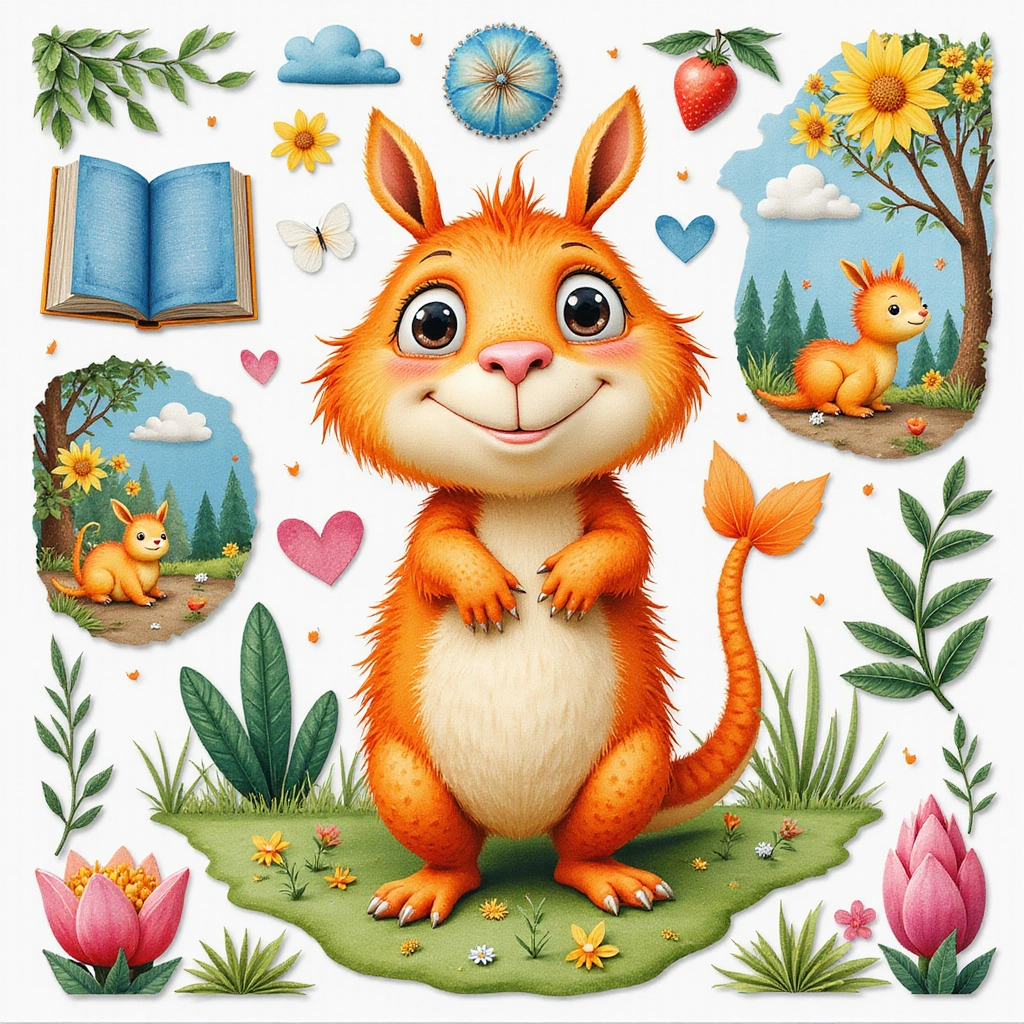
Develop your main character with multiple expressions, outfits, poses, and angles so the visual identity stays recognizable across page concepts.
Turn page descriptions into rough visual scenes. Explore backgrounds, character placement, mood, lighting, and composition before moving into polished illustration.
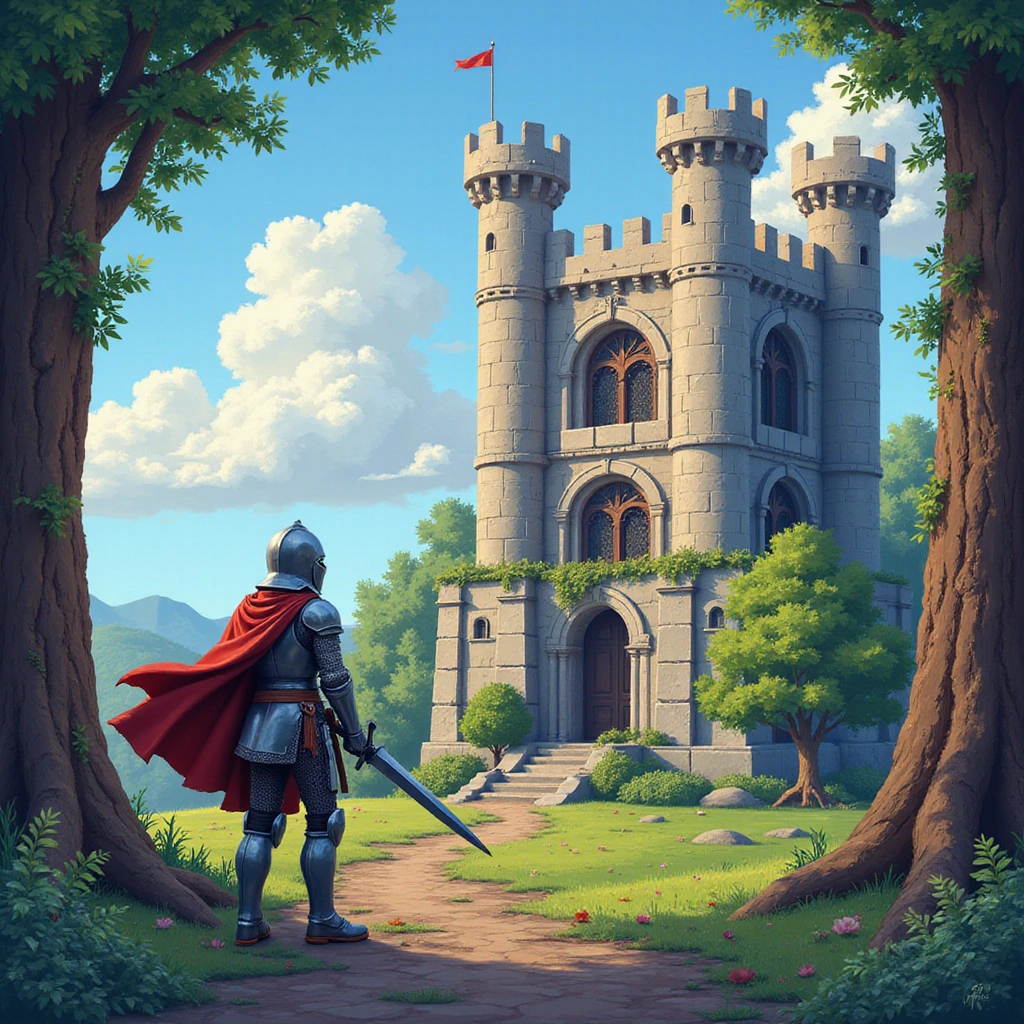
Adjust details, props, color, framing, and backgrounds without starting from scratch. Use prompt-based editing to improve an image while preserving the direction that is already working.
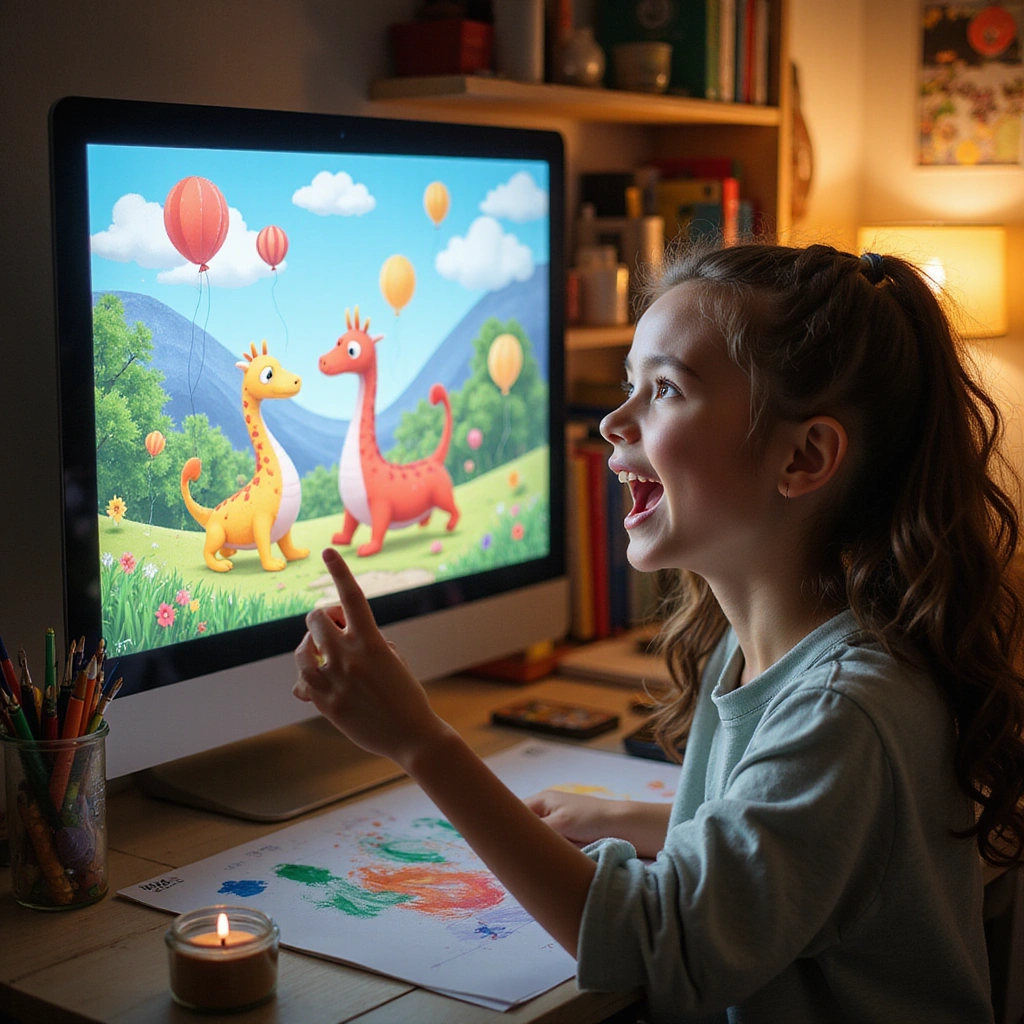
Use your strongest outputs as references for final illustrations, pitch decks, publishing mockups, educator resources, or collaboration with a professional illustrator.
Different stages of a children's book project need different creative tools. Use these RunDiffusion tools based on what you are trying to create next.
Use Nano Banana Pro when you need the same storybook character to stay recognizable across page scenes, poses, expressions, outfits, and environments. It is a strong fit for character sheets, recurring animal characters, hero characters, and multi-page visual development.
Use ChatGPT Image 2.0 when you need detailed prompt following, reference-guided scene creation, layout control, or precise edits to a storybook illustration. It is especially useful when the page needs stronger structure, clearer composition, or targeted visual changes.
Use Nano Banana 2 Lite for fast style tests, thumbnail concepts, color palettes, page moods, and early visual directions. It is a good fit when you want to compare ideas quickly before choosing a stronger direction.
Design main characters, side characters, animals, fantasy creatures, and recurring visual motifs.
Build reference images that help keep a character recognizable across expressions, poses, outfits, and page scenes.
Generate visual concepts for bedrooms, forests, classrooms, villages, castles, dream worlds, animal homes, and other story settings.
Compare watercolor, soft pencil, cartoon, painterly, 3D, collage-inspired, and digital illustration directions.
Adjust backgrounds, props, colors, lighting, and composition while preserving the parts of an image that already work.
Use RunDiffusion from the browser without setting up local hardware, managing installs, or switching between disconnected tools.
Yes. AI can help with style exploration, character concepts, storyboards, scene ideas, and early illustration drafts. Human creative direction is still important for storytelling, quality control, and age-appropriate review.
Start by creating character reference images, then reuse those references while generating new poses, expressions, outfits, and scenes. Nano Banana Pro is a strong fit for this stage because it supports recurring character development and visual consistency. For a faster starting point, you can also use the Consistent Character Template.
You can explore watercolor, pencil sketch, cartoon, digital painting, 3D storybook, line art, collage-inspired, and other visual directions. Nano Banana 2 Lite is useful for fast style testing and early visual exploration.
Yes. Use RunDiffusion image editing tools to adjust details, backgrounds, colors, composition, and character elements. ChatGPT Image 2.0 is useful when you need detailed prompt following or targeted edits to a storybook scene.
No. RunDiffusion runs in the cloud, so you can create and refine AI illustrations from your browser without setting up local hardware.
AI is best used as a visual development tool. It can help explore directions, test ideas, and create references, but final children's book projects still benefit from human creative judgment, review, and illustration expertise.
Use RunDiffusion to explore illustration styles, create character references, refine page scenes, and move from rough story ideas to stronger visual direction.