
Runnit is your all-in-one creative workspace on RunDiffusion. It brings together powerful tools for AI image generation, video creation, model training, editing, and project organization. Everything is accessible directly from your browser. Whether you're creating visuals for personal exploration or professional work, Runnit simplifies your workflow and scales with your needs.
What is Runnit?
Runnit is a browser-based platform built on RunDiffusion that consolidates key AI creative tools into a single user-friendly environment. It removes the need for complex installations or local hardware, giving you fast access to advanced AI generation, training, and editing capabilities.
Everything you create is stored in your personal workspace. You can launch tools, manage files, and run apps from a single interface.
Runnit Boards and Templates
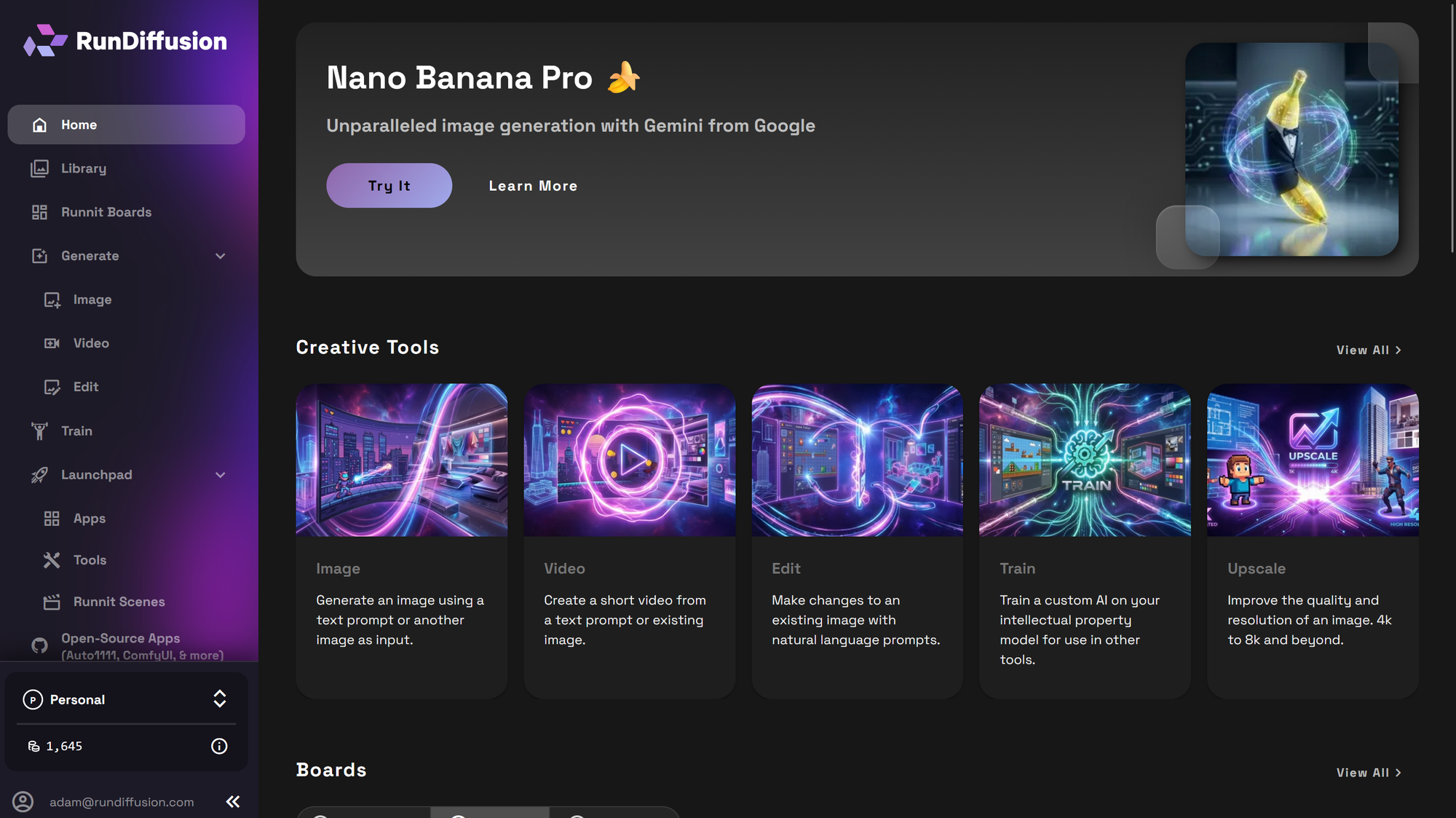
Organize your work visually with Boards. Create a New board and group related image, video and edit tools. Plan and design your custom workflow or choose from existing templates to get yous tarted.
Runnit Library
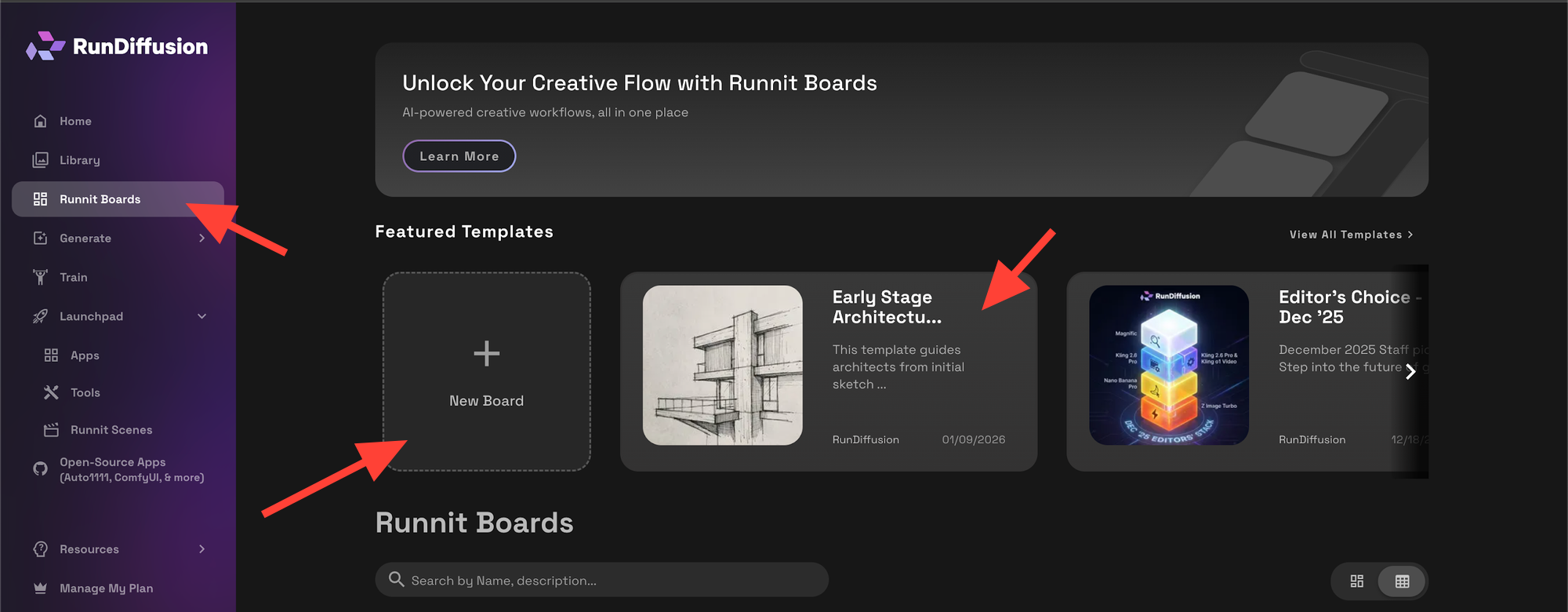
Manage all your AI-generated content from one central location. The Library allows you to browse, preview, download, or delete images and videos from any session.
Generate
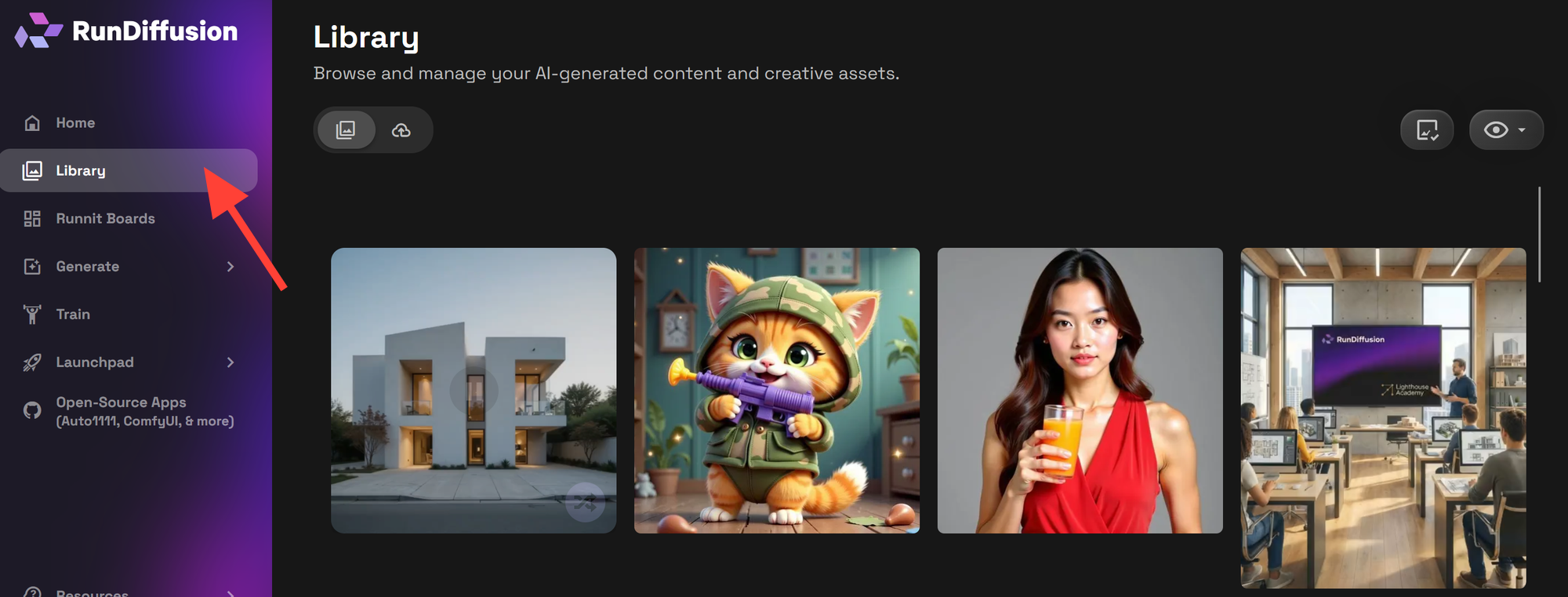
Use state-of-the-art tools to create visual content:
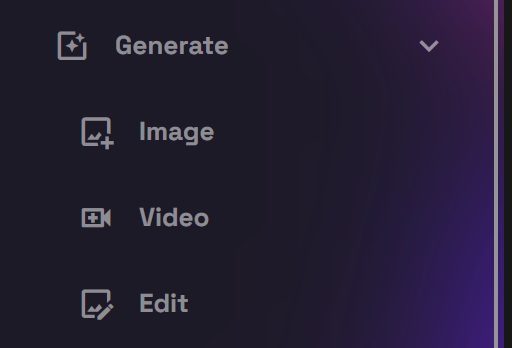
Image
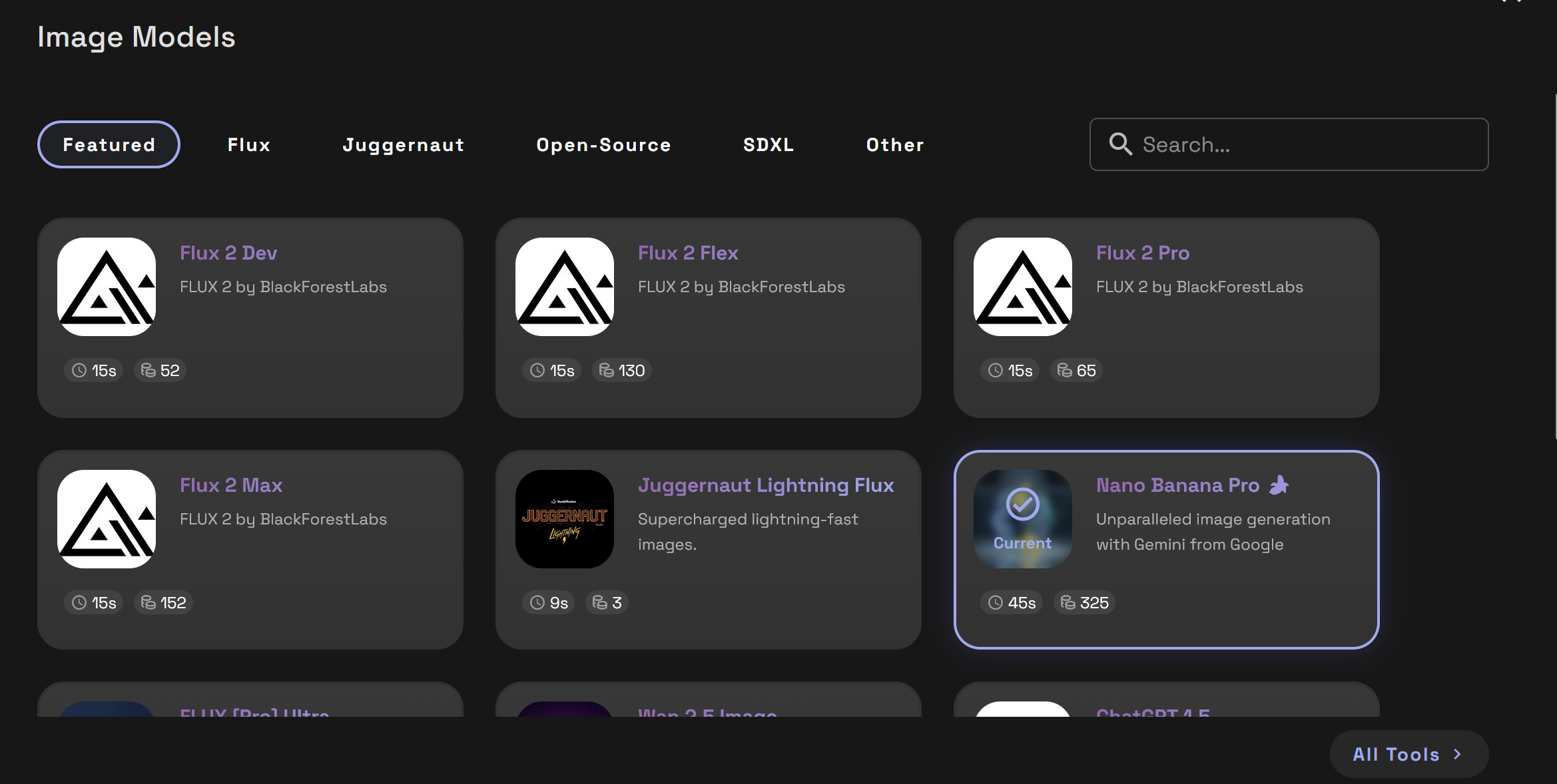
Generate artwork using models like Juggernaut, SDXL, Flux, Seedream 4.5 Edit and Nano Banana Pro. We offer an assortment of opensource and closed sourced image generation models.
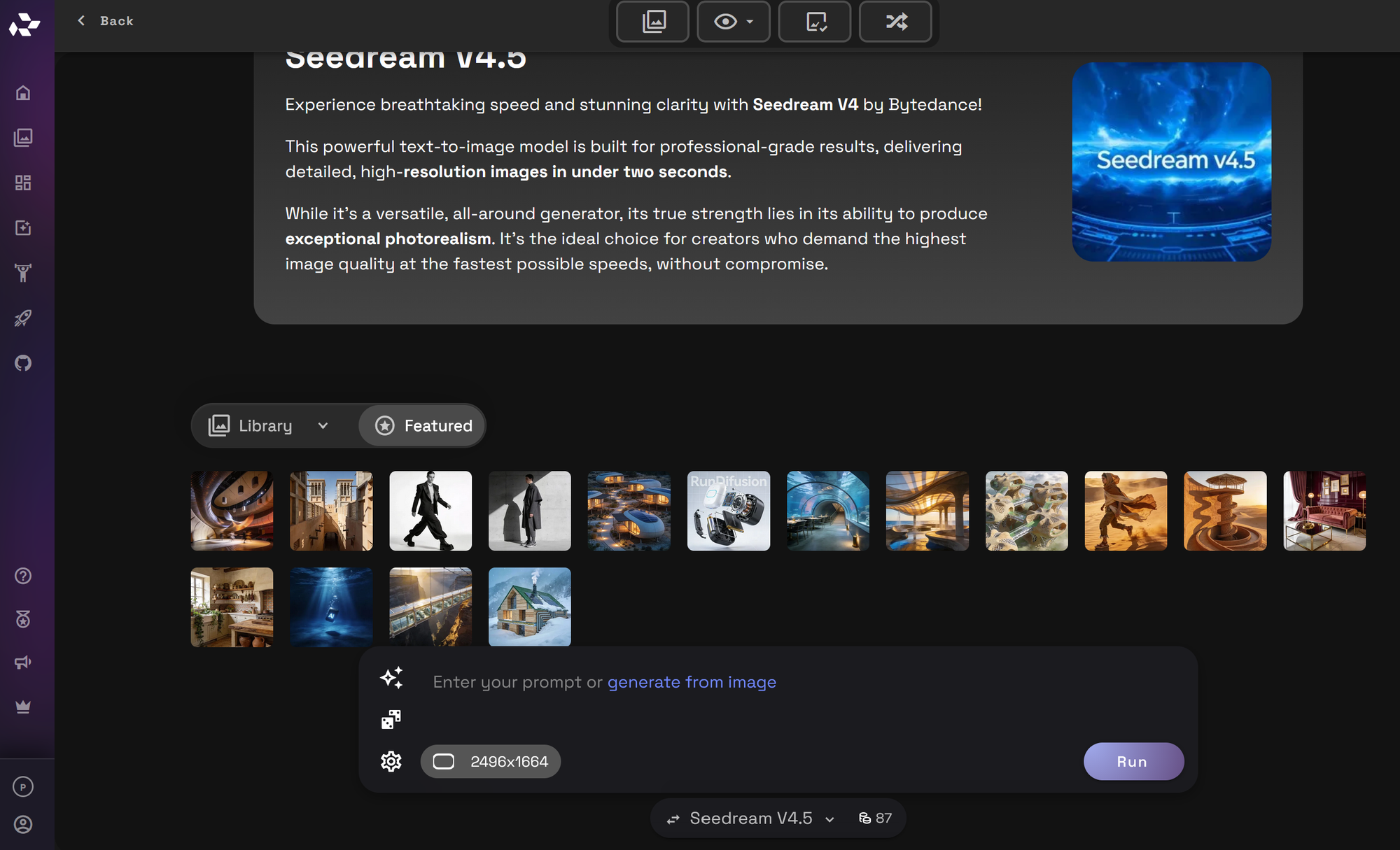
There are many models that you can choose from.
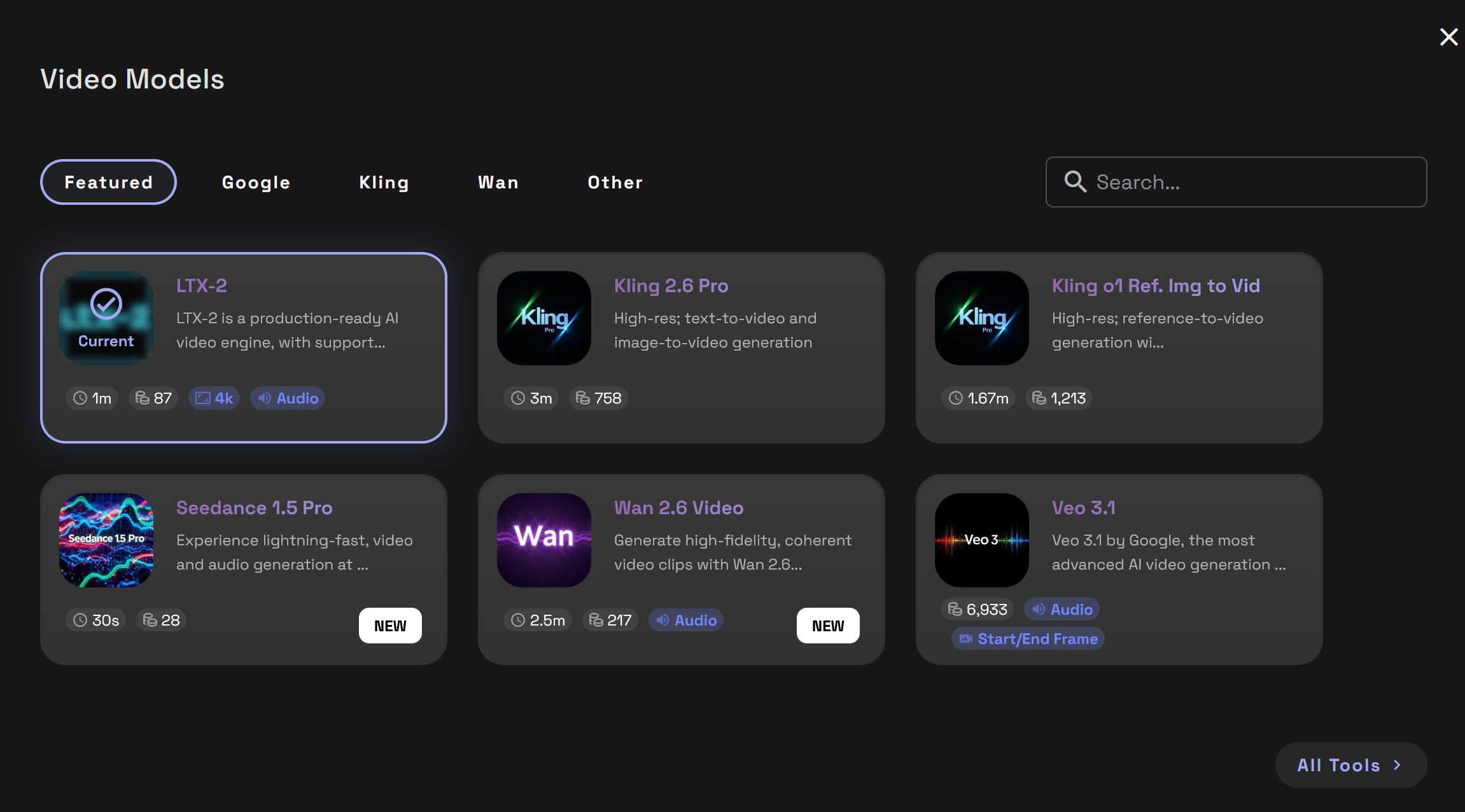
Video
Turn prompts or still images into animations using Video tools like Veo 3.1, Kling 2.6, Wan 2.5, Pixverse, Seedance, LTX-2. and so many more.
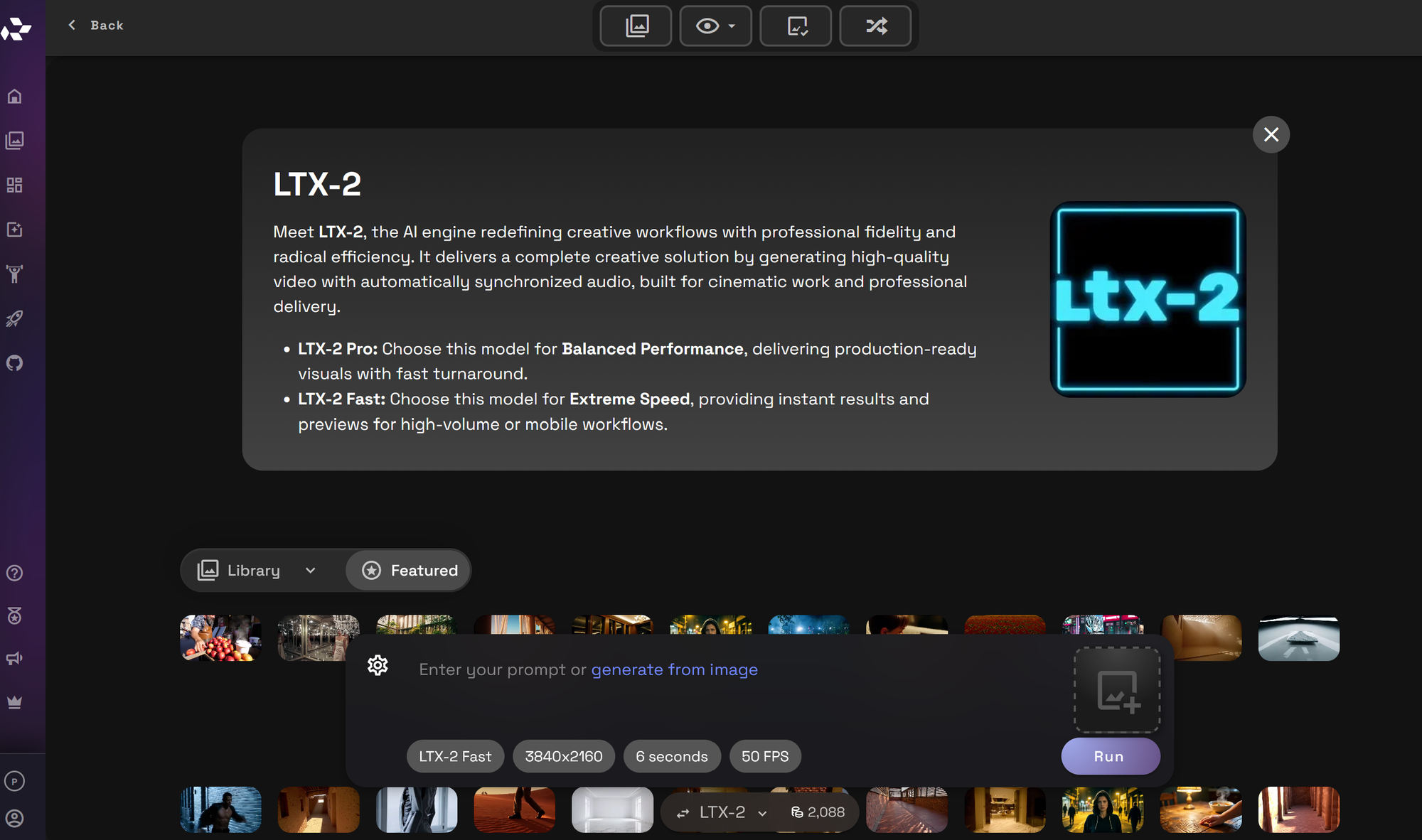
New models are being added regularly.
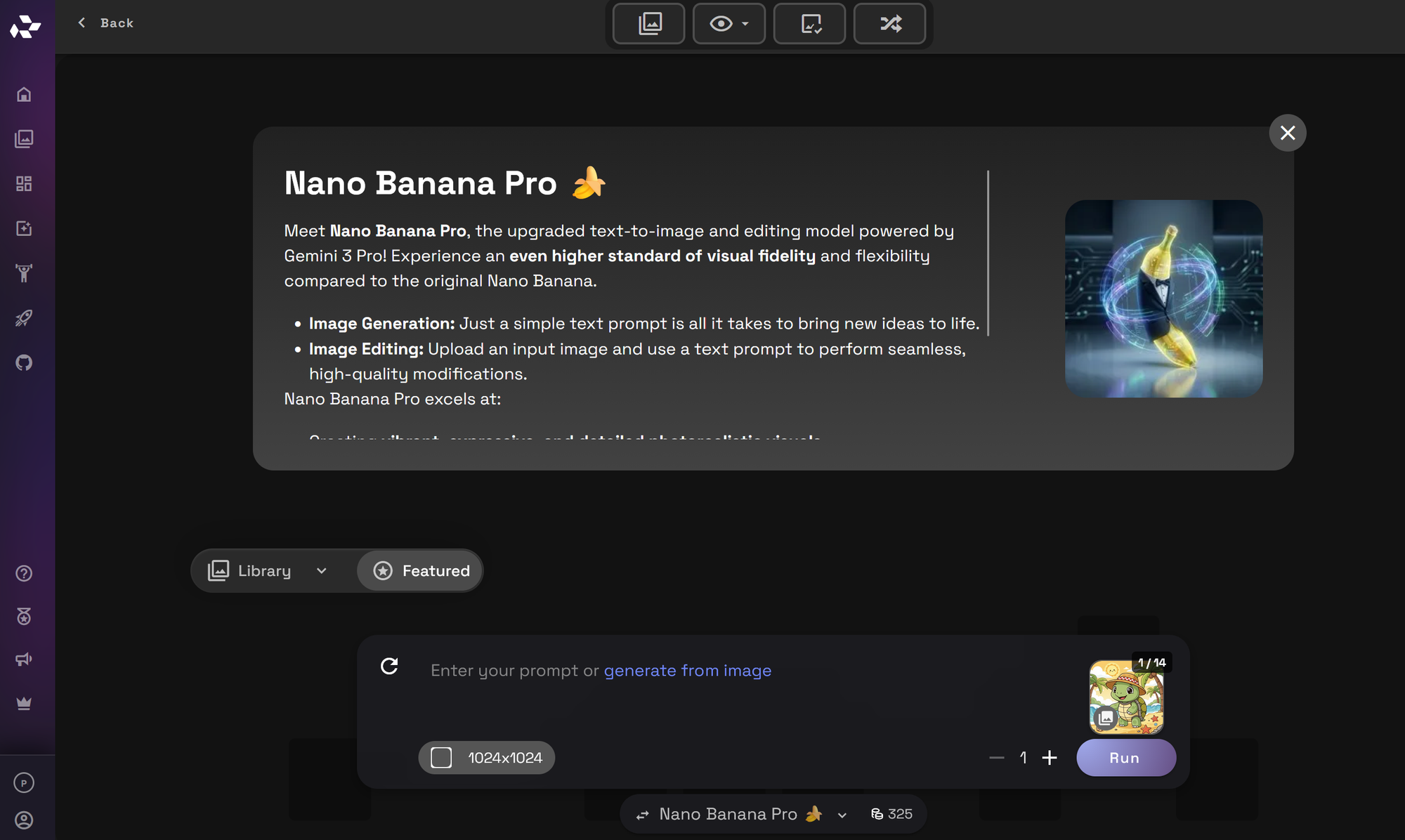
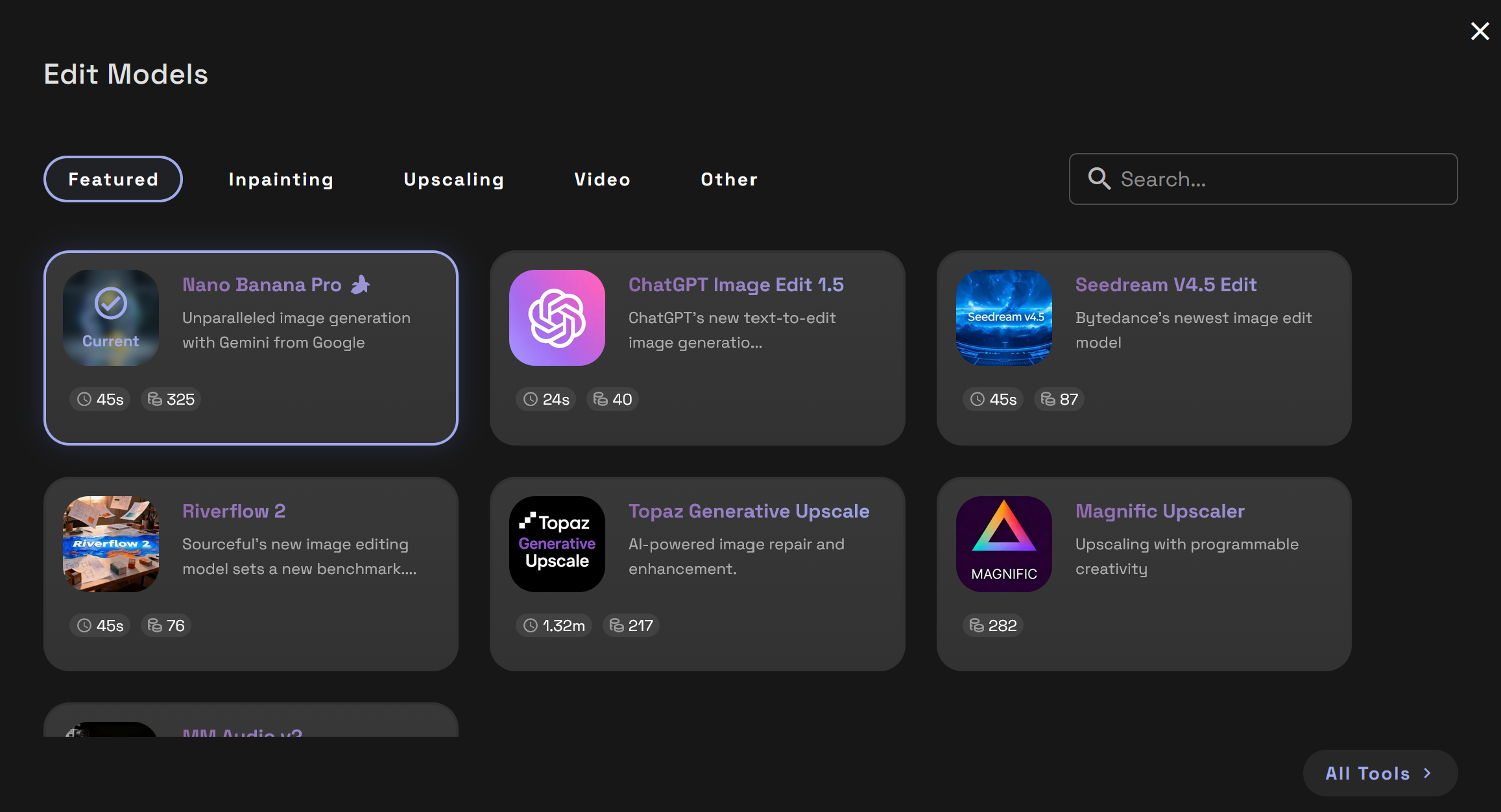
Edit
Enhance or modify existing images using prompt-based image editing, inpainting, upscaling, and video editing models.
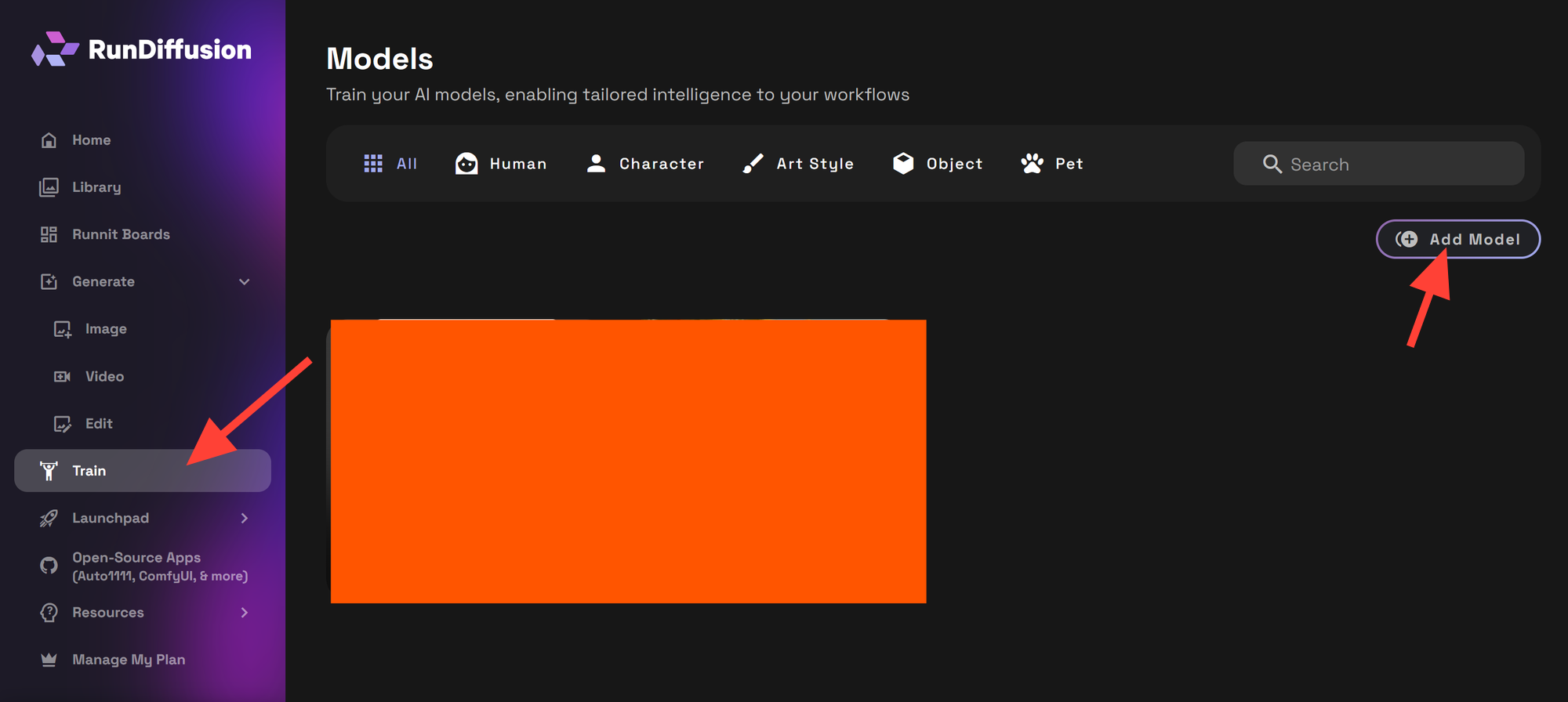
Train
With the Runnit LoRA Trainer, you can train models on your own datasets for stylized or custom outputs. LoRA training makes it possible to personalize generations and adapt models to your specific visual goals. We Offer a Human, Character, Art Style, Object and Pet Trainer.
Train Your Model with Runnit →
Launchpad and Apps
Launch creative apps instantly from within your workspace. Here offers a complete list of Image, Video and Editing models. In addition there are apps which focus on a specific task. All tools are cloud-based and require no setup beyond logging into RunDiffusion.
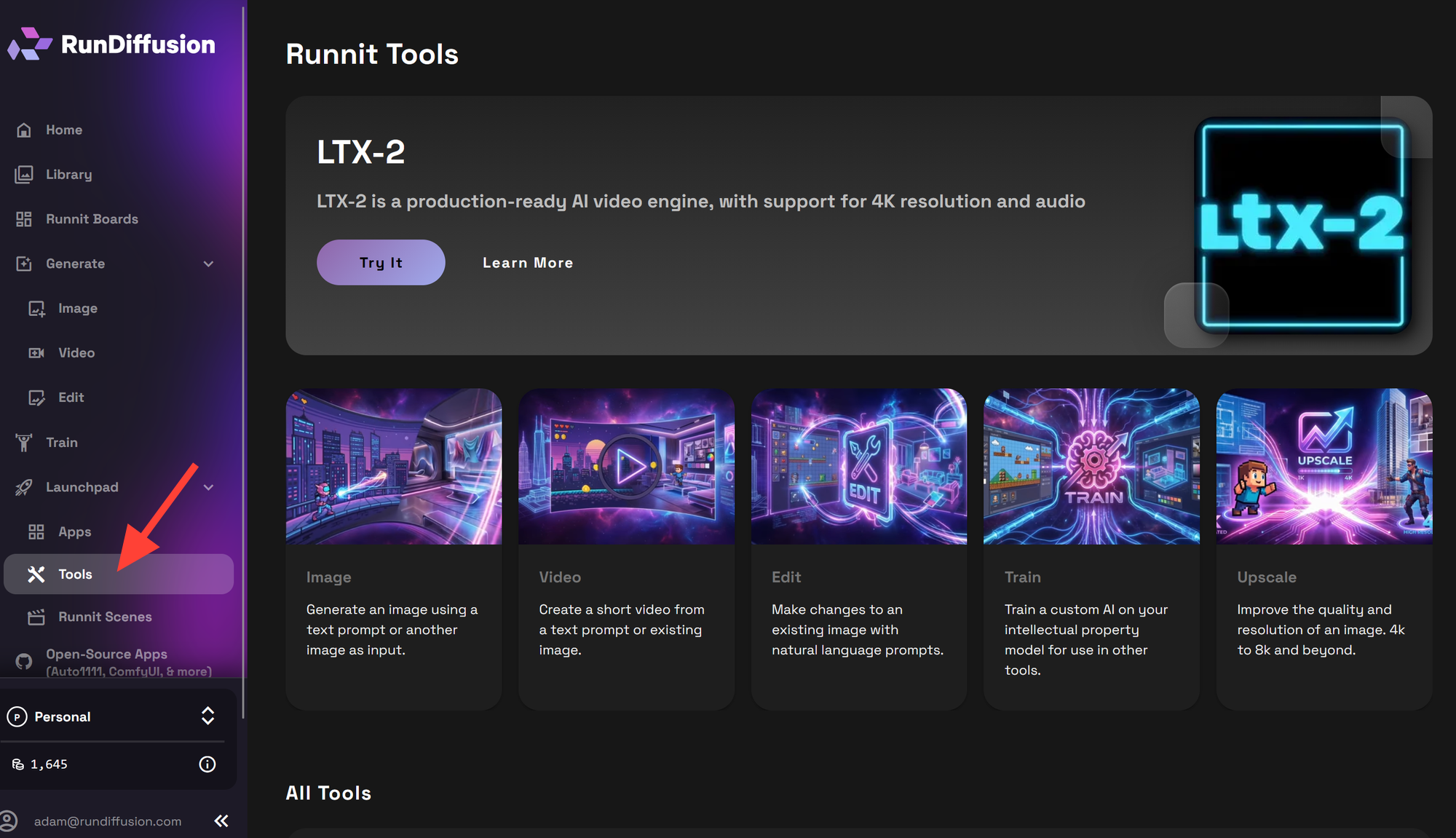
Each tool within Runnit offers a variety of settings that can significantly impact your final output. Here’s a quick guide to help you understand some common settings.
- Prompt
The main text that guides your AI generation. It’s the creative seed for your output, so use descriptive language to achieve the look or theme you want. - Negative Prompt
This setting helps refine your results by specifying elements you don’t want in the output. For instance, if you’re creating a nature scene, your negative prompt might be “buildings” or “people.” - Image Size
Controls the size and clarity of your generated image. Higher resolutions offer more detail but require more processing time. - Steps
Steps represent the number of iterations the model takes to create your image. More steps typically improve detail and quality, though too many can sometimes over-complicate results. - CFG (Classifier-Free Guidance)
This setting balances how closely the output follows your prompt. Higher CFG values create outputs that more closely adhere to your prompt but can sometimes look over-processed; lower values offer a freer, more abstract result. - Seed
The seed is a numerical value that determines the random aspects of the image generation. Using the same seed with the same prompt will recreate the same or similar image, which is helpful for consistent results or revisiting previous outputs.
These settings allow you to customize each tool’s output to meet your exact needs, whether that’s fine-tuning details, adjusting quality, or ensuring consistency across multiple images. Experimenting with these options in Runnit will help you perfect your AI creations.

Final Thoughts
Runnit offers a clean and efficient environment for AI creators working with images, videos, and training. Everything runs in the cloud with no need for local hardware. Whether you're prototyping, publishing, or training models, Runnit helps you move faster and stay focused on creativity.
If you're ready to upgrade your workflow, RunDiffusion's Runnit platform gives you the tools to build at scale without the setup time.
Frequently Asked Questions
What is Runnit used for?
Runnit is used to generate images, create videos, train models, and organize creative projects using AI. All tools run in a browser-based workspace.
Do I need to install anything?
No. Runnit runs entirely in the cloud. Just login and start working.
Can I train models on Runnit?
Yes. You can train LoRA models directly on using your data using the Runnit Standard or Lightning Trainers.
What AI models are available?
Runnit supports a wide range of models including SDXL, SD 1.5, and Gemini Nano. LoRA support allows for personalized models.
Will my files be saved when I logout of the Runnit Platform?
Yes when using Runnit Boards and tools. All your content is saved in your Library until you delete it. Opensource applications have separate storage with different save options depending on your plan.
How are tokens used on RunDiffusion's Runnit Platform?
Tokens are consumed based on generations. Each model lists the token amount when a tool is loaded.
Can I use Runnit for commercial projects?
Yes. Runnit is designed to support professionals, agencies, and studios who need scalable AI generation tools.
Can I share my work from Runnit?
Yes. Use the Share Image Feature to quickly share image outputs with clients or collaborators.
What file types are supported?
Images are typically saved as PNG or JPEG, and videos as MP4 depending on the tool.
Where can I get help?
Check the RunDiffusion Learning Hub or open a support ticket.