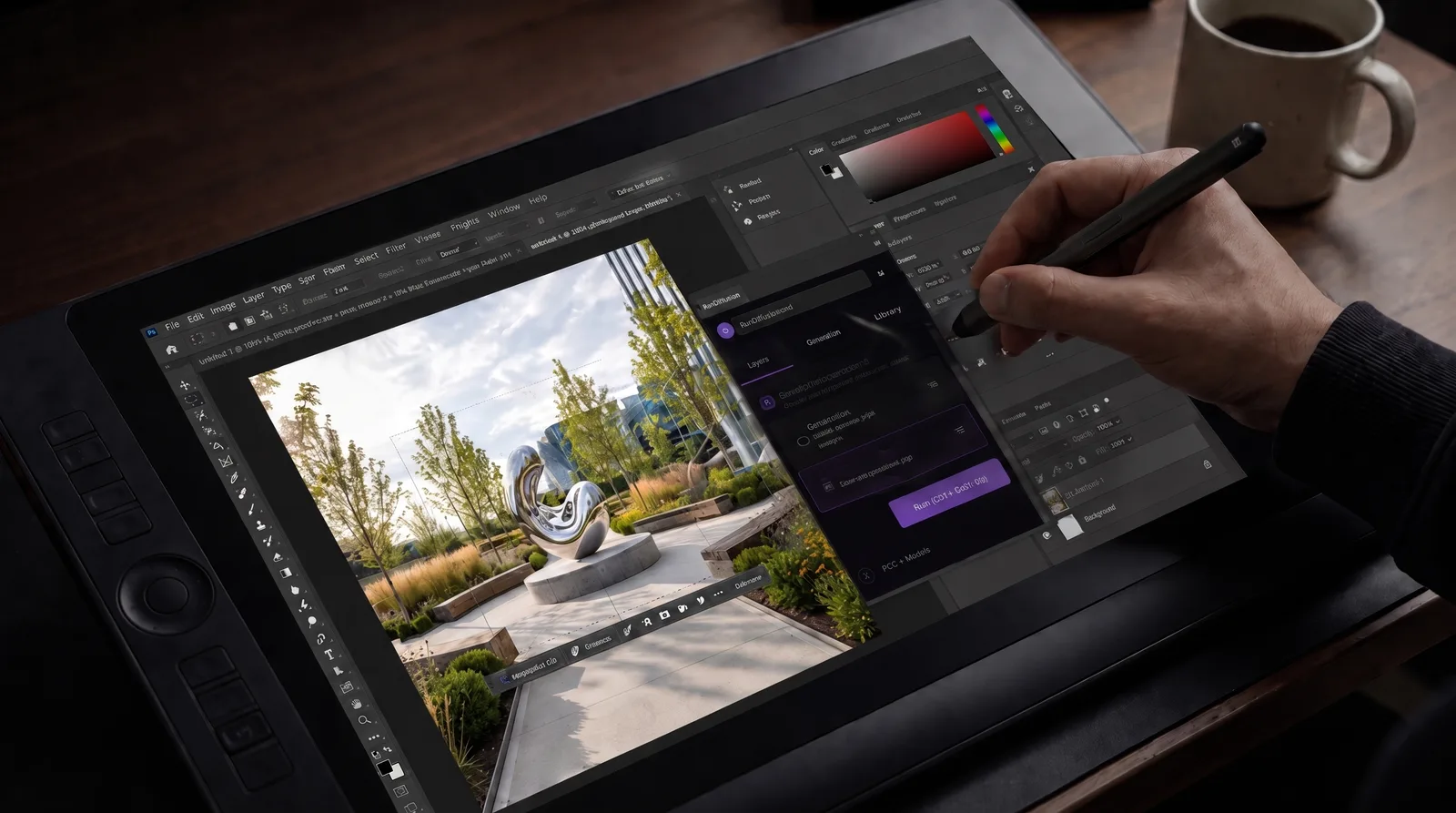
- Begin with a structured Board instead of an empty workflow.
- Move between tools as the image and video concept develops.
- Customize the workflow to fit a project or client need.
The Advertising Video Production template is a Featured Template in Boards that guides advertising teams through a structured sequence of tools from image ideas to video output.
What This Template Is For
The Advertising Video Production template is a Featured Template for Boards on the RunDiffusion Platform (Formerly Runnit Platform), designed to guide advertising teams through a complete, end-to-end production workflow. Instead of starting from a blank Board, you begin with a structured sequence of tools.
This guide explains how to use the template step by step, when to move between tools, and where you can customize the workflow to fit your project or client needs.
If you’re new to Boards, review the Board overview to understand how Boards organize tools, assets, and collaboration.
Advertising Video Production Template Tutorial
Launch the Advertising Video Production Template


Navigate to Boards on the RunDiffusion Platform.

You can select the template from the Featured Templates at the top. Select Advertising Video Production.

You’ll see a prebuilt Board with image tools first, followed by video tools. This order reflects how most advertising projects move from concept to delivery. You can edit the image, change the title and alter the description.

You select whether it is Private, Restricted or Shared.

This will create a Board ready for your team to start creating.

One of the strengths of Boards is that multiple team members can use the same board simultaneously and share and edit creations.
Customize the Template for Your Team
This template is designed to be flexible. You can:
Remove tools you don’t need

Move tools up or down

Edit the Names and Descriptions of tools for your team's personal needs.


Add additional image or video tools

Because everything lives in a single Board, your team can collaborate, review, and iterate without losing track of assets.
Are you an Enterprise customer needing help building a custom workflow? Contact Sales.
Create Initial Image Concepts
The Image Asset Creation section is focused on speed, exploration, and creative direction.
Use Z Image Turbo for Photographic Concepts

Start with Z Image Turbo when you need:
- Realistic people and environments
- Materials and texture exploration
- Fast, photographic ideation
This step is ideal for early concepts that need to feel grounded in reality.
Use Nano Banana for Stylized Exploration

Switch to Nano Banana if your concept requires:
- Illustrations or graphic styles
- Stylized characters
- Abstract visuals
This is commonly used to explore art direction before committing to a final look.
Refine and Assemble Final Images
Once a creative direction is approved, refine assets before moving into video.
Edit Products with Riverflow 2

Use Riverflow 2 to:
- Modify product designs
- Refine details
- Prepare products for placement into scenes
This ensures products are ready for compositing.
Assemble Scenes with Nano Banana Pro

Use Nano Banana Pro to:
- Combine characters, products, and environments
- Maintain consistent characters or products across images
- Generate scene-consistent image sets for video generation
This step is critical if your images will be used for downstream video workflows.
Alternative option: Seedream V4.5
Upscale Images When Needed
Apply Topaz or Magnific as a final image quality pass to:


- Increase resolution
- Improve clarity
- Apply optional creative sharpening
Only use this step when higher image fidelity is required.
Generate and Refine Video Concepts
The Video Asset Creation section moves your visuals into motion.
Explore Motion with Seedance 1.5 Pro

Start video work with Seedance 1.5 Pro to:
- Test motion and pacing
- Rapidly iterate on ideas
- Generate low to mid-resolution drafts
This step is best for internal review and early client feedback.
Prepare Footage with Bria Video

Use Bria Video for:
- Background removal
- Green screen preparation
This keeps video assets modular for post-production.
Make Targeted Fixes with LTX 2 Retake

After feedback, use LTX 2 Retake to:
- Fix near-final shots
- Make selective edits
- Improve continuity without full regeneration
This step saves time late in production.
Produce Final Client-Ready Videos
Generate Final Output with Veo 3.1

Use Veo 3.1 for:
- High-quality, client-facing advertising videos
- Premium visual fidelity
- Optional audio generation
This tool is typically reserved for final delivery.
Add Audio with Pixverse Sound Effects

Enhance your video with:
- Music
- Sound effects
Alternate option: MM Audio
Upscale for Delivery with SeedVR Upscale

Finish production with SeedVR Upscale to:
- Increase resolution
- Enhance clarity
- Prepare files for final delivery
This ensures outputs meet client and platform standards.
Conclusion
The Advertising Video Production template gives advertising teams a clear, repeatable way to move from early visual concepts to final, client-ready video deliverables inside Boards on the RunDiffusion Platform. By following the structured flow from image ideation and refinement through video generation, editing, audio, and upscaling, you can keep projects organized while still allowing room for creative exploration.
Because the template is modular, it scales easily across different campaign sizes and client needs. Teams can iterate faster, collaborate more effectively, and maintain consistency across assets without rebuilding workflows from scratch for every project.
Further Reading
If you’d like to go deeper into how templates and usage planning work on RunDiffusion, these articles provide helpful context:
Featured Templates on RunDiffusion | RunDiffusion
Explore Featured Templates on RunDiffusion and launch proven AI workflows for architecture, design, and creative projects in minutes.
RunDiffusion Team

Spending Tokens Too Quickly? Practical Ways to Slow down on RunDiffusion | RunDiffusion
Spending tokens too quickly on RunDiffusion often comes down to workflow and hardware choices.
RunDiffusion Team

Account | RunDiffusion
Latest posts in Account from RunDiffusion - expert guides and insights on AI image generation.
RunDiffusion Team

Frequently Asked Questions (FAQ)
Who is the Advertising Video Production template designed for?
This template is designed for advertising agencies, creative teams, and in-house marketing groups that need a structured workflow for producing image and video assets. It works well for teams creating concept videos, social ads, product campaigns, and client-facing deliverables.
Do I need to use every tool in the template?
No. The template is intentionally modular. You can remove tools you don’t need, reorder them, or add additional image or video tools based on your project requirements. The default setup reflects a common advertising workflow, but it’s meant to be customized.
Can multiple team members work on the same Board?
Yes. One of the main benefits of Boards is collaboration. Multiple team members can access the same Board at the same time, generate assets, edit outputs, and iterate together without duplicating work or losing track of files.
When should I move from image creation to video generation?
You should move into video once:
- A creative direction has been approved
- Key characters, products, or scenes are consistent
- Final image assets are refined and, if needed, upscaled
Tools like Nano Banana Pro help ensure image consistency before transitioning to video.
What is the difference between Seedance 1.5 Pro and Veo 3.1?
Seedance 1.5 Pro is best for early-stage video exploration, motion testing, and rapid iteration at lower cost. Veo 3.1 is intended for high-quality, client-facing final videos with premium visual fidelity. Many teams use both at different stages of the same project.
When should I use Bria Video and LTX 2 Retake?
Bria Video is typically used earlier to remove backgrounds or prepare green screen footage for compositing. LTX 2 Retake is used later in the process to fix specific issues in near-final videos without regenerating everything, saving time during revisions.
Is upscaling required for every image or video?
No. Upscaling with tools like Topaz, Magnific, or SeedVR Upscale is optional and should only be used when higher resolution or clarity is required for delivery. Skipping unnecessary upscaling can help manage time and token usage.
Can this template be reused for multiple campaigns?
Yes. You can duplicate the Board, rename it, and adjust tools for each new campaign. This makes it easy to maintain a consistent production structure across projects while adapting to different creative or client needs.
How does token usage work with this template?
Each tool consumes tokens based on the type of generation (image, video, audio, or upscaling). Because the template encourages early concept testing before final production, it helps teams use tokens more efficiently by reserving higher-cost tools for final deliverables.
Is this template suitable for final client delivery?
Yes. While it supports early ideation and testing, the workflow includes high-quality video generation, audio, and upscaling tools specifically intended for final, client-ready outputs.
Pick a model and start generating
These models are tuned for detail — open one and put this guide to work.