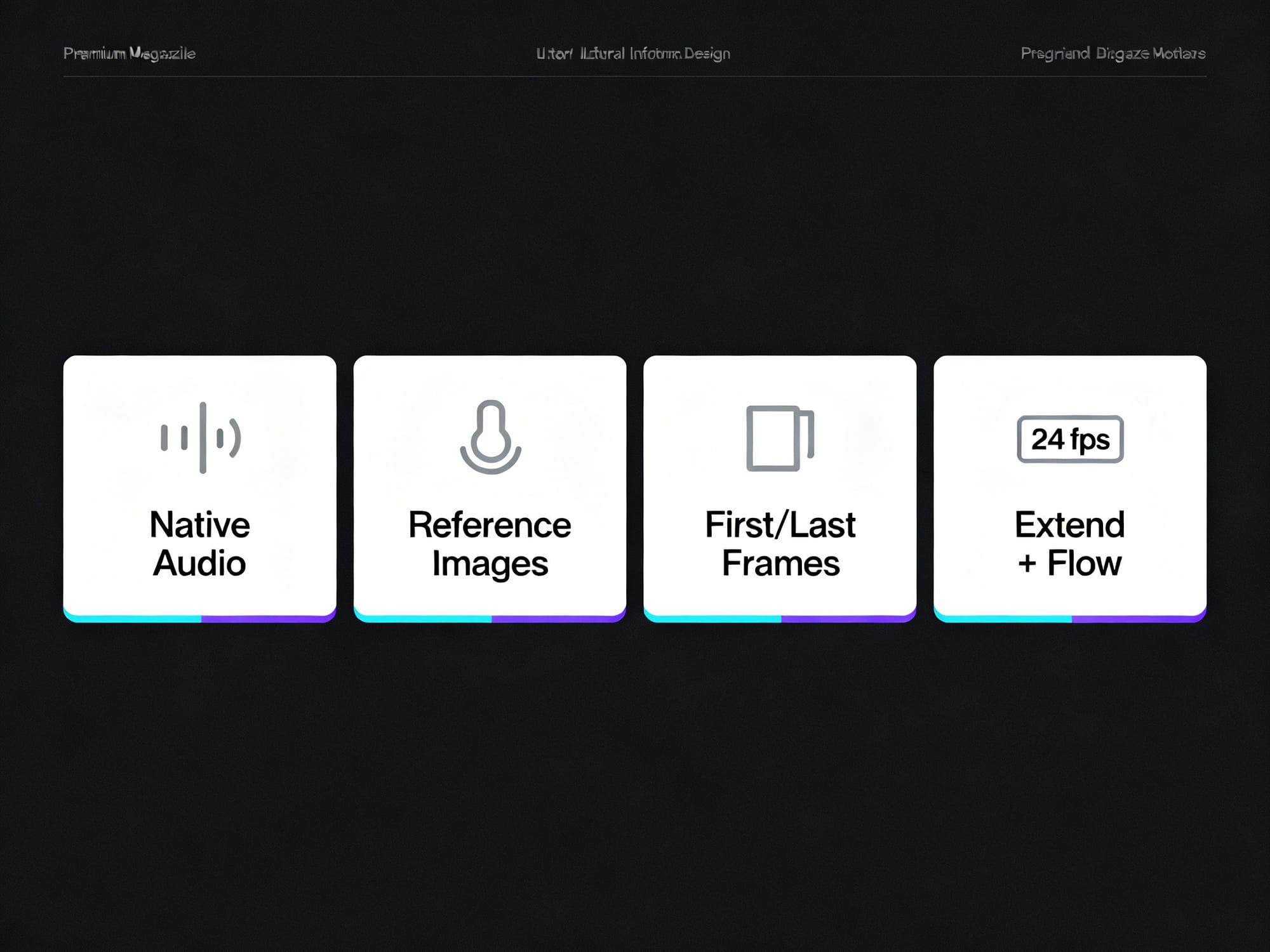
Overview of Google Veo 3.1: synchronized audio, reference images, start/end frames, scene extension, 1080p at 24 fps, and workflow prep with RunDiffusion.
Start prompting above, or click on an image below to start generating with Veo 3.1
PROMPT
"A pair of sculptural twin towers rise around a central atrium as pedestrians walk forward beneath the soaring curves and distant city haze drifts beyond. The shot begins as a low angle wide shot at ground level, the camera slowly dollying forward between the buildings while tilting up to emphasize the undulating balconies and sky bridge overhead. The environment is a monumental urban plaza with subtle human movement and soft wind echoing through the void, lit by late afternoon light that grazes the architecture and creates a calm awe filled cinematic mood."
PROMPT
"Time lapse of the sun setting of a house on the beach, sound of the oceans"
PROMPT
"A grand arched dining hall stretches forward as place settings subtly catch light and faint movement ripples through the space from distant activity. The shot begins as a centered low angle wide shot at table height, the camera slowly dollying forward beneath the repeating arches while gently tilting up to follow the rhythm of the ceiling. The environment feels calm and ceremonial with soft ambient motion and quiet anticipation, illuminated by warm overhead lighting that washes the wood and stone in an elegant serene mood."
PROMPT
"A sleek modern train glides along the tracks beneath a flowing wooden canopy as sunlight sweeps across its surface and the platform slips past. The shot opens in a low angle wide tracking shot beside the rails, the camera moving forward in parallel with the train before subtly tilting up to follow the rhythm of the curving roofline. The environment is an open contemporary transit hub with light wind stirring plants and distant motion along the platform, lit by bright midday sun that creates a clean optimistic mood against a clear blue sky."
PROMPT
"A circular modern home sits elevated in rolling countryside as rooftop fire flickers and soft interior lights glow while evening air moves across the landscape. The shot begins as a high aerial wide shot, the camera slowly descending and orbiting the structure, then easing into a gentle push toward the rooftop terrace to reveal the spiral stair and curved facade. The environment feels open and tranquil with distant trees swaying and fading daylight stretching across hills, lit by warm dusk tones and subtle interior warmth for a serene cinematic mood."
PROMPT
"A flower filled brick balcony comes alive as leaves sway gently and petals flutter in a light breeze above the quiet street below. The shot begins as a medium wide exterior shot, the camera slowly dollying forward and slightly upward, then easing into a subtle lateral drift that reveals depth through the railing and window. The environment feels residential and calm with distant city motion implied, bathed in warm morning sunlight that creates soft shadows and a serene intimate mood."
PROMPT
"A male model in a rugged avant garde outfit holds a powerful freeze then kicks his leg upward and pivots through a sharp floor transition, muscles tightening with controlled force. The shot opens as a low angle medium wide shot, the camera slowly circling him while pushing in, emphasizing the rotation of his body and the snap of each movement. The environment is a stark studio space where still air amplifies every motion, carved by hard directional lighting that throws bold shadows and creates a raw high contrast cinematic mood."
PROMPT
"A futuristic bedroom centers on a low bed as soft LED seams pulse faintly and city lights shimmer through the angular window beyond. The shot begins as a symmetrical wide shot at bed height, the camera slowly pushing forward while subtly tilting up to trace the faceted walls and glowing lines. The environment feels quiet and high tech with minimal motion and distant urban presence, lit by cool ambient lighting and soft practical lamps that create a sleek calm cinematic mood."
1 / 2
Google Veo 3.1 is the latest release of Google DeepMind’s AI video generation model (October 15, 2025). It turns text prompts and reference images into high-fidelity, cinematic video with rich, synchronized audio. Here’s what’s new, how its creative controls work, and practical steps to prepare your assets and prompts—so you can move fast when Veo 3.1 enters your toolkit.
What’s new in Veo 3.1
Veo 3.1 focuses on realism, creative control, and tighter prompt adherence while delivering higher-quality outputs.
Richer native audio: Integrated, synchronized audio—including dialogue, ambient sound, and sound effects—directly within generated videos.
Enhanced realism and consistency: More lifelike textures, lighting, and smoother motion with fewer visual artifacts.
Advanced creative controls:
Reference images (up to three) to keep characters, objects, and styles consistent.
First and last frames to generate a seamless transition between defined start and end images.
Scene extension via an Extend feature that continues action from a clip’s final frames for longer shots.
Object-level editing in the Flow editor to add or remove objects while maintaining scene coherence.
High-quality output: 720p or 1080p at a fixed 24 fps in landscape (16:9) or portrait (9:16) formats.
Specify first and last frames; Veo 3.1 generates a seamless transition
Scene extension
Extend shots by continuing action from final frames
Object-level editing
Flow editor for inserting/removing objects
Resolution
720p or 1080p
Frame rate
24 fps (fixed)
Aspect ratios
16:9 (landscape), 9:16 (portrait)
A quick, visual snapshot of Veo 3.1’s new controls so you can plan prompts and assets with the end in mind.
Prompt: Simple, premium editorial infographic summarizing “What’s new in Veo 3.1”: four clean tiles with minimal icons and short labels—Native Audio, Reference Images, First/Last Frames, Extend + Flow—plus a small 24 fps badge; white background, ample whitespace, dark gray text, cyan/violet accent lines; no paragraphs of text; minimalist, high‑end magazine design
Creative control, applied
Veo 3.1’s controls help you guide continuity and motion, making it easier to hit a target look without micromanaging every frame.
Reference images: Keep the look of characters, props, and style consistent across shots by reusing up to three carefully curated references.
First/last frames: Lock the opening and closing compositions, then let Veo 3.1 interpolate a smooth transition between them.
Extend: Build longer, continuous scenes by carrying forward motion and composition from the previous clip.
Flow editor: Insert or remove objects in an existing scene while preserving lighting and spatial cohesion.
Tip: Keep your reference set small (≤ 3) and consistent—match lighting, color palette, and camera angle across references for stronger adherence.
Plan your outputs from the start
Aim for the right deliverables before you prompt, so you don’t fight the format later.
Choose aspect ratio by channel: 16:9 for YouTube, decks, and web; 9:16 for Shorts/Reels/TikTok.
Lock 24 fps: Plan pacing and motion knowing the frame rate is fixed.
Pick resolution early: 720p for quick drafts; 1080p when visual fidelity matters.
Write for audio: If your concept includes dialogue, ambience, or SFX cues, describe them in the prompt to align with native audio generation.
Prepare on RunDiffusion
While Veo 3.1 emphasizes video generation, your pre-production work—references, frames, and prompts—still determines the outcome. Use your RunDiffusion workspace to get assets ready so you can move fast when it’s time to generate.
Build reference packs: Create and curate up to three canonical reference images per scene (characters, props, environments) to reuse during generation.
Storyboard key frames: Draft likely first and last frames as stills; refine composition, lighting, and color until they match your target look.
Version your prompts: Keep short, structured prompt variants that call out subject, motion, lighting, lens, and any audio cues (dialogue or ambience).
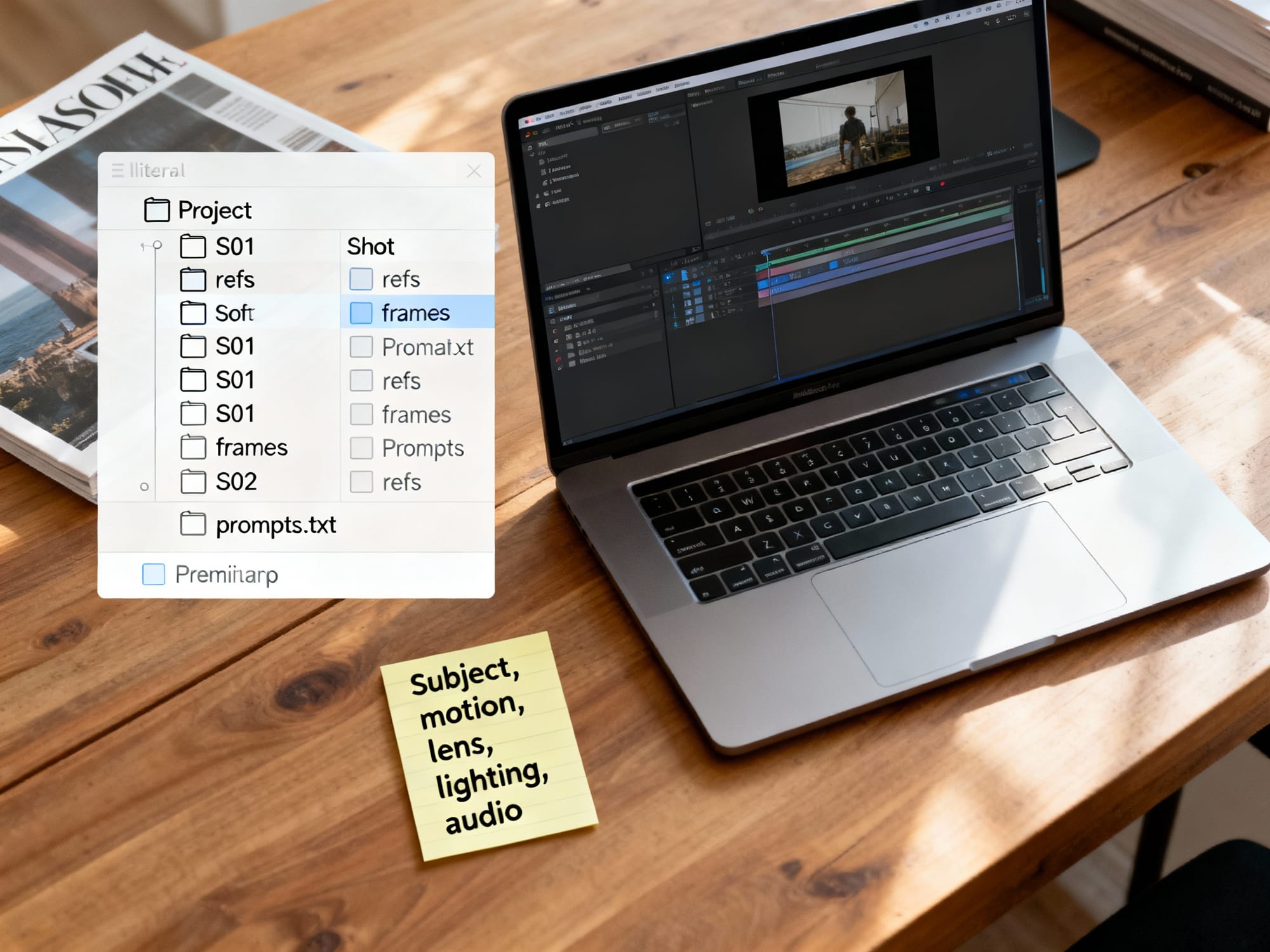
Organize by shot: Group references, first/last frames, and prompt notes per scene so handoff to video generation is seamless.
Organize by shot: keep refs, first/last frames, and prompt variants side‑by‑side so handoff to video generation is fast.
Prompt: Clean top‑down editorial photo of a laptop on a wood desk showing an organized prep workspace for video generation: a file tree with a Project folder and shot folders (S01, S02) each containing “refs”, “frames”, and “prompts.txt”; a sticky note shows a compact prompt skeleton (subject, motion, lens, lighting, audio); soft daylight, minimal clutter, premium tech magazine look
Note: The guidance above focuses on preparing assets and prompts. Use the tools and models you already trust in RunDiffusion to create still references and iterate quickly.
Conclusion
Veo 3.1 brings synchronized audio, scene-level control, and higher-quality output to AI video—making your prep work even more valuable. Tighten your references, lock your first and last frames, and plan formats up front. When you’re ready to move, use RunDiffusion to organize and refine your prompts and reference images so you can execute quickly and consistently across shots.
Ready to try this?Start a RunDiffusion workspace to organize references, iterate frames, and lock prompts before generating video.
Quick-start prep checklist for Veo 3.1
Define deliverable: choose 16:9 or 9:16, target length, and remember 24 fps is fixed.
Curate up to three reference images that match lighting, palette, and camera angle.
Draft first and last frames as stills at the final aspect ratio; keep horizon and lens consistent.
Veo 3.1 honors up to three references. A small, curated set with matched lighting and angle will outperform a larger, mixed set. If you need more variety, rotate which reference is most relevant per shot rather than adding extras.
Yes. Include dialogue tone, ambience, and 1–2 lines of dialogue in quotes, plus concise ambience and key SFX cues. Keep it brief so the core action remains clear; plan to refine timing and mix during post if needed.
Keep the same aspect ratio, lens feel, and overall color temperature. Small composition changes are fine; large layout jumps may cause artifacts. If the shot intention changes, create a new pair of frames rather than forcing a big transition.
Veo 3.1 outputs 24 fps at 720p or 1080p. You can retime or upscale in post, but test for motion artifacts and texture changes. For best results, keep the master edit at 24 fps and deliver alternates only if required by the platform.
Reuse the same two or three references shot-to-shot, keep wardrobe and lighting consistent, and add brief descriptors (age, hair, outfit). Lock the first frame when starting a new scene to re-anchor composition and style.
They can if the edit conflicts with scene lighting. Note key light direction, shadows, and occlusions in your prompt to preserve realism. When possible, re-anchor with a new first frame after major object changes.
Create one folder per shot (e.g., S01) with subfolders for references and frames plus a prompts.txt file. Keep names consistent for handoff. Start here: open a RunDiffusion workspace and mirror your shot list before you begin generating.
Next step: Turn this plan into assets. Open RunDiffusion, set up a project workspace, and prep references, first/last frames, and prompt variants so you can move the moment Veo 3.1 is in your stack.
Fast prep templates
Use these lightweight templates to keep assets consistent and handoffs smooth.
Pair controls intentionally to reach a clear creative goal with fewer retries.
Goal
Controls to combine
Why it helps
Lock identity with a defined camera move
Reference images + First/Last frames
References stabilize subject/style; frames anchor start/end composition
Smoothly continue action from a shot
Extend + 1–2 reference images
Carry motion while keeping subject and palette consistent
Introduce or remove an object mid-scene
Flow editor + new First frame
Edit the object, then re-anchor lighting/composition to avoid artifacts
Recover from drift after long extends
New First frame + same reference set
Re-centers layout and look before continuing
Deliver both landscape and vertical
Generate 16:9 master, then 9:16 with same refs/frames
Reusing assets preserves style across aspect ratios
ℹ️
Warning: Big jumps in subject size or layout between first/last frames can warp transitions—keep horizon, lens feel, and subject scale consistent.
Anchor composition with frames; anchor identity and style with references.
RunDiffusion workflow boost
Prep once, reuse everywhere. Keep your references, frames, and prompts in one place to move quickly when you generate.
ℹ️
Tool: 6-step workspace setup on RunDiffusion 1) Create a workspace and add a project folder 2) Add shot folders (S01, S02…) with refs/frames subfolders 3) Upload ≤3 curated references per shot 4) Draft first/last frames as stills and drop them into each shot 5) Save 3–5 compact prompt variants per shot 6) Review naming consistency; keep notes on lens, lighting, and audio cues
Ready to move fast?Open RunDiffusion and set up your project so assets and prompts are ready the moment you generate.
💡
Info: Only use reference images you have rights to use. Clear licensing upfront to avoid reshoots or replacements later.
Additional FAQs
Yes—this is a strong pairing. Use 2–3 aligned references to lock identity and style, and first/last frames to define the camera move and composition. Keep aspect ratio and lens feel consistent across frames and references for the cleanest transitions.
Shorten your Extend runs and insert a new first frame to re-anchor layout and lighting. Reuse the same reference set and restate key descriptors (wardrobe, hair, palette) to snap back to the intended look.
Include tone, pacing, and 1–2 lines of dialogue in quotes, plus concise ambience and key SFX cues. Keep it brief so the core action remains clear; plan to refine timing and mix during post if needed.
Create an intermediate first frame that reflects the new lighting and color temperature. Update references to match the new conditions (e.g., wardrobe highlights, shadow direction) before extending.
Plan short beats (e.g., 3–6 seconds) and stitch them in your edit. Shorter, intentional clips reduce drift and keep pacing tight. Test a few seconds first, then commit to longer runs once the look and motion feel right.