
image Oct 3, 2023 Updated Oct 22, 2026 1 min read

Hidden Text and Logos with ControlNet and QRCodeMonster

Step-by-step tutorial on generating hidden text with ControlNet and QR Code Monster.

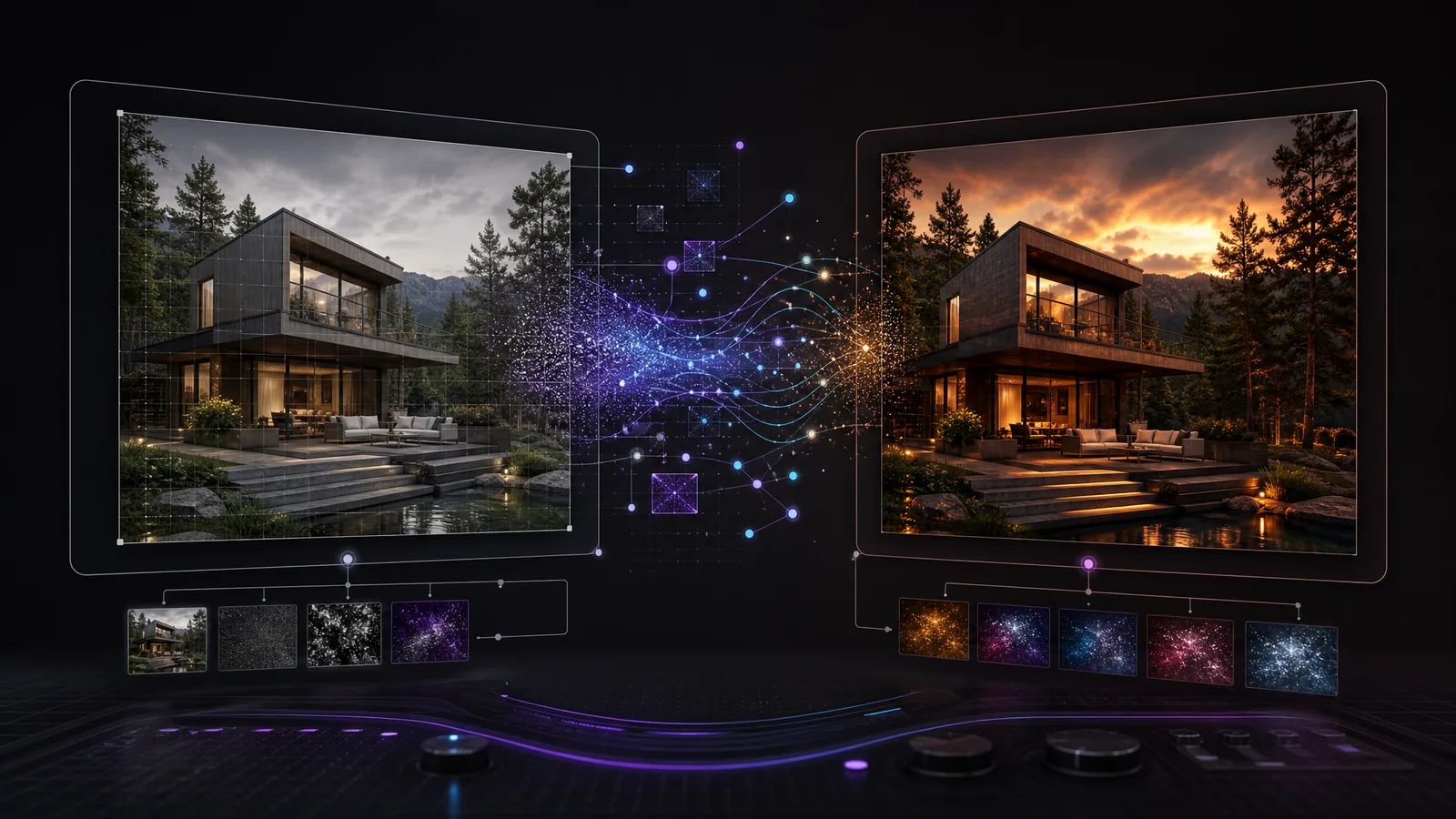
Hero image for Hidden Text and Logos with ControlNet and QRCodeMonster: Step-by-step tutorial on generating hidden text with ControlNet and QR Code Monster.
Screenshot showing <img src=" class="kg-image" alt="" loading="lazy" width="984" he
Window to the World

Interactive Tutorial


Text Tutorial

Text Tutorial screenshot
Use Stable Diffusion for promotional brand campaigns

Welcome to our tutorial on generating hidden text with ControlNet and QR Code Monster. In this guide, we'll provide you with step-by-step instructions to set up the essential parameters and activate ControlNet. By the end, you'll be able to craft images embedded with hidden text and logos—perfect for promotional campaigns or enhancing your designs with intricate details.

1. Learn how to generate image hidden text with ControlNet and QR Code Monster

Screenshot showing en text and logos—perfect for promotional campaigns or enhancing your designs with intricate details

2. Click the checkpoint selection box

Screenshot showing 2

3. Click "v1/2.RunDiffusion-FX-2-5D.safetensors"

Screenshot showing ps://colony-recorder.s3.amazonaws.com/images/watermarks/8B5CF6_standard.&wat_pad=342,92"...

4. Type "cloudy lightning storm with purple, orange, and blue lightning, electrified, 4k, detailed sky, detailed clouds, promotional" into the prompt box

Screenshot showing ge" alt="" loading="lazy"> 4

5. Type "bad quality low resolution blurry" into the "Negative prompt" box

Screenshot showing zonaws.com/images/watermarks/8B5CF6_standard.&wat_pad=387,203" class="kg-image" alt="" loading="lazy"> 5

6. Change your sampling method to DPM++ 2m Karras

Screenshot showing //colony-recorder.s3.amazonaws.com/images/watermarks/8B5CF6_standard.&wat_pad=297,212"...

7. - Change your sampling method to DPM++ 2m Karras

  • Change the steps to 35
  • Change the Width to 1600
  • Change the Height to 600
  • Change the CFG Scale to 8
Screenshot showing image" alt="" loading="lazy"> 7

Tip: Great Job! We're now ready to enable ControlNet!

8. Click "▼" on the "ControlNew v1.1.410

Screenshot showing 0,0&br_px=914,413&force_format=&width=983" class="kg-image" alt="" loading="lazy"> Tip: Great Job!

9. Drop the RunDiffusion Image here

Screenshot showing &wat_url= class="kg-image" alt="" loading="lazy"> 9

10. Click "Enable"

Screenshot showing gravity=northwest&wat_url= class="kg-image" alt="" loading="lazy"> 10

11. Click "Pixel Perfect"

Screenshot showing =northwest&wat_url= class="kg-image" alt="" loading="lazy"> 11

12. Click Preprocessor

Screenshot showing ity=northwest&wat_url= class="kg-image" alt="" loading="lazy"> 12

13. Click "invert (from white bg & black line)"

Screenshot showing ps://colony-recorder.s3.amazonaws.com/images/watermarks/8B5CF6_standard.&wat_pad=402,212"...

14. Click "Model"

Screenshot showing t_gravity=northwest&wat_url= class="kg-image" alt="" loading="lazy"> 14

15. Search "monster"

16. Click "control_v1p_sd15_qrcode_monster [a6e58995]"

Screenshot showing onaws.com/images/watermarks/8B5CF6_standard.&wat_pad=566,212" class="kg-image" alt="" loading="lazy"> 15

17. Your setup should look like this

Screenshot showing wat_url= class="kg-image" alt="" loading="lazy"> 17

18. Click "Generate"

Screenshot showing should look like this 18

19. Done!

Screenshot showing ty=1&wat_gravity=northwest&wat_url= class="kg-image" alt="" loading="lazy"> 19
Related models & tools

Pick a model and start generating

These models are tuned for detail — open one and put this guide to work.
Juggernaut XI Proteus RunDiffusion Photo Seamless Tiling
Open the app
Best on desktop. Full-resolution generation and exports run in the desktop app — reading on mobile? Send yourself the link.
What teams say

Trusted by studios shipping real work

We replaced an entire stock-texture subscription with RunDiffusion. Concept materials now match the brief on the first pass.
MK
Maya OkaforLead Visualizer, FIELD / CRAFT
Generating a coordinated material family in one sitting changed how we present early concepts. Clients see intent, not placeholders.
DV
Daniel VossAssociate, NORTHFORM Architects
The seamless tiling alone saves us hours per board. It's the first AI tool that actually fits a production pipeline.
SR
Sofia ReyesFounder, Studio 64
Used by creative & architecture teams at
WOODS BAGOTBENOYSWECOCUBESHEPPARD ROBSON
Keep reading

Related guides

Start creating

Start creating with RunDiffusion today

40+ models, one platform, full-resolution exports — all in your browser. Best experienced on desktop.

Try RunDiffusionFree to start · best on desktop
Open app