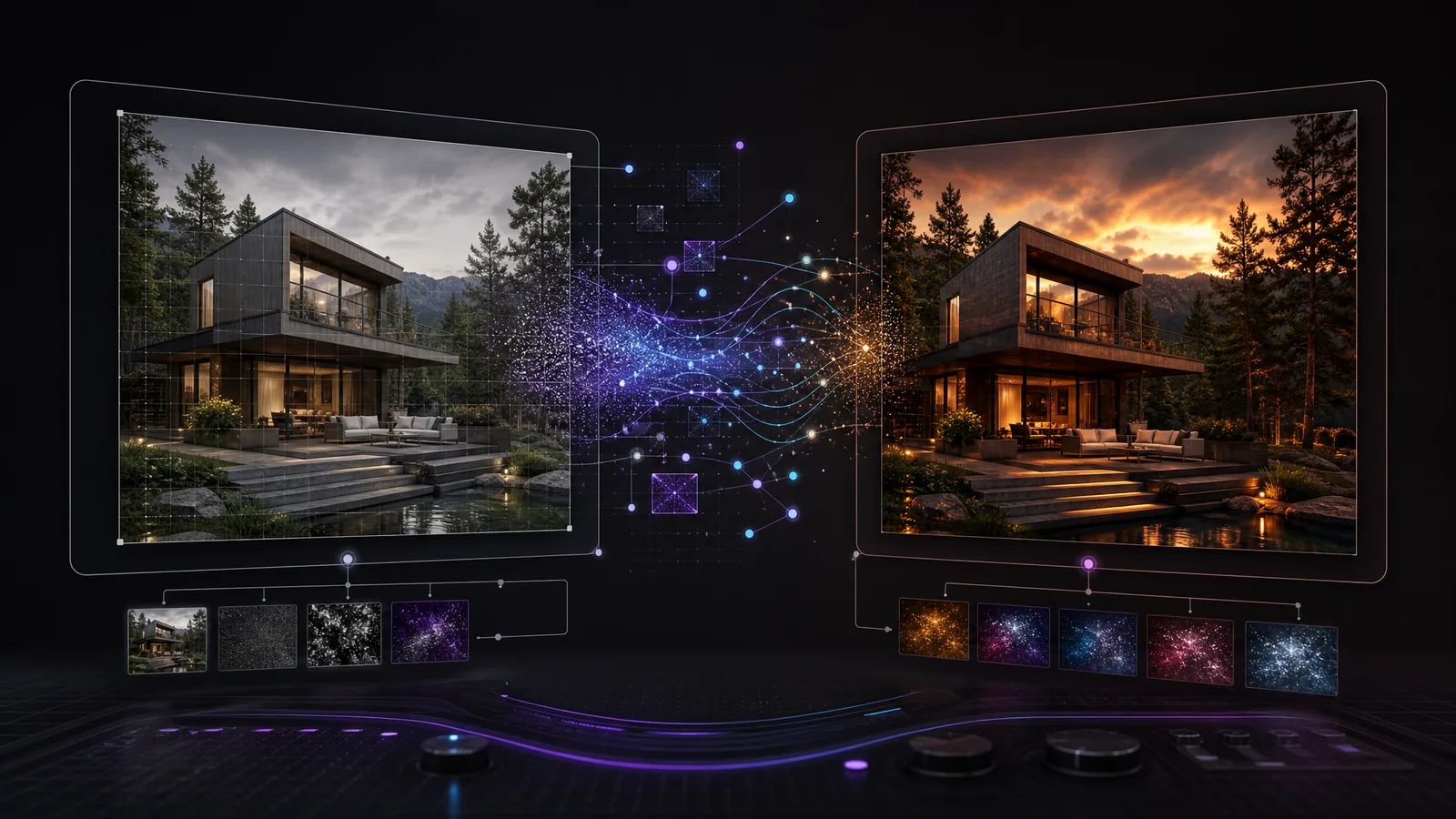
Batch Img2Img processing is a popular technique for making video by stitching together frames in ControlNet.
Here is a video explaining how it works:
A video walkthrough

Directories
Shared Storage Servers
Your path is located in the paths.txt file. This file will contain your special shared storage file paths. This path will enable you to access anything in your personal files. It will look like this:
/mnt/private/
Note this technique can be used for Deforum init images and videos. Create a folder called batch in the base directory of the file manager. Then use the same instructions, and reference the path in the Init section like so:
/mnt/private/batch/yourvideo.mp4
or
/mnt/private/batch/yourimage.png
Creators Club Members
Use the /mnt/private/ and then make a directory, like say for example batch-test. In Input Directory, put /mnt/private/batch-test/
In Output Directory, specify another folder.
E.g. /mnt/private/batch-test/output/
Deforum Videos
For Deforum, make sure not to generate two videos from the same directory, as it may cause conflicts. You can also use this method to upload videos for Deforum processing, see this page:
Uploading Videos for use in Deforum
Creator’s Club Users Use /mnt/private/ and then reference your MP4 video file. So myvideo.mp4 uploaded to the root directory would be /mnt/private/myvideo.mp4 Shared Server Users (No Creator’s Club Subscription) Due to popular demand, we have enabled this feature for our users. It provides tempo…
 RunDiffusion DocsEd

Stitching together the Video
Use the Deforum tab, and then navigate to "Output". Click "Frames to Video".
This is tricky - reference your original batch output directory, in the example above it's /mnt/private/batch-test/output/
Now, type the first image file name into the field, in the section where it says 09d%, change the 09 to the number of digits your frames have. For example, if you had images called test0001.png, your path would look like the following:
/mnt/private/batch-test/output/test04d%.png
Deflickering
Davinci Resolve (Paid Edition) has a great Deflicker effect. Also Adobe Premiere, RevisionFX and other similar paid tools. There are developers out there actively working on better tools for deflickering in Stable Diffusion, so keep an eye out!
Pick a model and start generating
These models are tuned for detail — open one and put this guide to work.