

Image
AI for Advertising and Marketing Teams
Learn how advertising teams use AI to accelerate campaign concepting, creative production, and ad testing while maintaining brand consistency with RunDiffusion.
Read guideExplore model guides, reference-image techniques, consistent-character workflows, templates, and production examples for creating images with RunDiffusion.
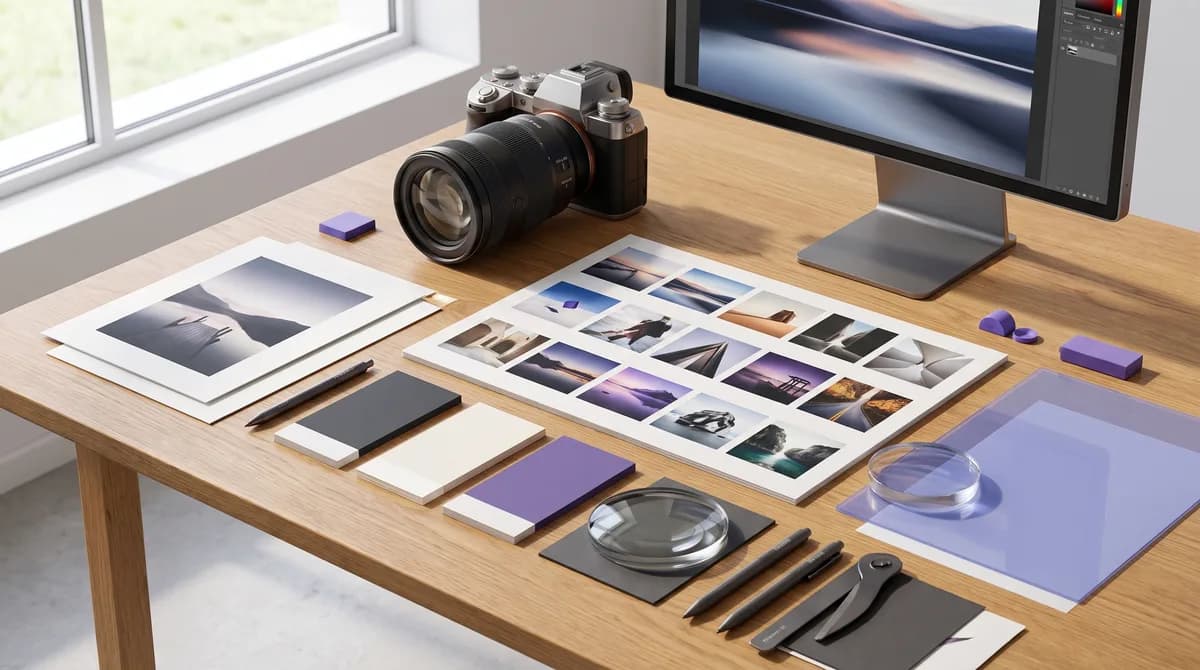
Start here
Learn how advertising teams use AI to accelerate campaign concepting, creative production, and ad testing while maintaining brand consistency with RunDiffusion.
Read guideArticle library
Browse the complete image collection, including models, templates, prompting techniques, plugins, and production workflows.
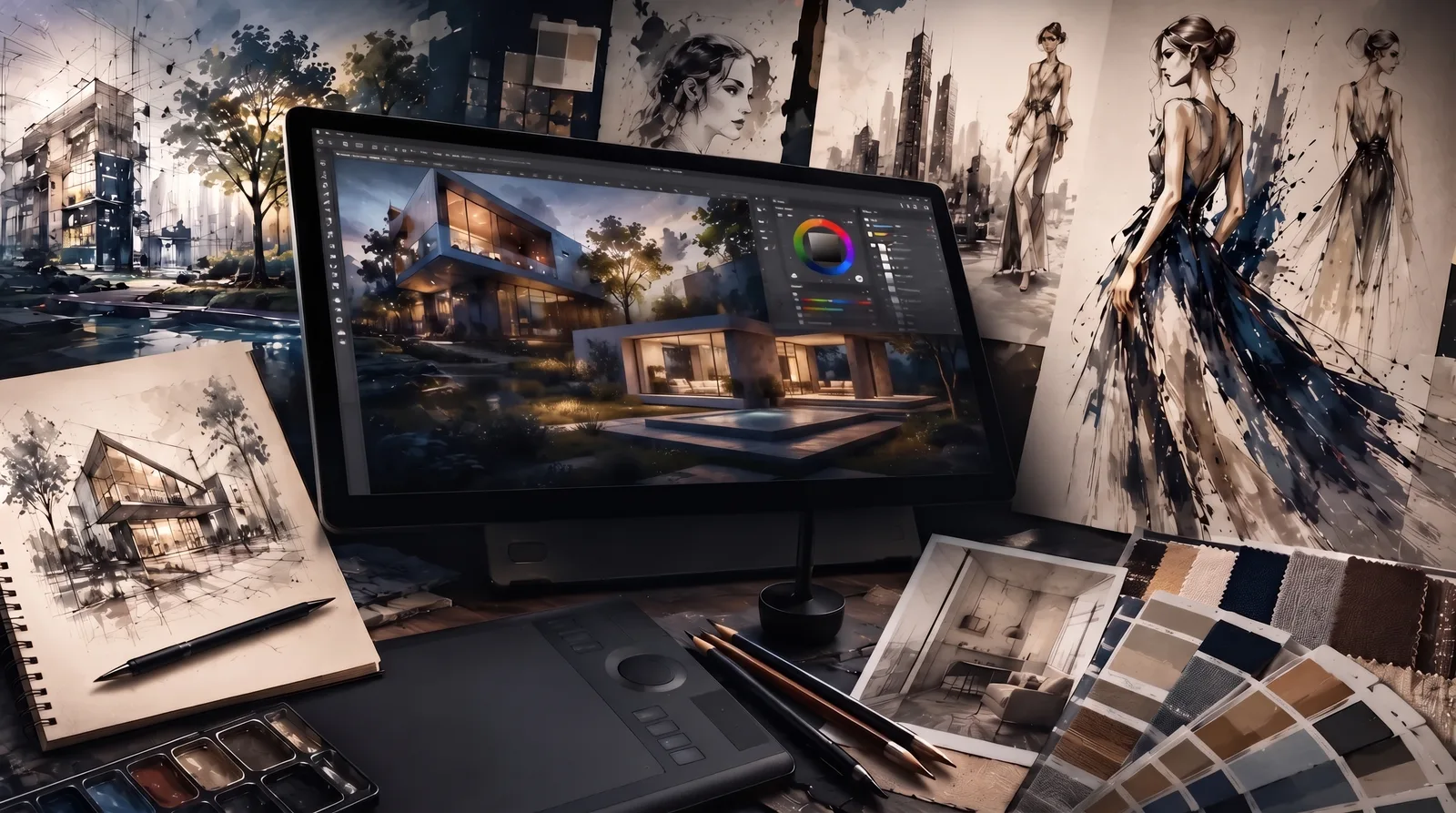
Learn how layering, close crops, and perspective tools can improve AI image edits and create stronger base images for your next RunDiffusion generation.
Read guide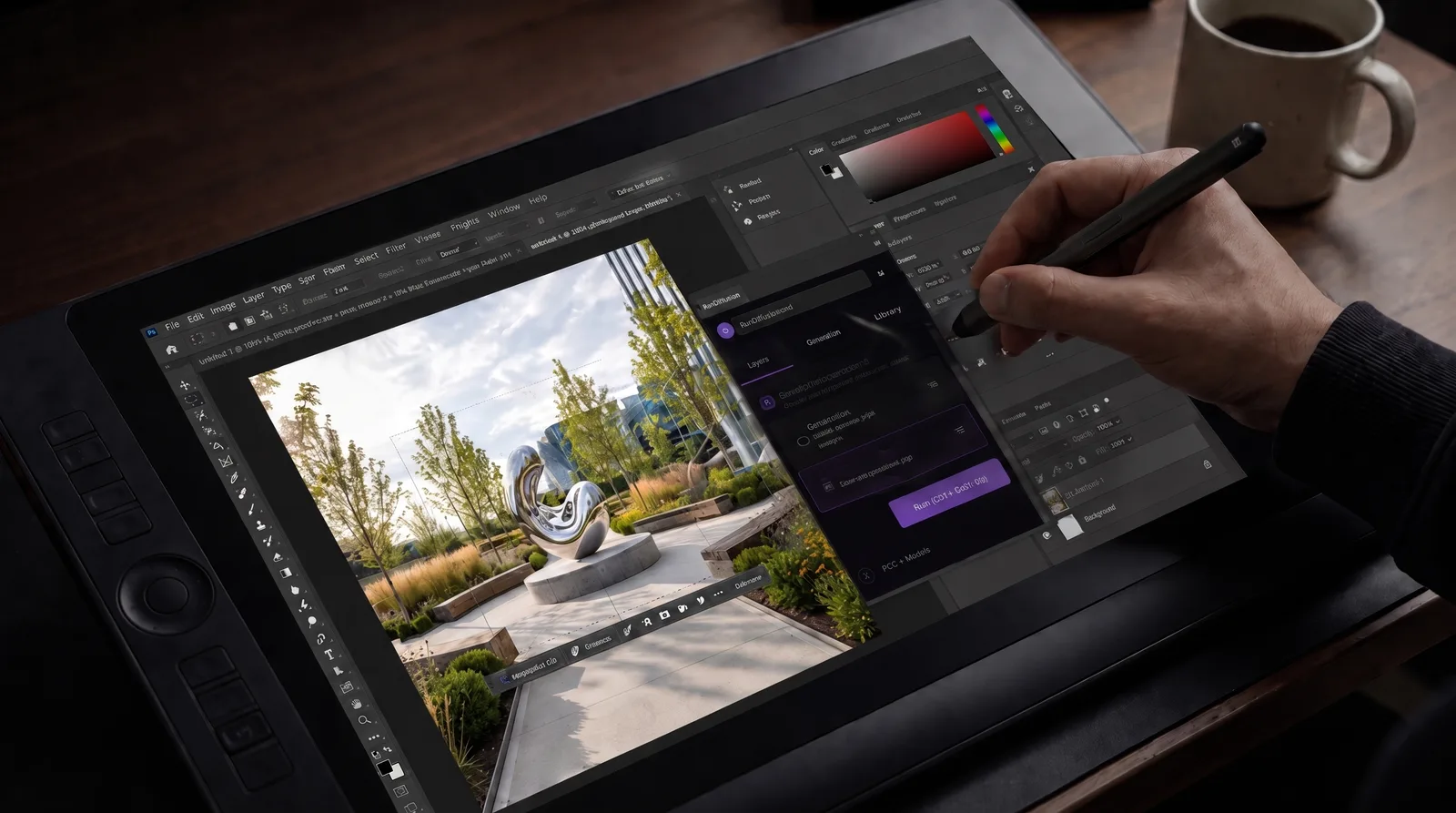
Learn how to install the RunDiffusion Photoshop Plugin from Adobe Exchange, connect your RunDiffusion account, and use select AI models inside Photoshop.
Read guide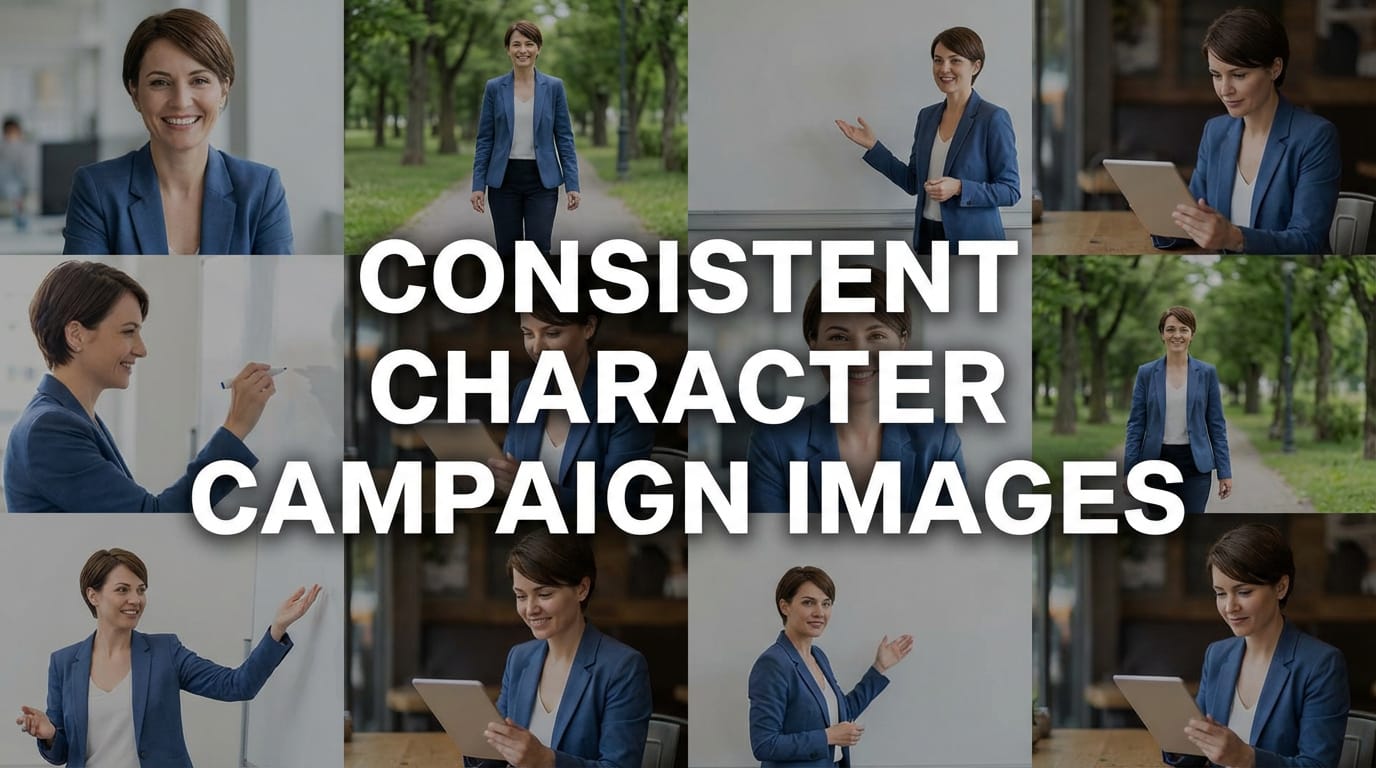
Learn how to use Nano Banana 2 on RunDiffusion to create consistent character campaign images from one reference without LoRA training.
Read guide
Explore Nano Banana 2, Google’s AI image model for faster generation, stronger instruction following, and improved consistency.
Read guide
Explore Seedream 5.0 for real-time web context, precise editing, and more logical AI image generation workflows.
Read guide
Use Juggernaut XI on RunDiffusion for stable, cost-efficient SDXL image generation in early-stage concept development.
Read guide
Maintain character identity with a template built around LoRA training and structured Board workflows on the RunDiffusion Platform.
Read guide
Use the Early-Stage Concepting and Moodboarding Template on RunDiffusion to explore ideas, styles, and mood with faster iteration.
Read guide
Use this RunDiffusion template for high-resolution, print-ready image generation across design, advertising, architecture, and creative production.
Read guide
Discover how to use Flux.2 Klein 4B on RunDiffusion for fast, flexible AI image generation—and learn when this model is the right choice for your next project.
Read guide
Learn how Flux.2 Klein 9B and 4B base and distilled models support real-time image generation on RunDiffusion.
Read guide
Explore Juggernaut Pro Flux on RunDiffusion for realistic AI images with strong consistency and lower token costs.
Read guide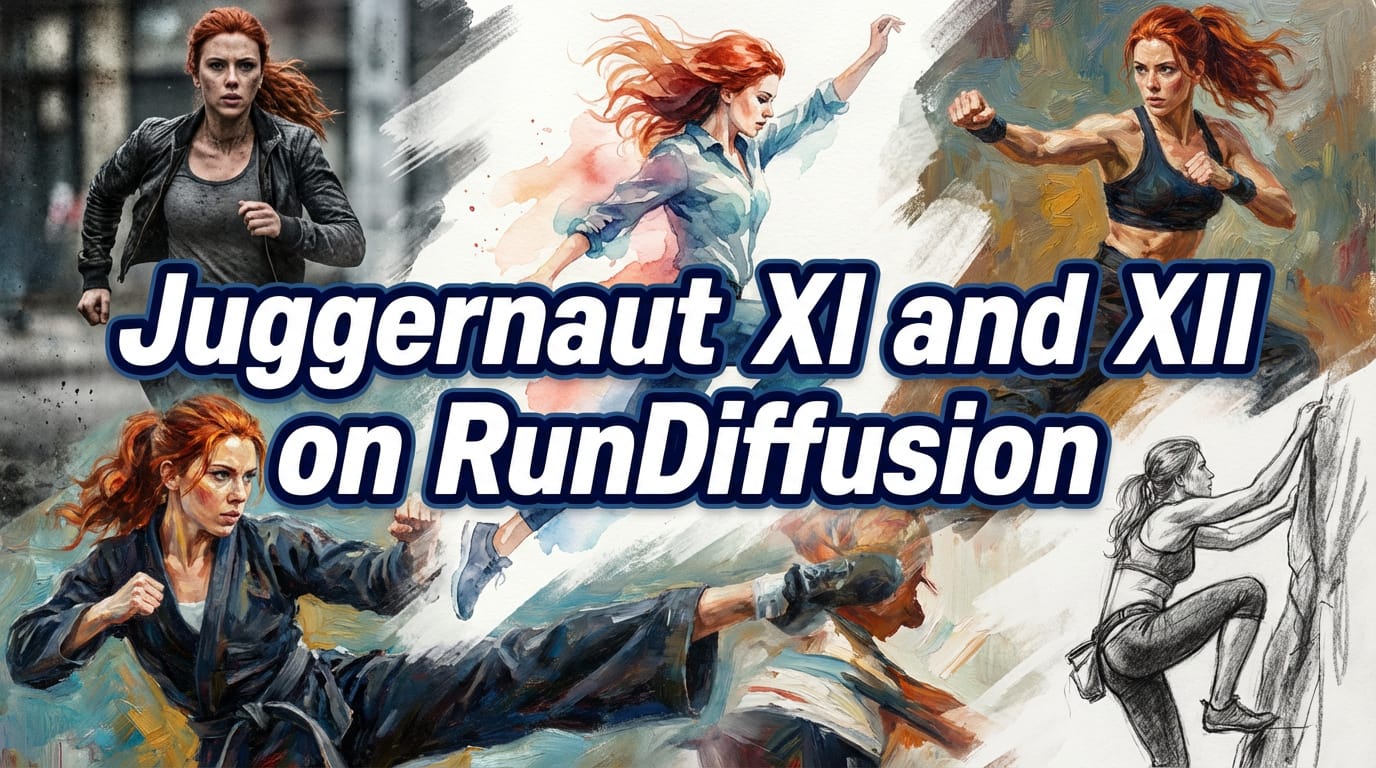
Compare Juggernaut XI and XII on RunDiffusion for cost-efficient SDXL image generation and practical creative use cases.
Read guide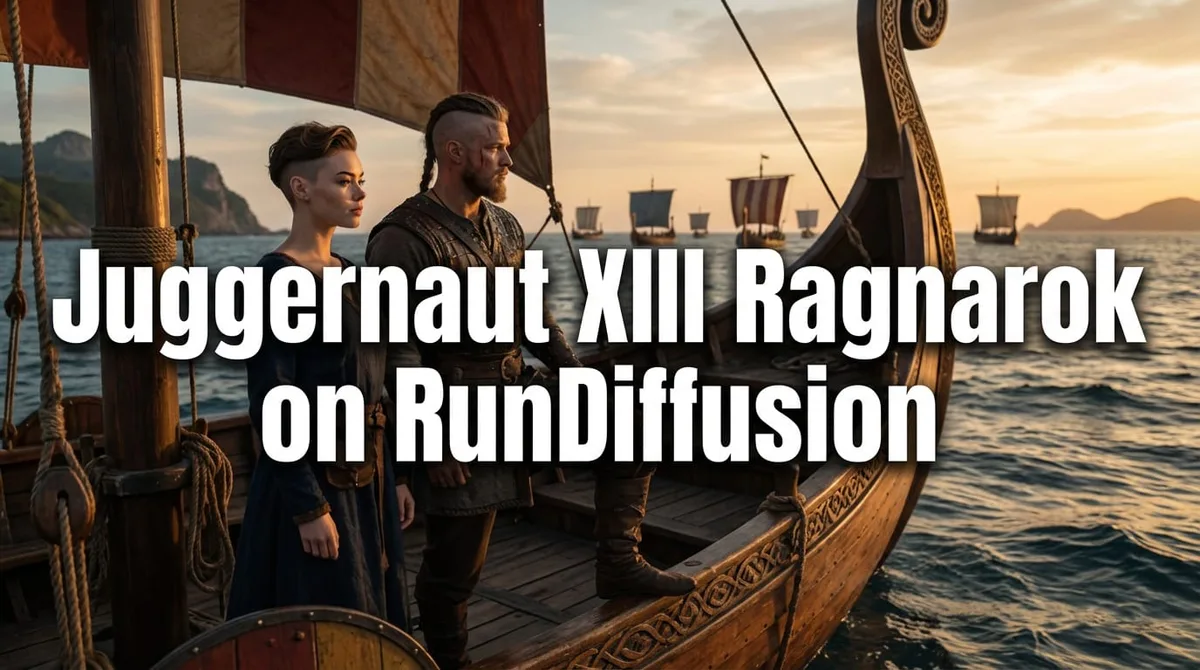
Learn how to use Juggernaut XIII Ragnarok on RunDiffusion for realism-focused image generation across ComfyUI, Automatic1111, and Reforge.
Read guide
Explore Seedream 4.5 on RunDiffusion for high-fidelity AI image generation, strong prompt accuracy, and cloud-based creative workflows.
Read guide
Explore Riverflow V2 by Sourceful on RunDiffusion for packaging design, marketing visuals, and commercial product mockups.
Read guide
Explore Z-Image Turbo on RunDiffusion for fast, photorealistic image generation with strong prompt accuracy and 16GB GPU support.
Read guide
Explore RunDiffusion Photo Flux for photorealistic portraits, product visuals, and cinematic still-frame generation.
Read guide
Explore Flux Pro Ultra on RunDiffusion for high-fidelity image generation with strong prompt adherence and cloud-based workflows.
Read guide
Learn how ChatGPT Image Generator works and how RunDiffusion helps turn generated visuals into repeatable creative workflows.
Read guide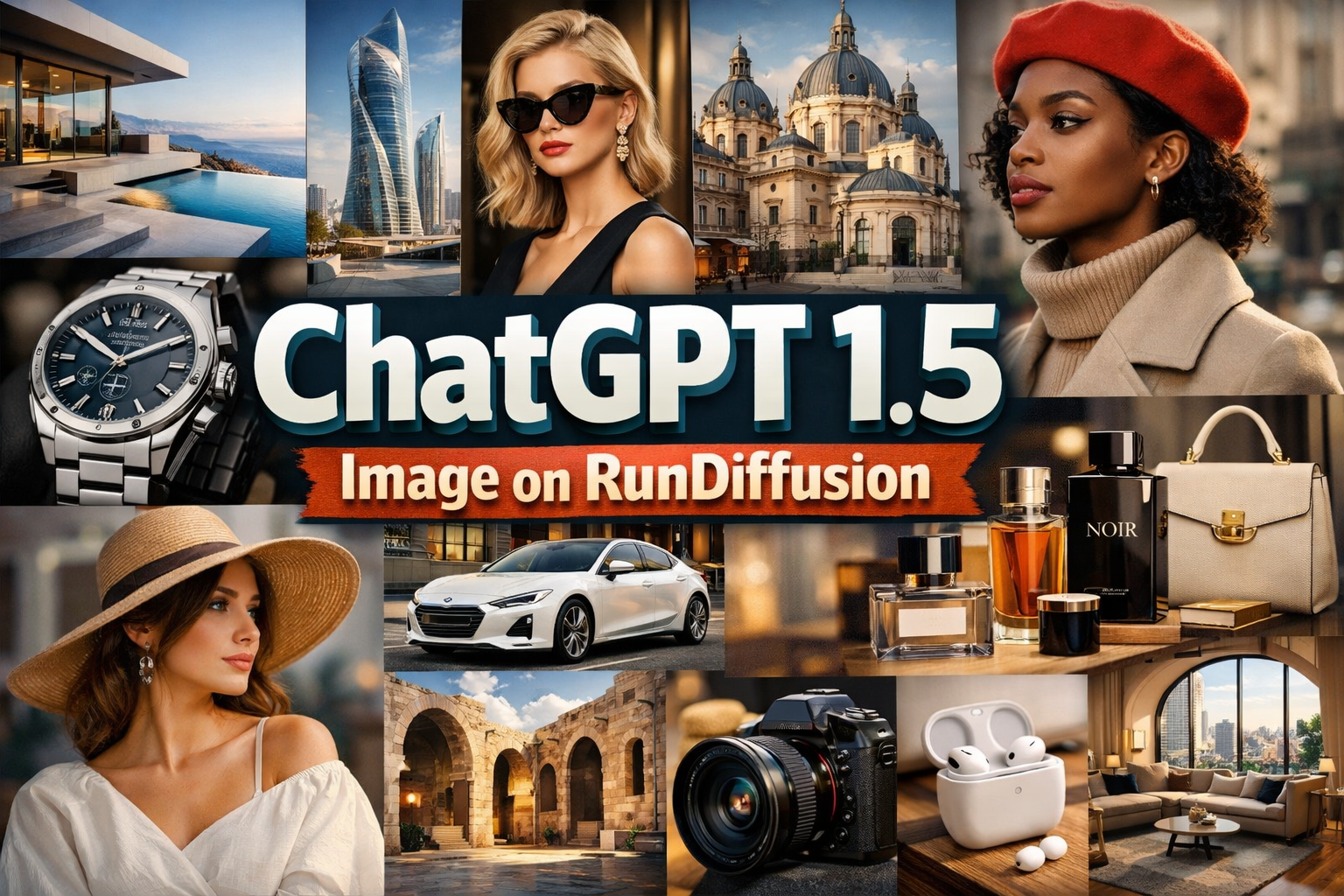
Use ChatGPT 1.5 Image on RunDiffusion for text-to-image generation and precise image editing with strong instruction control.
Read guide
Learn how to use Z-Image Turbo on RunDiffusion for photorealistic image generation and professional workflow control.
Read guide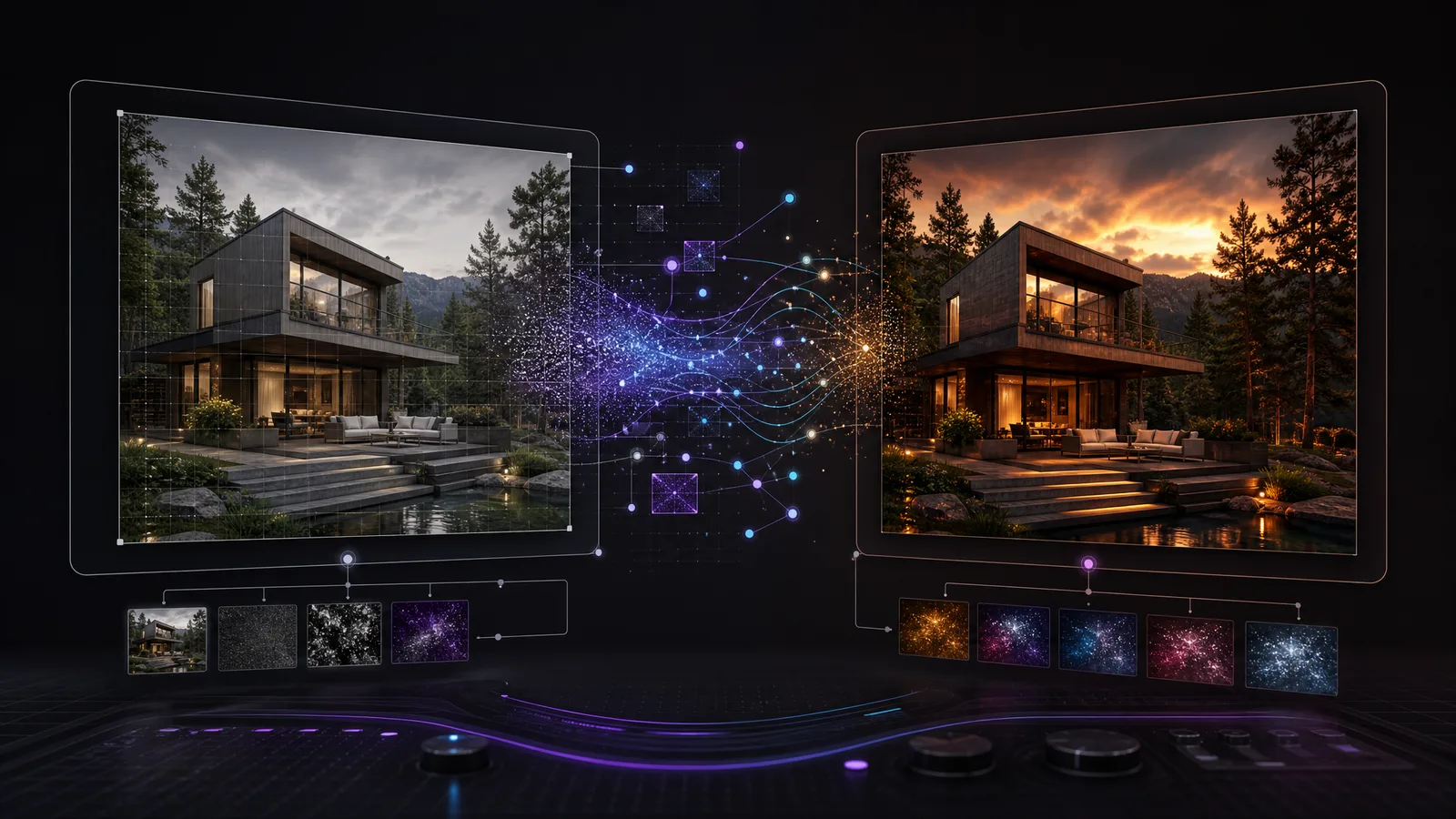
Learn how img2img works for image-to-image AI editing, including resize mode, denoising strength, batch processing, upscaling, and inpainting.
Read guide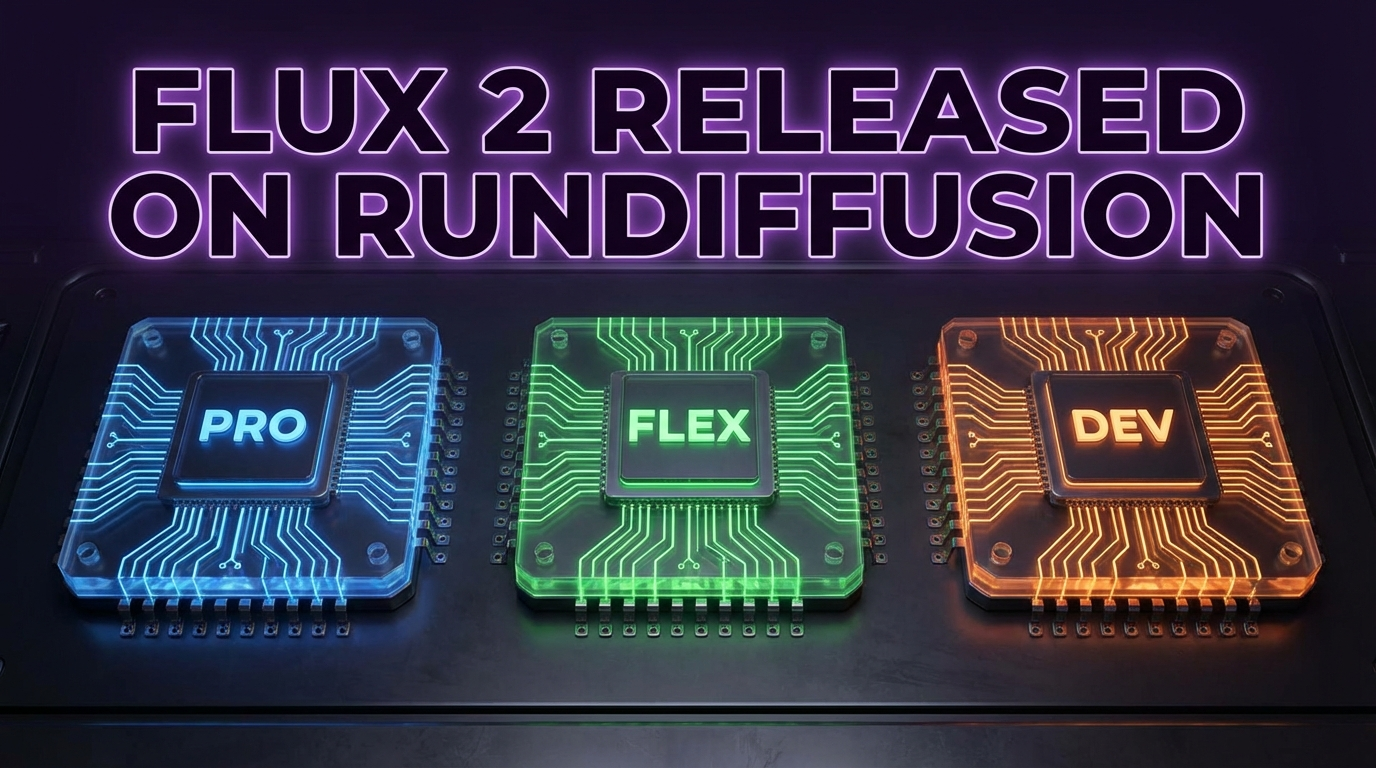
Explore Flux 2 Pro, Flex, and Dev on RunDiffusion and learn which model best fits your creative workflow.
Read guide
Learn how AI architectural rendering helps architects turn sketches into renders, materials, and early-stage design concepts faster.
Read guide
Explore Seedream 4.5 on RunDiffusion for stronger realism, spatial logic, consistency, and prompt understanding across creative workflows.
Read guide
Explore NVIDIA Chrono Edit for precise natural-language image editing that preserves structure and character consistency.
Read guide
Explore Nano Banana Pro on RunDiffusion for high-fidelity image generation, accurate text rendering, and advanced editing.
Read guide
Compare Nano Banana and Nano Banana Pro on RunDiffusion for fast exploration versus polished final image workflows.
Read guide
Explore Flux 2 on RunDiffusion and see what this upgrade means for architectural rendering and interior design workflows.
Read guide
Explore Nano Banana 2 on RunDiffusion for image generation, inpainting, and concept design workflows.
Read guide
Use Gemini 2.5 Image and Nano Banana on RunDiffusion for image generation, editing, virtual try-ons, and design changes.
Read guide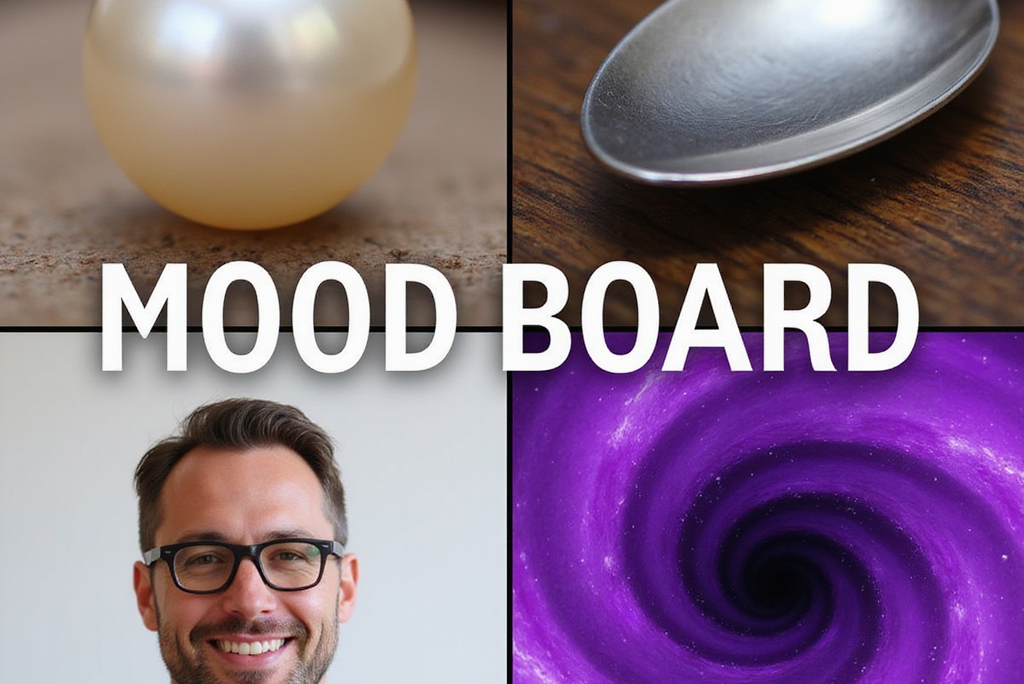
Use Mood Boards on the RunDiffusion Platform to guide AI image generation with visual references for mood, color, lighting, and texture.
Read guide
Learn how to use Flux Kontext Dev in ComfyUI on RunDiffusion for advanced image-to-image workflows with multiple inputs.
Read guide
Learn how to craft stronger prompts for Juggernaut XIII: Ragnarok with better structure, realism control, and cleaner outputs.
Read guide
Transform your images into adorable plushie art with Plushify on the RunDiffusion Platform. Learn how to get started, plus pro tips for best results, all in the cloud!
Read guide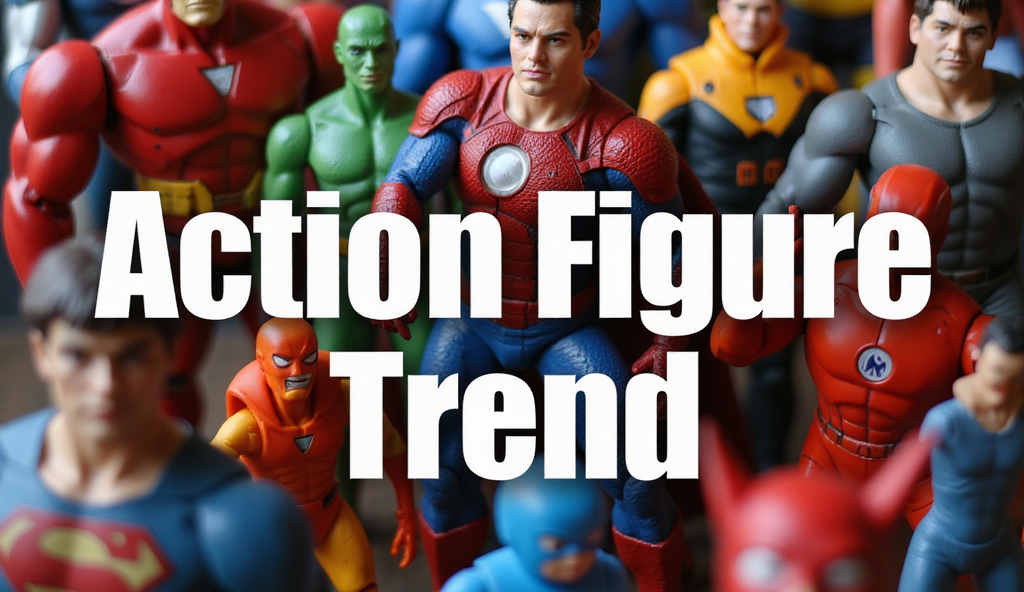
Use the Action Figure Trend app on the RunDiffusion Platform to create collectible-style figures with custom labels, outfits, and accessories.
Read guide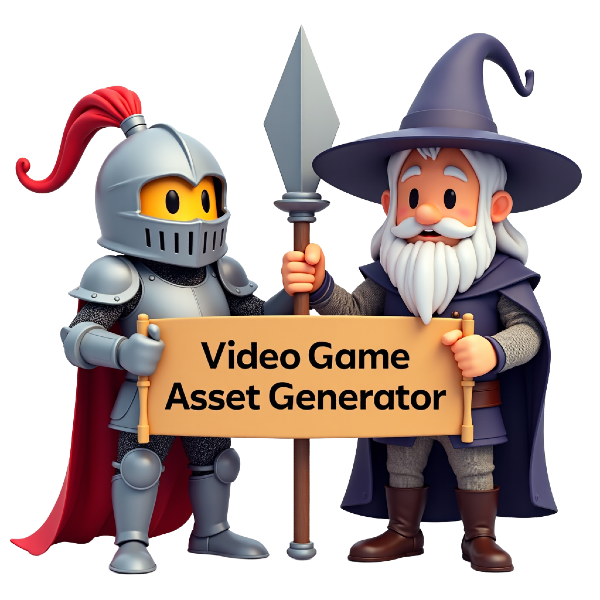
Use the Video Game Asset Generator on the RunDiffusion Platform to create 2D characters, icons, props, and UI elements from text prompts.
Read guide
Learn how to use the Emoji Maker on RunDiffusion to create custom AI-generated emojis for messaging, branding, and digital content.
Read guide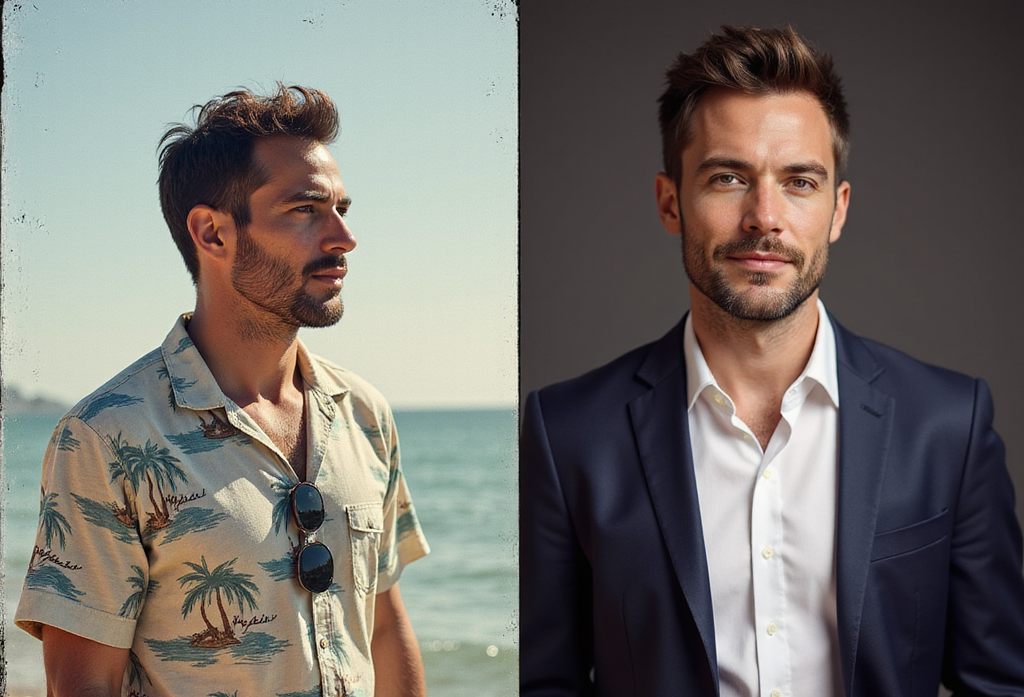
Create polished studio-style portraits with the Pro Headshot Generator on the RunDiffusion Platform using simple upload and styling options.
Read guide
Fixing CLIP Assertion Errors for Flux models on RunDiffusion
Read guide
Explore the RunDiffusion FAQ for help with AI image and video generation, tools on the RunDiffusion Platform, LoRA training, and troubleshooting.
Read guide
Learn how to use the Birthday Card Maker app on the RunDiffusion Platform to generate custom AI birthday cards with simple inputs.
Read guide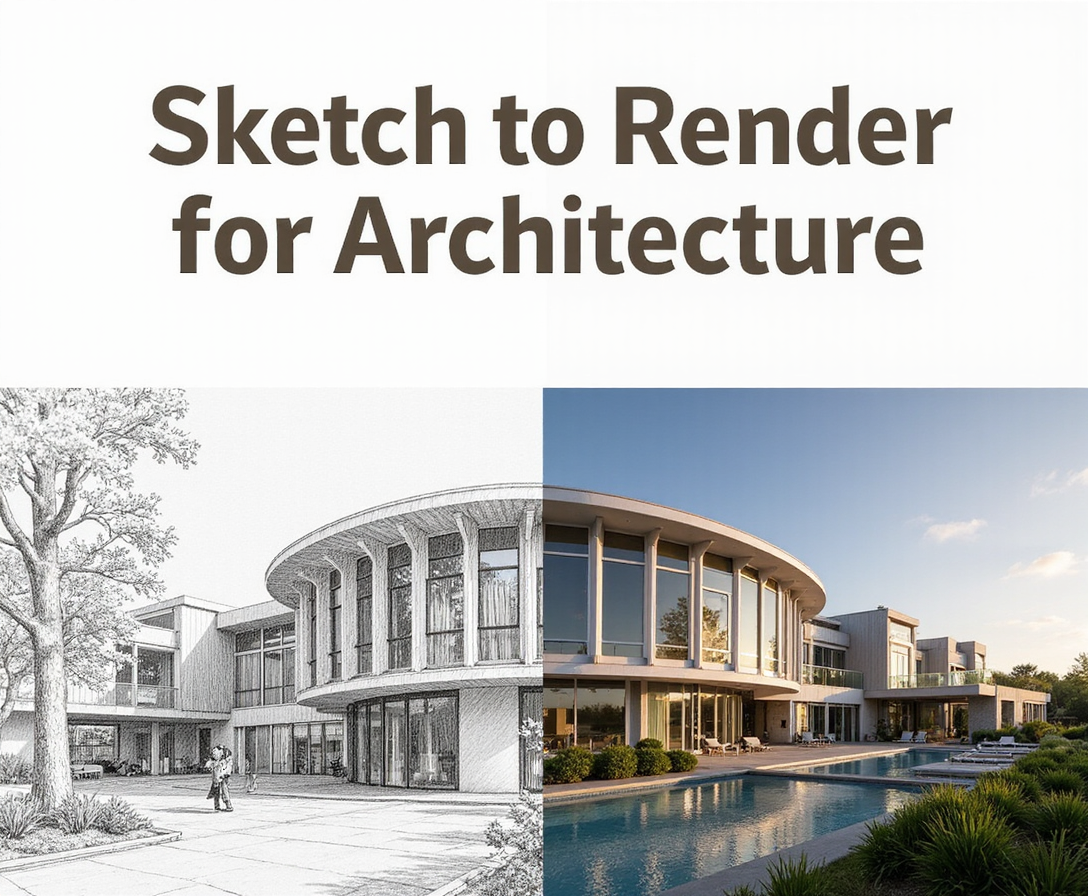
Use Sketch to Render Pro for Architecture to turn sketches into high-quality renders with faster AI-assisted workflows.
Read guide
Learn how to use Text-to-Image on the RunDiffusion Platform to create AI-generated images through a simple guided workflow.
Read guide
Explore the SVG Generator on the RunDiffusion Platform and learn how to create scalable vector graphics for cleaner, more flexible design workflows.
Read guide
Learn how to select multiple generations and download your results efficiently on the RunDiffusion Platform for faster asset management and workflow cleanup.
Read guide
Learn how Sketch to Render on the RunDiffusion Platform turns simple sketches into detailed artwork with faster, more streamlined workflows.
Read guide
Learn how to use inpainting on the RunDiffusion Platform to remove, replace, or refine image elements with more control and cleaner creative edits.
Read guide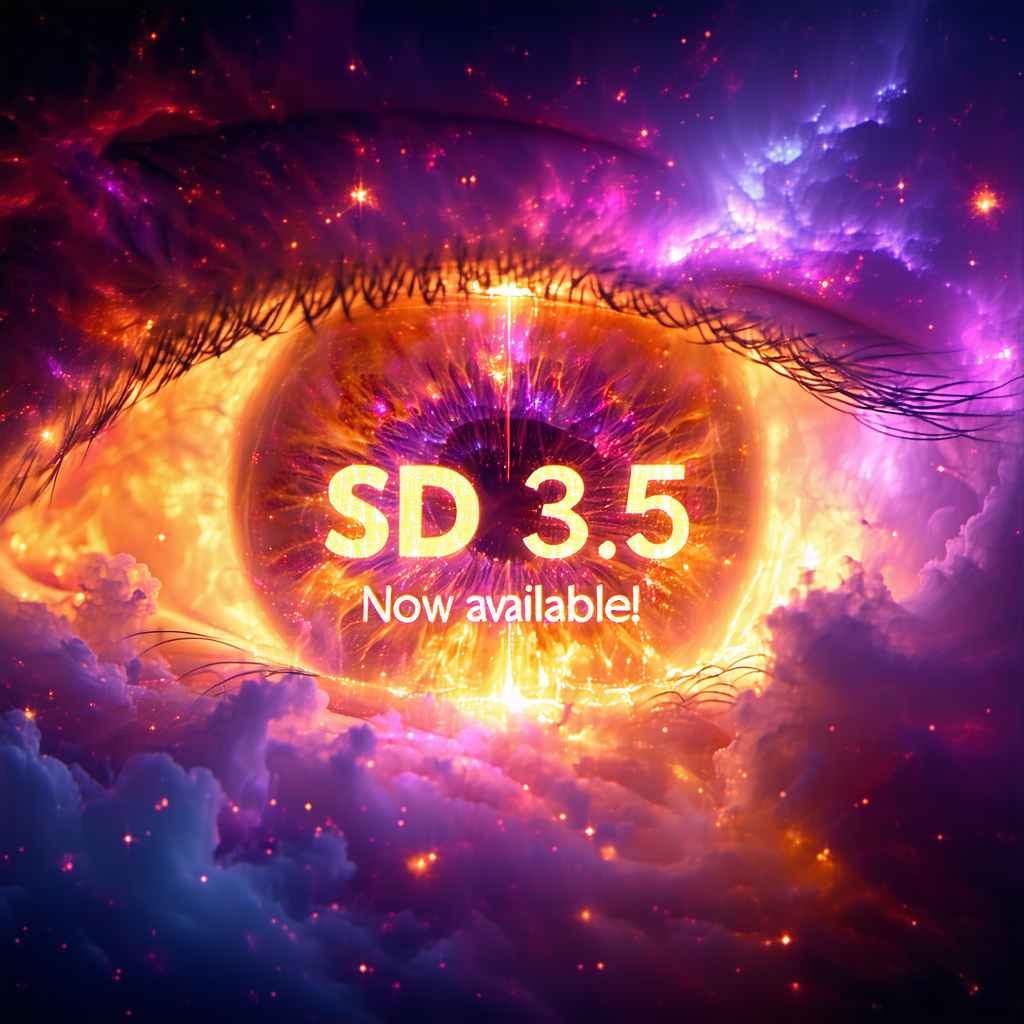
Explore SD 3.5 on RunDiffusion, including what it offers, how it performs, and where it fits into modern image generation workflows.
Read guide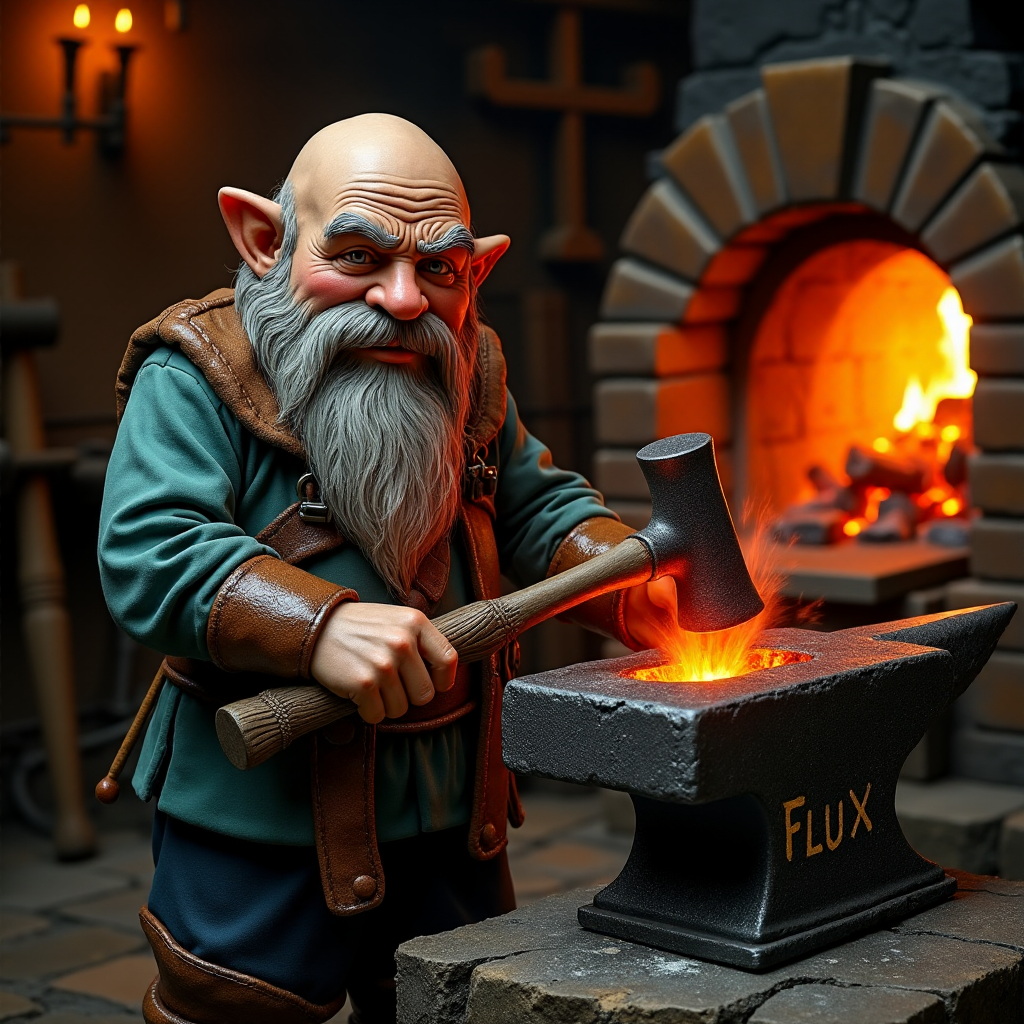
Learn how to use Flux in Reforge on RunDiffusion, including setup guidance, workflow basics, and creative image generation use cases.
Read guide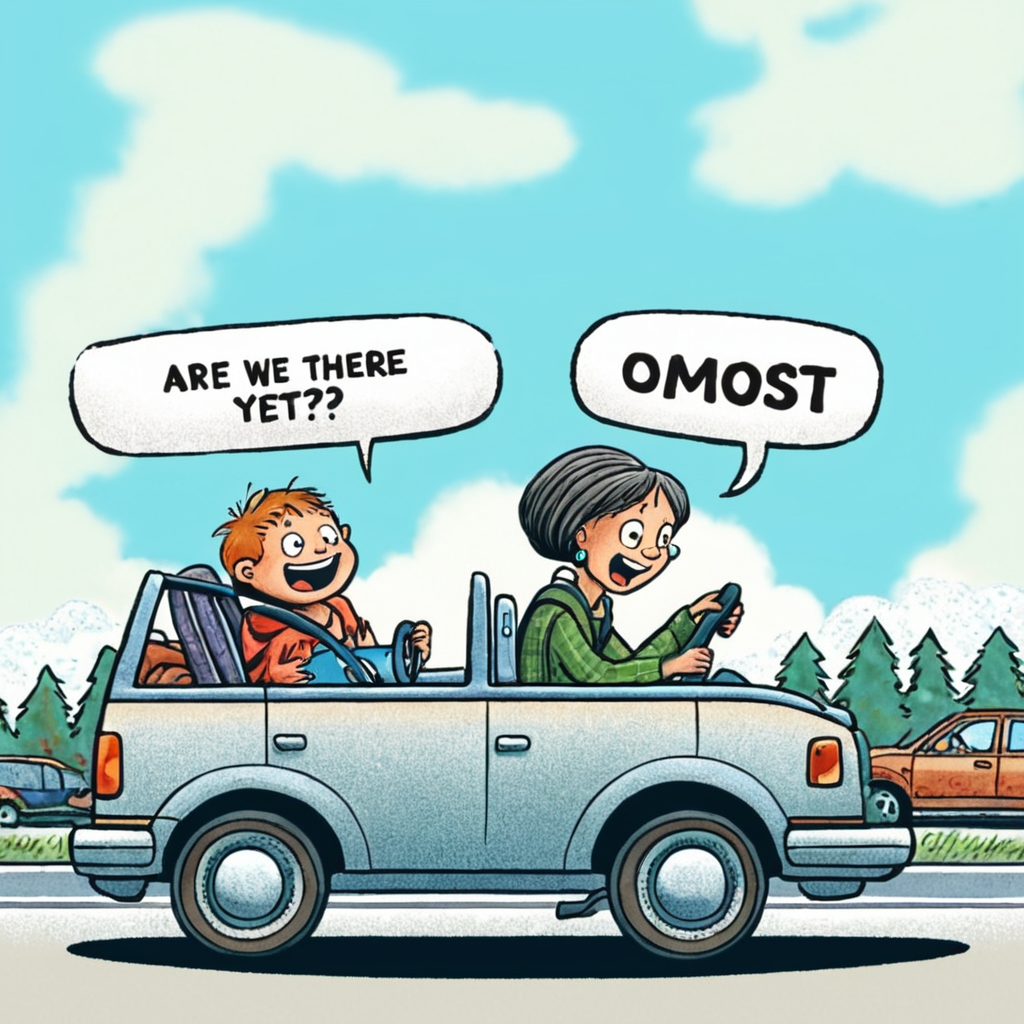
Get a first look at Omost on RunDiffusion, including its workflow style, creative strengths, and how it fits into image generation.
Read guide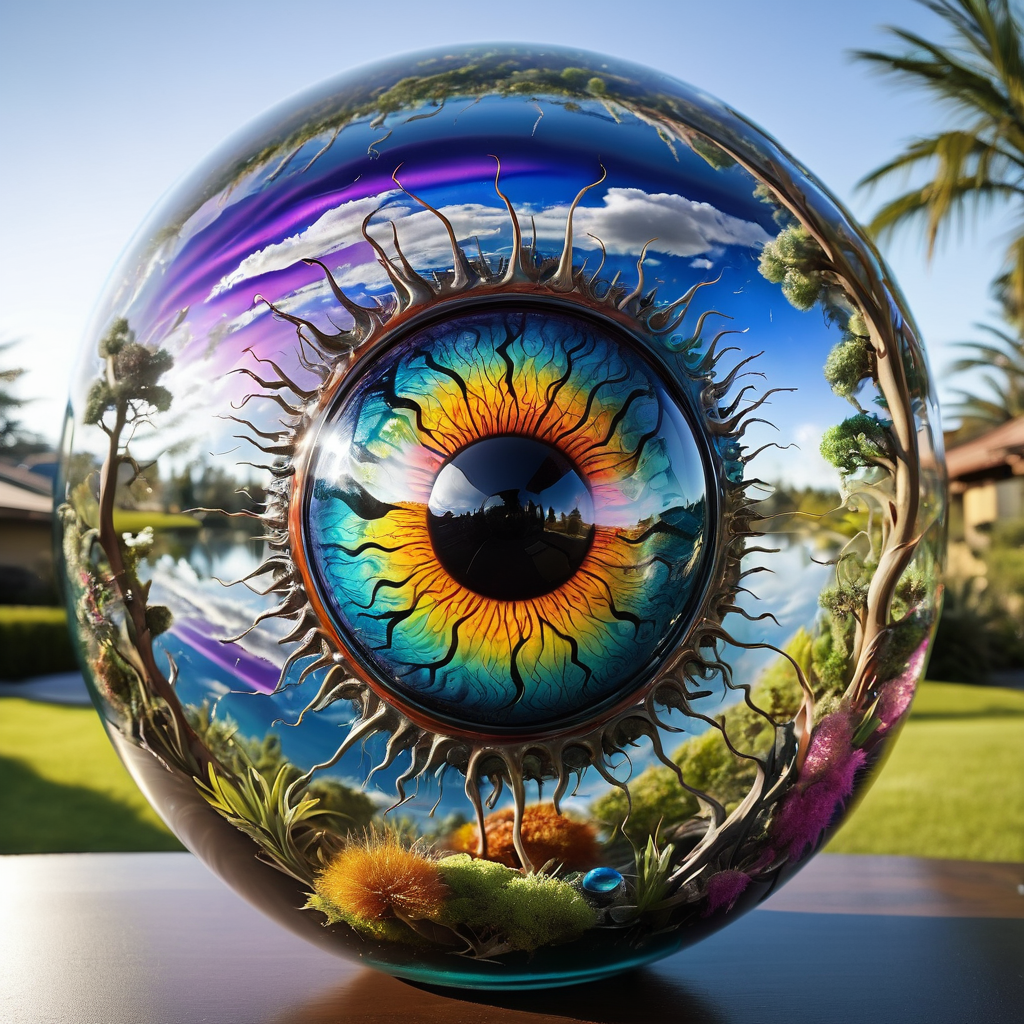
Get an overview of Fooocus on RunDiffusion, including its interface, core features, and how it simplifies image generation workflows.
Read guideLearn how to download models and assets from Civitai on RunDiffusion for use in your image generation and custom workflow setups.
Read guide
Step-by-step tutorial on generating hidden text with ControlNet and QR Code Monster.
Read guide
Learn how to use SDXL in VLAD SD.Next, including setup guidance, workflow basics, and tips for stronger image generation results.
Read guide
Learn how to create artistic QR codes with Stable Diffusion and ControlNet while keeping them visually creative and still scannable.
Read guideLearn how to use Img2Img batch processing with ControlNet to guide multiple image edits more consistently and efficiently on RunDiffusion.
Read guide59 Models available! See our list of awesome community models to choose from when renting a server from RunDiffusion
Read guideLearn how TXT2IMG works and how to generate images from text prompts more effectively using RunDiffusion and related tools.
Read guideContinue with related workflows, tools, and creative disciplines across RunDiffusion.
Sign up for RunDiffusion to explore image models, editing tools, templates, and supporting workflows from one creative platform.