
Architecture· 10 min read
AI Architecture Guide for Architects
Explore a practical AI architecture guide for architects covering concept design, rendering, visualization workflows, prompts, and tools with RunDiffusion.
Read the complete articleLearn how to turn prompts, sketches, reference images, and early plans into clearer architectural concepts and presentation-ready visuals with RunDiffusion.
Start here
Explore a practical AI architecture guide for architects covering concept design, rendering, visualization workflows, prompts, and tools with RunDiffusion.
Read the complete articleStart with the core tools, methods, and use cases for architectural design.
Discover how architects use AI design tools to generate building concepts, test layouts, and speed up visual workflows with RunDiffusion.
Read guide
Explore AI architecture software for building concepts, design visualization, and architectural workflows on RunDiffusion.
Read guide
Discover how an AI architecture generator can create building concepts, layouts, and architectural visuals using AI-powered workflows on RunDiffusion.
Read guide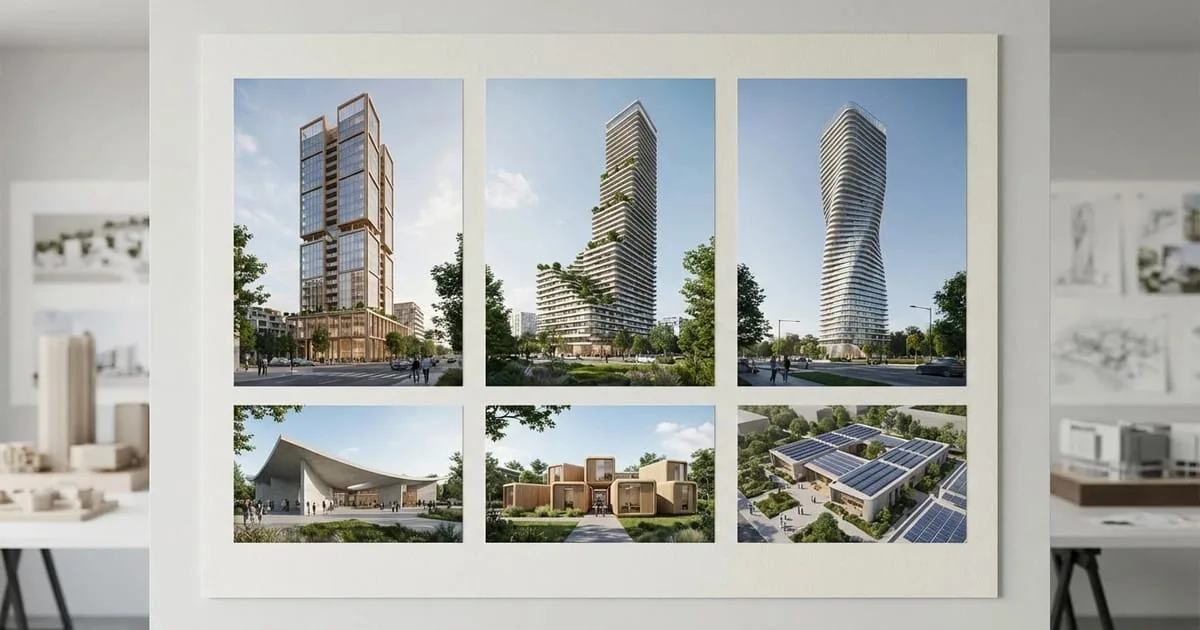
Learn how to use RunDiffusion AI render tools for architecture to generate, enhance, and download architectural renders directly from your browser.
Read guideMove from sketches and early concepts to clear architectural visuals.
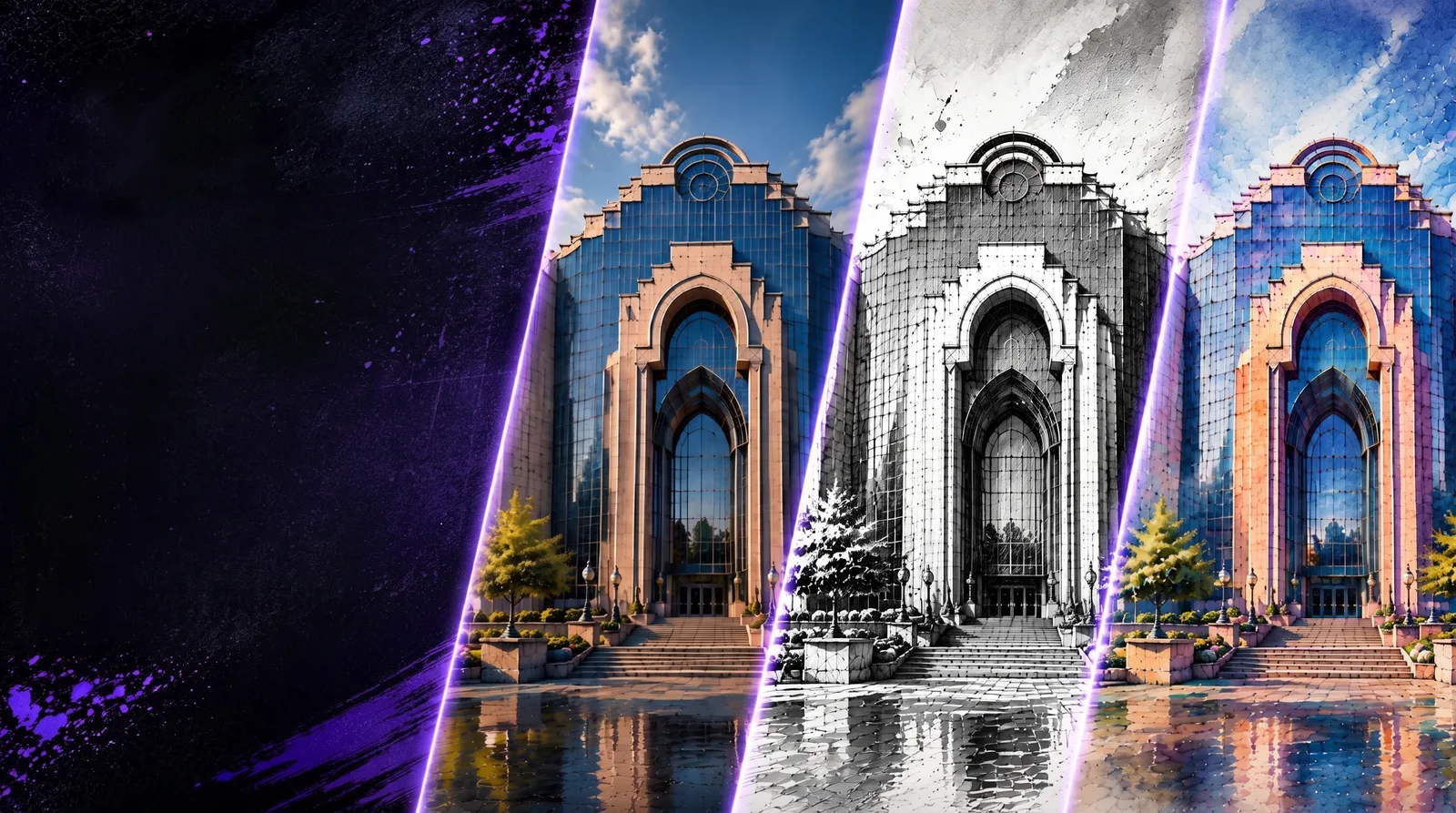
Apply a consistent design language across options so you can explore variations faster while keeping the visual direction aligned.
Read guide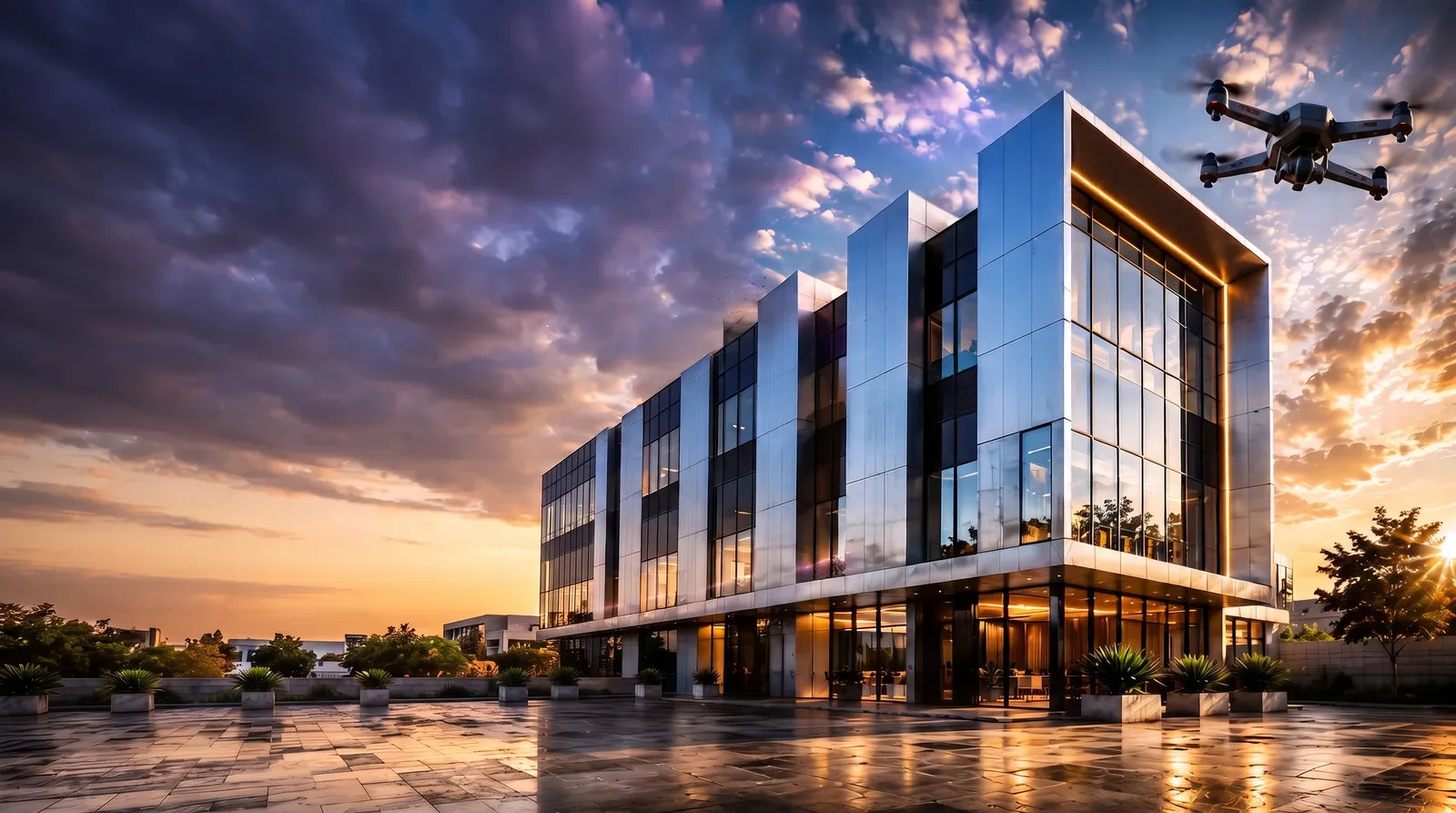
Create drone-style flyovers and rotational views that help communicate architectural massing, site context, and presentation movement.
Read guide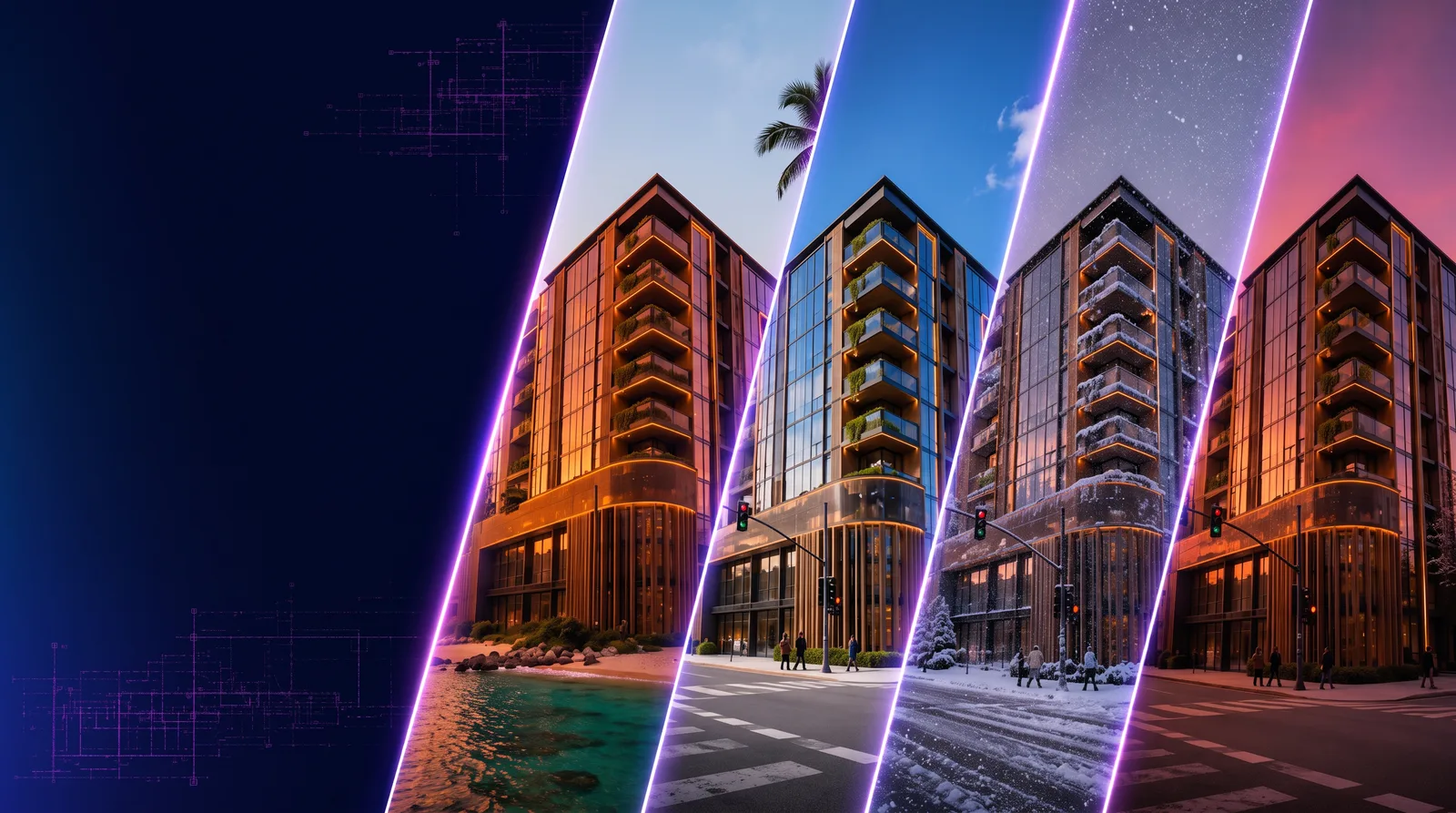
Place your architecture into new lighting, seasons, and environmental contexts to quickly evaluate mood, setting, and presentation direction.
Read guide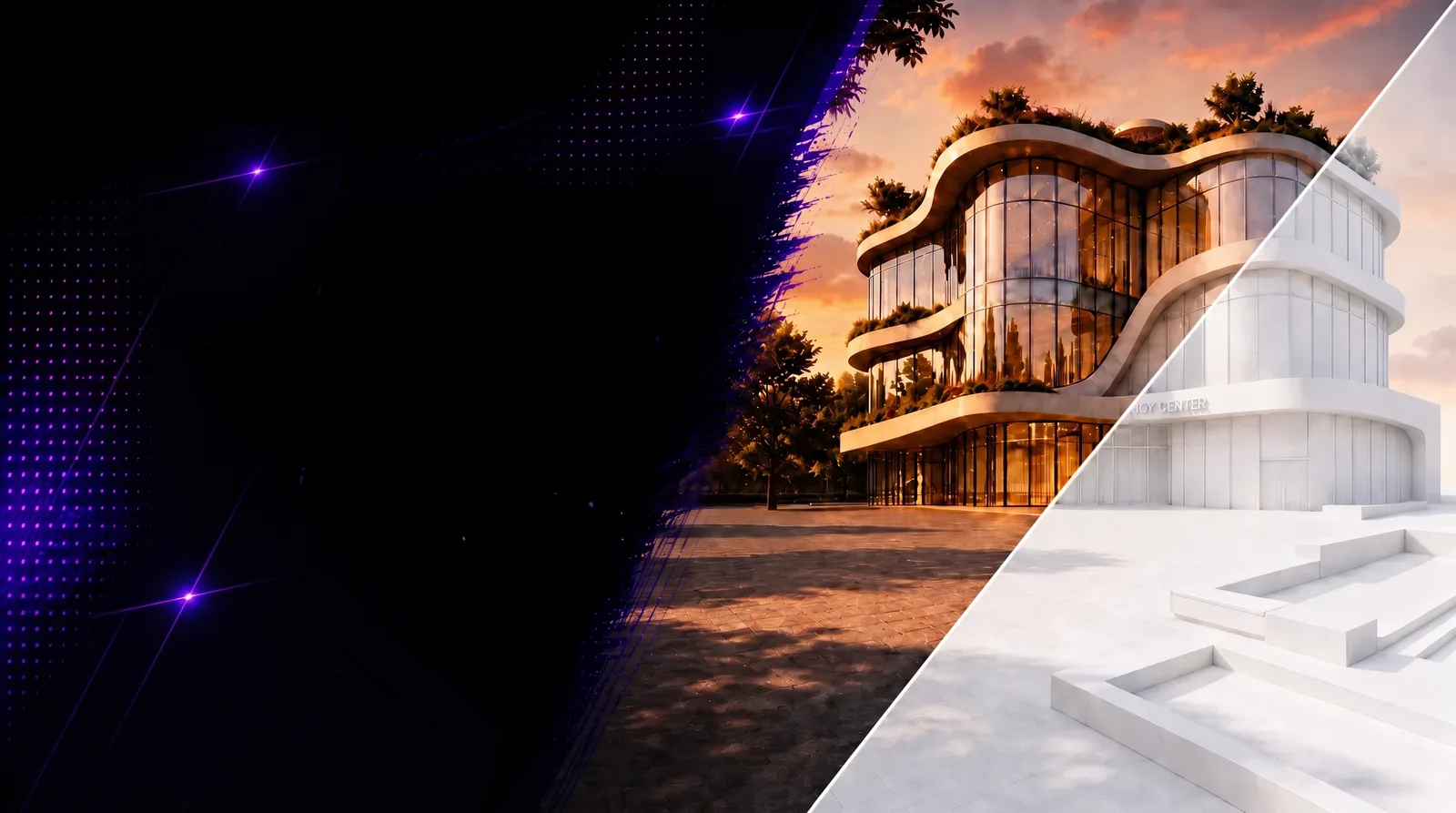
Transform renders into clean white card renders that highlight form, scale, massing, and spatial intent.
Read guide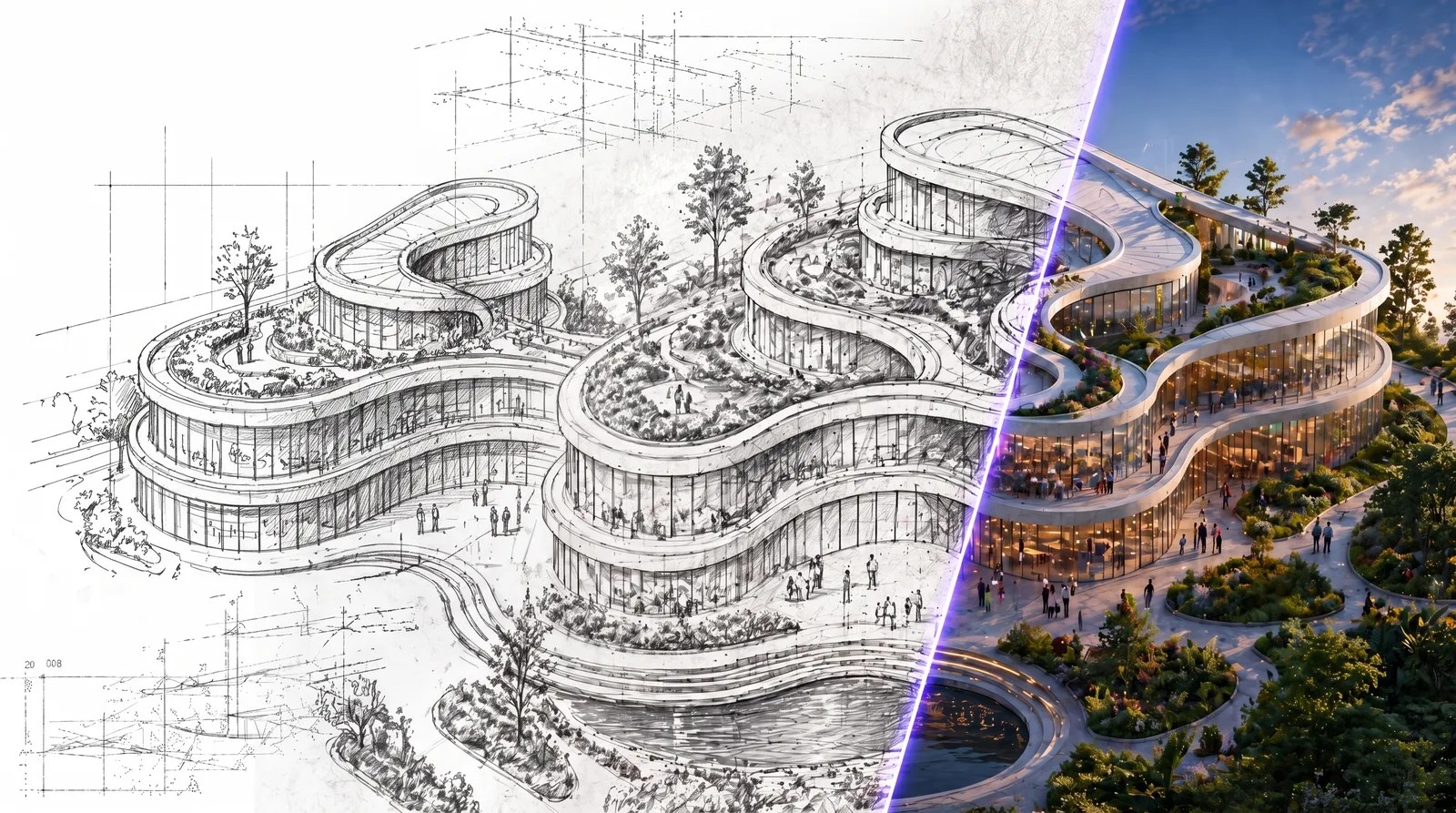
Turn rough sketches into beautiful renders for architecture, fashion, and product design using RunDiffusion’s Generate Image workflow. Follow the step-by-step article.
Read guide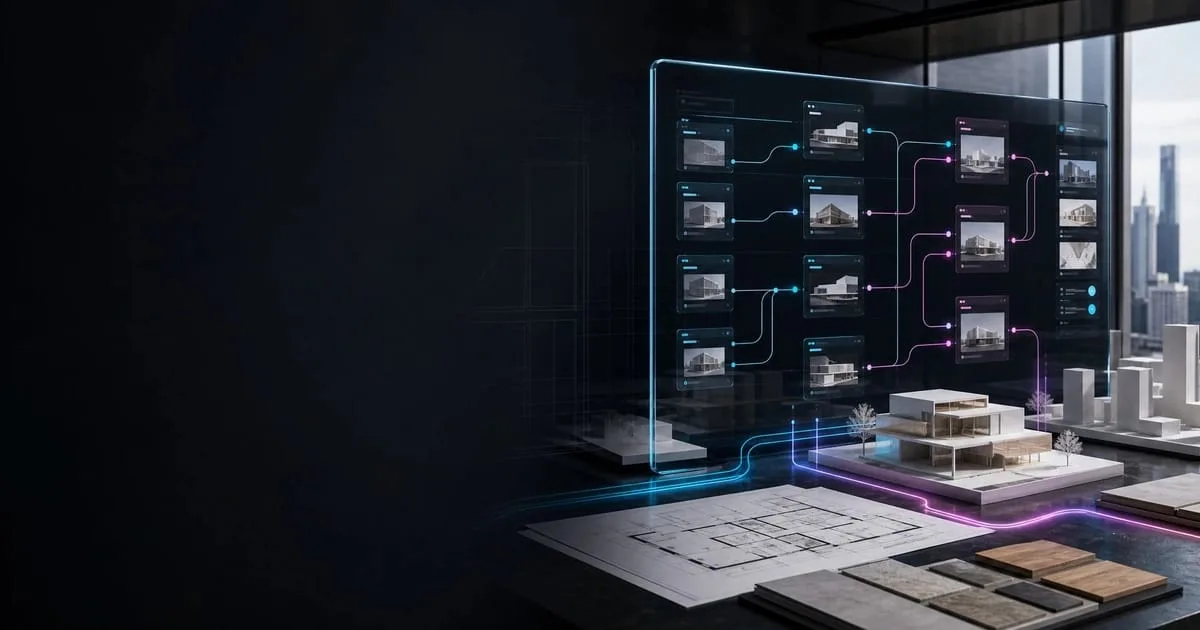
Learn how architecture firms use Featured Templates on RunDiffusion to standardize AI workflows across teams and offices.
Read guide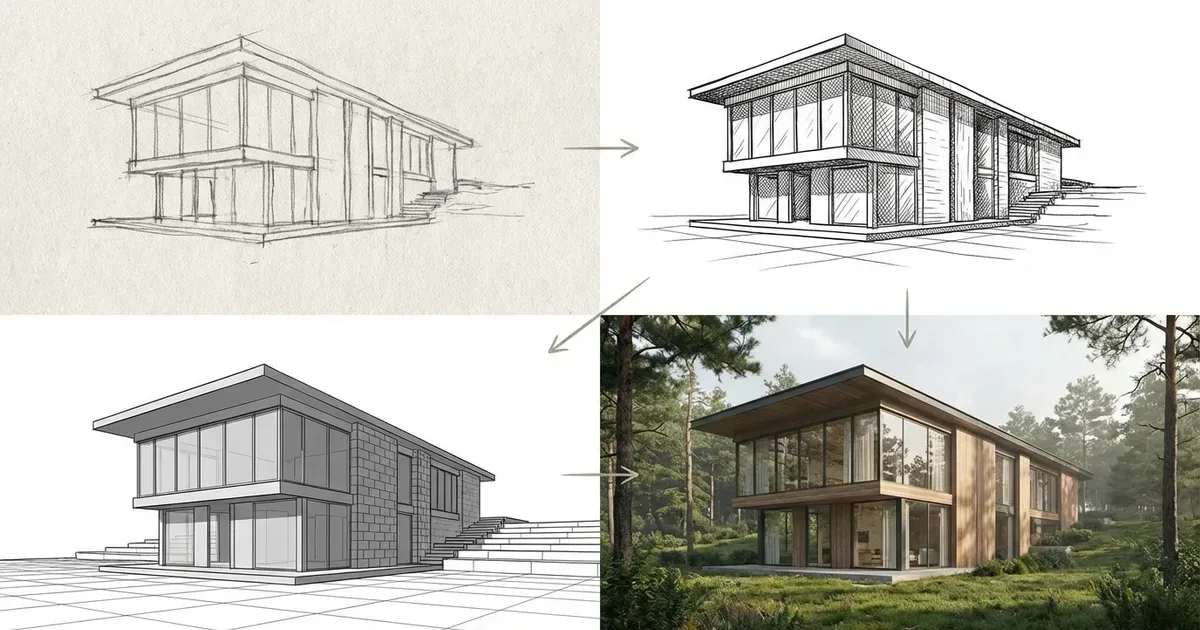
Turn architectural sketches into clearer conceptual visuals with a template built for early design workflows on RunDiffusion.
Read guide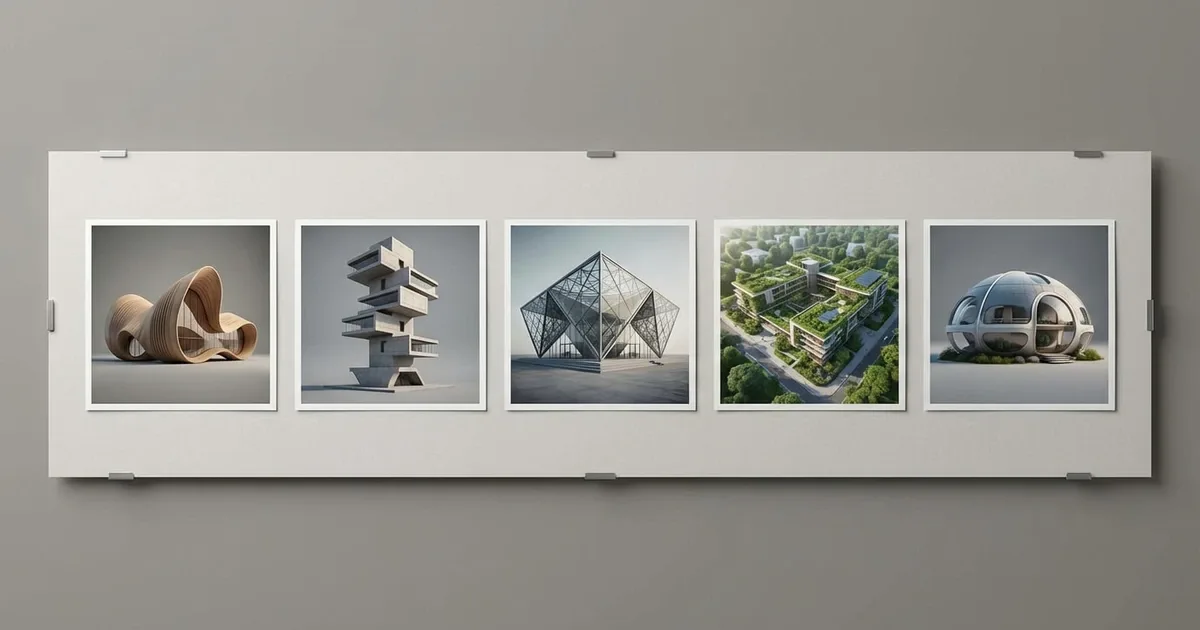
Explore Featured Templates on RunDiffusion to launch ready-to-use Boards for faster, more consistent creative workflows.
Read guideChoose stronger prompts, visual styles, and image models for architecture.
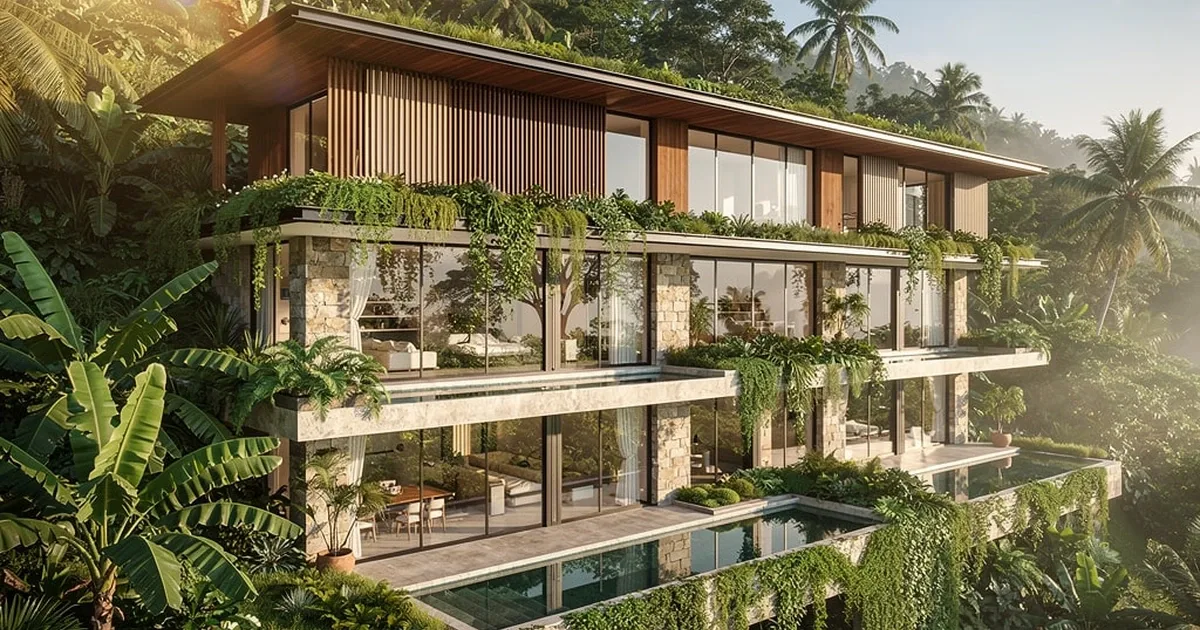
Use these architecture prompts with the best AI model for each style. Create stronger renders faster with RunDiffusion.
Read guide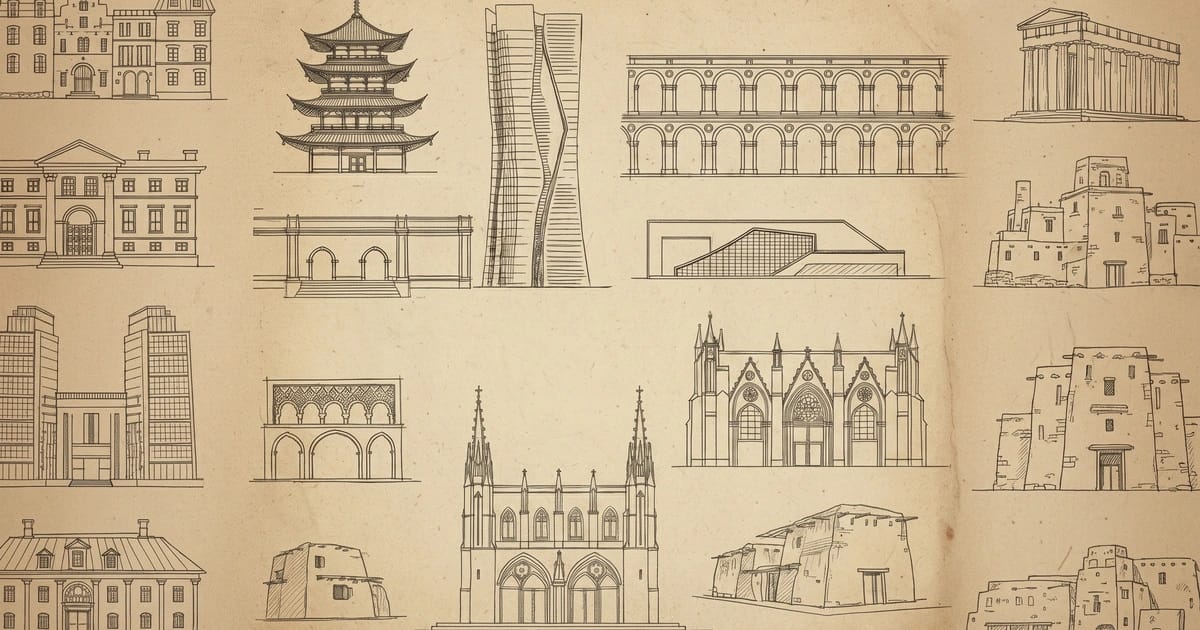
Learn how Prompt Magic helps architecture teams generate high-quality AI renders in multiple languages on RunDiffusion.
Read guide
Improve architectural renders with AI prompt enhancement tools like Enhance Prompt and Prompt Magic on RunDiffusion.
Read guide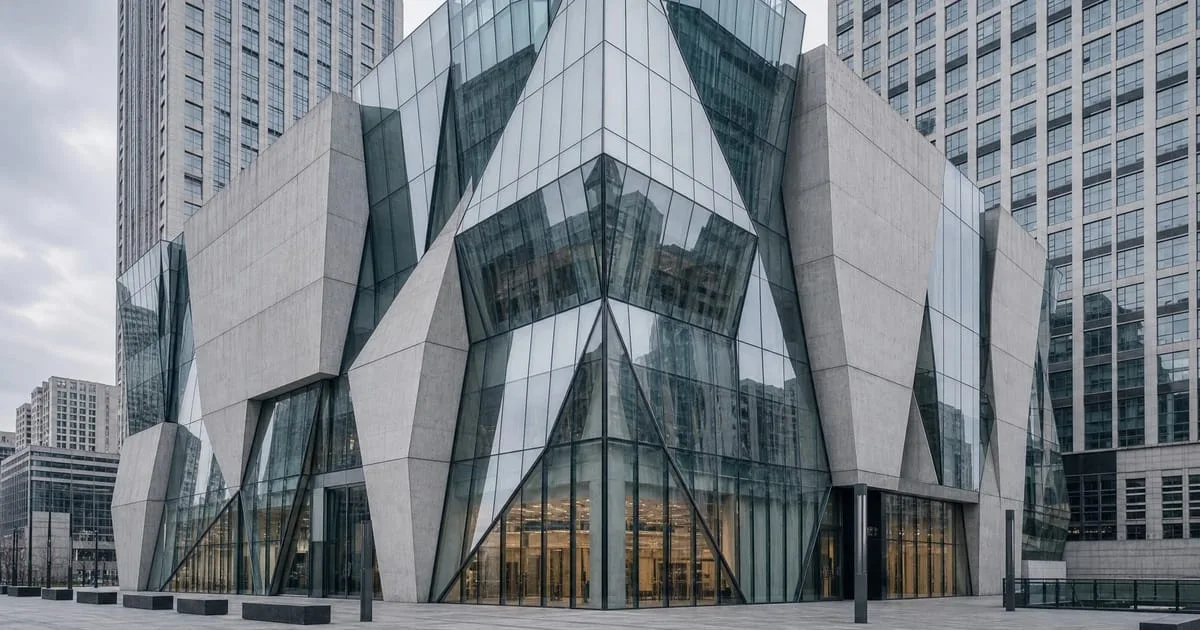
See why Flux 2 Pro delivers stable, consistent architectural visuals on RunDiffusion.
Read guideExplore 10 architecture styles and learn how to recreate them on RunDiffusion using Nano Banana Pro prompts.
Read guideExplore surfaces, textures, facades, and interior design directions.
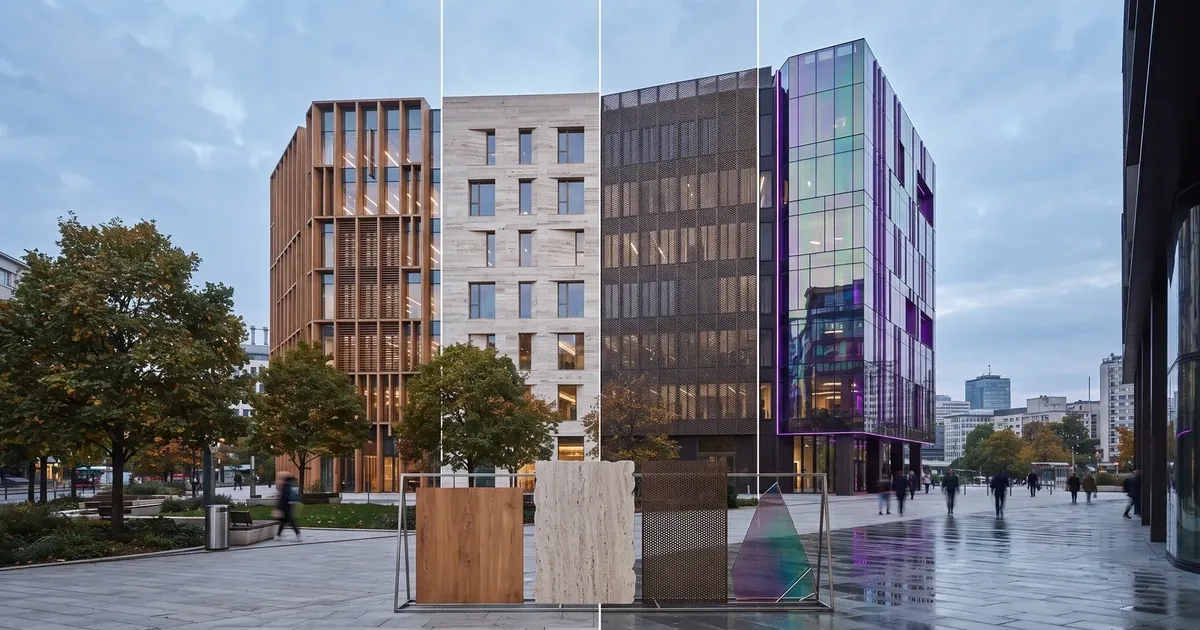
Use Texture or Facade Exploration on RunDiffusion to test exterior finishes and visualize material changes from an existing concept image.
Read guide
Learn how to create tileable textures for architecture, games and design workflows using RunDiffusion.
Read guide
Use RunDiffusion's AI room design tool to visualize new interior styles quickly and scale workflows with professional design tools.
Read guideGenerate realistic architectural textures for materials, surfaces, and design concepts using AI tools built for architects, designers, and 3D workflows.
Read guide
Learn how to enhance or replace materials in your renders using Nano Banana Edit, SeeDreamV4 Edit, or ChatGPT Image Edit. No 3D modeling needed.
Read guideConnect RunDiffusion with design tools and repeatable studio workflows.

Learn how to install and use the RunDiffusion Revit plugin for architecture workflows, from connecting your account to creating and reviewing an AI render.
Read guide
Learn how to install RunDiffusion for Miro, browse your workspace library, generate AI images on the board, and reuse Miro images in image-to-image workflows.
Read guide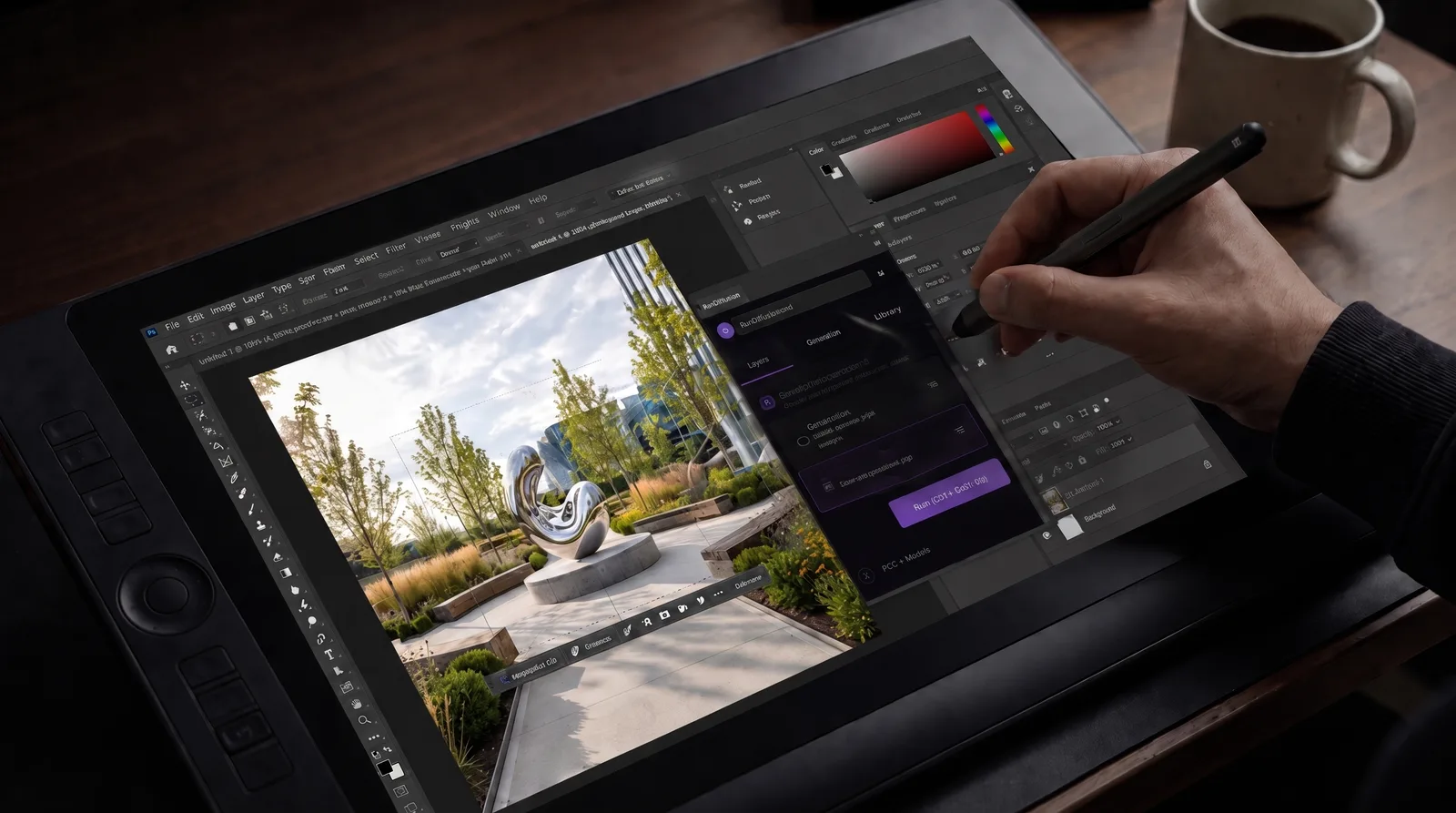
Learn how to install the RunDiffusion Photoshop Plugin from Adobe Exchange, connect your RunDiffusion account, and use select AI models inside Photoshop.
Read guide
RunDiffusion’s AI plugins for architecture generate images from Revit views, edit presentation images in Photoshop, and bring visuals onto Miro boards for review.
Read guide
Learn how to enhance Revit and SketchUp renders with AI tools for sharper details, better lighting, and stronger presentation visuals.
Read guideImprove detail, resolution, lighting, and presentation-ready output.
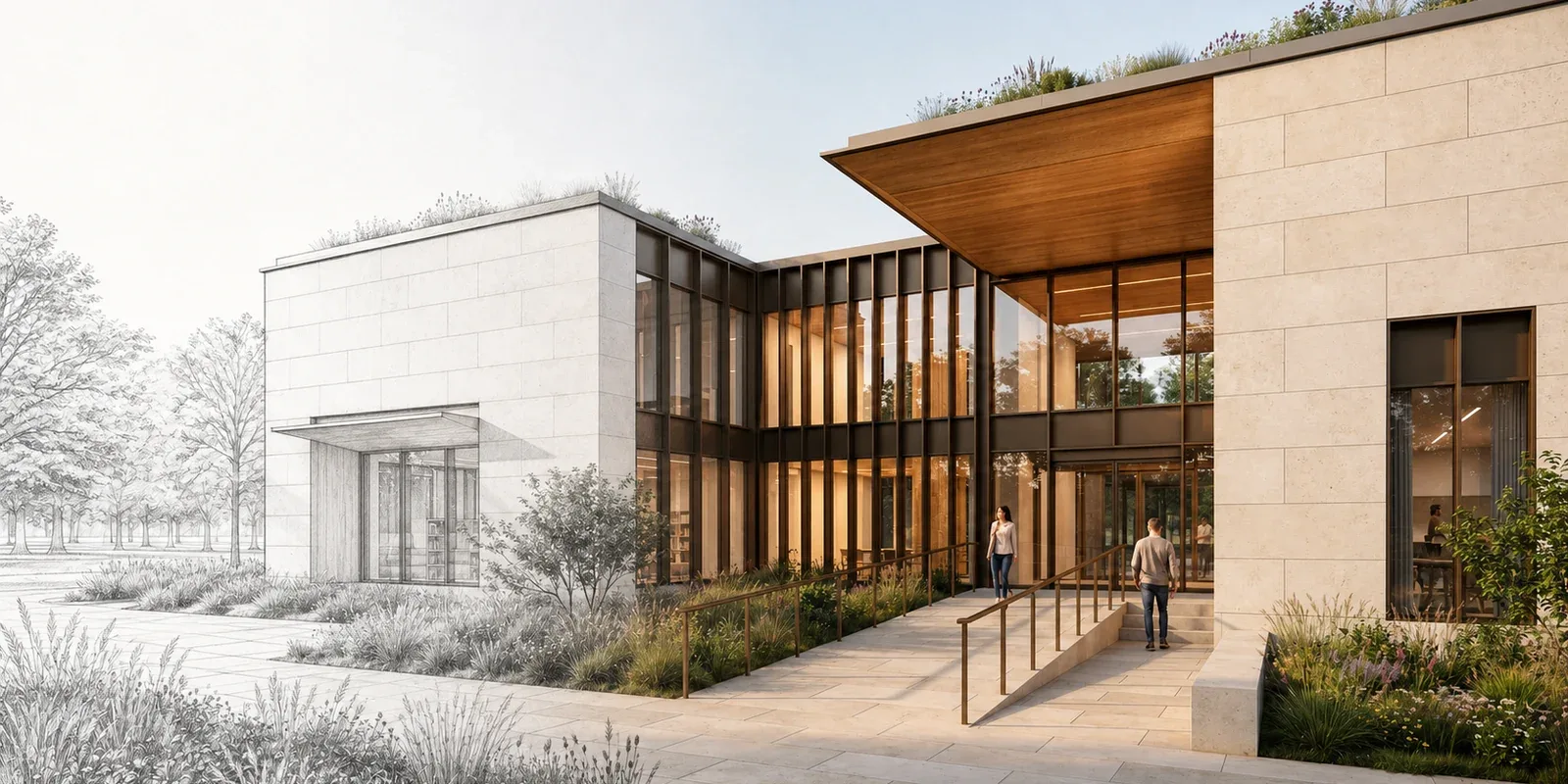
Compare modern AI render tools for architecture, see how three image models handle the same brief, and learn when to finish with Magnific or Topaz.
Read guide
Discover AI upscaling tools for architectural renders that improve detail, resolution, and clarity for stronger presentations and visuals.
Read guide
Enhance architectural renders with AI tools like Enhance Prompt, SeeDreamV4, Topaz, and Magnific on RunDiffusion.
Read guideContinue with related workflows, tools, and creative disciplines across RunDiffusion.
Use RunDiffusion to explore design directions, develop renders, and prepare stronger visuals for team and client review.