
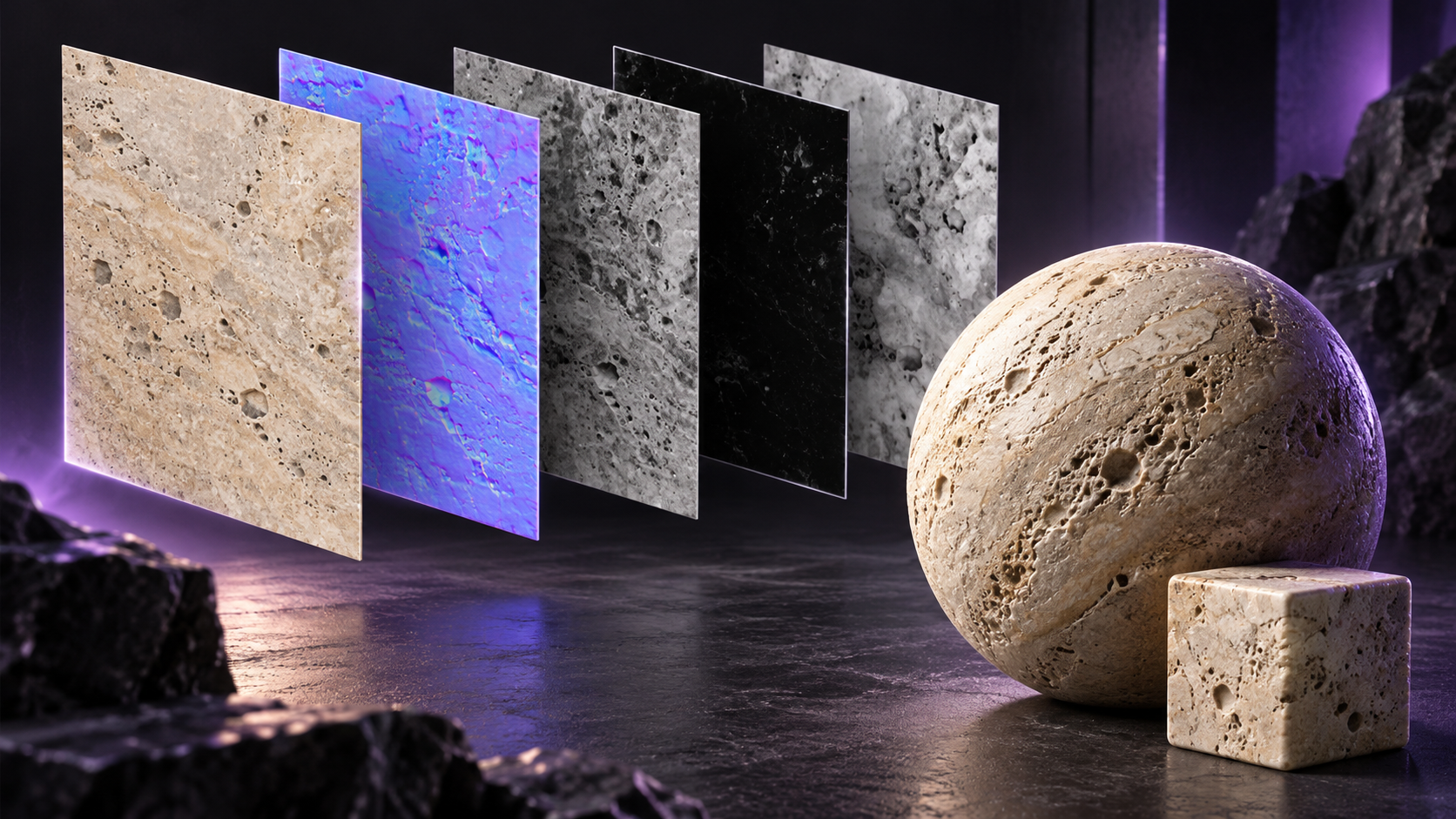
Patina PBR Maps is now available on RunDiffusion. Turn a surface photograph or render into material maps for a physically based rendering workflow, with separate controls for the maps you need.
Choose the material maps to generate
Upload a photograph or render in Surface Image. The PBR Maps controls let you select Base Color, Normal, Roughness, Metalness, and Height. All five are enabled by default, and at least one map must remain selected.
Base color provides the surface color. Normal and height maps describe surface relief, while roughness and metalness describe how the material responds to light. A Seed field is available when you want to repeat the same generation settings.
Start with a readable surface reference
For architectural materials, use an image that makes the finish easy to inspect, such as a close view of stone, timber, plaster, or metal. Keep the source focused on one surface rather than a whole room.
After generation, check the maps together on a test surface in your rendering workflow. Review scale, relief, and reflections before applying the material across a larger scene.
Example: limestone material maps

The metalness map is black because limestone is nonmetallic. The normal and height maps describe surface relief, while roughness describes variation in the surface response to light.
Related changelogs
Flux 3 Image, Klein, Klein Base, and Video Upscale
View all product updates in the RunDiffusion changelog.