ByteDance SeeDance has received a major update, introducing new model tiers, flexible durations, and improved pricing. These additions give creators more control over video quality, speed, and pacing when generating cinematic videos.
What is ByteDance SeeDance
SeeDance transforms text or images into short, cinematic videos using AI. Whether you want to bring a still image to life or visualize a written idea, SeeDance makes the process simple and fast.
Creators can now choose from three distinct models and customize video duration to better match their project needs. Supporting both text to image and image to video.
Model Options
| Model | Resolution Options | Speed | Best for |
|---|---|---|---|
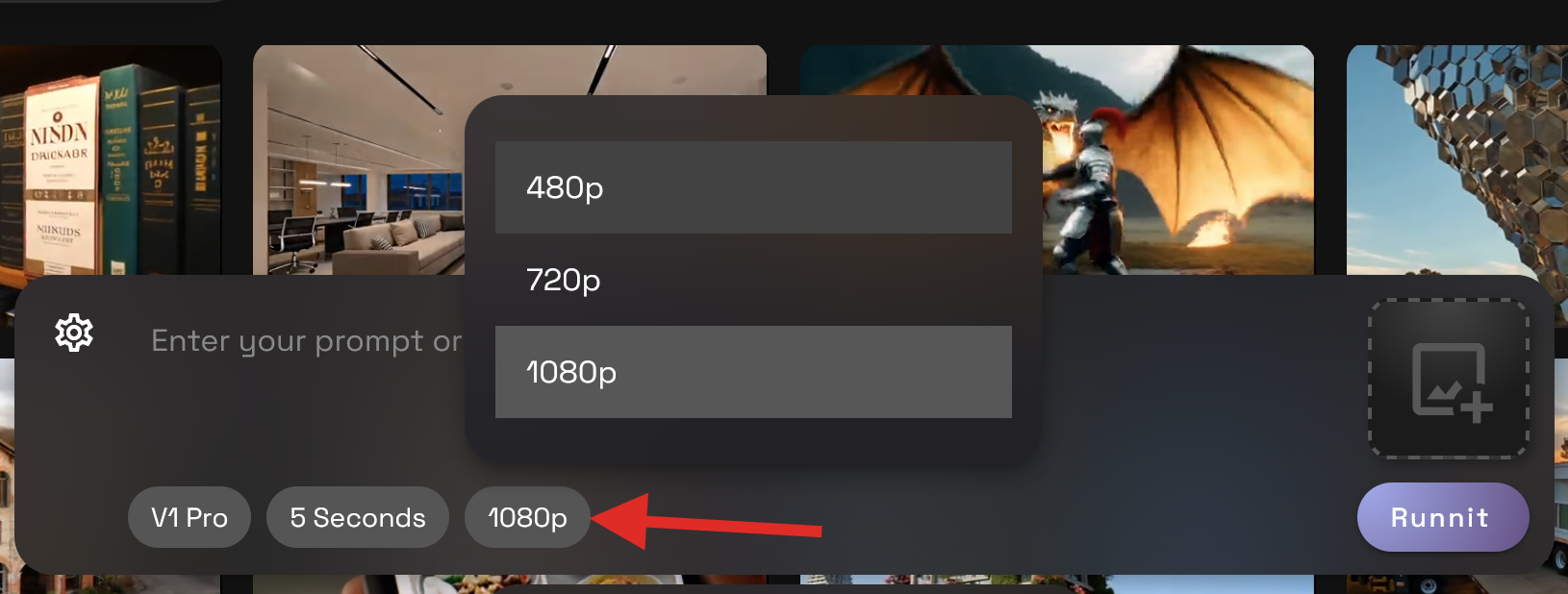
| V1 Lite | 480p / 720p | Fastest | Rapid prototypes and quick drafts |
| V1 Pro Fast | 480p / 720p / 1080p | Balanced | High-quality results with shorter render times |
| V1 Pro | 480p / 720p / 1080p | Highest detail | Polished cinematic and professional outputs |
How to Access ByteDance SeeDance on RunDiffusion
Login to your RunDiffusion account.
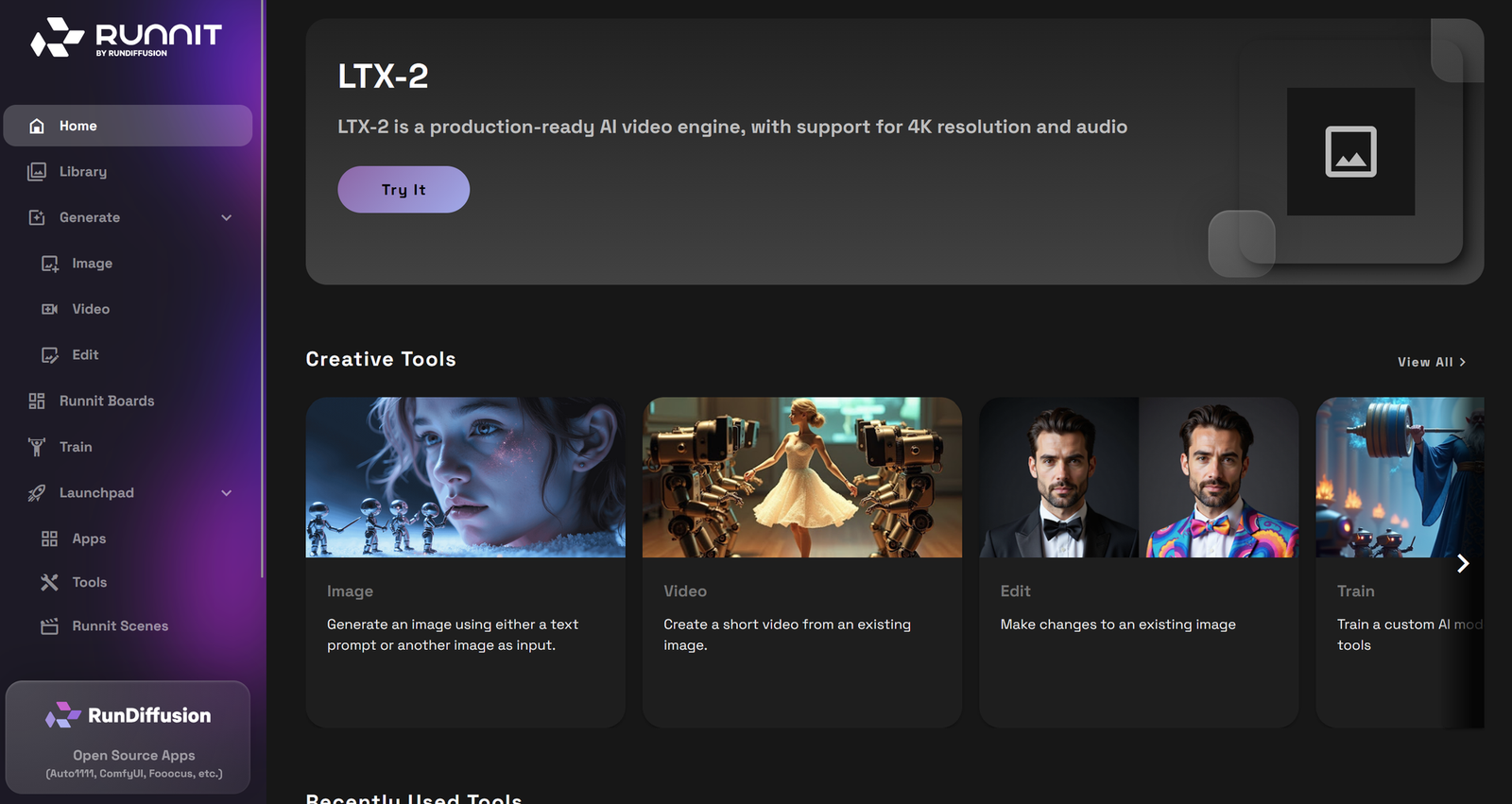
Go to the RunDiffusion Platform (Formerly Runnit Platform)
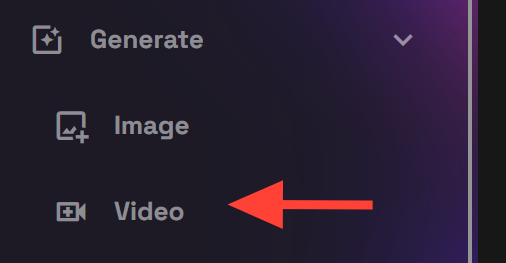
Click on Generate on the left side bar.
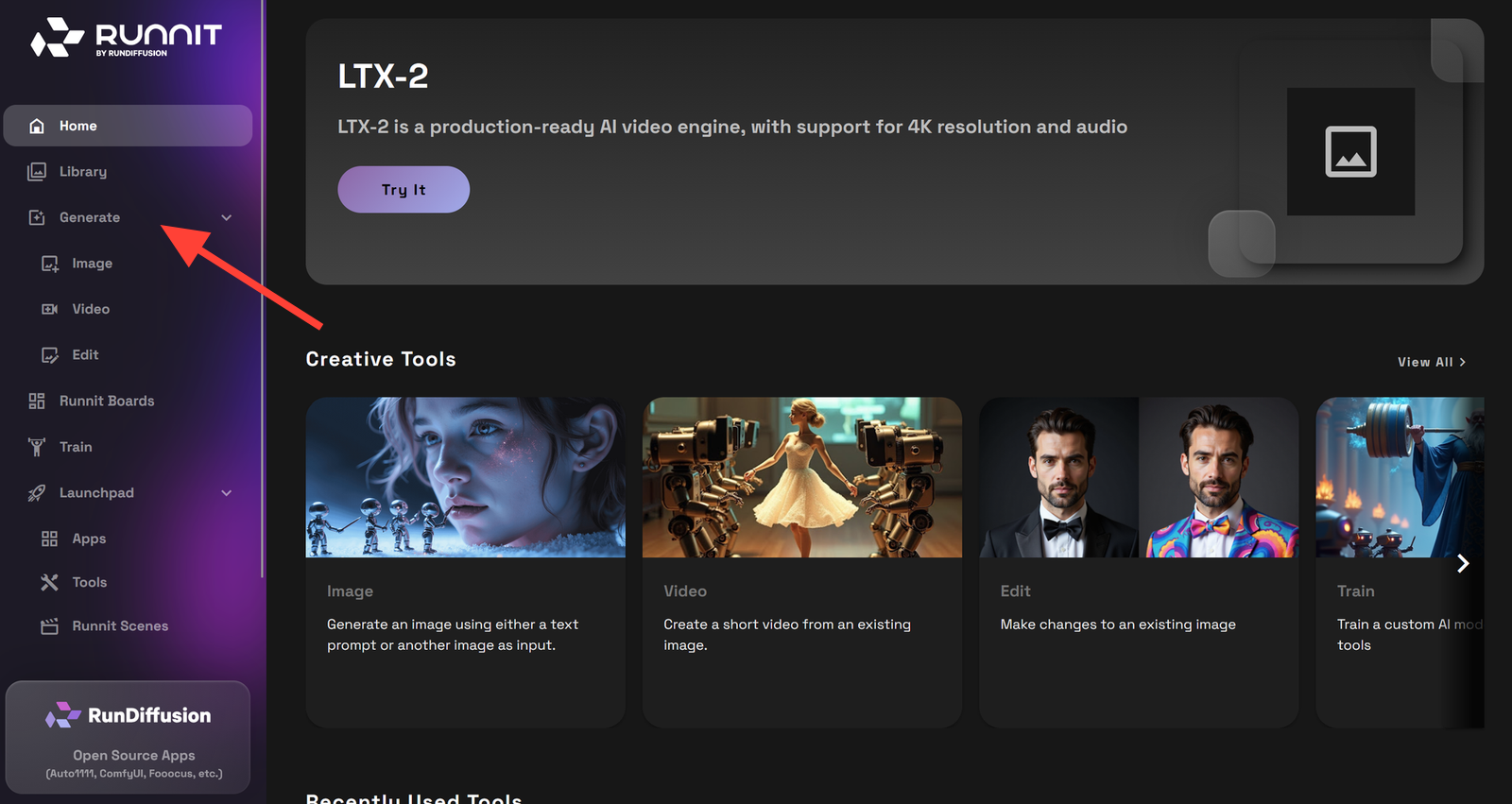
Click on Video.
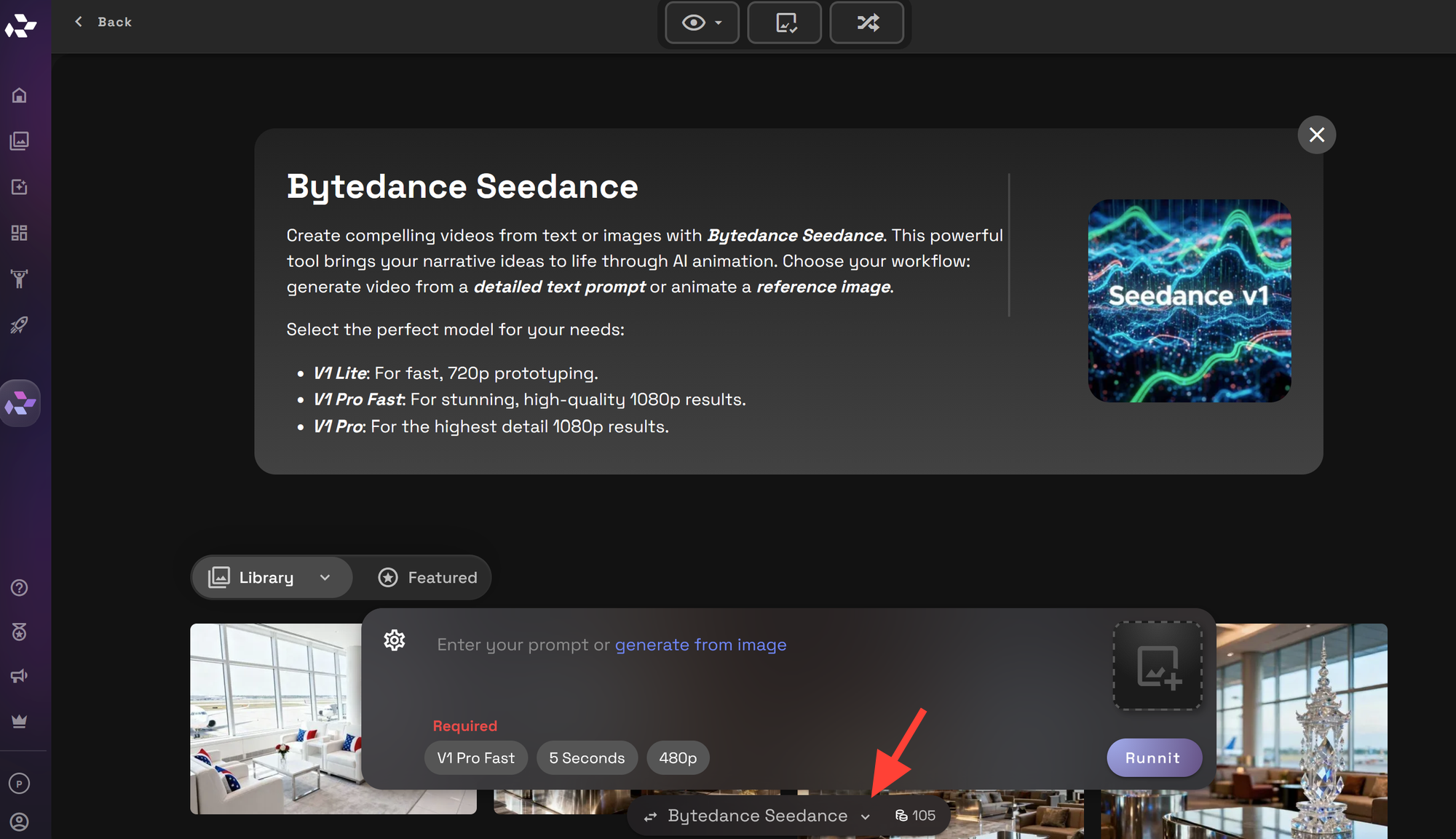
At the bottom click on the drop down menu this will give you the option to select different video models.
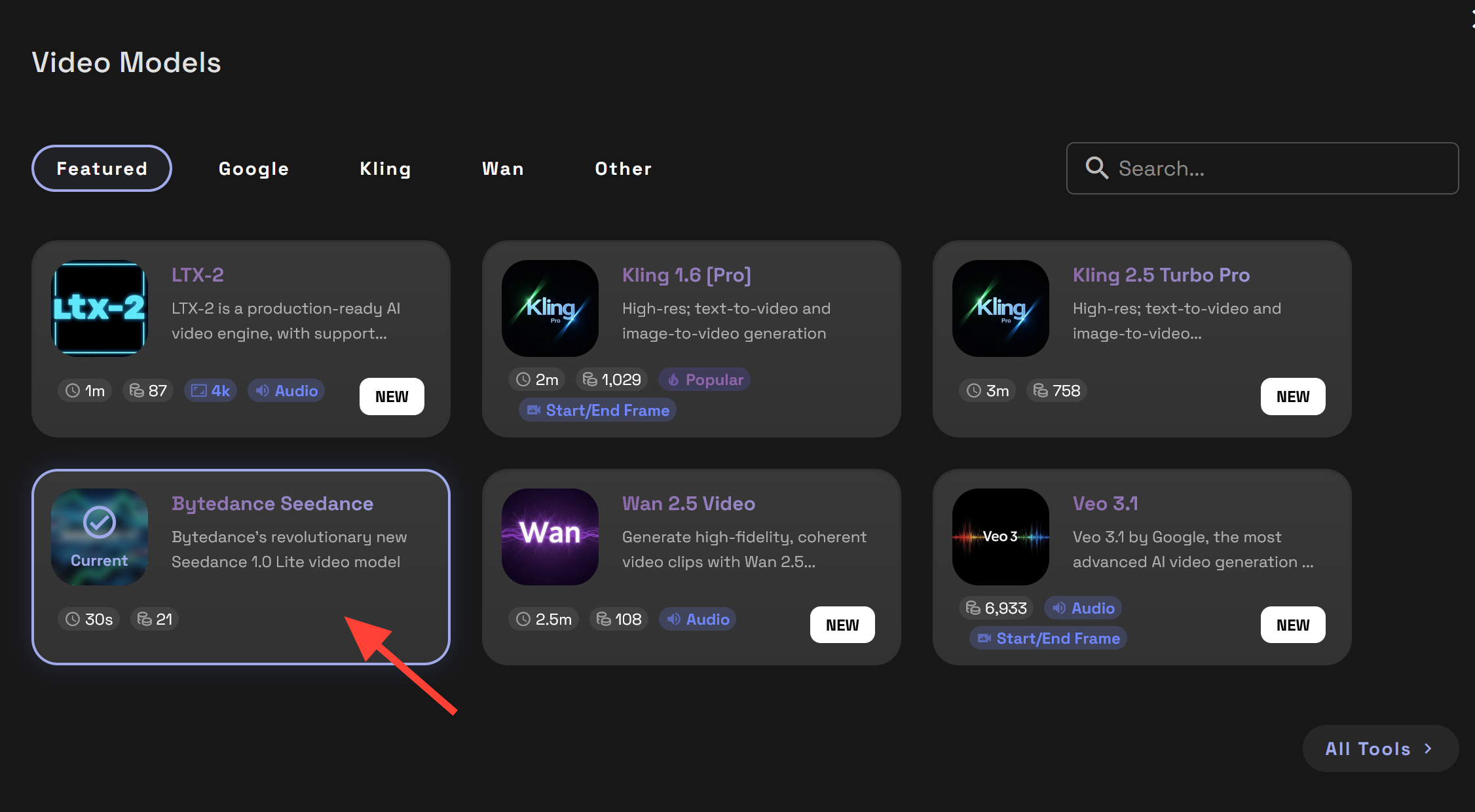
Click on Bytedance Seedance model.
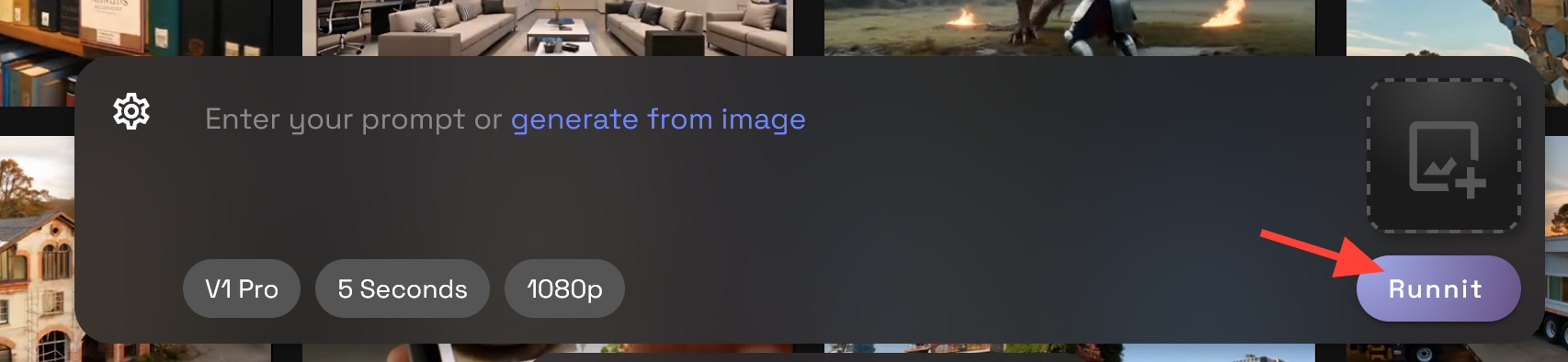
Write a Prompt.
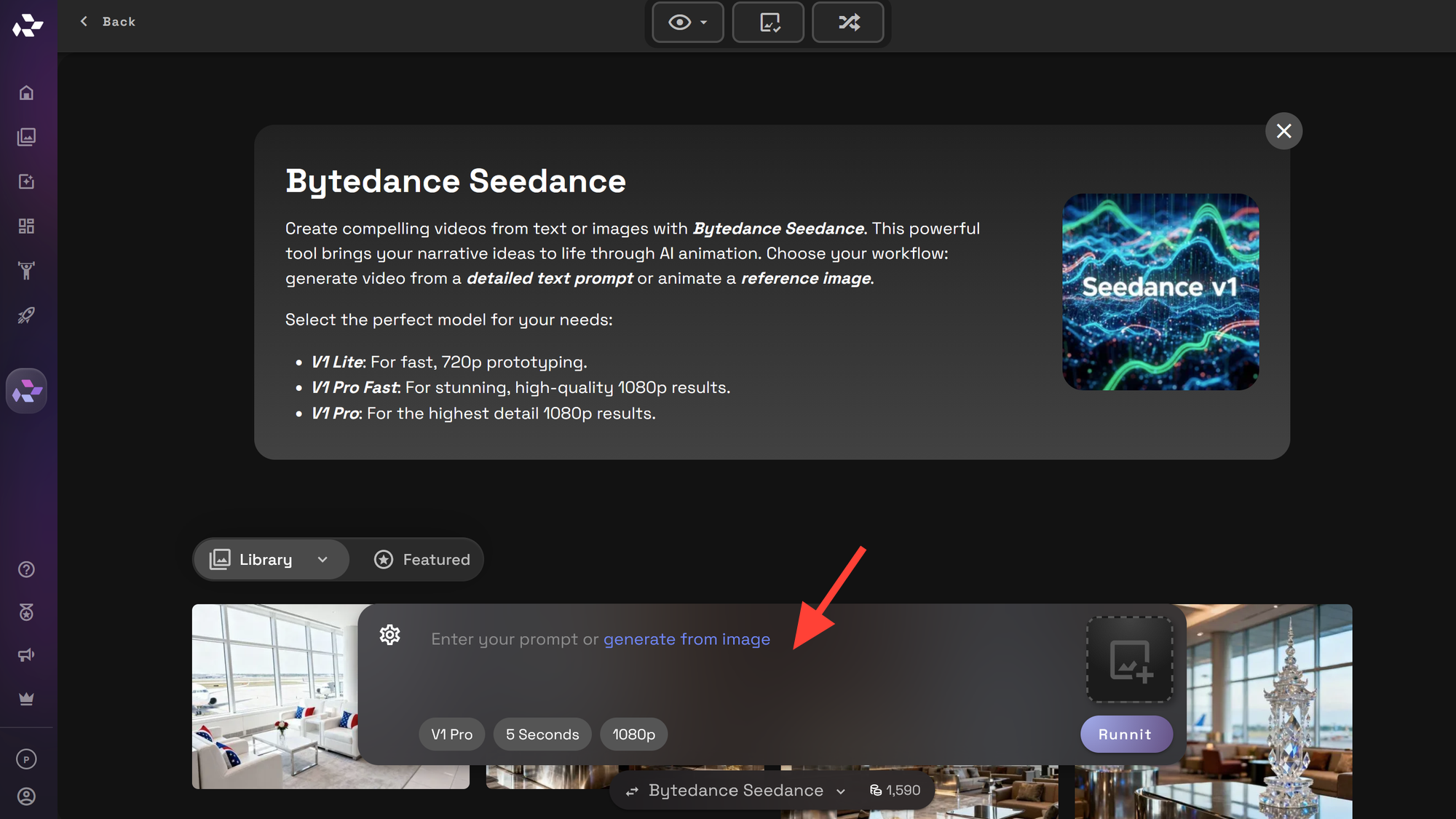
Select V1 Pro Fast, V1 Lite, or V1 Pro.
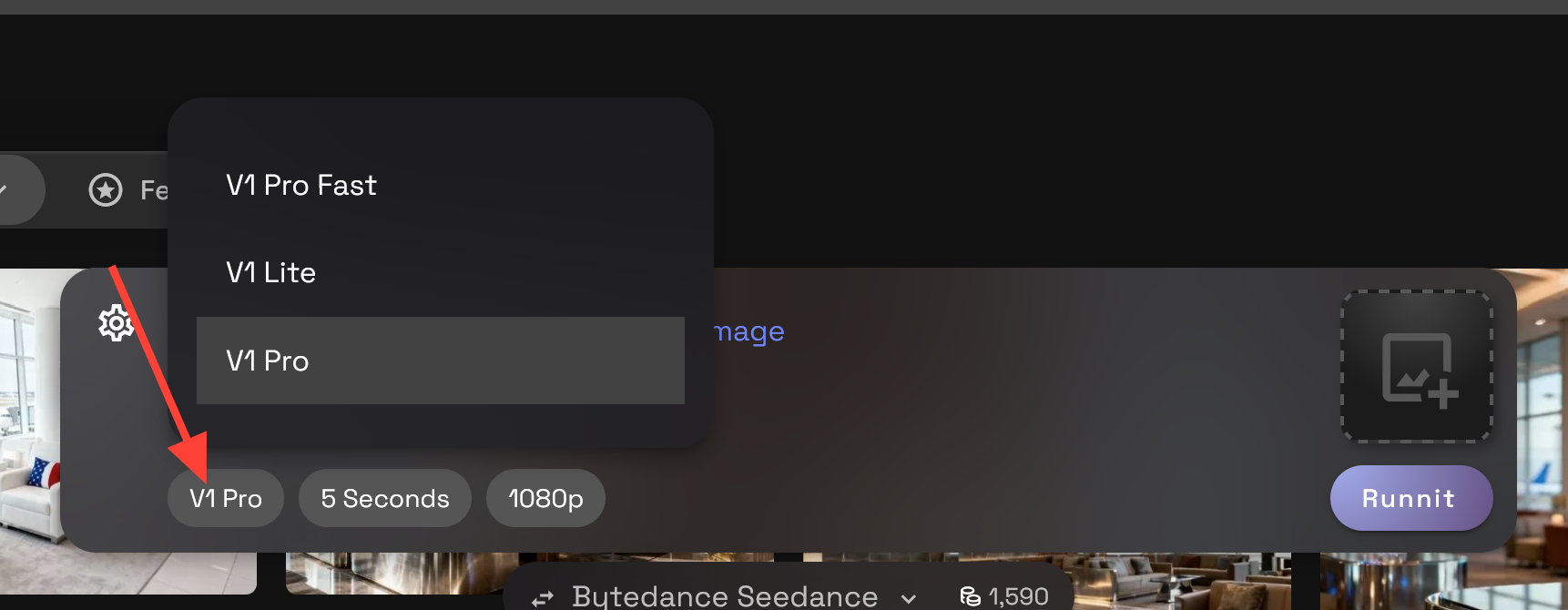
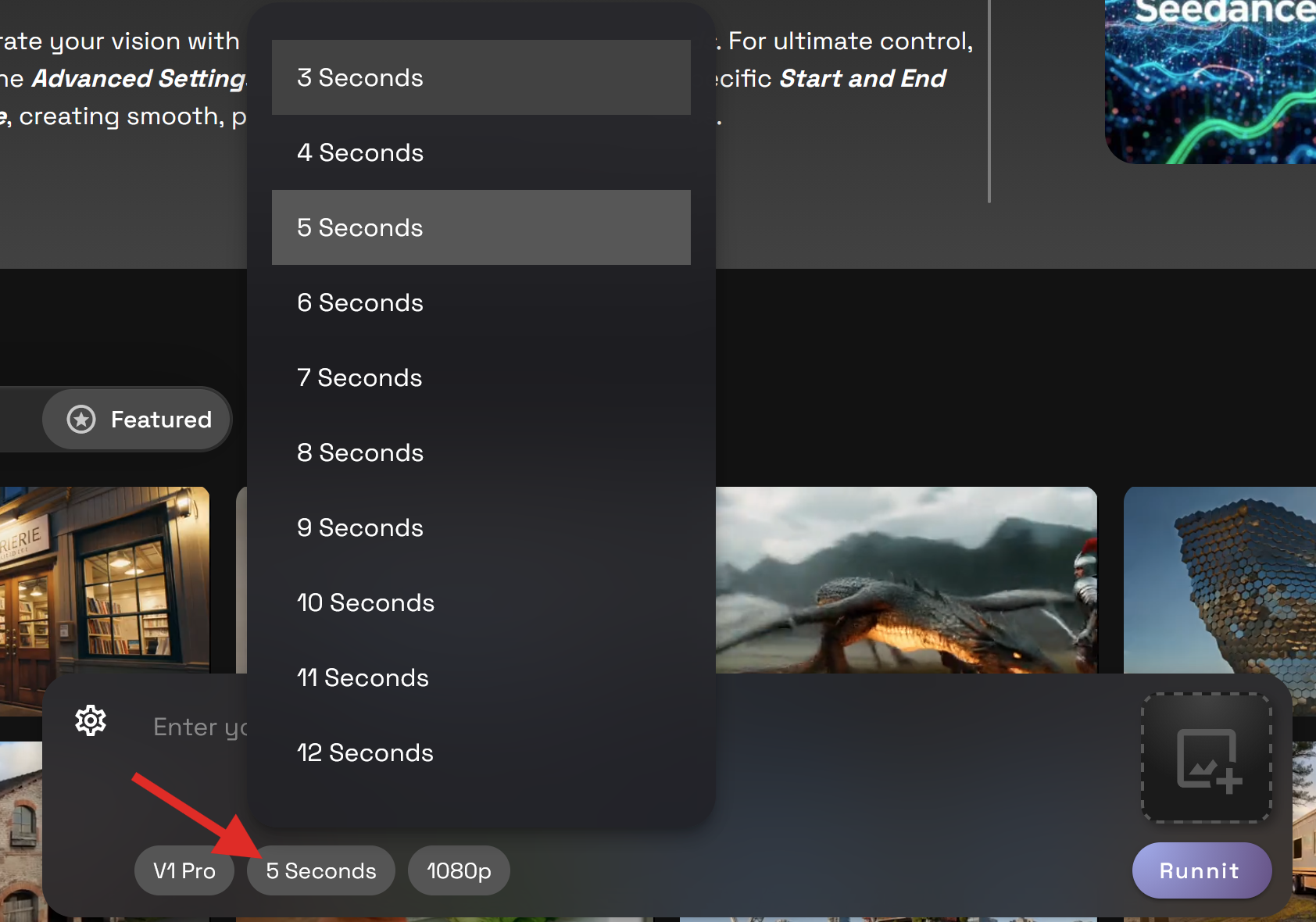
Change the Duration
Choose your preferred resolution.
Optionally Upload an image or select an image from your library to use as a Start Frame.
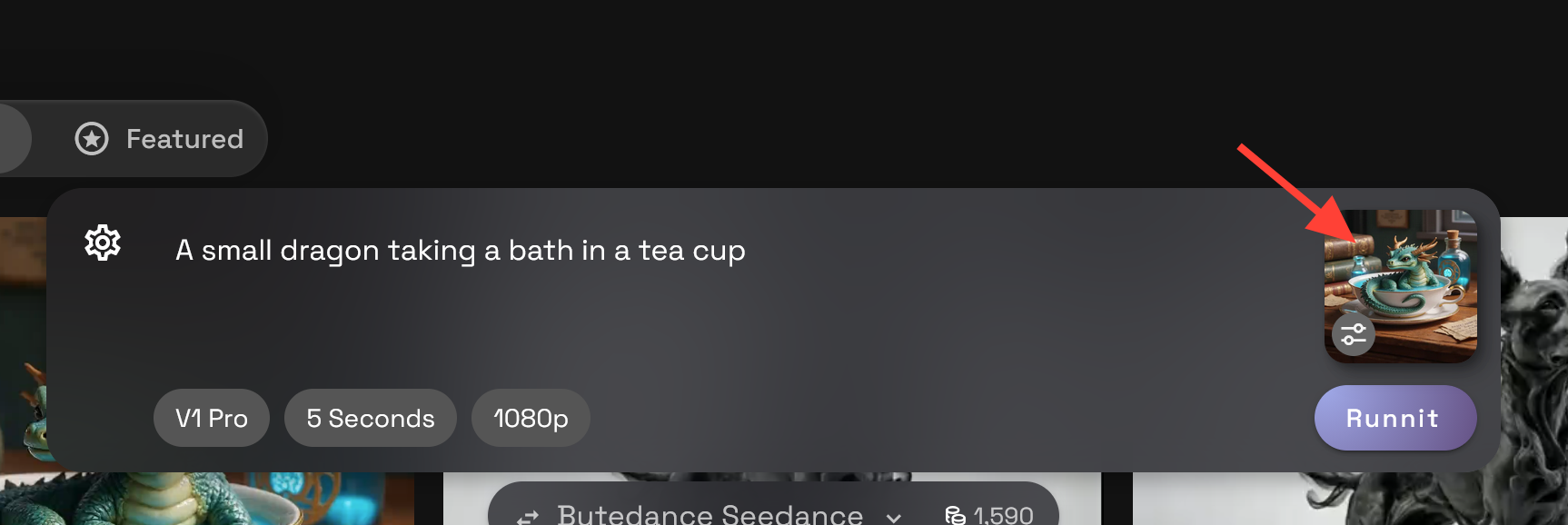
Optionally Click on the settings option if you would like to add an End Frame.
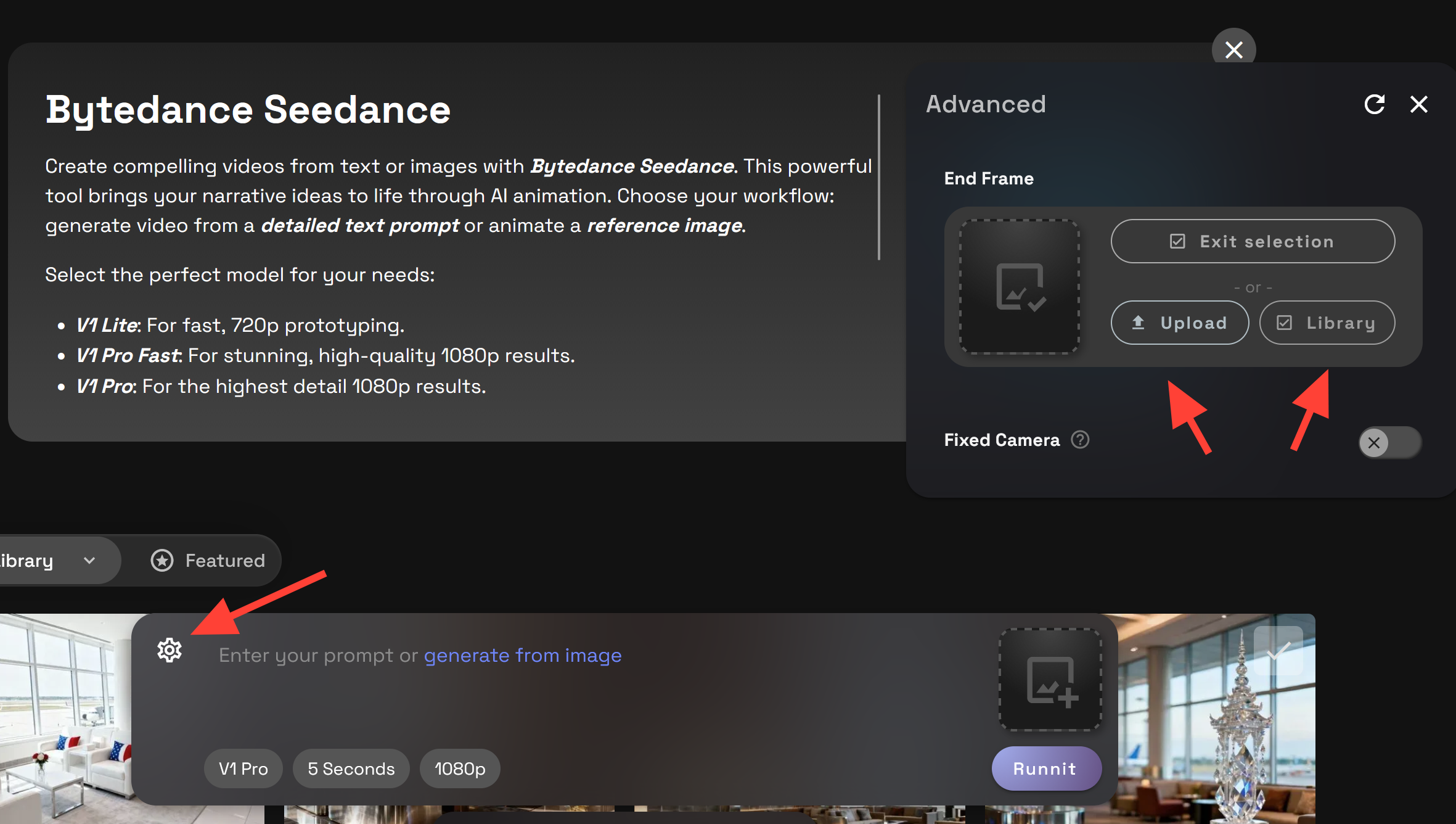
Click Generate to generate your video.
Tips and Best Practices
- Text to Video resolutions are limited to the sizes provided. Image to Video allows landscape and portrait style resolutions as well.
- Text-to-video: Subject + movement + scene + camera + style.
- For image-to-video: Focus on moving parts, subject movement, background change, camera
Example Videos with prompts.
Bytedance Seedance is available now on RunDiffusion.
Bria Video Background Remove now on RunDiffusion | RunDiffusion
Bria Background Remove on RunDiffusion removes video backgrounds without a green screen. Upload your video, select a solid background color like green for chroma key, and export in MP4 format. Fast, cloud-based, and beginner-friendly.
RunDiffusion Team
Style Transfer Tools for Architecture | RunDiffusion
Style transfer is a powerful way to present architectural concepts without relying on photorealism. By changing the visual style of a design into watercolor, ink, pencil, painting, or mixed treatments, architects can emphasize mood, storytelling, and creative direction while keeping geometry intact.
RunDiffusion Team