
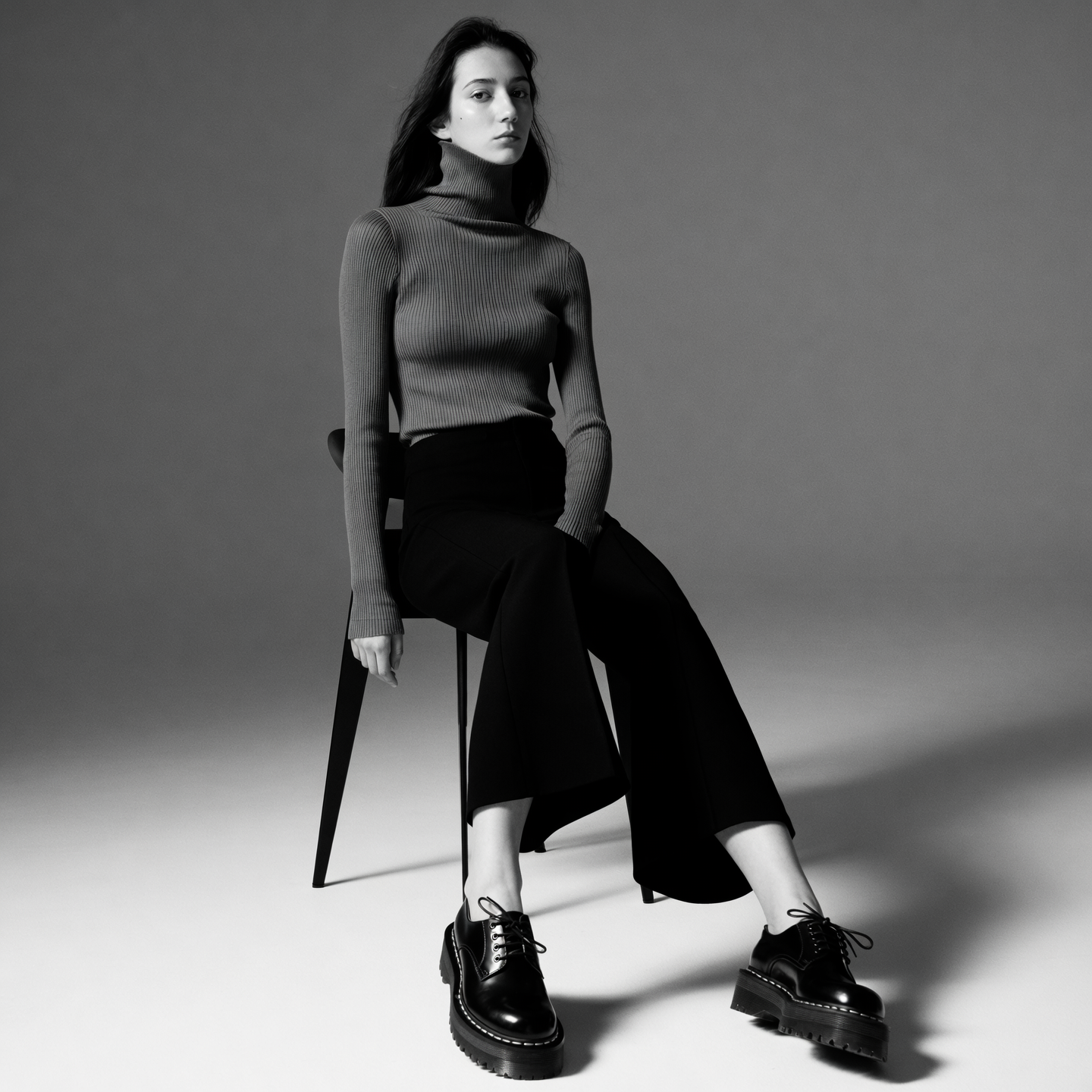
PROMPT
"Monochrome outfit with rib-knit turtleneck, cropped wide-leg trousers, and lug-soled derby shoes styled with soft lighting."
Learn how the Wan 2.5 video model doubles as a cinematic image generator and how to prompt it for rich, story-driven stills.
Start prompting above, or click on an image below to start generating with Wan 2.5 Image
"Monochrome outfit with rib-knit turtleneck, cropped wide-leg trousers, and lug-soled derby shoes styled with soft lighting."
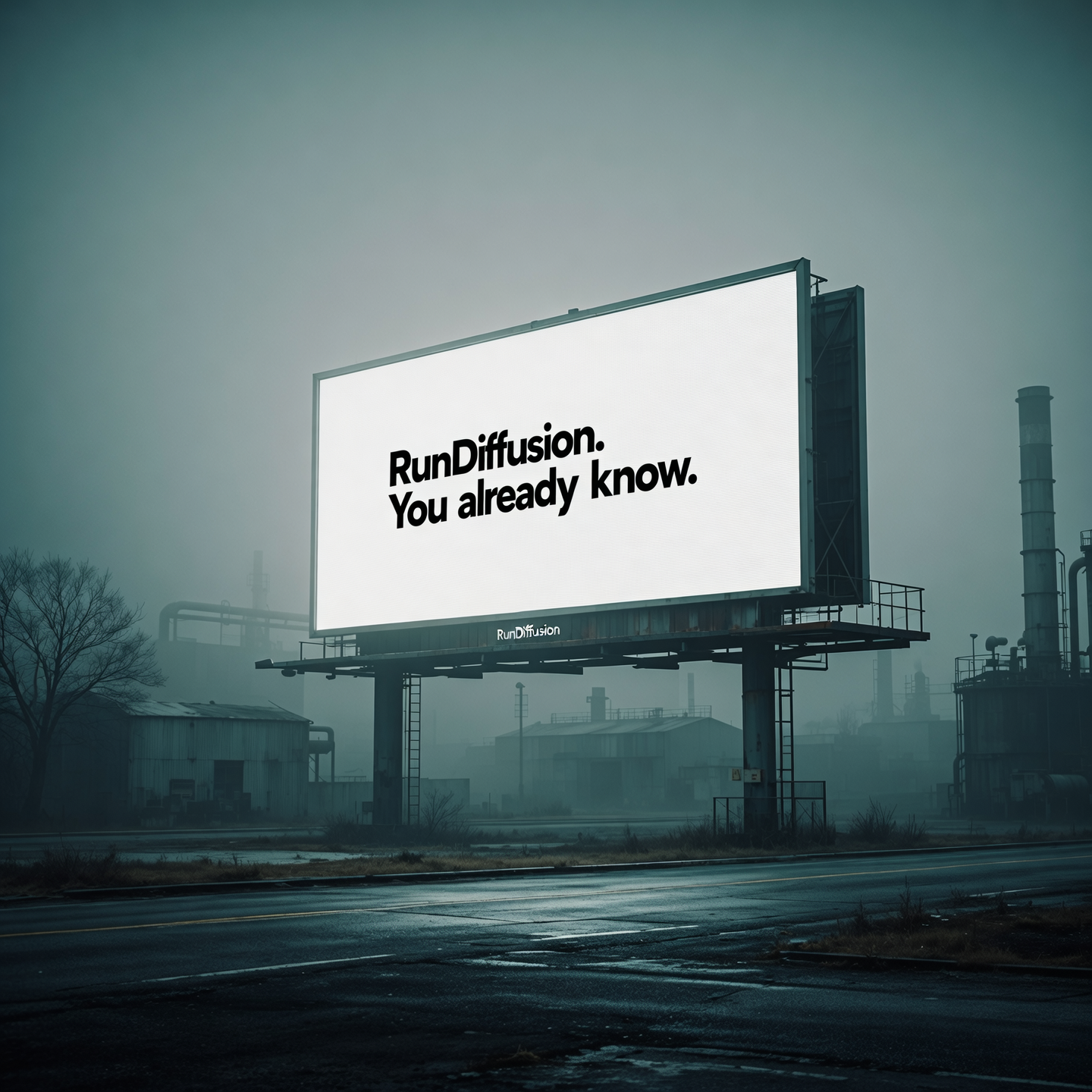
"A stark billboard in a foggy industrial area reads only: “RunDiffusion. You already know.” Captured with atmospheric haze and moody color grade reminiscent of dystopian outdoor campaigns."
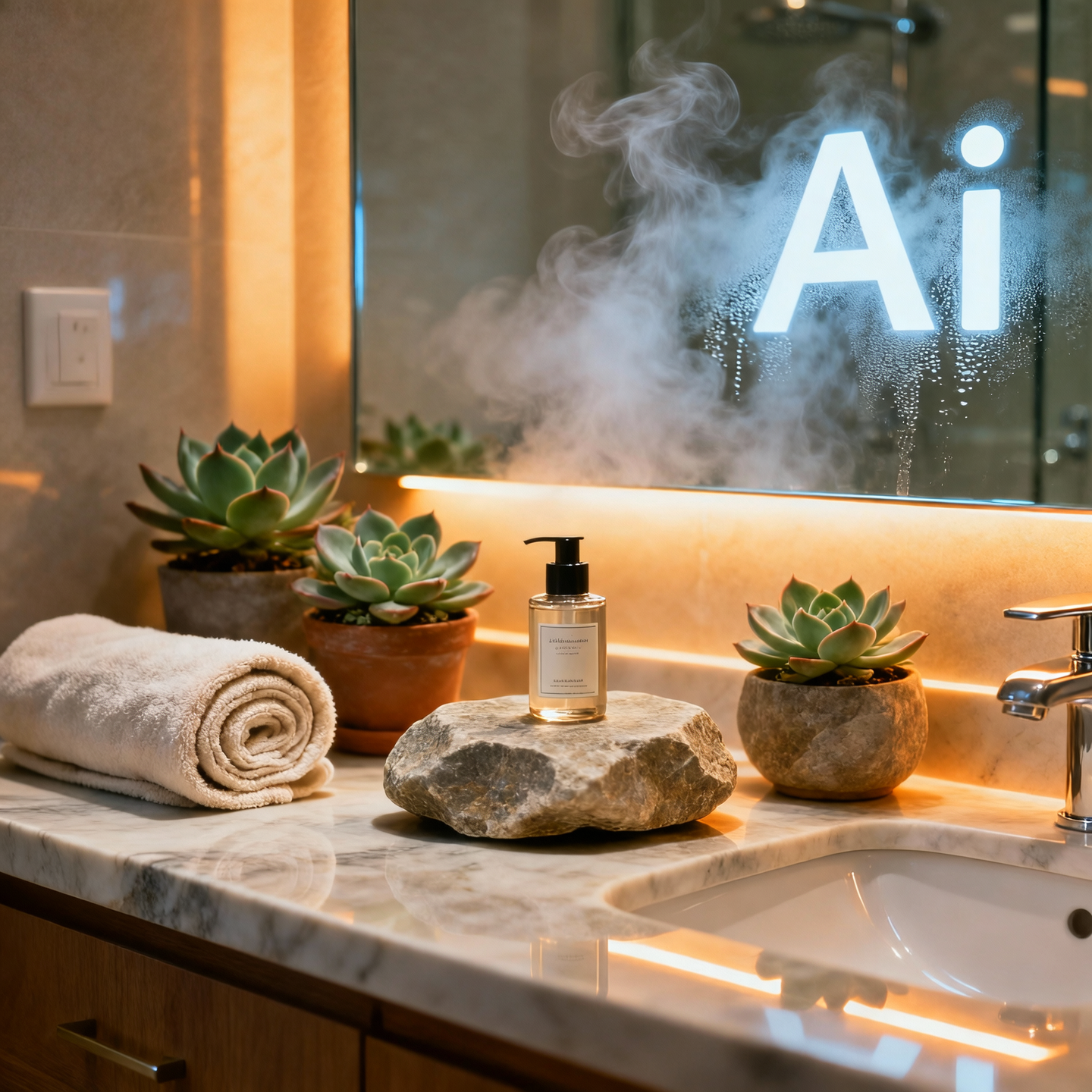
"A product sits on a bathroom vanity surrounded by natural stone, potted succulents, and rolled towels. Steam fogs the mirror in the background where “Ai” is faintly visible. Shot with warm under-cabinet light and top fill."
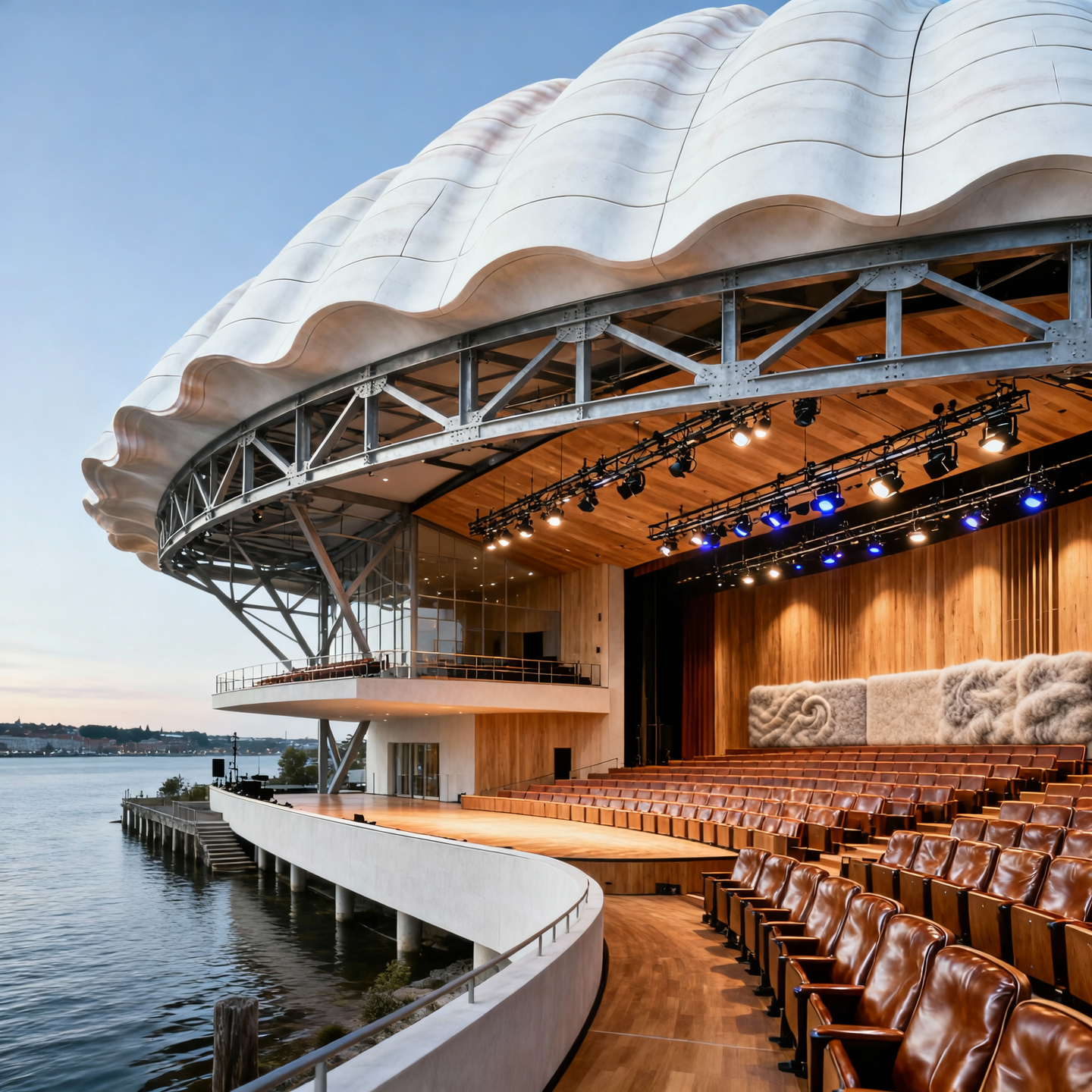
"A waterfront opera house featuring a shell-inspired roof structure clad in white precast panels. The building employs a structural steel exoskeleton with truss-supported cantilevers. Interiors feature sound-reflective timber panels, wool acoustic wall treatments, and stepped raked seating in Italian leather. Auditorium lighting uses programmable DMX-controlled fixtures hidden in catwalks."
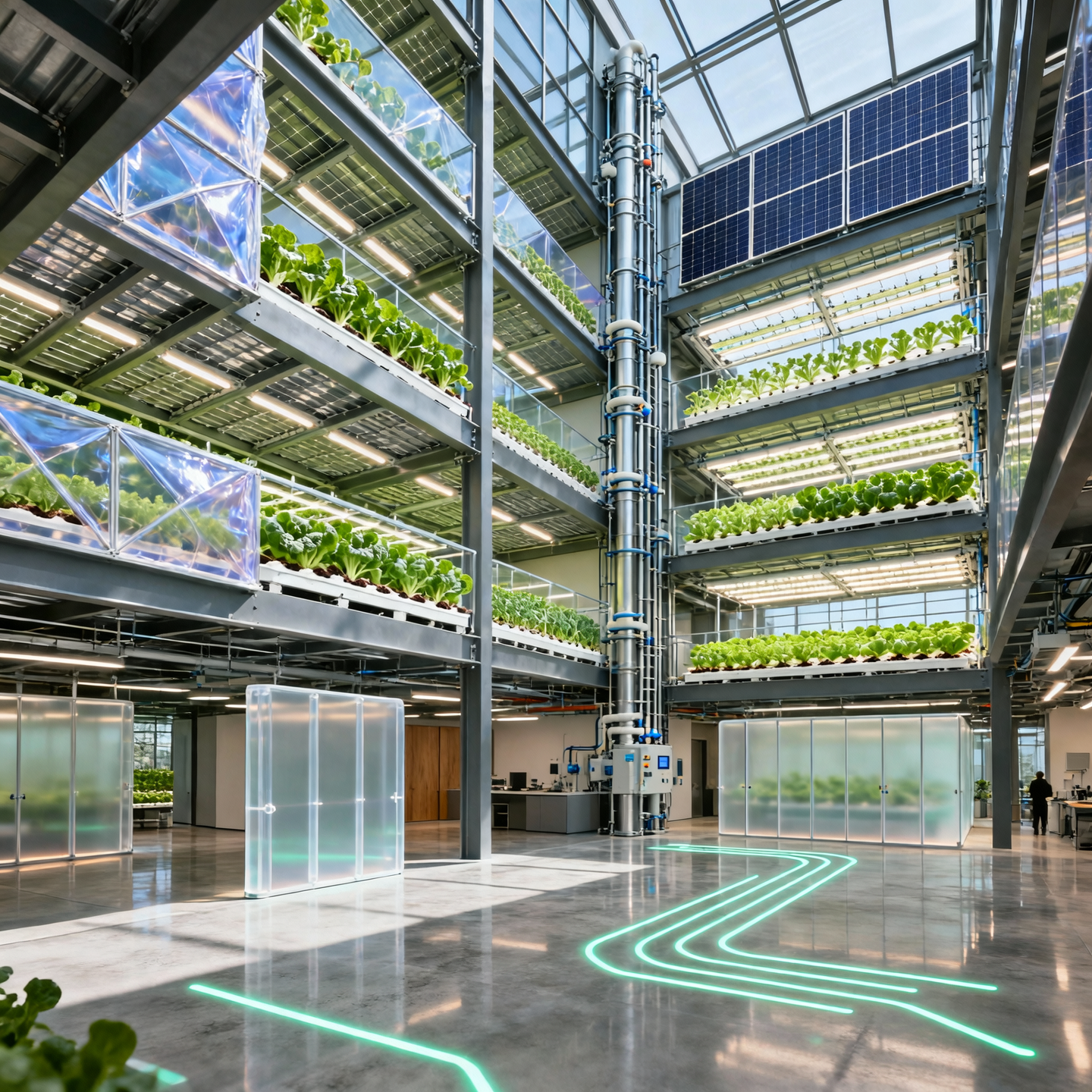
"A mixed-use vertical farming tower with hydroponic grow floors, photovoltaic glazing, and ETFE membrane façades. Structural system uses composite steel decking and modular MEP risers. Public access floors feature polished concrete with embedded LED floor guides, and interior partitions use translucent polycarbonate panels for natural light diffusion."
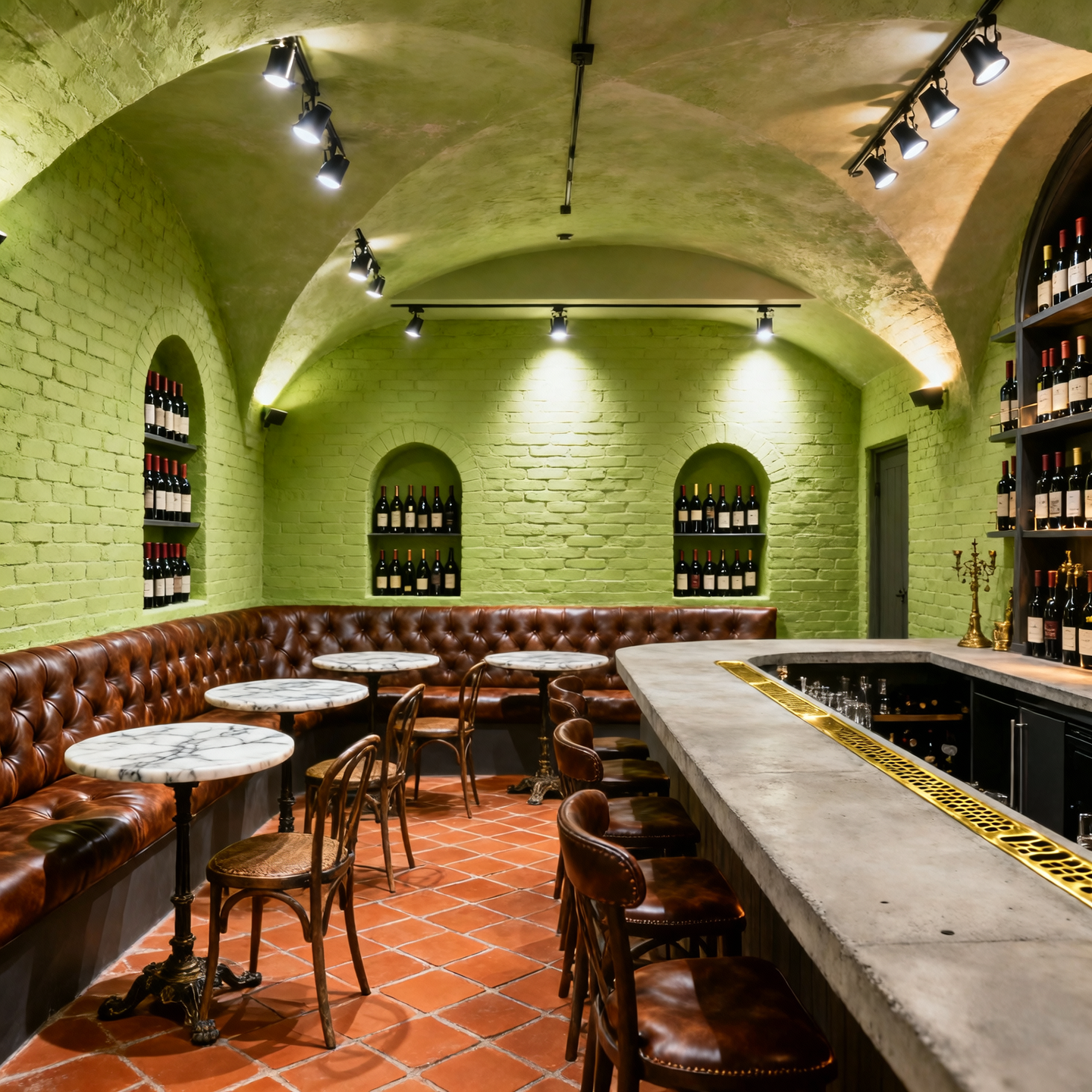
"A vaulted basement wine bar with limewashed brick walls, antique terracotta tile flooring, and arched niches for bottle display. Lighting uses adjustable pin spots and indirect uplighting. Seating is a mix of marble-topped bistro tables and custom banquettes in tufted leather. The bar counter features a poured concrete top with integral brass drain."
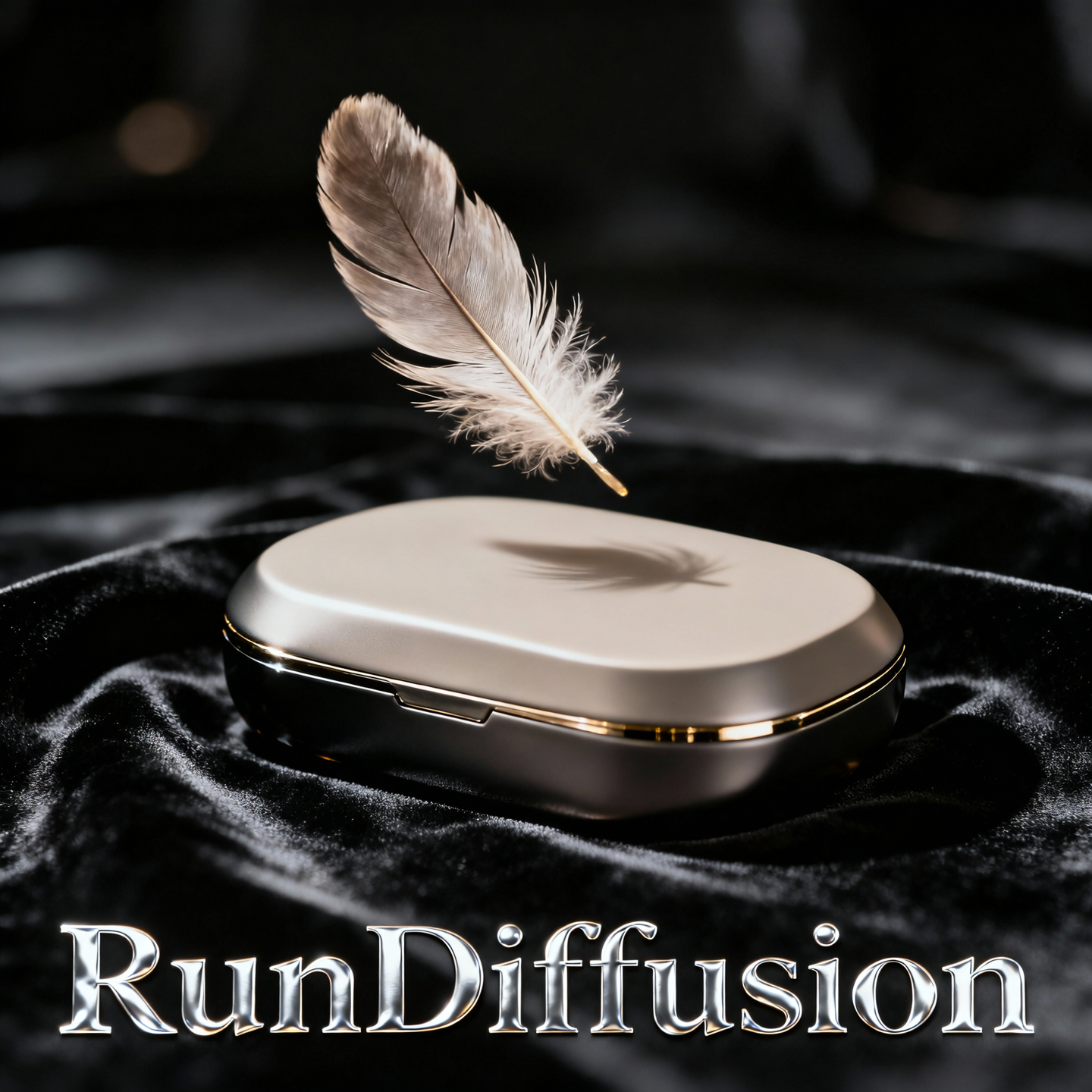
"A single feather floats downward in slow motion, landing atop a sleek neutral object on black velvet. "RunDiffusion" appears as embossed foil below. Shot at 120fps with soft bounce lighting, channeling high-luxury fragrance aesthetics."
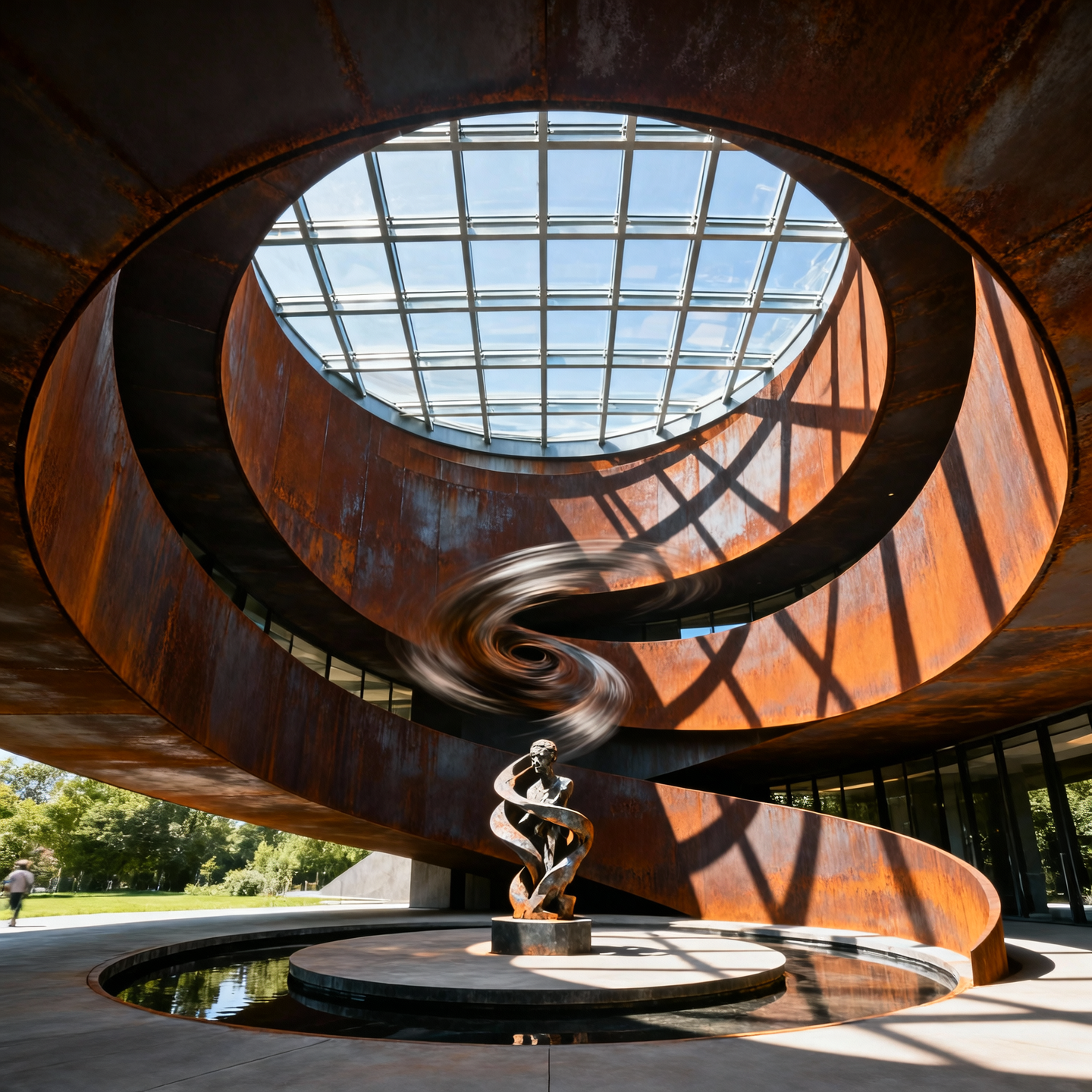
"A vortex-like pavilion spiraling inward with curved corten steel walls and open-air skylight. Interior rotates around a central sculpture. The structure twists in on itself, blending shadows with motion. Captured midday with shadows bending around the spiral form."
Wan 2.5 was built to think in motion. It’s a video model, trained to imagine what happens from one frame to the next. But here’s the twist: when you ask it for a single frame instead of thirty, it can still shine as a powerful image generator. After all, a video is just a stack of images with a good sense of drama.
That makes Wan 2.5 Image a fascinating new toy in the creative toolbox: it brings a filmmaker’s brain to still-image work. The result can feel less like a random snapshot and more like a frame ripped straight out of a movie you suddenly want to watch.
If you like to scan before you dive deep, here’s what Wan 2.5 Image really brings to the table when you only ask for a single frame:
Traditional image models learn to render one moment in time. Wan 2.5, as a video model, is optimized to handle sequences: how light shifts, how characters move, how scenes evolve. When you freeze that capability into one frame, you often get images that feel:
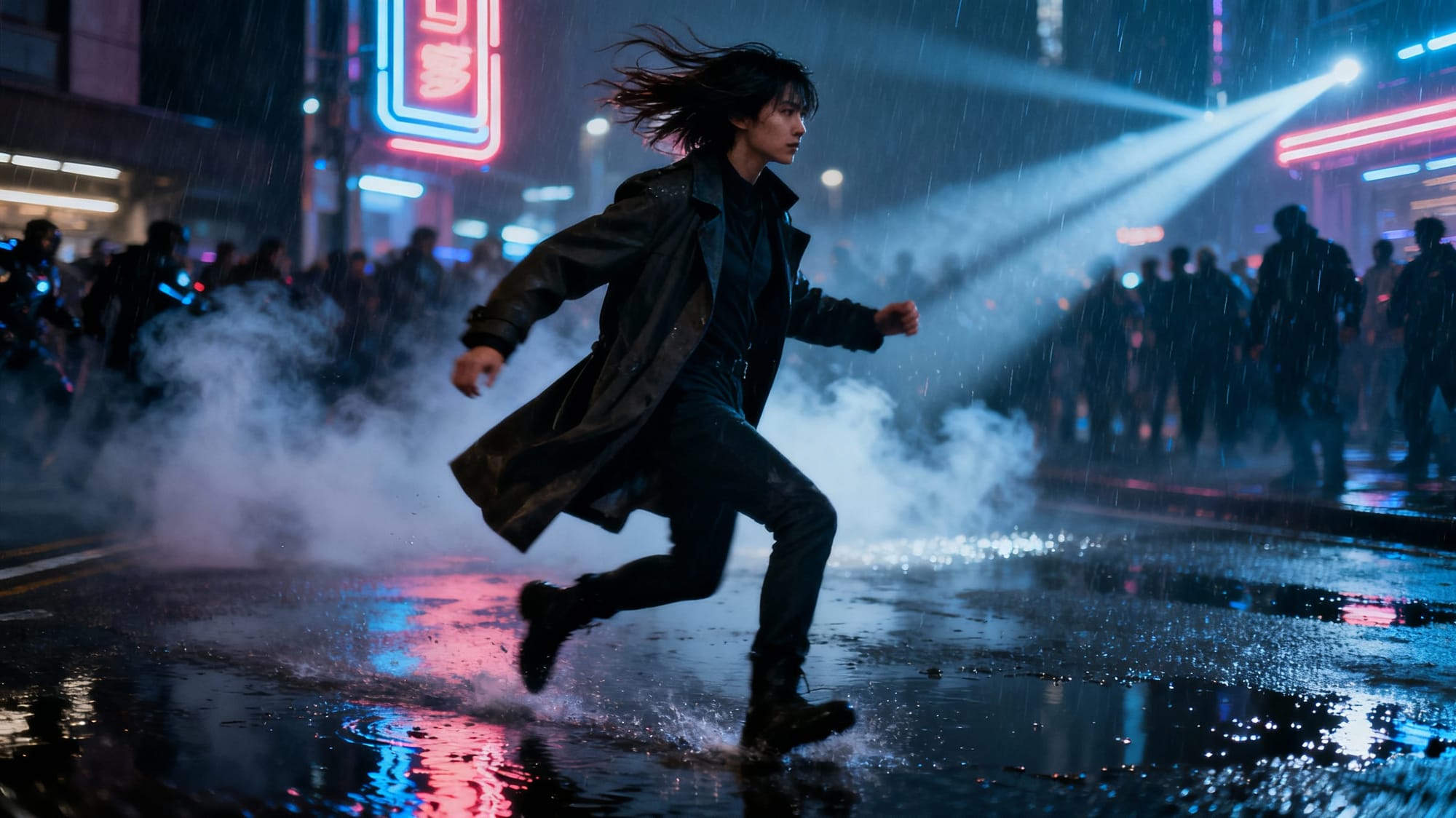
Prompt: Scene: A visually rich cinematic film still of a character mid-motion on a rain-soaked city street at night, captured at the exact turning point of an unseen story.
Details: wind-blown hair and coat, glistening puddles, drifting smoke and light rays from neon signs, blurred background crowds to imply past and future action.
Style: cohesive with the article’s tone — futuristic, director-focused, story-driven cinematography.
Aesthetic: clean composition with clear foreground, midground, and background, dramatic lighting, premium realistic photography look, visually engaging.
Quality: high resolution, sharp detail, subtle motion cues frozen in a single frame.
Instead of thinking “draw me a picture,” Wan 2.5 is more like “give me a film still that captures the moment.” That subtle difference in training focus can change how your images feel, even when you only ever ask for one frame.
When you generate with a video-native model, you’re borrowing its sense of timing and continuity, even if you never see the rest of the sequence. That can show up in a few ways:
Is every output perfect? Of course not. But when Wan 2.5 nails a frame, it often looks like concept art, key art, or a storyboard panel instead of a generic AI render. That’s the sweet spot: images that feel like they belong in a sequence you can’t see yet.
Because of its cinematic bias, Wan 2.5 Image is especially fun for projects where story and motion matter, even if you never render a full video.
Anytime you catch yourself saying “I want this to feel like a shot from a movie,” Wan 2.5 is a strong candidate.
Wan 2.5 isn’t always the only answer—but it shines when story, motion, and drama matter. Use this as a quick gut-check when you’re picking a model.
| Use Wan 2.5 Image when… | Use a traditional image model when… |
|---|---|
| You want a frame that feels like part of a larger story or sequence. | You need a clean, isolated object shot or simple product render. |
| You’re exploring key art, posters, or storyboard-style frames. | You’re making flat graphics, icons, logos, or UI elements. |
| You care about motion-aware details—hair, fabric, dust, or weather in mid-action. | You mainly need neutral, catalogue-style imagery with minimal drama. |
| You’re experimenting with cinematic genres and lighting setups. | You just need a fast, literal rendering of a simple concept. |
Think of Wan 2.5 as your “cinema mode” model—reach for it when you want emotion, tension, and a sense of before-and-after in a single frame.
To get the most out of a video-native model, prompt it like a director, not just an illustrator. Think in shots, not objects.
Tip: When a prompt gives you something close but not quite right, tweak it like you would a shot list—change the angle, time of day, or emotional beat, then regenerate.
Use these plug-and-play templates as a starting point, then swap in your own characters, locations, and genres.
Pro move: Keep a small library of your favorite “cinema-style” prompts in a RunDiffusion workspace notes doc so you can remix them for new projects instead of starting from scratch each time.
Used well, Wan 2.5 Image isn’t just “another model that makes pictures.” It’s a way to think more cinematically about stills, even if you never ship a single second of video.
For visual artists, that means faster exploration of looks, lighting, and compositions. For filmmakers, game devs, and storytellers, it means you can prototype scenes and sequences as if you had an infinitely patient concept art team living in your browser.
And because platforms like RunDiffusion focus on giving you access to cutting-edge models
If you’re ready to try Wan 2.5 Image in practice, here’s a lightweight workflow you can run inside RunDiffusion in just a few minutes:
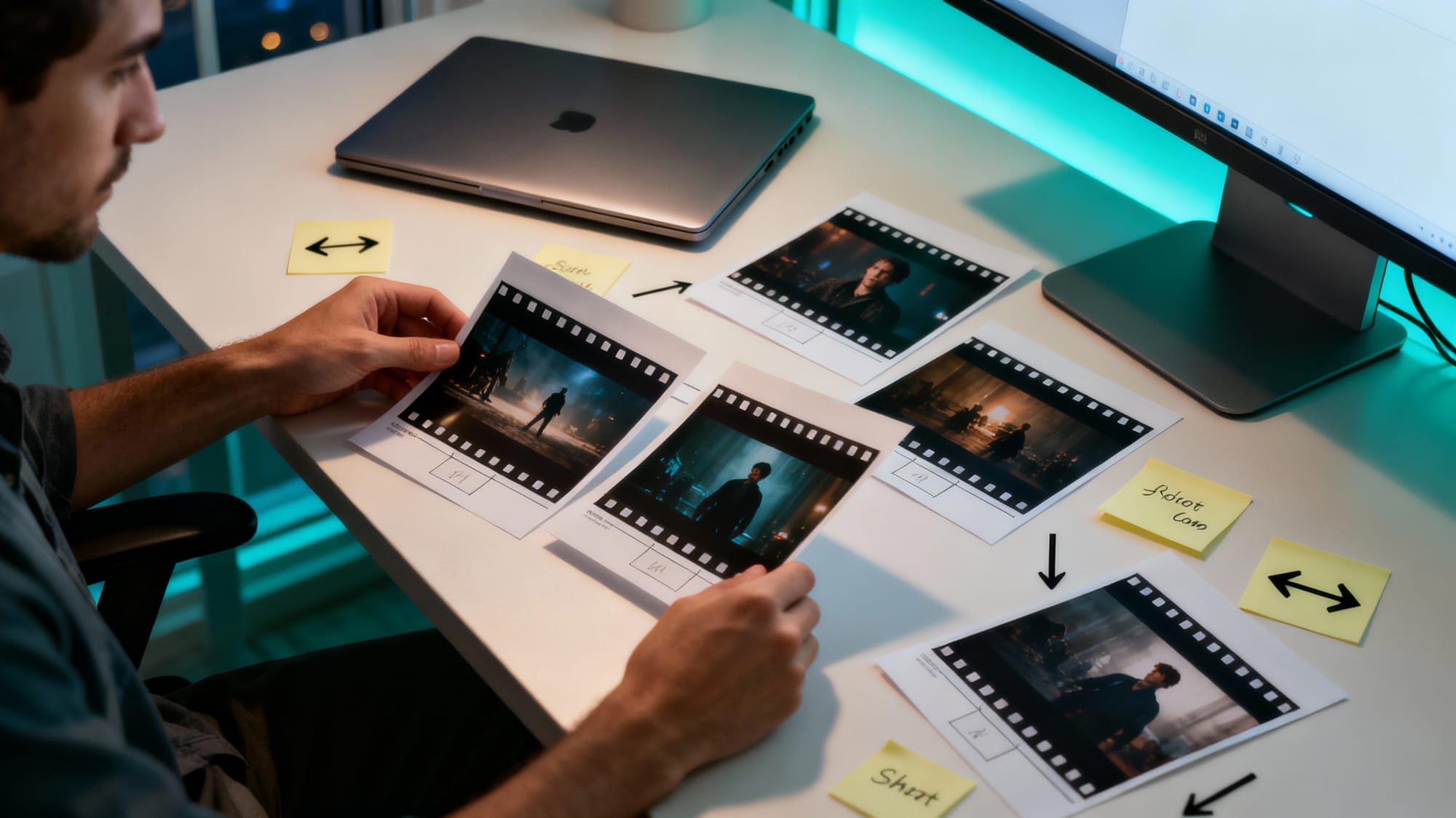
Prompt: Scene: A creator at a modern desk reviewing a spread of printed cinematic film stills and storyboards for a new project, lit by the glow of a large monitor off to the side.
Details: sleek laptop closed, scattered photo prints showing dramatic movie-style frames, sticky notes with arrows and shot labels, neutral workspace with subtle teal accents, soft evening window light.
Style: cohesive with the article’s tone — bright, modern, professional creative workflow.
Aesthetic: clean overhead or three-quarter view composition, realistic textures, minimal visible UI on the monitor, focus on tangible frames and planning.
Quality: high resolution, sharp detail, visually engaging but uncluttered.Ready to try it?
Log in to RunDiffusion, load up Wan 2.5, and generate a handful of “film still” style images for your next scene, game level, or campaign.
in clean, focused workspaces, you can fold Wan-style image generation straight into your existing creative routine—rapid brainstorming, pitch decks, mood boards, and more.
Wan 2.5 may have been born to do motion, but that’s exactly what makes its still images so fun: every frame feels like part of a larger story. When you treat your prompts like shot directions, you get images that carry weight, momentum, and intrigue.
If you want your next batch of AI images to feel less like stock photos and more like stolen movie frames, Wan 2.5 Image is absolutely worth experimenting with.
Log in to RunDiffusion, keep an eye on the latest model lineup, and start building your own library of cinematic stills—one frame at a time.
Yes. Even though Wan 2.5 is trained as a video model, it can happily generate single frames all day. You are still benefiting from its sense of motion and continuity, but you never have to render a full clip if you only want stills. In practice, this means you can treat it like a cinematic image engine: think in shots, iterate on prompts, and keep only the strongest frames for your boards, decks, and thumbnails.
Prompts that read like shot directions tend to outperform simple object lists. Mention the camera type or angle, what is happening in the moment, and how the light behaves in the scene. If a result is close but not quite right, adjust one variable at a time—angle, time of day, or emotional tone—then regenerate. Iterating like this mirrors how you would refine a real shot list.
For exploratory work, plan on a small batch of 3–10 images per prompt. This is usually enough to surface one or two standout frames without getting overwhelmed. Once you find a strong direction, duplicate that run in your RunDiffusion workspace and iterate with small prompt changes to build a mini sequence or alternate takes.
Wan 2.5 is strongest when you lean into its cinematic side: characters, environments, and moments full of motion and atmosphere. For crisp logos, icons, or flat UI elements, a more traditional image model that specializes in graphic design is usually a better tool. You can still combine results in your design workflow.
In RunDiffusion, Wan 2.5 works well as your brainstorming and pre-production engine. Use it early to explore looks, angles, and moods before committing to final renders or live-action production. From there, you can hand off the best frames to teammates, drop them into decks, or refine them with other tools and models—without changing the core workflow you already use on the platform.