
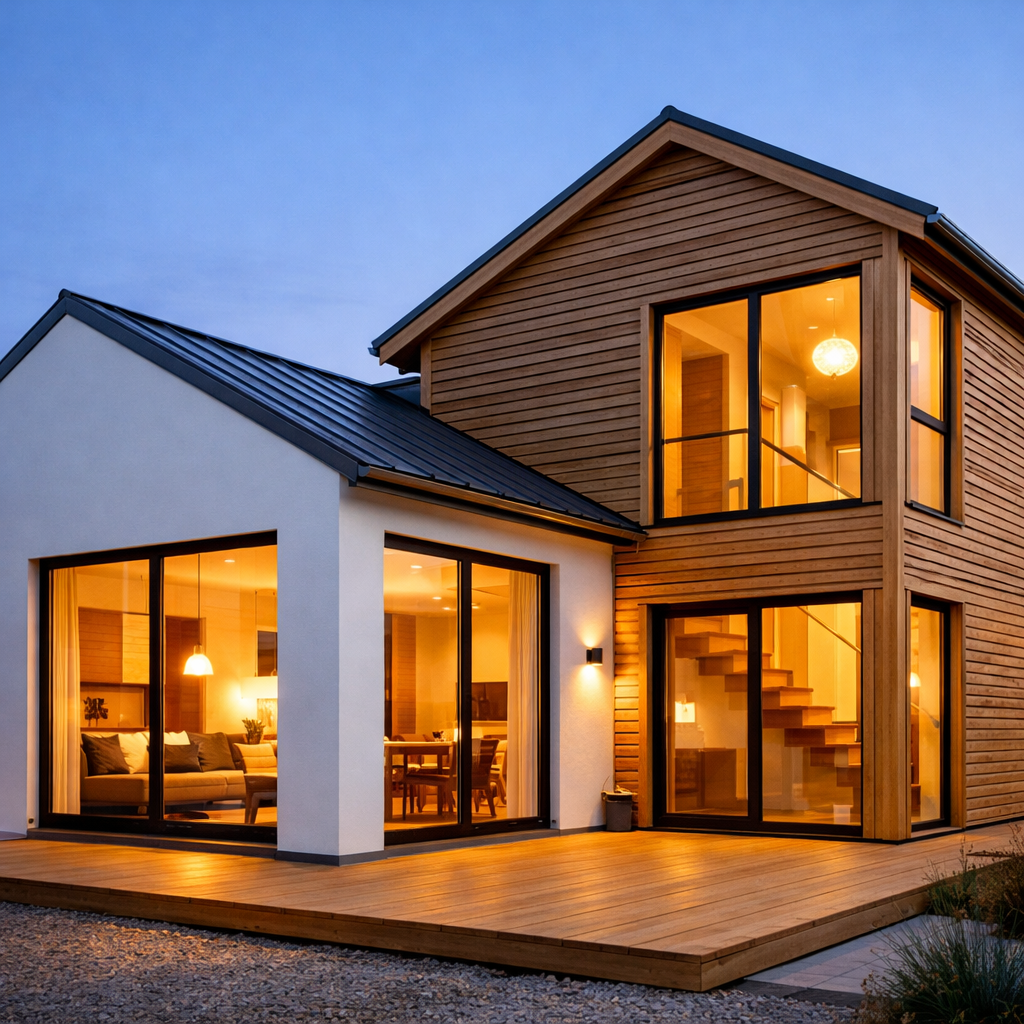
PROMPT
"A minimalist Scandinavian-style house with white walls and slatted wood siding. Warm light spills through large windows. The textures of the wood and fine architectural lines are captured in sharp focus."
Learn how to use ChatGPT 1.5 Image on RunDiffusion for AI image generation, editing, and faster visual concept development.
Start prompting above, or click on an image below to start generating with ChatGPT 1.5
"A minimalist Scandinavian-style house with white walls and slatted wood siding. Warm light spills through large windows. The textures of the wood and fine architectural lines are captured in sharp focus."
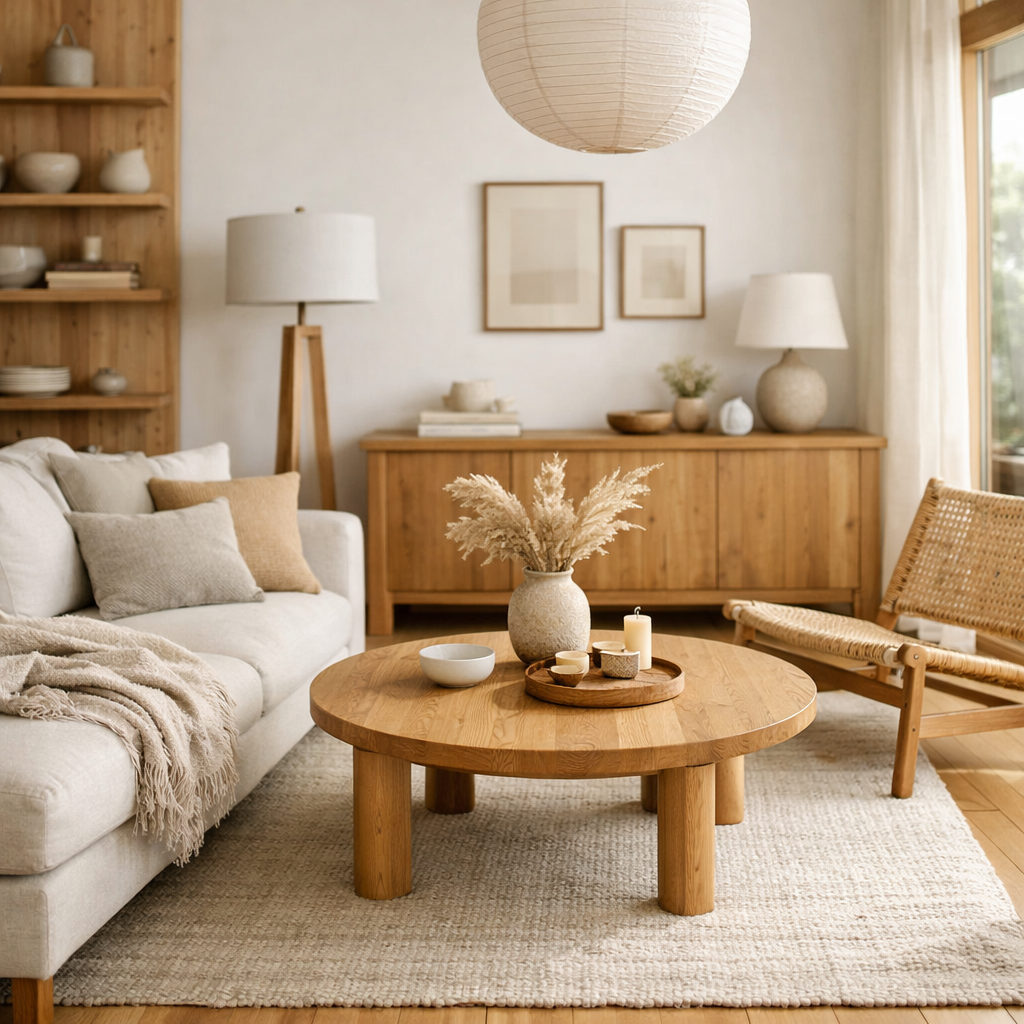
"A Scandinavian living room with natural wood, white walls, and linen textures. Photorealistic style in 8k, background slightly blurred. Warm tones and no watermark, fine wood grain visible."
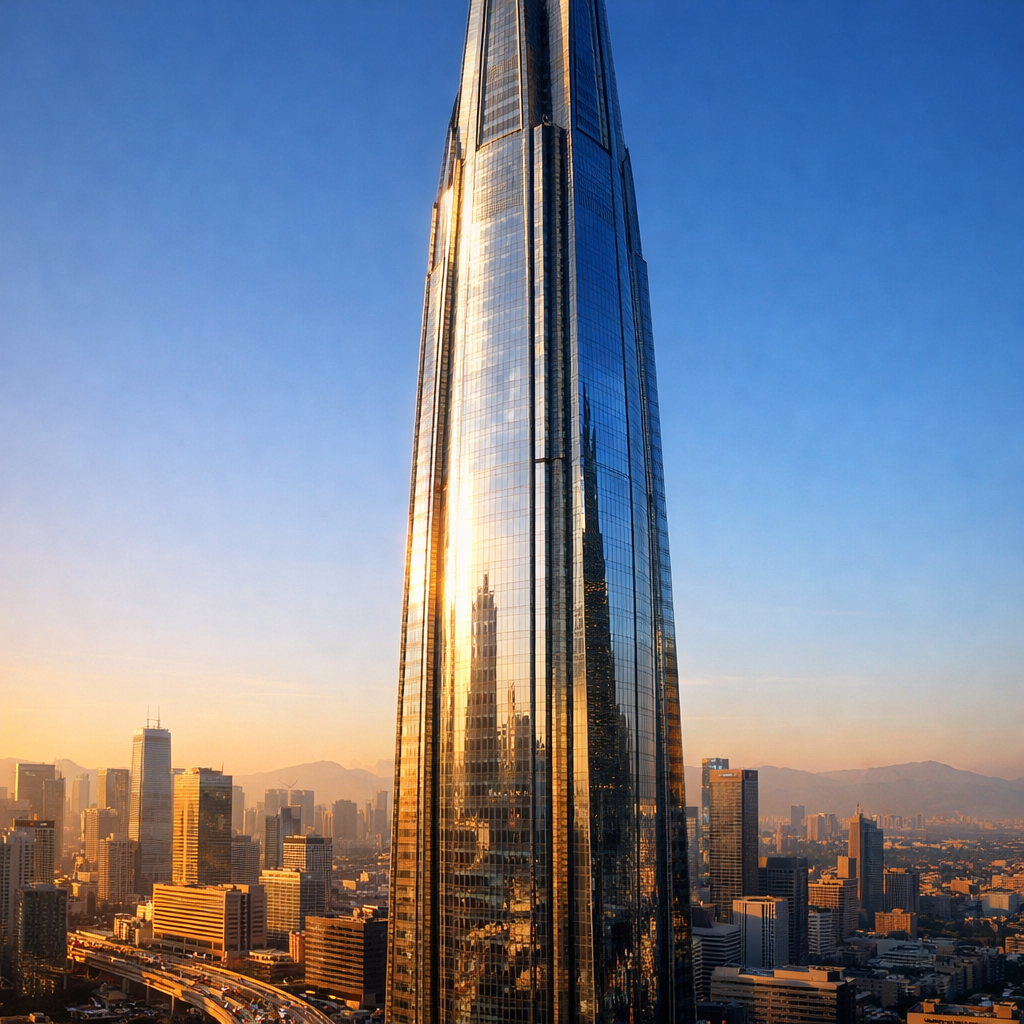
"A futuristic skyscraper towering into a clear blue sky, its sleek mirrored glass reflecting the bustling city below. Photorealistic style with sharp focus and vibrant colors, fine detail etched into the metal façade. Rich textures show grime and shine from years of use. Warm tones from the golden hour light cast long shadows, creating depth and contrast."
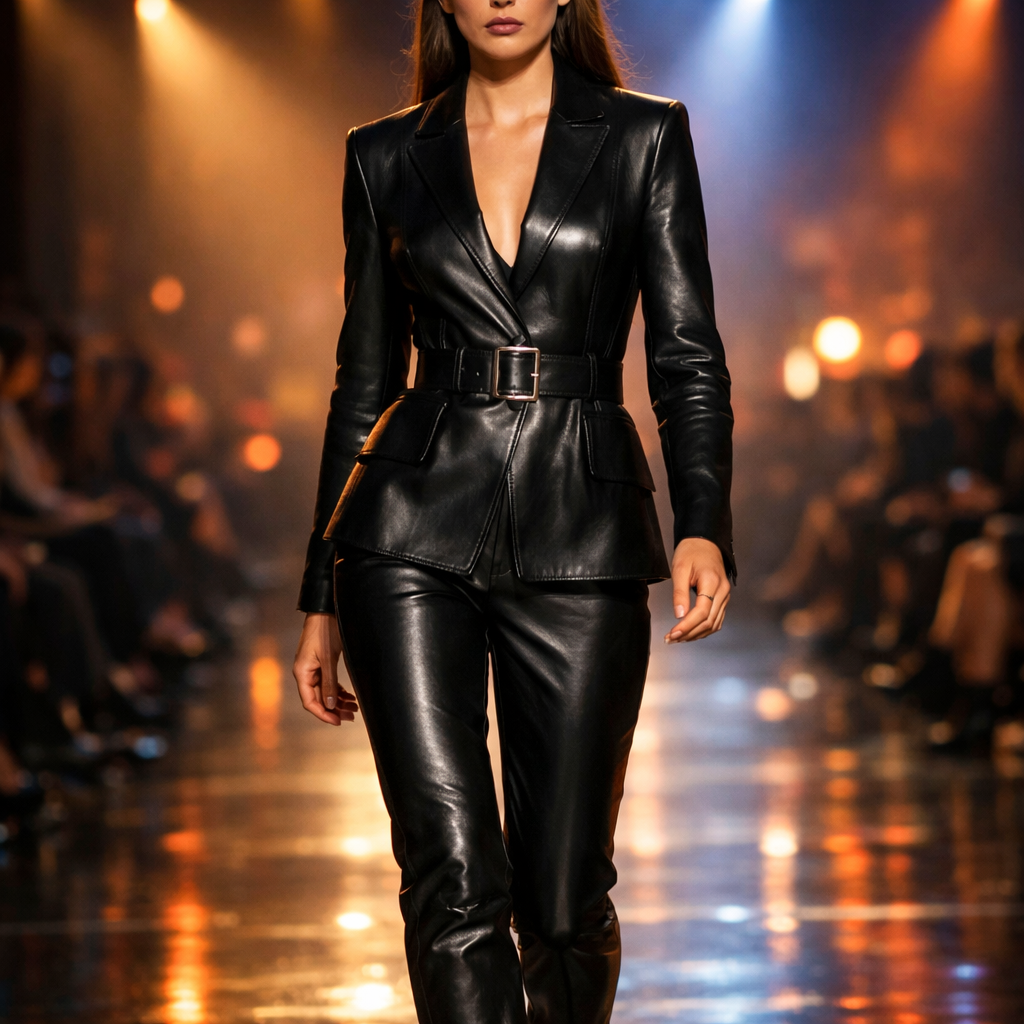
"A model walking down a runway wearing a sleek black leather outfit under cinematic lighting with extra realistic textures. The scene has vibrant colors, no watermark, and is captured with soft lighting in 8k."
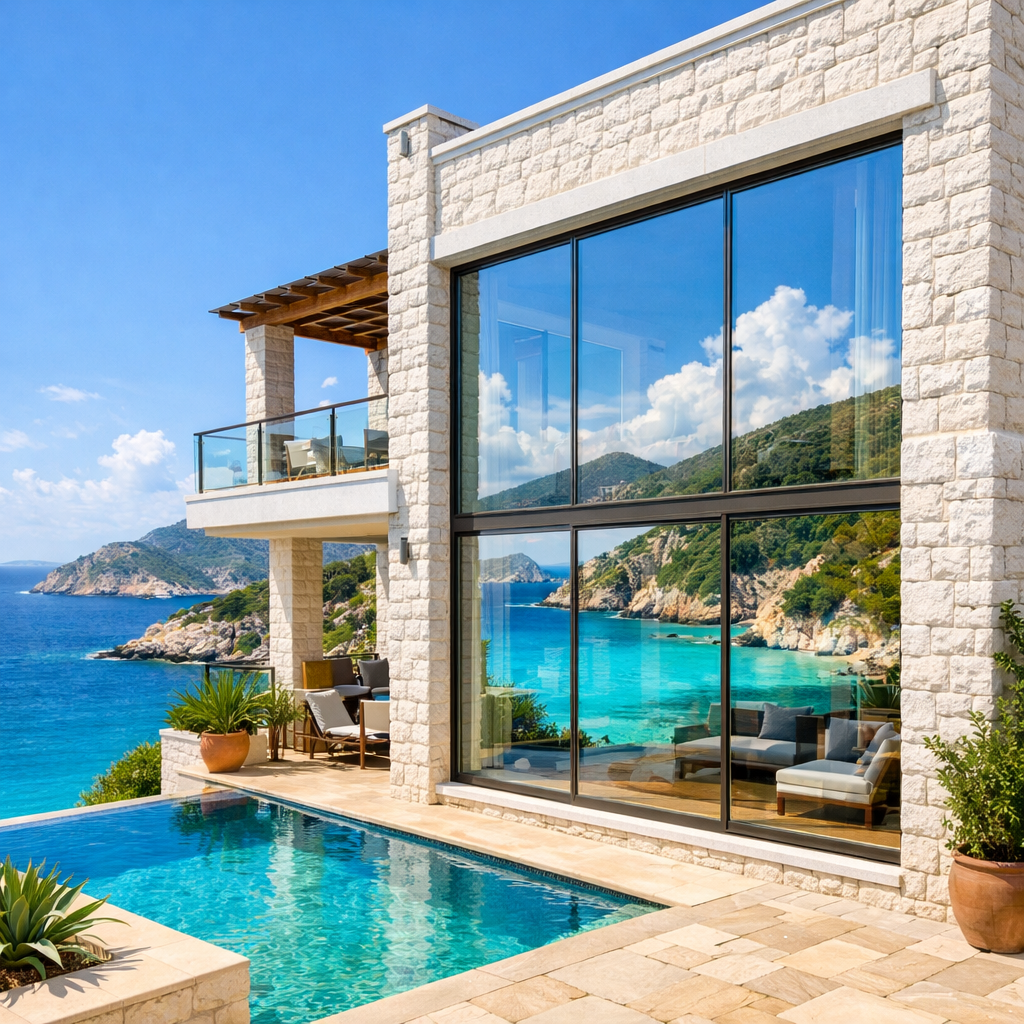
"A luxurious coastal villa built with white stone and large glass windows overlooking turquoise waters. The vibrant colors of the landscape reflect in the windows. The scene is detailed with fine architecture lines and rich textures in the stucco walls."
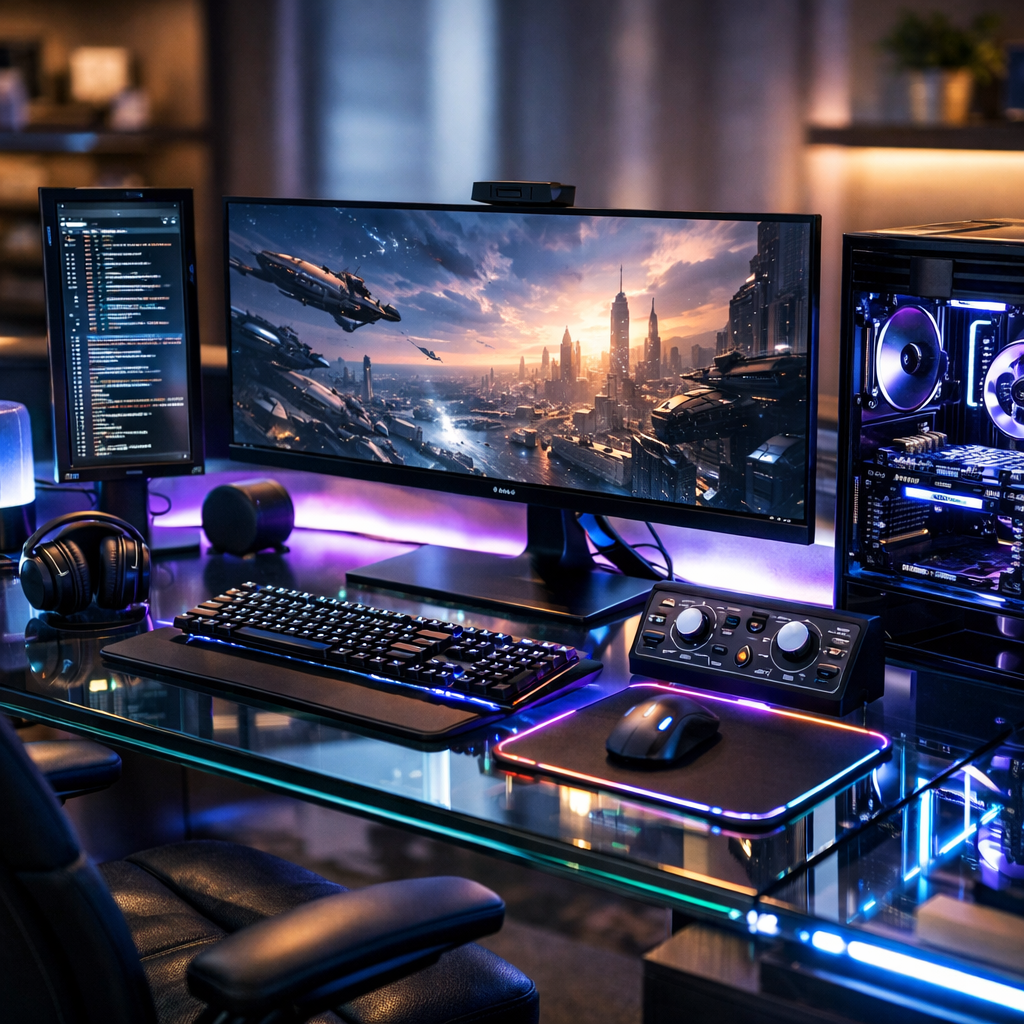
"A high-tech home office with glass desk and LED lighting. No watermark, photorealistic 8k clarity. Background slightly blurred to emphasize textures in electronics and surfaces."
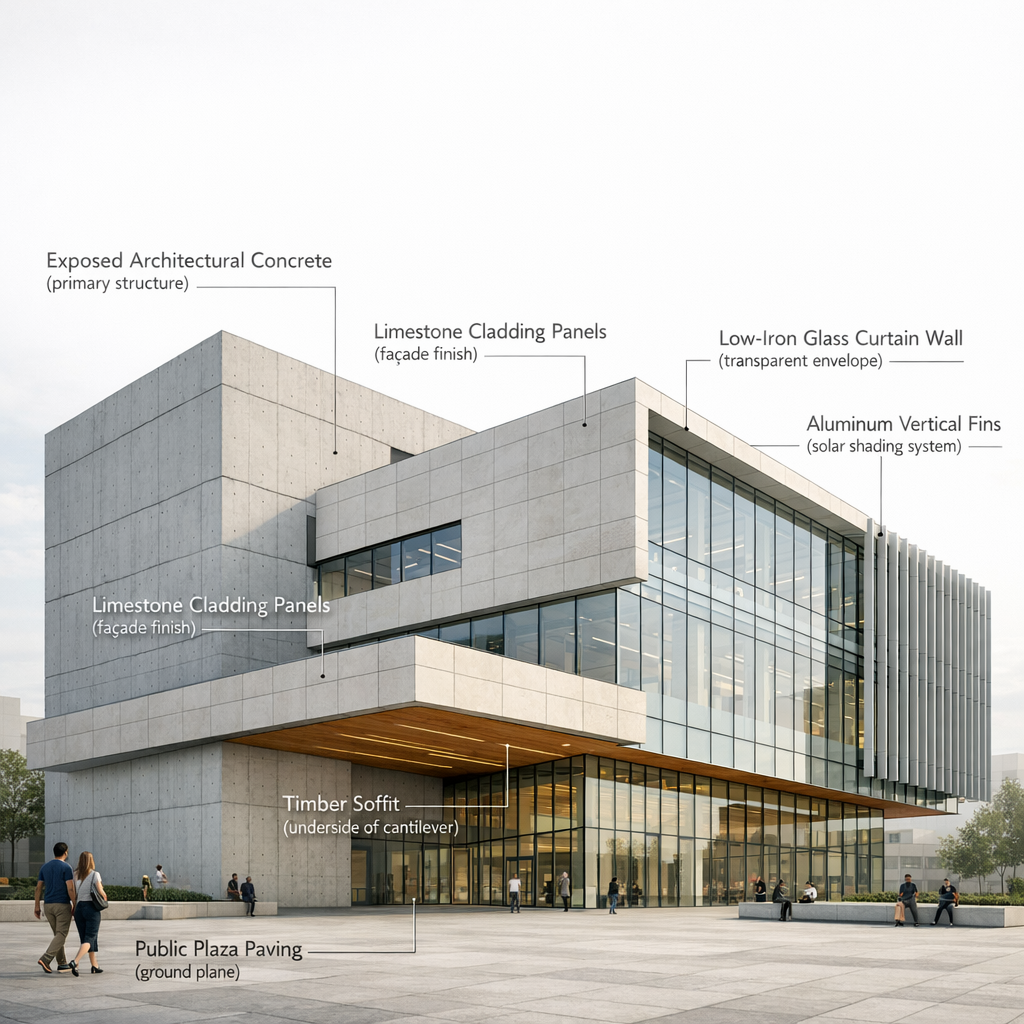
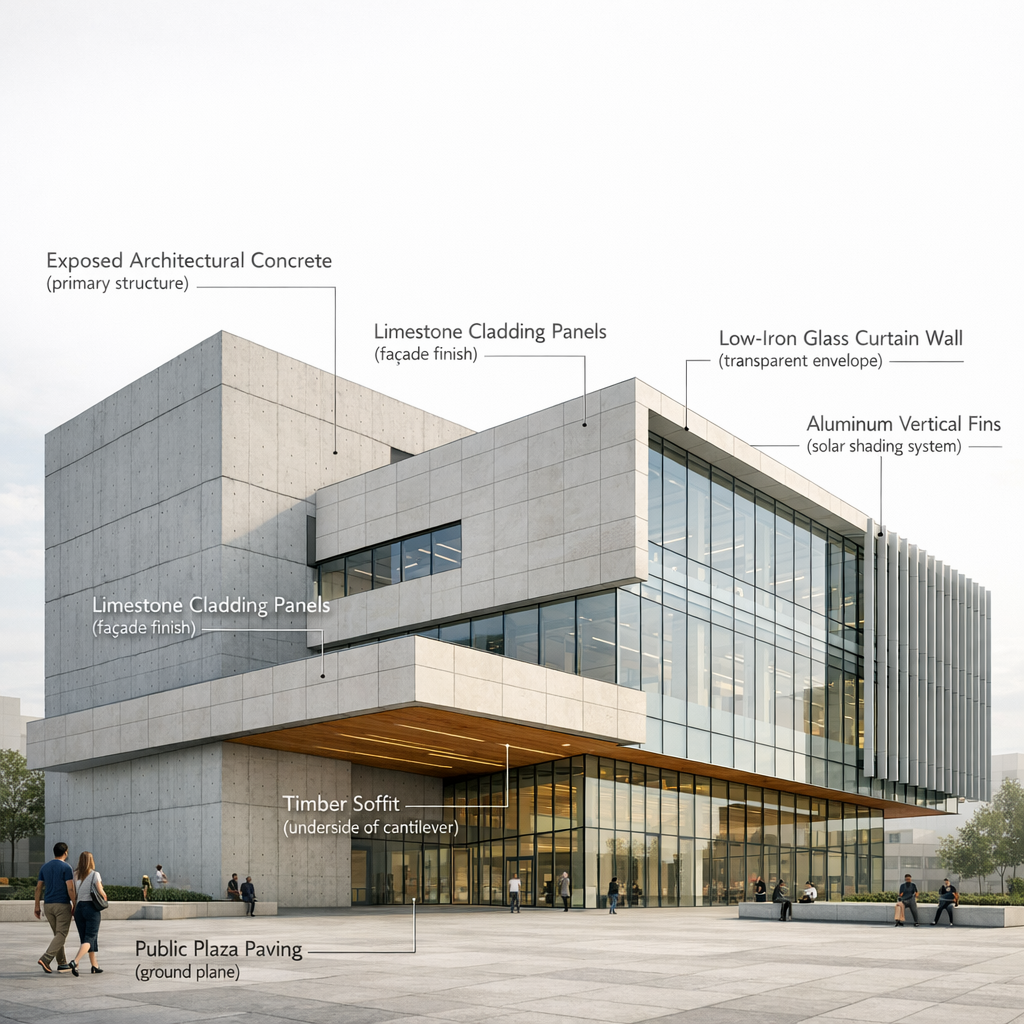
"Create a high-resolution architectural visualization of a contemporary civic building shown in three-quarter perspective. The building features exposed architectural concrete structural walls, limestone cladding panels, low-iron glass curtain walls, anodized aluminum sun-shading fins, and timber soffits beneath cantilevered volumes. Render the image as a professional architectural presentation diagram with clear, unobtrusive on-image labels identifying major elements. Use thin leader lines and minimalist typography (architectural annotation style) to label the following directly on the image: – Exposed Architectural Concrete (primary structure) – Limestone Cladding Panels (façade finish) – Low-Iron Glass Curtain Wall (transparent envelope) – Aluminum Vertical Fins (solar shading system) – Timber Soffit (underside of cantilever) – Public Plaza Paving (ground plane) Labels should appear in a neutral sans-serif font, aligned cleanly, with fine line callouts pointing precisely to each material. Avoid clutter; maintain professional architectural diagram clarity. Lighting is soft daylight with neutral color balance to ensure material accuracy. Background context is minimal and desaturated so labels and materials remain legible. Overall style is clean, technical, and suitable for an architectural presentation board or design review."
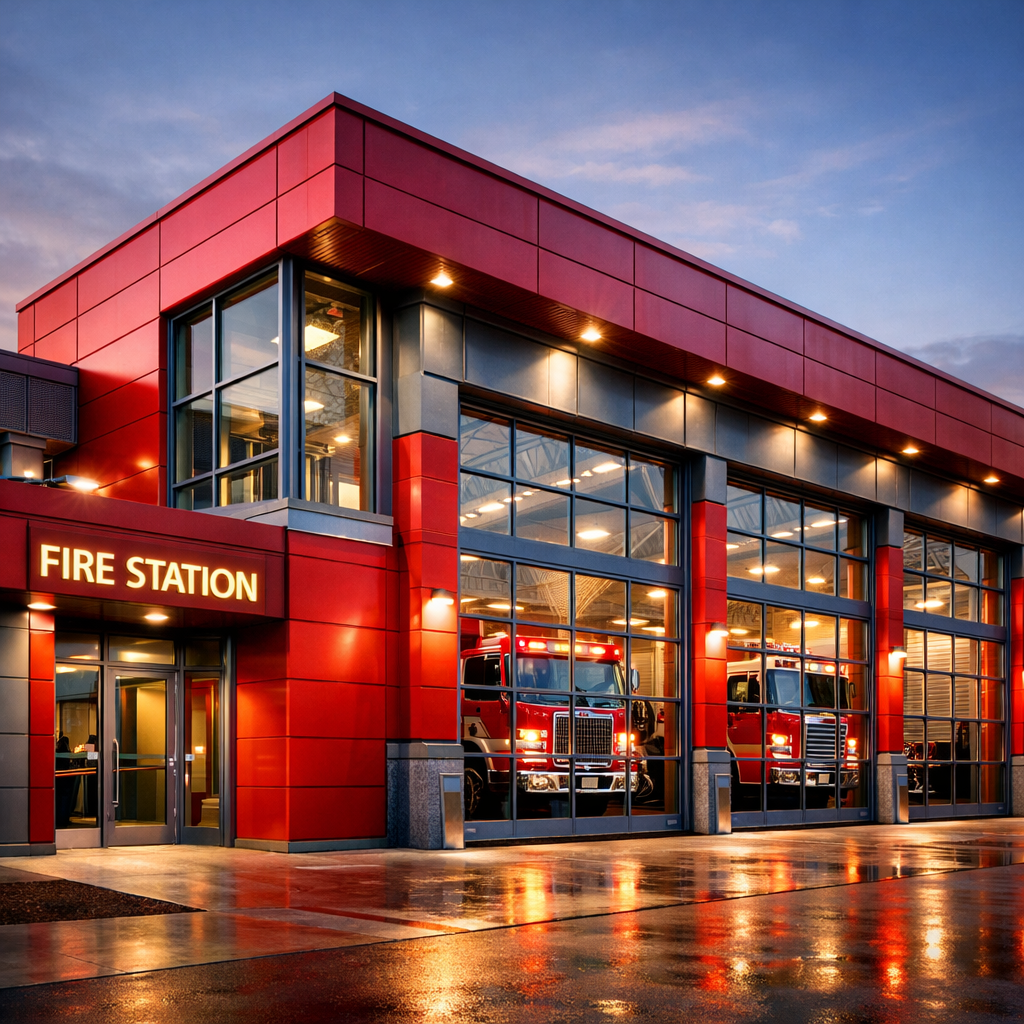
"A fire station designed with bold red metallic panels and industrial glass. Rich textures in steel and fine lines in the design. Shot with vibrant lighting and sharp focus to enhance realism."
ChatGPT 1.5 Image is now available on RunDiffusion, bringing OpenAI’s latest image generation and editing capabilities into a flexible cloud workflow. Powered by GPT-Image-1.5, these tools focus on strong instruction following, clean composition, and predictable results.
On RunDiffusion, these capabilities are offered as two distinct tools: ChatGPT 1.5 Image for text-to-image generation and ChatGPT 1.5 Image Edit for controlled image editing.
GPT-Image-1.5 is OpenAI’s current-generation image model, designed for high-quality image creation and precise image editing. It prioritizes clarity, structure, and reliability rather than experimental or highly abstract output.
This makes it especially useful for professional and client-facing workflows where prompt accuracy and visual consistency matter.
ChatGPT 1.5 Image is the text-to-image workflow powered by GPT-Image-1.5. It allows you to generate new images directly from written prompts, with a strong emphasis on instruction adherence and polished results.
This tool is well suited for:
If your goal is to describe an idea and generate a new image from scratch, ChatGPT 1.5 Image is the right starting point.
ChatGPT 1.5 Image Edit focuses on image-to-image workflows. Instead of generating a new image, you start from an existing one and make targeted changes while preserving the original structure.
Image Edit is ideal for:
This workflow is especially useful when you’re close to the desired result and need precise revisions rather than a full regeneration.
Both Image and Image Edit handle detailed, multi-part instructions reliably, reducing trial and error.
GPT-Image-1.5 is designed for clean composition and predictable results, making it suitable for professional use.
These tools operate with strong moderation and content safeguards. Some prompts that work in more open image models may be restricted, helping ensure consistent and broadly usable output.
Use ChatGPT 1.5 Image when:
Use ChatGPT 1.5 Image Edit when:
Many workflows naturally move from Image to Image Edit as a project evolves.
RunDiffusion provides access to multiple image models, each optimized for different needs. ChatGPT 1.5 Image and Image Edit add a precision-focused, safety-aligned option alongside faster or more open image tools.
This gives you the flexibility to choose the right model depending on whether your priority is speed, openness, or tightly controlled results.
Sora 2 Prompt Guide
Flux 2 Prompting
LTX-2 Prompt Guide
ChatGPT 1.5 Image is a text-to-image tool powered by OpenAI’s GPT-Image-1.5 model. It allows you to generate high-quality images from written prompts with strong instruction following and polished, professional results.
All the images in this article were created with ChatGPT 1.5 Image and ChatGPT 1.5 Image Edit.
ChatGPT 1.5 Image Edit is the image-editing workflow powered by the same GPT-Image-1.5 model. Instead of generating a new image, you start with an existing image and make targeted changes while preserving structure and composition.
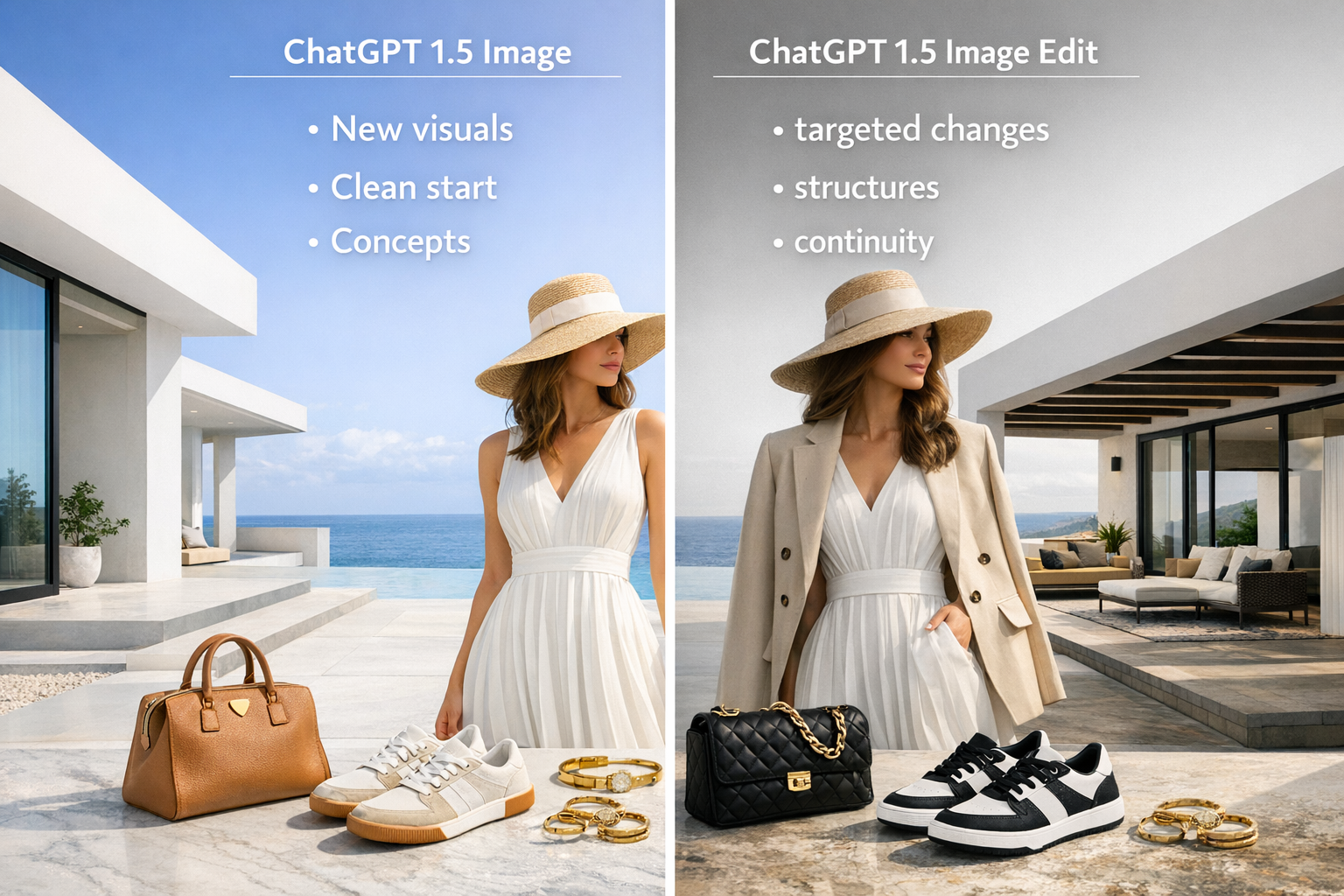
Although both are powered by GPT-Image-1.5, they serve different workflows. Image is optimized for creating new visuals from text, while Image Edit is designed for refining and modifying existing images. Separating them makes it easier to choose the right tool for your task.
ChatGPT 1.5 Image works well for:
It’s especially useful when prompt accuracy and predictability matter.
Use Image Edit when you already have an image and want to:
This is ideal for review cycles and polish.
Yes. Image Edit supports image-to-image workflows, including targeted edits and refinements, allowing you to modify parts of an image while keeping the rest intact.
Yes. ChatGPT 1.5 Image and Image Edit use safety-aligned moderation. Some prompts that work in more open image models may be restricted, but this helps ensure clean, professional, and broadly usable output.
ChatGPT 1.5 Image prioritizes instruction accuracy, consistency, and polished results. Other models on RunDiffusion may offer faster generation, higher volume output, or more experimental styles. Many users choose different models depending on the project.
Yes. Both tools are powered by GPT-Image-1.5. The difference lies in how you interact with the model—either generating new images or editing existing ones.
Yes. Its focus on predictable results, clean composition, and moderation makes it well suited for professional workflows, presentations, and client reviews.