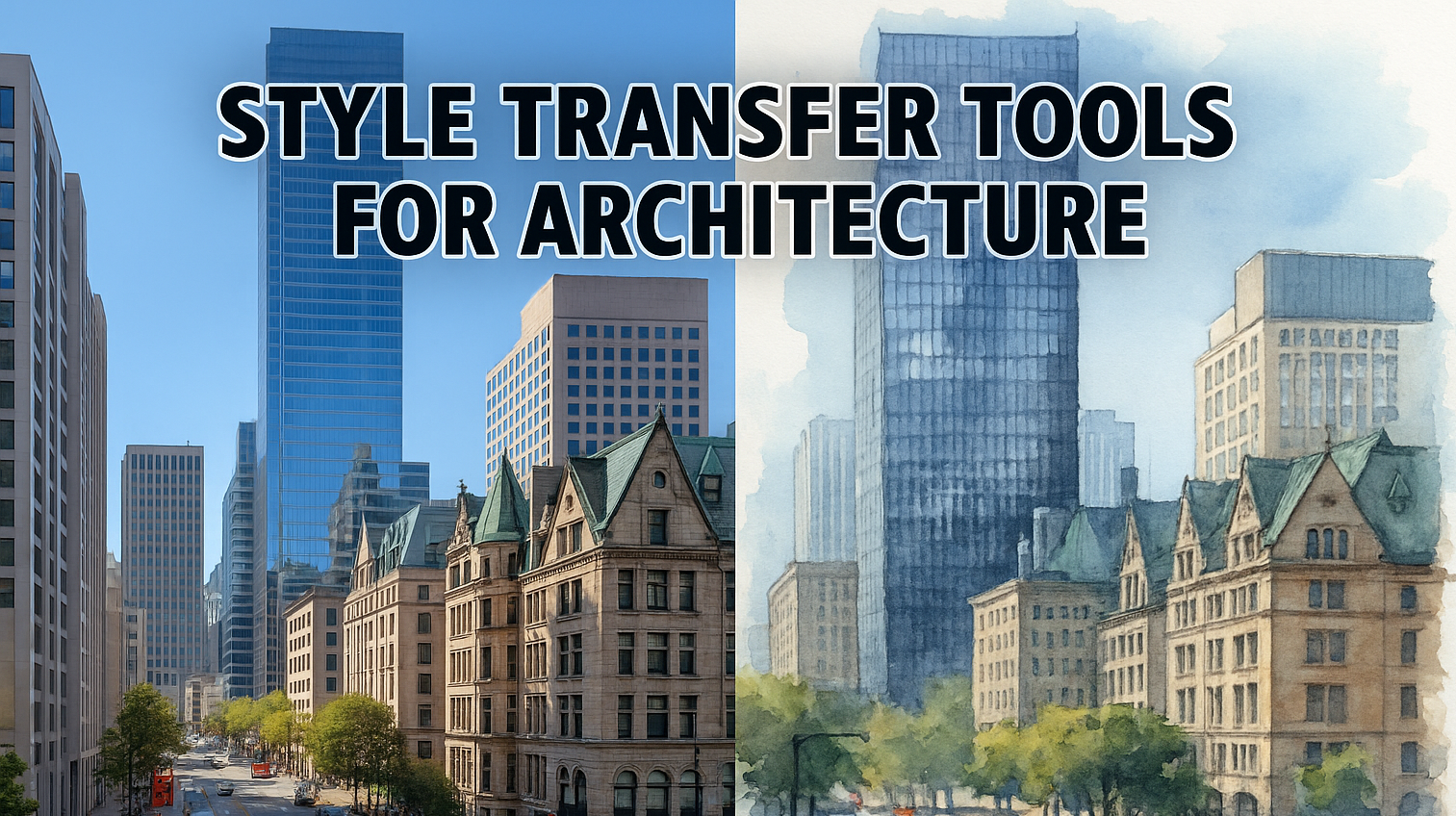
Style Transfer Tools for Architecture

Explore style transfer tools for architecture to present concepts with mood, storytelling, and artistic direction while preserving geometry.

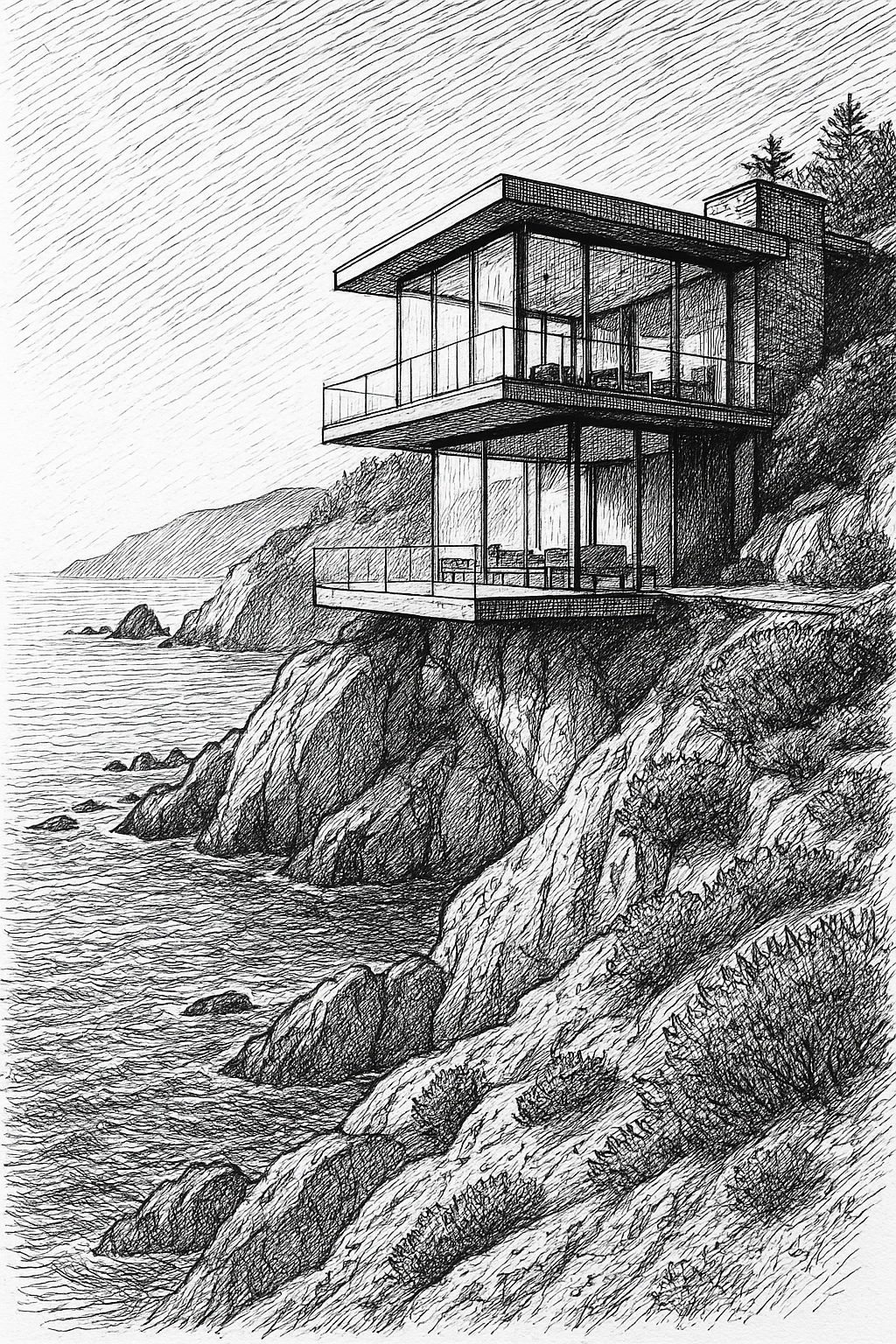
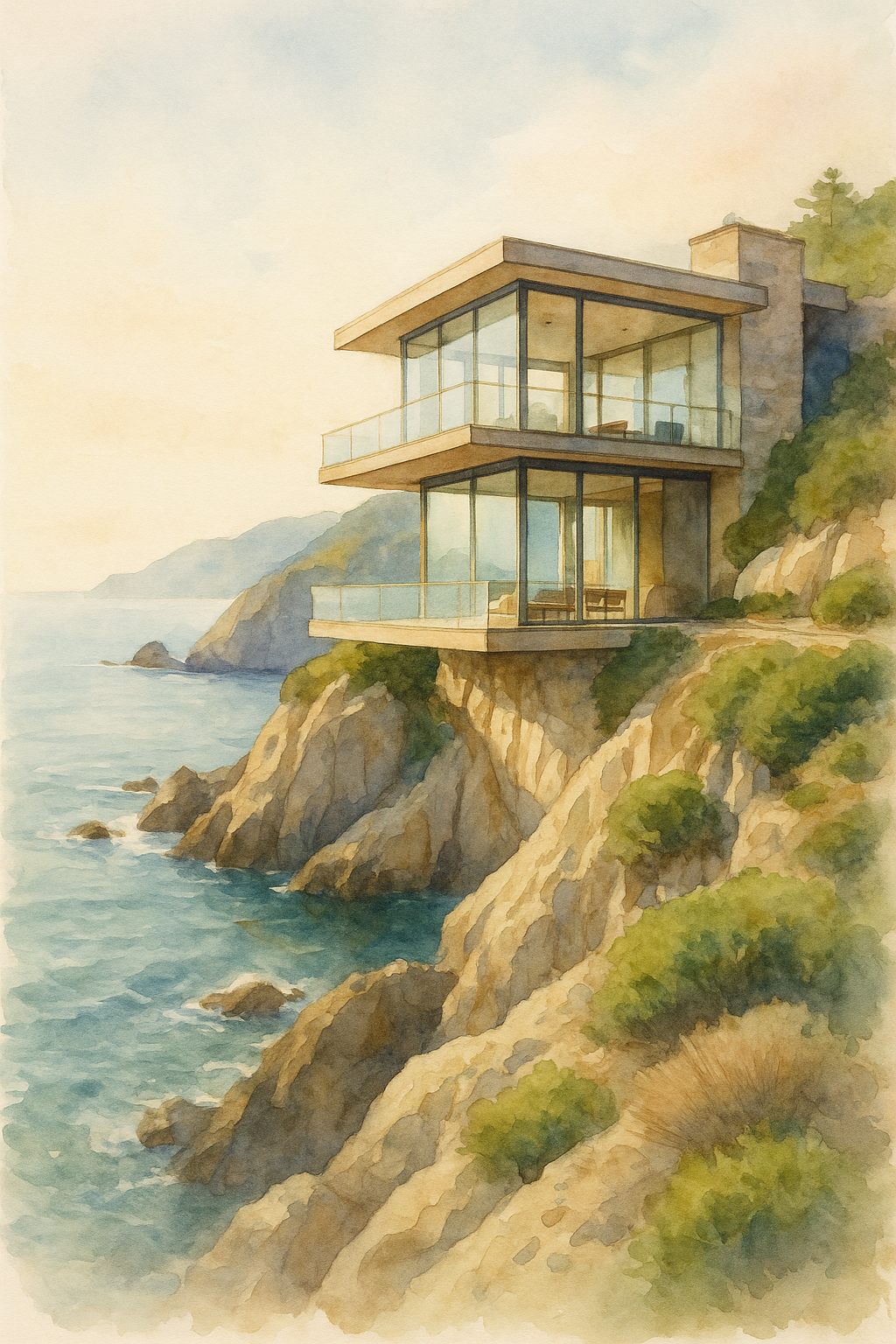
Style Transfer Tools for Architecture shown over an original render, a visual reference, and a finished watercolor interpretation

Trusted by the world's leading architecture firms

Style transfer tools for architecture let you explore a new visual direction without rebuilding the original scene from scratch. You can apply a material palette from a reference image, turn a daytime render into a dusk presentation, test a historic visual language, or convert a polished render into watercolor, ink, charcoal, or another illustration style.

The important word is explore. An image-editing model can retain the overall composition while still changing windows, rooflines, floor count, materials, landscaping, or perspective. Style-transfer results should be treated as visualization options, not verified design documentation. Always compare the result with the source image before presenting it to a client.

RunDiffusion gives you several strong options for this work. Nano Banana 2, Nano Banana Pro, and ChatGPT Image 2.0 are all useful, but they are not interchangeable. The best choice depends on whether you need fast iteration, a complex reference-guided edit, or detailed control over what changes and what stays fixed.

What Style Transfer Can Do for an Architecture Workflow

Architectural style transfer is most useful when the design is already readable but the presentation direction is still open. It can help you:

  • Explore material palettes without remodeling the scene
  • Compare daylight, dusk, night, and overcast presentations
  • Test watercolor, ink, charcoal, collage, or painted treatments
  • Apply a client's visual language to a concept image
  • Create seasonal and weather variations from one base render
  • Unify several views with a consistent presentation style
  • Produce softer concept images that keep attention on design intent

It is less suitable when every dimension and construction detail must remain exact. The generated image is a visual study. Your original model, drawing, or verified render remains the source of truth.

Choosing the Right Style Transfer Tool for Architecture

Nano Banana 2

Nano Banana 2 is a strong all-purpose choice when you need speed, clear prompt following, multiple reference images, and several variations during the same design session. It works well for early material studies, lighting alternatives, environmental changes, and coordinated presentation directions.

Use Nano Banana 2 when you want to move quickly through options while giving the model a detailed list of elements to preserve. It is especially useful when the edit depends on both an architectural source image and one or more visual references.

Original contemporary library render used as the source for a Nano Banana 2 architectural style transfer.
Source image generated with Nano Banana 2.
Watercolor, graphite, and editorial collage reference created for the Nano Banana 2 architectural style transfer.
Visual style reference generated with Nano Banana 2.
Contemporary library transformed into a watercolor and editorial collage presentation while retaining its architectural composition.
Final style-transfer result generated with Nano Banana 2.

Nano Banana Pro

Nano Banana Pro remains a valuable choice for complex architectural edits and presentation assets that require detailed instructions. Use it when the requested style involves several coordinated decisions, such as materials, atmosphere, planting, lighting, and visual finish, while the building itself should remain recognizable.

The model can interpret a reference image as a visual direction rather than copying every element literally. Tell it which characteristics to borrow, such as warm limestone, muted vegetation, soft afternoon light, or hand-painted edges. Also state which architectural elements must not change.

For detailed prompt structures, reference-image roles, annotations, preservation instructions, and focused edit passes, use The Complete Nano Banana Pro Prompt Guide.

Nano Banana Pro architectural style-transfer example showing the same pavilion as a photorealistic render and a watercolor illustration
Nano Banana Pro architectural style-transfer

ChatGPT Image 2.0

ChatGPT Image 2.0 is useful when the edit requires a detailed natural-language explanation. It is a good option for multi-part requests such as changing the exterior material, retaining the window pattern, adding a specific atmosphere, and matching a reference image's color treatment in one controlled revision.

This model is also useful when a client gives feedback conversationally. You can translate comments such as "make it warmer, less corporate, and closer to the reference hotel" into explicit visual instructions while listing the building elements that should remain fixed.

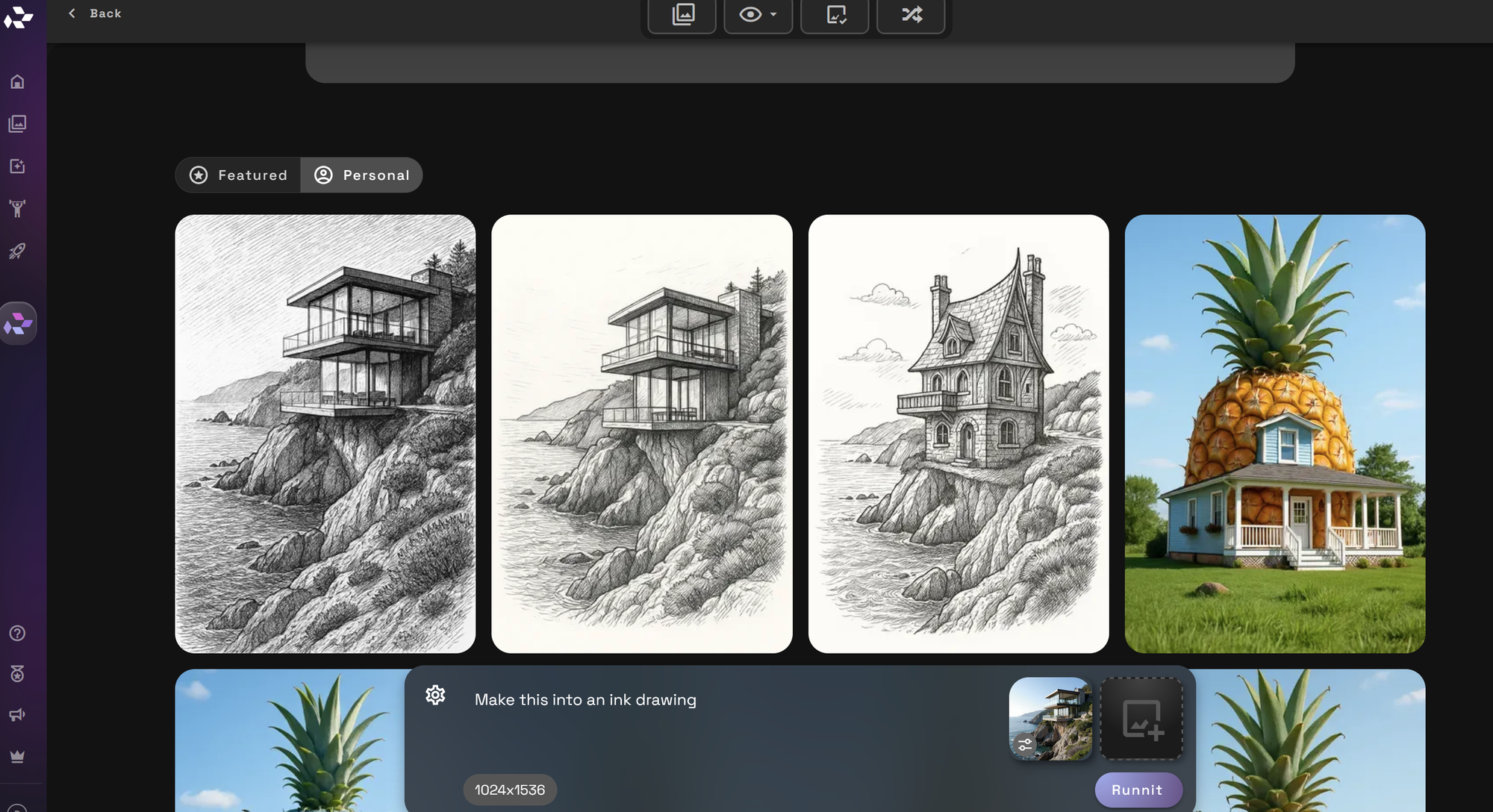
Screenshot showing fying which elements from the reference image to use
Architectural style-transfer results shown as an ink drawing and soft watercolor side by side
Ink drawing on the left and soft watercolor on the right.

Flux Kontext Pro

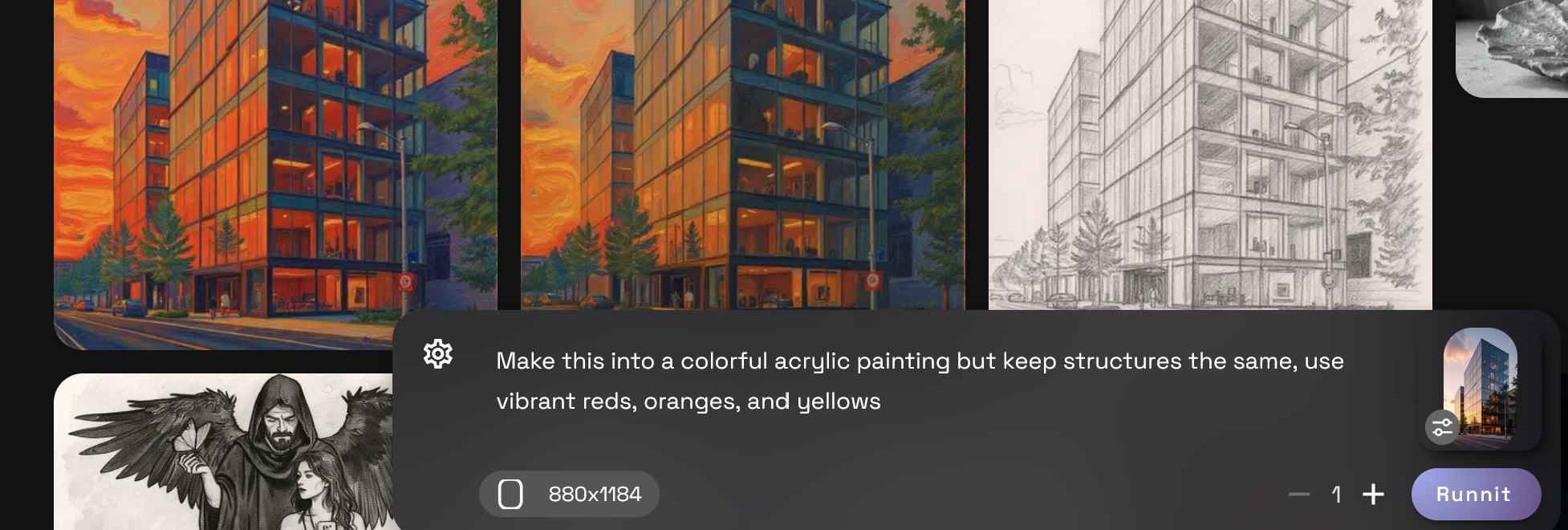
Flux Kontext Pro is useful for targeted edits where one part of the scene needs a different visual treatment. For example, you can ask it to change the facade finish, roof material, landscape palette, or illustration style while retaining the rest of the composition.

Localized instructions should still be specific. Name the editable region, describe the intended result, and list the surrounding elements that should remain unchanged.

Screenshot showing ng the rest of the scene consistent
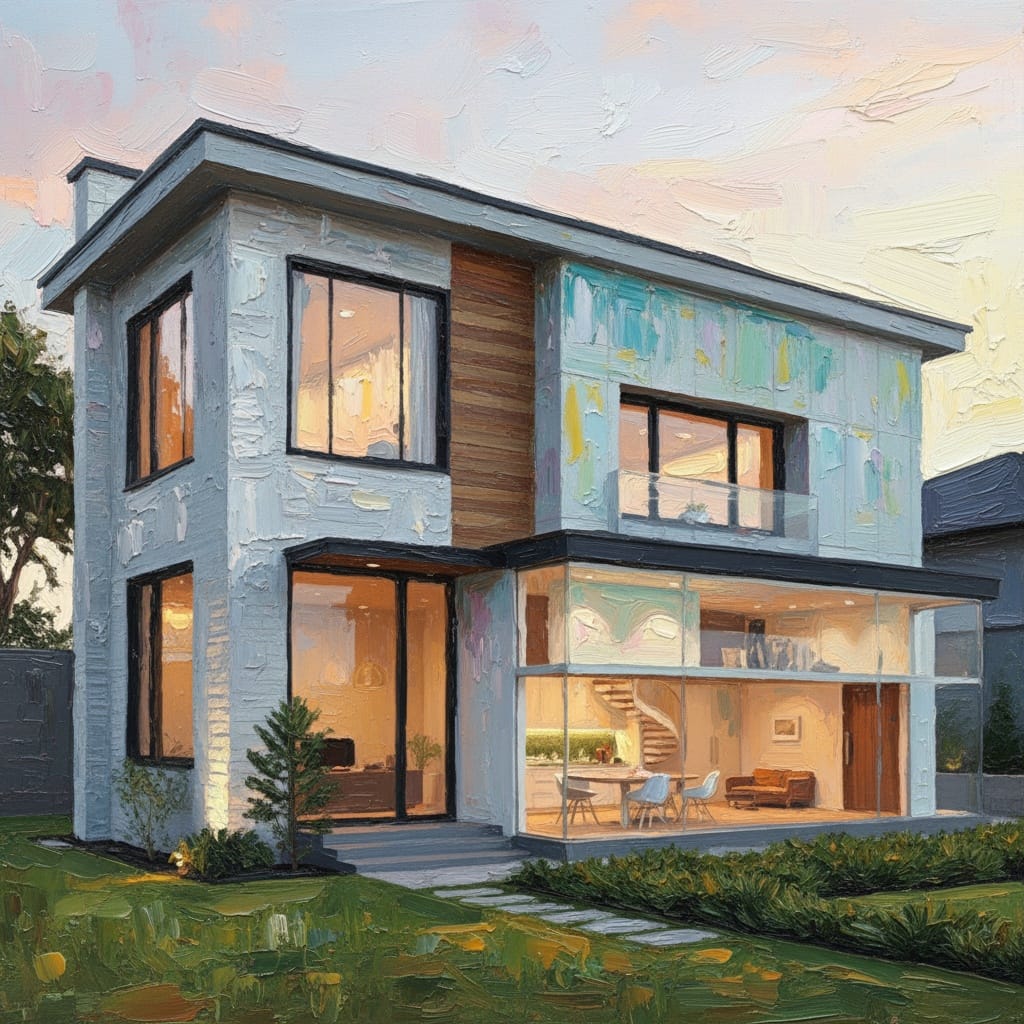
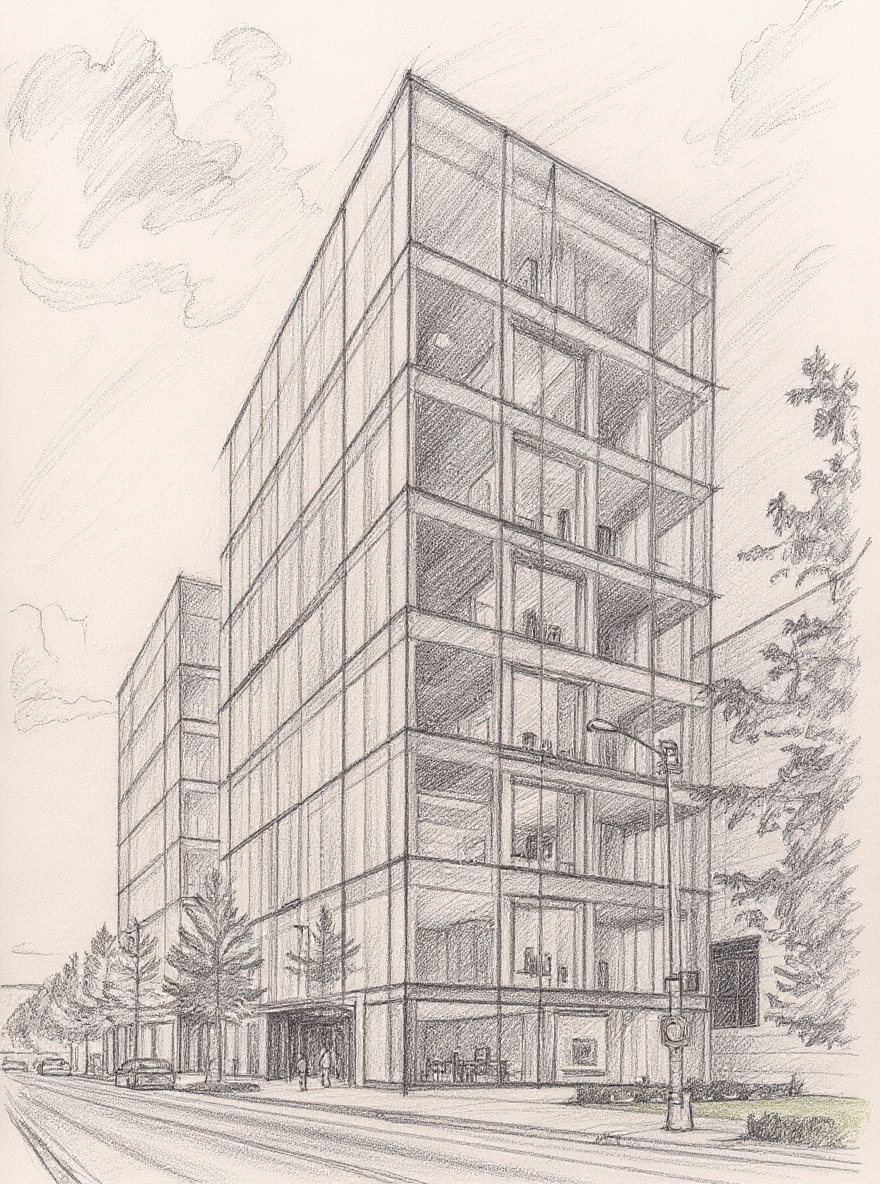
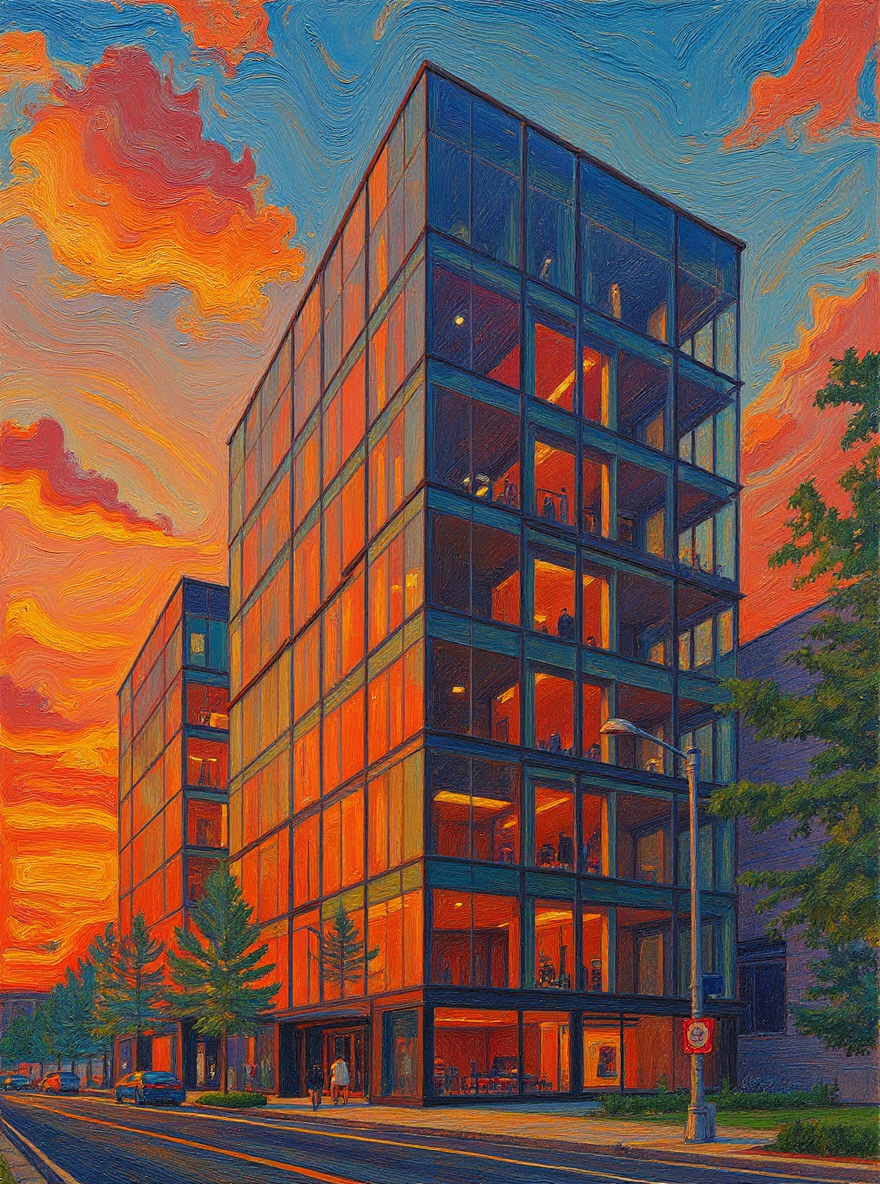
Architectural style-transfer results shown as a charcoal drawing and colorful acrylic painting side by side
Charcoal drawing on the left and colorful acrylic painting on the right.

Style Transfer Tool

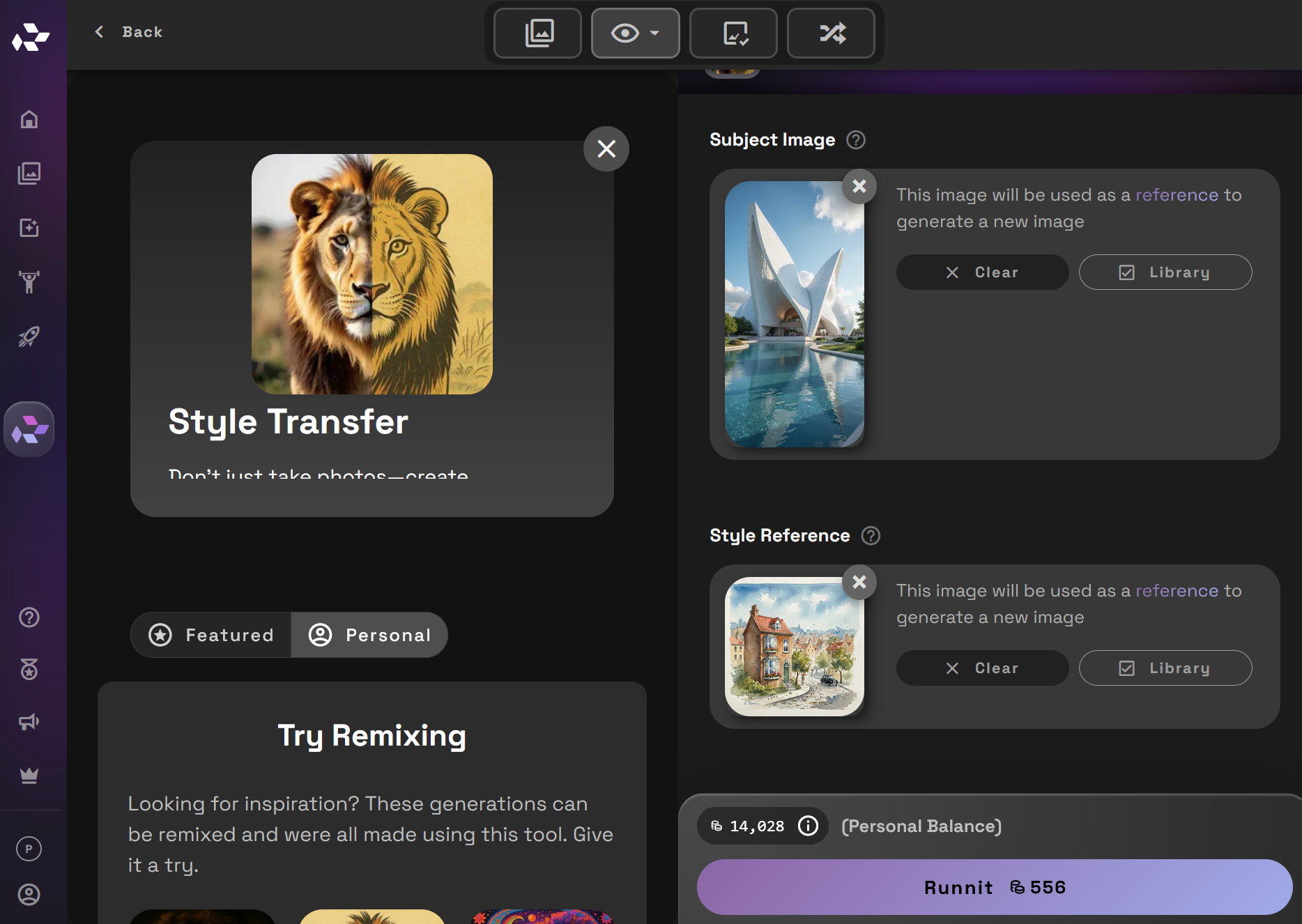
The Style Transfer Tool provides a direct source-and-reference workflow. Upload the architectural image as the subject, add a style reference, and use the reference to guide color, texture, line treatment, and overall mood.

This is a practical starting point when you have a strong visual reference and want to test its presentation language on your own design without building a long prompt.

Screenshot showing render, choose a reference with stucco and tile, and you’re done
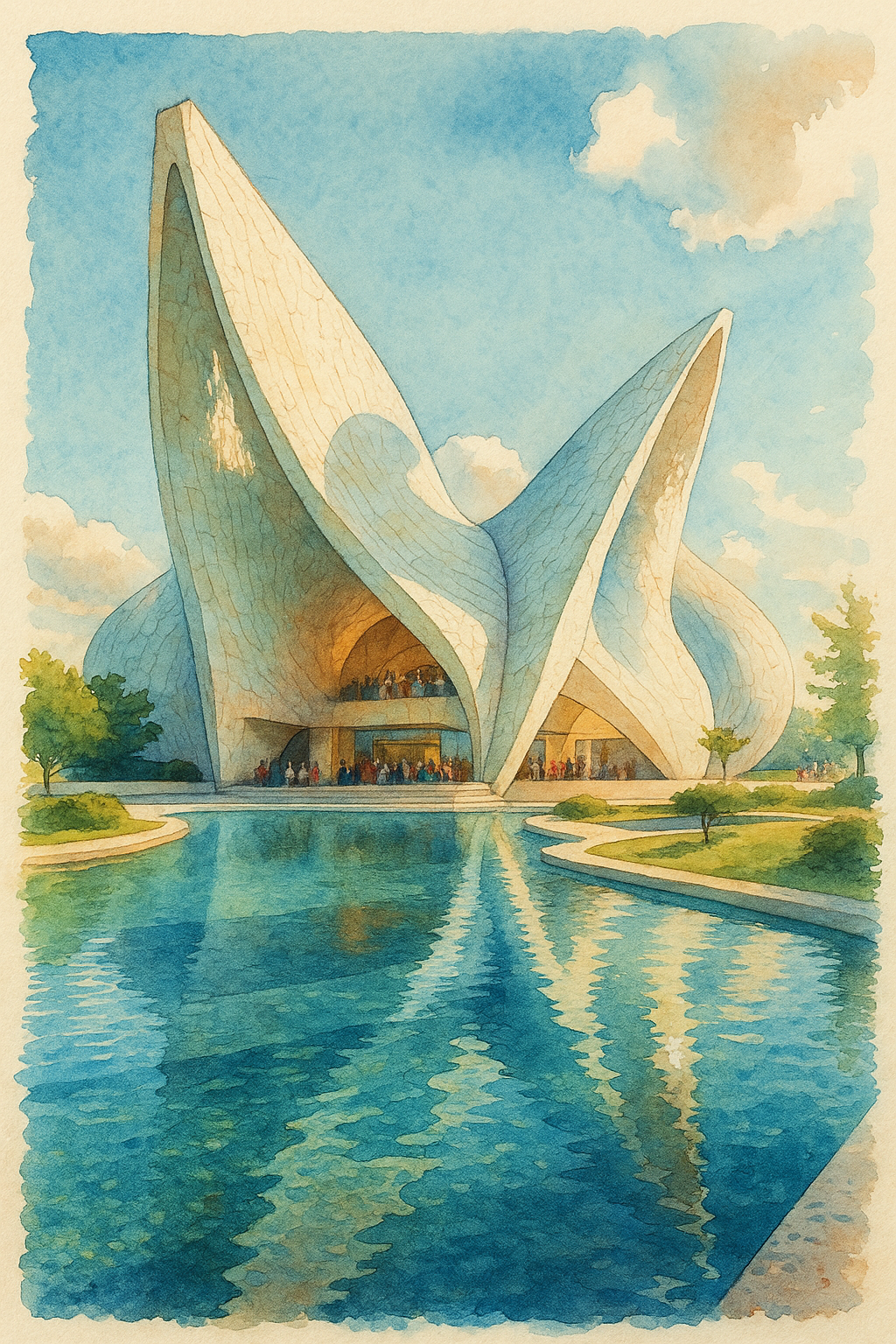
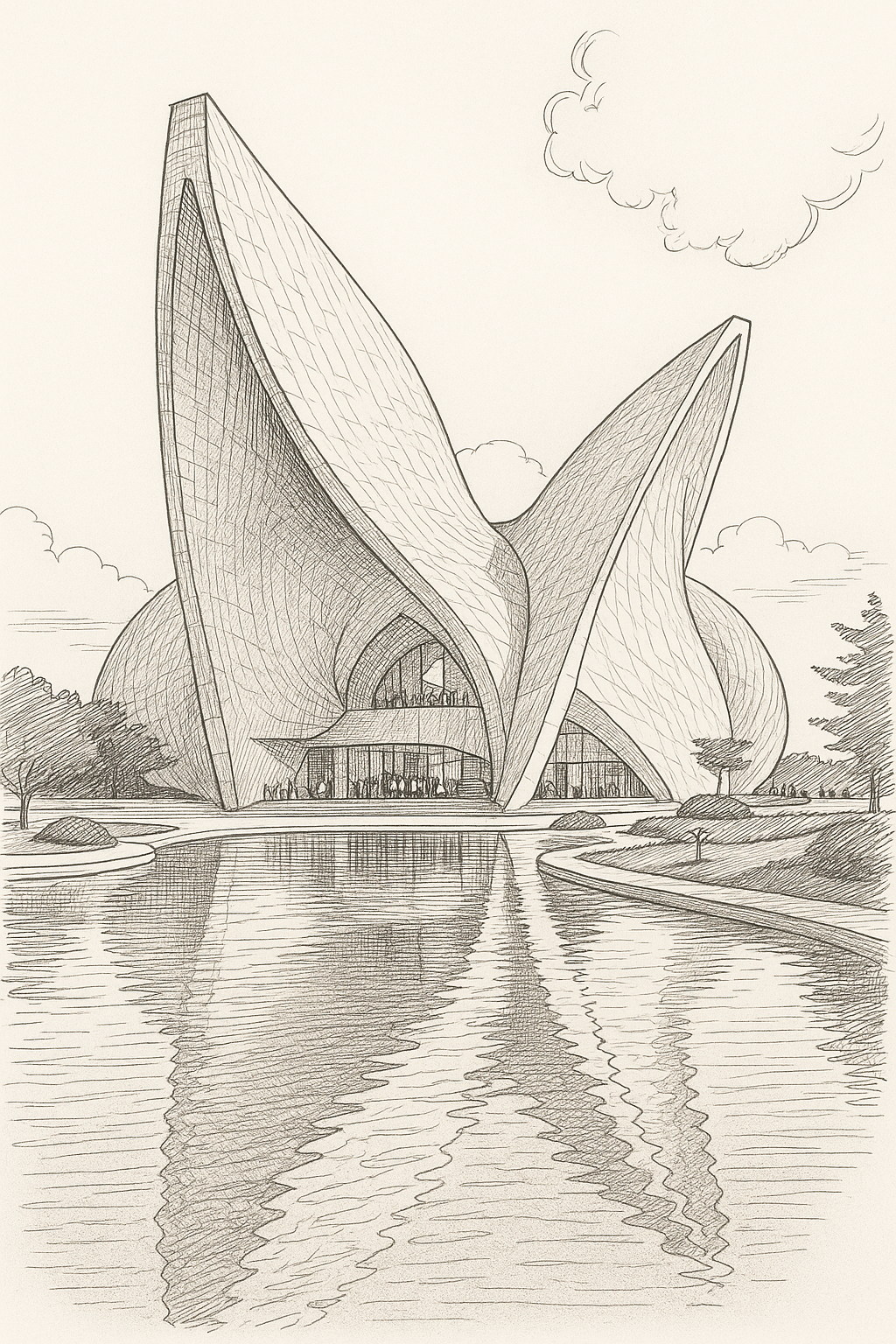
Watercolor and ink-and-pencil architectural style-transfer results shown side by side
Watercolor style-transfer result on the left and ink-and-pencil result on the right.

Original Nano Banana (Gemini 2.5 Image Edit)

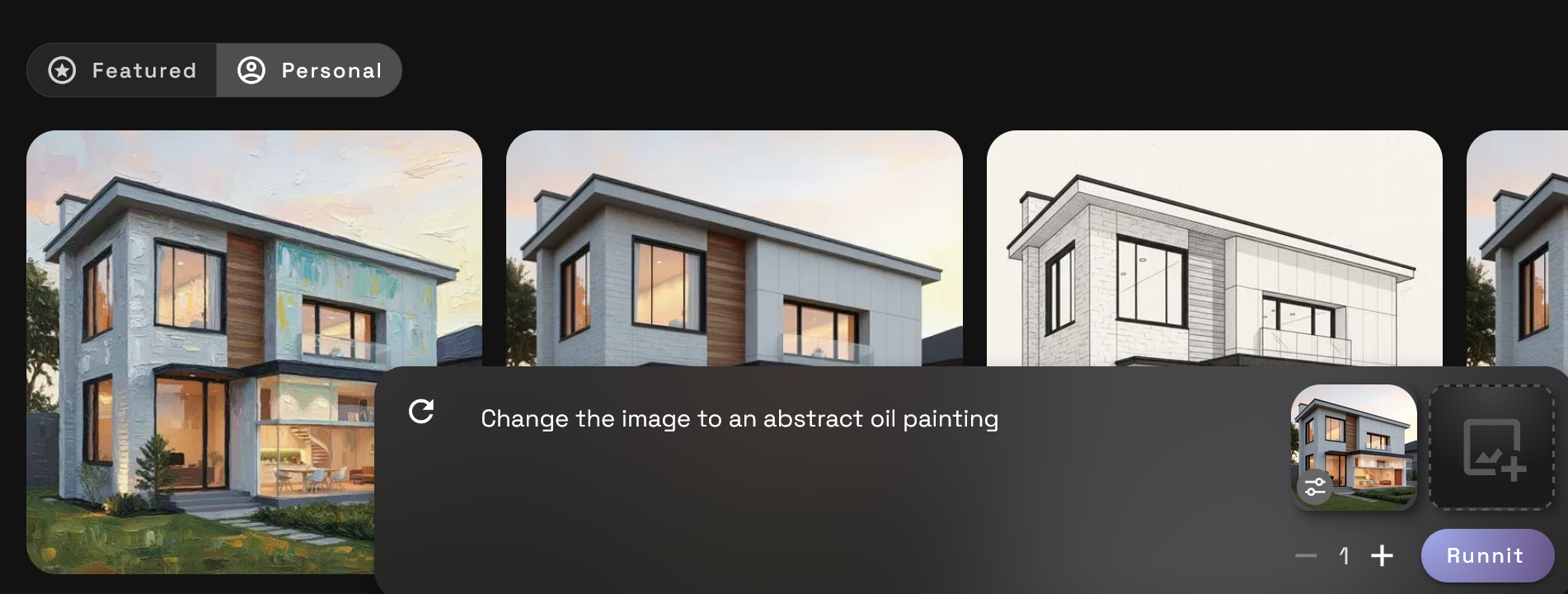
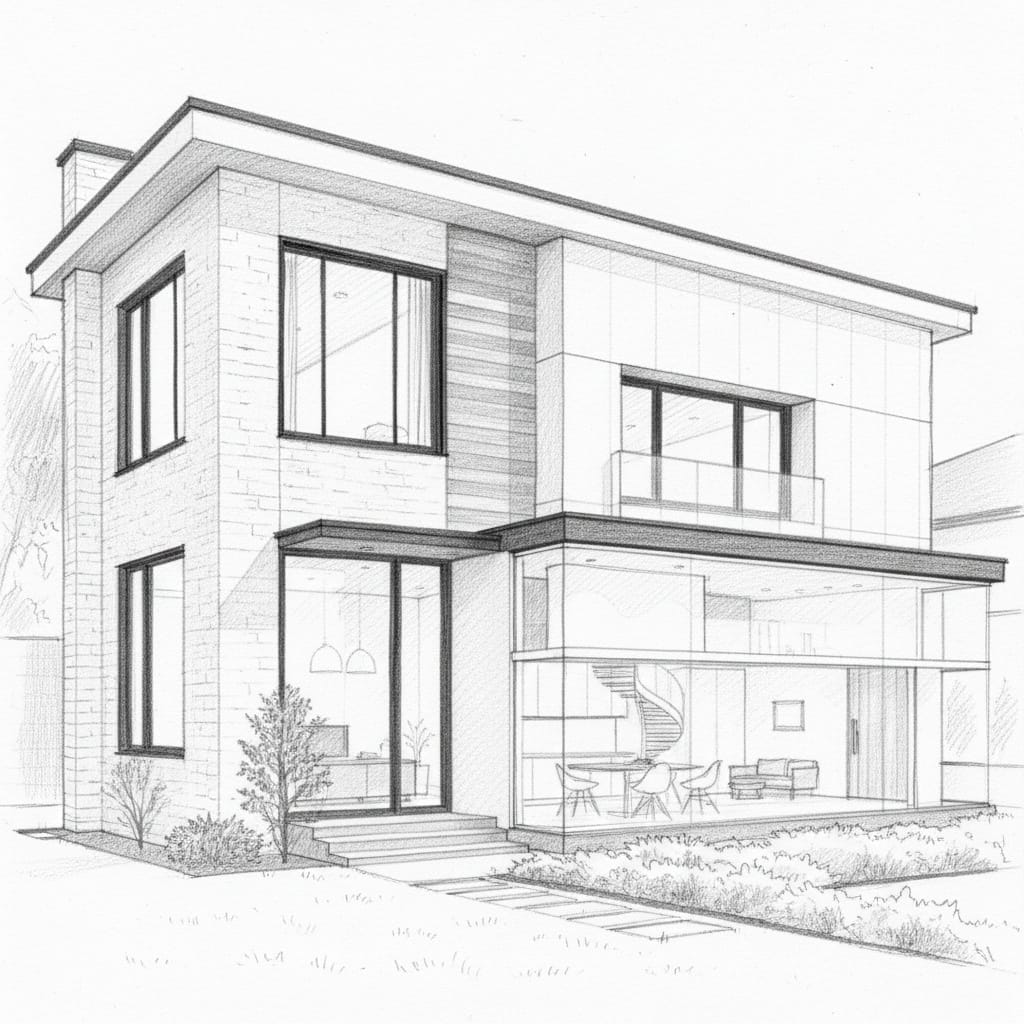
Gemini 2.5 Image Edit, originally known as Nano Banana, introduced the source-and-reference workflow shown in the pencil and oil-painting examples below. These examples remain useful for understanding the basic process and reviewing how an illustration treatment can affect architectural details.

For current projects, start with Nano Banana 2 or Nano Banana Pro. Both provide a more current path for reference-guided architectural editing and style exploration.

Screenshot showing and precise it is one of the best tools for maintaining accurate structures
Architectural style-transfer results shown as a pencil drawing and oil painting side by side
Pencil drawing on the left and oil painting on the right.

Start With a Prompt That Protects the Architecture

A useful architectural style-transfer prompt separates the fixed elements from the editable elements. Do not rely on a general instruction such as "make this a watercolor." The model needs to know what must survive the transformation.

Use this structure:

Use the uploaded architectural image as the base. Preserve the building massing, floor count, roofline, window and door positions, camera angle, perspective, and overall composition. Transfer only the material palette, lighting, color, texture, and presentation style from the reference. Do not add or remove architectural elements. Keep the surrounding context in the same locations.

Adjust the preservation list for each project. If the design's defining feature is a deep overhang, structural grid, curved roof, or repeated window bay, name it directly.

For more ways to structure building type, materials, lighting, and camera direction, use these architecture prompts for AI rendering.

Apply a Material Palette From a Reference Image

Material transfer is one of the most practical uses of architectural image editing. Start with a readable render and a reference that clearly shows the intended palette. The reference might contain warm limestone, dark metal frames, textured concrete, weathered timber, or glazed ceramic tile.

Tell the model where each material belongs. "Apply timber" is too vague. A better instruction identifies timber soffits, limestone walls, bronze window frames, and a dark standing-seam roof. This reduces the chance that the same material spreads across unrelated surfaces.

Recommended tools: Nano Banana 2 for fast alternatives, Nano Banana Pro for a complex coordinated palette, or Flux Kontext Pro for a specific facade region.

Three-panel architectural material transfer comparison showing the original render, a material palette reference, and the edited result.
From left: the original render, a focused material reference, and the edited result. The palette changes while the building and camera remain recognizable.

Match a Client's Existing Visual Style

A client may already have a recognizable presentation style across a hospitality group, residential portfolio, or development brand. Style transfer can help a new concept sit beside that existing work without copying a building from the reference.

Use the reference for visual language only. Name the elements you want to borrow, such as restrained colors, soft contrast, warm interior glow, desaturated landscaping, or a particular illustration finish. Tell the model not to copy the reference building's massing, openings, signage, or site layout.

ChatGPT Image 2.0 works well when the distinction needs a detailed explanation. Nano Banana Pro is a strong choice when several references contribute to the final direction.

Convert a Daytime Render to Dusk or Night

A day-to-dusk conversion should change more than the sky. A convincing result coordinates exterior light, window illumination, material response, landscape shadows, and the balance between interior and exterior exposure.

Ask the model to preserve the camera position and architecture while changing the time of day. Specify whether you want blue hour, late sunset, overcast dusk, or full night. Identify where artificial light should appear, and tell the model not to create new windows or openings simply to add more light.

Nano Banana 2 is useful for generating several lighting directions quickly. ChatGPT Image 2.0 is useful when the lighting instructions involve multiple interior and exterior zones.

Daytime and blue-hour versions of the same architectural render shown side by side.
The same view in daylight and at blue hour. The edit coordinates sky color, interior illumination, path lighting, and exterior exposure.

Create Seasonal and Weather Variations

One base render can support several environmental studies. You can explore summer planting, autumn foliage, wet pavement after rain, light snow, coastal haze, or an overcast presentation without rebuilding the scene.

Keep the site layout and architecture fixed. Describe changes to vegetation, ground condition, sky, visibility, and light quality separately. If people or vehicles are already present, state whether they should remain. Environmental edits can easily alter the perceived location, so check the result for plants, materials, and weather conditions that conflict with the project context.

This workflow is useful for presentation planning, campaign variations, and testing how a material palette behaves under different light.

Explore a Historic or Vernacular Visual Direction

Style transfer can help test how a contemporary massing might read with materials and visual cues associated with a regional or historic context. This might include local stone, lime plaster, deep timber screens, patterned tile, shaded arcades, or another documented material language.

Avoid asking the model to make the building "historic" without further direction. Use a relevant reference and name the materials, proportions, colors, and surface treatments you want to explore. Keep the result framed as a concept study, particularly when cultural or historical accuracy matters.

Nano Banana Pro is useful when the reference direction contains several coordinated details. Nano Banana 2 is useful for comparing multiple interpretations before selecting one to develop further.

Match One Style Across an Entire Board Set

A client board loses cohesion when every image has a different contrast level, color temperature, sky treatment, or illustration finish. Once one image has the right visual direction, use it as an approved reference for the remaining views.

Repeat the same style instructions and preservation rules for every image. Keep a short list of fixed choices, including color palette, atmosphere, time of day, vegetation treatment, and edge detail. Do not gradually rewrite the direction from one view to the next.

Nano Banana 2 is well suited to fast iterative work with reference images. Nano Banana Pro is useful when the approved style contains more complex visual relationships. Organize source images, references, prompts, and approved results in a Board so the full set remains easy to compare.

Turn a Render Into Watercolor, Ink, or Charcoal

Illustrative styles can keep attention on massing, circulation, atmosphere, and design intent rather than unfinished material details. They are especially useful during early concept work or when a photoreal image suggests more certainty than the design currently supports.

Name the medium and the desired level of detail. A loose watercolor wash, precise architectural ink drawing, charcoal concept sketch, and acrylic painting produce very different results. Also specify whether the background should remain detailed, become simplified, or fade into white paper.

Watercolor, ink, pencil, oil-painting, charcoal, and acrylic treatments support different communication goals. Watercolor softens detail, ink clarifies edges, charcoal emphasizes massing, and acrylic creates a more expressive presentation. In every case, compare the geometry with the source rather than assuming one medium is more accurate.

Change the Finish Without Changing the Geometry

Sometimes the goal is narrower than a full style transfer. You may want to keep the same lighting, environment, and camera while changing only the facade finish, roof color, paving, or landscape palette.

Use a region-specific instruction and describe the existing element before naming the replacement. For example: "Replace only the light-gray precast panels on the main facade with warm honed limestone. Keep the panel joints, window openings, structure, lighting, and all other materials unchanged."

Flux Kontext Pro is useful for localized changes. ChatGPT Image 2.0 and the Nano Banana models can also handle targeted revisions when the prompt clearly separates the editable surface from the protected scene.

Review Every Result Before You Use It

Style transfer can produce a convincing image that is no longer faithful to the design. Compare the edited result with the source at full size and check:

  • Building massing and floor count
  • Roofline and overhangs
  • Window and door positions
  • Facade rhythm and structural grid
  • Camera position, lens, and perspective
  • Material boundaries
  • Stairs, railings, and smaller architectural details
  • Landscape locations and site edges
  • Signage, labels, and visible text
  • Shadows, reflections, and interior lighting

If a defining element changed, revise the prompt and generate again. Do not repair a major geometry problem by continuing to stack style edits on the incorrect image. Return to the verified source and start the edit again.

A Practical RunDiffusion Style-Transfer Workflow

  1. Choose the cleanest available source image.
  2. Select one or more references with a clear visual direction.
  3. Write separate lists for protected and editable elements.
  4. Choose the model based on the type of edit, not popularity alone.
  5. Generate several variations before refining one result.
  6. Compare every result with the original architecture.
  7. Save the approved image and prompt as the reference for the set.
  8. Organize the source, references, and revisions together in a Board.

If the starting point is a drawing rather than a finished render, begin with the Sketch to Render Pro workflow for architecture before applying the final presentation style.

Frequently Asked Questions

What is the best AI tool for architectural style transfer?

There is no single best tool for every edit. Nano Banana 2 is a strong all-purpose choice for rapid variations and reference-guided work. Nano Banana Pro is useful for more complex instructions and presentation-focused results. ChatGPT Image 2.0 is useful for detailed conversational edits. Flux Kontext Pro is a practical option for localized changes.

How do I change an architectural render's style without changing its geometry?

State exactly which elements must remain fixed, including massing, floor count, roofline, openings, camera position, and perspective. Limit the requested change to specific materials, lighting, colors, or illustration treatments. No image-editing model guarantees exact geometry, so compare the result with the source.

Can I use a reference image for architectural style transfer?

Yes. A reference image can guide material palette, color, lighting, texture, atmosphere, and illustration style. Explain which characteristics should transfer and which parts of the reference should not be copied.

Should I use Nano Banana 2 or Nano Banana Pro?

Use Nano Banana 2 when you want fast iteration, clear instruction following, and several style options. Use Nano Banana Pro when the edit contains more complex visual instructions or needs a more carefully coordinated final direction. Both remain useful choices on RunDiffusion.

Can style-transfer images be used as construction documents?

No. They are concept and visualization assets. Dimensions, assemblies, openings, materials, and code-related details must still be verified in the original design and documentation tools.

Explore Architectural Style Transfer on RunDiffusion

The strongest style-transfer workflow starts with a clear source image, a focused reference, and a prompt that separates the architecture from the visual treatment. Choose the model that matches the edit, review every result against the original, and use the approved direction consistently across the project.

RunDiffusion gives you access to Nano Banana 2, Nano Banana Pro, ChatGPT Image 2.0, Flux Kontext Pro, the Style Transfer Tool, and other image-editing workflows in one cloud platform.

Further Reading

Popular Architecture Prompts for AI Rendering: Use these examples to establish the materials, lighting, setting, and camera angle before applying a new visual style.

How to Use Gemini 2.5 Edit for Architecture on the RunDiffusion Platform

Discover how architects can use the Gemini 2.5 Edit Tool (Nano Banana) on the RunDiffusion Platform to transform images, sketches, and photos. Learn how to swap materials, change lighting and time of day, apply textures, and refine interiors.

Adam Stewart
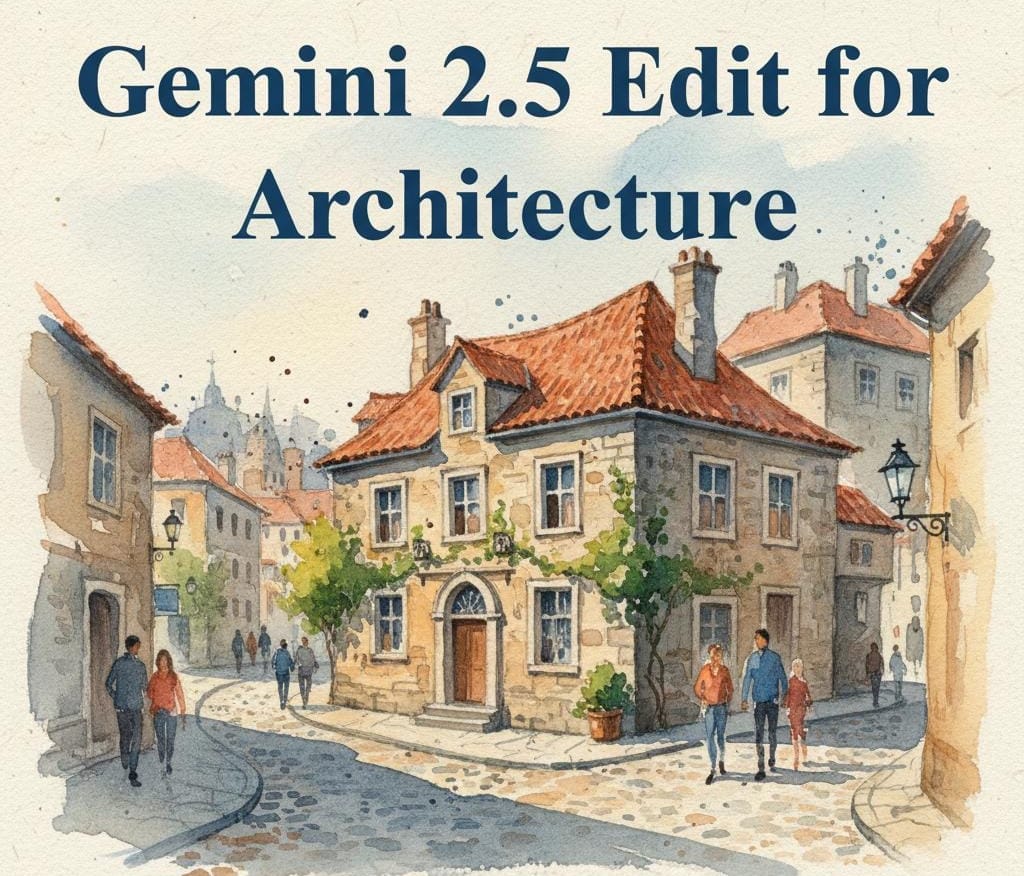
How to Use Gemini 2.5 Edit for Architecture on the RunDiffusion Platform

Turn Ideas into Stunning Architectural Videos

Create breathtaking architectural videos using the RunDiffusion Platform. Learn how to go from a sketch or text prompt to a fully rendered design. Perfect for architects, designers, and creators looking to streamline their workflow.

Adam Stewart
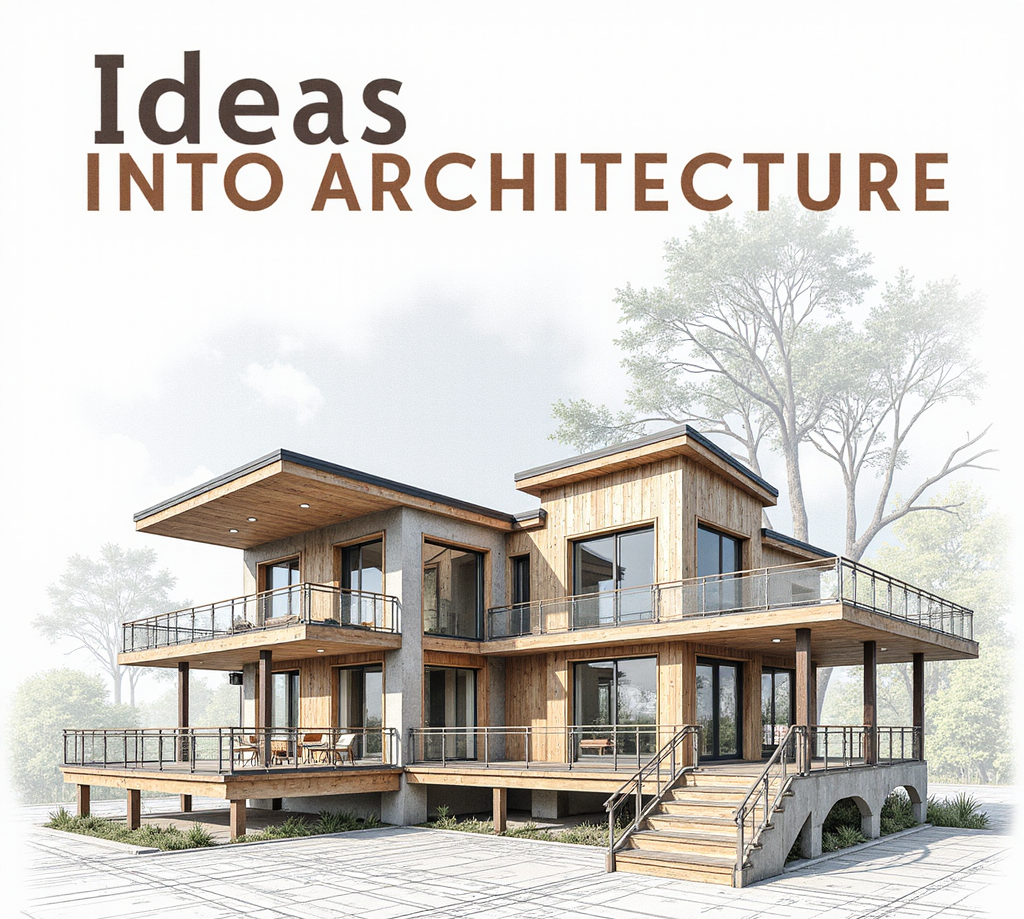
Turn Ideas into Stunning Architectural Videos

Sketch to Render Pro for Architecture

Sketch to Render on the RunDiffusion Platform revolutionizes architectural design by transforming sketches into high-quality renders with AI-powered automation. This tool accelerates workflows, enhances client presentations, and integrates seamlessly with existing workflows.

Adam Stewart
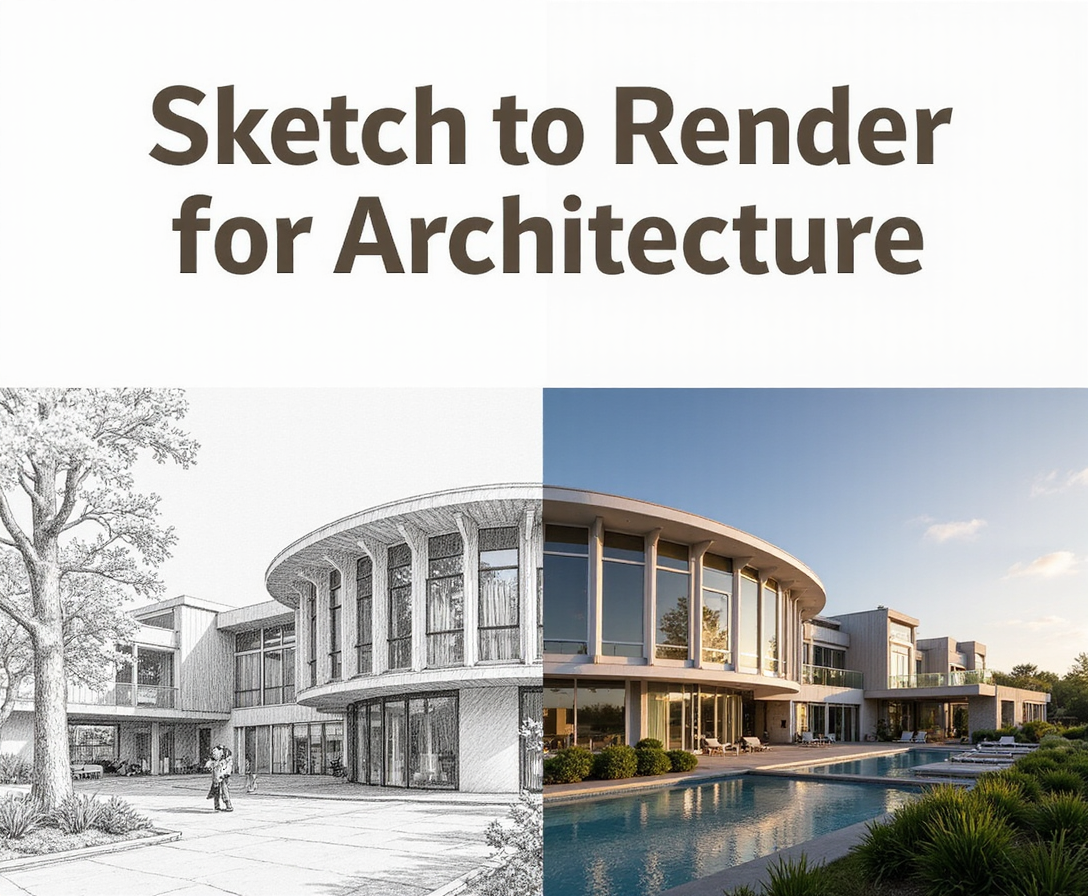
Sketch to Render Pro for Architecture