If you're managing or using an Enterprise account on RunDiffusion, keeping your team topped up with tokens is essential for uninterrupted AI image and video generations.
"How do I top up my tokens on RunDiffusion when using an Enterprise account?" This guide walks you through the process in a few simple steps.
Video Tutorial
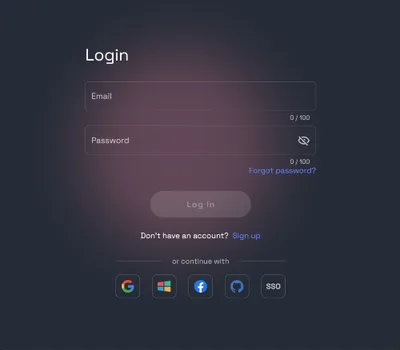
As a team Admin, log in to your account
Go to the RunDiffusion Platform (Formerly Runnit Platform)
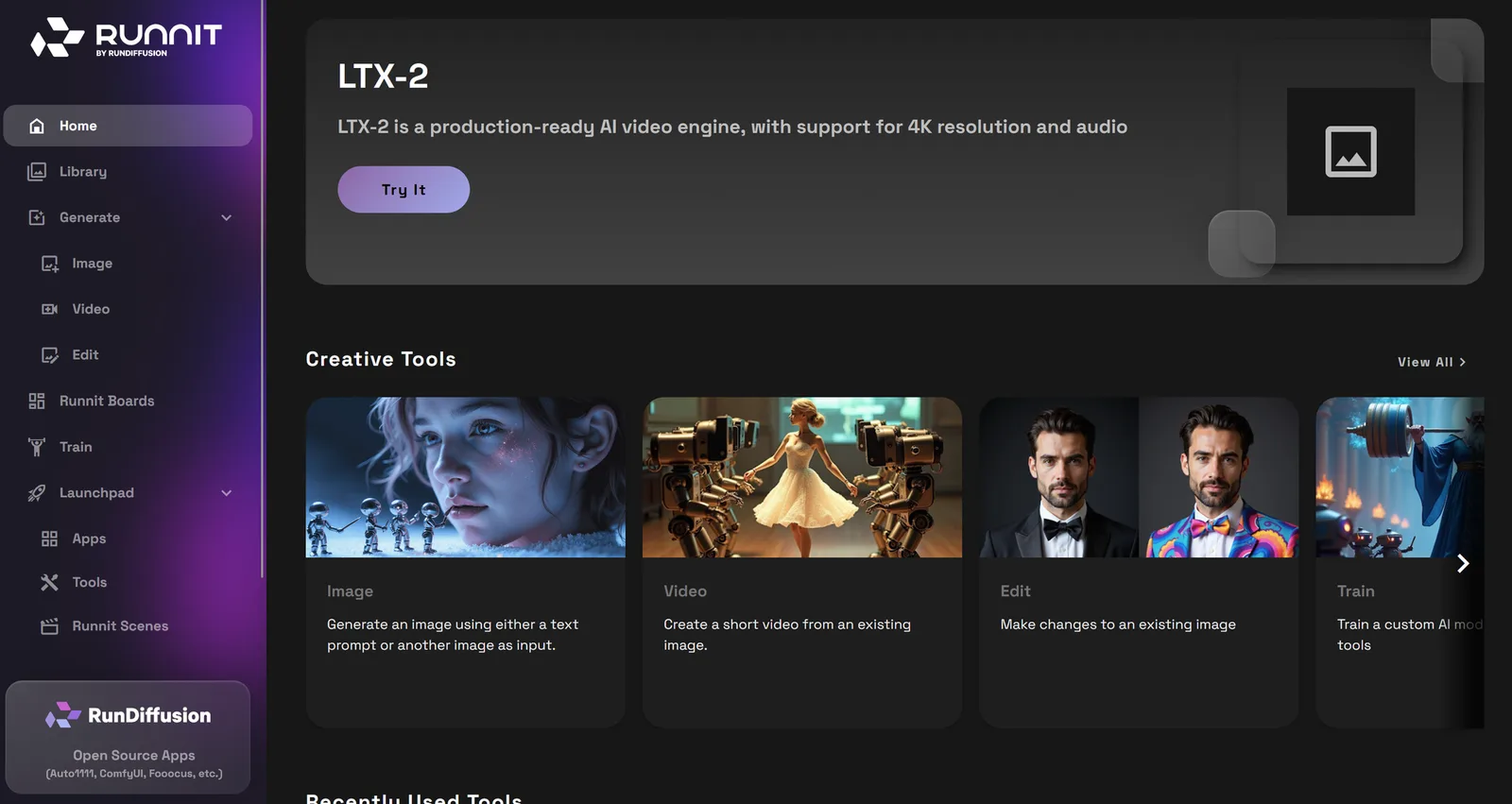
Scroll down on the left sidebar and select your team account.

Scroll down to the account menu button, then click on your Company Dashboard at the top.

On the Company Token Bank click on Manage

Select the number of packages, type I agree and click Submit.

Once you have completed your purchase you need to assign the tokens to your team. Scroll down to Active Teams. Click on the 3 dots next to the team you want to add tokens to.

Click on Transfer Tokens.

Type the number of tokens you wish to transfer. Then click Submit. The arrow indicates the direction of the transfer. You can transfer from your team back to the Company Token Bank or vice versa.

Managing tokens efficiently is a critical part of scaling AI workflows on RunDiffusion’s Enterprise platform. By following the steps above, your team can stay focused on building, creating, and iterating without disruption.
How to Open a Support Ticket | RunDiffusion
Need help? Open a support ticket by clicking the Help Chat Icon in the top right, our team will assist you as soon as possible!
RunDiffusion Team

How to Download an Invoice from Your RunDiffusion Account | RunDiffusion
Need a copy of your RunDiffusion invoice? This step-by-step guide shows you how to sign in, access your account menu, and download or print receipts with ease.
RunDiffusion Team

Pick a model and start generating
These models are tuned for detail — open one and put this guide to work.