
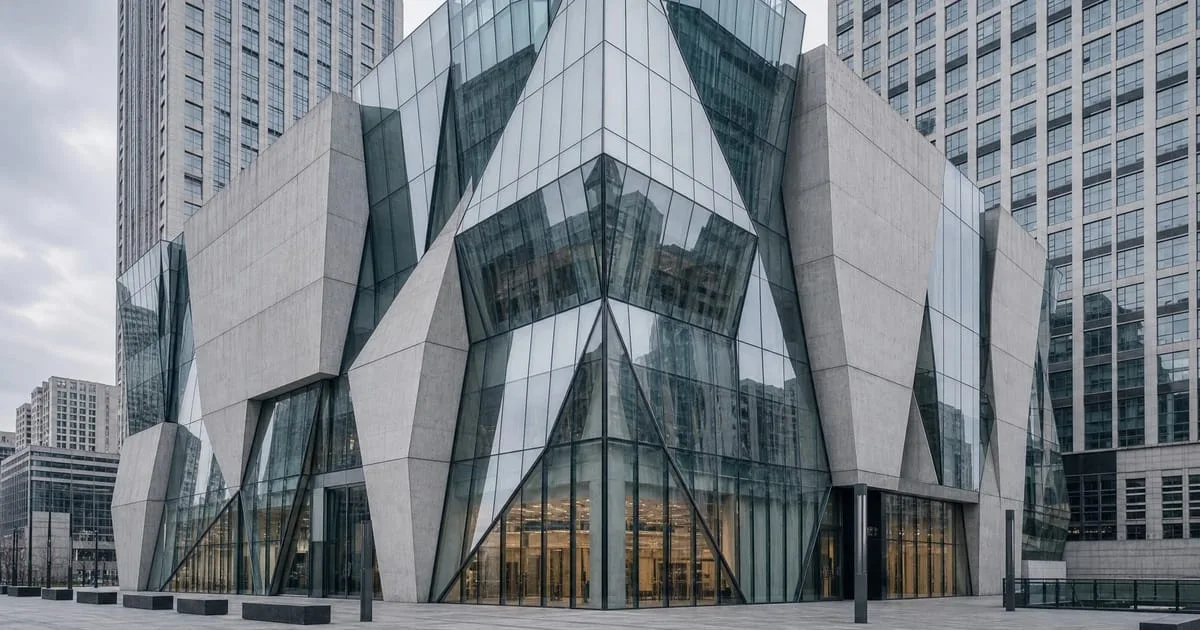
- Flux 2 Pro lets creators generate images from prompts and explore visual ideas with artificial intelligence.
- The model can support concept imagery, illustrations, visual design studies, and style exploration.
- RunDiffusion gives direct access to Flux 2 Pro without local hardware or complicated setup.
Flux 2 Pro is an AI image generation model available on RunDiffusion. It helps creators generate architectural concepts, illustrations, and visual design ideas from prompts without local hardware setup.
| At a glance | |
|---|---|
| Model | Flux 2 Pro |
| Primary use | AI image generation for architectural concepts and visual design exploration |
| Input | Text prompts and creative descriptions |
| Platform | RunDiffusion |
Flux 2 Pro AI Image Generation Tool
Flux 2 Pro is an AI image generation model available on RunDiffusion. It allows creators to generate images from prompts and explore visual ideas using artificial intelligence.

The model can be used to create concept imagery, illustrations, and visual designs based on text prompts or creative descriptions. Users often experiment with different prompts to explore styles, subjects, and compositions.
Flux 2 Pro is commonly used by designers, artists, and creators who want to generate images quickly while exploring different visual ideas.
What Flux 2 Pro Is Used For
Flux 2 Pro can be used for a variety of creative tasks, including:
- generating images from text prompts
- creating concept art and illustrations
- producing visual ideas for design projects
- experimenting with creative prompts
- exploring visual styles and compositions
Because the model generates images from prompts, creators can iterate quickly when exploring different ideas.
Why Use Flux 2 Pro on RunDiffusion
RunDiffusion provides access to Flux 2 Pro directly from the platform without requiring local hardware or complicated setup.
Using Flux 2 Pro on RunDiffusion allows creators to:
- generate images using prompts
- explore visual ideas quickly
- experiment with different prompts and styles
- combine the model with other AI tools available on the platform
This makes it easier to move from an idea to a generated visual concept.
Launch Flux 2 Pro
You can launch the Flux 2 Pro tool directly from RunDiffusion.
Test Flux 2 Pro on RunDiffusion
Launch the model in the browser and iterate on architectural prompts without maintaining local GPU hardware.
Frequently asked questions
QWhat is Flux 2 Pro used for?
Flux 2 Pro is used to generate images from prompts, create concept imagery, explore illustration styles, and test visual directions for design projects.
QWhy use Flux 2 Pro on RunDiffusion?
RunDiffusion provides direct access to Flux 2 Pro, so creators can experiment with prompts without local hardware or complicated setup.
QCan Flux 2 Pro help with architectural rendering?
Yes. Creators can use Flux 2 Pro to explore architectural visual ideas, concept imagery, styles, subjects, and compositions from text prompts.


