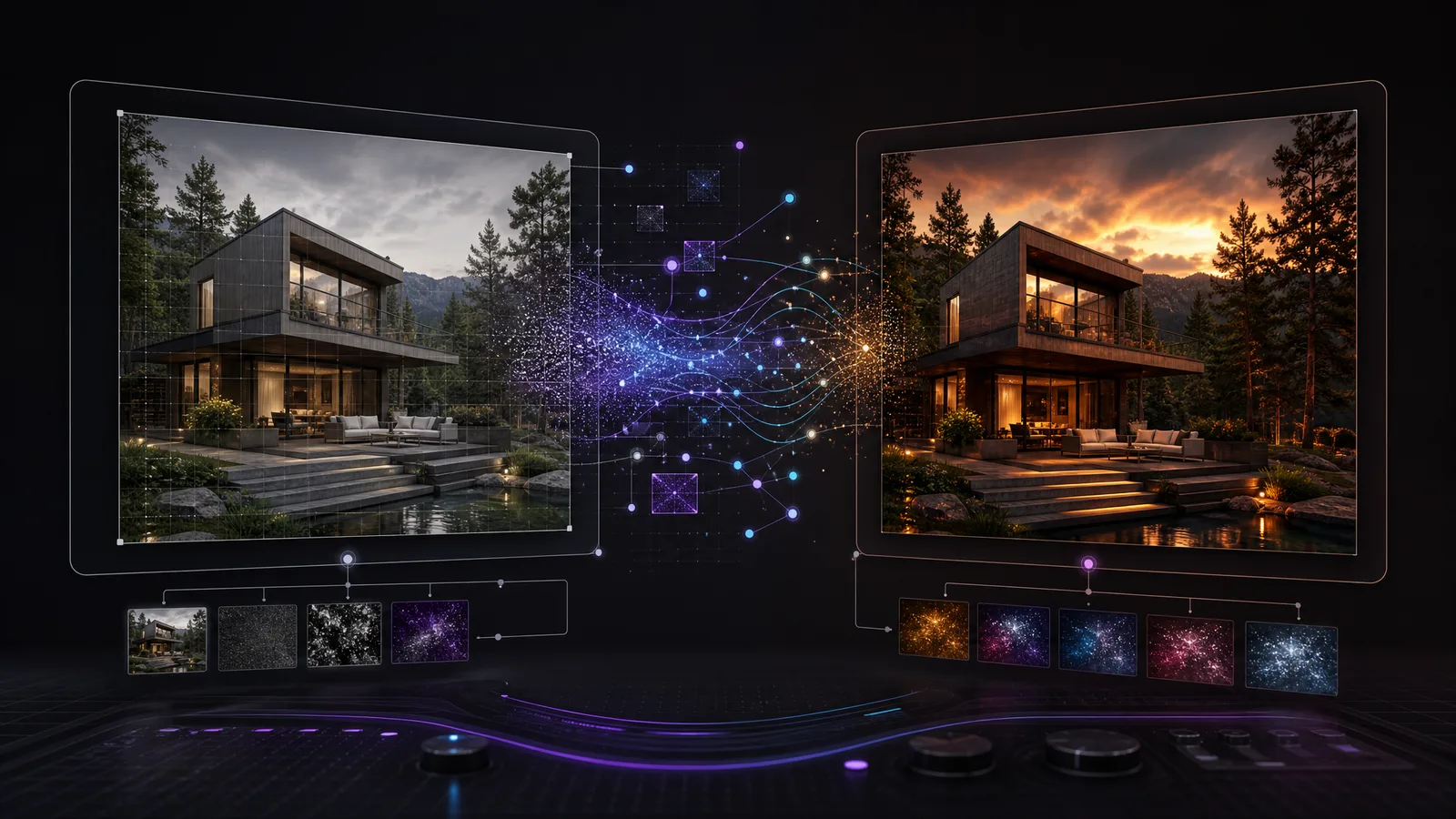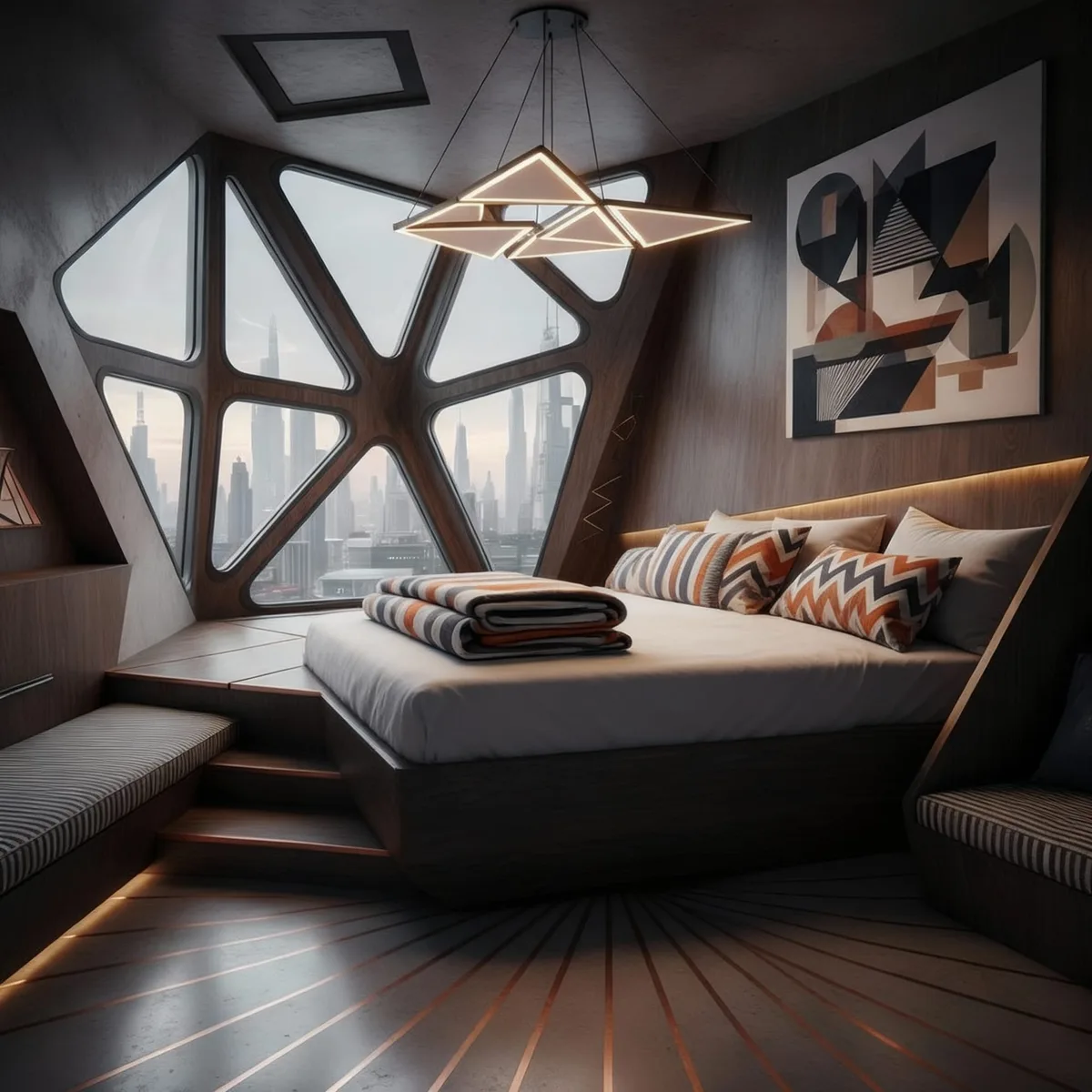
- Nano Banana and Seedream V4 are strong starting points for fast interior concept generation.
- Juggernaut Lightning Flux is useful for quick layout testing and line-heavy interior or architecture spaces.
- Nano Banana Edit, ChatGPT Image Edit, and Seedream V4 Edit support photo-based restyling, material changes, and layout edits.
- Topaz, Magnific, Creative Upscaler, and AuraSR help improve resolution, clarity, and detail after generation.
- The best tool choice depends on whether you are concepting from text, editing an existing room photo, or preparing final presentation output.
RunDiffusion brings AI interior design generation, image editing, and upscaling tools into one browser workflow. Use models such as Nano Banana, Seedream V4, Juggernaut Lightning Flux, Flux [Pro] Ultra, Wan 2.5 Image, Nano Banana Edit, ChatGPT Image Edit, Topaz, Magnific, Creative Upscaler, and AuraSR to move from room concepts to polished presentation visuals.
| At a glance | |
|---|---|
| Best fit | Interior concepts, room styling, layout exploration, image editing, and presentation-ready upscaling |
| Access | Browser-based RunDiffusion tools with daily free tokens on many workflows |
| Generation tools | Nano Banana, Seedream V4, Juggernaut Lightning Flux, Flux [Pro] Ultra, and Wan 2.5 Image |
| Editing and polish | Nano Banana Edit, ChatGPT Image Edit, Seedream V4 Edit, Topaz, Magnific, Creative Upscaler, and AuraSR |
Compare the Top Free and Premium AI Room Design Tools on RunDiffusion
If you are exploring AI tools for interior design, you have likely come across dozens of models claiming to generate realistic spaces, upscale images, or edit layouts. This article breaks down the top-performing AI models available on the RunDiffusion platform, including generation, editing, and upscaling tools, so you can choose the right combination for your room design workflow.
With daily free tokens, many of these tools are accessible without a paid plan, while others offer professional-grade output ideal for client-facing projects.
What You'll Learn
- Which AI models generate the best room design visuals
- Which tools support image editing or restyling from a photo
- Cost and generation times per model
- Which tools are best for interiors, architecture, or design professionals
Image Generation Models for Interior Design
These models are ideal for generating rooms from a text prompt, such as "modern living room with skylights." Use them for brainstorming, layout exploration, or presentation concepts.
| Model | Description | Avg Render Time | Token Cost | Best Use Case |
|---|---|---|---|---|
| Nano Banana | Balanced rendering using Gemini from Google | 12s | 85 | Interior concepts, bedrooms, kitchens |
| Seedream V4 | High realism with vivid lighting and textures | 12s | 65 | Warm lighting, stylistic interiors, marketing |
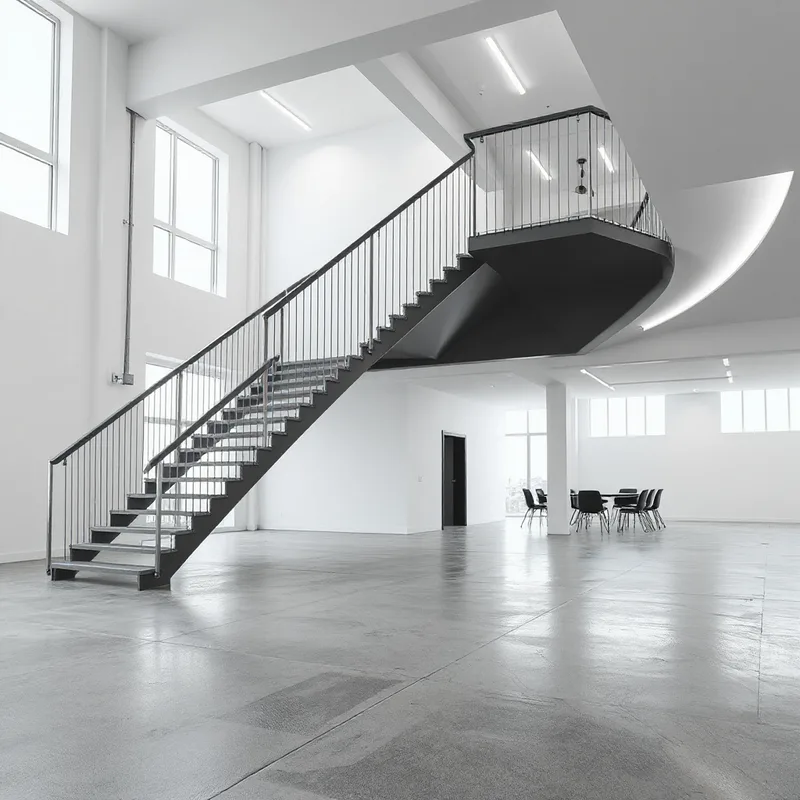
| Juggernaut Lightning Flux | Fast architectural rendering with clean edges | 9s | 3 | Quick layout testing, line-heavy spaces |
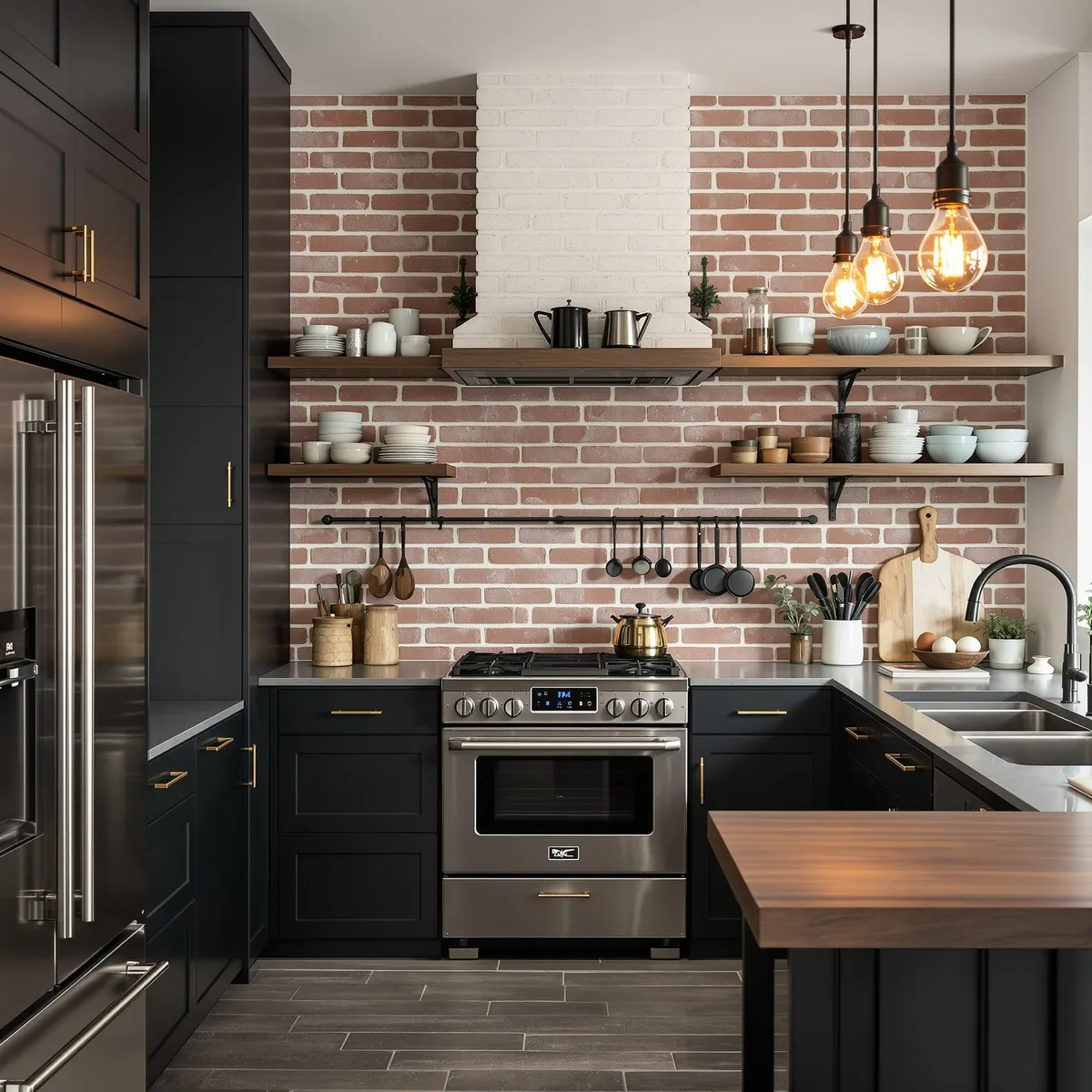
| Flux [Pro] Ultra | High-detail model by BlackForestLabs | 13s | 125 | Detailed rooms, large-scale interiors |
| Wan 2.5 Image | Stylized generation with unique artistic qualities | 2.5m | 108 | Concept art, expressive room designs |
Image Generation Models
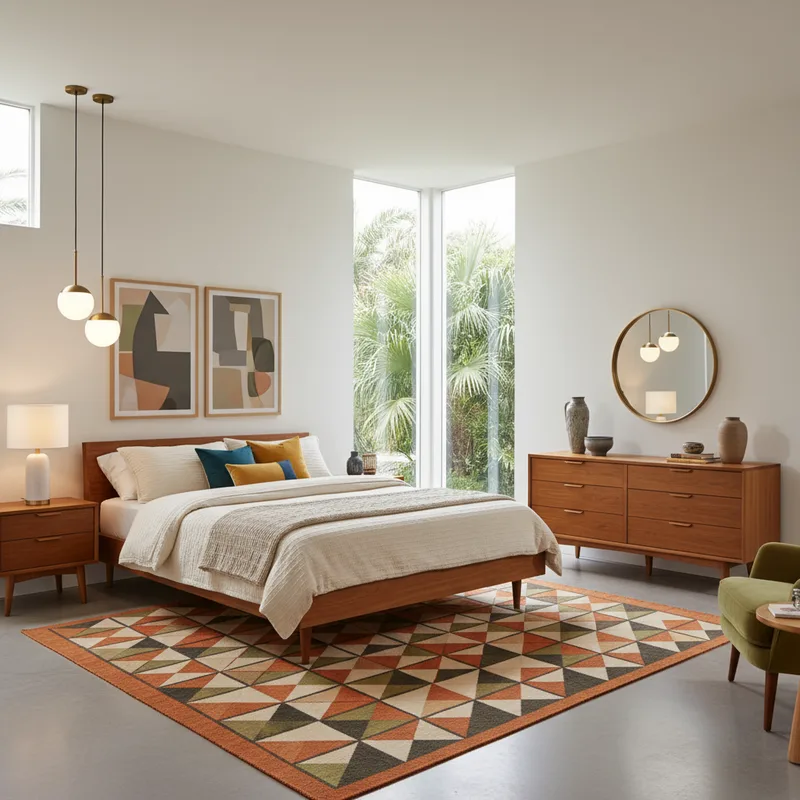
Nano Banana
Example Prompt: Mid-century modern bedroom with teak wood furniture, geometric rug, and pendant lighting
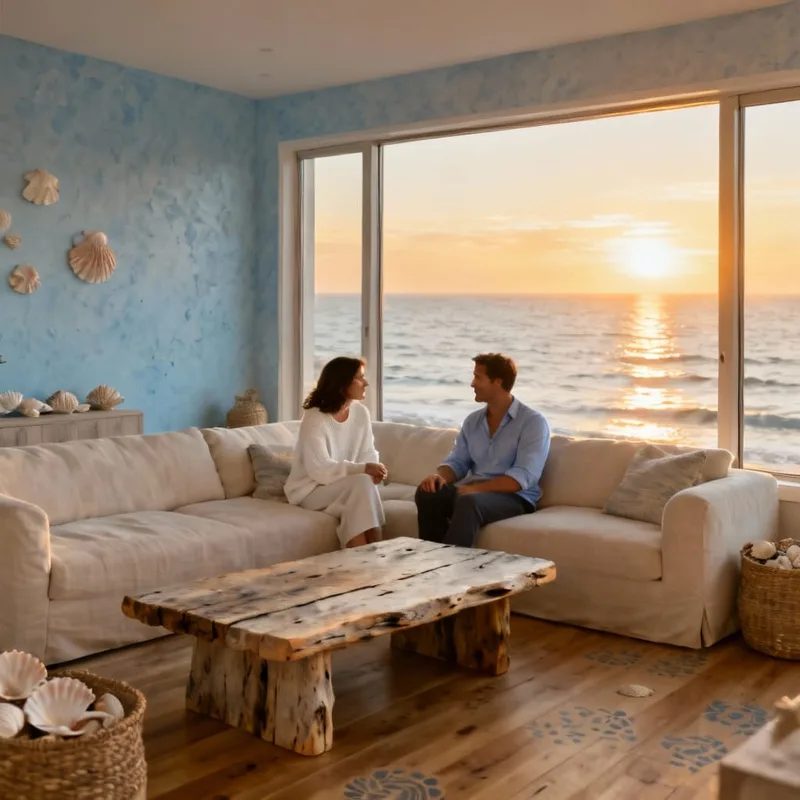
Seedream V4
Example Prompt: Contemporary coastal living room with oversized linen sofa, driftwood coffee table, and ocean-view windows at sunset
Juggernaut Lightning Flux
Example Prompt: Futuristic open loft with floating stairs, LED lighting, and polished concrete floors, technical line rendering, minimalist, high quality, indoor setting, daytime, bright lighting, high resolution, architecture, dynamic composition
Flux [Pro] Ultra
Example Prompt: Industrial-style chef's kitchen with brick backsplash, matte black cabinets, open shelving, and Edison bulb lighting
Wan 2.5 Image
Example Prompt: A beautiful dining area in a traditional home with colorful palette
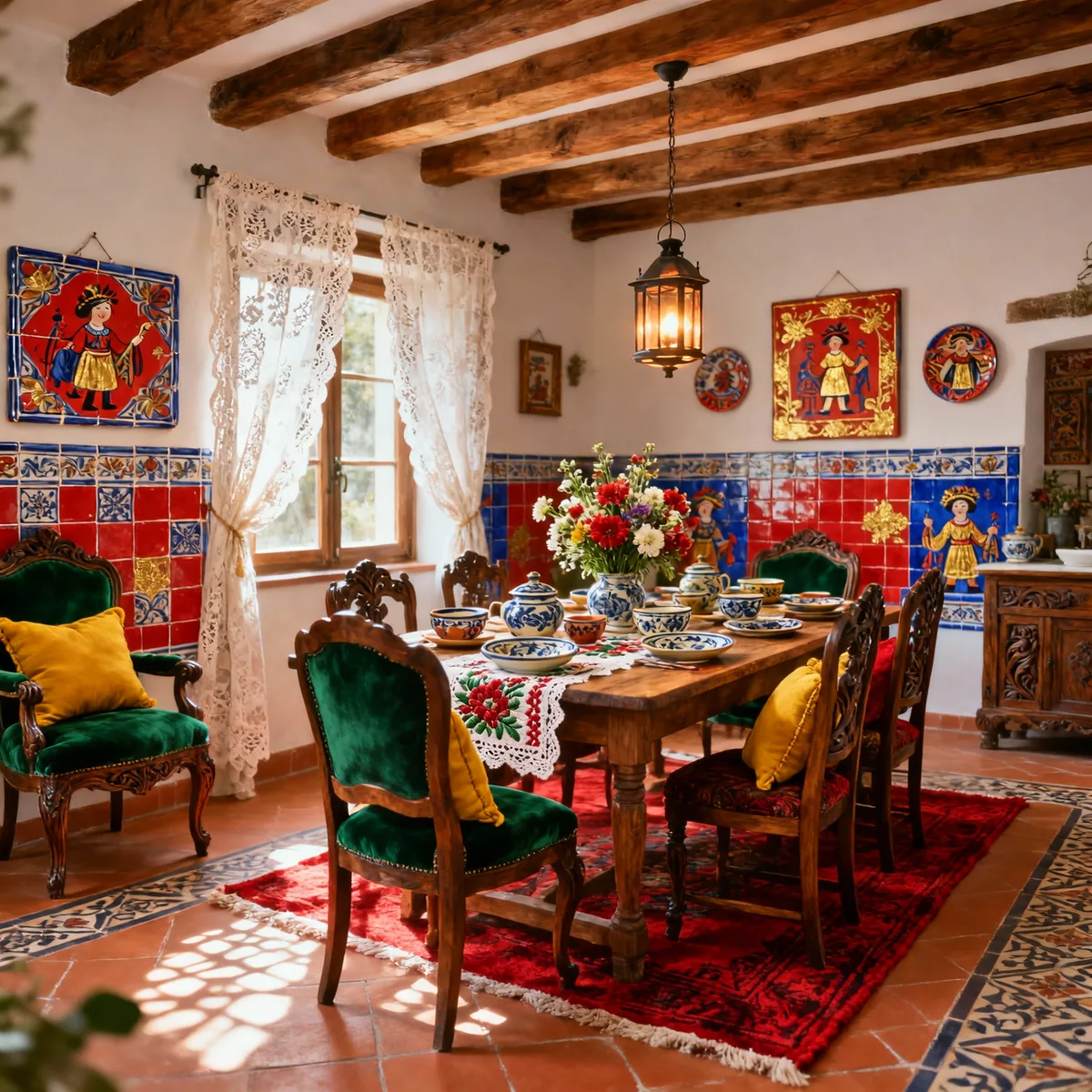
Image Editing Models (Upload and Modify a Photo)
Already have a photo or rough render of your room? These tools let you describe how you would like to change it, from decor and layout to style and materials.
| Model | Description | Avg Render Time | Token Cost | Best Use Case |
|---|---|---|---|---|
| Nano Banana Edit | Fast and accurate editing powered by Gemini | 11s | 85 | Style changes, mood refinements, layout edits |
| ChatGPT Image Edit | Text-to-image editing using natural language | 24s | 40 | Conversational edits, style reimagining |
| Seedream V4 Edit | Lighting and texture-focused model | 45s | 65 | Finish changes, high-fidelity visual polishing |
Upscaling and Enhancement Tools
After generating or editing your design, upscale it to high resolution for presentation, printing, or portfolio use. These models help you improve clarity, texture, and detail.
| Model | Description | Avg Render Time | Token Cost | Best Use Case |
|---|---|---|---|---|
| Topaz Upscale | Fast upscaling with strong detail preservation | 11s | 217 | General interior enhancement |
| Topaz Generative Upscale | Repair and upscale with AI learning | 1.32m | 217 | Restoring detail in complex designs |
| Magnific Upscaler | Upscale with creative control and variation | N/A | 282 | High-concept renders and editorial visuals |
| Creative Upscaler | Artistic texture and enhancement | 1m | 141 | Bold or unique room render styles |
| AuraSR - True Upscaler | High-fidelity upscale with natural detail | 40s | 22 | Realistic floorplans or architectural views |
Tool Recommendations by Use Case
| Goal | Suggested Tools |
|---|---|
| Quick concept generation | Nano Banana, Seedream V4, Juggernaut Lightning Flux |
| Photo-to-room style updates | Nano Banana Edit, ChatGPT Image Edit |
| Polished lighting and texture | Seedream V4, Flux [Pro] Ultra |
| High-resolution output | Topaz Generative, Magnific |
| Creative or stylized visuals | Wan 2.5 Image, Creative Upscaler |
Final Thoughts
Choosing the right AI tool for your interior design process depends on what stage you are in, whether you are visualizing an idea from scratch, editing a photographed space, or preparing final renders. RunDiffusion's wide selection of models supports all these stages with clarity, speed, and flexibility.
Explore room design for free with daily tokens or upgrade to Professional and Enterprise plans for high-output needs. Whether you are an interior designer, architect, or creative hobbyist, these tools unlock fast, professional-quality results from your browser.
Related Articles
- AI living room makeover tool for designers
- AI bedroom design ideas
- Interior design AI kitchen remodel tool for designers
Compare interior design models in RunDiffusion
Use daily tokens to test room generation, image editing, and upscaling tools directly in your browser.
Frequently asked questions
QWhat is the best AI interior design tool on RunDiffusion?
The best choice depends on the task. Nano Banana and Seedream V4 are strong for fast room concepts, Juggernaut Lightning Flux is useful for quick layout tests, and Flux [Pro] Ultra is better when you need highly detailed interiors.
QCan I edit an existing room photo with AI?
Yes. Nano Banana Edit, ChatGPT Image Edit, and Seedream V4 Edit let you upload an image and describe changes to style, materials, lighting, layout, or decor.
QWhich tools should I use for high-resolution interior renders?
After generating or editing a room design, use Topaz, Topaz Generative Upscale, Magnific Upscaler, Creative Upscaler, or AuraSR to improve resolution and detail.
QCan I try these tools for free?
Many RunDiffusion tools are accessible with daily free tokens, while professional-grade workflows are available for higher output needs.