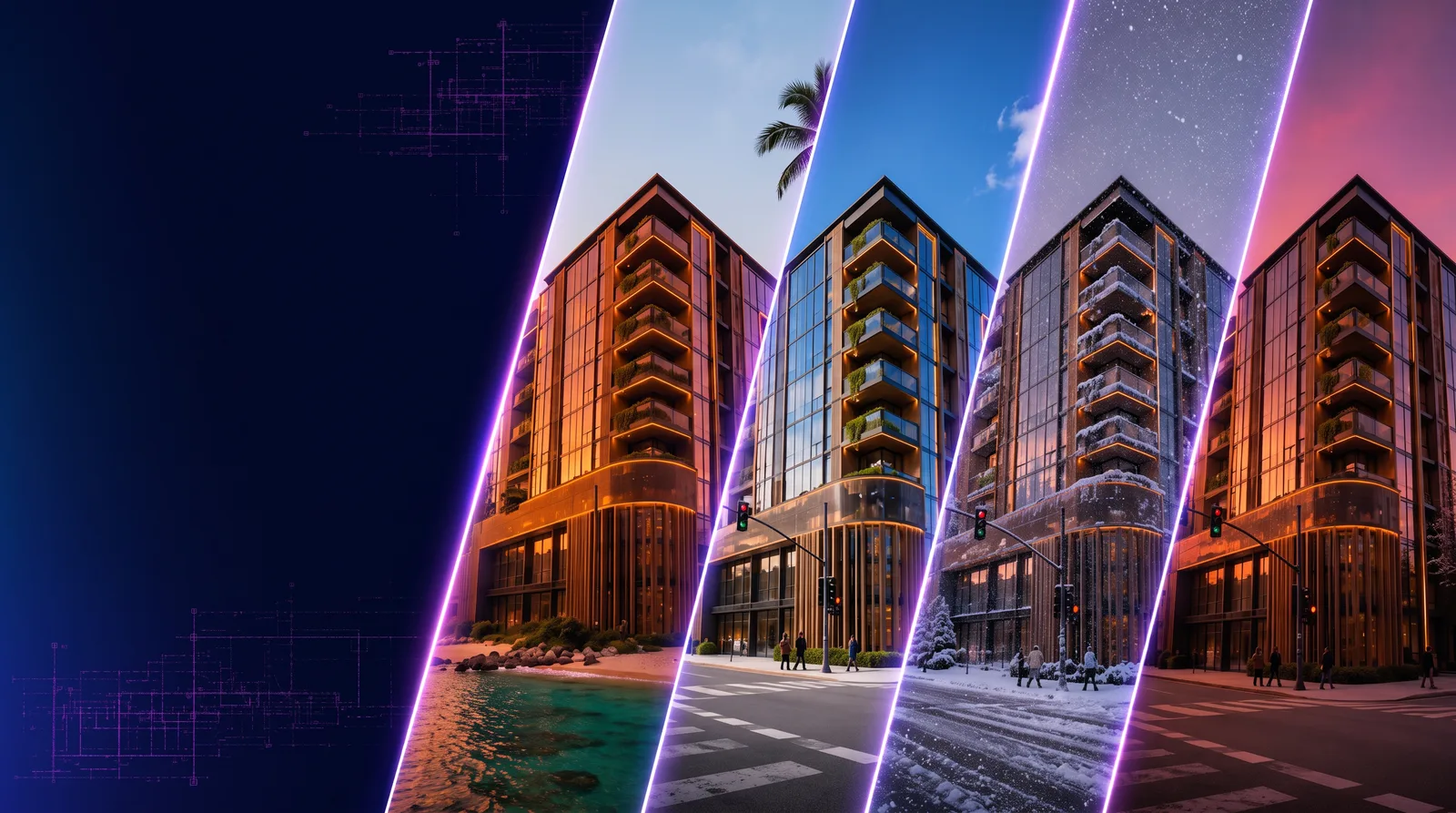
- RunDiffusion helps generate room design concepts without expensive software, downloads, or local hardware.
- Architects and interior designers can upload room references, sketches, or floorplans, then test new styles and materials.
- Free daily tokens make the workflow accessible for students, homeowners, decorators, and professional teams.
- Professional teams can scale the workflow with high-resolution rendering, prompt enhancement, batch rendering, and Boards.
- The article points readers to bedroom, kitchen, living room, and broader interior design workflows.
RunDiffusion's AI room design tools let architects, interior designers, homeowners, and visualization artists upload a room reference or write a prompt, choose a style, and generate high-resolution interior concepts in the browser with free daily tokens.
| At a glance | |
|---|---|
| Best fit | Room redesign, interior concepts, mood boards, schematic design, and visualization workflows |
| Access | Browser-based RunDiffusion tools with free daily tokens |
| Inputs | Reference images, sketches, floorplans, or text prompts |
| Team features | Prompt enhancement, high-resolution output, batch rendering, and Boards |
You do not need expensive software or technical skills to generate high-quality interior renderings. RunDiffusion's AI Room Design tools allow homeowners, designers, and architects to visualize and reimagine interior spaces instantly using AI.
With free daily tokens, you can explore a range of AI-driven tools tailored for interior design. Whether you are developing room layouts, selecting finishes, or producing photorealistic visuals for presentation, RunDiffusion gives you the power to streamline your design process from any browser.
What You'll Learn
- How to generate room designs using AI tools without software installs
- How interior designers and architects use RunDiffusion's free room design generator
- Ways to integrate AI into your mood board, schematic design, or visualization workflow
- Where to explore bedroom, kitchen, and living room-specific AI design tools
How AI Room Design Works
Upload or Describe Your Room
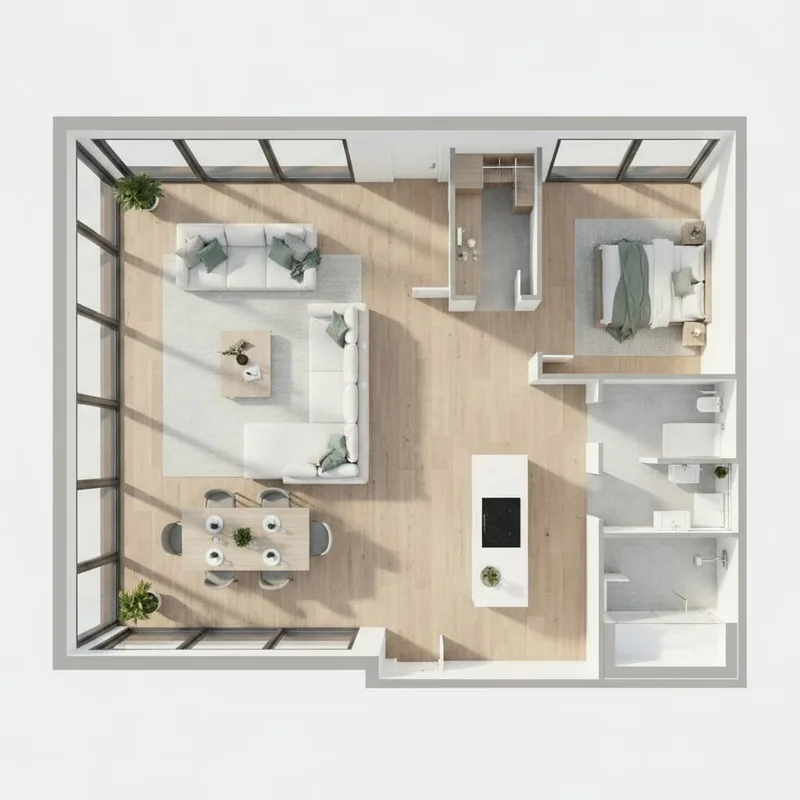
Submit a reference image, sketch, or floorplan, or write a text prompt describing the room you want to visualize.
Choose Your Interior Style
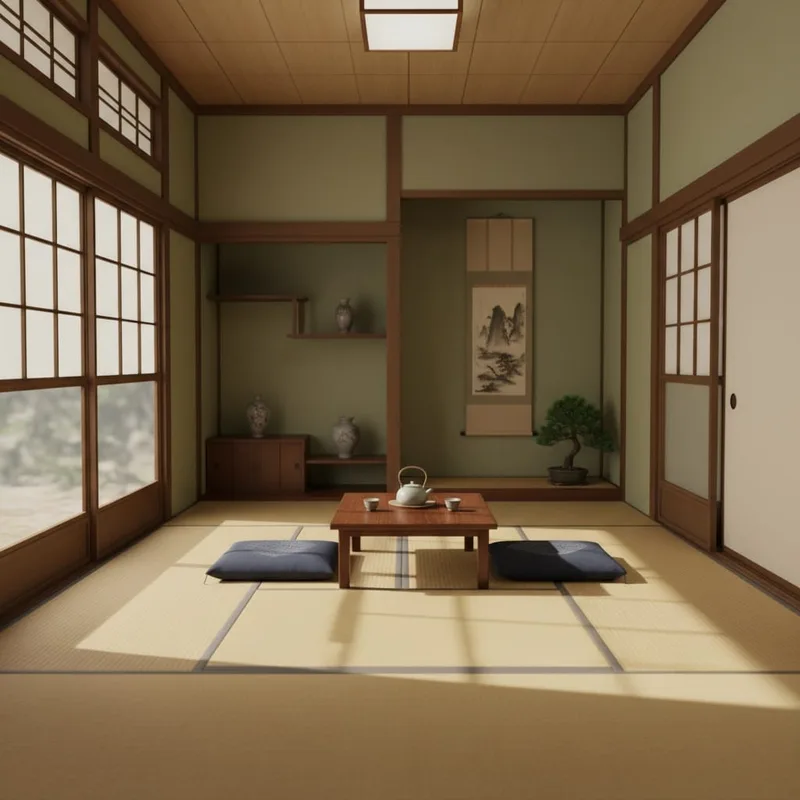
Specify an aesthetic direction: Scandinavian minimalism, industrial loft, classic Parisian, or any custom style your project needs. The AI applies the style across surfaces, layout cues, and lighting.
Generate Your Interior Visualization
The system produces high-resolution renderings of your room concept, ready to download or share. Use it to explore space planning, surface finishes, materials, lighting options, and decorative elements.
Free Daily Tokens for Designers
RunDiffusion offers a generous free plan with daily tokens, allowing you to test professional AI rendering tools:
- No downloads
- No payment required
- Instant cloud-based access to interior rendering tools
Ideal for design students, junior architects, decorators, and visualization artists exploring concept development.
Built for Designers, Scalable for Professionals and Enterprise Users
RunDiffusion is not just for one-off visualizations. The platform supports scalable AI implementation across architecture studios, interior design agencies, and multi-market real estate teams.
Key features for professional teams:
- High-resolution rendering, including up to 10K output
- Prompt enhancement tools for design-specific phrasing
- Batch rendering capabilities
- Secure, cloud-based storage with Boards
For teams looking to expand their workflow, RunDiffusion offers a range of professional-grade AI tools designed for image generation, editing, upscaling, and video production.
Each tool supports a different stage of the creative process from concept sketches to photorealistic renders and cinematic presentations.
Explore Interior Design on RunDiffusion
Why Use AI for Room Design?
Save Time and Visualize Instantly
Architects and interior designers can skip the setup time for mood boards or 3D modeling tools and generate visuals in seconds.
Explore Variations Without Rework
Switch between design concepts, materials, color palettes, and lighting styles without rebuilding layouts.
Designed for Professionals and Homeowners
Whether you are updating a single room or producing concepts for a client presentation, AI room design tools support your workflow without sacrificing quality.
Example AI Room Designs
Showcase visuals such as:
- Before/after renderings from a basic layout to an AI-enhanced render
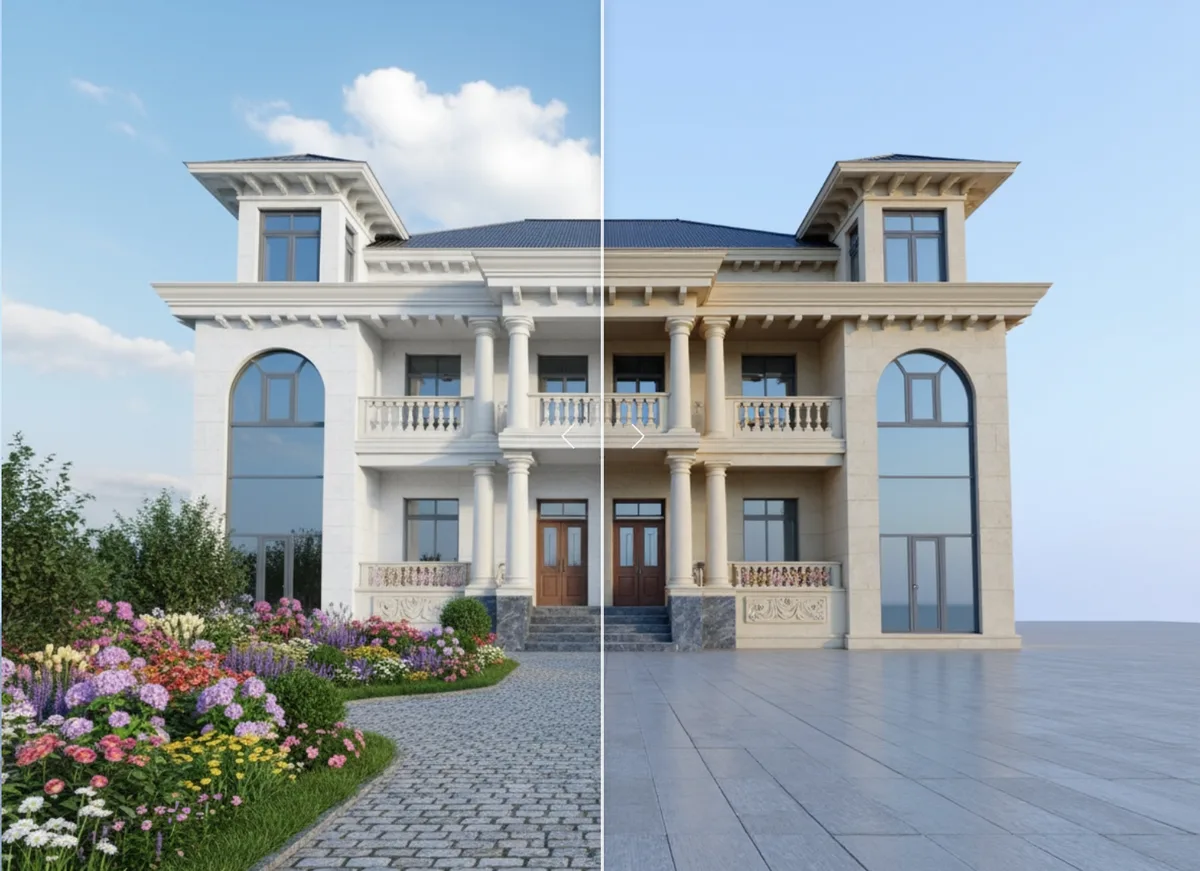
- AI-generated living room redesign
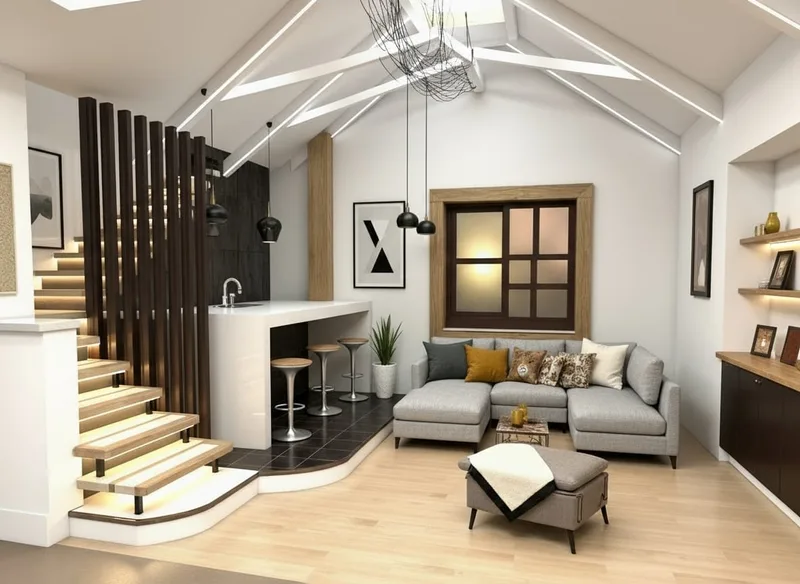
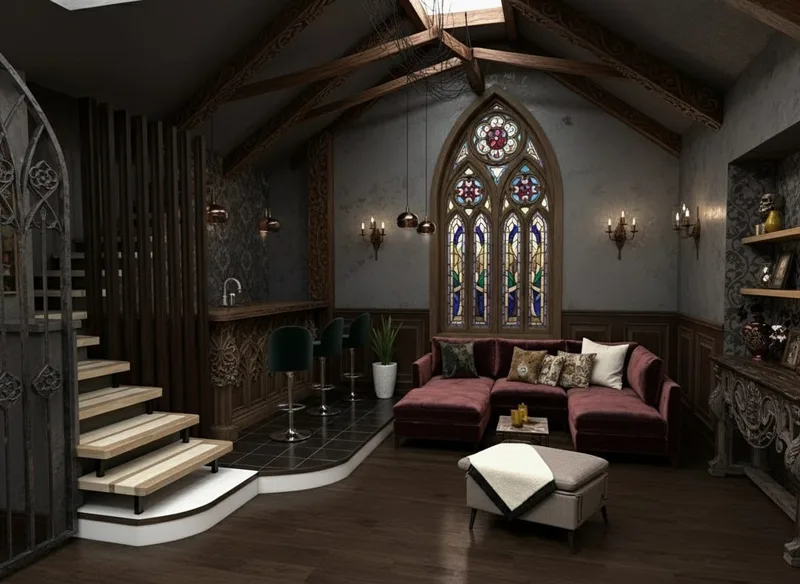
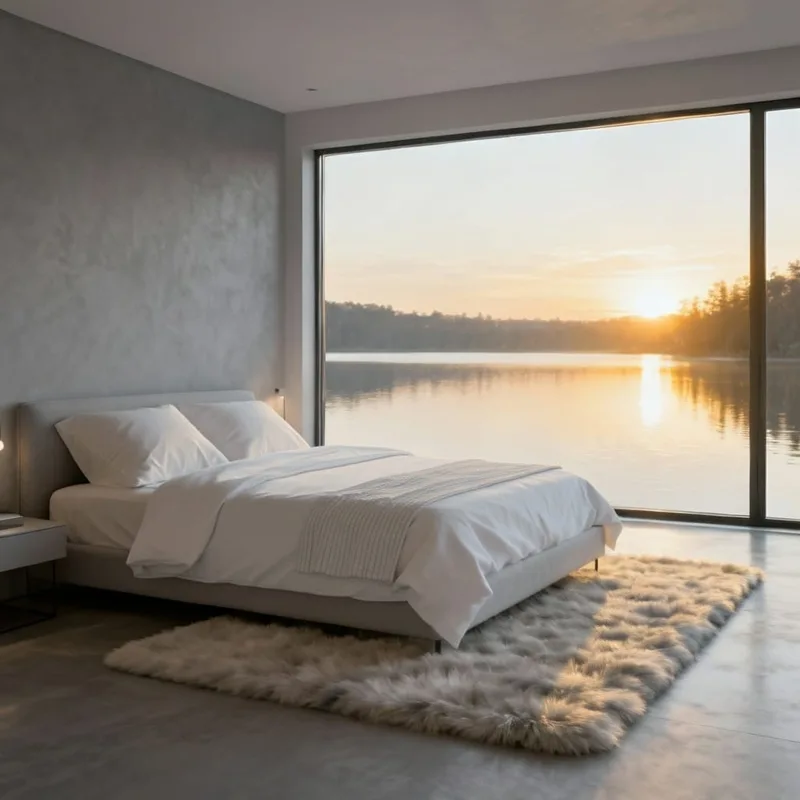
- Modern bedroom AI design examples
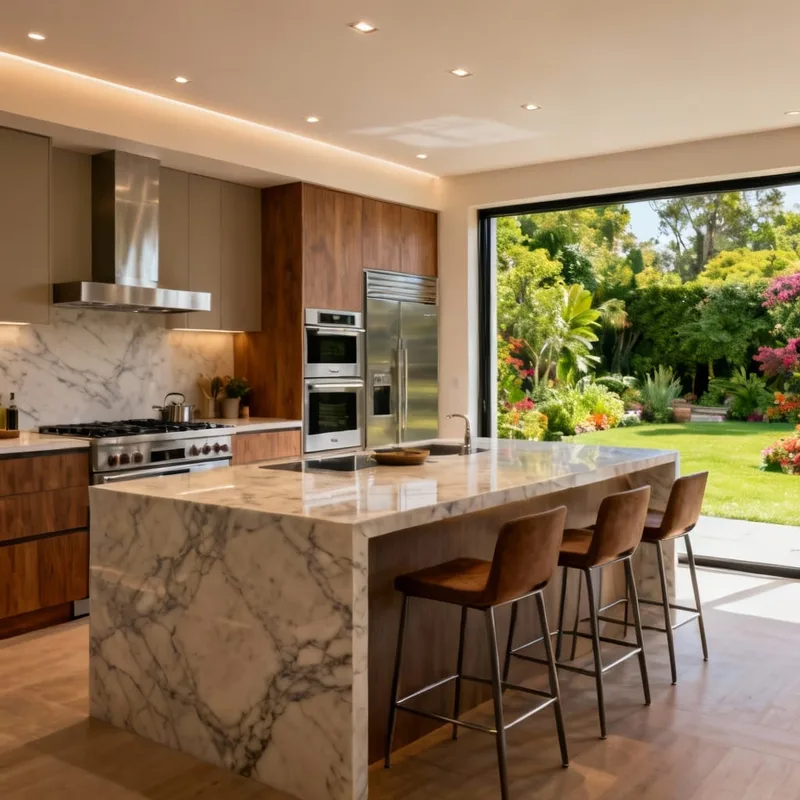
High-end kitchen visualization via AI prompt
Try RunDiffusion Now
Use your free daily tokens or request a professional demo to start exploring AI-driven room rendering.
Related interior design workflows:
- Interior Design AI Solutions - RunDiffusion
- Best AI Interior Design Tools Compared
- AI Bedroom Design Ideas
- AI Kitchen Remodel Generator
- AI Living Room Makeovers
Try AI room design in RunDiffusion
Use free daily tokens to test room concepts, styles, and interior visualization directly in your browser.
Frequently asked questions
QCan I use RunDiffusion for AI room design without installing software?
Yes. RunDiffusion runs in the browser, so you can test room design ideas without installing local design software or maintaining local hardware.
QWhat can architects and designers upload?
You can upload a room reference image, sketch, or floorplan, or start from a text prompt that describes the room and style direction.
QIs there a free way to try AI room design?
Yes. RunDiffusion provides free daily tokens so you can test interior rendering and room design workflows before moving to a paid or team plan.
QCan teams use RunDiffusion for professional interior workflows?
Yes. RunDiffusion supports professional workflows with high-resolution rendering, prompt enhancement, batch rendering, and secure cloud storage through Boards.