- Use RunDiffusion image generation tools to visualize bedroom layouts, furniture, textures, and style quickly.
- Prompt details such as style, lighting, furniture, and color palette help the model create a clearer bedroom concept.
- Modern minimalist, cozy boho, and luxury hotel-inspired prompts are useful starting points for bedroom ideation.
- Prompt Magic and Prompt Enhancer can add structure and architectural clarity before generation.
- Seedream V4 Edit, Nano Banana Edit, Topaz, and Magnific can help polish or upscale a selected bedroom render.
RunDiffusion lets you generate AI bedroom design concepts from a text prompt or simple sketch, then refine lighting, materials, decor, and resolution with browser-based tools and free daily tokens.
| At a glance | |
|---|---|
| Best fit | Bedroom layout exploration, mood boards, decor concepts, and client design drafts |
| Input | Text prompts or simple sketches |
| Access | Browser-based RunDiffusion tools with free daily tokens |
Designing a bedroom has never been easier. Whether you are planning a home makeover or drafting concepts for a design client, RunDiffusion's free AI bedroom design tools help you instantly visualize layout, furniture, textures, and style.
With just a text prompt or a simple sketch, you can generate photorealistic bedroom interiors online, no software downloads or 3D modeling skills required. The tools support mood boarding, concept development, and full-room renderings with free daily tokens.
What You'll Learn
- How to use RunDiffusion's AI tools to design bedrooms online
- Best prompts for modern, cozy, and luxury bedroom styles
- How to visualize bedroom lighting, materials, and decor with AI
- How to upscale or enhance your AI-generated room design
How to Create an AI Bedroom Design (Free)
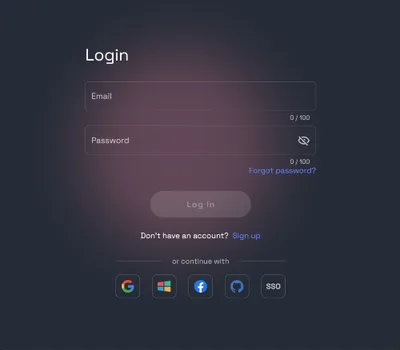
Log in to RunDiffusion: https://app.rundiffusion.com/login
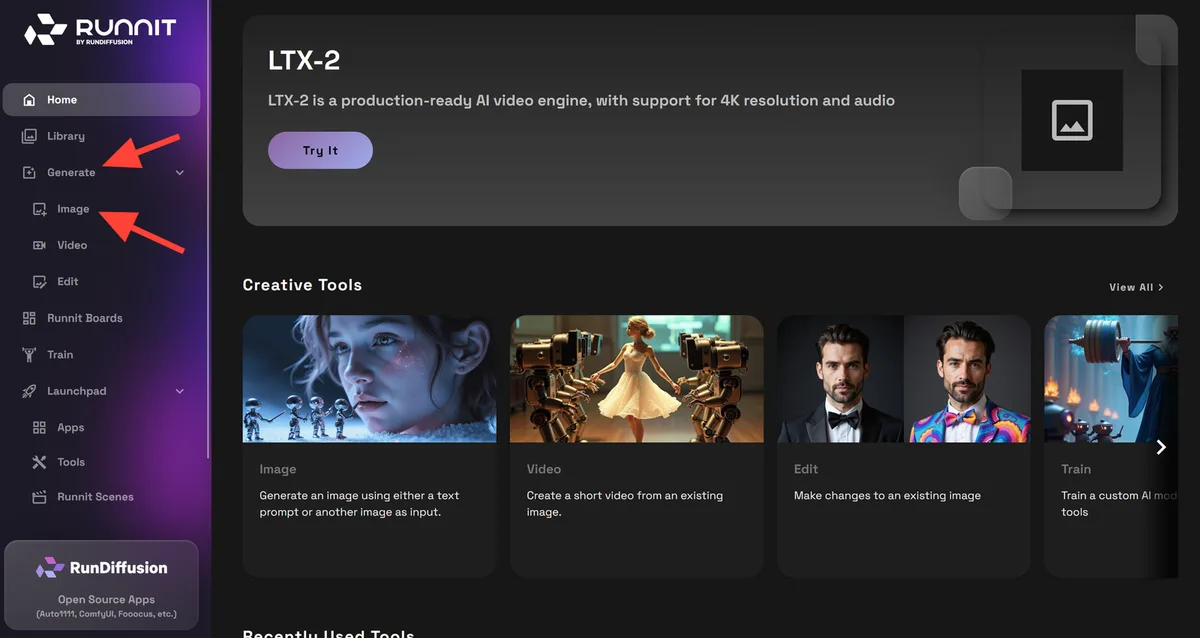
Select Image Generation and then Image on the left sidebar.
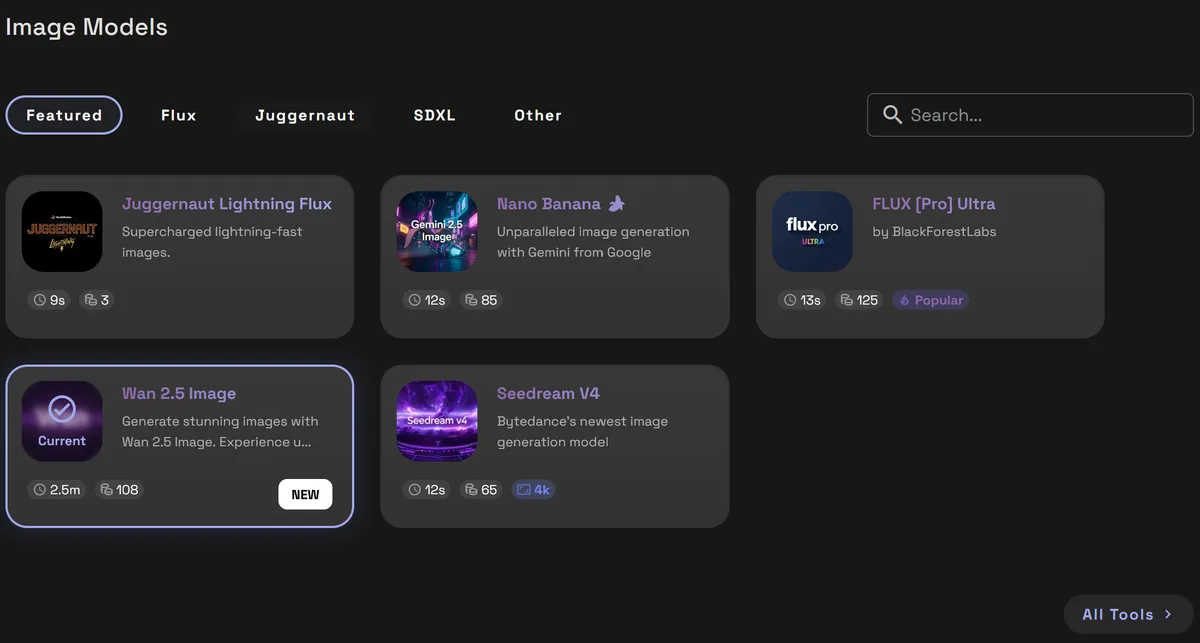
Choose a Model such as Nano Banana or Seedream V4. Each model has its own strengths.
Enter a Prompt: Describe your bedroom vision, including style, lighting, furniture, and color palette.
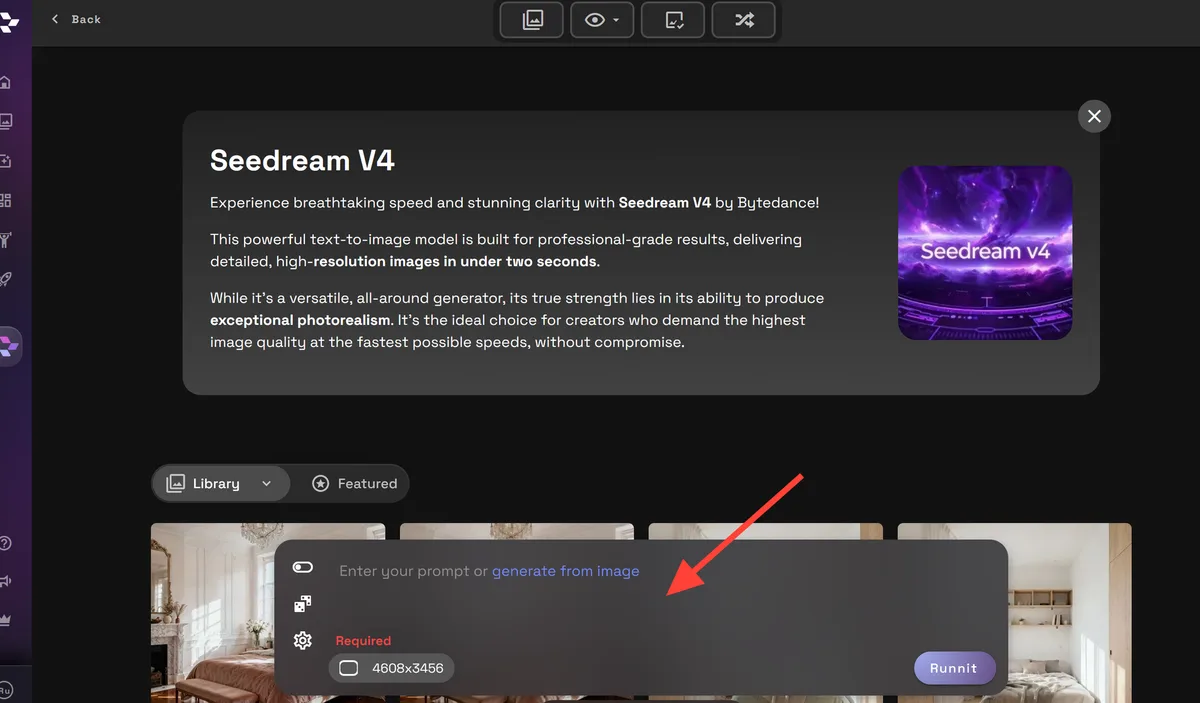
To render your image, click Run. You can also change the resolution to your preferred image size.
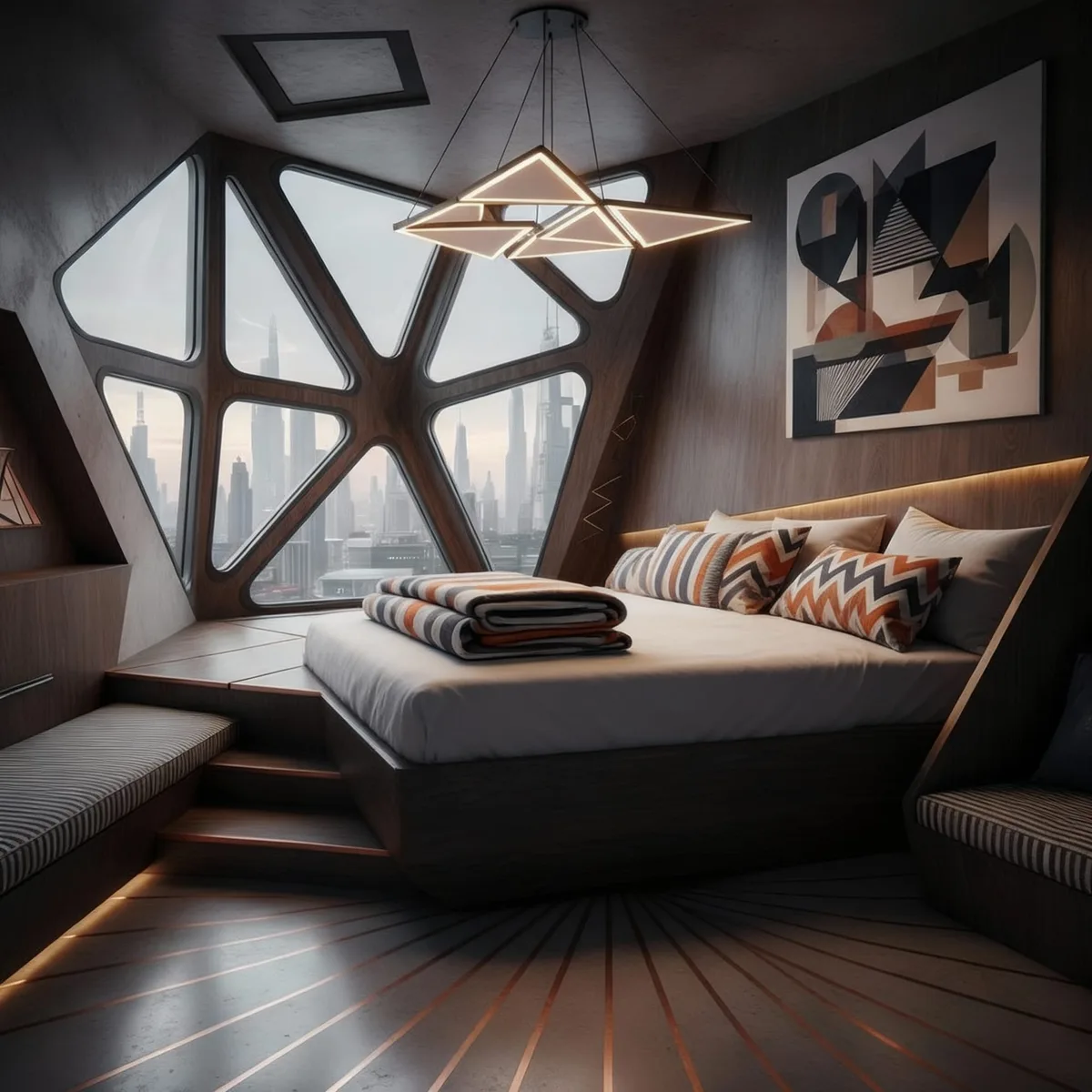
Prompt Examples for AI Bedroom Design
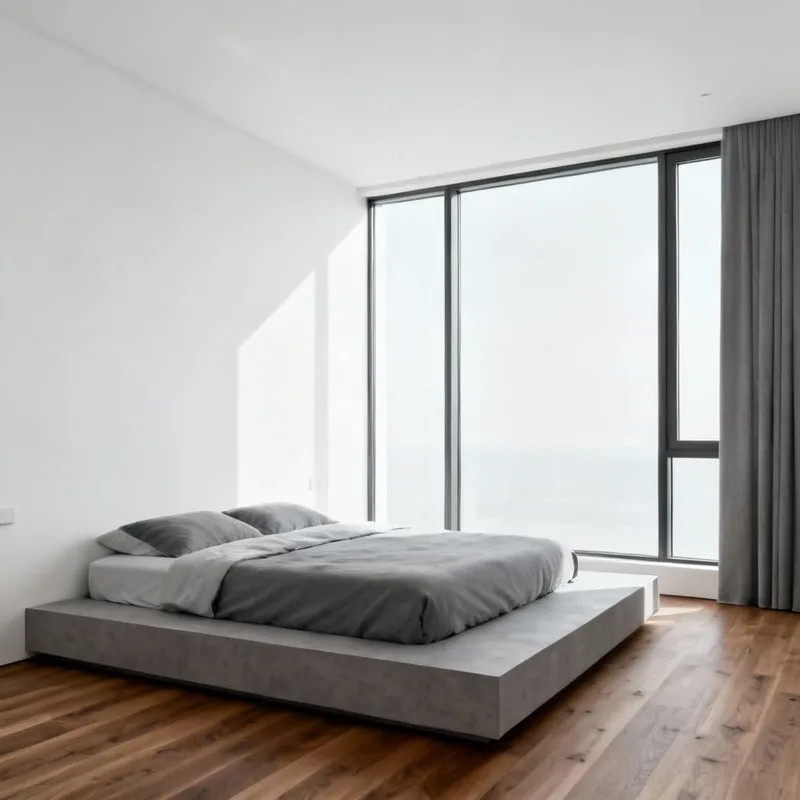
Modern Minimalist Bedroom
Prompt: Minimalist bedroom with floor-to-ceiling windows, low platform bed, white walls, gray tones, wood flooring, soft natural light
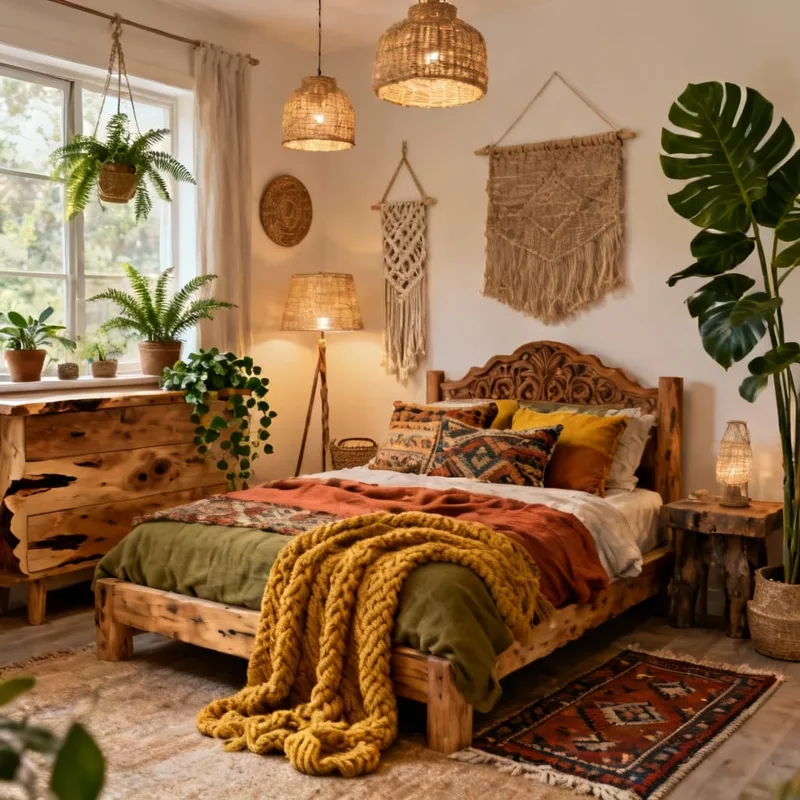
Cozy Boho Interior
Prompt: Cozy bohemian bedroom with layered textiles, woven decor, indoor plants, natural wood furniture, earth tones, warm lighting
Luxury Hotel-Inspired Suite
Prompt: Luxurious master bedroom with marble accents, velvet headboard, ambient lighting, king bed, neutral palette, high-end materials, editorial photo
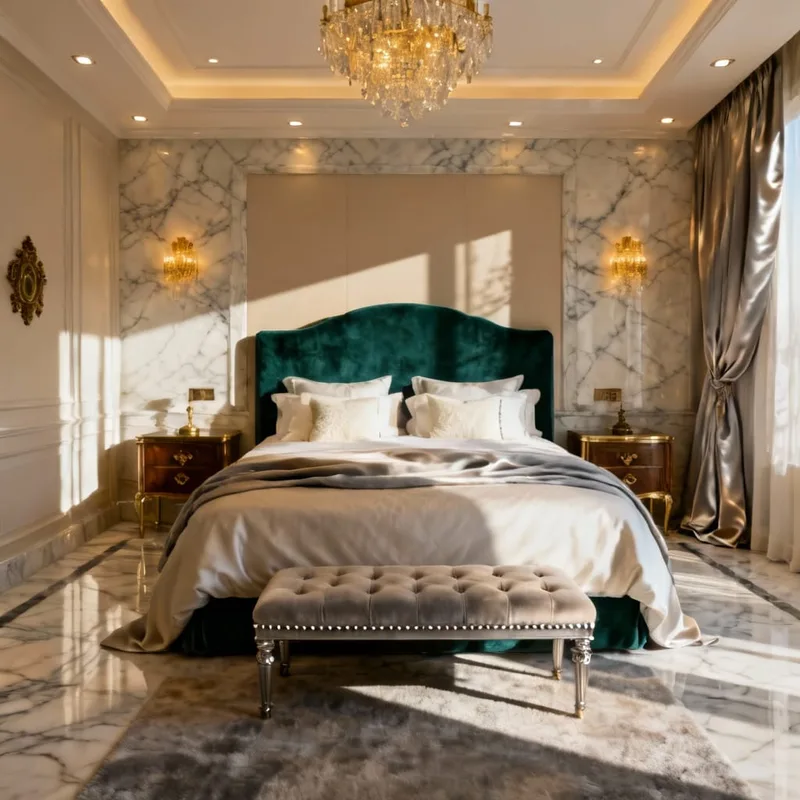
Add more details with Prompt Magic
Use Prompt Magic to automatically enhance your prompts, adding structure, detail, and architectural clarity. Turn it on before generating your image to improve results quickly.
You can also use Prompt Enhancer to rewrite your input into a more descriptive and AI-friendly version.
Improve your architectural renders with AI prompt enhancement
Upscale and Enhance Your Bedroom Designs
Once your render is created, you can:
- Enhance lighting and texture with Seedream V4 Edit or Nano Banana Edit
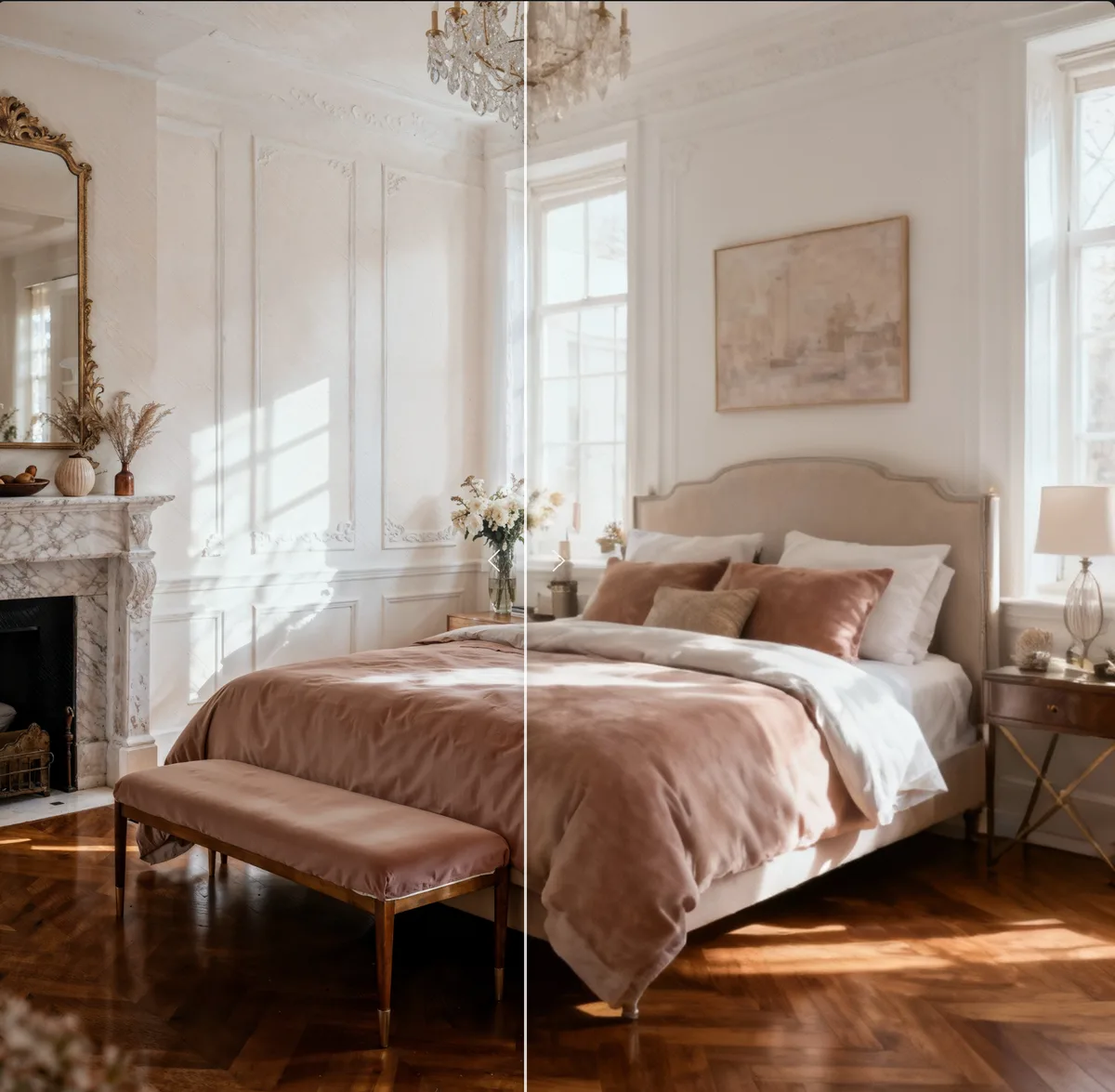
- Upscale resolution up to 10K using Topaz or Magnific
AI upscaling tools for architectural renders
Final Thoughts
AI-generated bedroom designs offer an intuitive way to explore interior ideas without expensive software or rendering tools. Whether you are designing for yourself or a client, RunDiffusion's free tools make it easy to go from imagination to visualization.
Use your free daily tokens to start experimenting with different bedroom styles today.
For more articles, see Interior Design.
- AI living room makeovers: instantly redesign interiors with AI
- AI kitchen remodel generator: redesign your kitchen with AI
Create bedroom concepts in RunDiffusion
Use image generation, Prompt Magic, and upscaling tools to move from an idea to a bedroom visual in the browser.