
RunDiffusion Logo
  • Products
  • Industries
    • ArchitectureSketches and arch renders
    • AdvertisingCampaign & product visuals
    • FashionLookbooks and editorials
    • Interior DesignRooms and material renders
    • GamingCharacters and worlds
    • Design CreativesConcept art and branding
    Explore
    • All industriesAI workflows by industry
    • Use casesReal RunDiffusion workflows
    AI creative industry workflows
    Architecture
    See how studios ship real work with RunDiffusion.
    Explore industries→
  • Plugins
    • All pluginsPhotoshop, Miro, Revit beta
    • PhotoshopNewAI image editing in Photoshop
    • MiroNewDrag your library onto the board
    • RevitNewSketch to render inside Revit
    Creative tool plugin integrations
    Now in private beta
    Photoshop, Miro, and Revit are available now in private beta — request access for your team.
    Explore plugins→
  • Platform
    • Enterprise overviewCreative AI cost control
    • Team WorkspacesTeam and client spaces
    • AnalyticsUsage and prompt reports
    • BudgetingBudgets and chargebacks
    • Governance controlsModel access & spend limits
    • SSOIdentity and protected IP
    • Solutions EngineerOnboarding architecture
    • FAQProcurement and security
    Enterprise AI team operations dashboard
    Built for your whole org
    See how RunDiffusion fits your organization.
    Talk to sales→
  • Read
    • Articles & Blog
    • Guides
    • News
    • Learn
    Community
    • Creative Partner Program
    • Affiliate Program
    RunDiffusion resources and articles
    Articles & Blog
    Guides, launches, and prompt tips from the team.
    Read the blog→
  • Pricing
Log inFree Signup
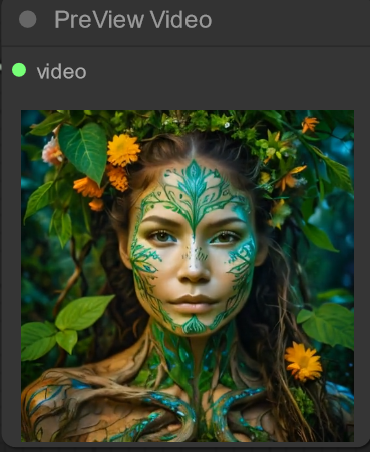
Creating Amazing Videos with ToonCrafter on ComfyUI
Comfyui

Creating Amazing Videos with ToonCrafter on ComfyUI

Learn how to create videos with ToonCrafter in ComfyUI and explore its strengths for stylized animation and creative motion workflows.
Read more →
Hallo on RunDiffusion
Comfyui

Hallo on RunDiffusion

Explore Hallo on RunDiffusion, including what it does, how it fits into creative workflows, and when to use it effectively.

Read more →
How to Run SD3 on RunDiffusion
Comfyui

How to Run SD3 on RunDiffusion

Learn how to run SD3 on RunDiffusion, including setup basics, workflow guidance, and what to expect from the model.

Read more →
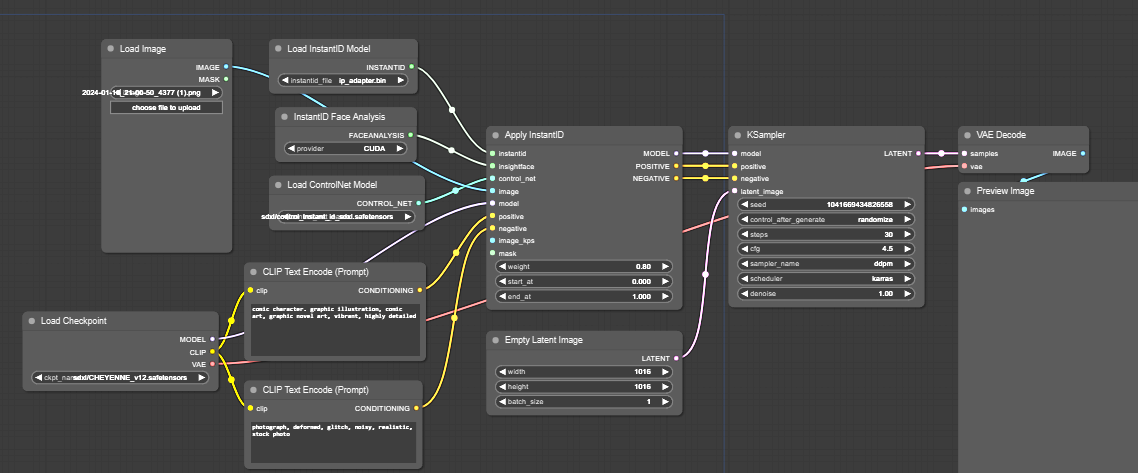
Face Swapping on RunDiffusion
Edit | Automatic1111 | Comfyui

Face Swapping on RunDiffusion

Learn how to install and manage face swapping models on RunDiffusion for Automatic1111, FaceFusion, and ComfyUI.
Read more →
Troubleshooting workflows in ComfyUI
Comfyui

Troubleshooting workflows in ComfyUI

Learn how to troubleshoot ComfyUI workflows by identifying broken nodes, missing dependencies, and common setup or execution issues.

Read more →
Create beautiful stylized portraits with Instant ID!
Comfyui

Create beautiful stylized portraits with Instant ID!

Create stylized portraits with Instant ID on RunDiffusion while preserving identity and exploring different looks, moods, and visual styles.
Read more →
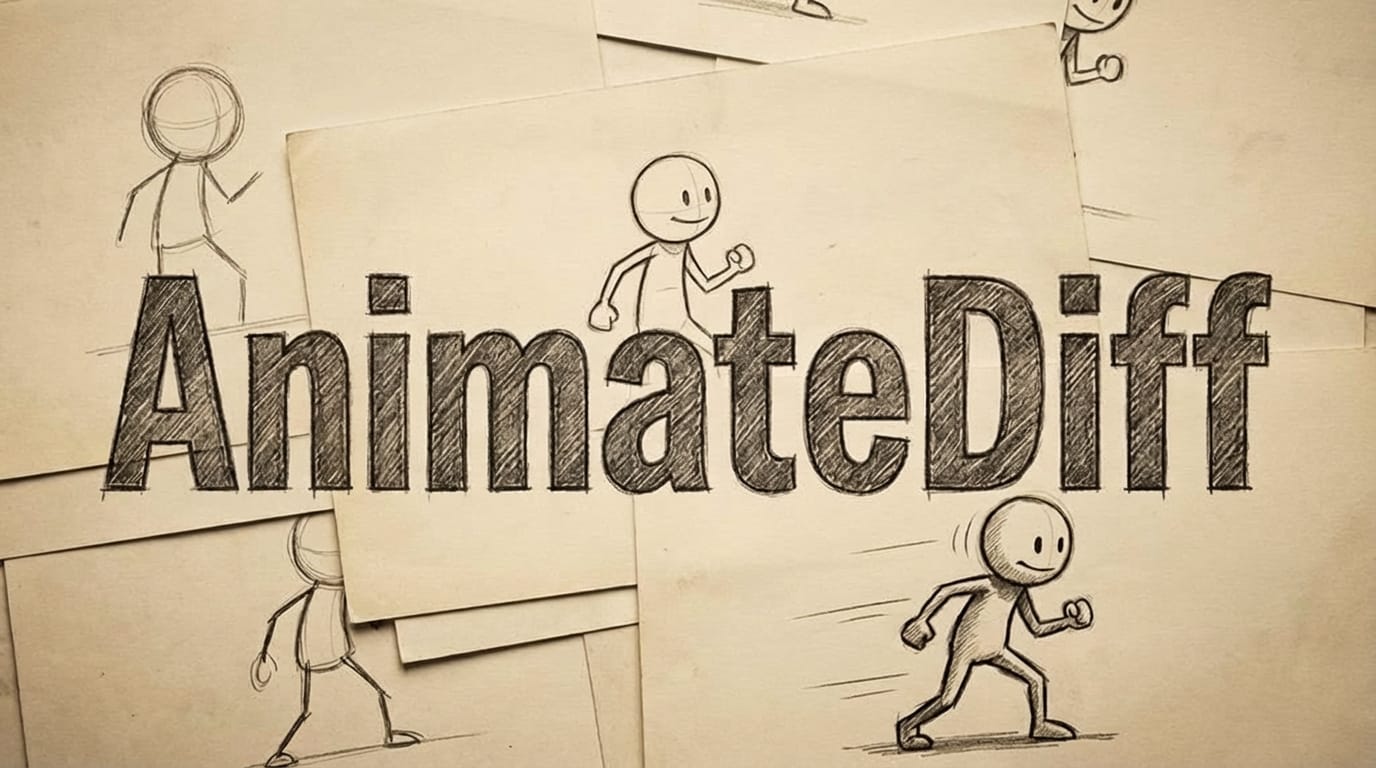
AnimateDiff and AI Video Models on RunDiffusion
Comfyui | Video

AnimateDiff and AI Video Models on RunDiffusion

Explore AnimateDiff on RunDiffusion as a stylized AI animation option and learn when to use it versus newer video models.

Read more →
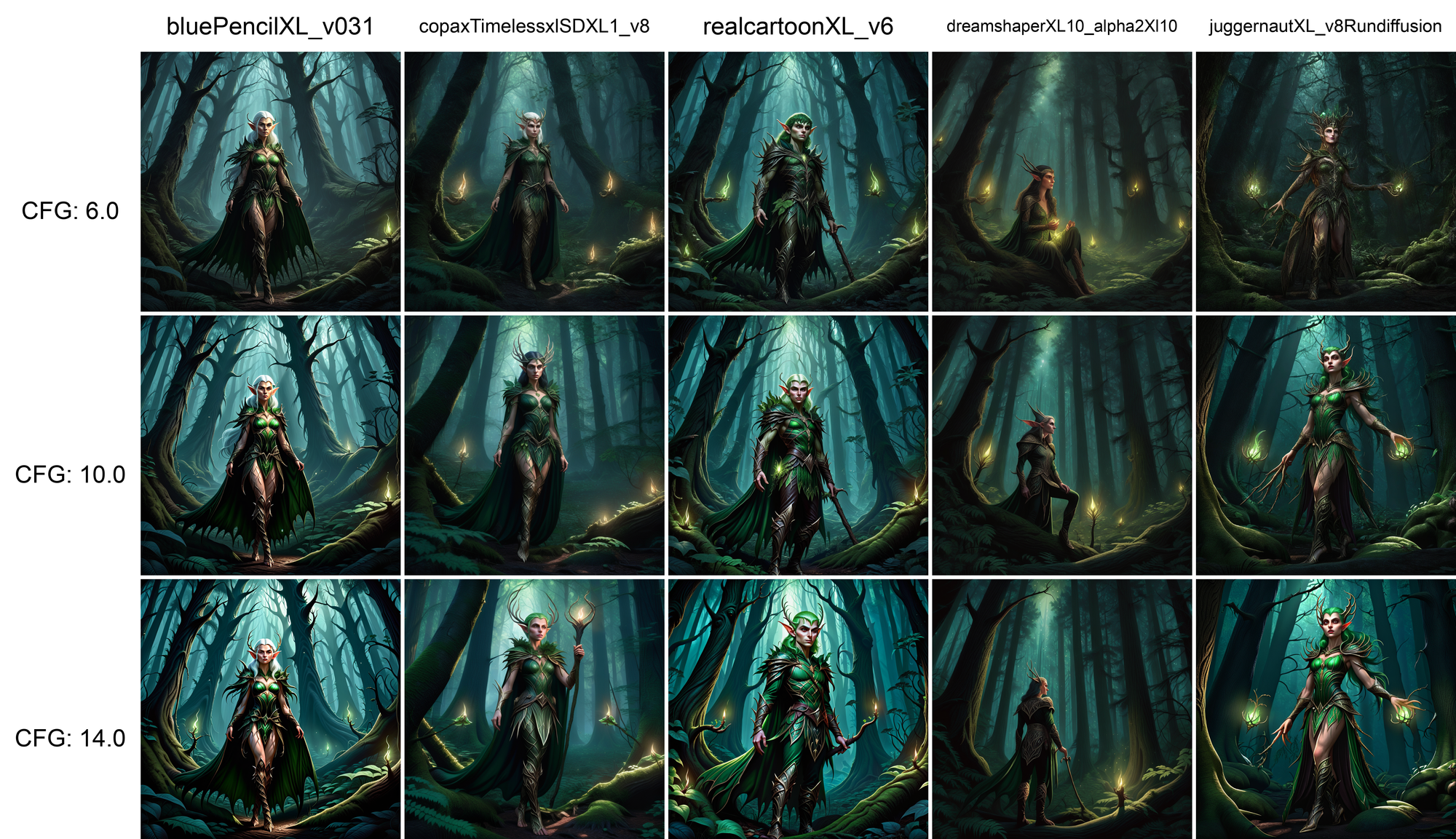
Preloaded Checkpoints
Training | Automatic1111 | Comfyui

Preloaded Checkpoints

Learn about preloaded checkpoints on RunDiffusion and how they make it faster to launch workflows and start creating immediately.
Read more →
XYZ Grids - Comfy/A1111
Comfyui | Automatic1111

XYZ Grids - Comfy/A1111

Learn how XYZ grids help compare settings, prompts, and model changes across ComfyUI and Automatic1111 workflows more efficiently.

Read more →
ComfyUI Basics: Getting Started Guide
Comfyui

ComfyUI Basics: Getting Started Guide

Learn the basics of ComfyUI, including nodes, workflows, and essential setup steps for building image generation pipelines on RunDiffusion.

Read more →
Krita and ComfyUI Plugin
Comfyui

Krita and ComfyUI Plugin

Learn how to connect Krita to ComfyUI on RunDiffusion for AI-assisted artwork without needing a local GPU.

Read more →
Previous
12
Next
  • Image AI Models
  • AI Models on RunDiffusion's Platform
  • AI for Advertising and Marketing Teams
  • How to Create Consistent Character Campaign Images With Nano Banana 2
  • Nano Banana 2
  • Juggernaut XI Early Concept Development
  • Juggernaut Z Prompt Guide
  • Juggernaut Z Is Now live on RunDiffusion
  • Nano Banana 2 Is Live on RunDiffusion
  • Video AI Models
  • How to Use Seedance 2.0 for Architecture on RunDiffusion
  • How to Use Kling O3 Standard Reference Video to Video
  • Seedance 2.0: Director Level AI Video Generation to RunDiffusion
  • Wan 2.5 Image AI Tool
  • Kling 2.5 Turbo Pro AI Tool
  • Bytedance Seedance AI Tool
  • Seedance 2.0 Video and Fast Now on RunDiffusion
  • Seedance 2.0 Prompt Guide - English
  • Wan 2.7 Image and Video Now Available in RunDiffusion
  • Edit AI Models
  • ChatGPT Image Edit AI Tool
  • Nano Banana Edit AI Tool
  • Seedream V4.5 Edit AI Tool
  • Seedream V5 Lite and Seedream V5 Lite Edit Are Now on RunDiffusion
  • Topaz Generative Upscaler AI Tool
  • Magnific Upscaler AI Tool
  • AI Architecture Guide for Architects
  • ChatGPT Image 2.0 Now Available on RunDiffusion
  • Platform
  • Products
  • Plugins
  • Developers
  • Enterprise
  • Governance & Security
  • Team Management
  • Company
  • About Us
  • Contact Us
  • Careers
  • Changelog
  • Affiliate
  • Creative Partner Program
  • Agents
RunDiffusion logo

© 2026 Runnit Inc. All rights reserved.

  • Privacy Policy
  • Terms of Service
  • Cookie Policy
  • Refund Policy
  • DSAR Form
  • Consent Preferences