
ComfyUI5 min read
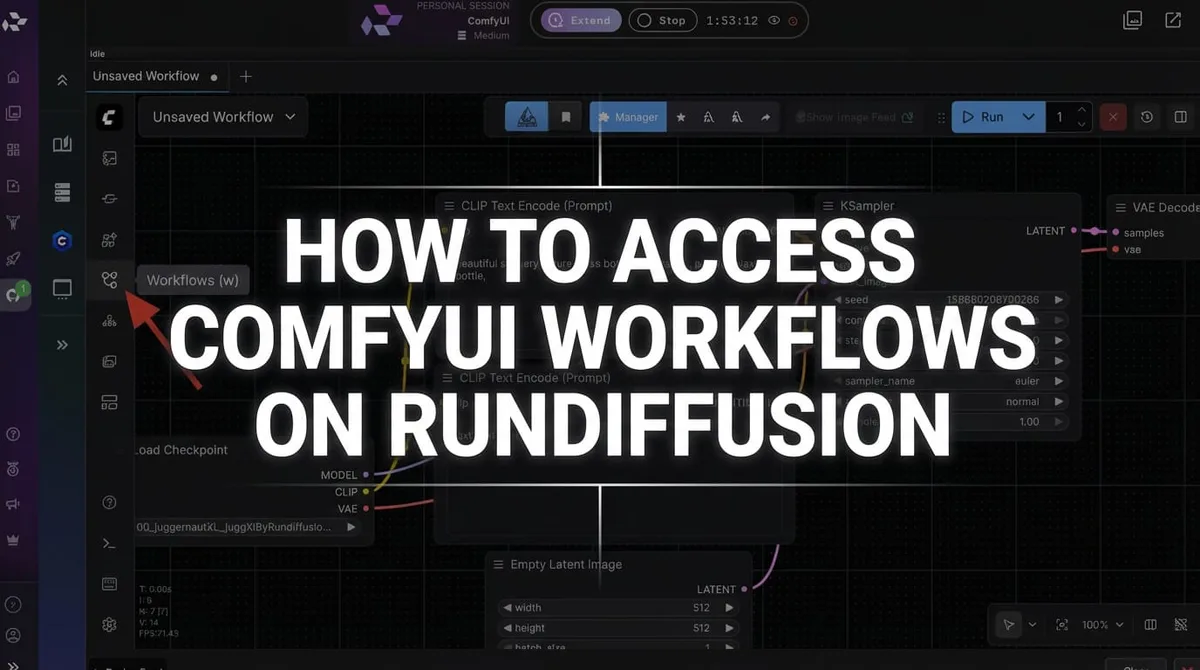
How to Access ComfyUI Workflows on RunDiffusion
Learn how to access, load, and download ComfyUI workflows on RunDiffusion for advanced node-based image and video pipelines.
Read guideLearn how to access workflows, load models, connect tools, troubleshoot nodes, and build image or video pipelines with ComfyUI on RunDiffusion.

Start here
Learn how to access, load, and download ComfyUI workflows on RunDiffusion for advanced node-based image and video pipelines.
Read guideArticle library
Browse the complete ComfyUI collection, including node graphs, models, editing techniques, APIs, workflow files, and troubleshooting.

Connect your code, AI agents, and creative applications to Automatic1111 and ComfyUI sessions running on RunDiffusion.
Read guide
Launch ComfyUI on RunDiffusion, enable API Mode, copy your API link, and give it to Claude, Codex, OpenClaw, or another trusted agent to build workflows, generate images, and run tests.
Read guide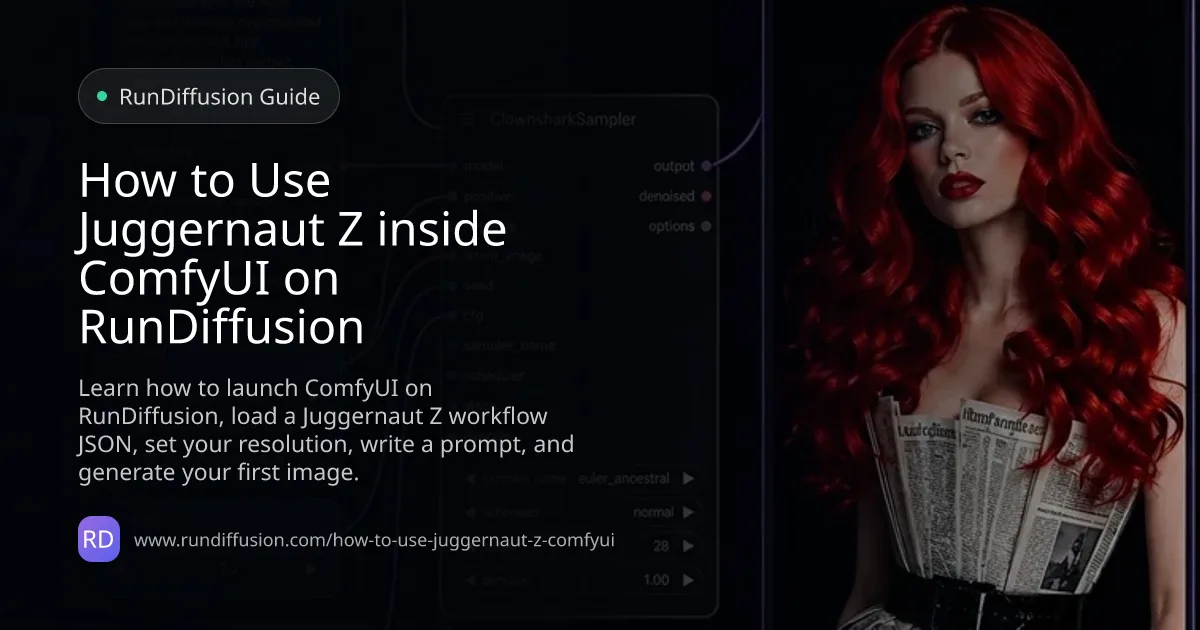
Learn how to launch ComfyUI on RunDiffusion, load a Juggernaut Z workflow JSON, set your resolution, write a prompt, and generate your first image.
Read guide
Learn how ReActor in ComfyUI on RunDiffusion supports consistent faces and campaign personas across professional ad visuals.
Read guide
Explore Wan2.2 Animate in ComfyUI for character-swapped or stylized video generation using video, image, and prompt inputs.
Read guide
Learn how to use Qwen Image Edit 2509 in ComfyUI on RunDiffusion for multi-image editing, pose transfer, product scenes, and ControlNet workflows.
Read guide
Learn how to troubleshoot ComfyUI workflows on RunDiffusion by fixing red nodes, missing models, broken paths, and deprecated nodes.
Read guide
Learn how to create a basic ComfyUI workflow on RunDiffusion, including essential nodes, setup steps, and simple image generation flow.
Read guide
Learn how to use Flux Kontext Dev in ComfyUI on RunDiffusion for advanced image-to-image workflows with multiple inputs.
Read guide
RunDiffusion users can now edit security settings in the File Manager for ComfyUI to properly install and run more custom nodes.
Read guide
Explore Latent Sync on RunDiffusion for AI lip-syncing, talking avatars, and staged animation workflows in the cloud.
Read guide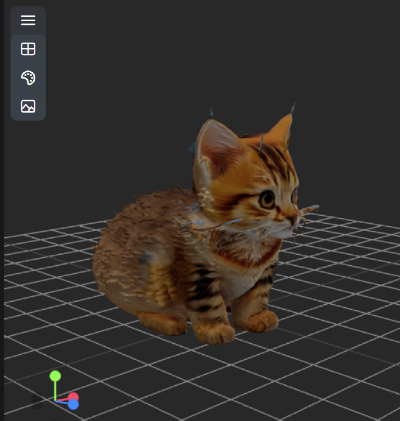
Learn how to use ComfyUI-Hunyuan3DWrapper on RunDiffusion for setup, workflow guidance, and cloud-based 3D-aware image generation.
Read guide
Learn what changed in the updated ComfyUI interface on RunDiffusion, including navigation, menus, and workflow layout.
Read guide
Explore Wan2.1 inside ComfyUI on RunDiffusion for open-source text-to-video and image-to-video workflows.
Read guide
Learn how to use Hunyuan Video in ComfyUI on RunDiffusion for text-to-video generation with setup guidance and cloud workflow tips.
Read guide
Learn how to build an LTX video workflow in ComfyUI for more flexible AI video creation and structured visual pipelines on RunDiffusion.
Read guide
Explore Segment Anything 2 and learn how it helps with segmentation, masking, and more precise image editing workflows on RunDiffusion.
Read guide
Follow this SD Upscaler tutorial to improve image resolution, recover details, and create cleaner high-quality outputs.
Read guide
Get familiar with the new ComfyUI interface, including layout changes, workflow improvements, and what to expect when building projects.
Read guide
Learn how to create and use custom styles in Fooocus and Automatic1111 to keep your image generation results more consistent and efficient.
Read guide
Explore LivePortrait on RunDiffusion and learn how it brings portraits to life with AI-driven motion and animation workflows.
Read guide
Explore Flux on RunDiffusion, including model access, workflow strengths, and how to use it for high-quality AI image generation.
Read guide
Learn how to create videos with ToonCrafter in ComfyUI and explore its strengths for stylized animation and creative motion workflows.
Read guide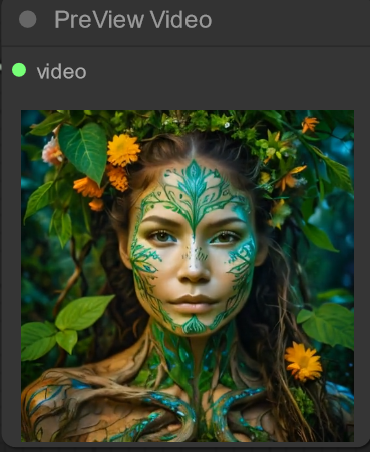
Explore Hallo on RunDiffusion, including what it does, how it fits into creative workflows, and when to use it effectively.
Read guide
Learn how to run SD3 on RunDiffusion, including setup basics, workflow guidance, and what to expect from the model.
Read guide
Learn how to install and manage face swapping models on RunDiffusion for Automatic1111, FaceFusion, and ComfyUI.
Read guide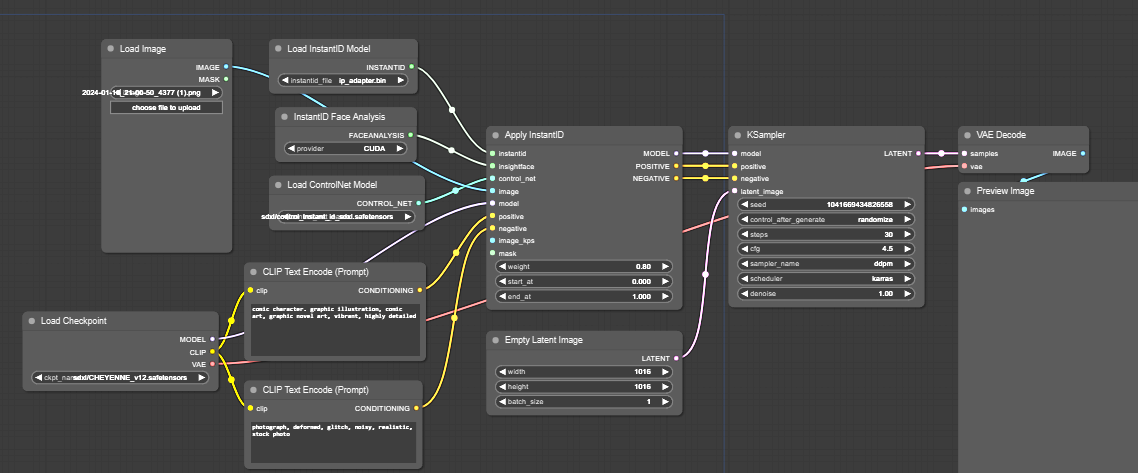
Learn how to troubleshoot ComfyUI workflows by identifying broken nodes, missing dependencies, and common setup or execution issues.
Read guide
Create stylized portraits with Instant ID on RunDiffusion while preserving identity and exploring different looks, moods, and visual styles.
Read guide
Explore AnimateDiff on RunDiffusion as a stylized AI animation option and learn when to use it versus newer video models.
Read guide
Learn about preloaded checkpoints on RunDiffusion and how they make it faster to launch workflows and start creating immediately.
Read guide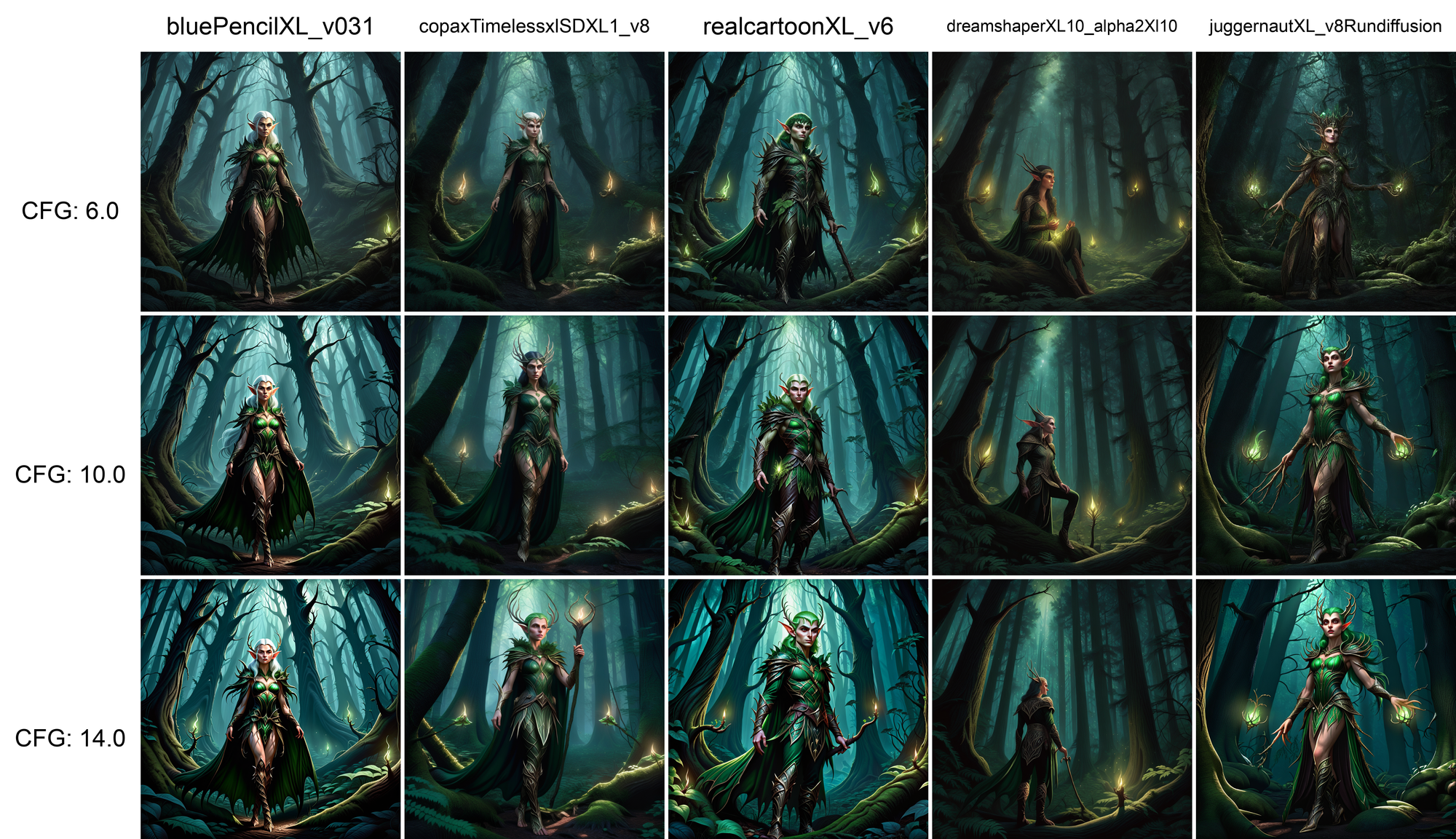
Learn how XYZ grids help compare settings, prompts, and model changes across ComfyUI and Automatic1111 workflows more efficiently.
Read guide
Learn the basics of ComfyUI, including nodes, workflows, and essential setup steps for building image generation pipelines on RunDiffusion.
Read guide
Learn how to connect Krita to ComfyUI on RunDiffusion for AI-assisted artwork without needing a local GPU.
Read guideContinue with related workflows, tools, and creative disciplines across RunDiffusion.
Sign up for RunDiffusion to access ComfyUI in the cloud and continue from workflow files, model guides, and troubleshooting resources.