account Oct 28, 2025 Updated Jul 15, 2026 2 min read

How to Top Up Tokens on an Enterprise Account

Learn how to top up tokens on your Enterprise account in RunDiffusion.

How to Top Up Tokens on an Enterprise Account

If you're managing or using an Enterprise account on RunDiffusion, keeping your team topped up with tokens is essential for uninterrupted AI image and video generations.

"How do I top up my tokens on RunDiffusion when using an Enterprise account?" This guide walks you through the process in a few simple steps.

Video Tutorial

As a team Admin, log in to your account
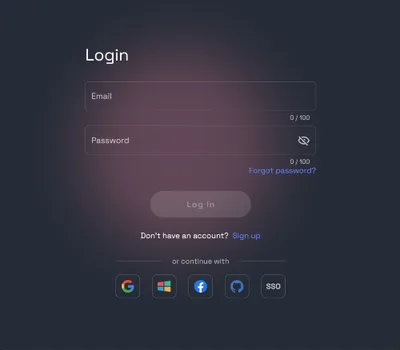
RunDiffusion login form with email and password fields and options to continue with Google, Microsoft, Facebook, GitHub or SSO

Go to the RunDiffusion Platform (Formerly Runnit Platform)
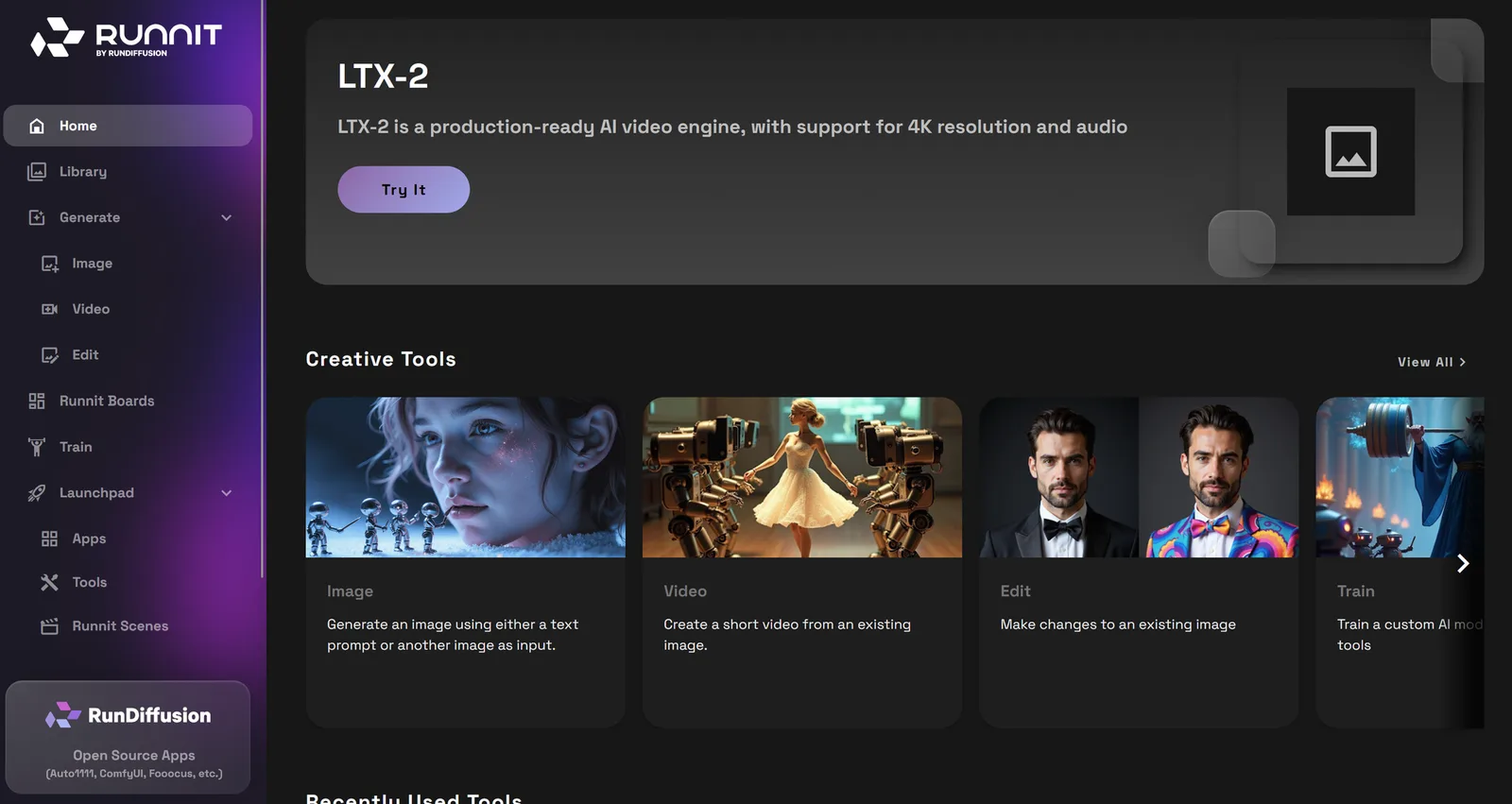
RunDiffusion Platform home screen with the left sidebar and the Creative Tools row

Scroll down on the left sidebar and select your team account.

Switch Account panel with the team account selected and an arrow pointing to the account switcher in the sidebar

Scroll down to the account menu button, then click on your Company Dashboard at the top.

Account menu opened from the account icon at the bottom left, with an arrow pointing to the company dashboard

On the Company Token Bank click on Manage

Company Dashboard with an arrow pointing to Manage under Company Token Bank

Select the number of packages, type I agree and click Submit.

Manage Company Token Bank dialog with arrows pointing to the number of packages, the I agree field and Submit

Once you have completed your purchase you need to assign the tokens to your team. Scroll down to Active Teams. Click on the 3 dots next to the team you want to add tokens to.

Active Teams list on the Company Dashboard with an arrow pointing to the three-dot menu of a team

Click on Transfer Tokens.

Team actions menu with an arrow pointing to Transfer Tokens

Type the number of tokens you wish to transfer. Then click Submit. The arrow indicates the direction of the transfer. You can transfer from your team back to the Company Token Bank or vice versa.

Transfer Tokens dialog with arrows pointing to the transfer direction, the token amount and Submit

Managing tokens efficiently is a critical part of scaling AI workflows on RunDiffusion’s Enterprise platform. By following the steps above, your team can stay focused on building, creating, and iterating without disruption.

How to Open a Support Ticket | RunDiffusion

Need help? Open a support ticket by clicking the Help Chat Icon in the top right, our team will assist you as soon as possible!

RunDiffusion Team

How to Open a Support Ticket | RunDiffusion

How to Download an Invoice from Your RunDiffusion Account | RunDiffusion

Need a copy of your RunDiffusion invoice? This step-by-step guide shows you how to sign in, access your account menu, and download or print receipts with ease.

RunDiffusion Team

How to Download an Invoice from Your RunDiffusion Account | RunDiffusion
Related models & tools

Pick a model and start generating

These models are tuned for detail — open one and put this guide to work.

Juggernaut XI Proteus RunDiffusion Photo Seamless Tiling
Open the app
Best on desktop. Full-resolution generation and exports run in the desktop app — reading on mobile? Send yourself the link.
What teams say

Trusted by studios shipping real work

We replaced an entire stock-texture subscription with RunDiffusion. Concept materials now match the brief on the first pass.
MK
Maya OkaforLead Visualizer, FIELD / CRAFT
Generating a coordinated material family in one sitting changed how we present early concepts. Clients see intent, not placeholders.
DV
Daniel VossAssociate, NORTHFORM Architects
The seamless tiling alone saves us hours per board. It's the first AI tool that actually fits a production pipeline.
SR
Sofia ReyesFounder, Studio 64
Used by creative & architecture teams at
WOODS BAGOTBENOYSWECOCUBESHEPPARD ROBSON
Keep reading

Related guides

Start creating

Start creating with RunDiffusion today

40+ models, one platform, full-resolution exports — all in your browser. Best experienced on desktop.

Try RunDiffusionFree to start · best on desktop
Open app