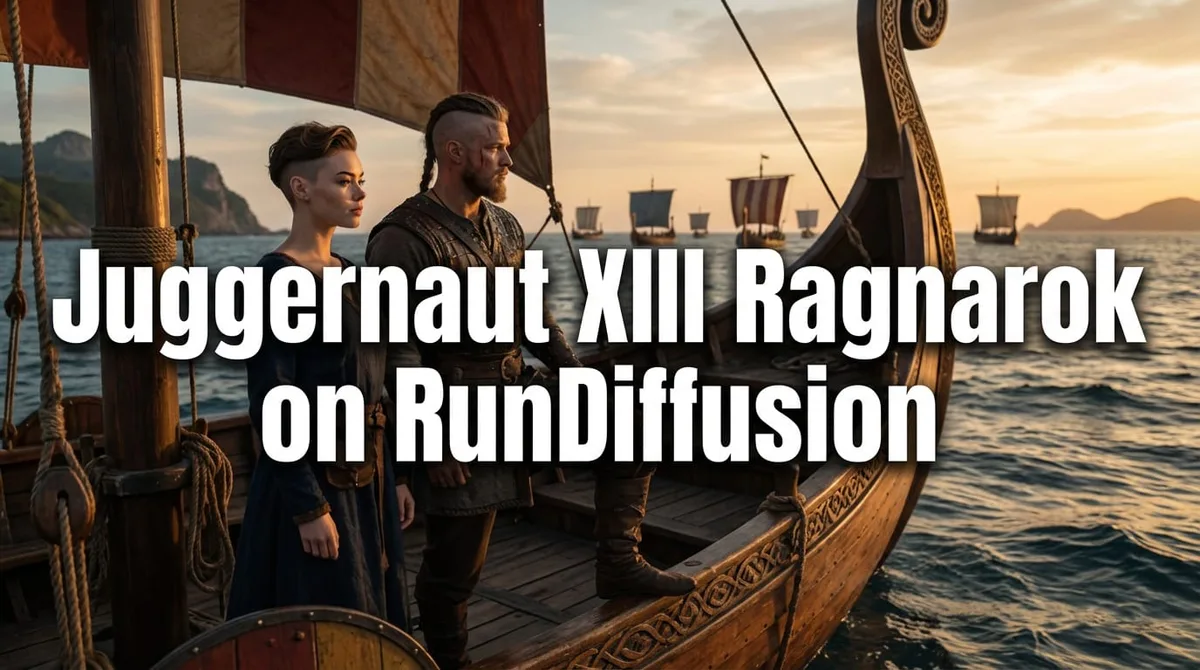
- Juggernaut XIII Ragnarok is a Stable Diffusion XL checkpoint from Team Juggernaut, backed by RunDiffusion.
- Recommended base settings are 832 x 1216, DPM++ 2M SDE, 30-40 steps, and CFG 3-6.
- Lower CFG values usually produce more realistic images, and the VAE is already baked into the model.
- The model works well as a final-pass SDXL refiner after Flux, Z-Image, or similar image workflows.
Juggernaut XIII Ragnarok is the final SDXL release in the Juggernaut series. It is built for reliable realism, cleaner anatomy, stronger prompt adherence, and practical use in RunDiffusion through ComfyUI, Automatic1111, and Reforge.
| At a glance | |
|---|---|
| Model family | Juggernaut SDXL |
| Best fit | Photorealism, anatomy, texture, and prompt control |
| Interfaces | ComfyUI, Automatic1111, Reforge |
| Recommended sampler | DPM++ 2M SDE |
Juggernaut XIII Ragnarok is the final Stable Diffusion XL (SDXL) release in the Juggernaut model series, designed for creators who need reliable realism, cleaner anatomy, and flexible prompt control. In this guide, you will learn how to run Juggernaut XIII Ragnarok on RunDiffusion using ComfyUI, Automatic1111, and Reforge, along with recommended settings from the model's creator.
By using RunDiffusion's cloud-based workflows, you can focus on image quality and iteration speed without worrying about local GPU limitations.
What is Juggernaut XIII Ragnarok?
Juggernaut XIII Ragnarok is a Stable Diffusion XL (SDXL) checkpoint developed by Team Juggernaut, with Kandoo as the lead model trainer and creator, backed by RunDiffusion. Adam led model testing and validation, and Darin supported release coordination and marketing.
Released as the concluding chapter of the Juggernaut SDXL line, Ragnarok delivers meaningful improvements across multiple areas.
More consistent photorealism
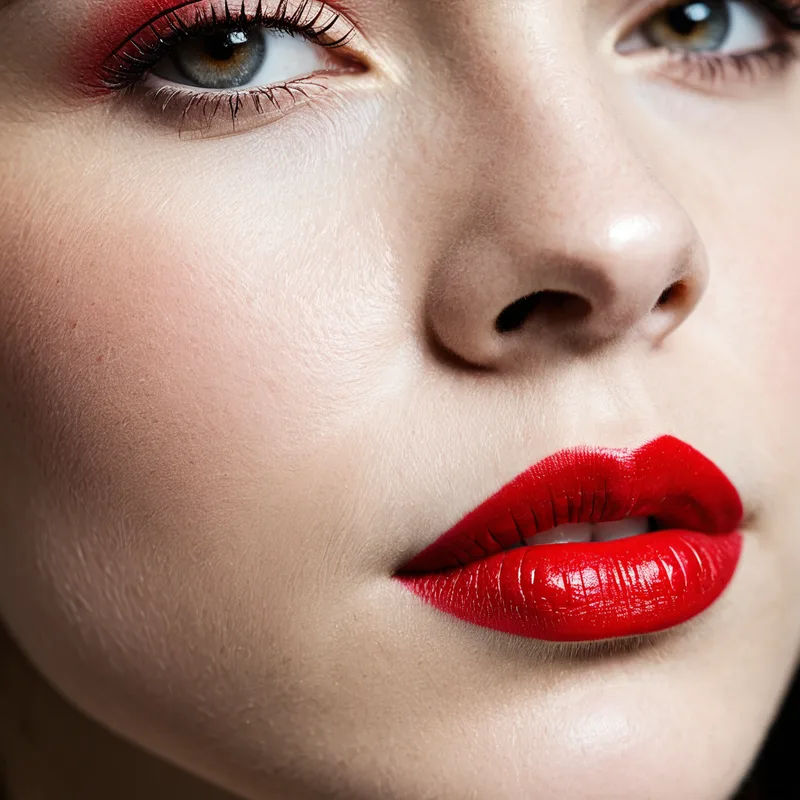
Improved body poses
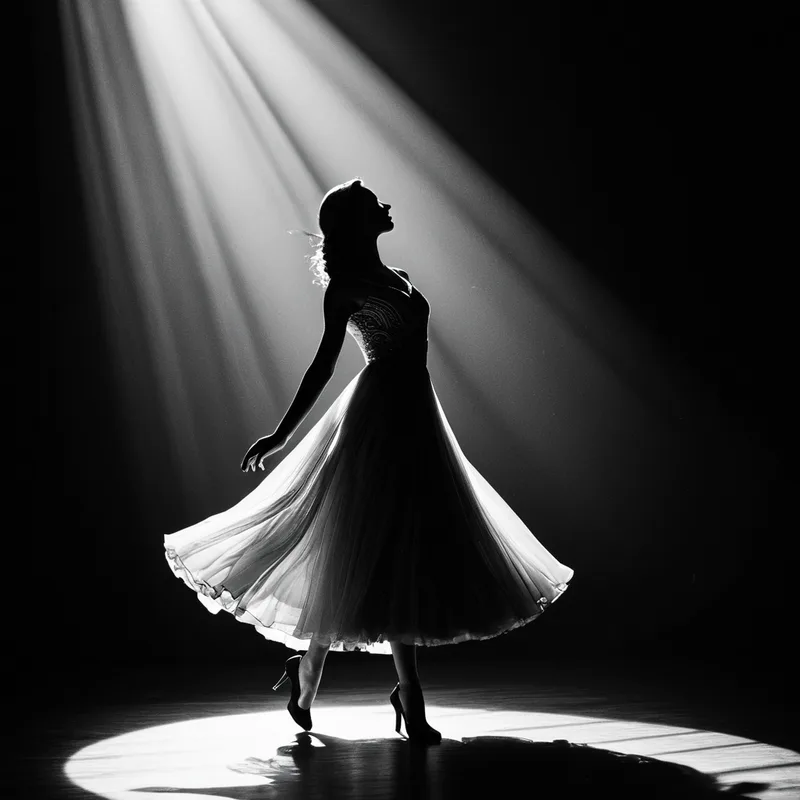
Cleaner hands and feet
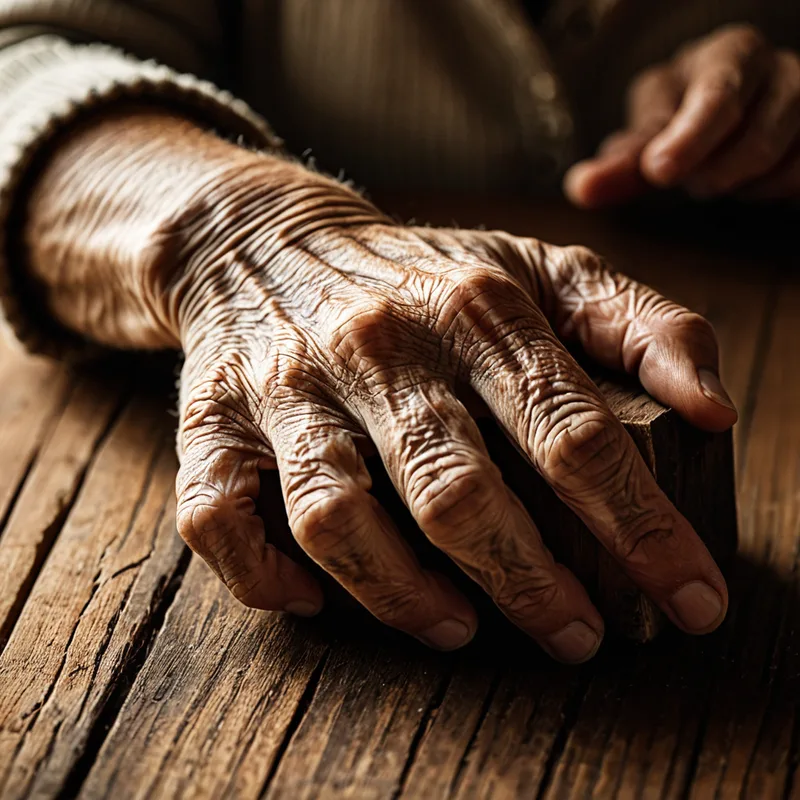
Stronger overall prompt adherence
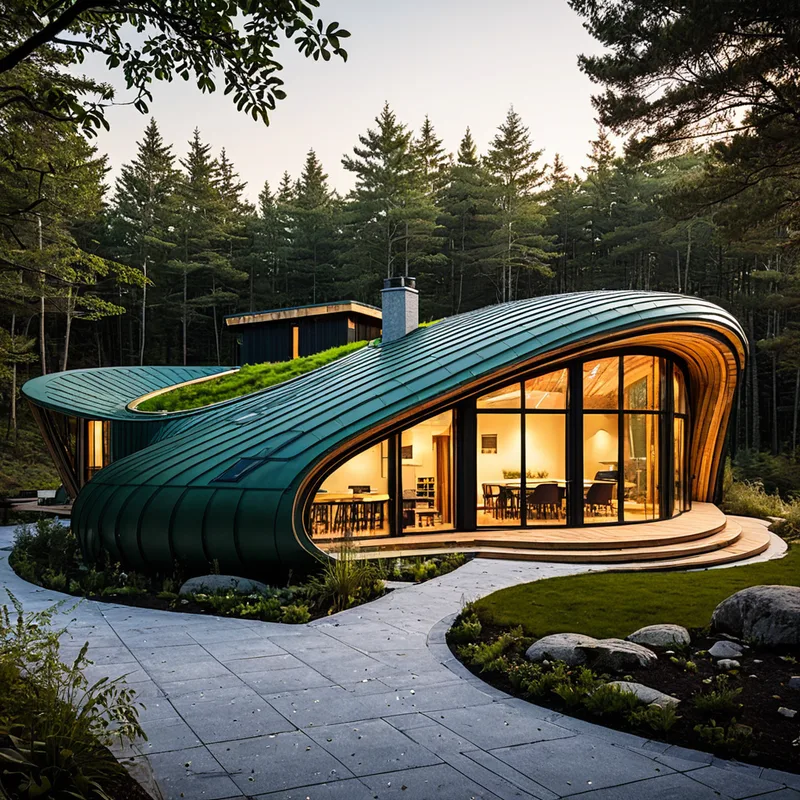
Better textures
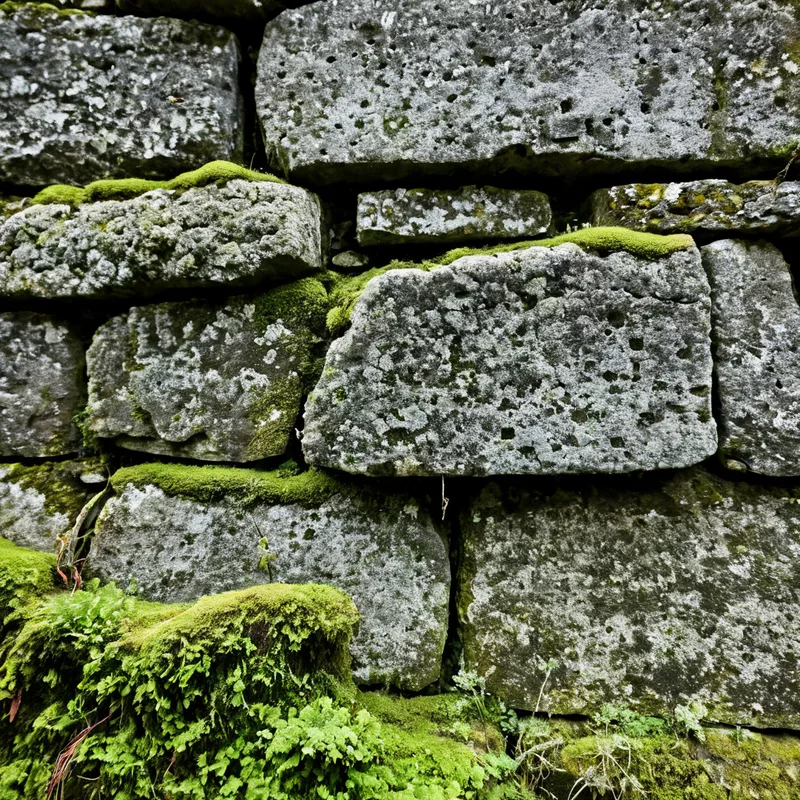
While it remains an SDXL model and should not be directly compared to newer architectures like Flux, Seedream, Nano Banana, or Riverflow 2, it excels as a refinement and final-pass model in professional image pipelines.
Recommended settings for Juggernaut XIII Ragnarok
The following configuration comes directly from the updated prompting guide and works consistently across RunDiffusion-supported interfaces.
Base generation settings
- Resolution: 832 x 1216 for portrait images, though any SDXL resolution can work
- Sampler: DPM++ 2M SDE
- Steps: 30-40
- CFG: 3-6
- Lower CFG values tend to produce more realistic results
- Negative prompt:
- Start with no negative prompt and add only unwanted elements later
Note: The VAE is already baked into the model. No separate VAE selection is required.
Hi-res upscale settings
- Upscaler: 4xNMKD-Siax_200k
- Hi-res steps: 15
- Denoise: 0.3
- Upscale: 1.5x
Using Juggernaut Ragnarok in ComfyUI on RunDiffusion
ComfyUI is ideal if you plan to use Juggernaut XIII Ragnarok as part of a larger Stable Diffusion pipeline, especially when refining images generated by Flux and other models.
Common pipeline example
Juggernaut XIII Ragnarok remains useful despite newer models because it can work as a powerful refiner that adds intricate texture before upscaling. When using it this way, keep denoise low so the model can add surface detail without changing the underlying image structure too aggressively.
Flux Dev / Z-Image -> Juggernaut XIII Ragnarok
How to launch open-source applications
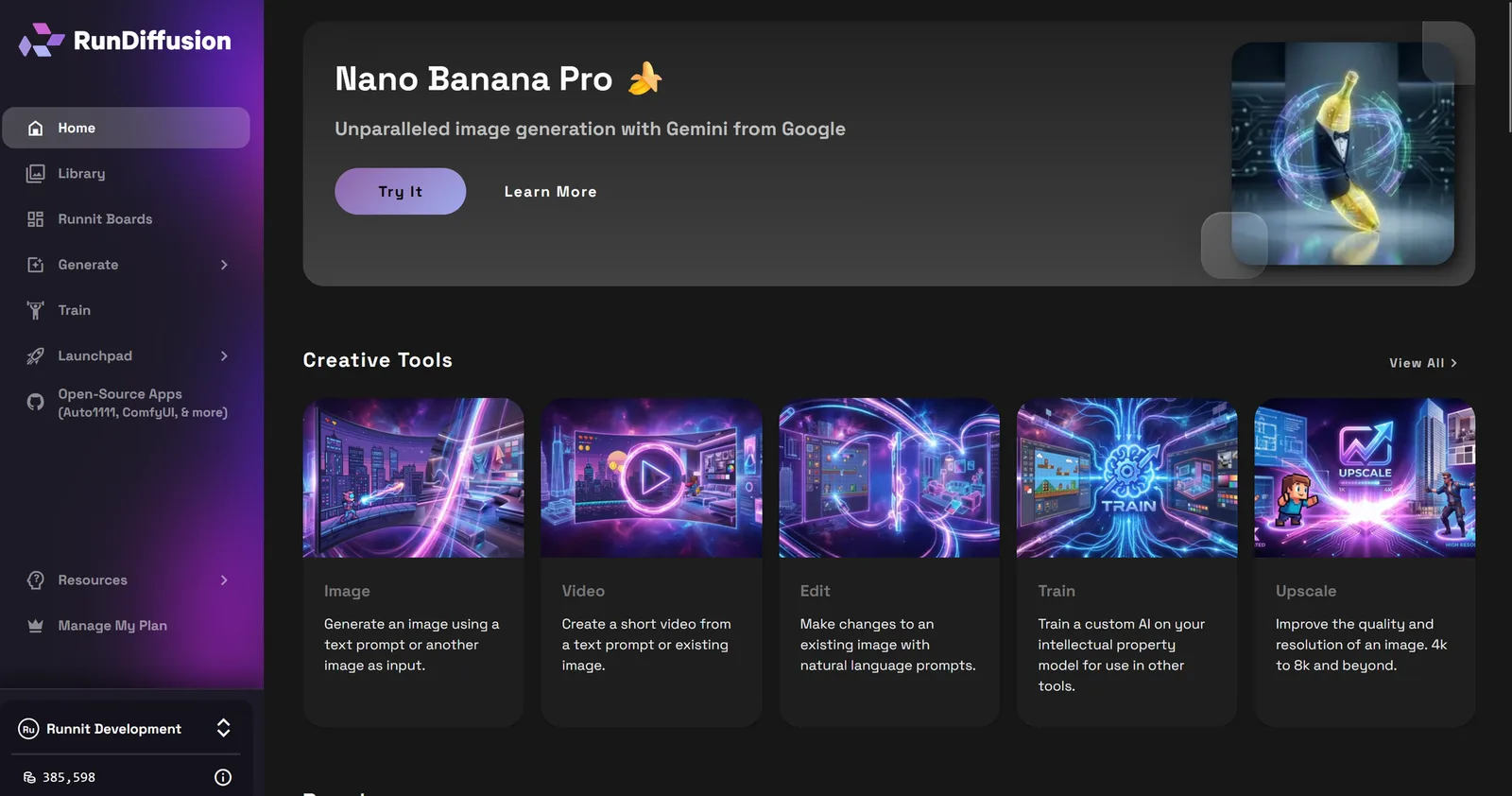
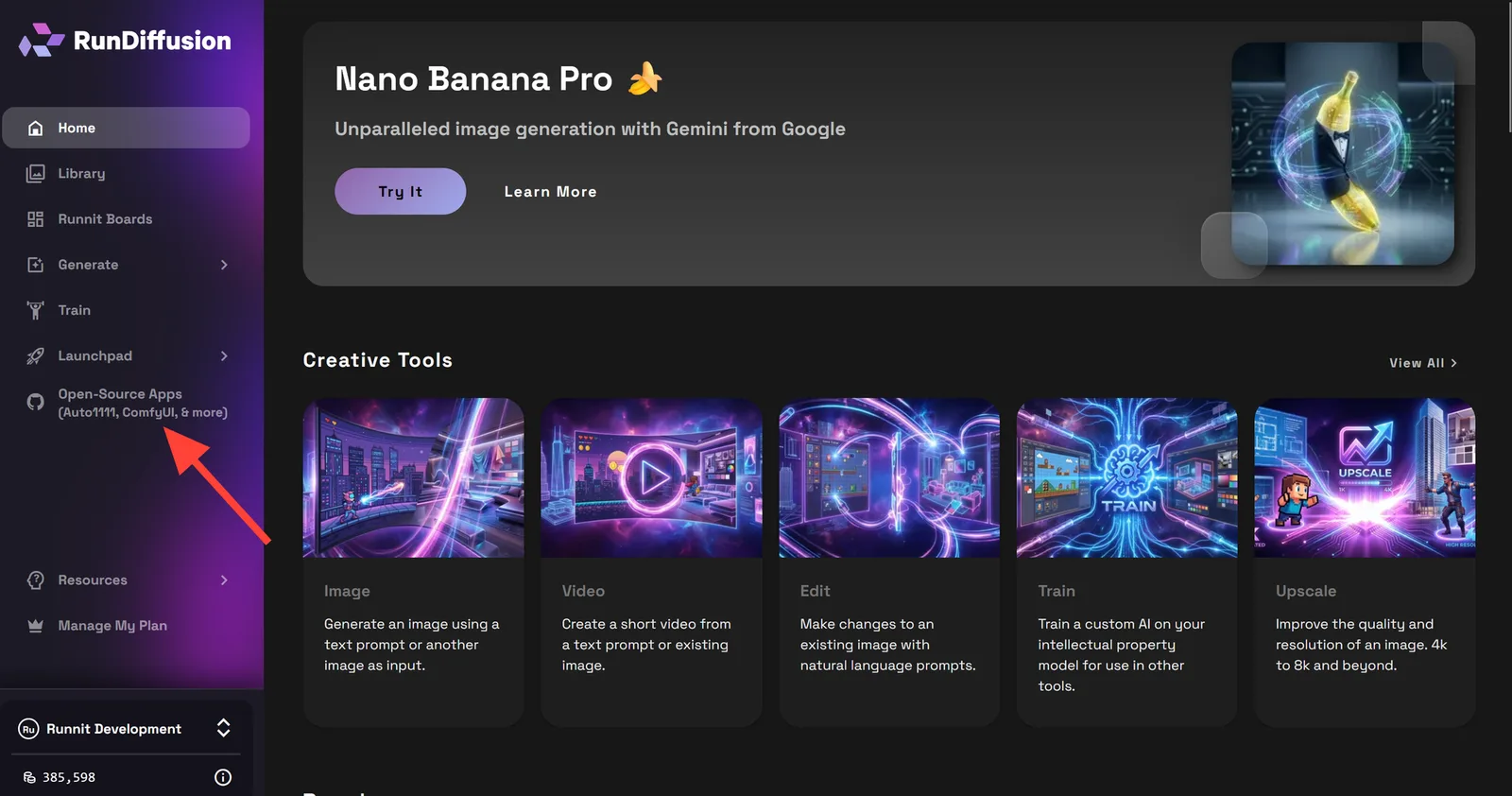
Log in to RunDiffusion, then use the RunDiffusion dashboard to choose the open-source interface you want to run.
On the left sidebar, click Open-Source Apps.
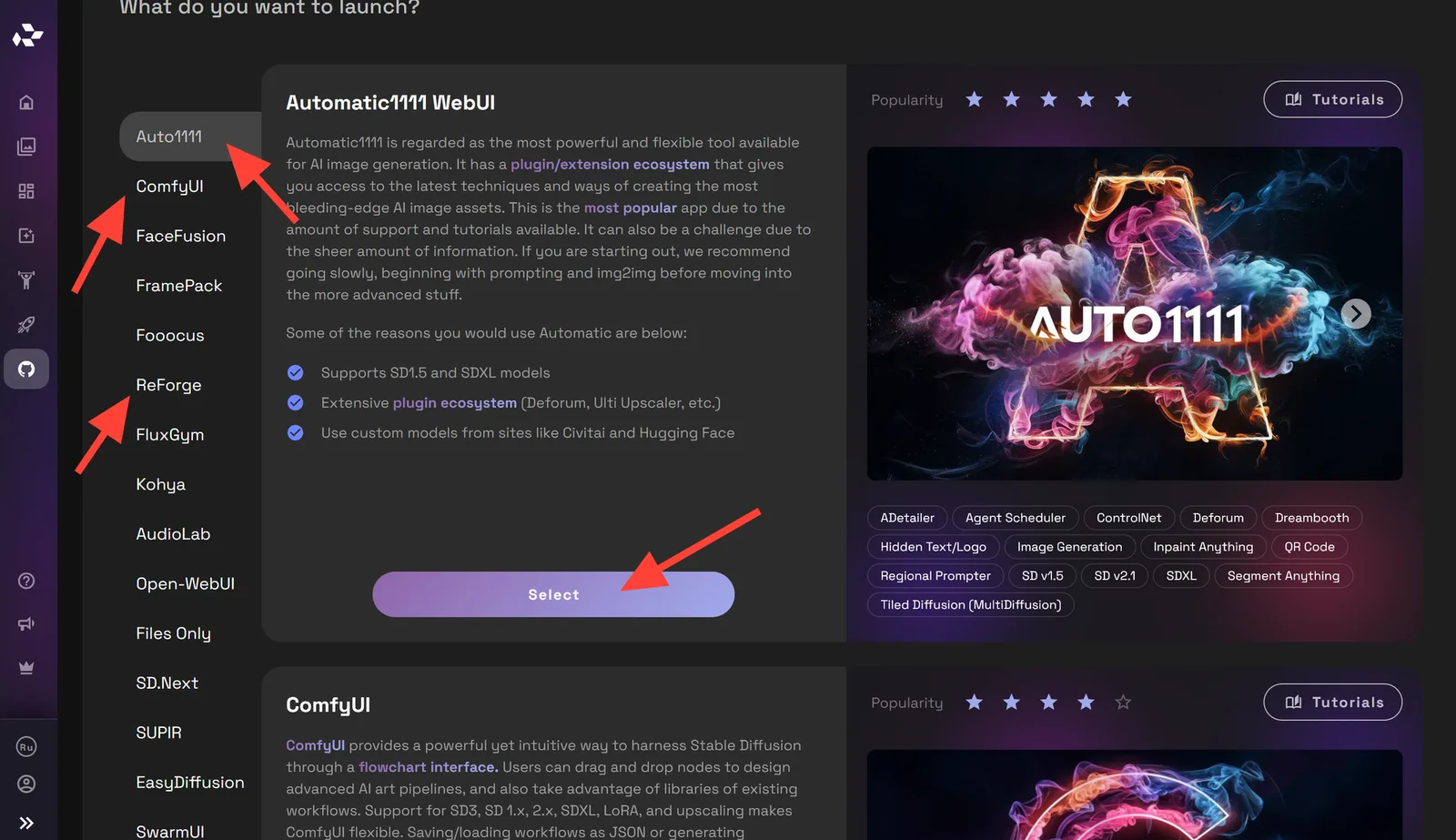
Select one of the open-source applications, such as Automatic1111, ComfyUI, or Reforge. Then click the Select button.
Try our open-source applications
Prompting Juggernaut XIII
To get the best results, follow the dedicated Juggernaut prompt guide and use Ragnarok with settings that preserve realism instead of over-forcing the prompt.
Read the Juggernaut XIII prompt guide
Run Juggernaut XIII Ragnarok in the cloud
Open RunDiffusion, choose ComfyUI, Automatic1111, or Reforge, and start testing the recommended SDXL settings without local GPU setup.
Frequently asked questions
QWhat is Juggernaut XIII Ragnarok?
It is the final Stable Diffusion XL release in the Juggernaut model series, tuned for realistic image generation and strong prompt control.
QWhat CFG should I use with Juggernaut XIII Ragnarok?
Start between CFG 3 and 6. Lower CFG values generally produce more realistic results, then you can adjust upward if the prompt needs more force.
QDo I need to select a separate VAE?
No. The VAE is already baked into Juggernaut XIII Ragnarok, so no separate VAE selection is required.
QCan I use Juggernaut XIII Ragnarok in ComfyUI?
Yes. RunDiffusion supports ComfyUI and other open-source interfaces, making the model useful both for standalone generations and as a refinement step in larger workflows.