
The new Video Game Asset Generator App on the RunDiffusion Platform (Formerly Runnit Platform) helps developers, designers, and hobbyists produce visual assets quickly and easily. Whether you're building a mobile game or testing out a new concept, this tool generates 2D art assets directly in your browser. In this article, we'll break down what the app does, how to use it, and how it fits into your workflow using RunDiffusion’s cloud-based tools.
What is the Video Game Asset Generator? It is an App on the RunDiffusion Platform that uses AI to help create art for your games. It lets you create:
- 2D characters and Items
- Icons and UI elements
- Weapons, props, and equipment
- Various game art styles
How to Get Started:
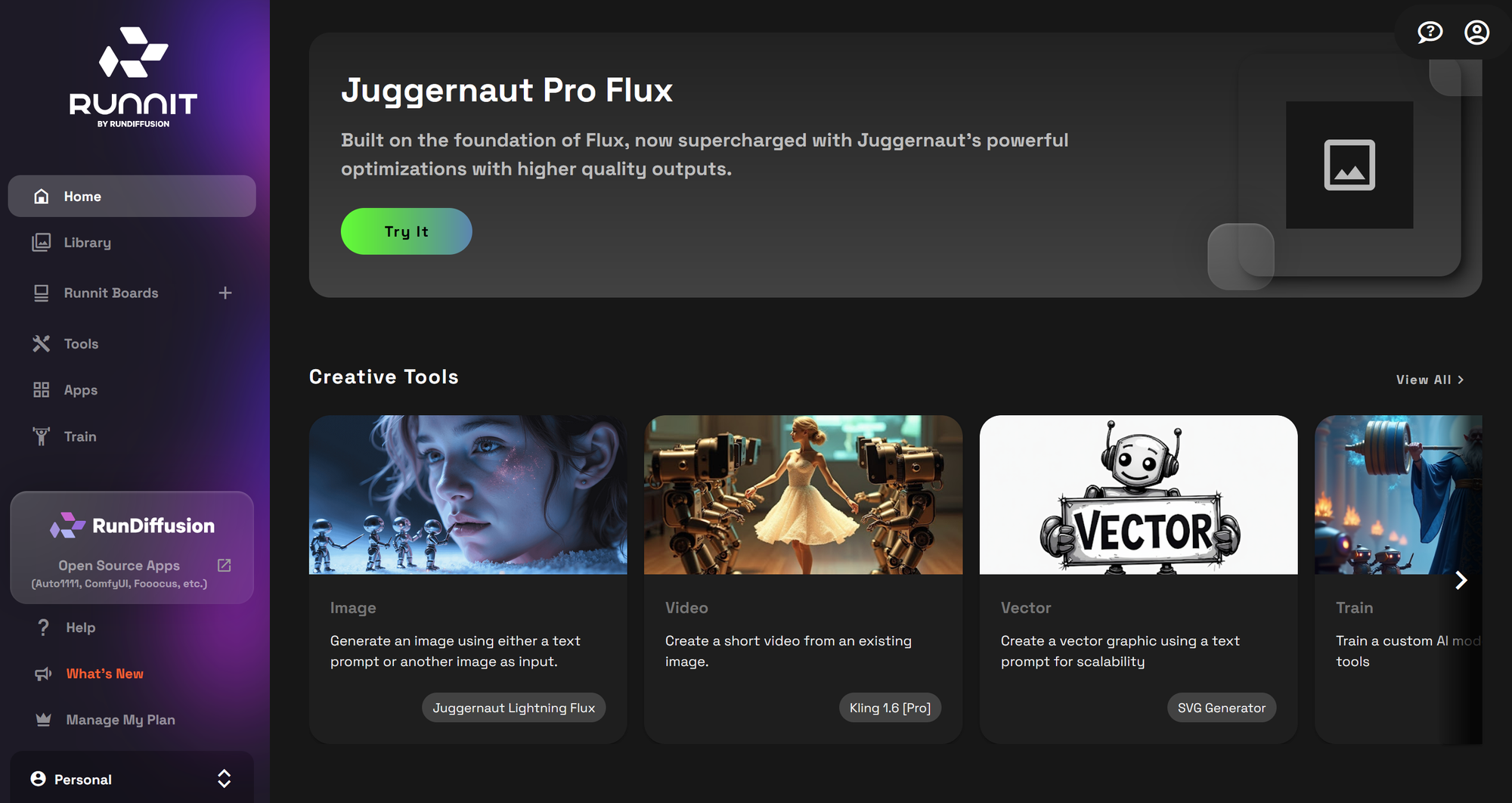
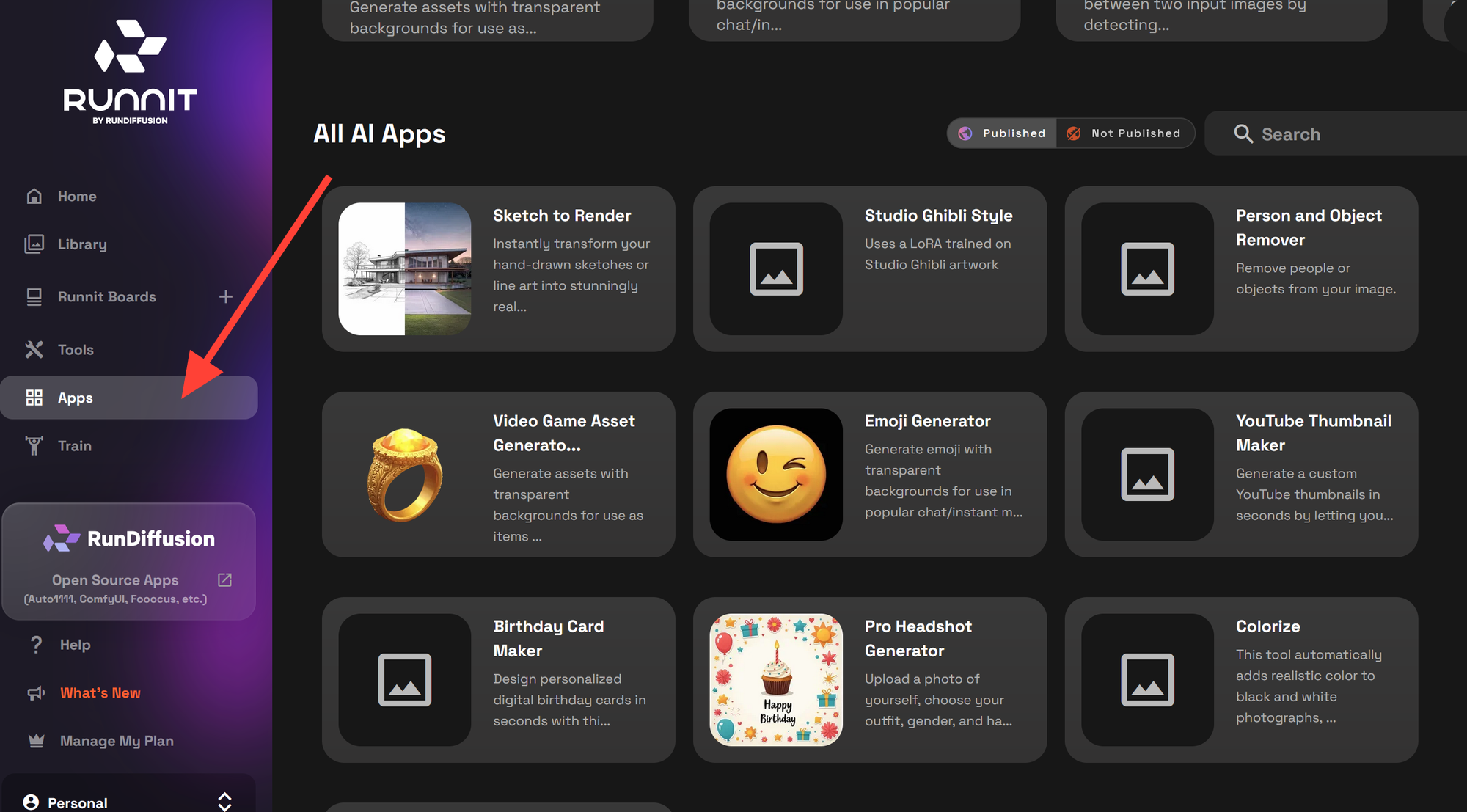
Click on Apps on the left side.
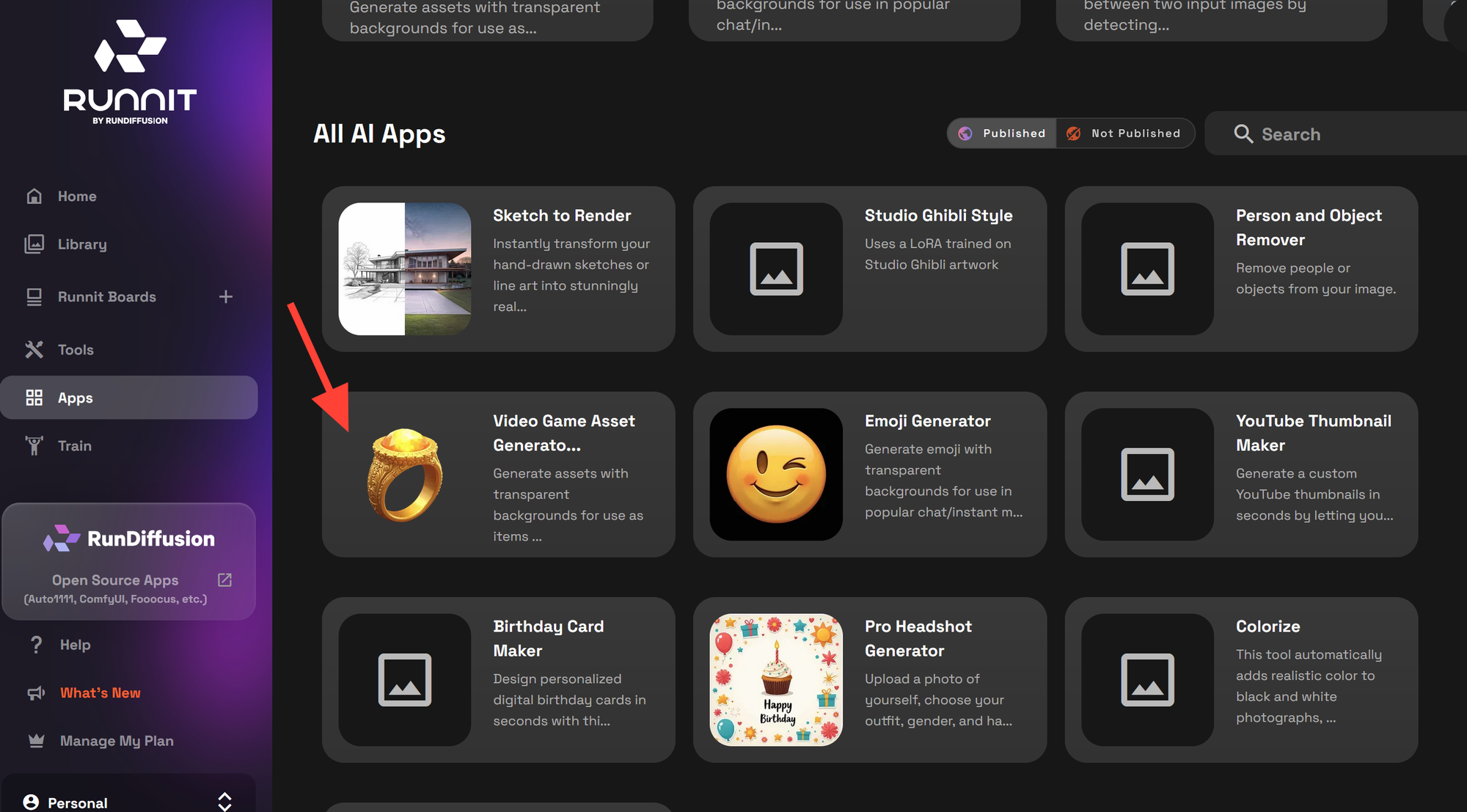
Scroll down and click on Video Game Asset Generator.
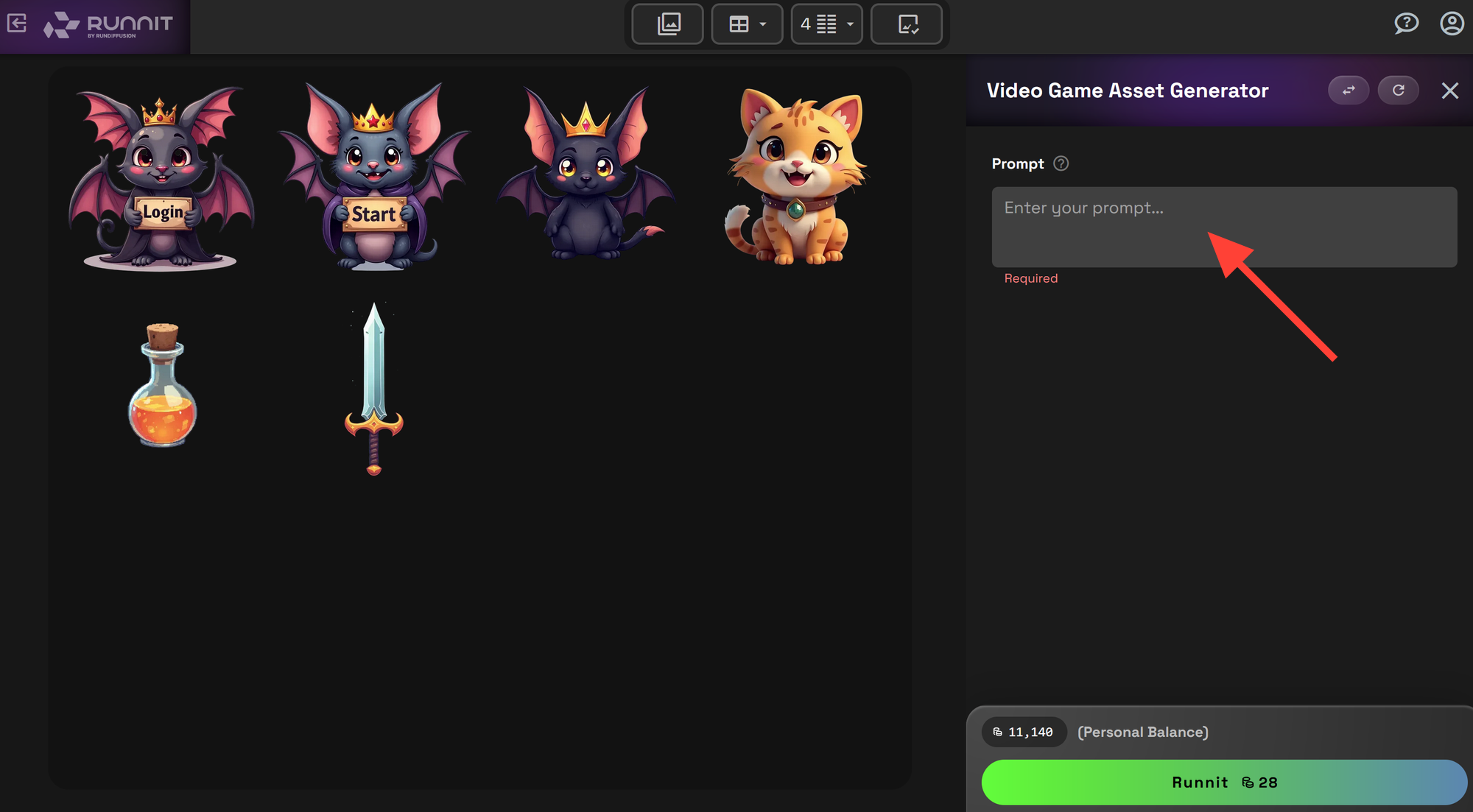
Enter a Prompt in the prompt box.
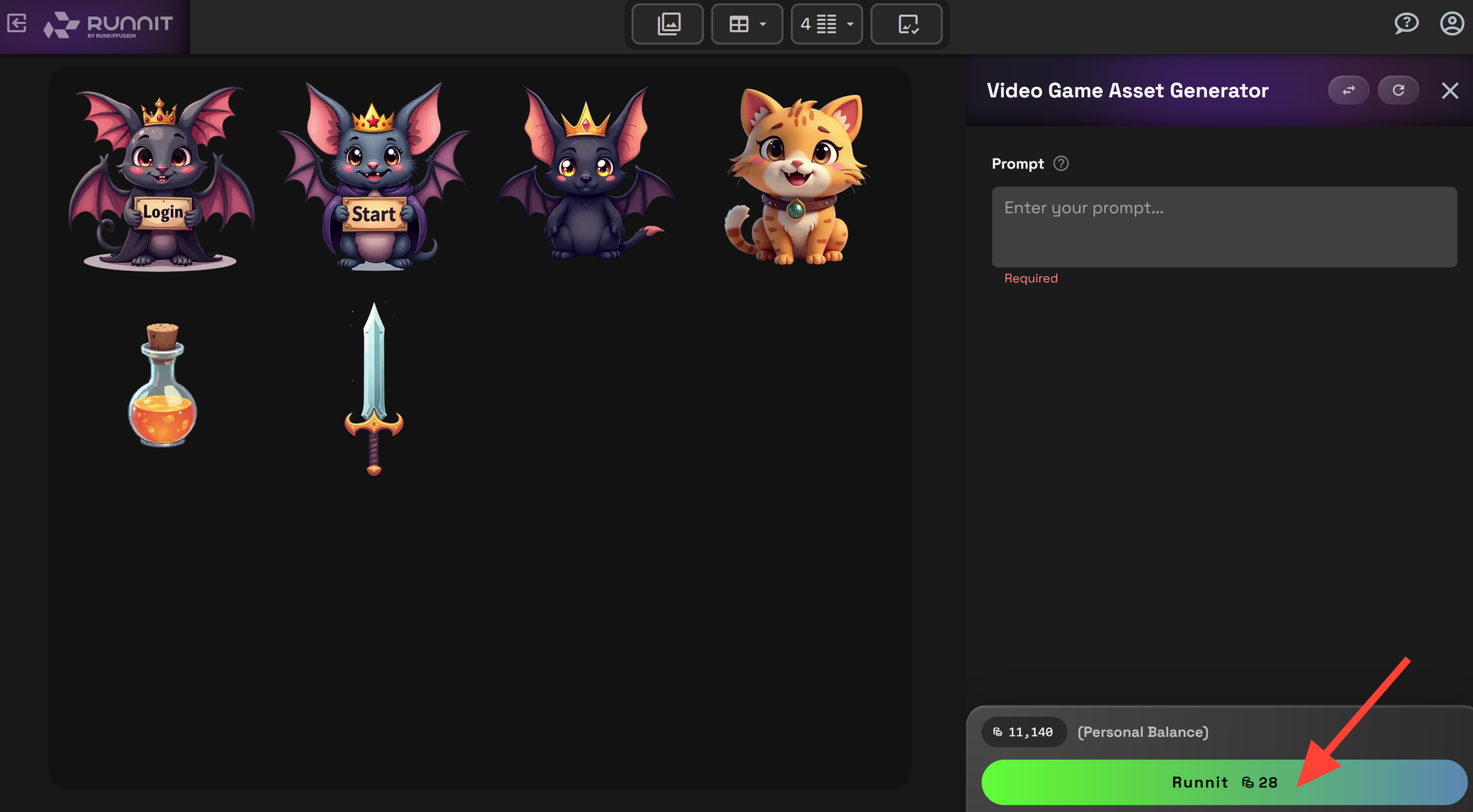
Click Run to generate your new game asset.
Use Cases
- Game devs: Build full asset sets
- Small teams: No need to outsource visuals
- Prototypes: Add art to demos fast
- Explorers: Try new styles or ideas with zero friction

Prompting Tips
- Style: Add a style to your prompt such as pixelart, fantasy, rpg
- Short Prompts: Concise prompts work great you don't need to be elaborate.
- Black background: Prompt for a black or solid colored background for the AI to remove it.
- One at a time: Prompt for a single character, item, symbol, piece of equipment at a time. Prompting multiple characters may cause problems.
The Video Game Asset Generator App helps you turn ideas into game visuals with just a few clicks. You don't need to install software. It's fast, simple, and built for game creation.
Further Reading
SVG Generator on the RunDiffusion Platform | RunDiffusion
Overview The SVG Generator on the RunDiffusion Platform is a powerful tool that allows users to create Scalable Vector Graphics (SVG) with precision and ease. Whether you’re designing icons, web elements, or intricate vector illustrations, this tool provides a seamless way to generate high-quality SVGs directly within the RunDiffusion Platform. Why Use the SVG Generator? SVG files are widely used for web and graphic design because they are scalable without losing quality. The SVG Generator on the RunDiffusion Platform simplifies the crea
RunDiffusion Team
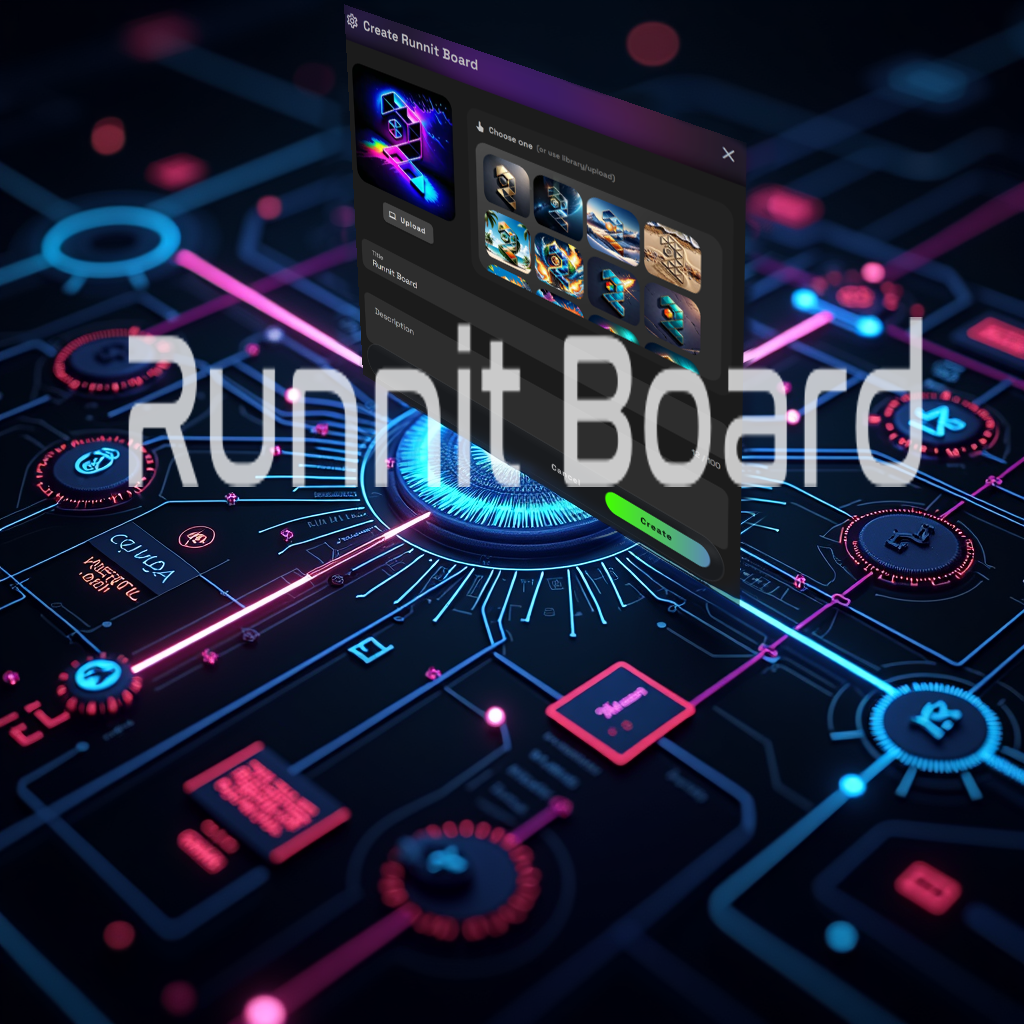
Creating Your First Board on the RunDiffusion Platform | RunDiffusion
From Image Generation to Video Boards on the RunDiffusion Platform allow you to seamlessly move from image generation to inpainting and finally to video creation, all within a structured workflow. This guide will walk you through setting up a Board on the RunDiffusion Platform that will: ✅ Generate an AI image ✅ Edit and refine it using inpainting ✅ Animate it into a video Step 1: Setting Up Your Board on the RunDiffusion Platform To begin, navigate to the RunDiffusion Platform from the RunDiffusion website. If you don’t have an account yet, you’ll need to create
RunDiffusion Team
Text-to-Image on the RunDiffusion Platform | RunDiffusion
This article provides a step-by-step guide on using Text2Image with the RunDiffusion Platform. Whether you’re a beginner or an experienced AI artist, you’ll learn how to set up a Board on the RunDiffusion Platform, add an image generation tool, and create stunning AI-generated images with ease.
RunDiffusion Team
FAQ: Video Game Asset Generator on the RunDiffusion Platform
What is the Video Game Asset Generator?
It’s a cloud-based app inside the RunDiffusion Platform that uses AI to generate 2D game art. You can create characters, items, icons, props, weapons, UI elements, and more directly in your browser without installing any software.
Who is this tool for?
The app is designed for game developers, artists, designers, and hobbyists. It’s ideal for rapid prototyping, asset exploration, small teams without art resources, and creators testing new styles or concepts.
What types of assets can it generate?
The tool can produce:
- 2D characters and items
- Icons and UI elements
- Fantasy, sci-fi, RPG, pixel-art, and stylized visuals
- Props, weapons, equipment, symbols, and more
Do I need any setup to use the app?
No setup is required. Just log in to RunDiffusion, open the RunDiffusion Platform, go to Apps, and select the Video Game Asset Generator.
Can I generate multiple assets at once?
For best results, generate one asset per prompt. Requesting multiple characters or items in a single prompt may cause blending or unwanted artifacts.
How should I write prompts?
- Keep prompts short and direct
- Specify a style (pixel art, fantasy, RPG, sci-fi)
- Consider requesting a black or solid background for easier cutouts
- Focus on one object, character, or symbol per generation
Can I use it for full asset packs?
Yes. Developers and small teams can use the tool to produce consistent sets of icons, props, characters, weapons, or other 2D game elements quickly.
Does it integrate with other tools on the RunDiffusion Platform?
Yes. You can pair it with:
- SVG Generator for vector assets
- Text-to-Image for broader concept art
- Inpainting Pro for refinements
- Boards on the RunDiffusion Platform for organizing and comparing assets
What’s the main benefit of using this app?
Speed and simplicity. You can turn ideas into usable visuals within minutes, entirely in the browser, without downloading or configuring anything.
How do I try it?
Open the RunDiffusion Platform, navigate to Apps, and choose the Video Game Asset Generator to start creating immediately.