RunDiffusion Logo
  • Products
  • Industries
    • ArchitectureSketches and arch renders
    • AdvertisingCampaign & product visuals
    • FashionLookbooks and editorials
    • Interior DesignRooms and material renders
    • GamingCharacters and worlds
    • Design CreativesConcept art and branding
    Explore
    • All industriesAI workflows by industry
    • Use casesReal RunDiffusion workflows
    AI creative industry workflows
    Architecture
    See how studios ship real work with RunDiffusion.
    Explore industries→
  • Plugins
    • All pluginsPhotoshop, Miro, Revit beta
    • PhotoshopNewAI image editing in Photoshop
    • MiroNewDrag your library onto the board
    • RevitNewSketch to render inside Revit
    Creative tool plugin integrations
    Now in private beta
    Photoshop, Miro, and Revit are available now in private beta — request access for your team.
    Explore plugins→
  • Platform
    • Enterprise overviewCreative AI cost control
    • Team WorkspacesTeam and client spaces
    • AnalyticsUsage and prompt reports
    • BudgetingBudgets and chargebacks
    • Governance controlsModel access & spend limits
    • SSOIdentity and protected IP
    • Solutions EngineerOnboarding architecture
    • FAQProcurement and security
    Enterprise AI team operations dashboard
    Built for your whole org
    See how RunDiffusion fits your organization.
    Talk to sales→
  • Read
    • Articles & Blog
    • Guides
    • News
    • Learn
    Community
    • Creative Partner Program
    • Affiliate Program
    RunDiffusion resources and articles
    Articles & Blog
    Guides, launches, and prompt tips from the team.
    Read the blog→
  • Pricing
Log inFree Signup
Artistic QR Codes with Stable Diffusion & ControlNet
Image | Automatic1111

Artistic QR Codes with Stable Diffusion & ControlNet

Learn how to create artistic QR codes with Stable Diffusion and ControlNet while keeping them visually creative and still scannable.

Read more →
ControlNet Guide for Stable Diffusion
Automatic1111

ControlNet Guide for Stable Diffusion

ControlNet 1.1 - Endless possibilities

Read more →
Automatic1111

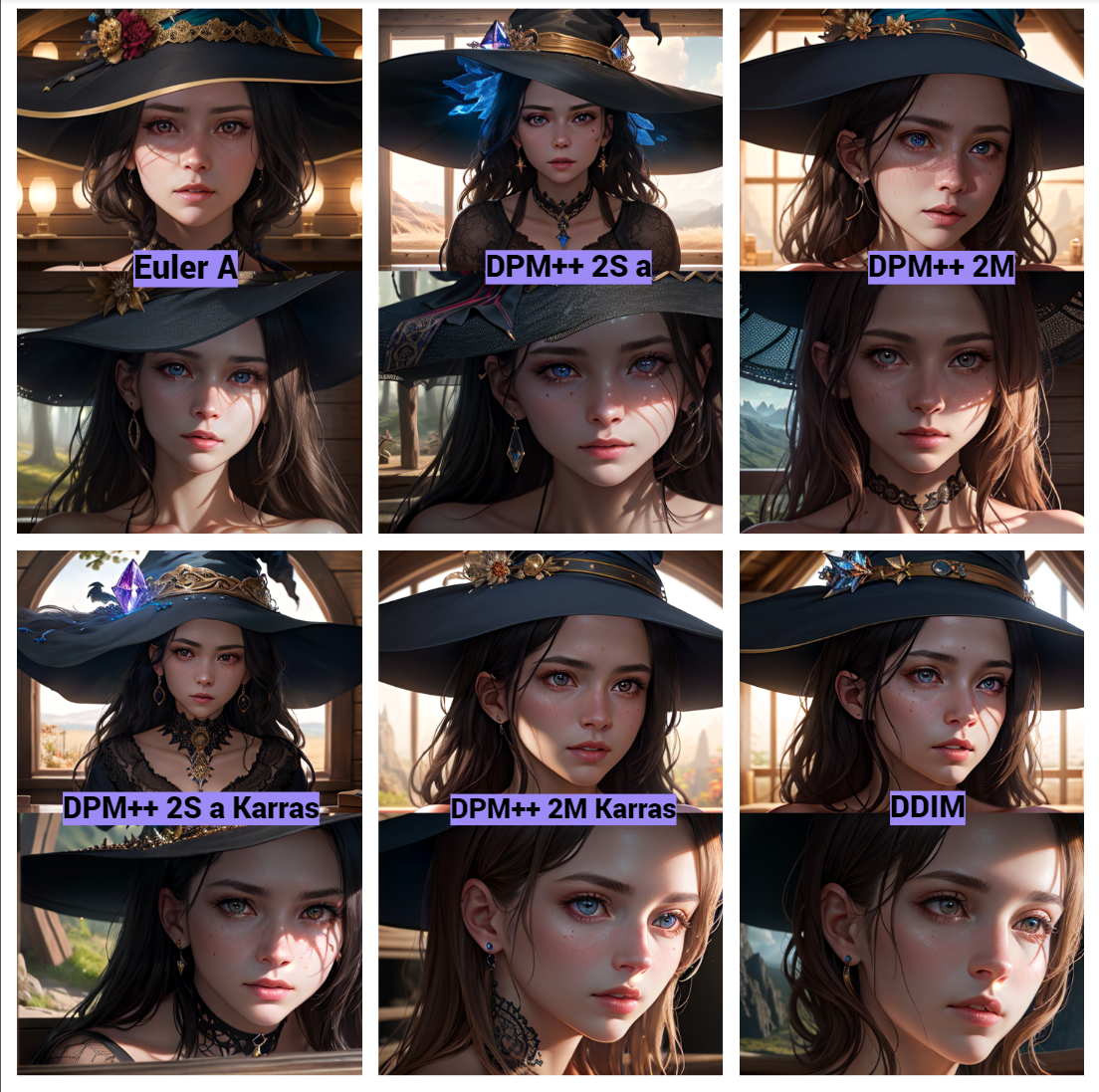
Video Input in Deforum

Learn how to upload videos for use in Deforum so you can guide animation workflows with source footage and motion structure.
Read more →
Sampling Methods in Stable Diffusion
Automatic1111

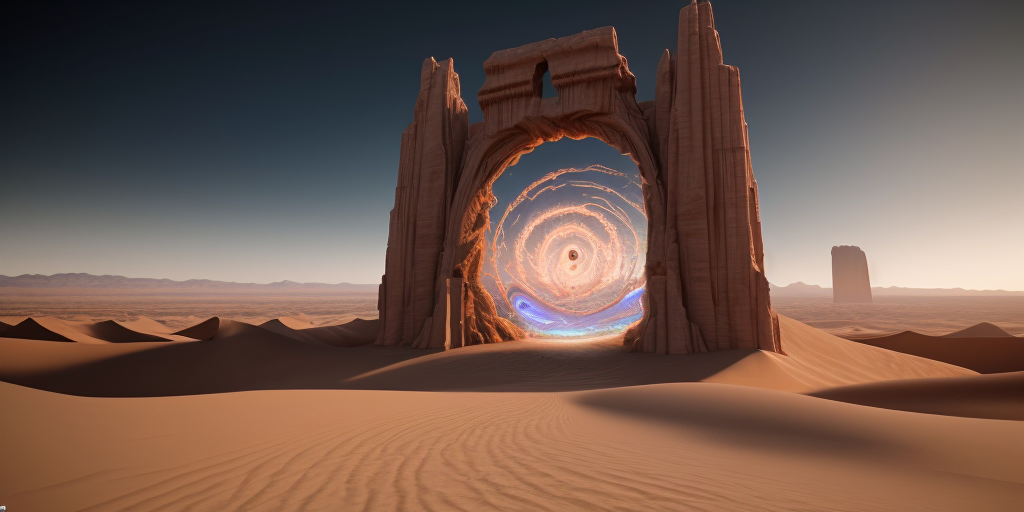
Sampling Methods in Stable Diffusion

Learn how sampling methods affect image generation quality, speed, and style so you can choose the right approach for your workflow.
Read more →
Navigating the file explorer
Automatic1111

Navigating the file explorer

Learn how to navigate the RunDiffusion file explorer so you can find, organize, and manage project files more efficiently.
Read more →
Saving Prompts in RunDiffusion
Prompting | Automatic1111

Saving Prompts in RunDiffusion

Weather its a common negative, or a beautiful scenery, find out how to save those prompts!
Read more →
Keyboard Emphasizing
Prompting | Automatic1111

Keyboard Emphasizing

Emphasizing made easy!

Read more →
Custom Models 101: Importing Models and LoRAs
Training | Automatic1111

Custom Models 101: Importing Models and LoRAs

Importing custom models to Auto1111 and invokeAi!

Read more →
Upscaling 101
Edit | Automatic1111

Upscaling 101

Learn the basics of AI upscaling so you can improve image resolution, detail, and overall presentation quality.

Read more →
Prompting 101 Guide
Prompting | Automatic1111

Prompting 101 Guide

Learn prompting fundamentals, including structure, syntax, and practical techniques for getting better AI image results.

Read more →
Automatic1111

Troubleshooting and Common Errors with Automatic1111

Learn how to troubleshoot common Automatic1111 errors and fix issues related to setup, models, extensions, and workflow stability.

Read more →
Automatic1111

VAE - Variational AutoEncoder

Learn what a VAE does in image generation and how it affects color, detail, and overall visual quality in your outputs.

Read more →
Image | Automatic1111

Img2Img Batch Processing with ControlNet

Learn how to use Img2Img batch processing with ControlNet to guide multiple image edits more consistently and efficiently on RunDiffusion.

Read more →
Edit | Automatic1111

Extras - Upscaling, Batch Directories

Learn how to use Extras in Automatic1111 for upscaling images, processing batch directories, and improving output quality more efficiently.

Read more →
Training | Automatic1111

LoRA Training Guide

Learn the basics of LoRA training, including how to prepare data, fine-tune models, and create custom visual styles.

Read more →
Image | Automatic1111

Txt2Img Guide

Learn how TXT2IMG works and how to generate images from text prompts more effectively using RunDiffusion and related tools.

Read more →
Training | Automatic1111

LORA, Hypernetworks, and Embeddings in Automatic1111

Learn how LoRA, hypernetworks, and embeddings work in Automatic1111 and how they shape styles, subjects, and prompt control.

Read more →
Video | Automatic1111

Deforum: The Wild West of AI Video

Explore Deforum for AI video creation, including its creative strengths, experimental workflow style, and how it fits into RunDiffusion.

Read more →
Automatic1111 | Account | Image

API and the Photoshop Plugin

Did you know Automatic1111 can run in API Mode? You can use this for plugins for Photoshop and Blender!

Read more →
Previous
12
Next
  • Image AI Models
  • AI Models on RunDiffusion's Platform
  • AI for Advertising and Marketing Teams
  • How to Create Consistent Character Campaign Images With Nano Banana 2
  • Nano Banana 2
  • Juggernaut XI Early Concept Development
  • Juggernaut Z Prompt Guide
  • Juggernaut Z Is Now live on RunDiffusion
  • Nano Banana 2 Is Live on RunDiffusion
  • Video AI Models
  • How to Use Seedance 2.0 for Architecture on RunDiffusion
  • How to Use Kling O3 Standard Reference Video to Video
  • Seedance 2.0: Director Level AI Video Generation to RunDiffusion
  • Wan 2.5 Image AI Tool
  • Kling 2.5 Turbo Pro AI Tool
  • Bytedance Seedance AI Tool
  • Seedance 2.0 Video and Fast Now on RunDiffusion
  • Seedance 2.0 Prompt Guide - English
  • Wan 2.7 Image and Video Now Available in RunDiffusion
  • Edit AI Models
  • ChatGPT Image Edit AI Tool
  • Nano Banana Edit AI Tool
  • Seedream V4.5 Edit AI Tool
  • Seedream V5 Lite and Seedream V5 Lite Edit Are Now on RunDiffusion
  • Topaz Generative Upscaler AI Tool
  • Magnific Upscaler AI Tool
  • AI Architecture Guide for Architects
  • ChatGPT Image 2.0 Now Available on RunDiffusion
  • Platform
  • Products
  • Plugins
  • Developers
  • Enterprise
  • Governance & Security
  • Team Management
  • Company
  • About Us
  • Contact Us
  • Careers
  • Changelog
  • Affiliate
  • Creative Partner Program
  • Agents
RunDiffusion logo

© 2026 Runnit Inc. All rights reserved.

  • Privacy Policy
  • Terms of Service
  • Cookie Policy
  • Refund Policy
  • DSAR Form
  • Consent Preferences