A Guide to Navigating the Updated Layout on RunDiffusion
The ComfyUI interface just received another update—we rolled out on April 23, 2025—and while the changes are designed to improve usability, they also mean older tutorials may no longer match what you see on screen.
If you’re following a YouTube guide or even one of our earlier ComfyUI articles, you might find yourself looking for buttons or menus that no longer exist—or have moved.
This guide is here to clarify what’s changed and help you get comfortable with the new interface fast.
Why Older Tutorials Might Confuse You
Many tutorials and walkthroughs created before April 2025—including ours—may show:
- Toolbar icons that are no longer visible.
- Workflow examples with outdated menu access.
So if you're watching a video and can’t find what they’re clicking, you’re not wrong—it moved.
New Layout
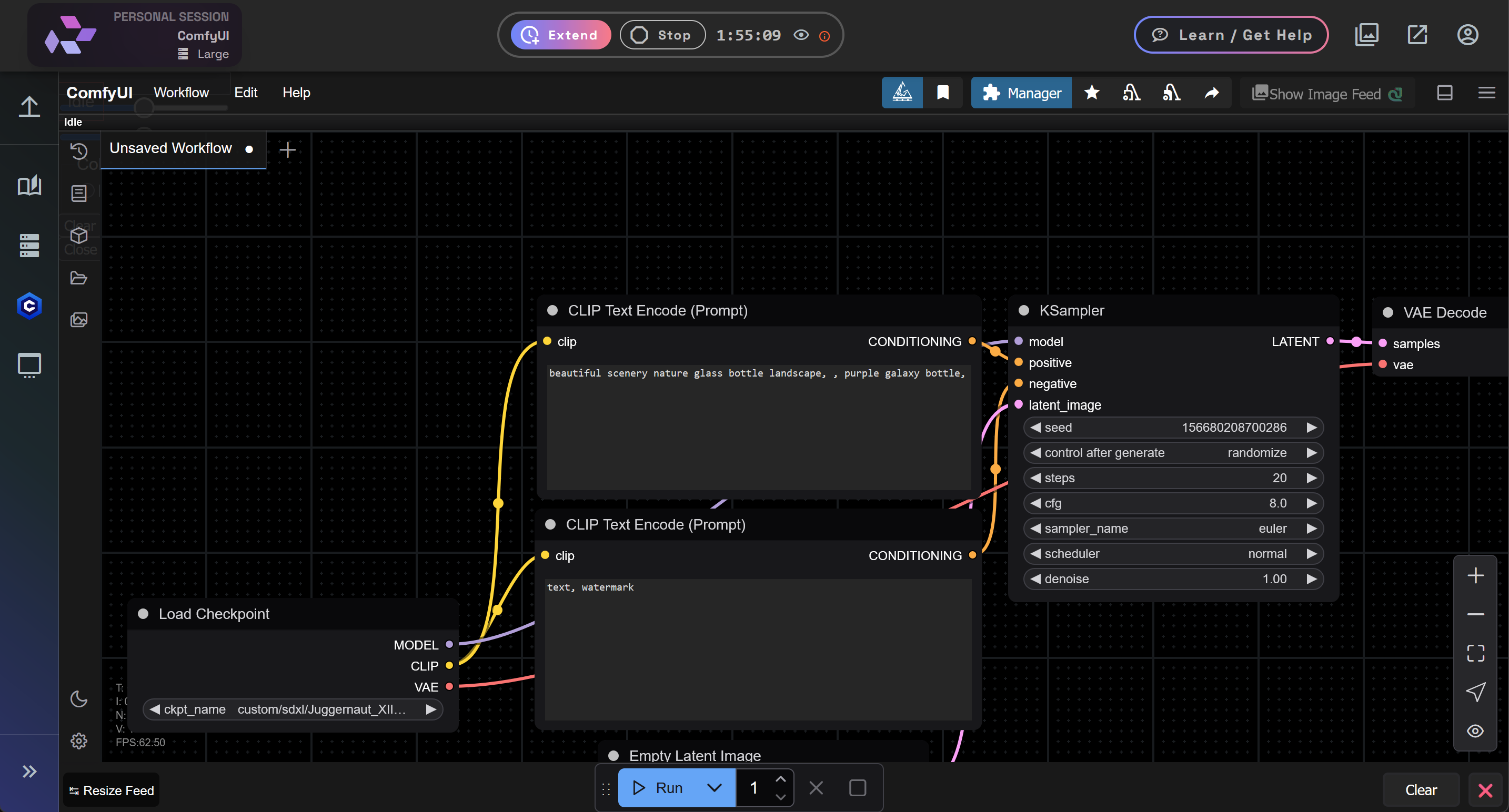
New Sidebar Navigation
The sidebar has been reorganized to prioritize frequently used categories.
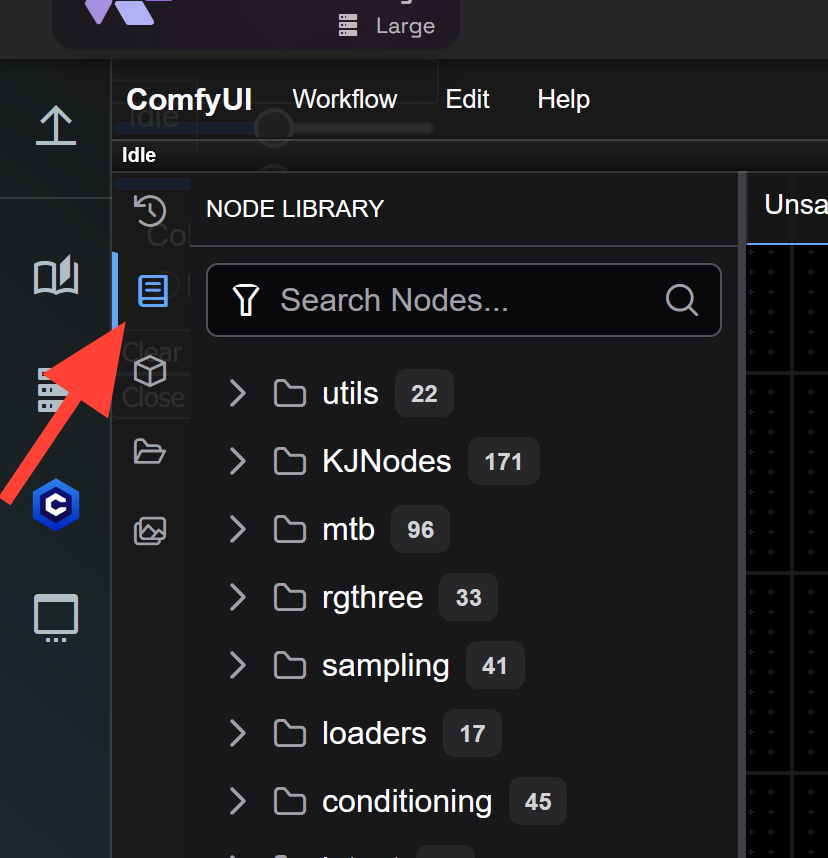
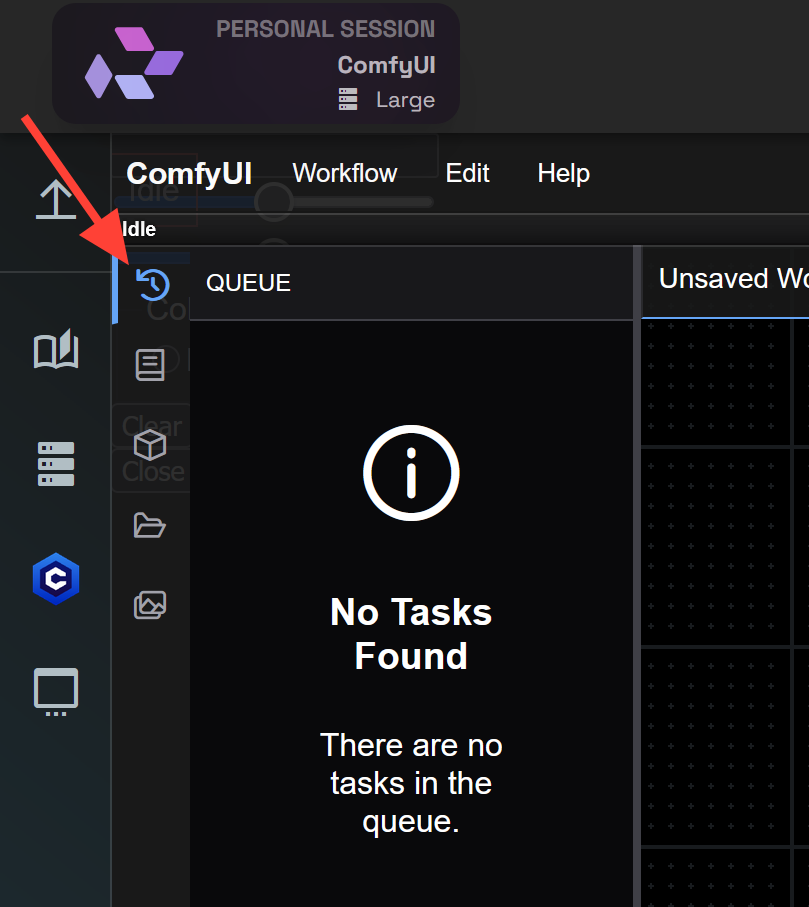
Queue, Node Libraries, Workflows, and Model Library now live in collapsible panels.
Node Library
Queue
Workflows
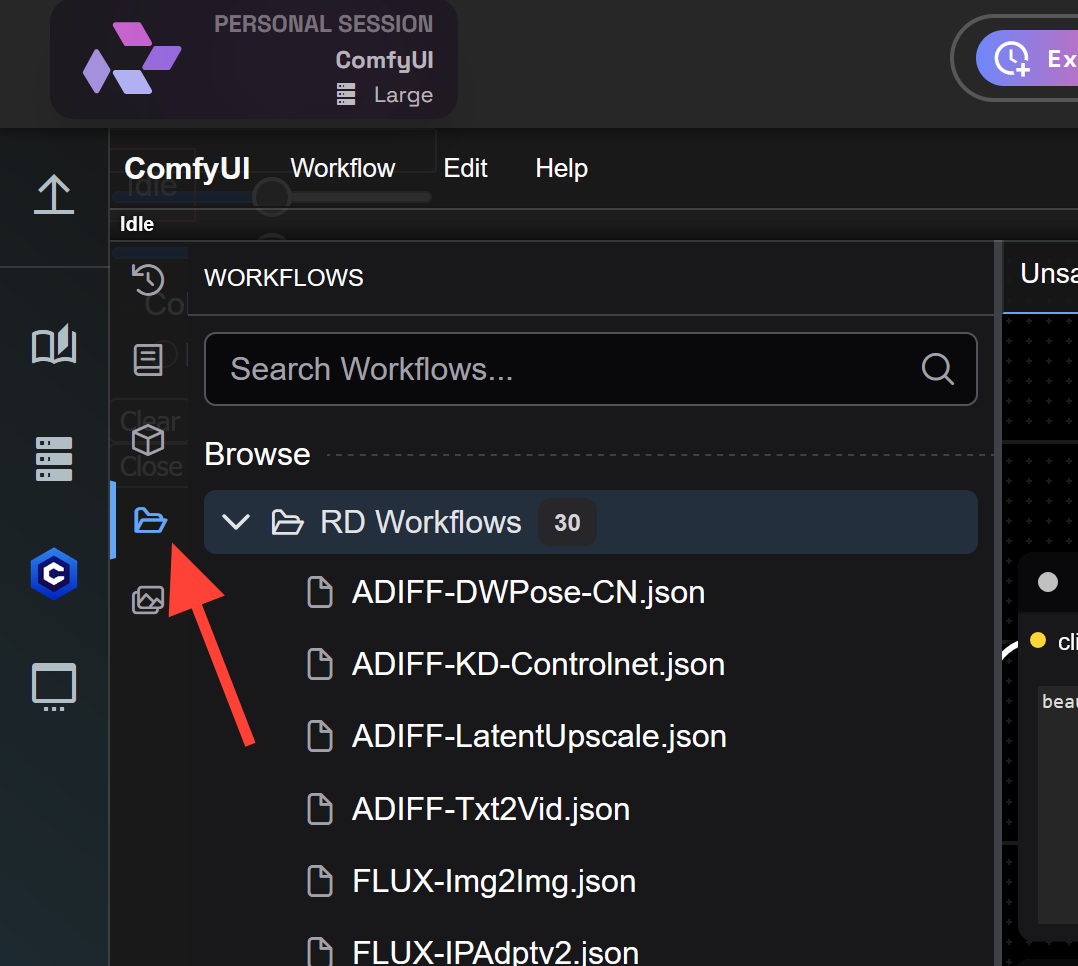
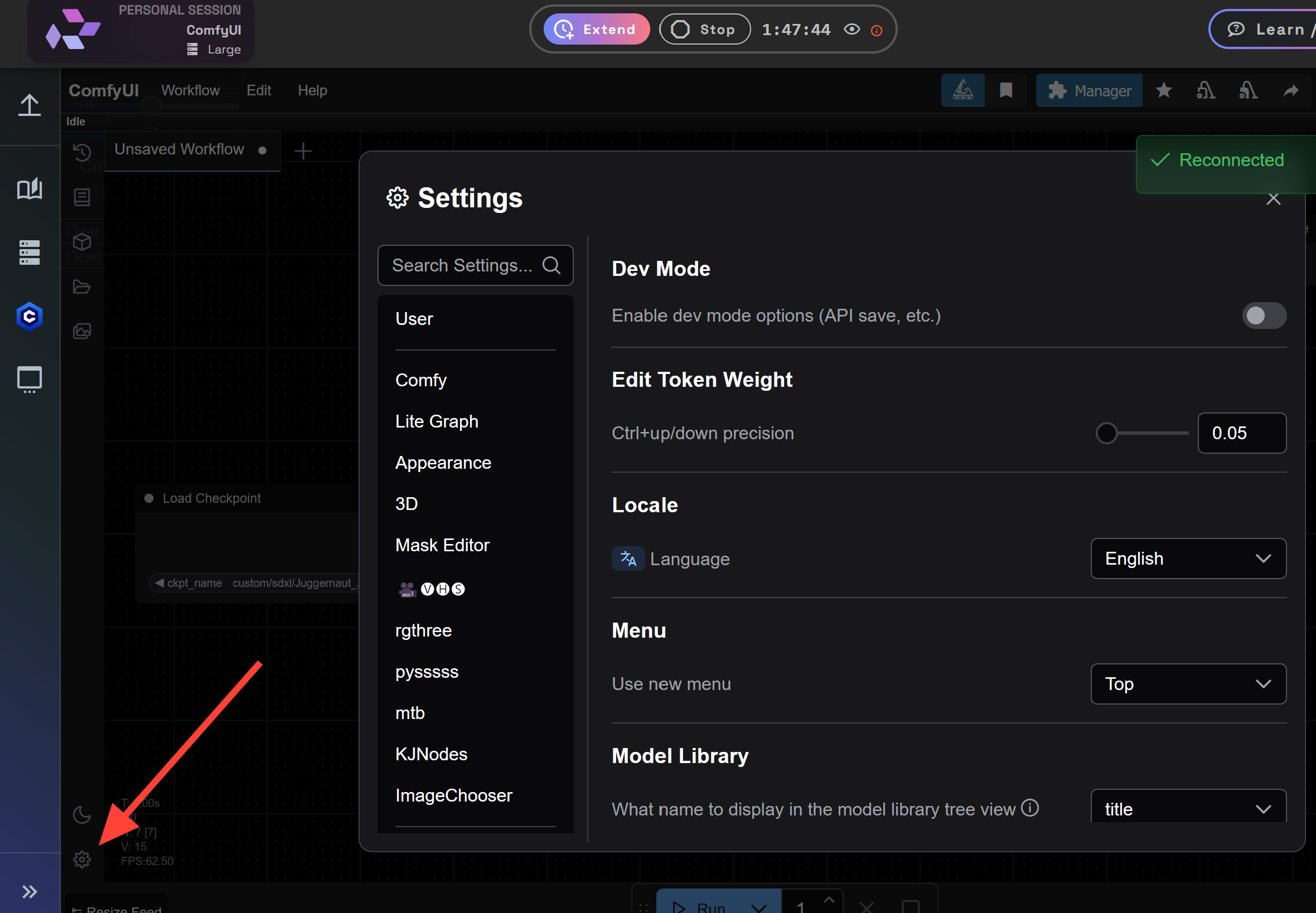
Settings
Settings are located in the bottom left
Drop Down Menus
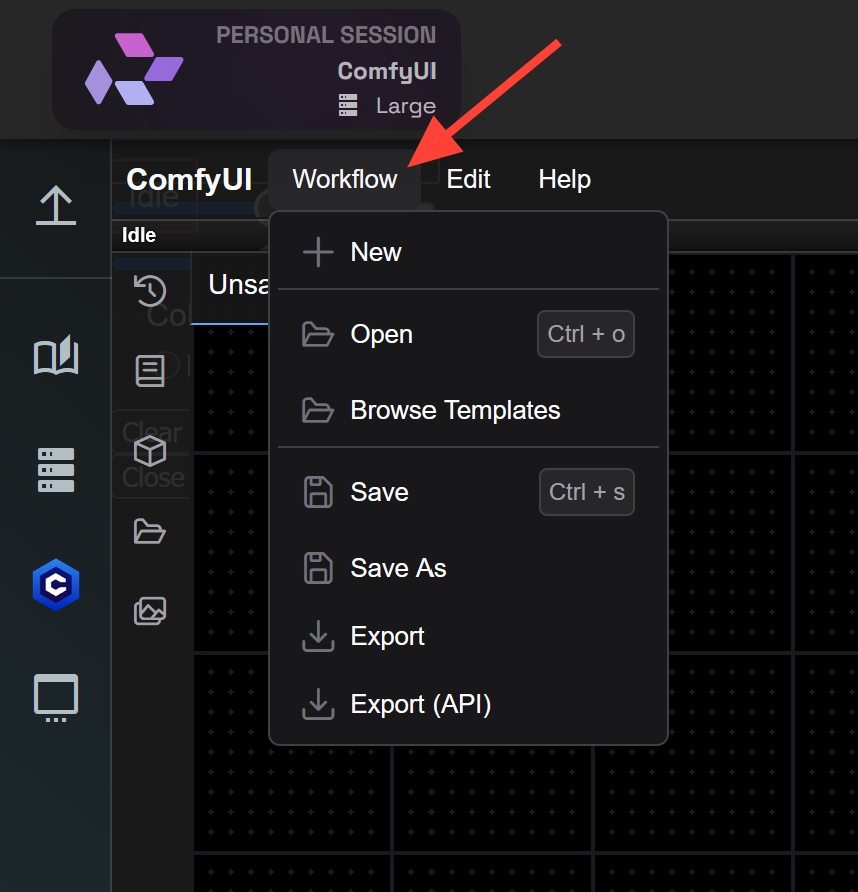
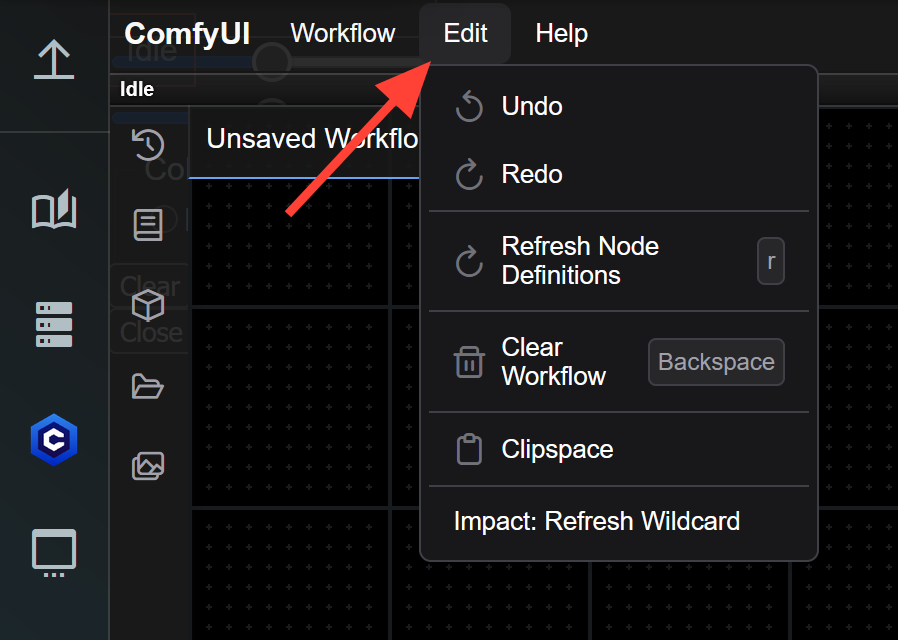
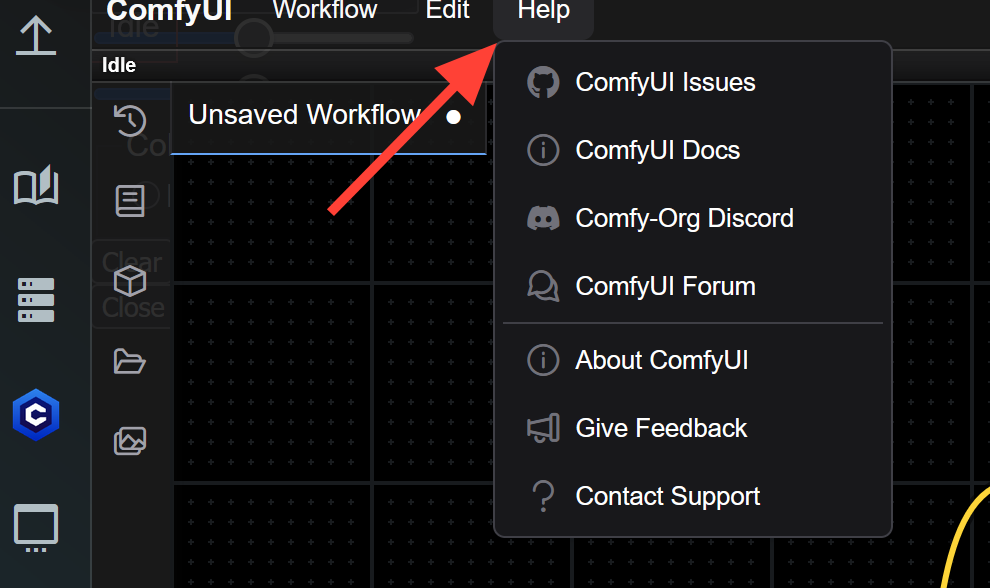
Workflow, Edit and Help are all drop down menus with multiple options you will want to familiarize yourself with them. They are located in the top left of the Comfy interface.
Workflow
Edit
Help
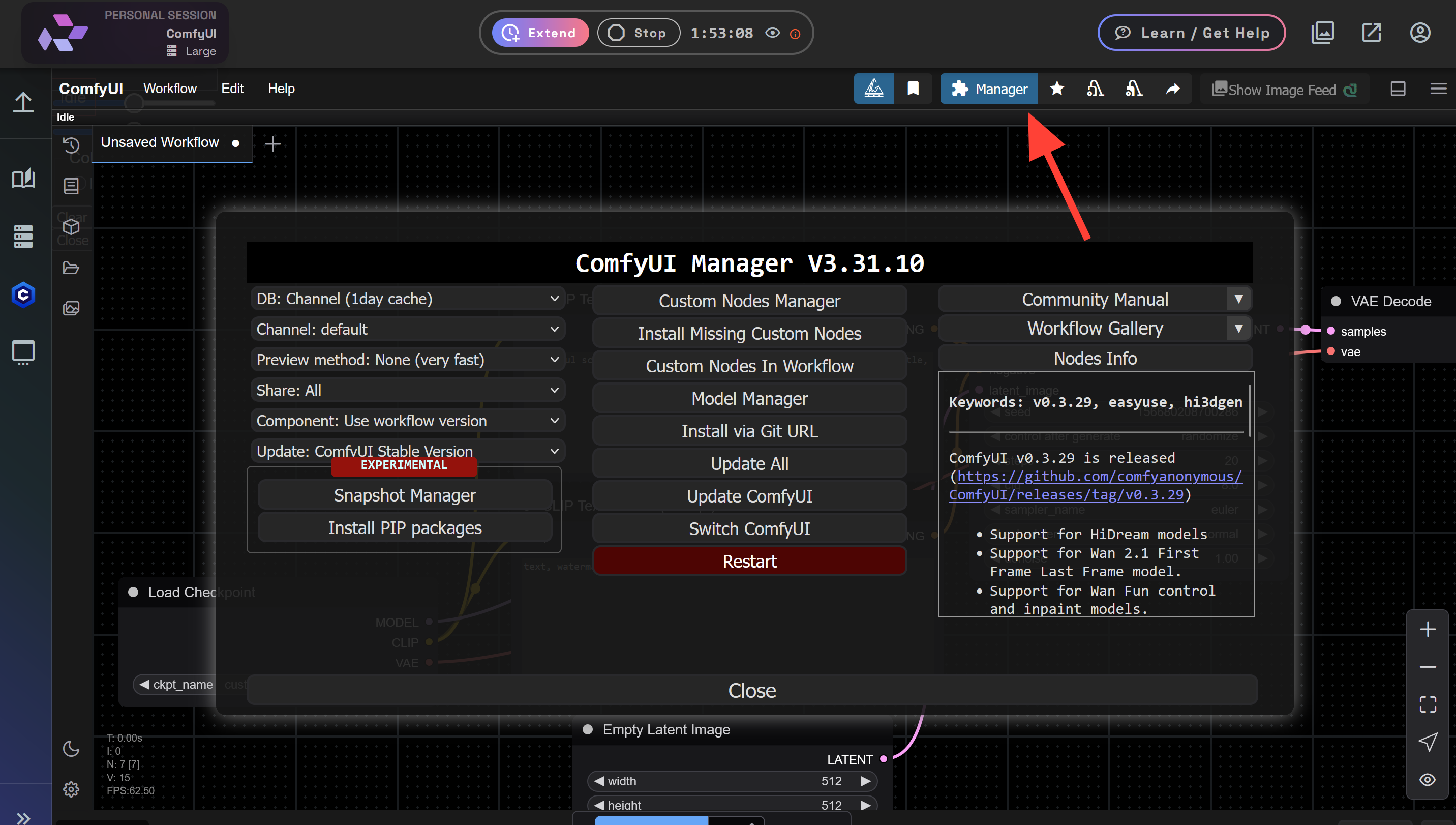
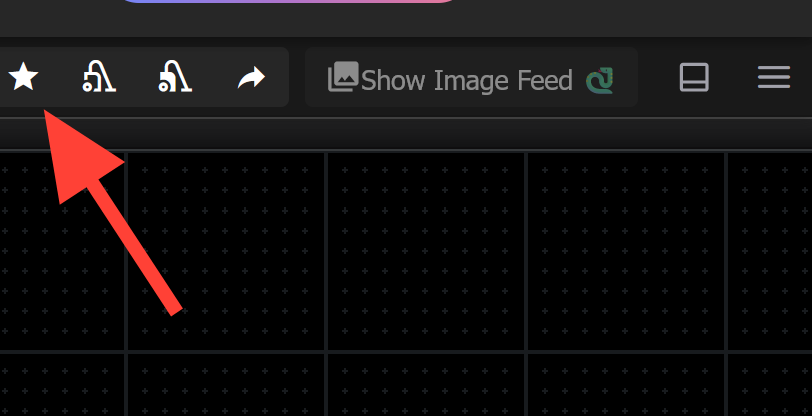
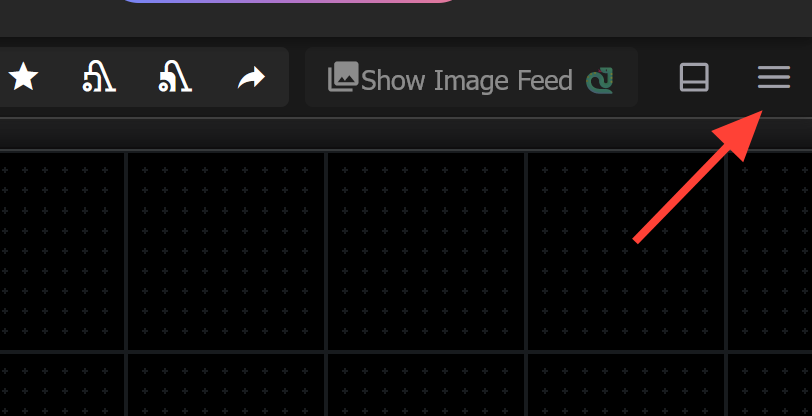
Top right you still have important buttons such as Manager, Favorite Custom Node List, and Hide Menu.
Manager
Favorite Custom Node List
Hide Menu
RunDiffusion Specific Icons
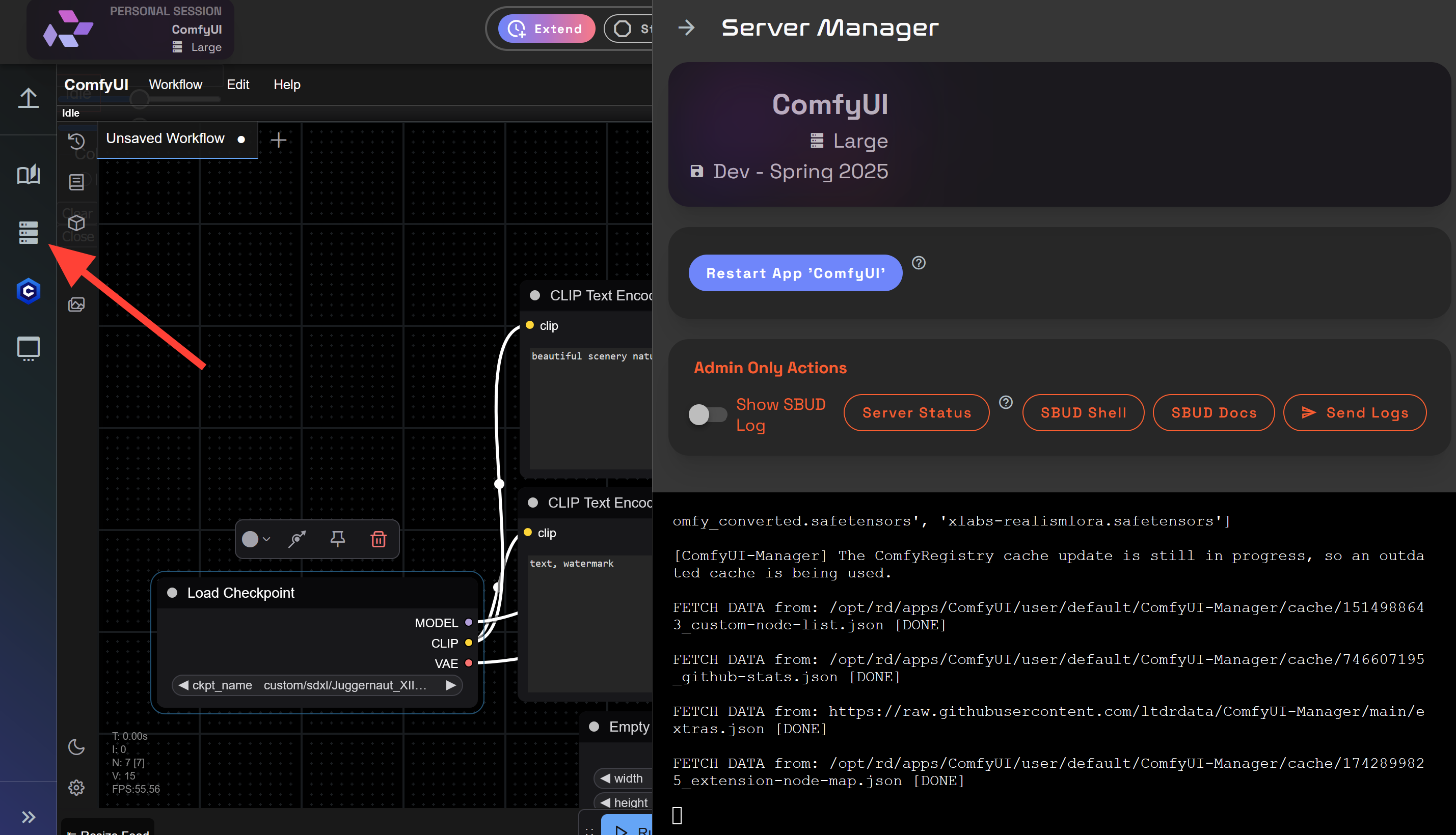
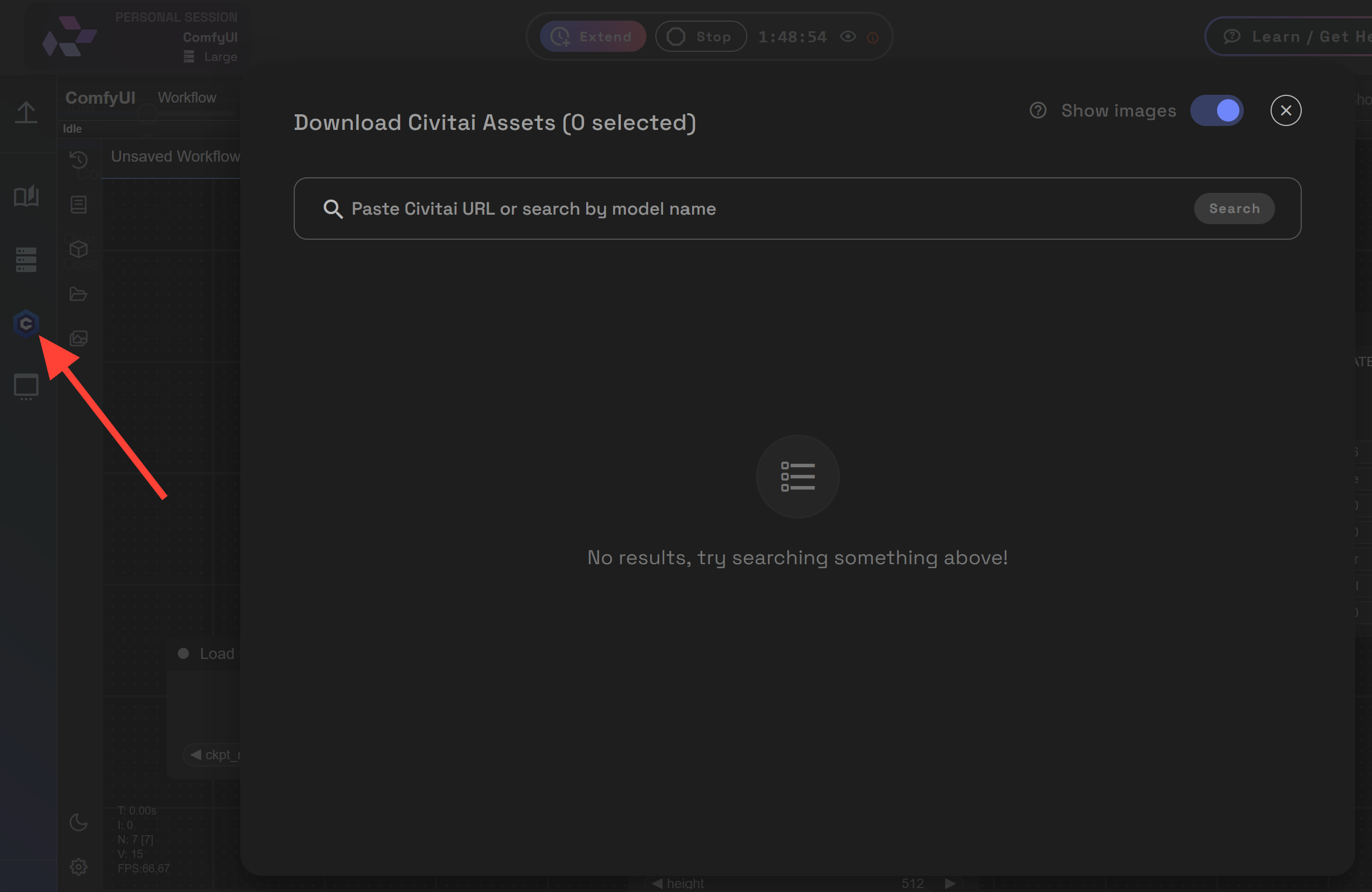
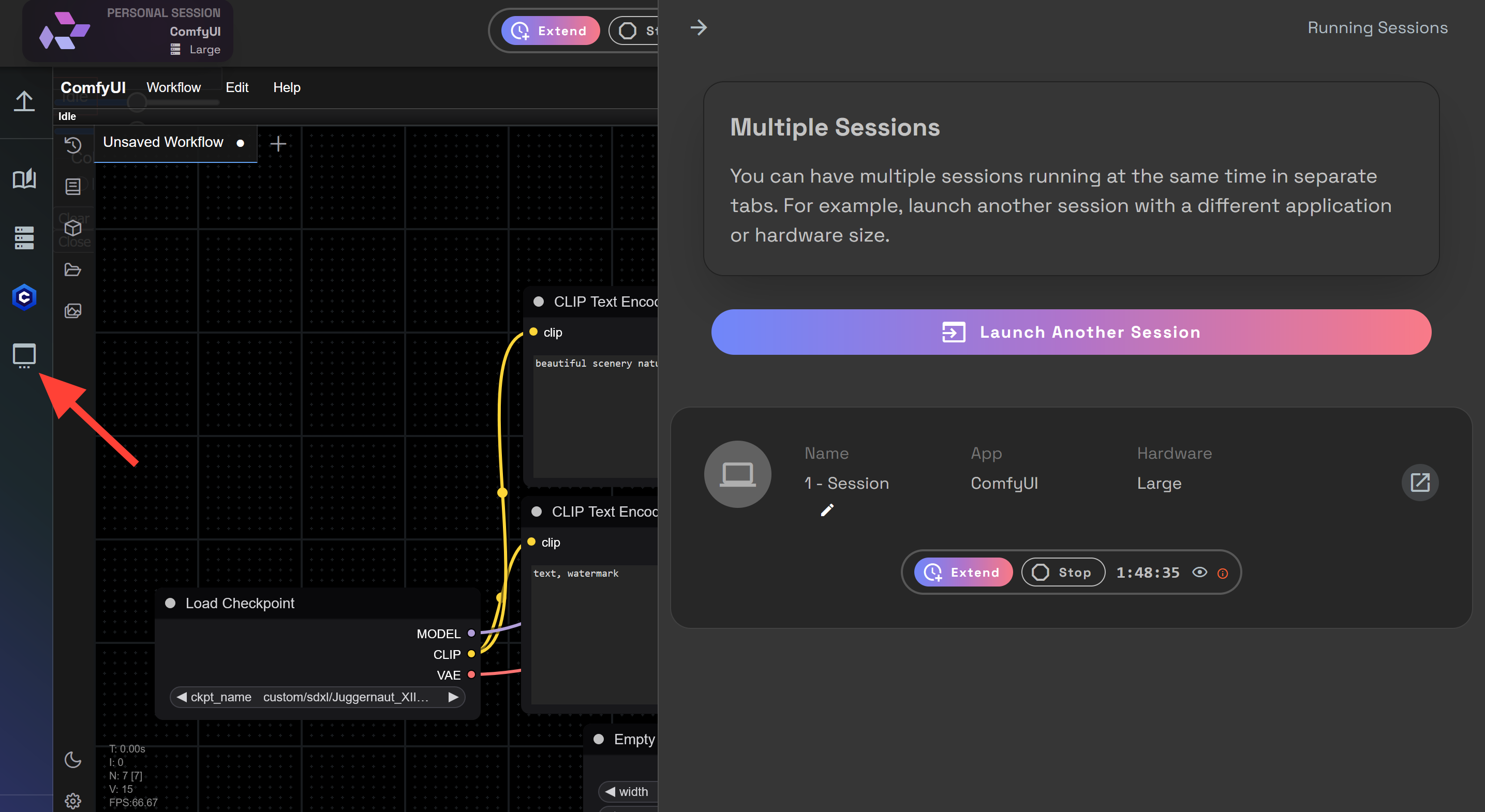
Server Manager, Civitai Downloader, and Manage Multiple Sessions. Are RunDiffusion specific icons located on the far left.
Server Manager
Civitai Downloader
Manage Multiple Sessions
🚀 How to Launch the New ComfyUI on RunDiffusion
Here’s how to get started with the updated interface right now on the cloud:
Login at RunDiffusion
Head to Open Source Apps
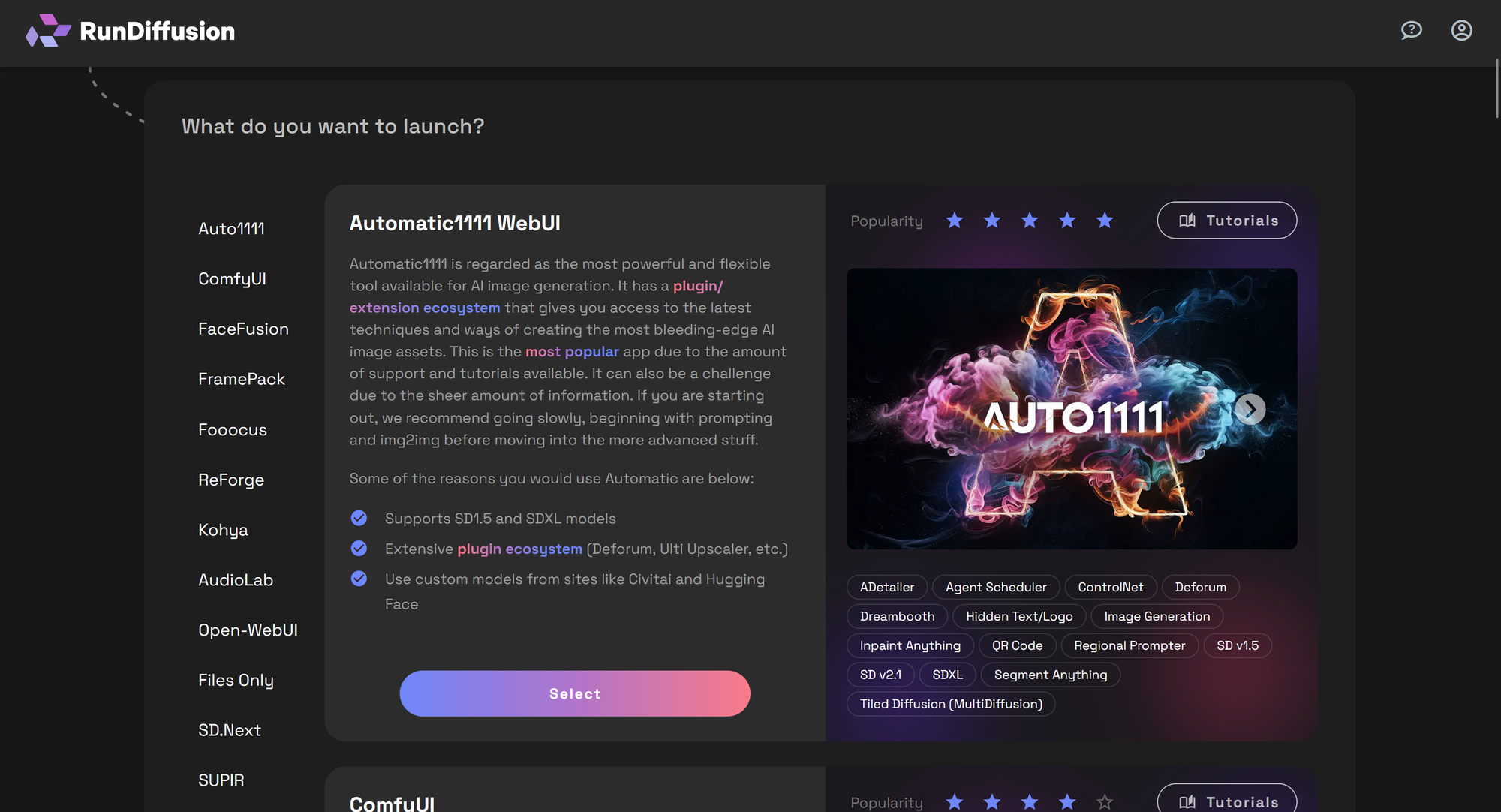
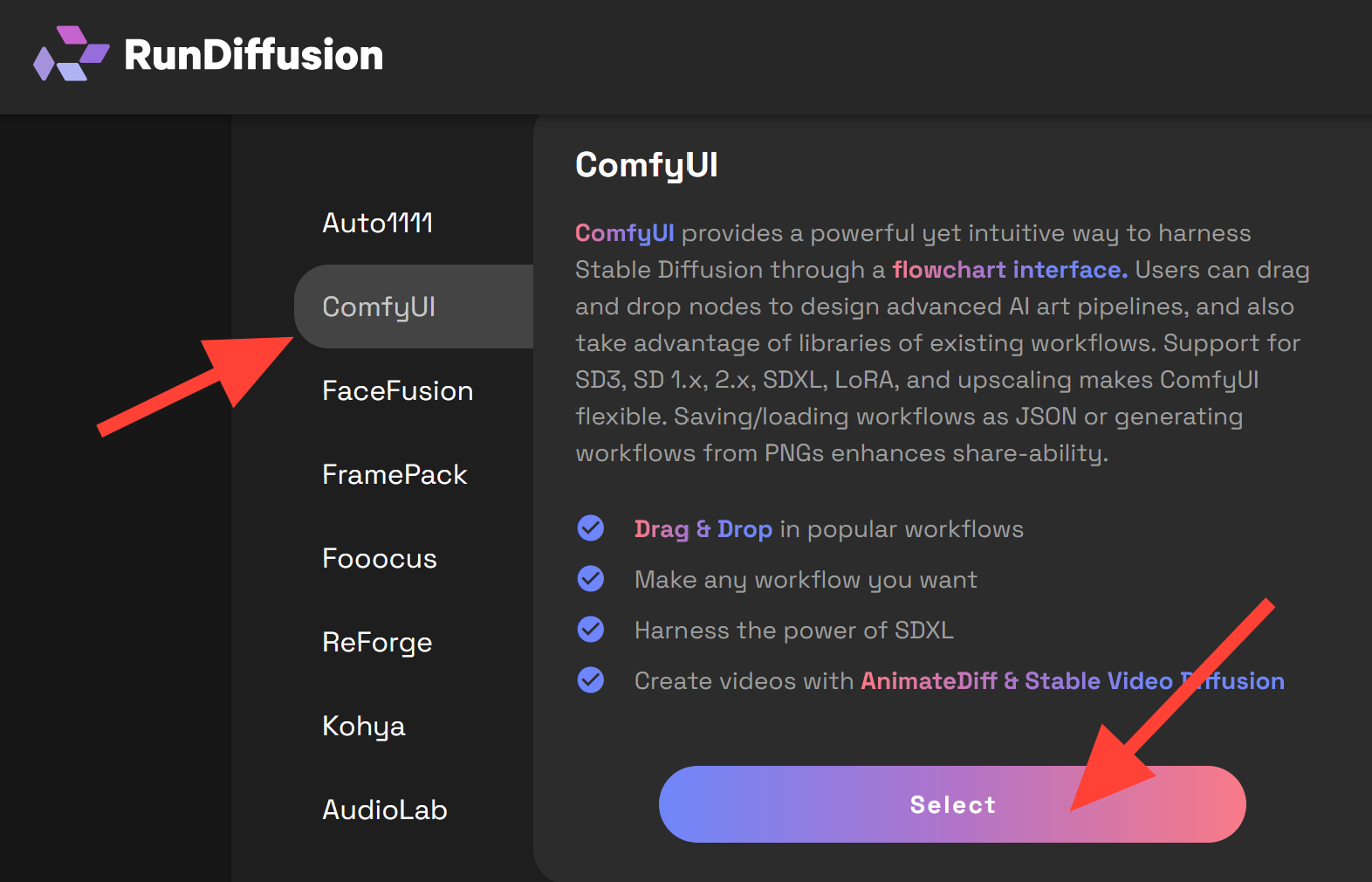
Select ComfyUI from the sidebar and click Select
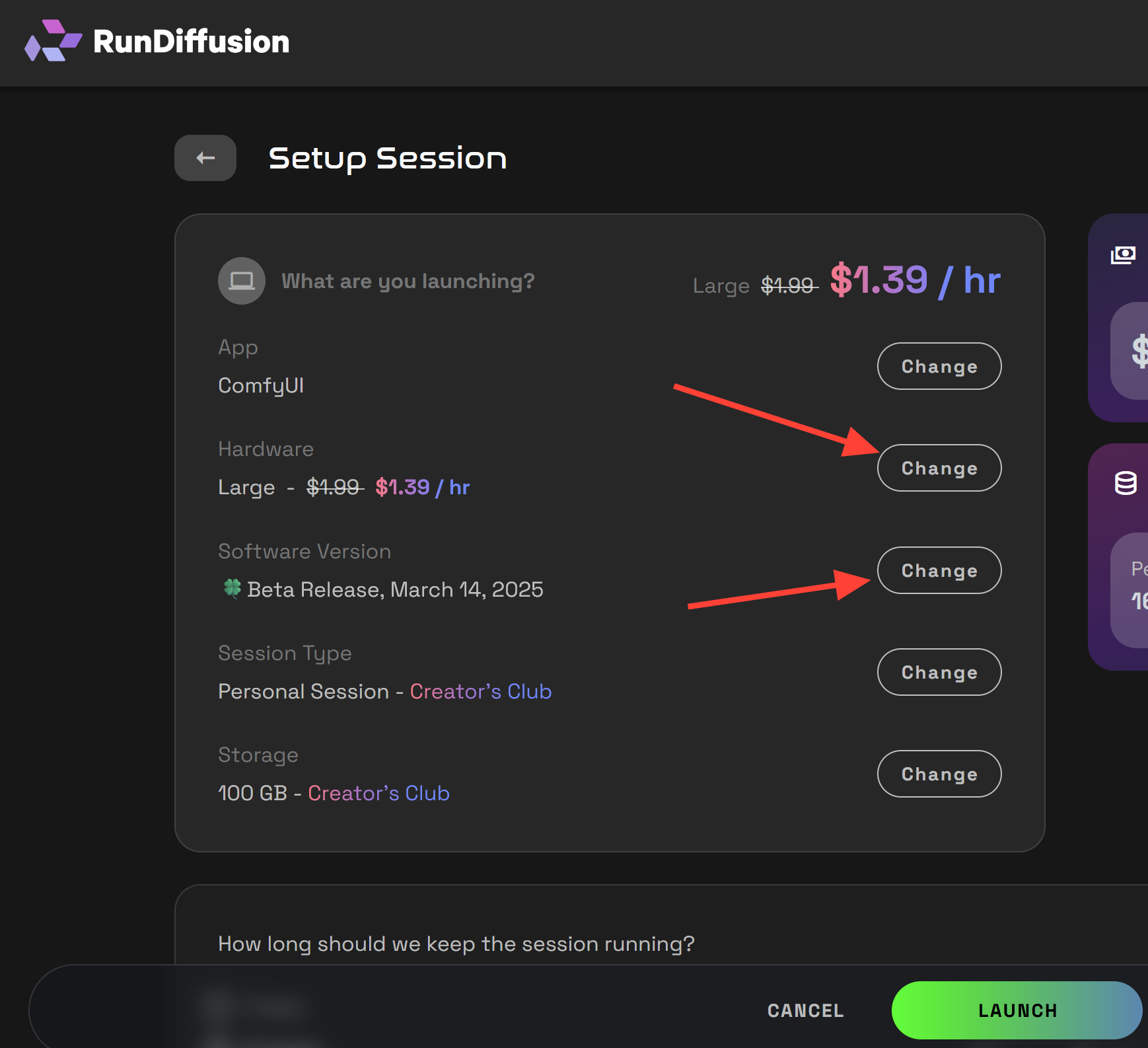
Choose your hardware and session duration
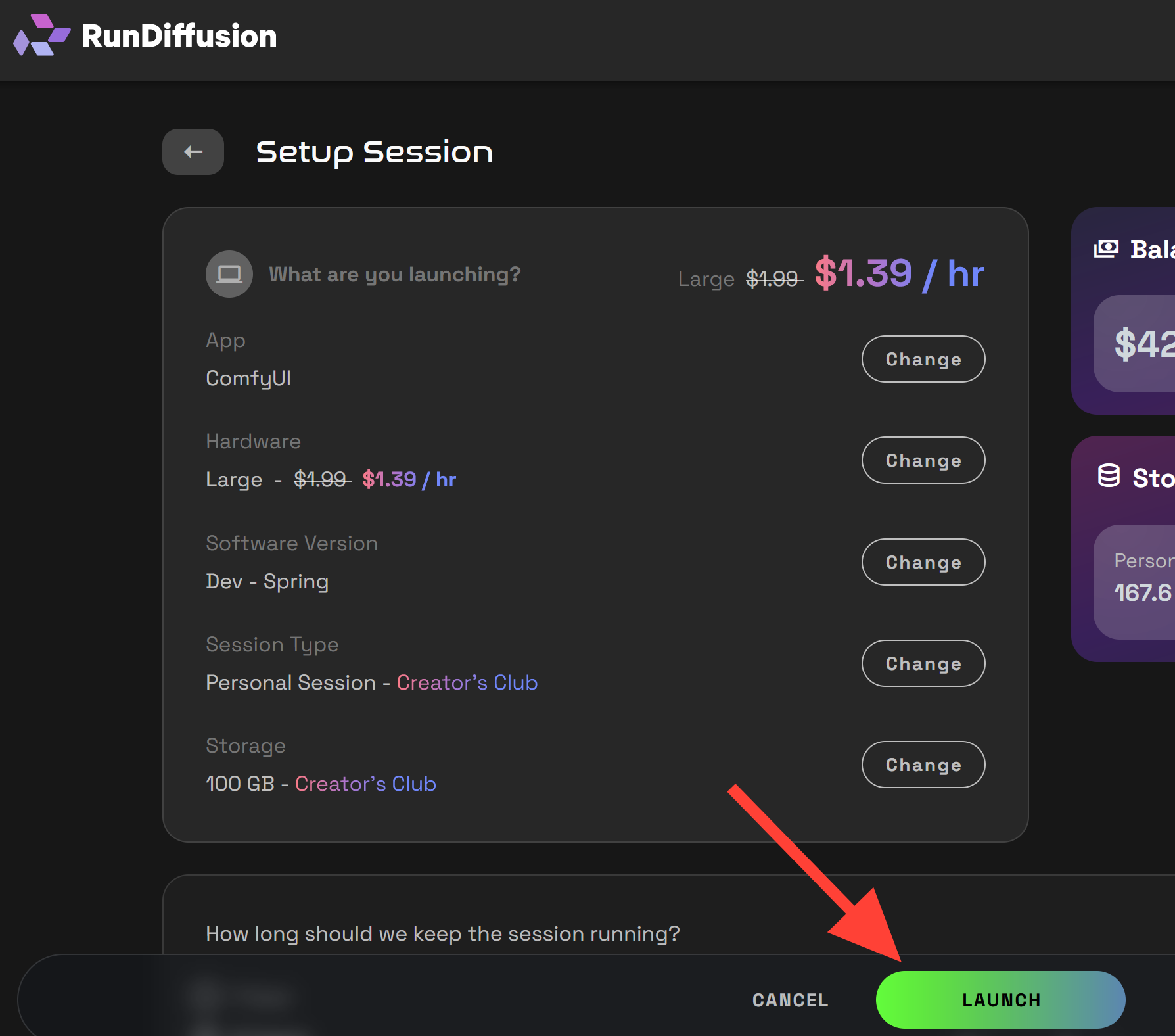
Click Launch – and you’re in the new interface
If you’re new to all this, our Getting Started on RunDiffusion guide can walk you through the basics.
📘 Need More Help?
We recommend updating your bookmarks and using this article alongside older tutorials.
Also, don’t miss:
Troubleshooting ComfyUI Workflows (September 2025) | RunDiffusion
This updated guide helps RunDiffusion users fix red nodes, missing models, broken paths, and deprecated nodes in the new ComfyUI layout. Learn to use Comfy Manager and restart sessions properly.
RunDiffusion Team

Hunyuan3D now in ComfyUI on RunDiffusion | RunDiffusion
Learn how to use the new ComfyUI-Hunyuan3DWrapper on RunDiffusion! This step-by-step guide covers setup, workflow, and tips for generating 3D-aware images easily in the cloud.
RunDiffusion Team