Keeping track of your activity on RunDiffusion is simple with the Session History feature. This tool provides a record of your sessions, making it easy to monitor usage, keep an eye on costs, and relaunch past setups.
Why Use Session History?
With it, you can:
- See when and how long sessions ran
- Track which application and machine size you used
- Monitor your Reward and Funded Balance usage for billing transparency
Step-by-Step: How to Access Session History
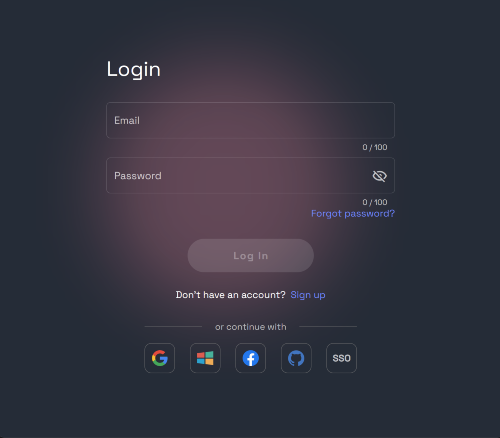
Login to RunDiffusion. Go to RunDiffusion Login and sign in.
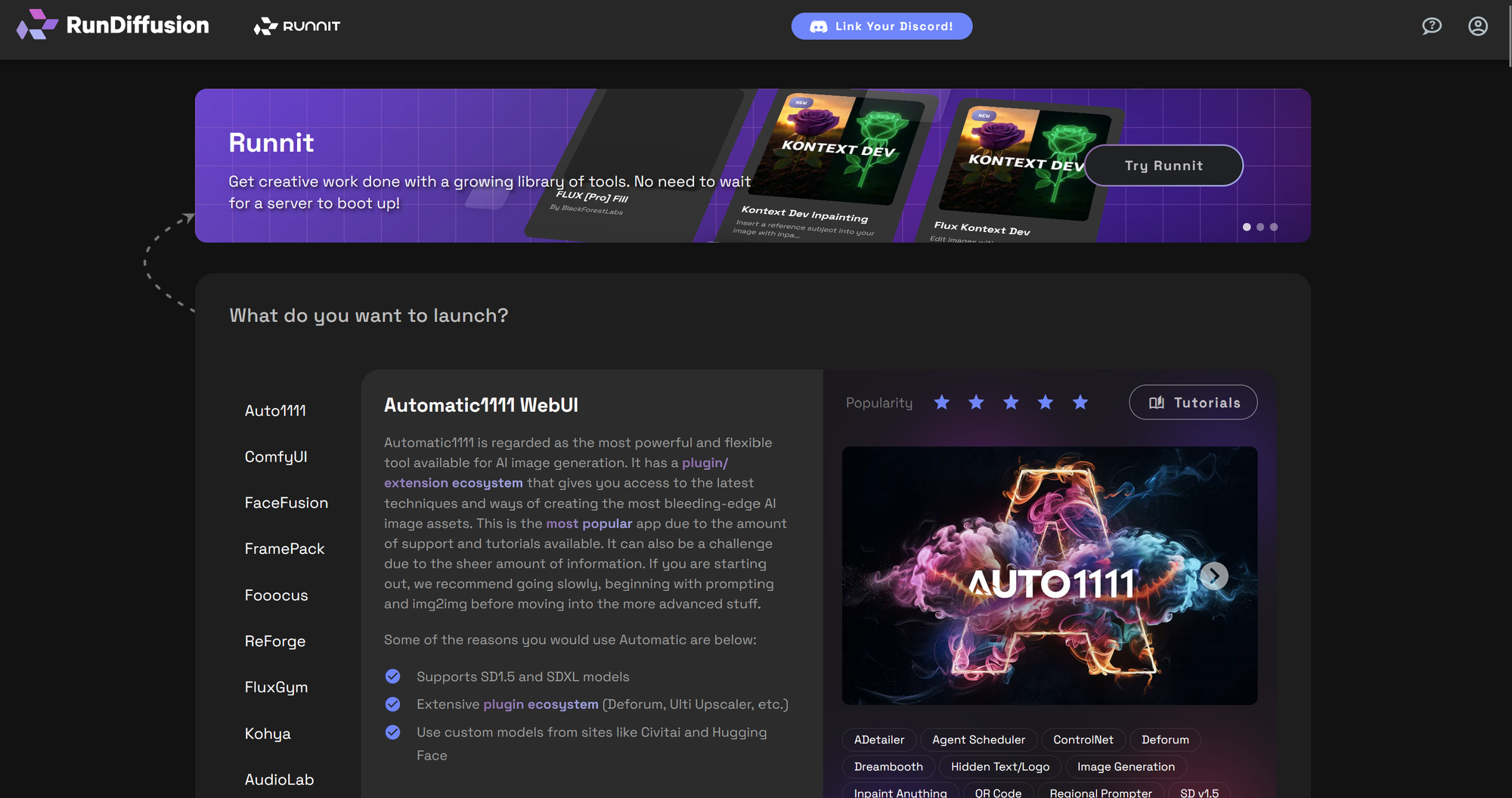
Navigate to Open Source Applications. Visit the Open Source Apps page.
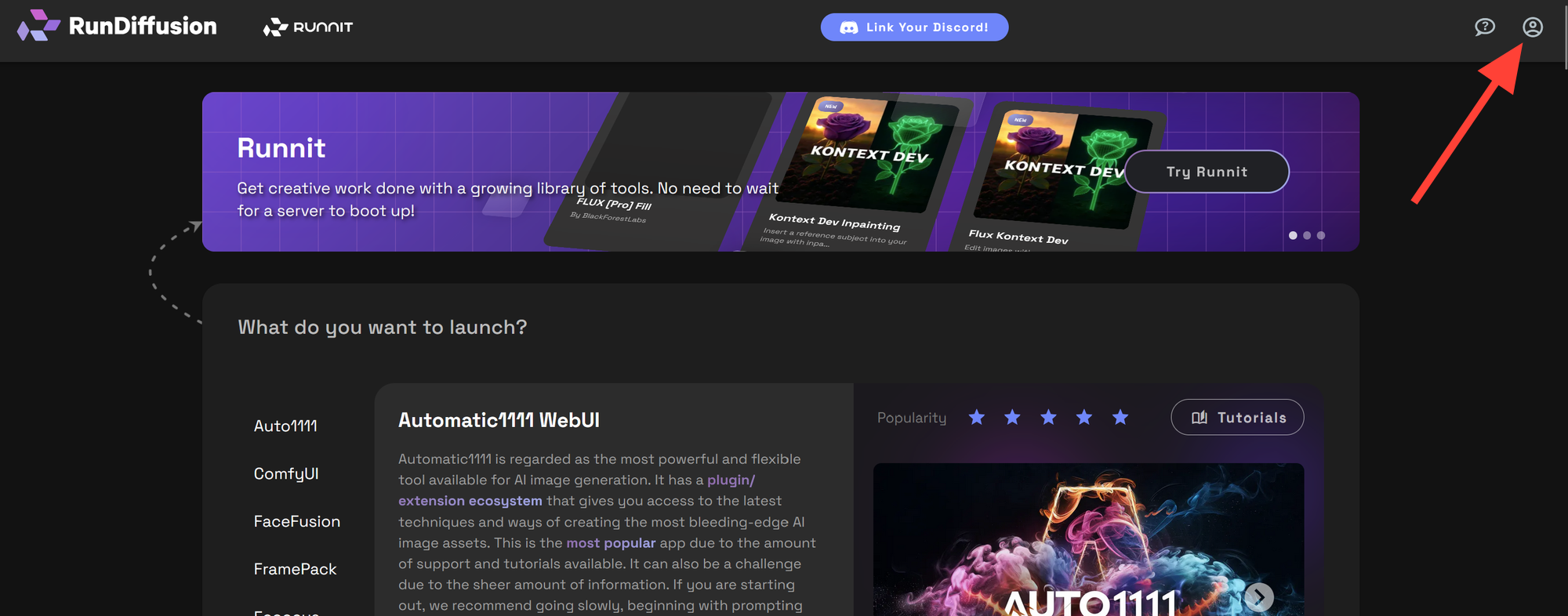
I the top-right corner, click your account icon.
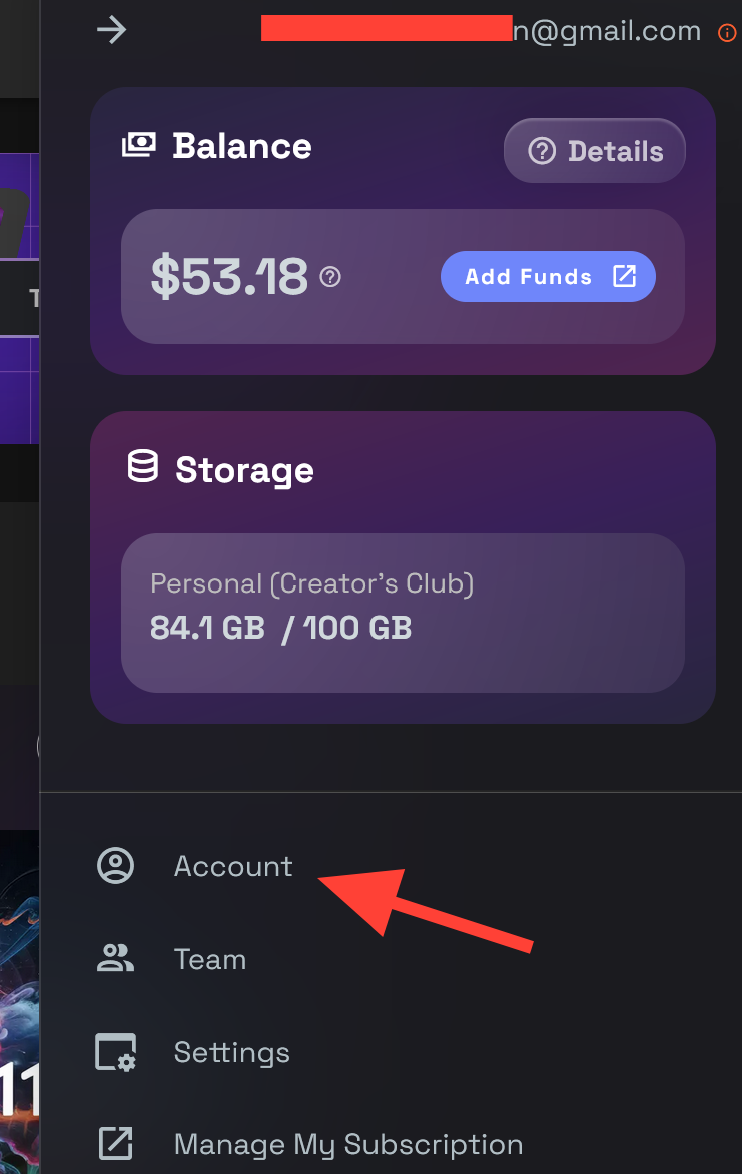
On the right side bar click on Account.
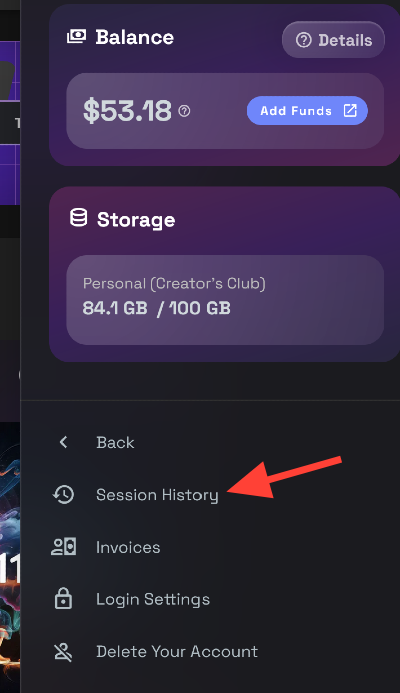
Inside your account settings, you’ll find Session History. Select it to view all your past sessions.
What Information Does Session History Show?
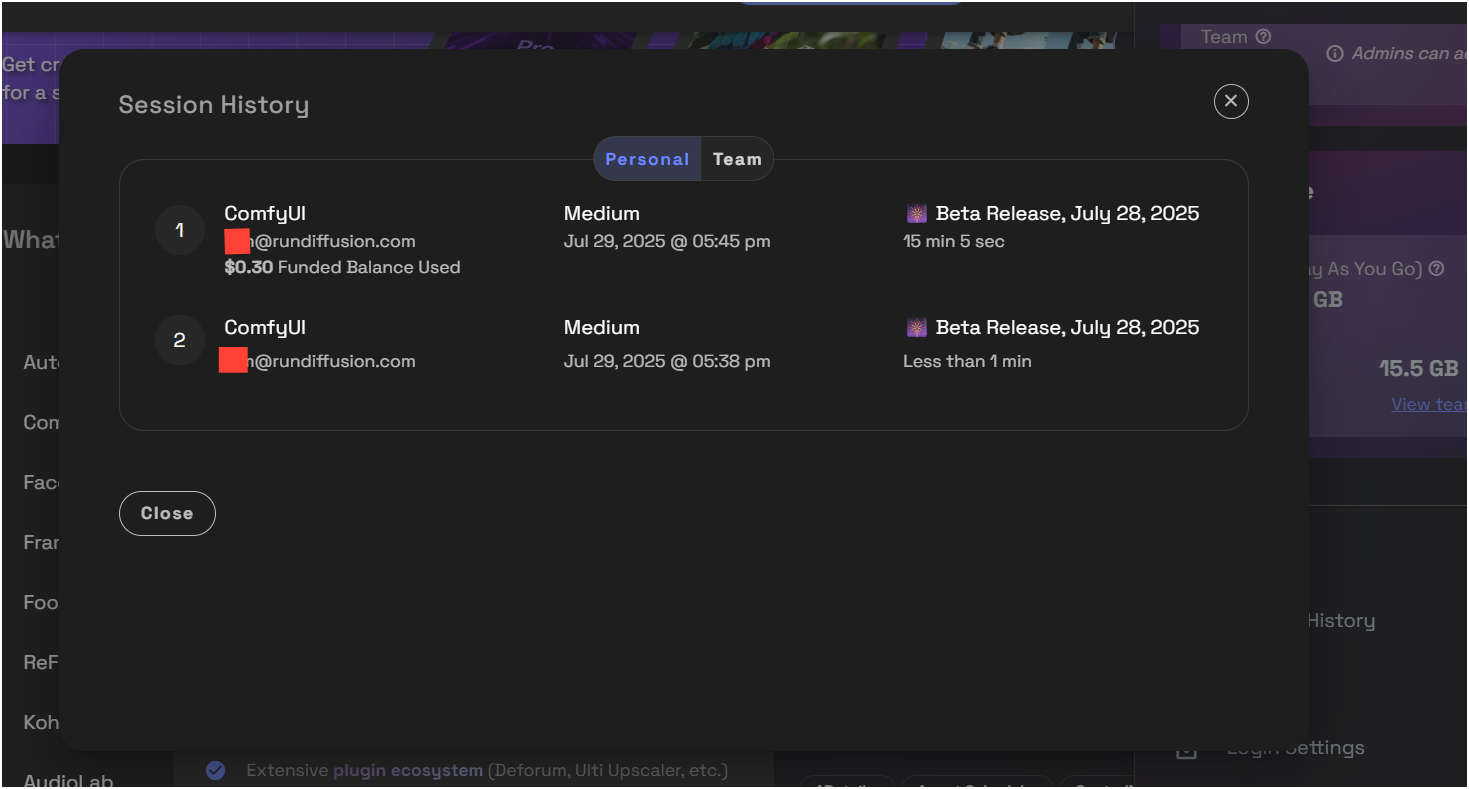
When you open Session History, you’ll see:
- Application Used – Example: ComfyUI, Automatic1111 WebUI, File Browser, etc.
- Account Email – The account that launched the session.
- Balance Used – How much funded or reward balance was consumed.
- Machine Size – Example: Medium, Large, or CPU Only.
- Date & Time – When the session was started.
- Release or Version – Example: Beta Release, Current Release
- Duration – How long the session ran (e.g., 15 min, Less than 1 min).
Final Thoughts
Session History is the easiest way to track and manage your RunDiffusion usage. It gives you a clear breakdown of session activity, costs, so you can work smarter and stay organized.
How to Open a Support Ticket | RunDiffusion
Need help? Open a support ticket by clicking the Help Chat Icon in the top right, our team will assist you as soon as possible!
RunDiffusion Team

How to Download an Invoice from Your RunDiffusion Account | RunDiffusion
Need a copy of your RunDiffusion invoice? This step-by-step guide shows you how to sign in, access your account menu, and download or print receipts with ease.
RunDiffusion Team

How to Update Invoices on RunDiffusion | RunDiffusion
Learn how to download and customize your invoices on RunDiffusion. This guide covers how to update your billing information, add tax IDs, and ensure accurate records for invoices.
RunDiffusion Team