
RunDiffusion makes it simple to download and print your invoices directly from your account. In this quick guide, we'll walk you through exactly how to access your RunDiffusion invoice in just a few clicks.
Step-by-Step: How to Download or Print Your Invoice
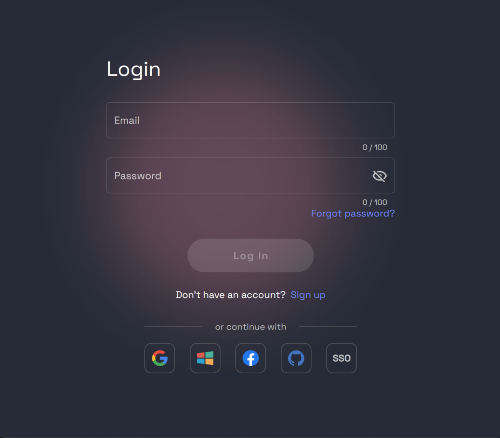
Step 1: Sign In to Your RunDiffusion Account
Start by heading over to RunDiffusion and signing in with your credentials. Navigate to the Open Source applications page (currently not accessible from the RunDiffusion Platform (Formerly Runnit Platform))
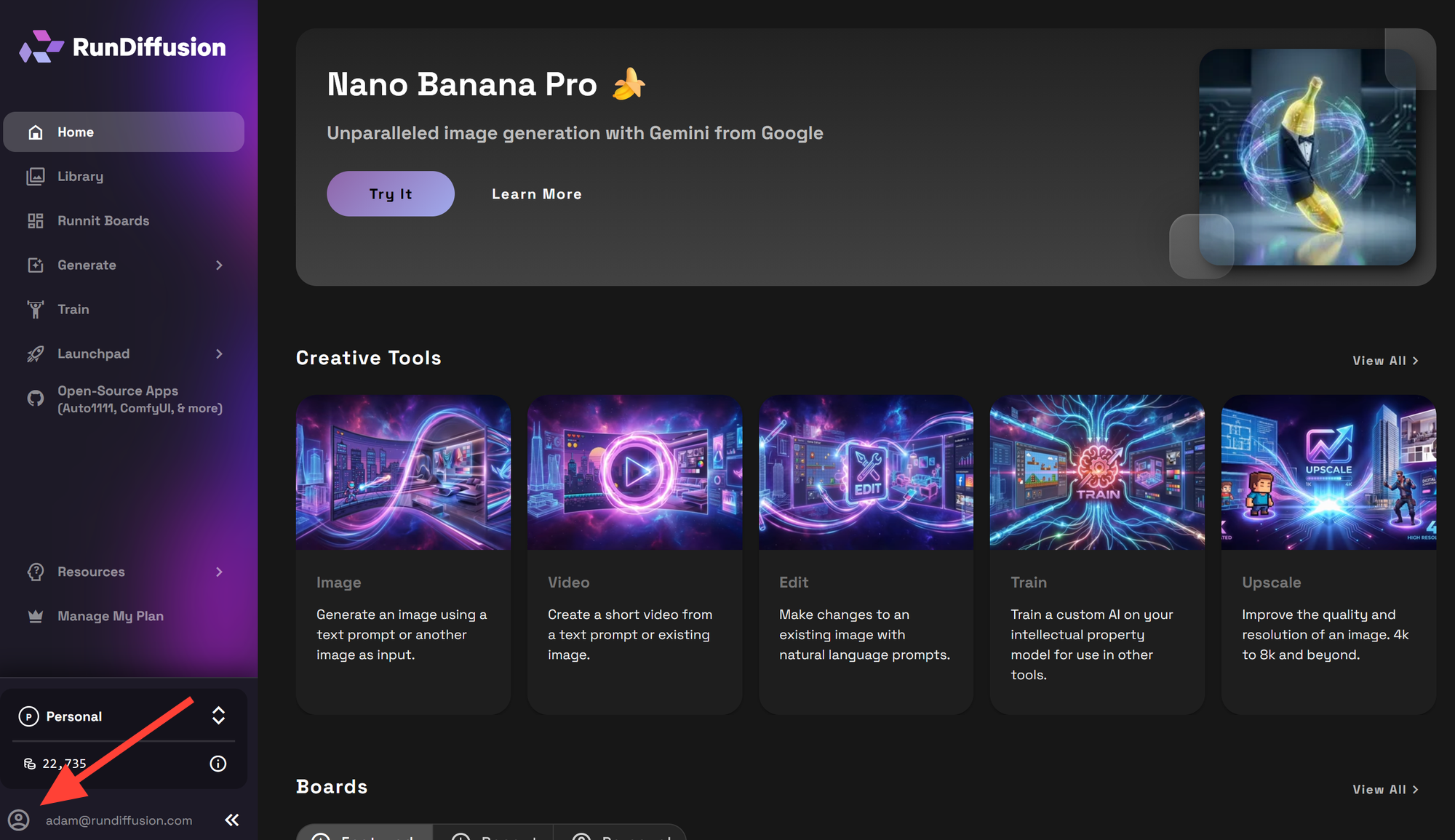
Step 2: Access the User Menu
Click on the User Circle icon (Account Menu).
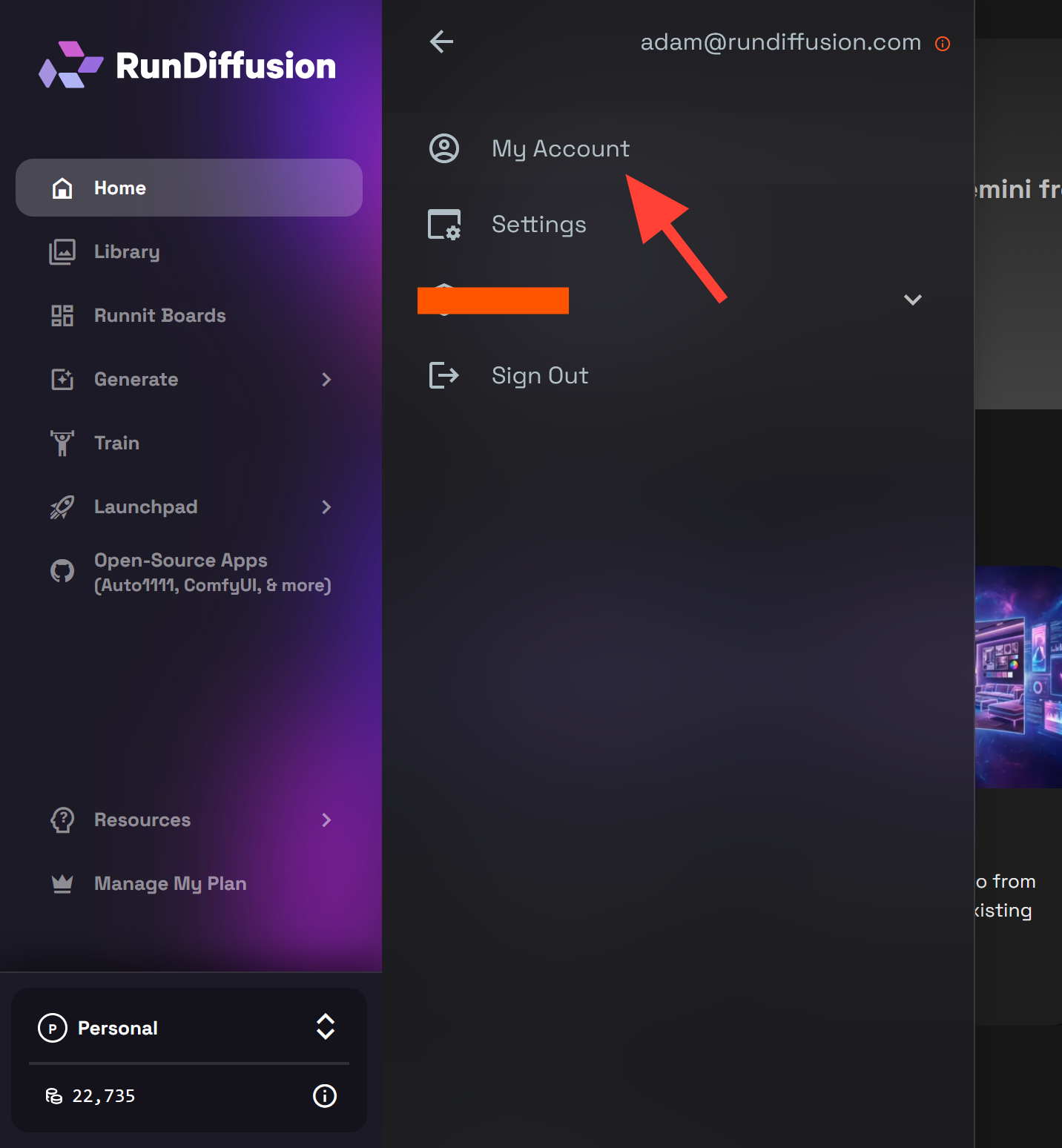
Step 3: Navigate to Payment History
From the sidebar menu that appears:
- Click on Account
- Click Invoices
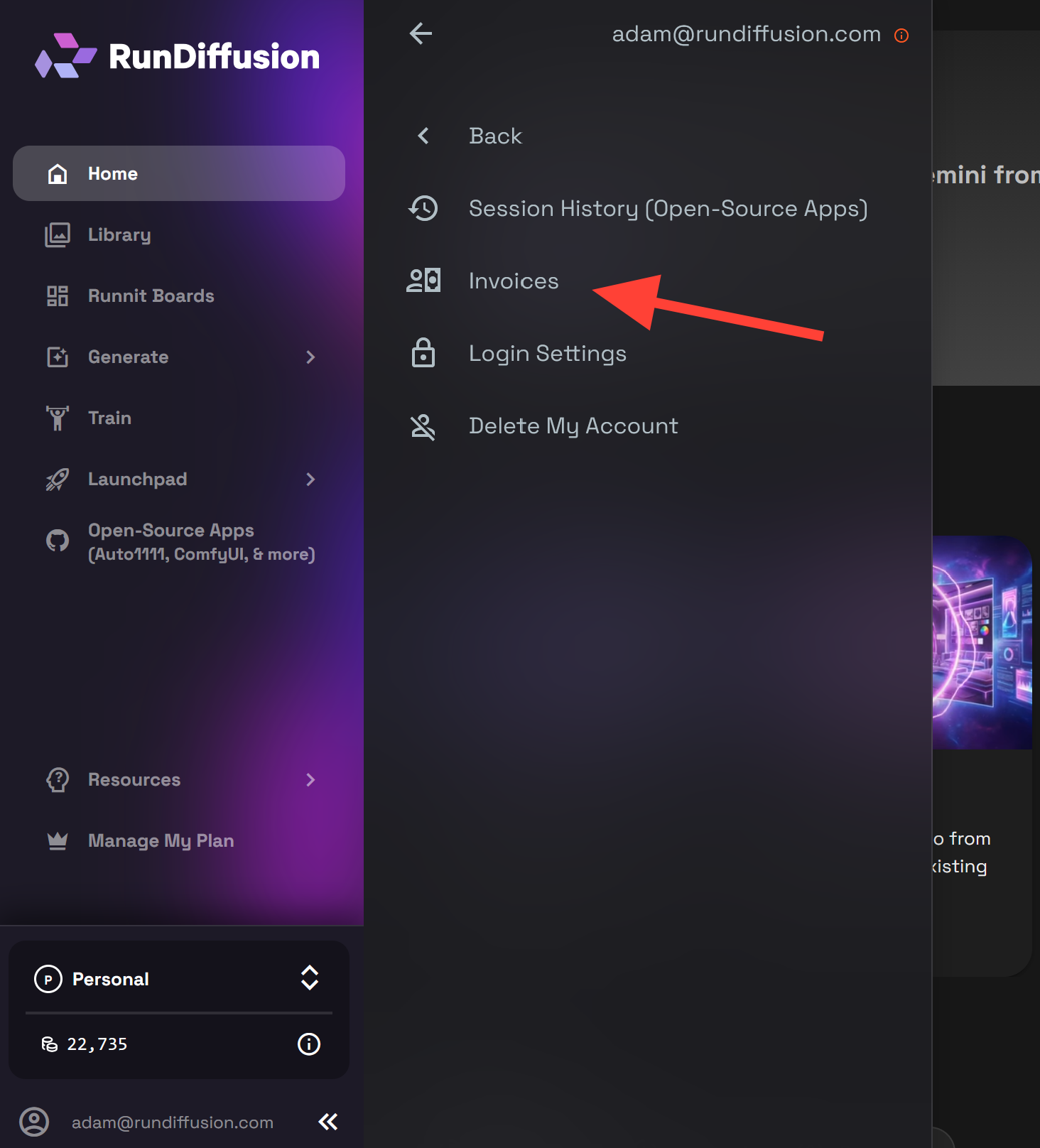
Step 4: Download or Print Your Invoices
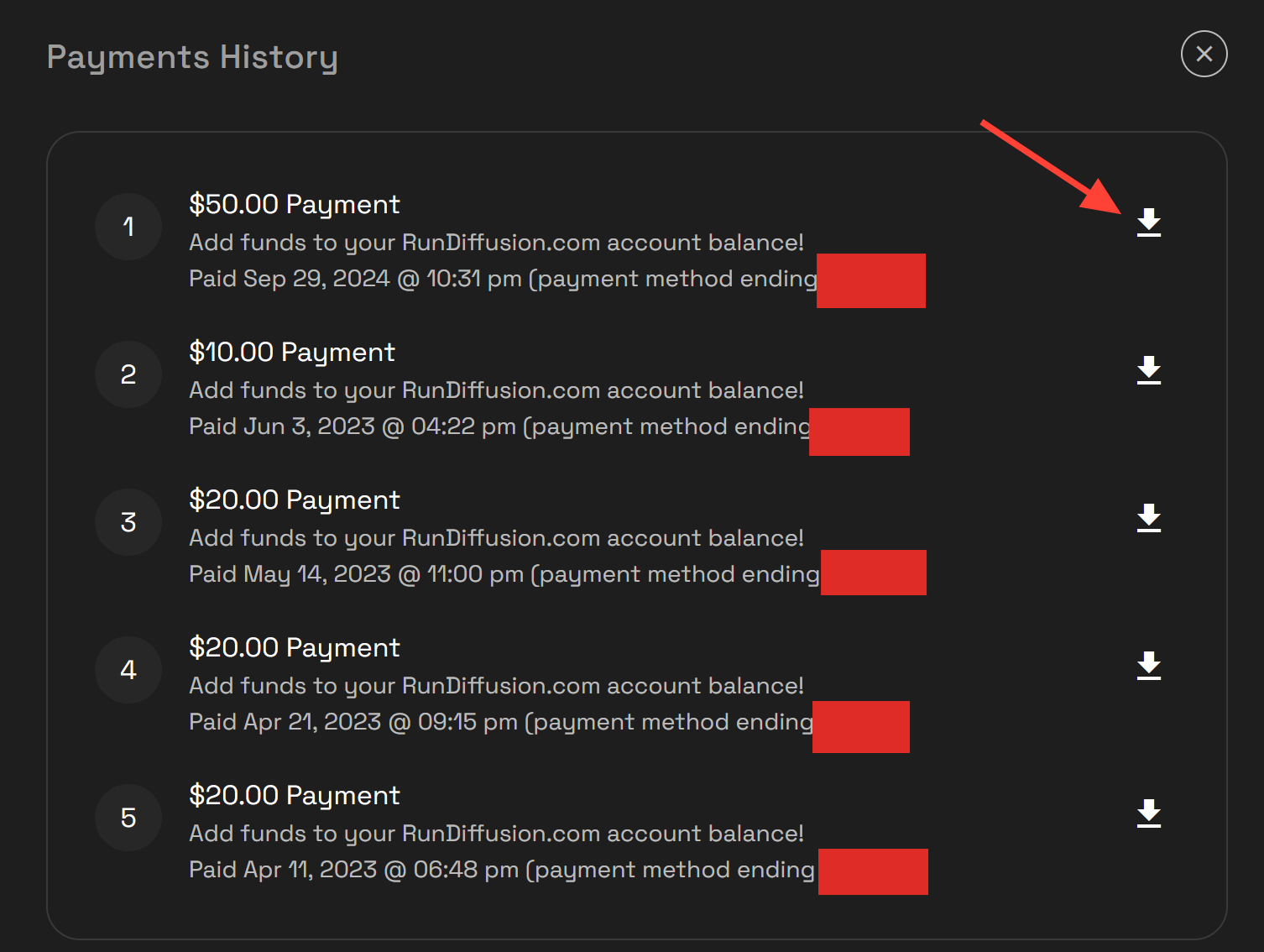
From the Invoices history section, you'll see a list of your transactions. From here, you can:
- View individual receipts
- Download Invoices (Click the Download button right of an invoice)
- Print invoices for your records or submission
Why This Matters
Staying on top of your billing is crucial, especially if you’re working with multiple teams, doing client work, or collaborating with associates. Having quick access to invoices helps with:
- Expense tracking
- Reimbursements
- Tax reporting
- Client transparency
RunDiffusion is committed to making AI workflows simple, and that includes making billing and account management just as intuitive.
Looking to optimize your AI workflow even further? Check out these helpful articles:
Account | RunDiffusion
Latest posts in Account from RunDiffusion - expert guides and insights on AI image generation.
RunDiffusion Team

How to Check Your Session History to Monitor Your Usage | RunDiffusion
Learn how to check your session history in RunDiffusion to monitor usage and track balance.
RunDiffusion Team

How to Change Your Email Address on RunDiffusion | RunDiffusion
Easily update your RunDiffusion account information by following a few simple steps. Learn how to change your email address quickly and securely through the account settings.
RunDiffusion Team