
Bringing Live Portrait to ComfyUI with RunDiffusion
Introduction
RunDiffusion is thrilled to announce Live Portrait Workflows for ComfyUI on RunDiffusion. Offering users a new way to create animated portraits from images and videos. Leveraging the Live Portrait model by KwaiVGI, this integration is facilitated by ComfyUI-LivePortraitKJ, allowing for seamless setup and use. In this article, we'll explore the capabilities of Live Portrait, the different workflows available, and the benefits of this integration on the RunDiffusion platform.
What is Live Portrait?
Live Portrait developed by KwaiVGI brings static images and videos to life. By analyzing facial features and expressions, Live Portrait can generate realistic and dynamic animations, making it ideal for a variety of applications, from social media content to professional video productions.
Benefits of Using Live Portrait in ComfyUI
- Dynamic Animations: Transform static images and videos into lively animations with realistic facial movements and expressions.
- Versatile Workflows: Choose from different workflows, including Image to Video, Video to Video, and Webcam to Image, to suit your project needs.
- User-Friendly Interface: ComfyUI’s intuitive design simplifies the process, making it accessible to users of all skill levels.
- Seamless Integration: The combination of Live Portrait in ComfyUI on the RunDiffusion platform ensures a smooth and efficient animation creation experience.
Getting Started with Live Portrait in ComfyUI on RunDiffusion
To start using Live Portrait in ComfyUI on RunDiffusion, follow these steps:
Sign Up and Log In: Ensure you have a RunDiffusion account. If not, sign up at RunDiffusion.
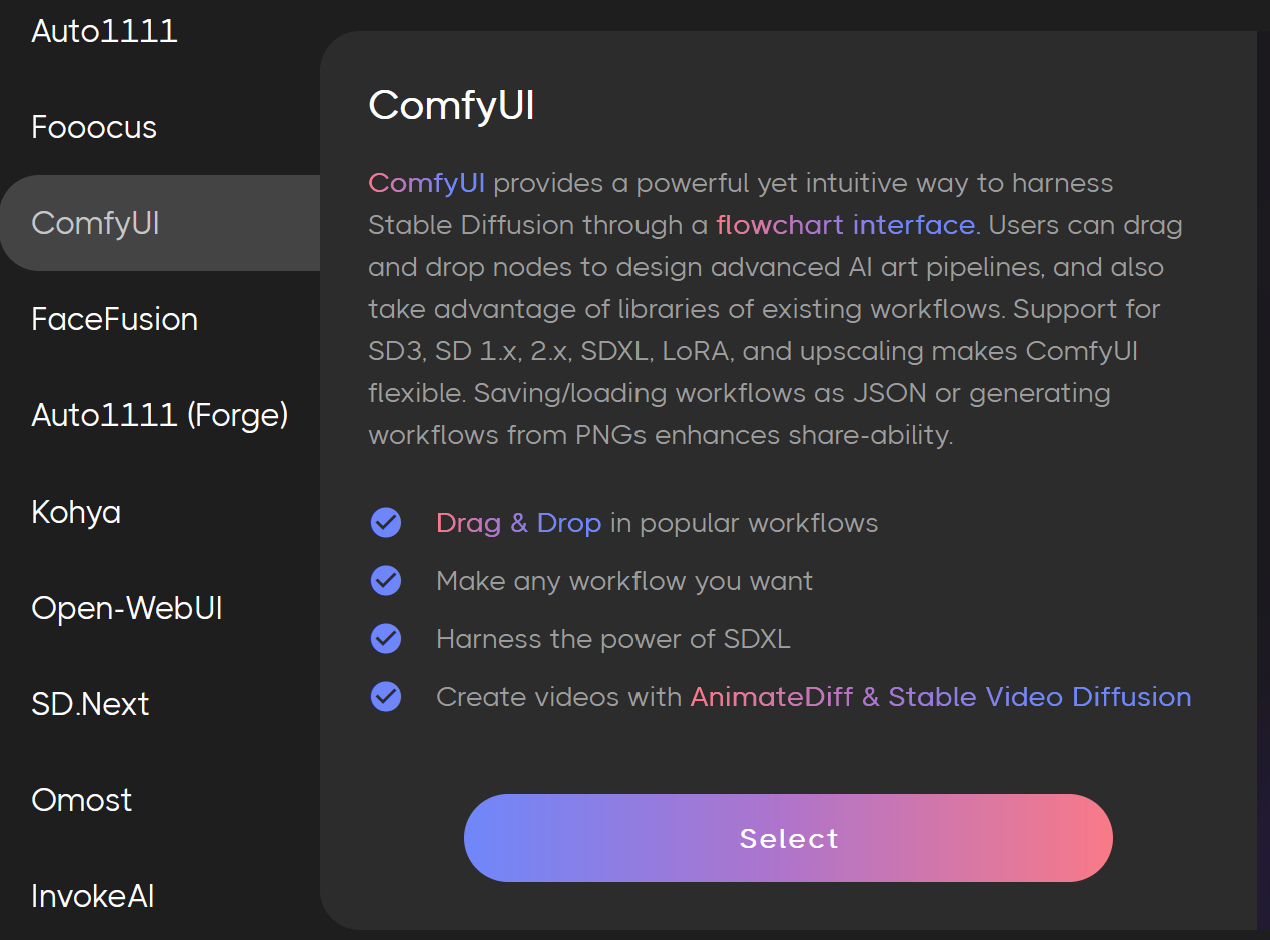
Access ComfyUI: Navigate to the ComfyUI section from your RunDiffusion dashboard.
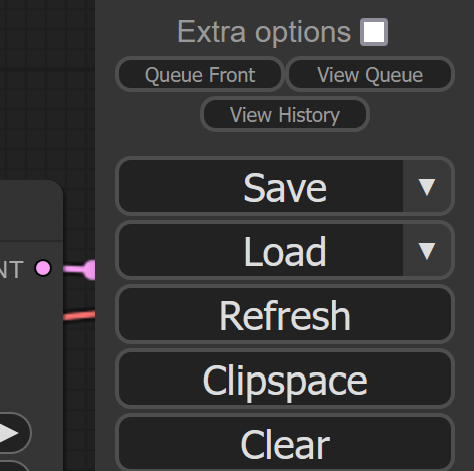
LOAD Workflows: Use the workflows we have setup for you on RunDiffusion. These are modifications of the workflows created by Kijai so make sure to give him some appreciation. Click the down error next to Load.
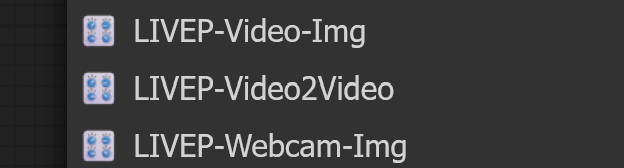
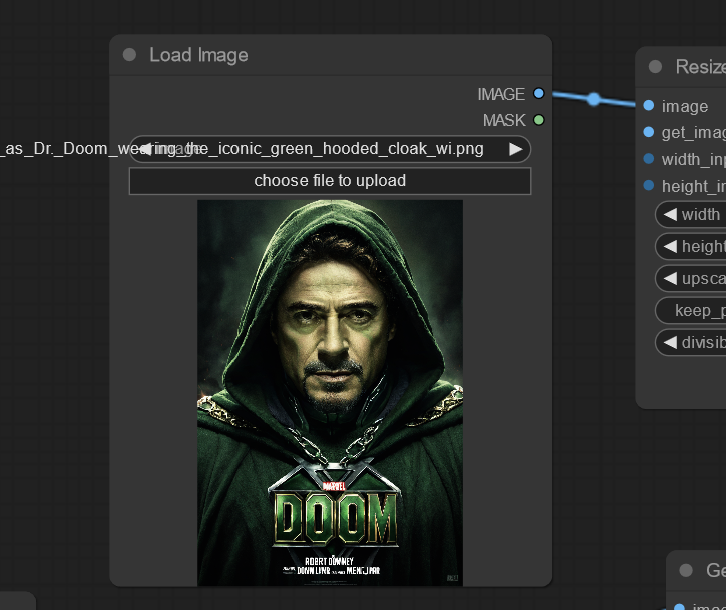
Video and Image: For creating animations from a static image and a video.
Step 1: Load an Image file
Step 2: Load a Video File
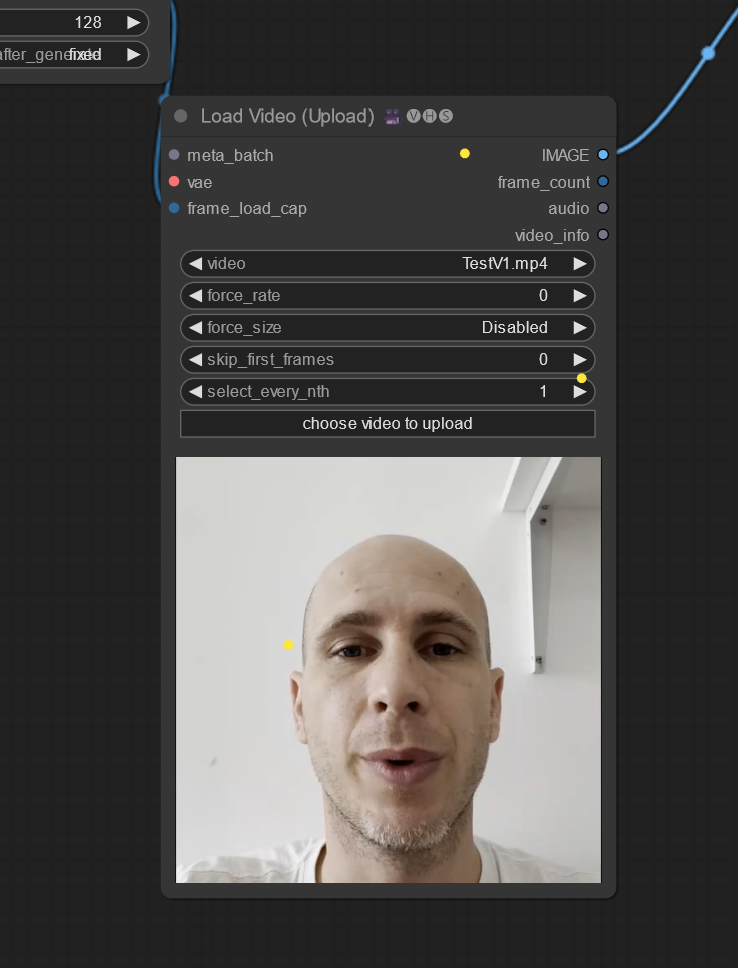
Step 3: Adjust crop settings as needed such as cropping or centering where in the video the face is.
Step 4: Hit Queue Prompt and wait for your results
Video and Video: For animating one video using the expressions and movements from another.
Step 1: Load two video files
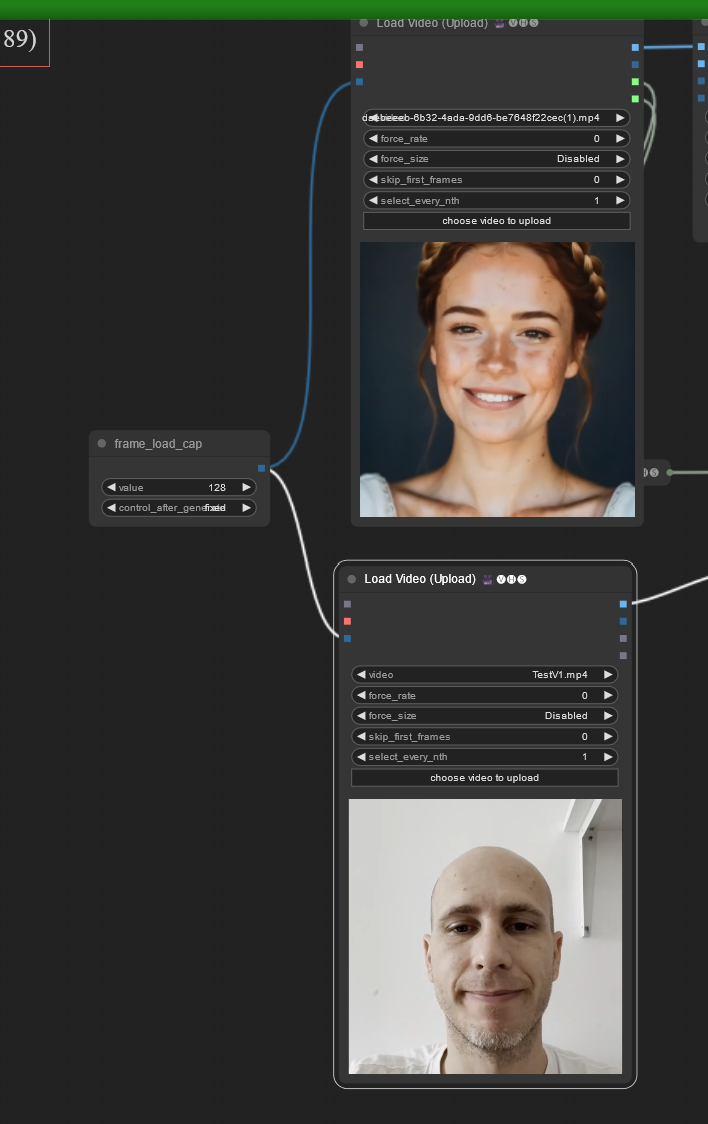
Step 2: Hit Queue Prompt and enjoy the results.
Webcam to Image: To use a webcam as the driving image for another image you want to change.
Step 1: When you load the workflow you may get a pop up asking you to approve your webcam. Select Allow.
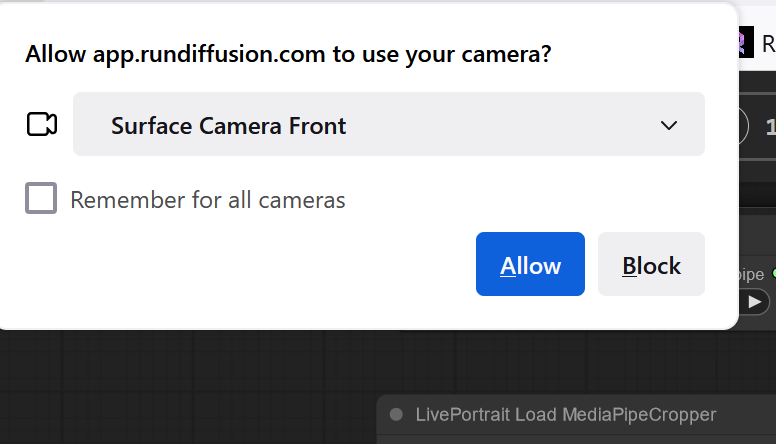
Step 2: Load an Image
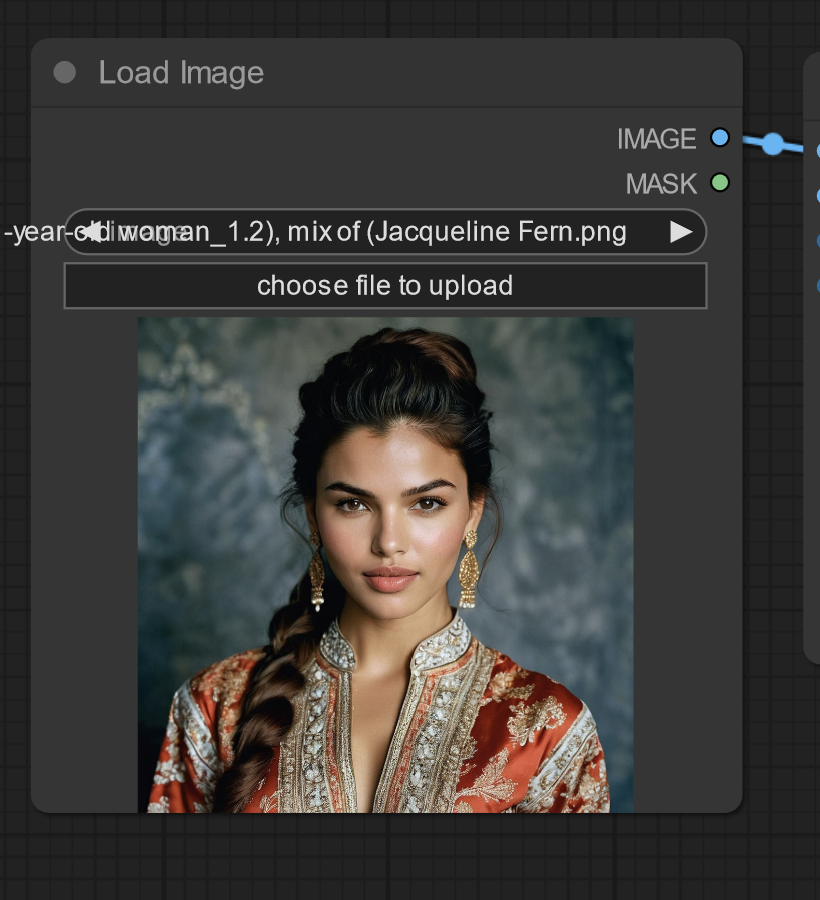
Step 3: Adjust Settings as needed. Each image depending on the resolution and position of the face will have different requirements.
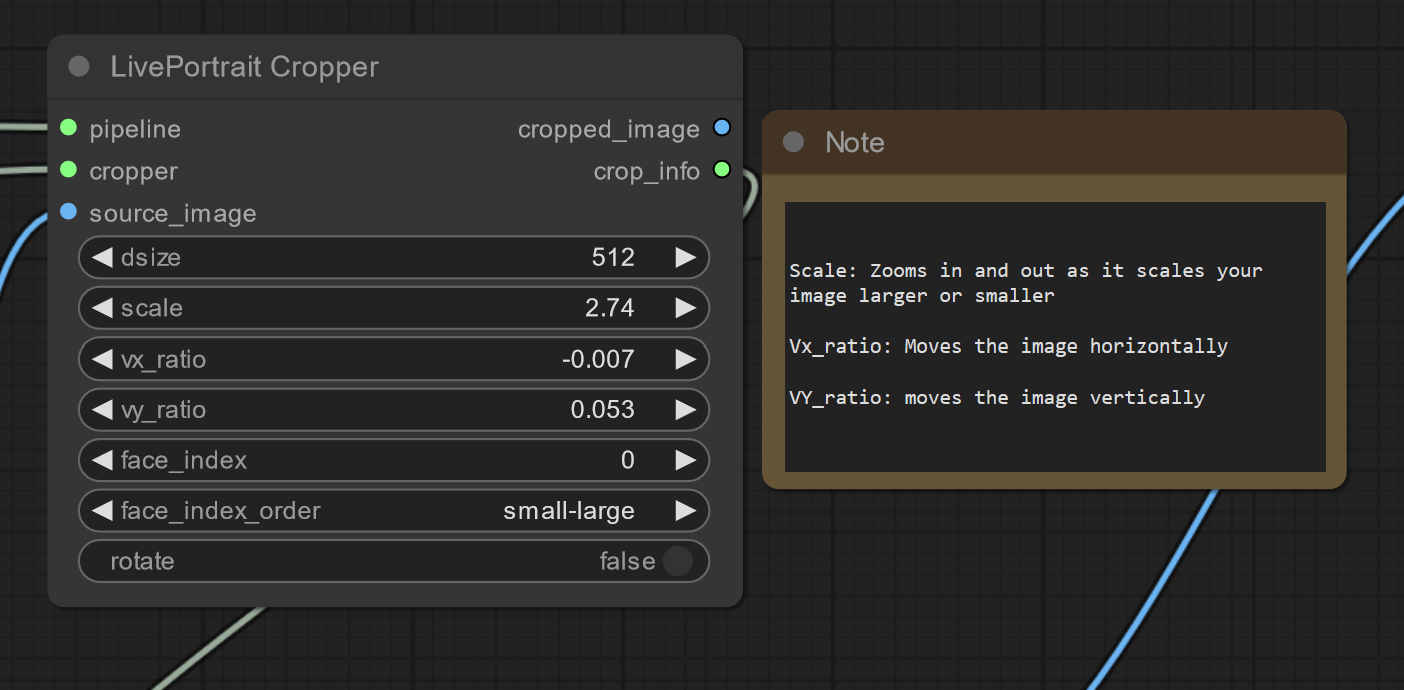
Step 4: Make a face and hit Queue Prompt

Practical Applications of Live Portrait in ComfyUI
- Social Media Content: Create engaging and dynamic content for social media platforms.
- Marketing and Advertising: Develop eye-catching animated advertisements and promotional materials.
- Entertainment: Produce lively and expressive characters for films, games, and other media projects.
Conclusion
The integration of Live Portrait with ComfyUI in RunDiffusion marks a significant advancement in AI-driven animation. This powerful combination not only enhances creativity and efficiency but also simplifies the animation process for users. Whether you're a content creator, marketer, or developer, this new feature will bring your projects to life.
For more insights and detailed guides on using AI tools, check out these articles on RunDiffusion Learning:
Be sure to share your animated portraits with Live Portrait and ComfyUI on RunDiffusion's Discord