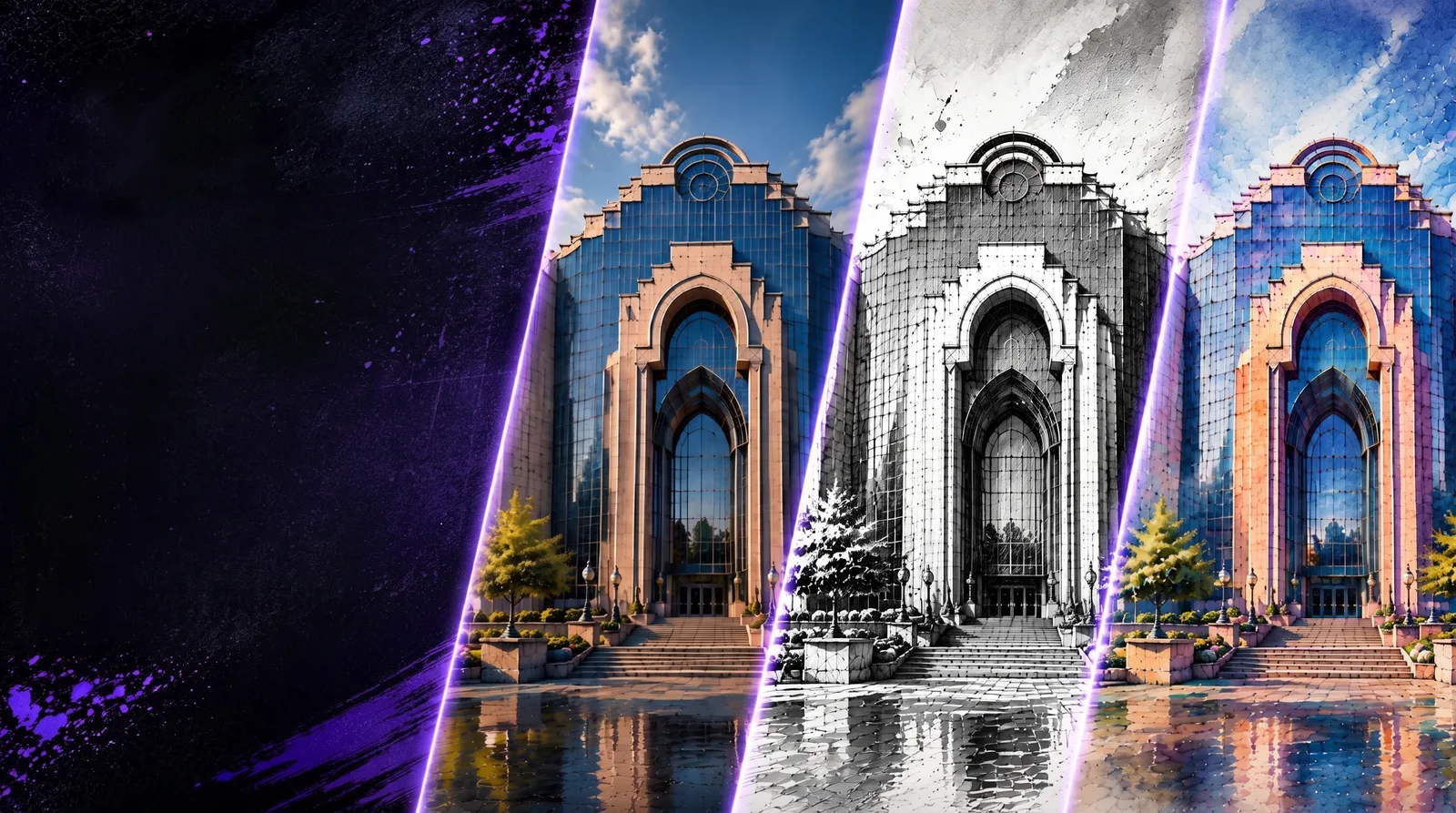
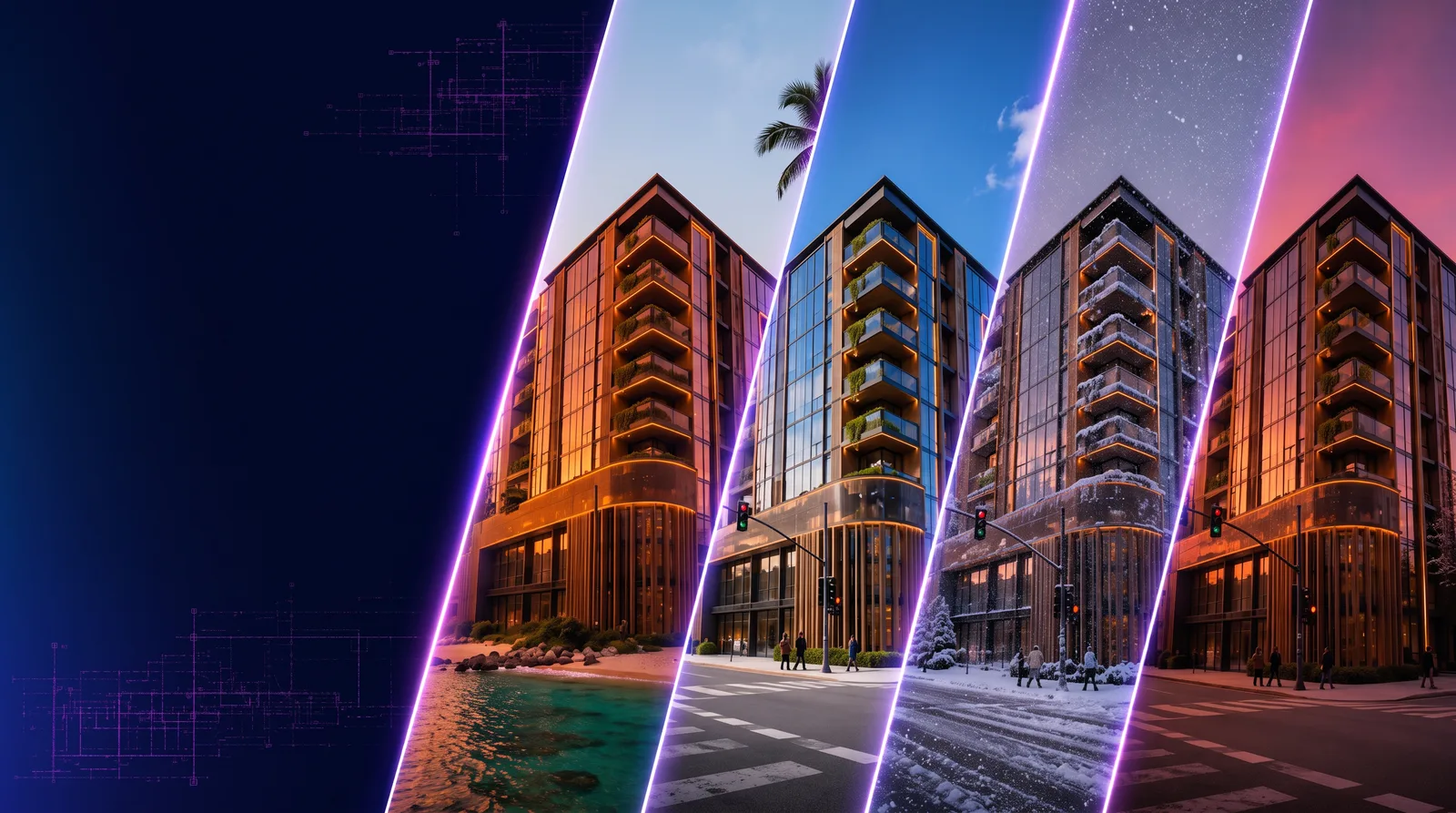
Compare plugin access and installation
Photoshop and Miro are available to install. Revit requires activated private beta access before installation.
Revit: generate from project views
The Revit plugin generates architectural images from captured 3D views, sections and elevations. Studio displays the source and result together, and selected images can be sent to RunDiffusion for reuse. The Revit model stays unchanged.
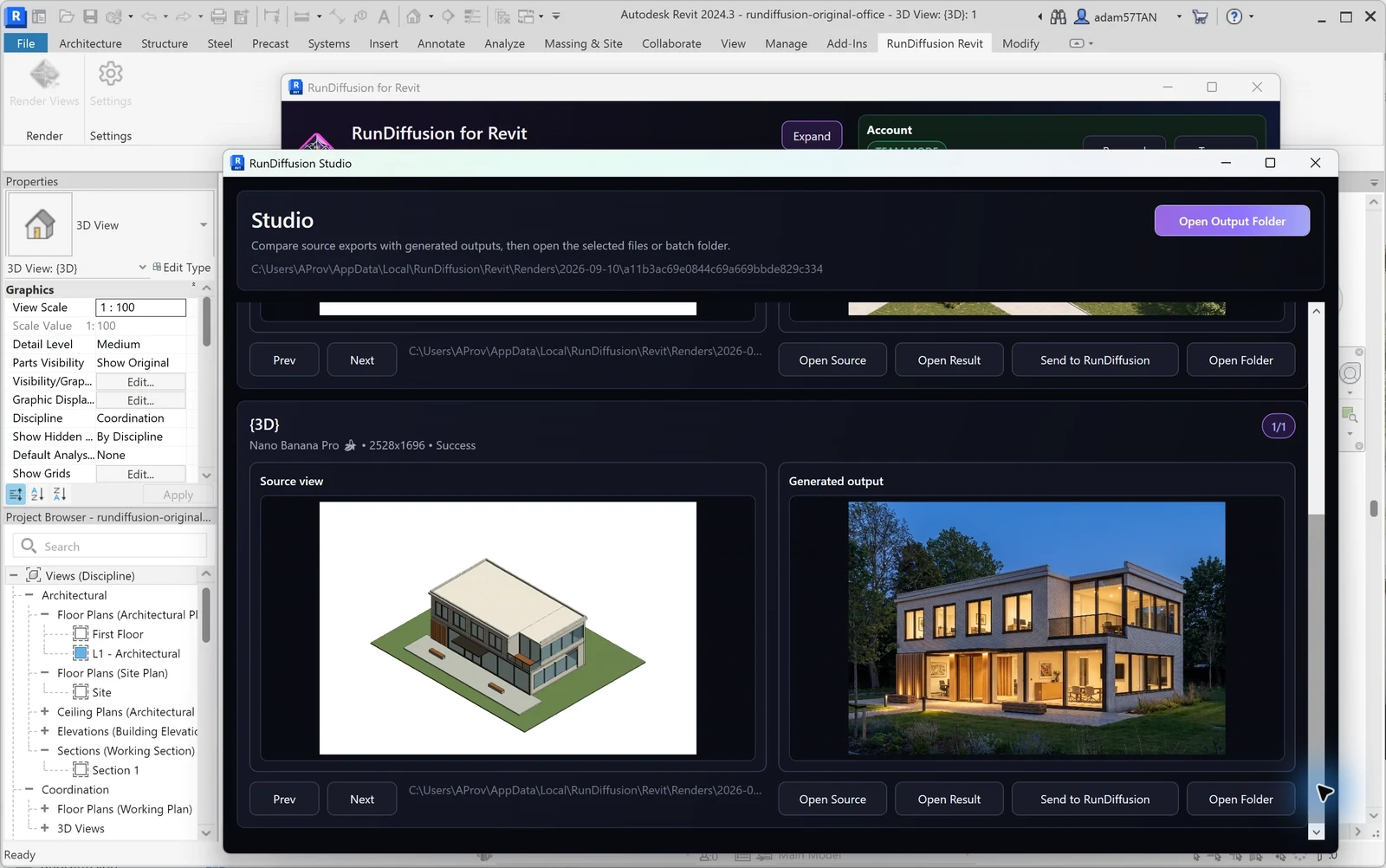
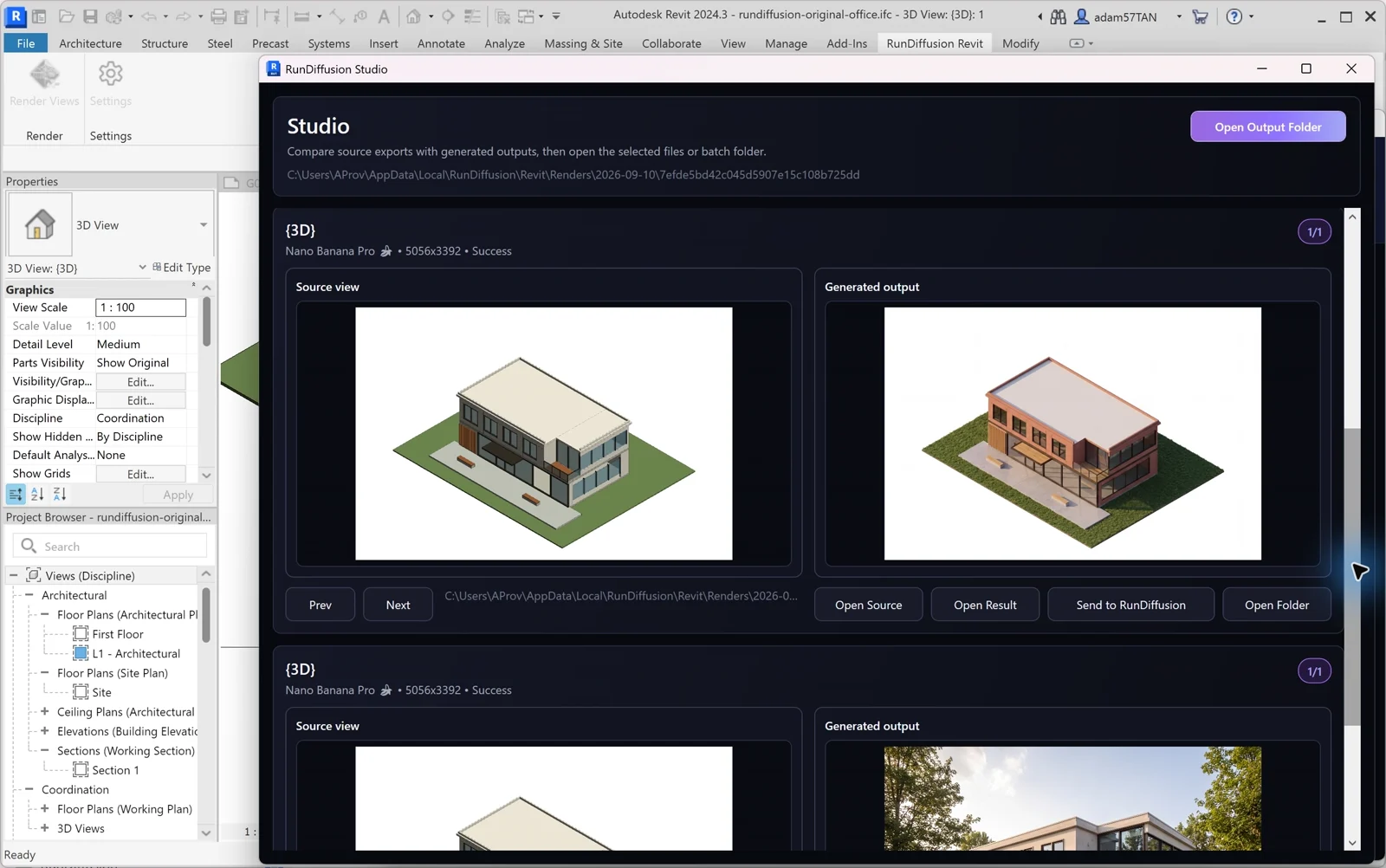
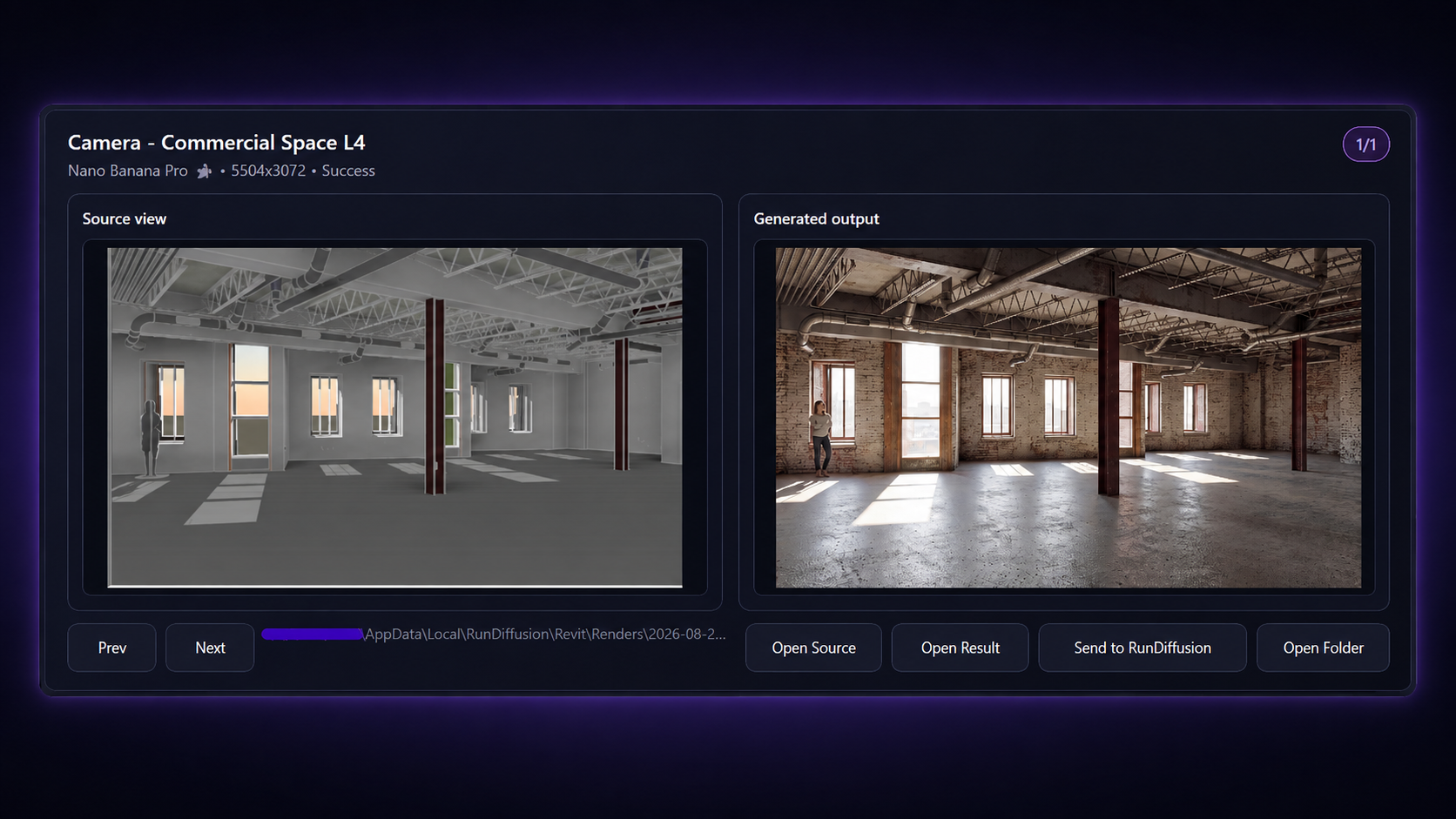 Read the Revit installation guide
Photoshop: edit presentation images
The Photoshop plugin generates and edits across the canvas or within a selection, such as a landscape feature in a presentation image. Results arrive on new layers, ready for further work with Photoshop’s layers and masks.
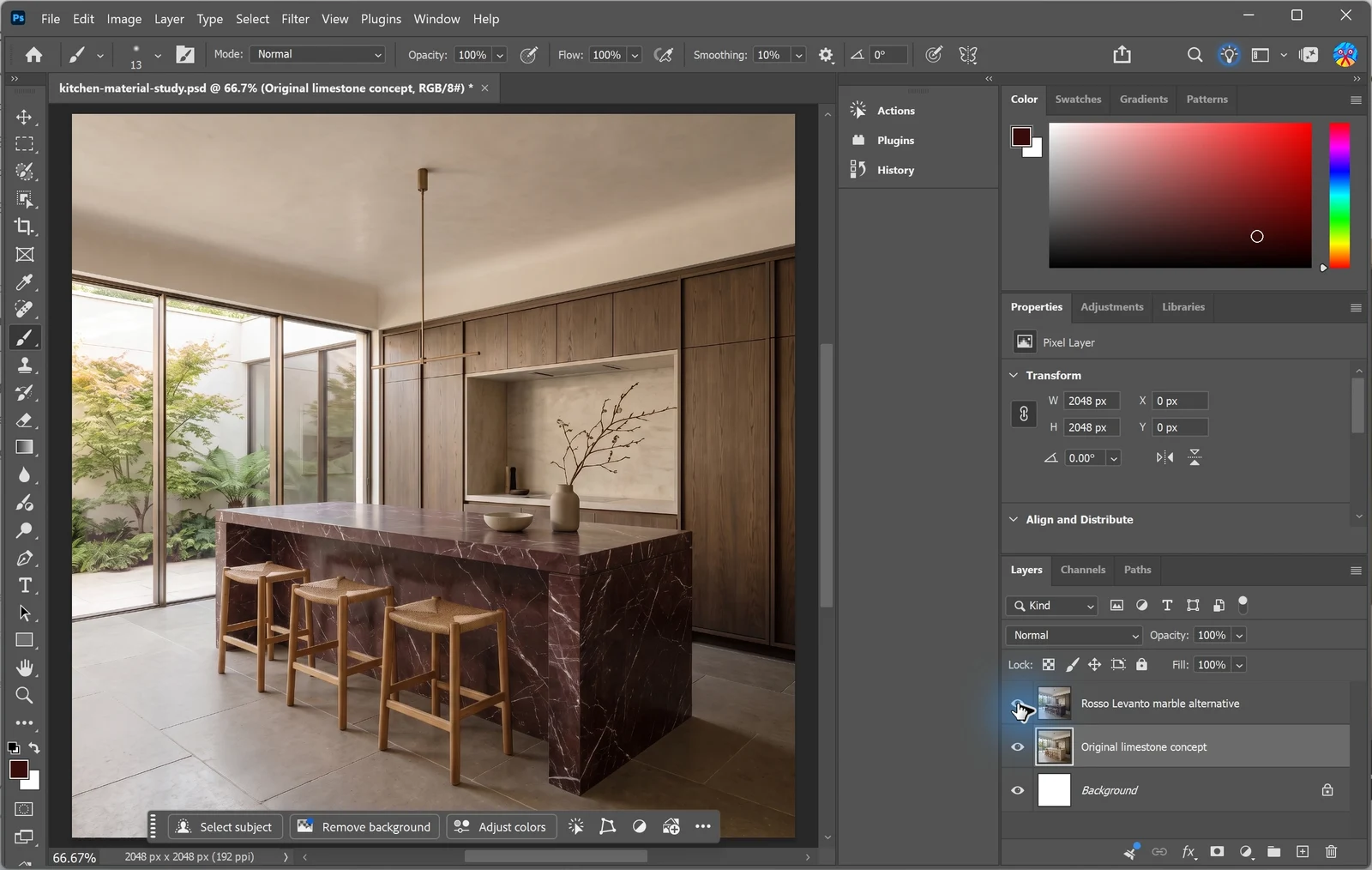
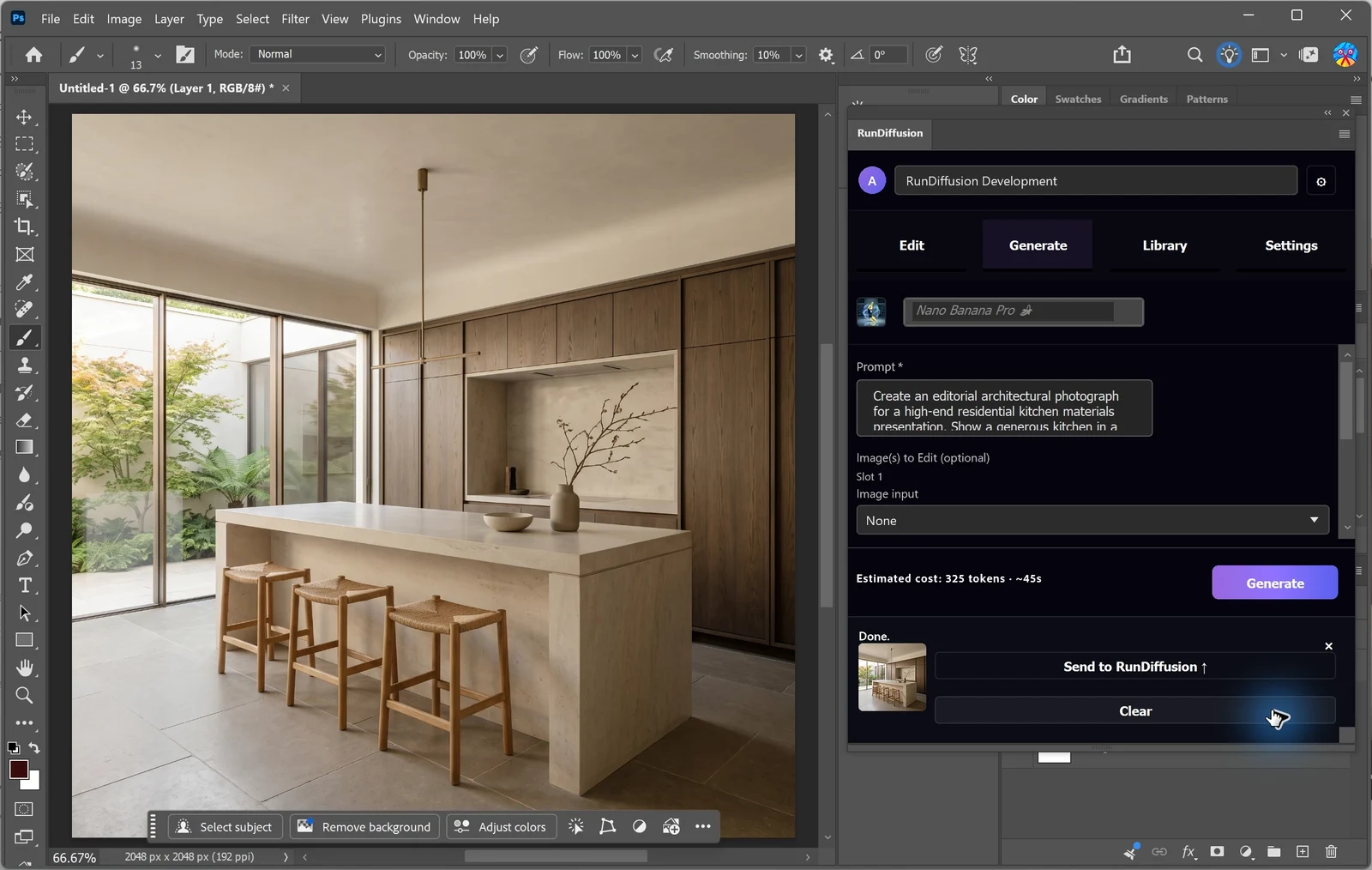
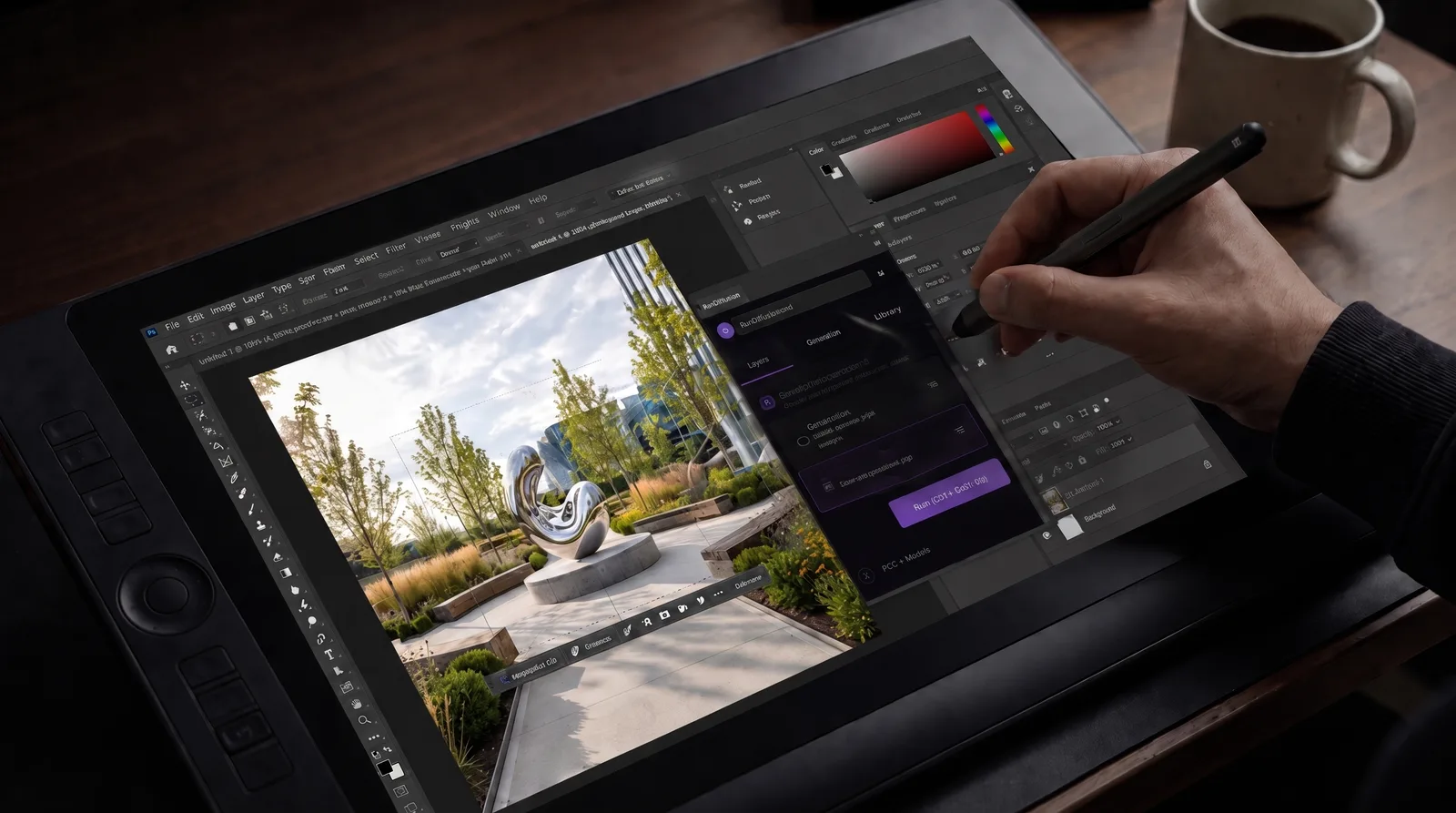 Read the Photoshop installation guide
Miro: generate and share visuals on a board
The Miro plugin brings RunDiffusion library images onto the board alongside project references. It generates new visuals or uses a selected board image as input for another variation.
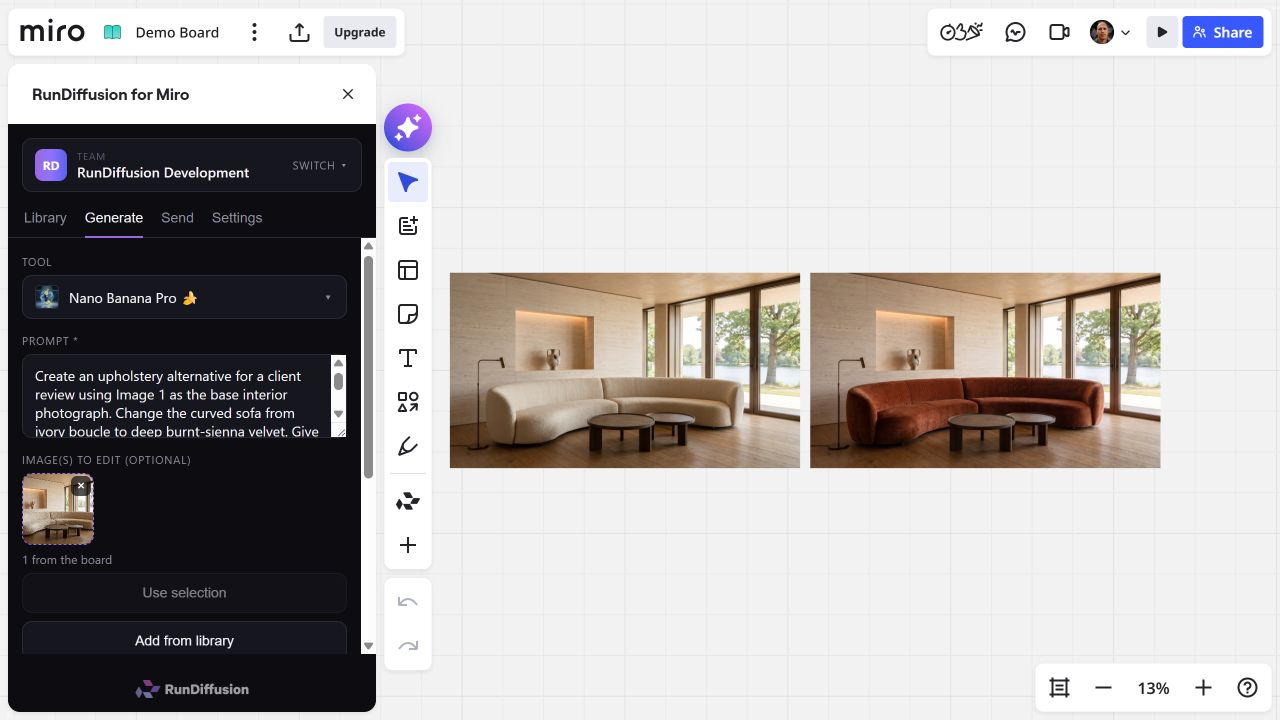
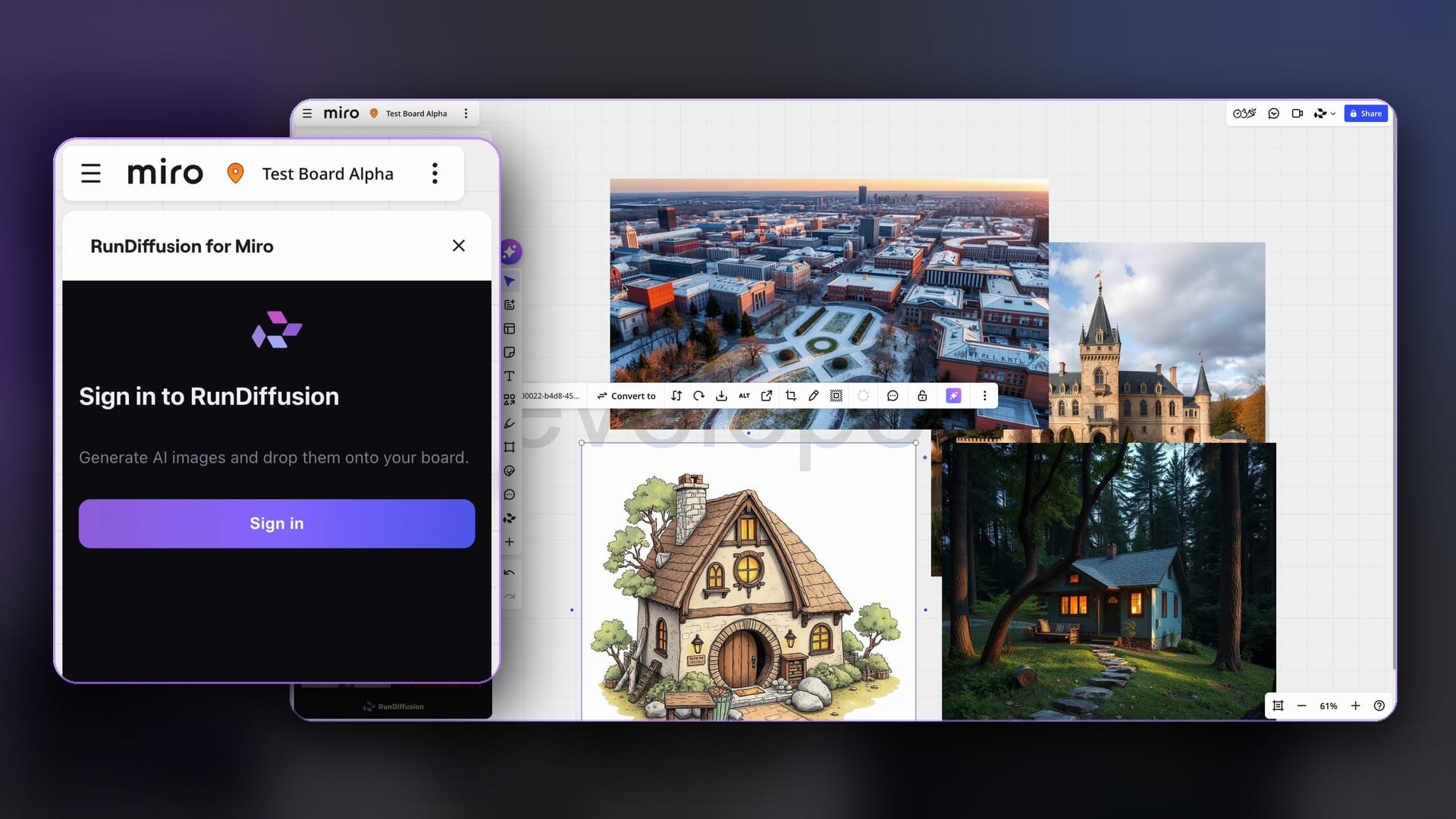 Read the Miro installation guide
Shared balances and studio assets
Teams and enterprise accounts can share generation balances and track usage through RunDiffusion’s governance layer. Photoshop and Revit send selected results to RunDiffusion; Miro saves generations to the connected library. Revit’s local Library is separate. Library access and governance controls depend on your plan and account permissions.

 Read the Enterprise token-transfer guide
Discuss plugins for your studio
Frequently asked questions
QHow does this fit the software I already use?
RunDiffusion plugins work inside Revit, Photoshop and Miro. Generate from captured project views in Revit, edit a canvas or selection in Photoshop, or create variations from images on a Miro board. Your team can use each plugin at the relevant stage of a project.
QCan I make client revisions efficiently?
In Photoshop, edit a selected area and apply the result as a new layer for comparison. In Revit, generate image alternatives from a captured view and compare them in Studio. In Miro, place variations alongside project references for review. These are image revisions; Revit model changes remain separate.
QWill AI change my design?
Generated images can change proportions, materials or details. The Revit plugin does not modify BIM geometry, and applying a Photoshop edit as a new layer keeps the source image available. AI outputs are visual studies, not guaranteed matches to the design.