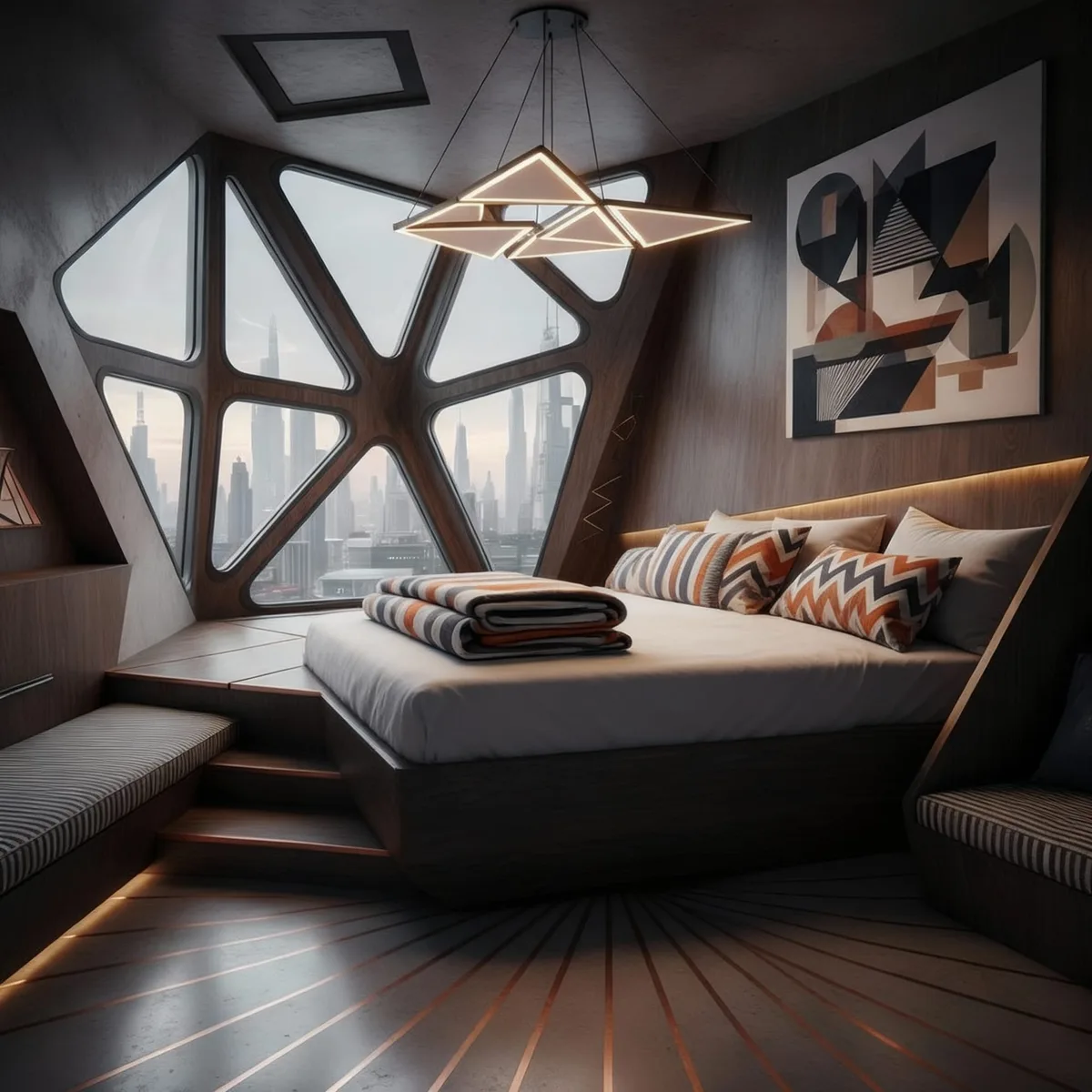
- AI living room design tools help designers test layouts, color palettes, lighting, and interior styles quickly.
- RunDiffusion supports text-to-image generation, image editing, prompt enhancement, and upscaling in one browser workflow.
- Prompt examples work best when they specify style, lighting, furniture, materials, and the intended mood.
- Existing renders can be edited with Nano Banana Edit, ChatGPT Image Edit, or Seedream V4 Edit while keeping the original layout.
RunDiffusion helps designers create AI living room makeover concepts from a prompt or reference photo, then refine the result with image editing, Prompt Magic, and upscaling tools for client-ready visuals.
| At a glance | |
|---|---|
| Best fit | Interior designers, architects, and creative teams preparing living room concepts |
| Primary workflow | Prompt or reference image to living room concept render |
| Useful tools | RunDiffusion, Prompt Magic, Prompt Enhancer, Nano Banana, Seedream V4, Topaz, and Magnific |
Whether you are rethinking your living space or working on a client presentation, RunDiffusion's free AI living room design tools help you quickly visualize fresh layouts, color palettes, and interior styles using just a prompt or a reference photo. No CAD, no installs, just fast, photorealistic results online.
What You'll Learn
- How to use RunDiffusion's AI tool for living room design
- Prompt ideas for modern, cozy, and luxury styles
- How to enhance and upscale your living room renders
- How to go from sketch to final render in minutes
How to Create an AI Living Room Design
Step-by-Step:
Select Generate and then Image on the left sidebar.
Choose a Model such as Nano Banana or Seedream V4. Each model has its own strengths, and RunDiffusion offers a variety.
Enter a prompt describing your living room vision. Be specific about lighting, colors, and styles.
Click Run to generate your render.
To download your image, click the image, then select the download icon.
Can I Edit an Existing Render?
Of course. You can use one of RunDiffusion's edit tools to instantly make over your living room into a new style while still maintaining the original layout. On the left sidebar, click Generate, then Edit.
Select one of the Image Edit Models such as Nano Banana Edit, ChatGPT Image Edit, or Seedream V4 Edit.
Write a prompt, then click Run to render the new living room.
Example prompt:
Redesign the room but keep the same layout, change the style from Chinese to Traditional American log cabin style.
Prompt Examples for Living Room Makeovers
Earthy Japandi Retreat
Prompt:
A calming Japandi-style living room with clay-toned walls, low-profile walnut furniture, linen curtains, paper lantern lighting, and a polished concrete floor
Art Collector's Lounge
Prompt:
Eclectic living room designed for an art collector, featuring sculptural furniture, oversized modern paintings, a terrazzo coffee table, and deep navy velvet sofas
Retro-Futuristic Apartment
Prompt:
Futuristic living room with curved modular seating, acrylic furnishings, glowing LED accents, white epoxy floors, and a panoramic city view
Mountain Chalet Lounge
Prompt:
Rustic alpine living room with exposed timber beams, stone fireplace, fur rugs, panoramic glass wall overlooking snowy peaks, and ambient warm lighting
Want Better Results? Use Prompt Magic
Prompt Magic helps structure and enhance short prompts automatically.
Prompt Enhancer rewrites your text into a high-quality architectural prompt.
For a deeper workflow, see AI prompt enhancement for architectural renders.
Enhance Lighting, Decor & Details
Use tools like:
- Nano Banana Edit or Seedream V4 Edit to improve lighting and styling
- Topaz or Magnific to upscale up to 10K
For more detail, see AI upscaling tools for architectural renders.
Final Thoughts
Whether you are experimenting with design ideas or preparing a mood board for a client, AI living room makeovers help you visualize space in seconds. RunDiffusion's tools simplify your design process from concept to high-res visuals, and it is free to get started.
Related reading:
- AI bedroom design ideas
- Interior design AI kitchen remodel tool for designers
- Best AI interior design tools compared
Create living room concepts in RunDiffusion
Use RunDiffusion to move from a prompt or reference photo to interior design directions you can review with clients.
Frequently asked questions
QCan I use AI to redesign an existing living room render?
Yes. Upload the existing render, use an image edit model, describe the style change, and ask the model to keep the original layout.
QWhat should I include in a living room design prompt?
Include the style, room mood, lighting, furniture, materials, colors, and any constraints you want the model to keep.
QCan RunDiffusion help improve the final image quality?
Yes. After choosing a direction, use tools such as Topaz or Magnific to improve resolution, texture detail, and presentation polish.