
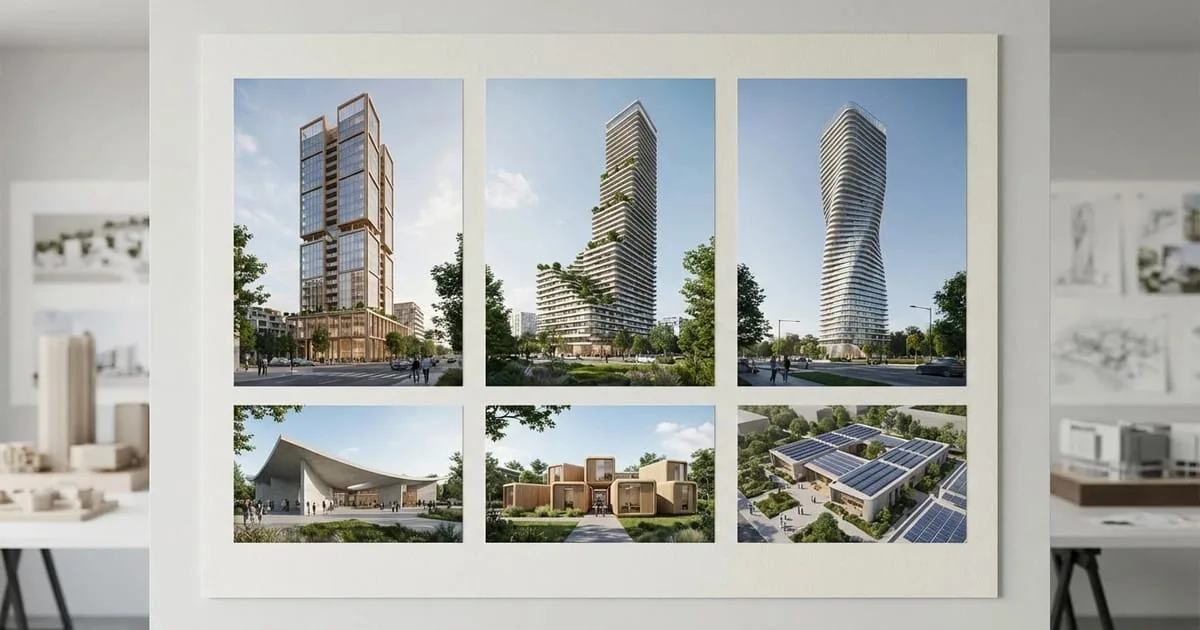
- RunDiffusion runs AI render tools for architecture directly in the browser, without a local GPU setup.
- A free account provides daily tokens for testing image generation, edits, and render refinement.
- Nano Banana, SeeDreamV4, and Juggernaut Pro Flux can support interior, exterior, floorplan, and concept-render workflows.
- Generated renders can be downloaded or shared after the image is created.
- The same workspace can support prompt enhancement, upscaling, and polishing for Revit or SketchUp exports.
RunDiffusion gives architecture users daily free tokens to test browser-based AI render tools. Log in, open RunDiffusion, choose Generate then Image, select an architecture-ready model, enter a prompt, and download the generated render.
| At a glance | |
|---|---|
| Best fit | Architecture concepts, interiors, exteriors, floorplans, and render refinement |
| Access | Browser-based RunDiffusion workspace with daily free tokens |
| Helpful models | Nano Banana, SeeDreamV4, and Juggernaut Pro Flux |
| Output | Downloadable architectural render images |
You do not need expensive software or high-powered hardware to produce high-quality architectural renders. RunDiffusion's cloud-based tools make it easy to generate photorealistic AI architectural visuals right from your browser.
With free daily tokens, you can explore powerful AI render tools for architecture, including models like Nano Banana and SeeDreamV4, for rendering interiors, exteriors, and floorplans at a professional level.
What You'll Learn
- How to access RunDiffusion's AI tools for architectural rendering
- How to generate renders with free daily tokens
- How to upscale or refine exported images from Revit, SketchUp, or your existing designs
- Where to explore prompt enhancement and image polishing tools for architectural workflows
Step 1: Log In to Your Free Account
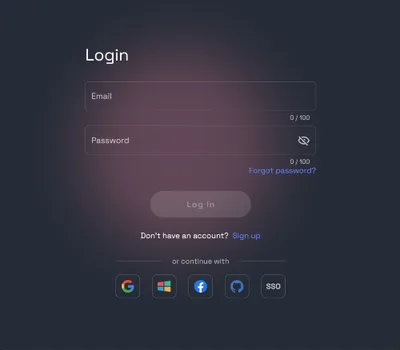
Create a free account or log in, then open the RunDiffusion Platform (Formerly Runnit Platform).
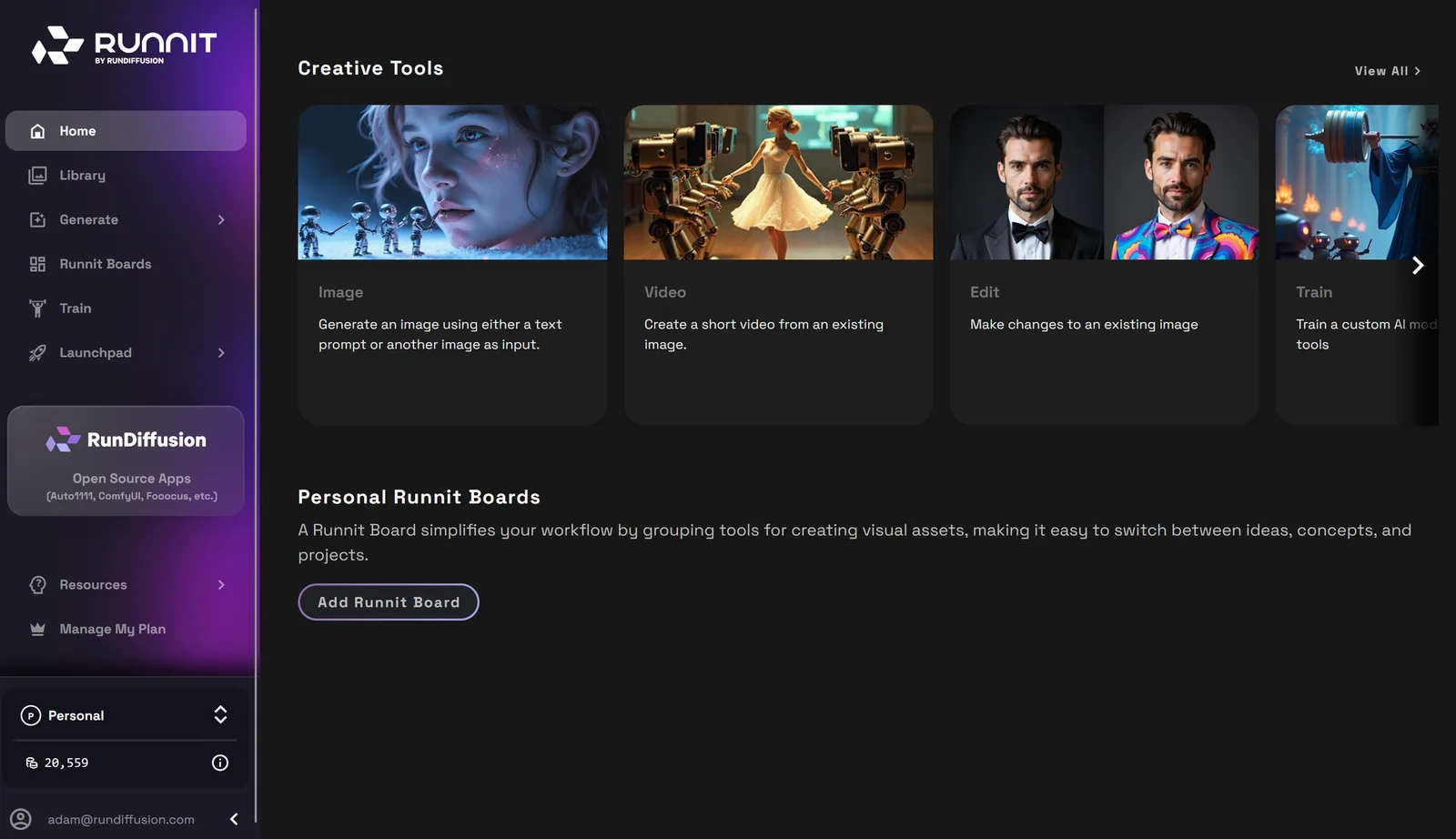
Step 2: Generate an Architectural Render
In the sidebar, click Generate, then choose Image.
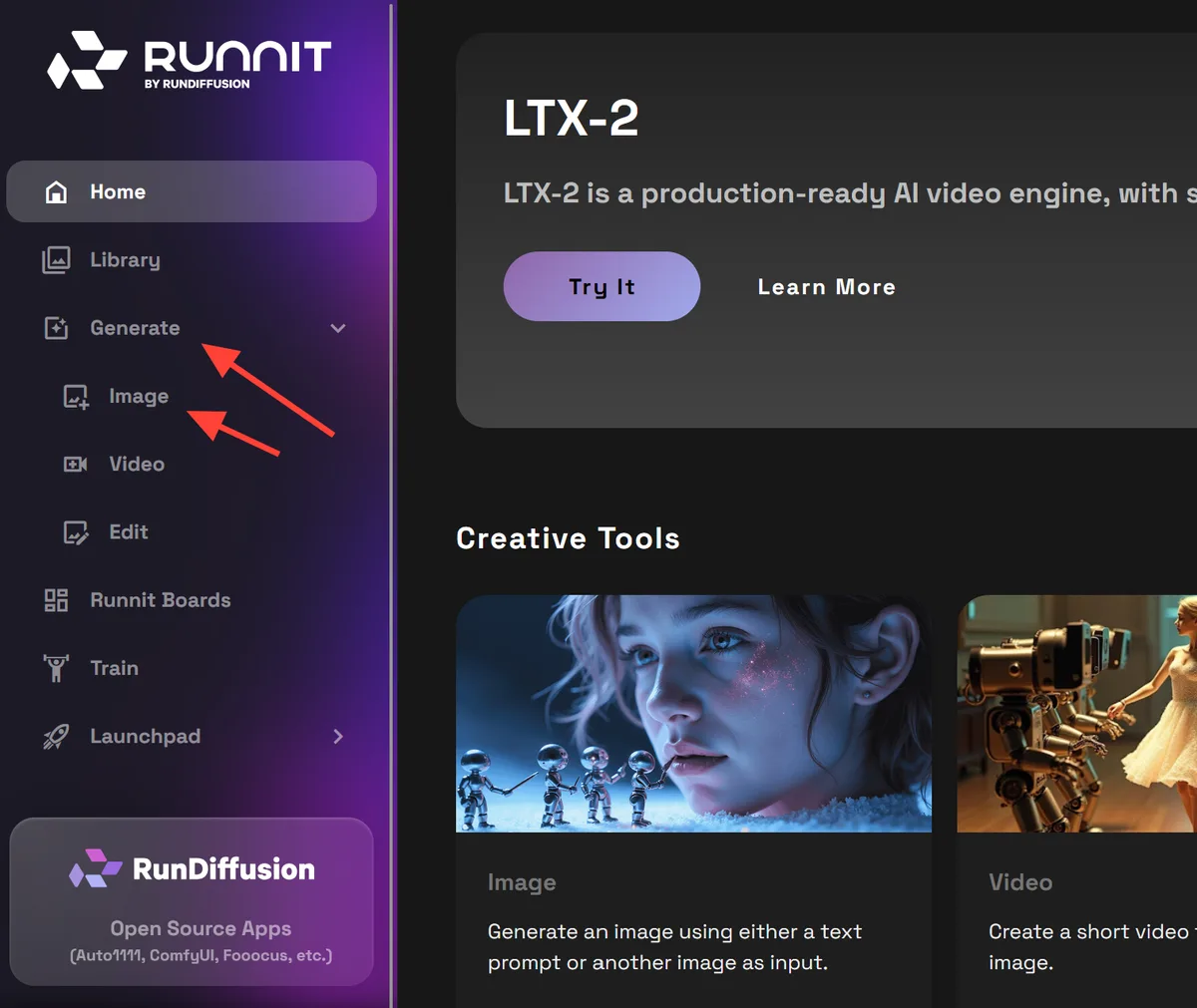
Choose a model optimized for architectural rendering:
- Nano Banana (Gemini 2.5): ideal for interiors and stylized exteriors
- SeeDreamV4: strong for natural lighting and realism
- Juggernaut Pro Flux: useful for structural detail and balanced tone
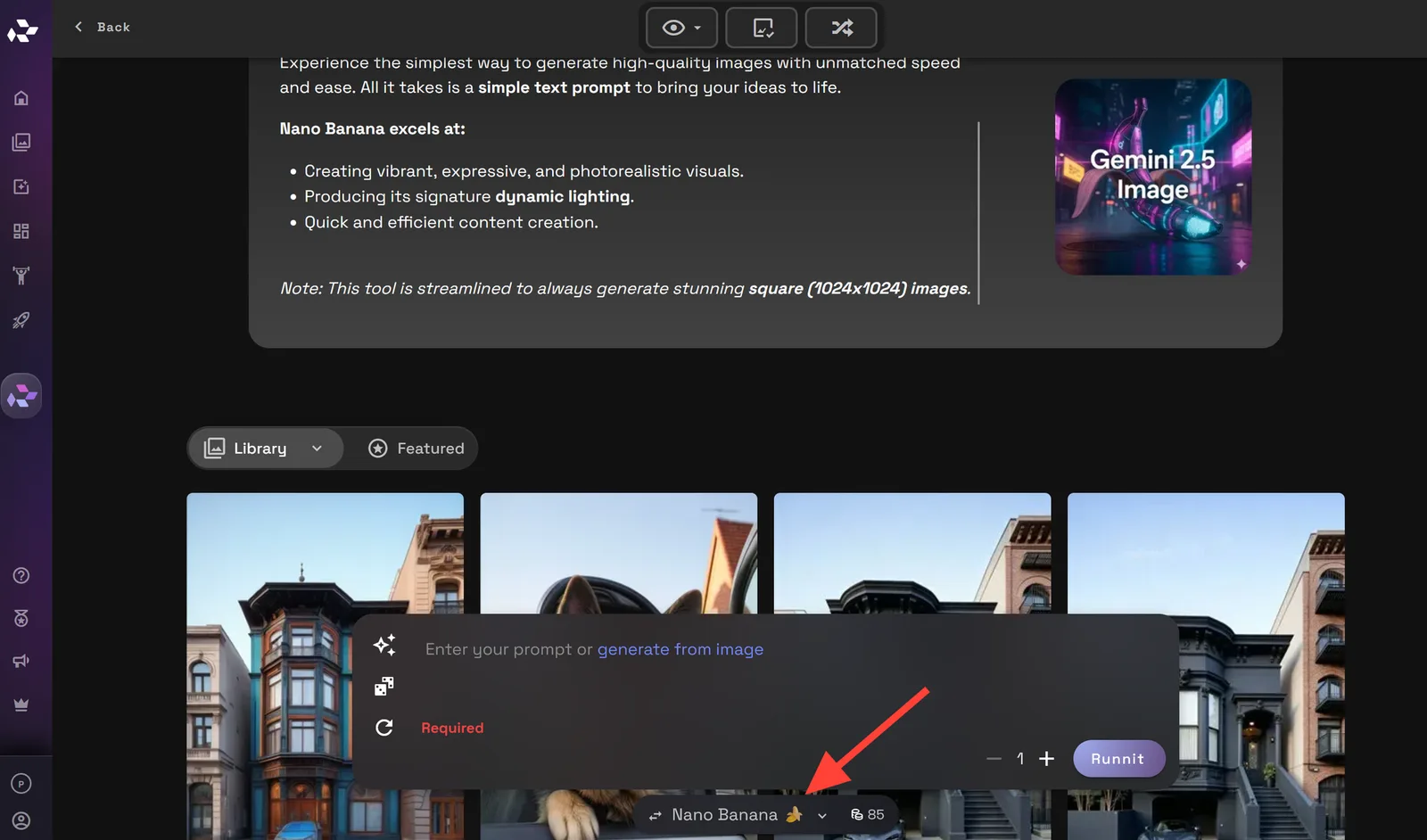
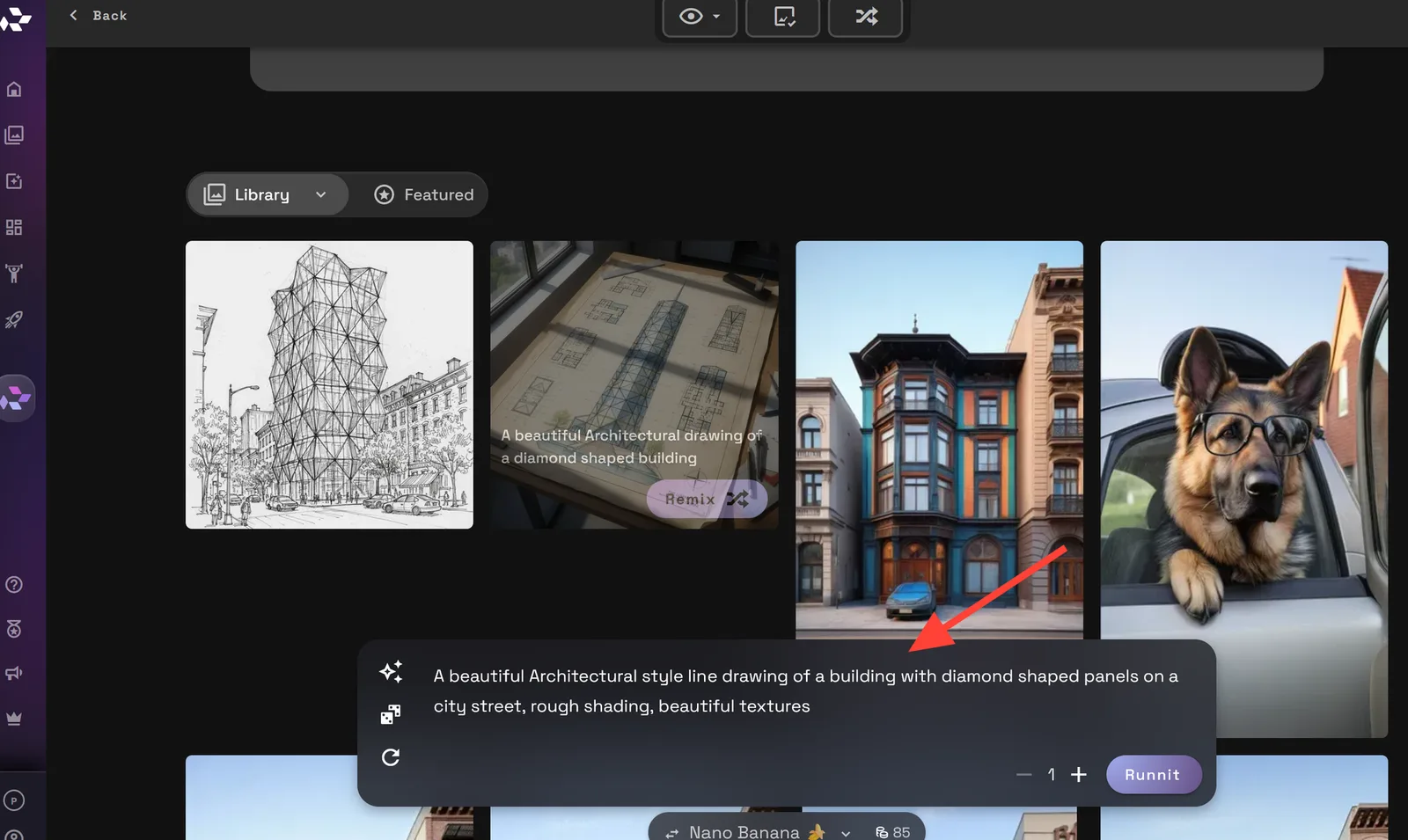
Enter a prompt describing what you want to render, then click Run to generate your image.
Example prompt:
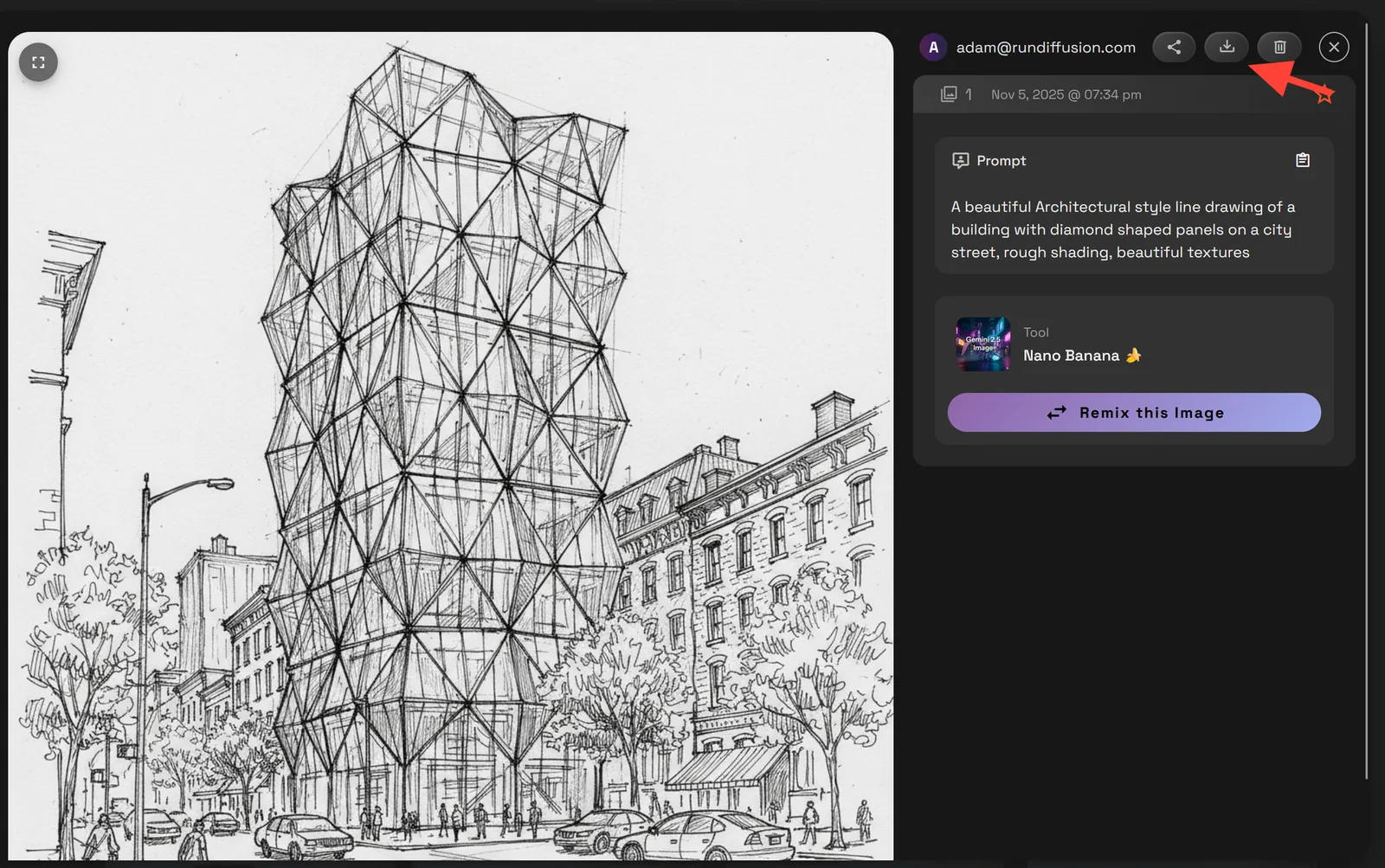
A beautiful architectural style line drawing of a building with diamond shaped panels on a city street, rough shading, beautiful textures.
Download or share your results instantly by clicking on the new image, then selecting the download option.
Free Daily Tokens: How It Works
- Sign up for a free RunDiffusion account
- Get tokens every day, with no payment required
- Use tokens to run generations or edits
- Upgrade for access to additional tools, models, and features
Final Thoughts
If you work in architecture, design, or visualization, RunDiffusion offers a practical way to create high-quality renders online with no technical overhead.
From drafting quick ideas to refining exports from Revit and SketchUp, AI render tools for architecture are designed for visual professionals. Use your free daily tokens to generate, enhance, and upscale your work right from your browser.
Related Guides
- What Is AI Architectural Rendering?
- Best AI Render Tool Suite For Architecture
- Improve Revit and SketchUp Renders with AI Image Enhancement Tools
Try AI rendering in RunDiffusion
Use daily free tokens to generate and refine architecture renders in the browser.
Frequently asked questions
QCan I use RunDiffusion as a free AI render tool for architecture?
Yes. A RunDiffusion account includes daily free tokens that let you test AI render tools for architectural images, edits, and enhancements.
QDo I need expensive rendering software to start?
No. The workflow runs in the browser, so you can start from prompts or uploaded images without installing local rendering software.
QWhich models should I try first for architecture renders?
The source workflow highlights Nano Banana for interiors and stylized exteriors, SeeDreamV4 for natural lighting and realism, and Juggernaut Pro Flux for structural detail and balanced tone.
QCan I improve exports from Revit or SketchUp?
Yes. You can use RunDiffusion tools to refine, upscale, or enhance exported images from Revit, SketchUp, or existing design studies.
QCan I download the result?
Yes. After generating a render, open the image result and use the download option.


