
Image
Z-Image Turbo on RunDiffusion
Learn how to use Z-Image Turbo on RunDiffusion for photorealistic image generation and professional workflow control.
Learn how to use Z-Image Turbo on RunDiffusion for photorealistic image generation and professional workflow control.
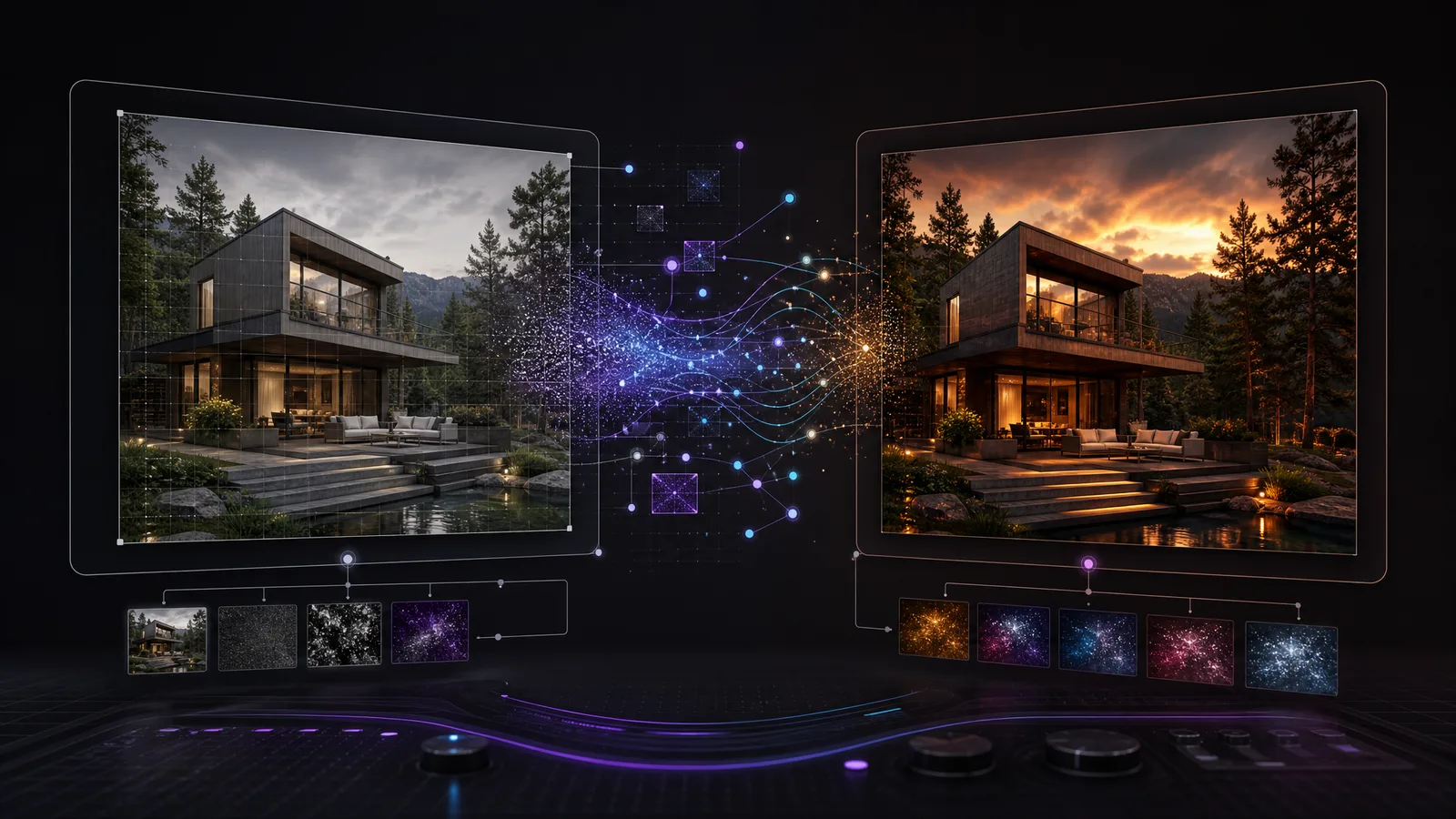
Learn how img2img works for image-to-image AI editing, including resize mode, denoising strength, batch processing, upscaling, and inpainting.
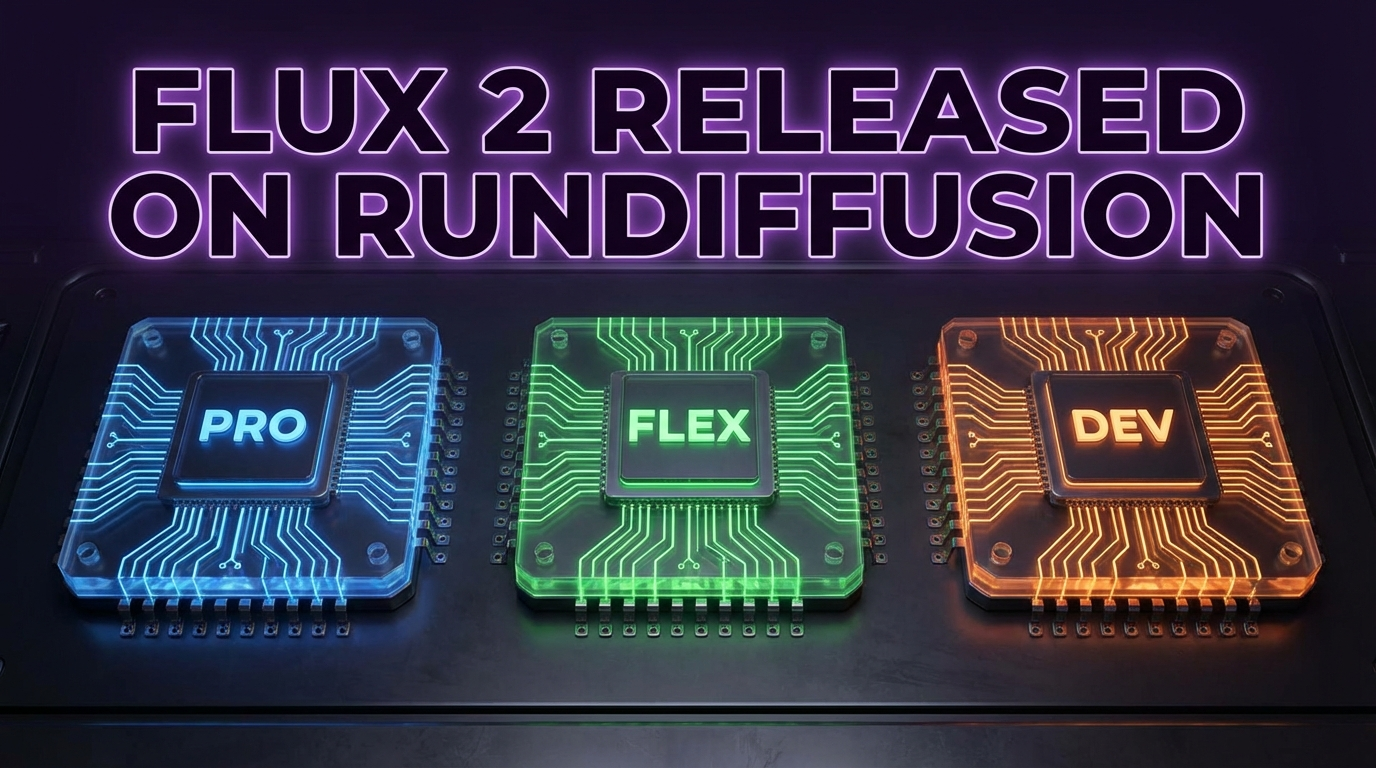
Explore Flux 2 Pro, Flex, and Dev on RunDiffusion and learn which model best fits your creative workflow.
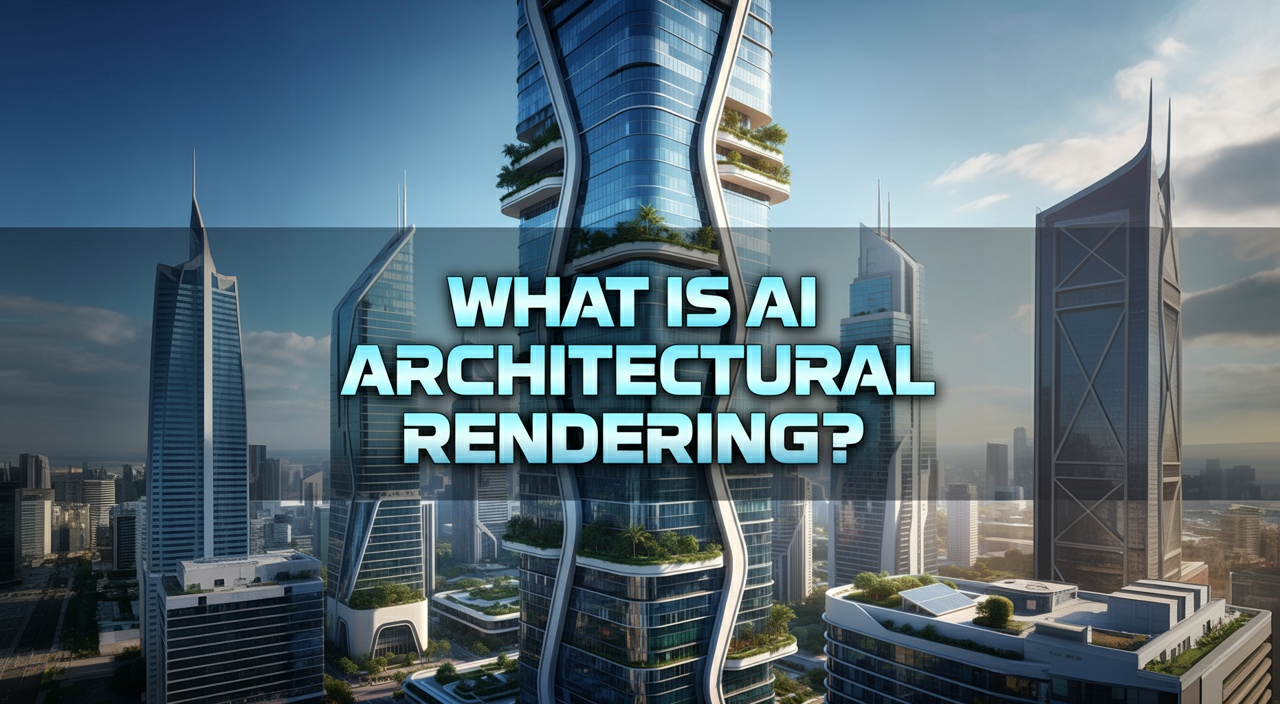
Learn how AI architectural rendering helps architects turn sketches into renders, materials, and early-stage design concepts faster.
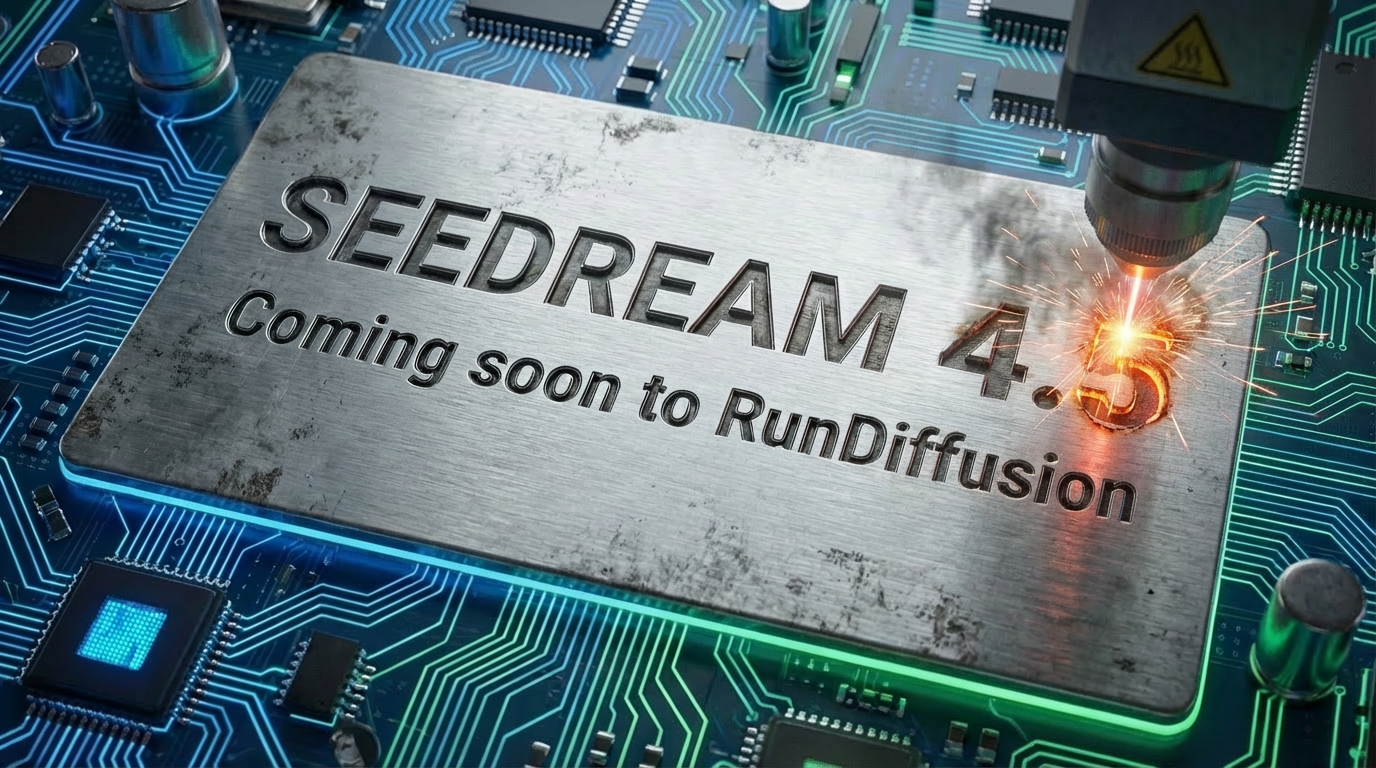
Explore Seedream 4.5 on RunDiffusion for stronger realism, spatial logic, consistency, and prompt understanding across creative workflows.
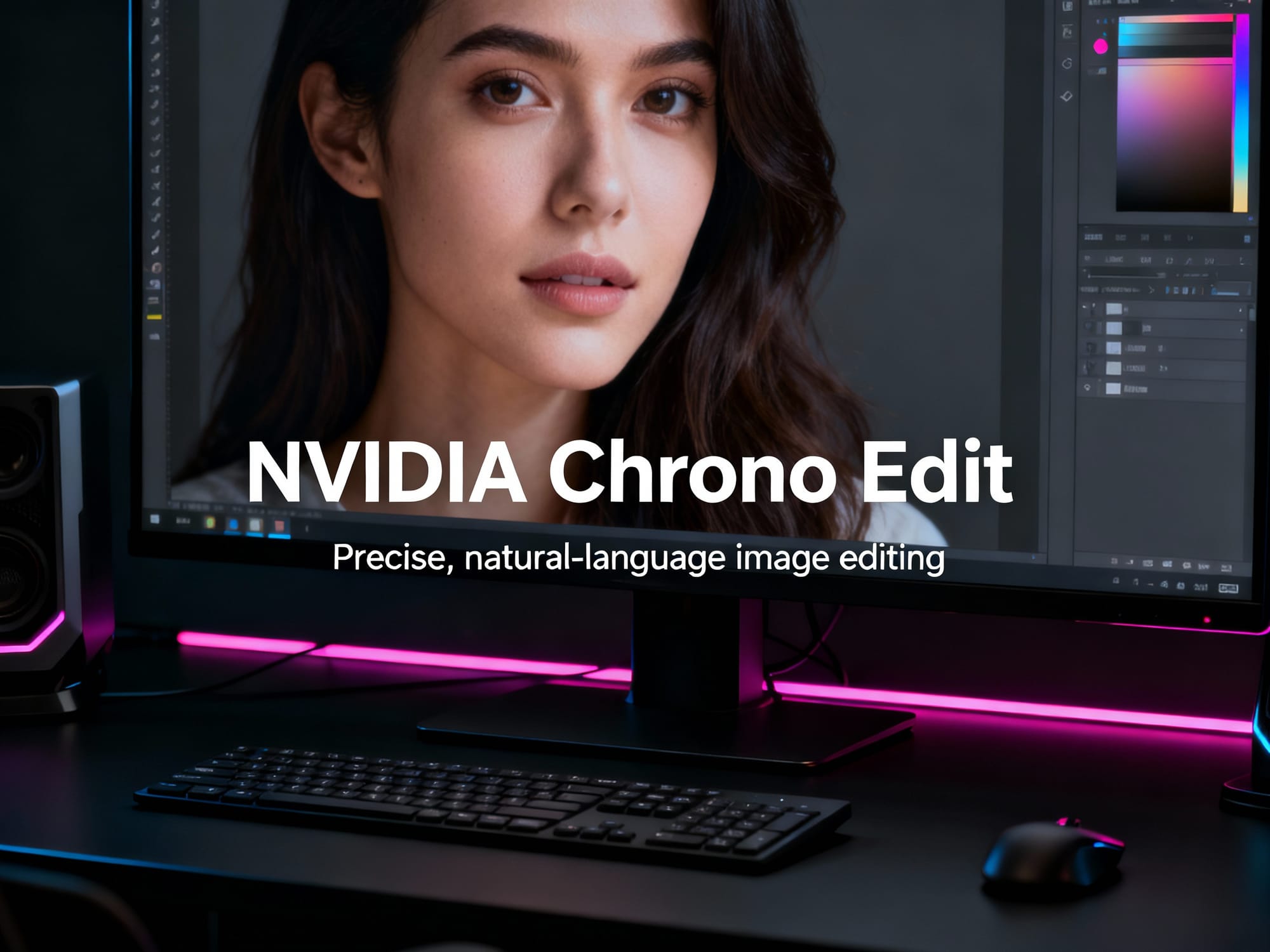
Explore NVIDIA Chrono Edit for precise natural-language image editing that preserves structure and character consistency.
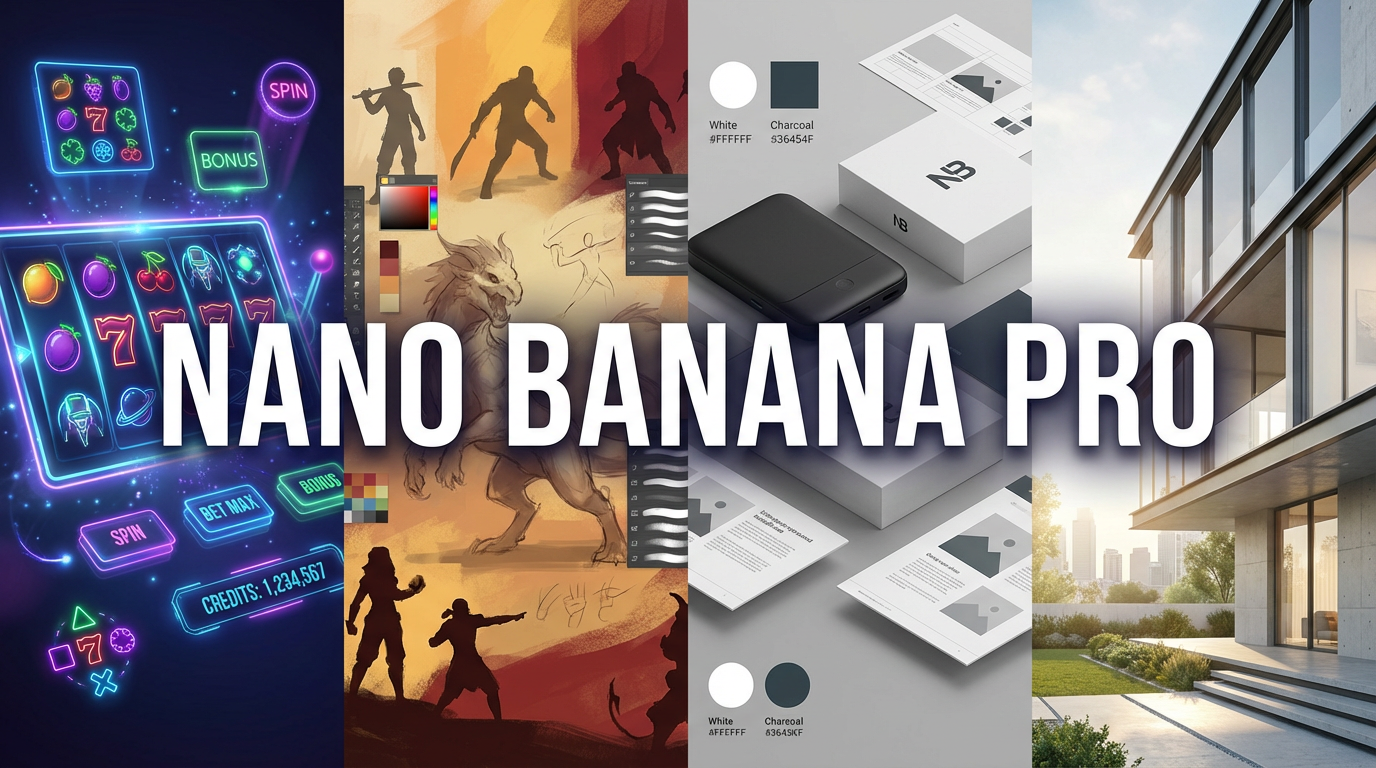
Explore Nano Banana Pro on RunDiffusion for high-fidelity image generation, accurate text rendering, and advanced editing.
Compare Nano Banana and Nano Banana Pro on RunDiffusion for fast exploration versus polished final image workflows.
Explore Flux 2 on RunDiffusion and see what this upgrade means for architectural rendering and interior design workflows.
Explore Nano Banana 2 on RunDiffusion for image generation, inpainting, and concept design workflows.
Use Gemini 2.5 Image and Nano Banana on RunDiffusion for image generation, editing, virtual try-ons, and design changes.
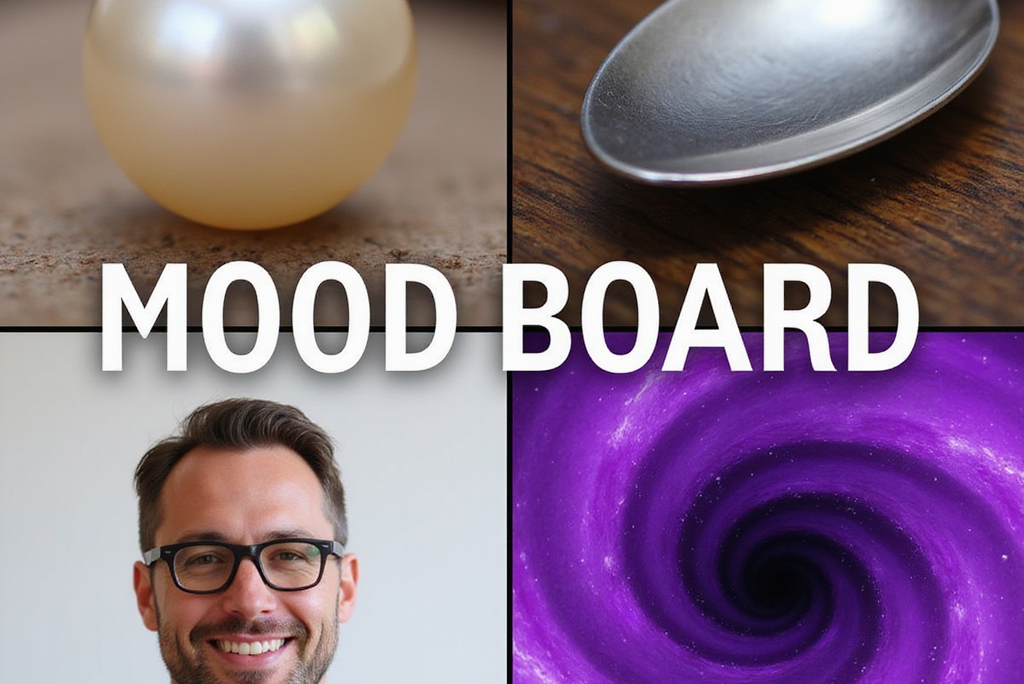
Use Mood Boards on the RunDiffusion Platform to guide AI image generation with visual references for mood, color, lighting, and texture.
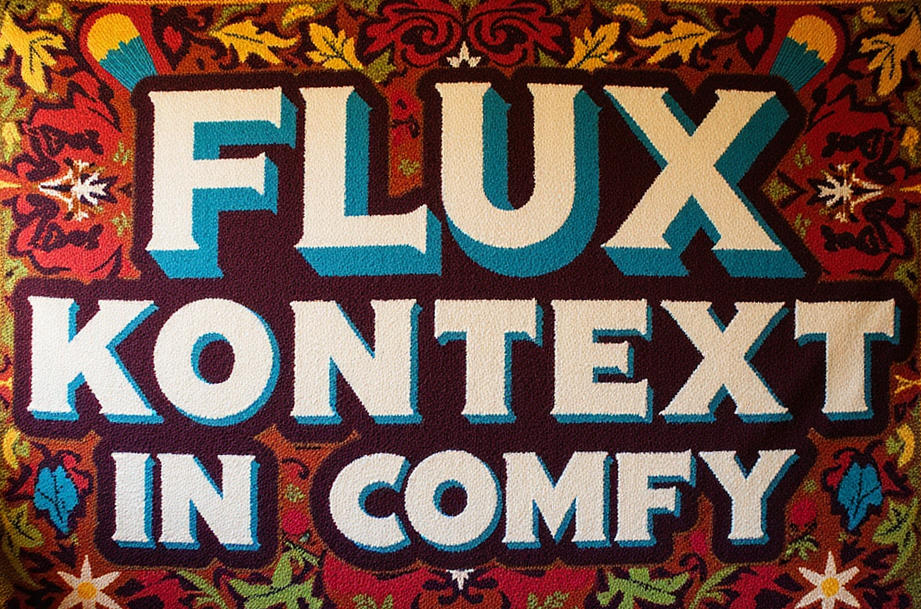
Learn how to use Flux Kontext Dev in ComfyUI on RunDiffusion for advanced image-to-image workflows with multiple inputs.
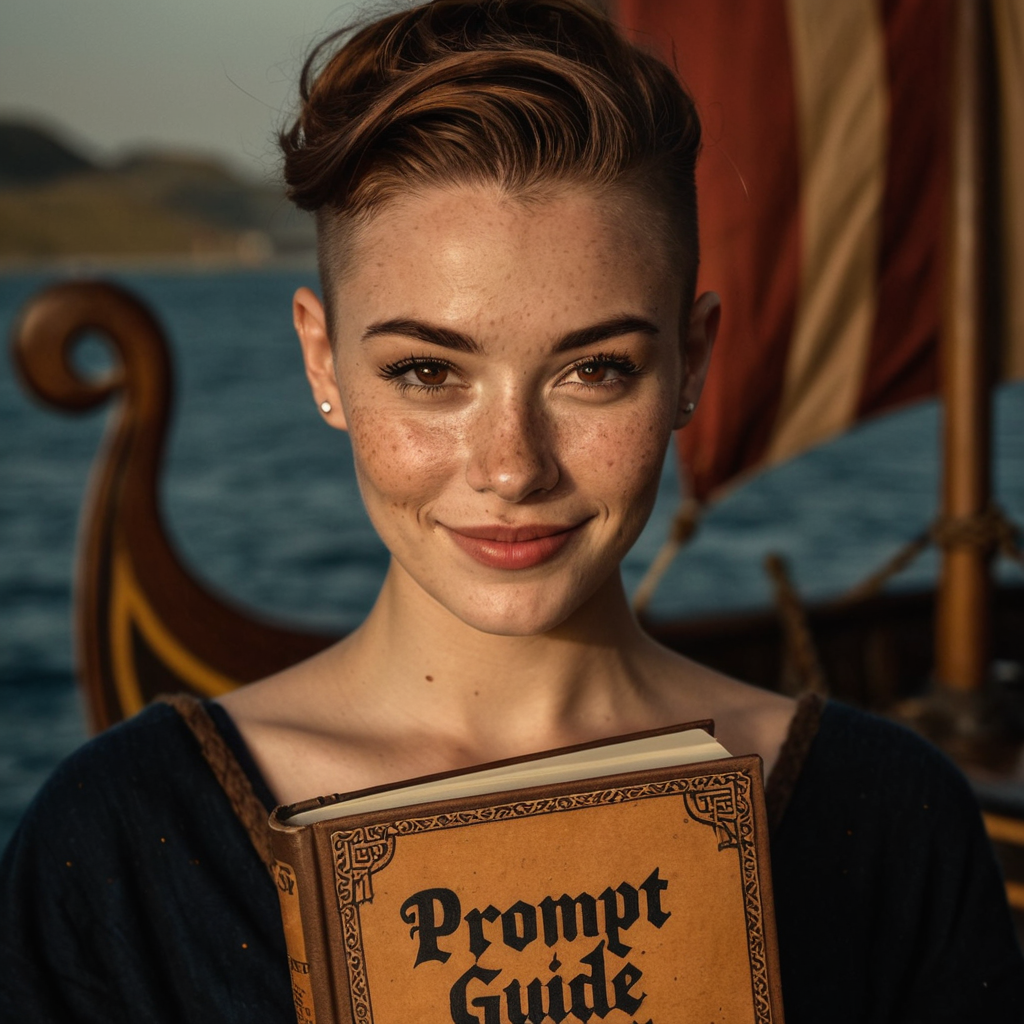
Learn how to craft stronger prompts for Juggernaut XIII: Ragnarok with better structure, realism control, and cleaner outputs.
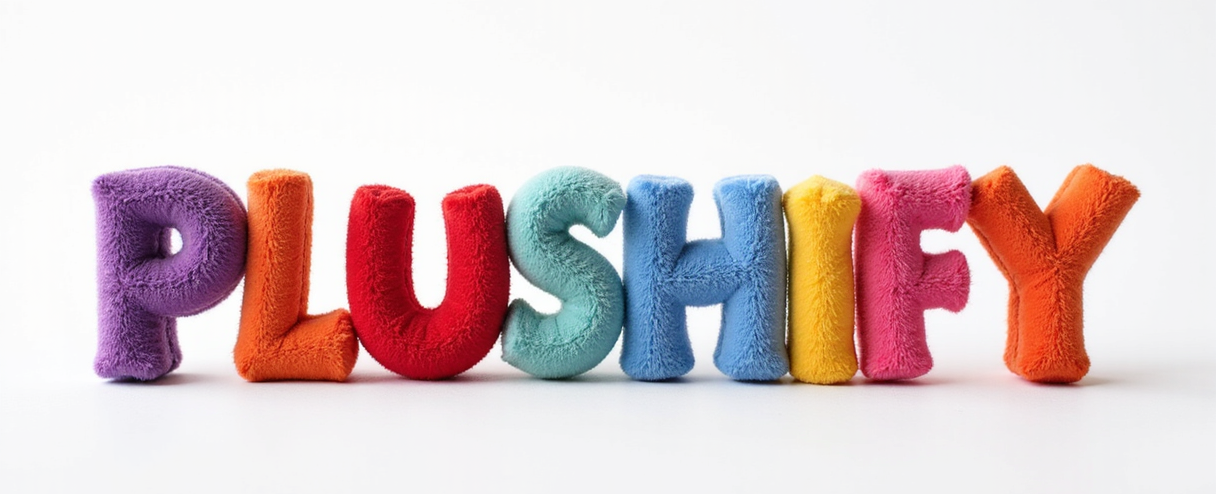
Transform your images into adorable plushie art with Plushify on the RunDiffusion Platform. Learn how to get started, plus pro tips for best results, all in the cloud!
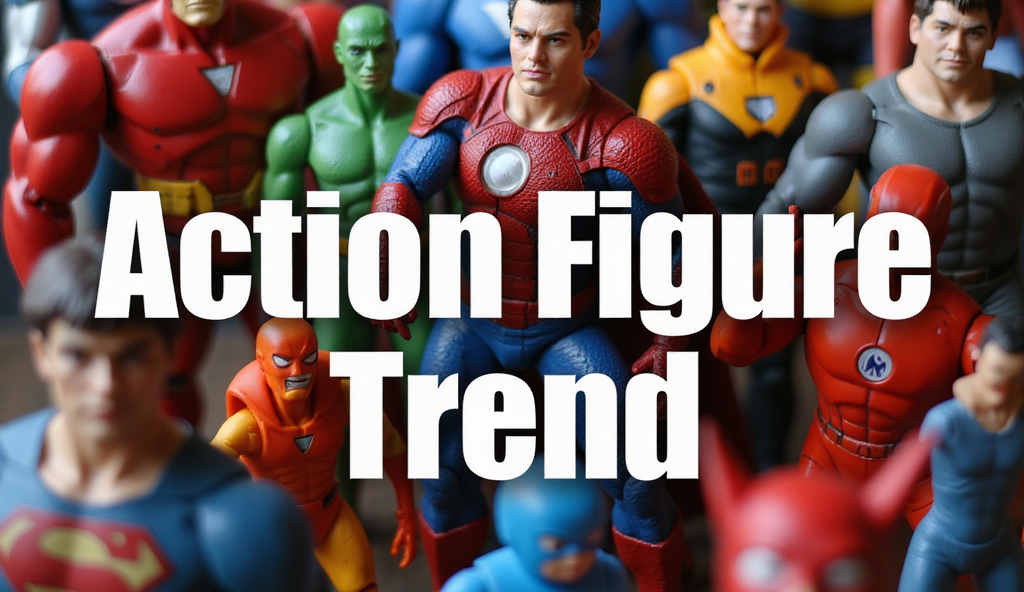
Use the Action Figure Trend app on the RunDiffusion Platform to create collectible-style figures with custom labels, outfits, and accessories.
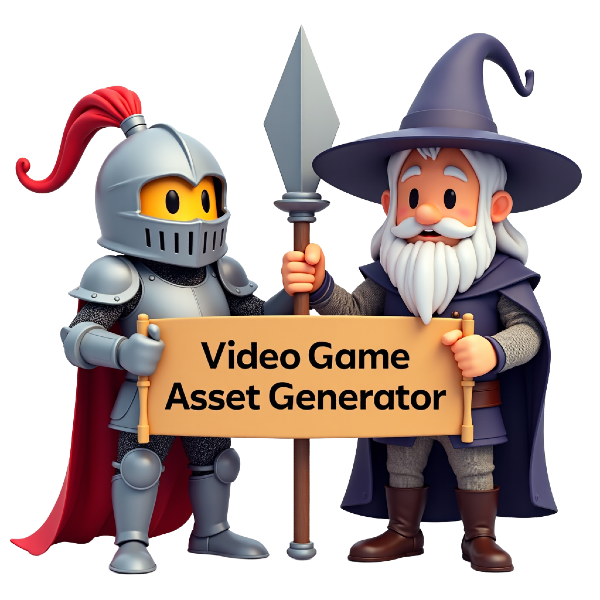
Use the Video Game Asset Generator on the RunDiffusion Platform to create 2D characters, icons, props, and UI elements from text prompts.
Learn how to use the Emoji Maker on RunDiffusion to create custom AI-generated emojis for messaging, branding, and digital content.
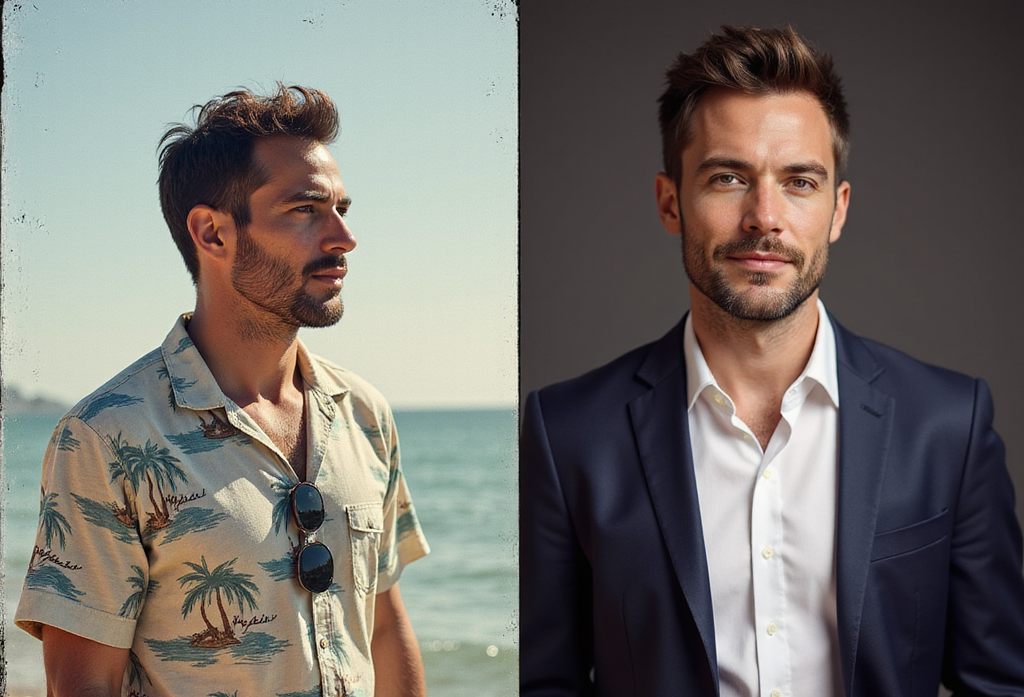
Create polished studio-style portraits with the Pro Headshot Generator on the RunDiffusion Platform using simple upload and styling options.
Fixing CLIP Assertion Errors for Flux models on RunDiffusion
Explore the RunDiffusion FAQ for help with AI image and video generation, tools on the RunDiffusion Platform, LoRA training, and troubleshooting.