
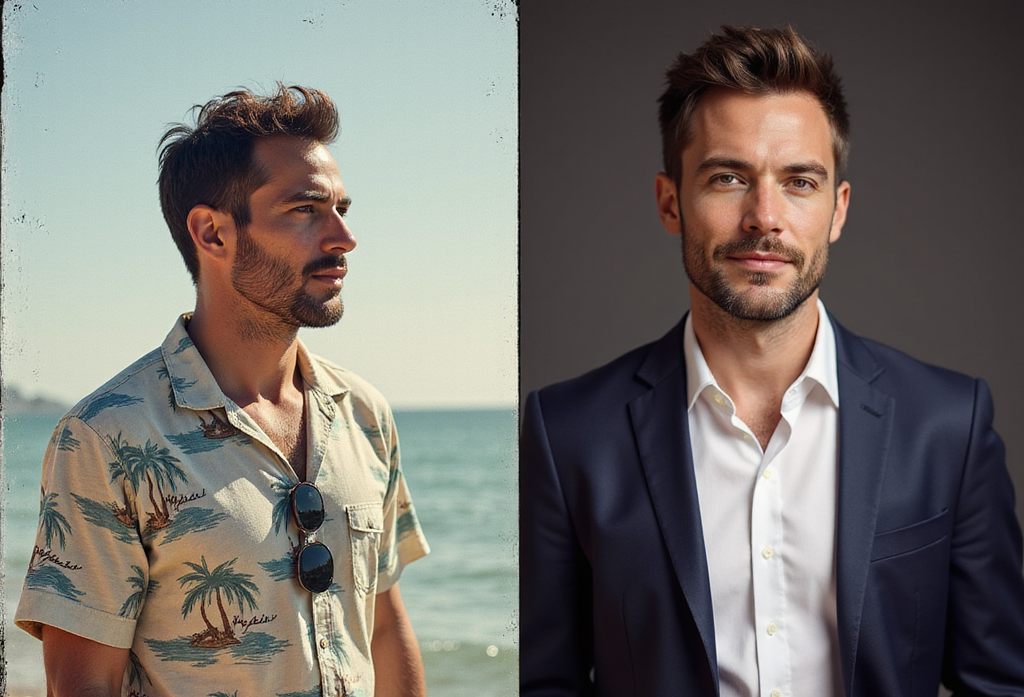
Want to create a polished, studio-style headshot without ever stepping in front of a camera? The Pro Headshot Generator App on Runnit makes it easy. This cloud-based app transforms ordinary photos into clean, professional portraits perfect for LinkedIn, team bios, online resumes, and more.
Everything runs directly in your browser using Runnit’s powerful cloud infrastructure. No installs, no setup—just upload and click.
What is the Pro Headshot Generator App?
The Pro Headshot Generator is an AI-powered app on the Runnit platform designed to instantly enhance personal photos. It uses advanced character templates, gender styling, and hair refinement to create consistent, professional portraits that feel tailored to your look and brand.
Great for:
- Corporate team pages
- Personal branding
- Social media profiles
- Job applications and portfolios
- Actor and creator headshots
How to Use the Pro Headshot Generator on Runnit
Getting started is fast and simple:
Step 1: Log In
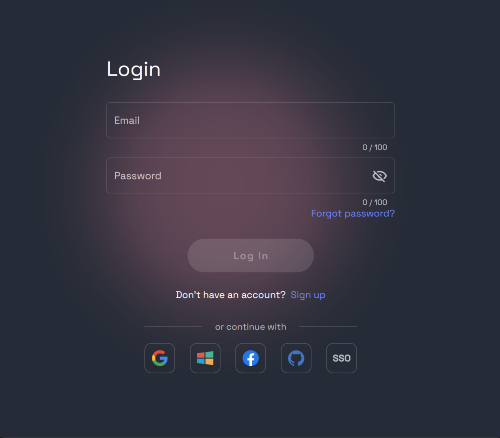
- Navigate to the Runnit Home Dashboard
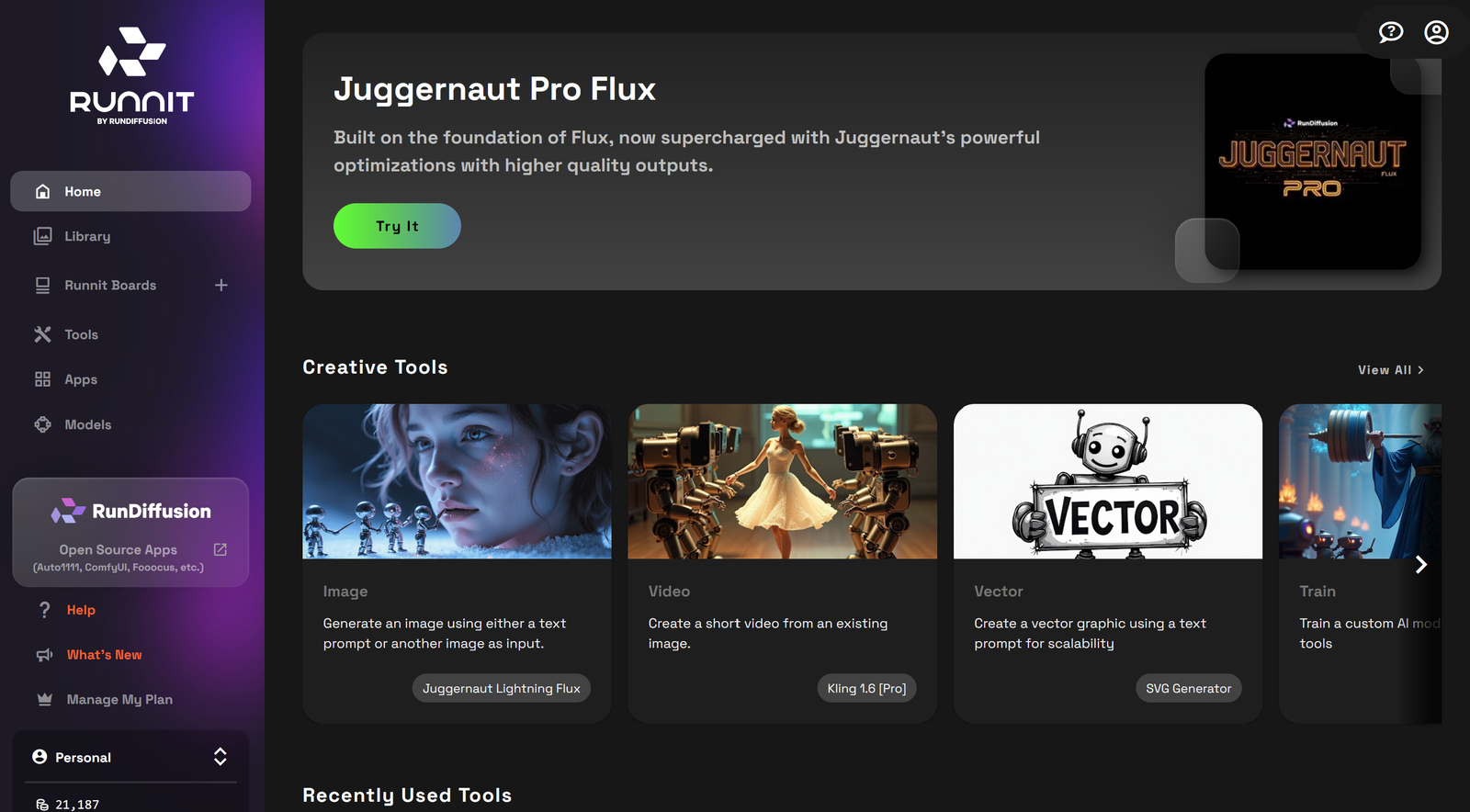
Step 2: Launch the App
- Click APP on the left side of the website.
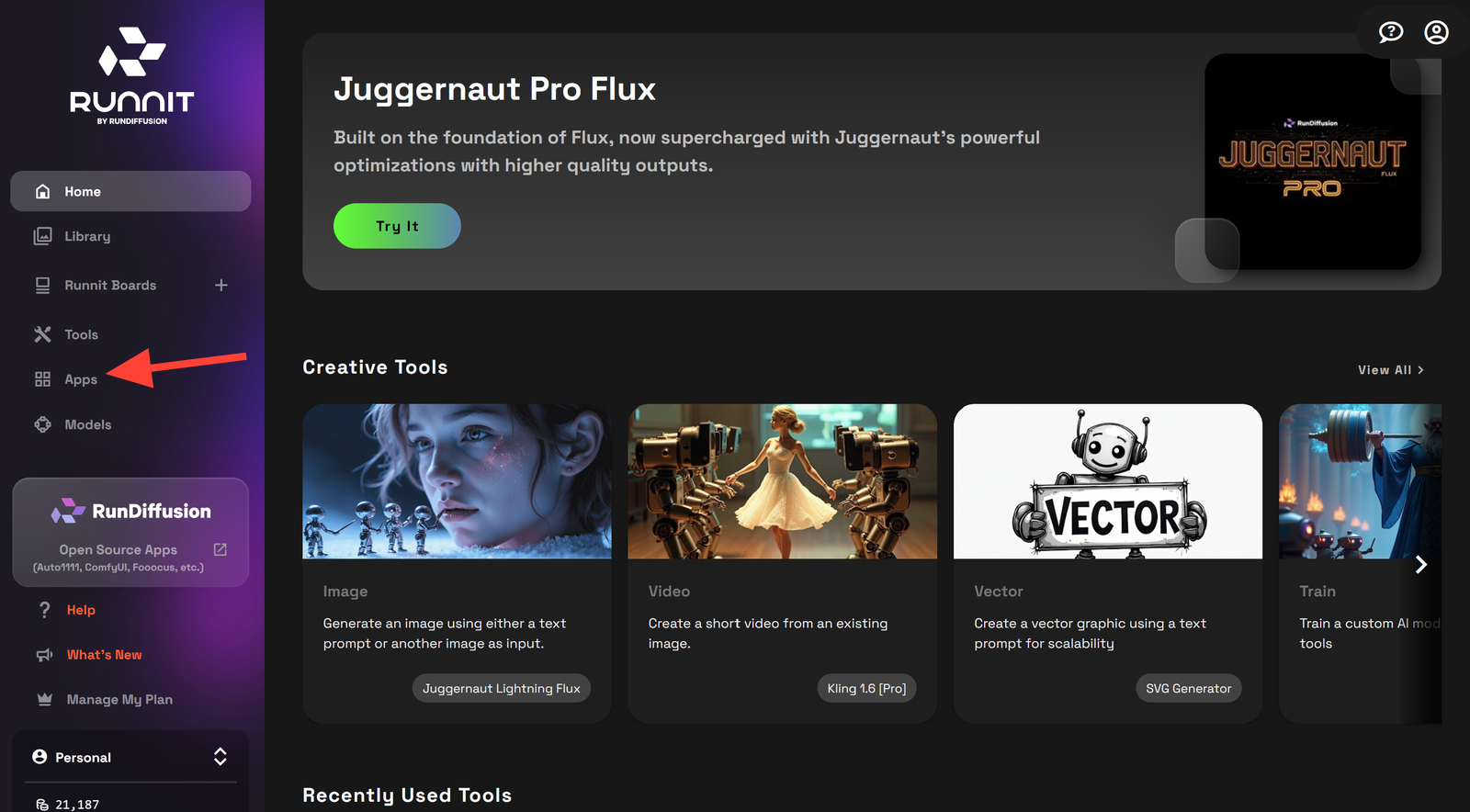
- Scroll down and click on Pro Headshot Generator.
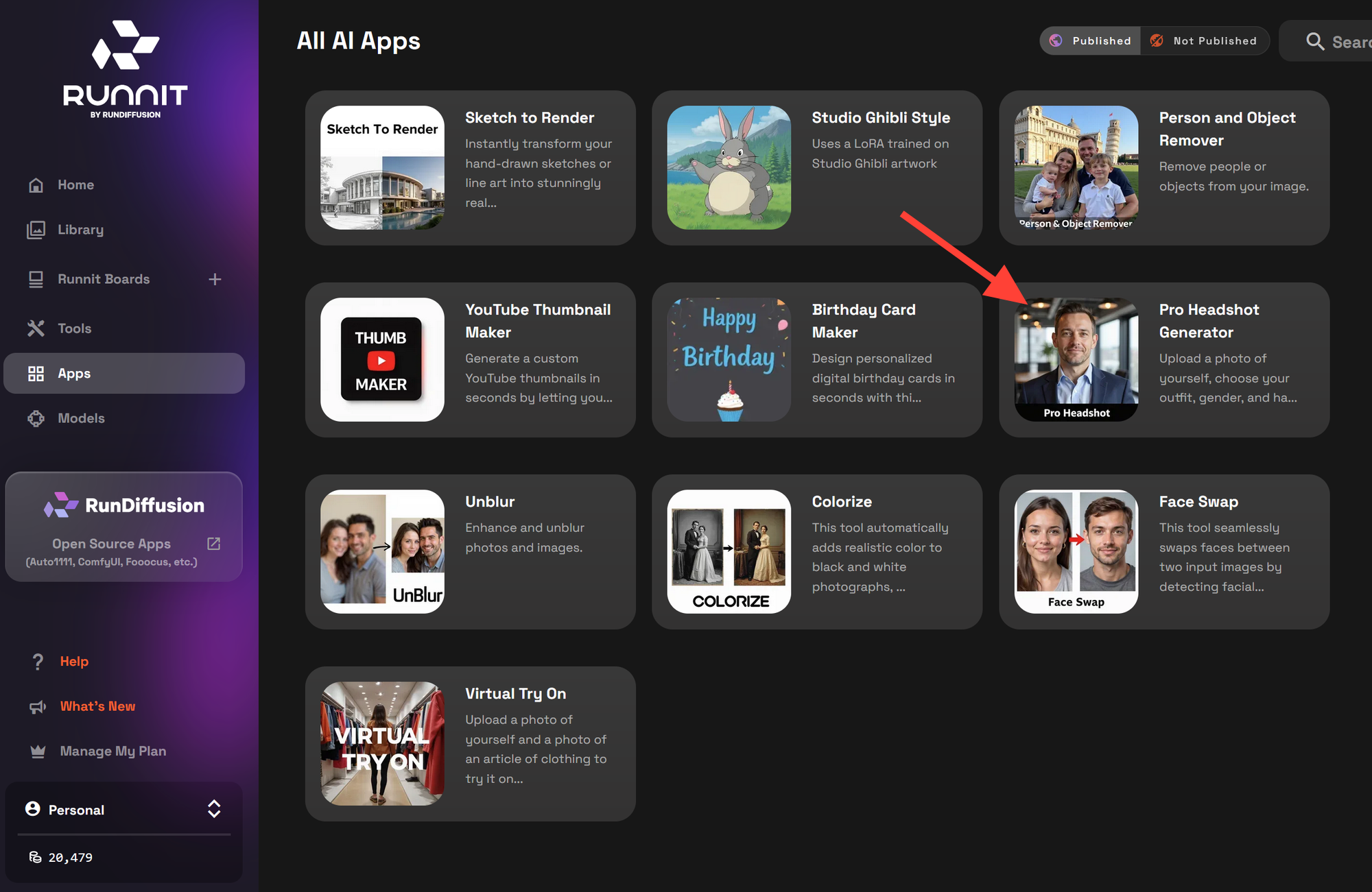
In-App Steps: How to Generate Your Headshot
Once the app is open, follow these steps to create your AI portrait:
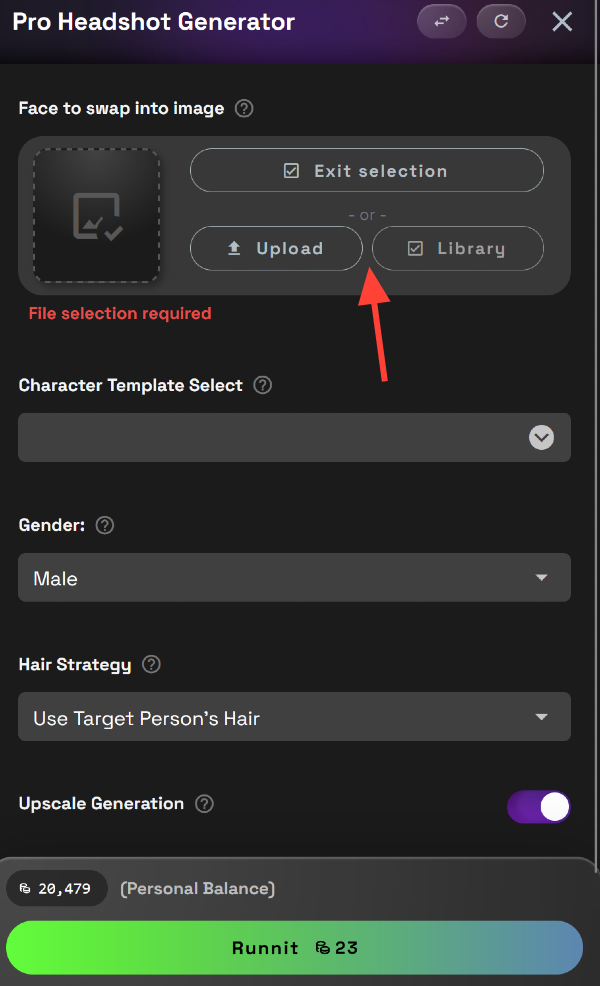
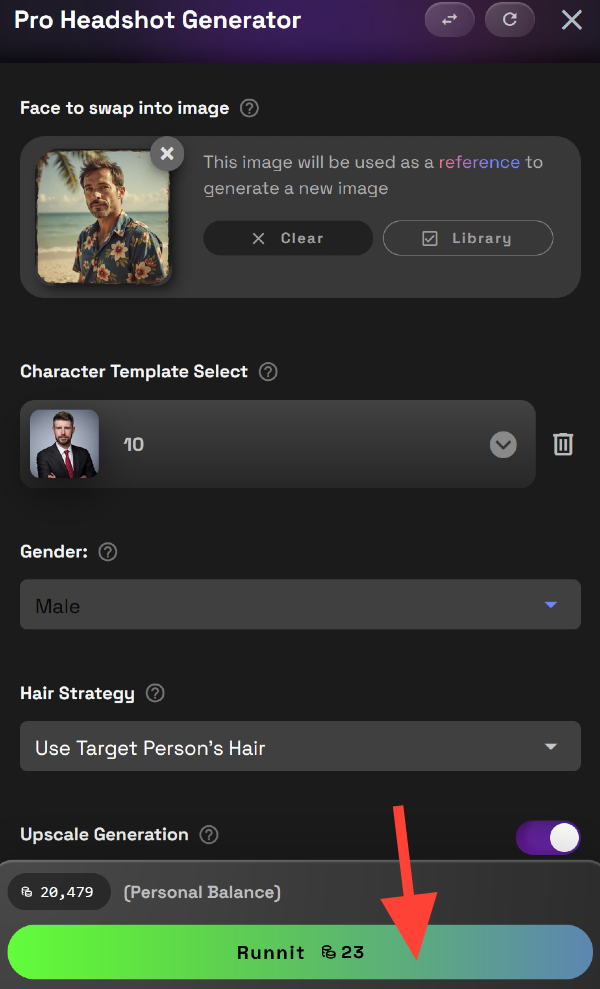
✅ Upload an Image
Start by uploading a clear, front-facing photo. Well-lit selfies with minimal background distractions work best. You can select a photograph from your Library or Upload.
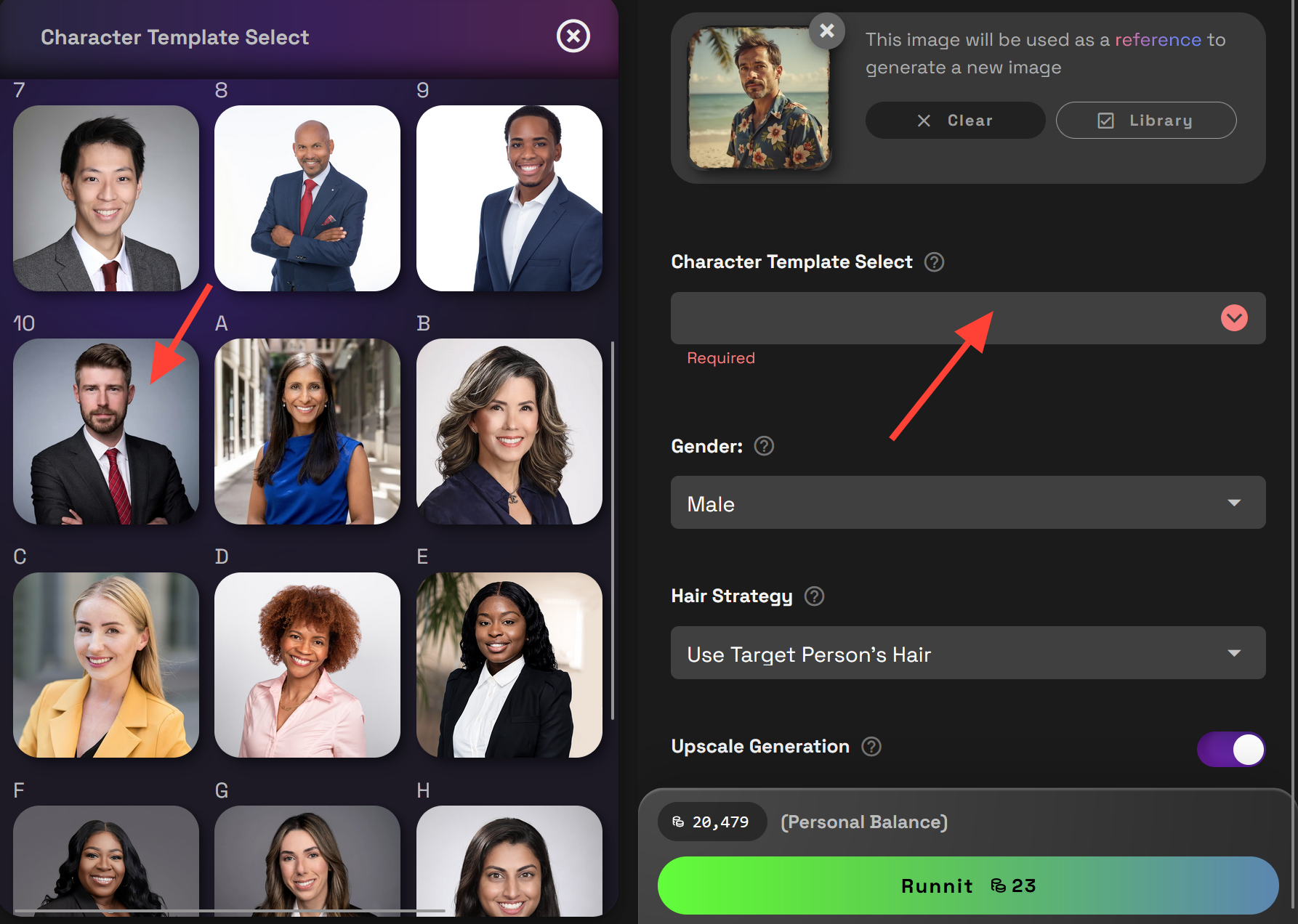
✅ Select a Character Template
Choose from a range of character templates to guide the visual styling of your final headshot. There are numerous options to choose frome. These templates help shape the AI's output based on desired aesthetics.
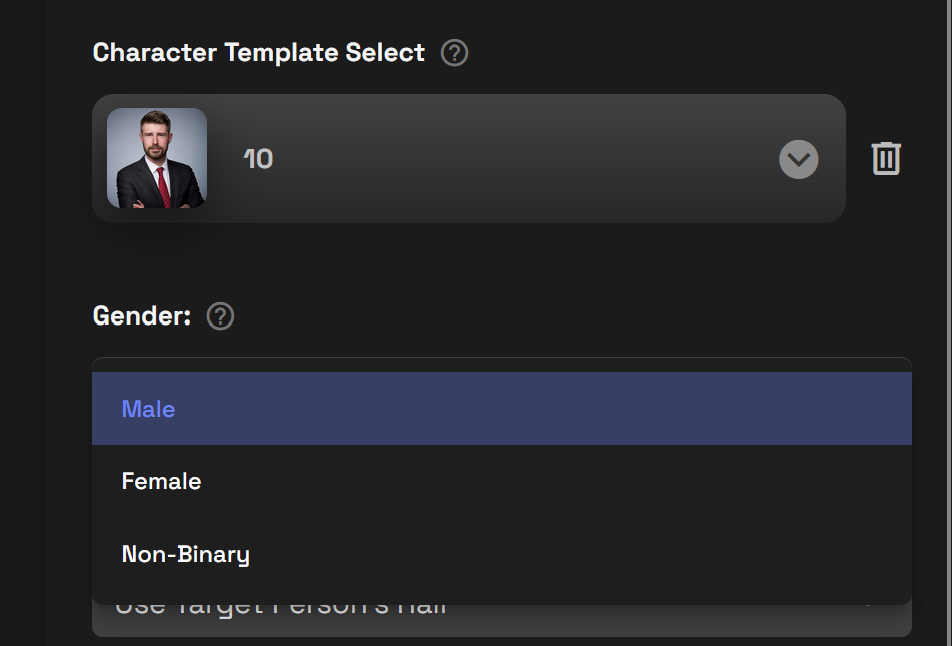
✅ Set Gender
Select your preferred gender presentation for the result. Male, Female or Non-Binary.
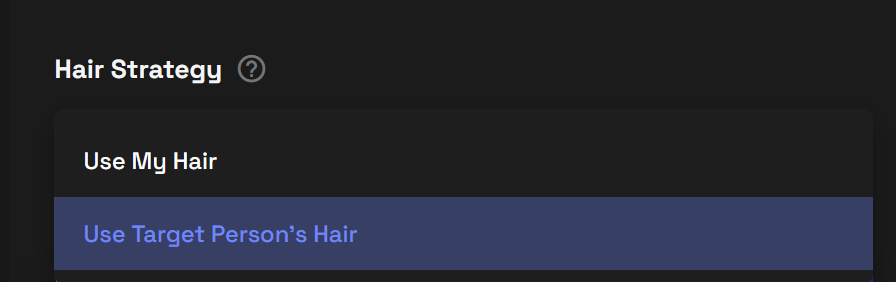
✅ Choose Hair Strategy
Pick the hair strategy either Use My Hair or Use Target Peroson's Hair.
✅ Click “Runnit”
When you're happy with the settings, click on Runnit.
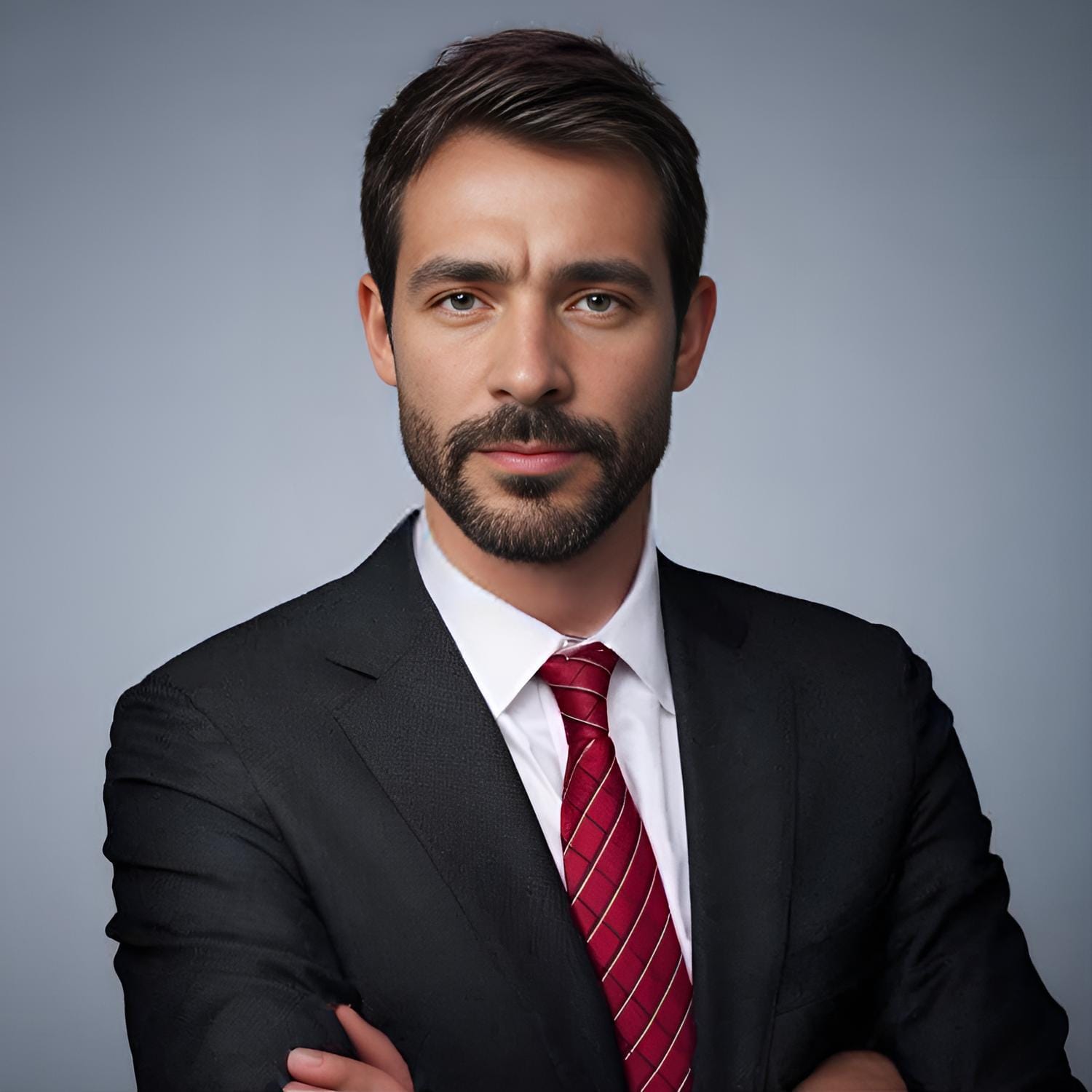
In a few moments, you’ll receive a high-resolution, ready-to-download headshot styled to your selections.
Why Use the Pro Headshot Generator App?
🎯 Consistent, Professional Results
Your final image looks clean, credible, and camera-ready—ideal for business use.
🧠 Smart AI Personalization
Template, gender, and hair settings let the app tailor your output in a way that feels realistic and flattering.
☁️ 100% Cloud-Based
No GPU? No problem. The entire process runs in the cloud, so you don’t need local hardware or installs.
🚀 Fast and Frictionless
From login to final download, it takes less than 5 minutes to create a headshot you’ll actually want to use.
Expand Your Workflow with Other Runnit Apps
Once you have your headshot, you can build even more assets using Runnit’s creative suite:
- Animate it using AI Videos with Runnit
- Create matching visual identity elements with SVG Generator
- Use Inpainting Pro for touch-ups or scene edits
Final Thoughts
The Pro Headshot Generator App on Runnit is one of the simplest and fastest ways to get high-quality, personalized headshots—perfect for digital professionals and creatives alike. With a few clicks, you’ll have a polished portrait ready to use anywhere.