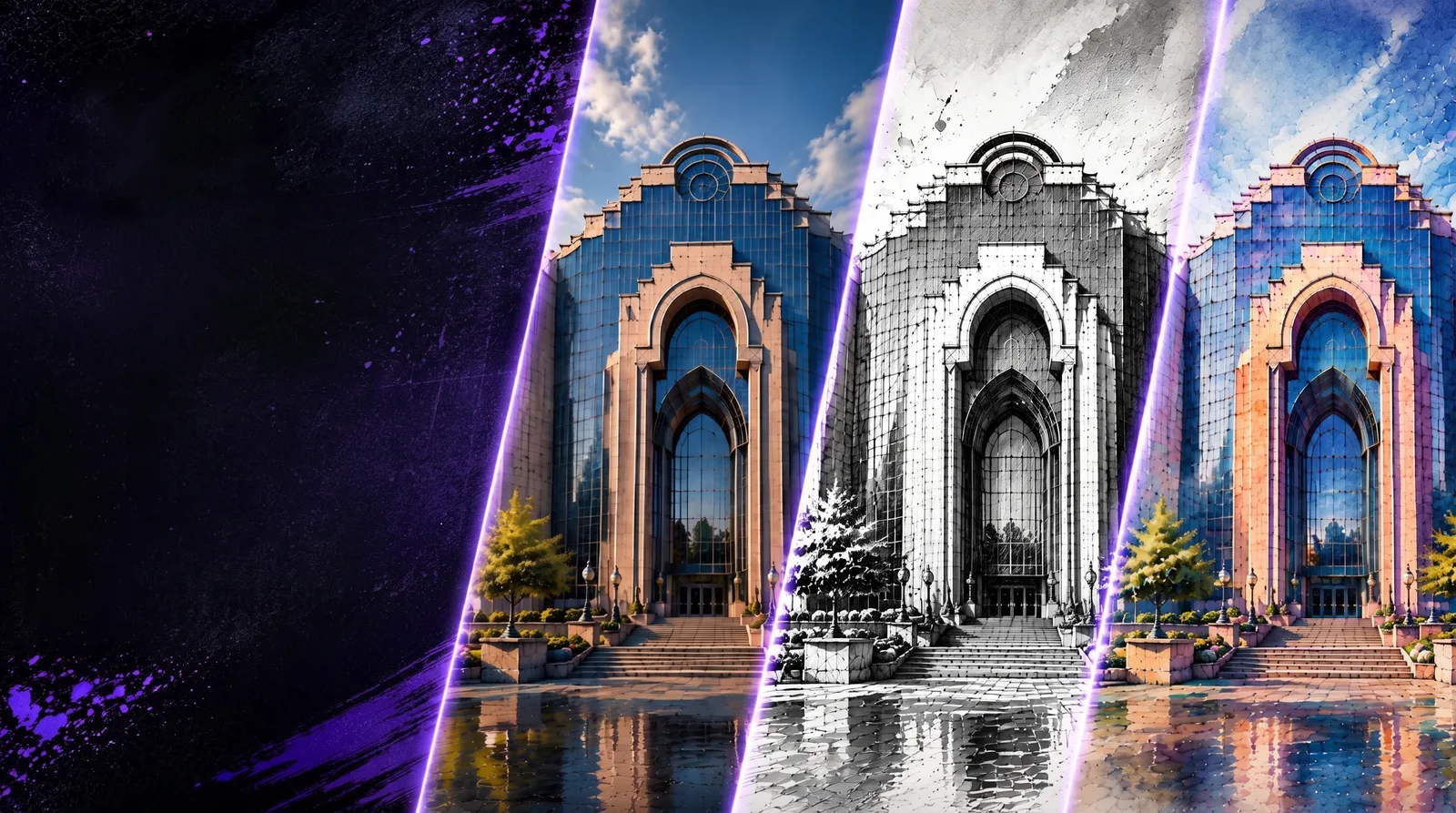
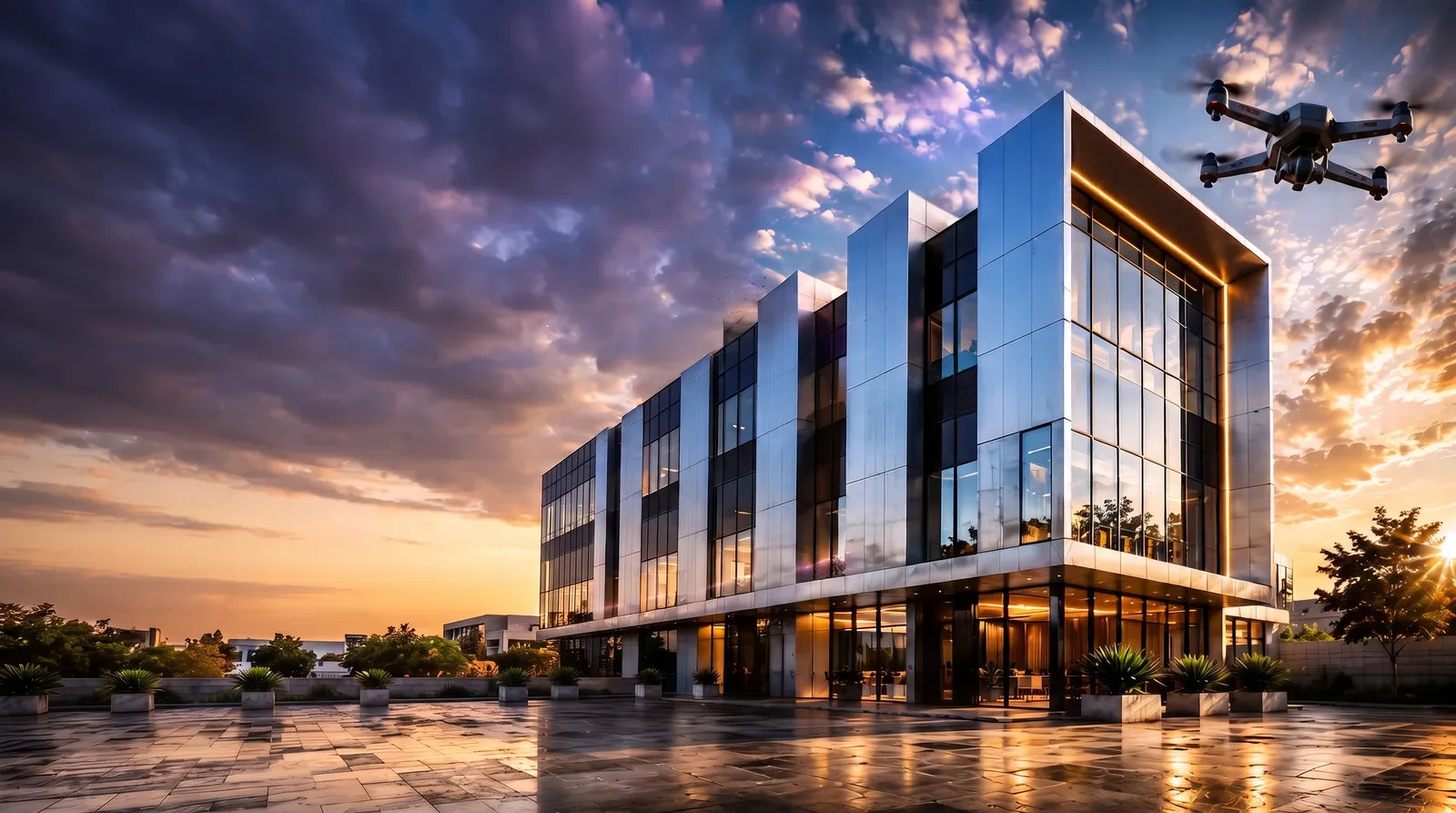
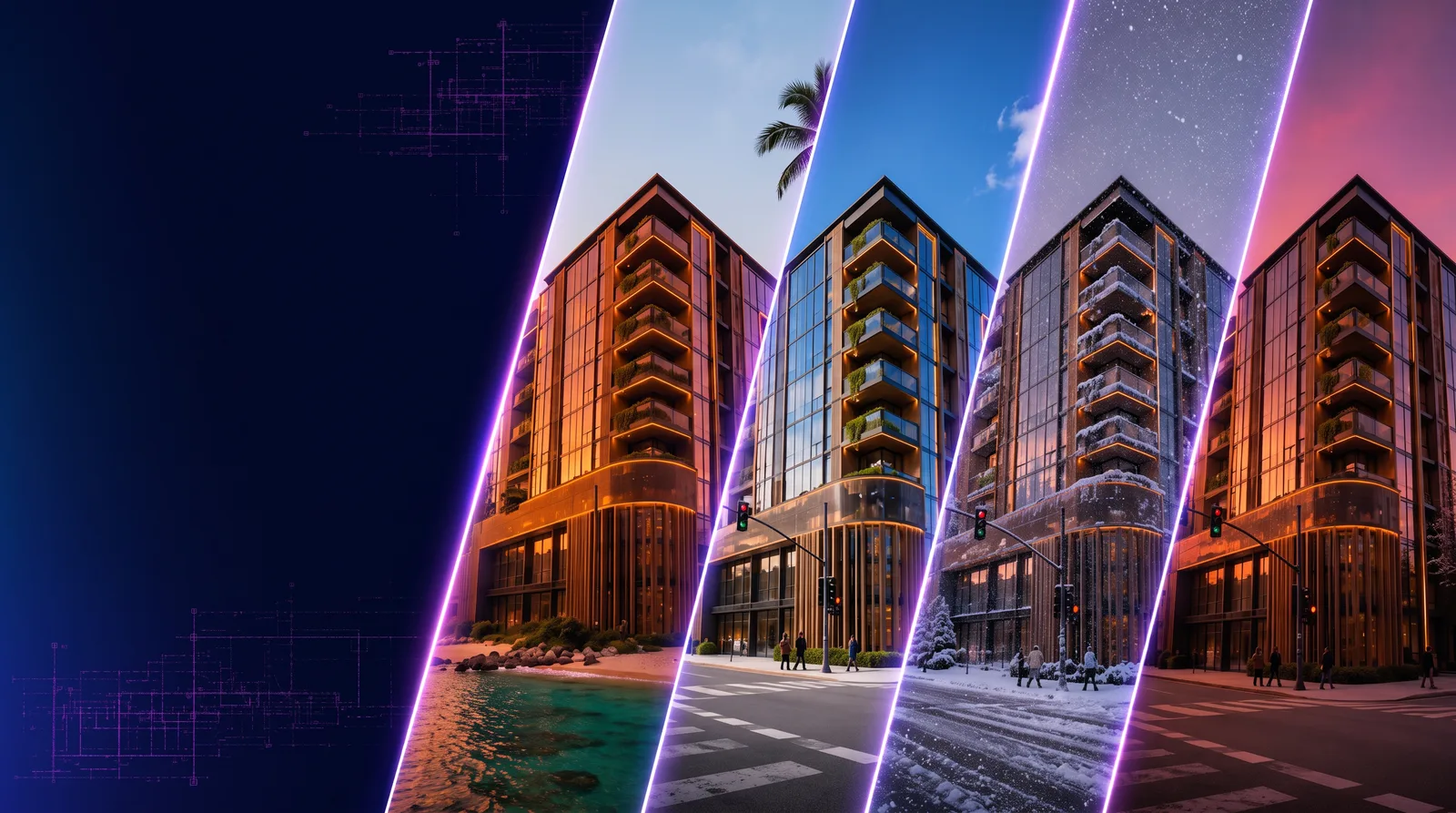
- Prompt enhancement improves render quality before generation by clarifying lighting, materials, structure, and composition.
- RunDiffusion can refine exported Revit or SketchUp PNGs without local plugins or third-party software.
- Magnific and Topaz help upscale architectural renders for sharper detail, stronger presentation quality, and higher-resolution delivery.
- Many tools are available with daily free tokens on Runnit, with premium enhancements available for Enterprise plans.
RunDiffusion helps architecture teams improve renders across the workflow, from prompt enhancement with Enhance Prompt and Prompt Magic to image editing with SeeDreamV4 or Nano Banana and upscaling with Magnific and Topaz.
| At a glance | |
|---|---|
| Best fit | Architectural render enhancement, post-processing, and upscaling |
| Tools covered | Enhance Prompt, Prompt Magic, SeeDreamV4, Nano Banana, Magnific, and Topaz |
| Input workflows | Text prompts, Revit exports, SketchUp exports, and uploaded PNGs |
| Access | Runnit daily free tokens, with Enterprise plan options for premium workflows |
Creating a great architectural render starts long before the image is generated and does not end when it is complete. From writing smarter prompts to refining your visuals with advanced AI upscaling, RunDiffusion offers a full pipeline of AI render enhancer tools designed for architectural professionals.
Whether you are designing in Revit, building in SketchUp, or using text-to-image generation models like SeeDreamV4 or Nano Banana, RunDiffusion helps you polish your work with precision. Many of these tools are available through the free daily token plan on the Runnit platform, with premium enhancements available for Enterprise plans.
What You'll Learn
- How to improve render quality with AI at every stage of your workflow
- The difference between prompt enhancement and post-processing
- How to use tools like Enhance Prompt, Nano Banana, Magnific, and Topaz
- How to access these tools with RunDiffusion's free and Enterprise plans
Step 1: Start with Better Prompts
Before you generate an image, the quality of your architectural render is shaped by the prompt you write. Poorly structured prompts lead to weak results, even with the best models.
RunDiffusion helps solve this with:
- Enhance Prompt: Manually rewrites your prompt into a more detailed, architecturally rich version before generation.
- Prompt Magic: Automatically improves prompt clarity, depth, and accuracy in the background. Just toggle it on.
Both features work with models like Nano Banana (Gemini 2.5) and SeeDreamV4, giving you more professional output from the first render.
Read the full article: Improve Your Architectural Renders with AI Prompt Enhancement.
Step 2: Enhance Renders from Revit and SketchUp
If you are using Revit or SketchUp, RunDiffusion allows you to upload exported PNGs and enhance them directly with AI models. No plugins or local installs required.
Use these tools and more:
- SeeDreamV4 Edit: Improves lighting, sharpness, and structure in Revit or SketchUp exports.
- Nano Banana Edit: Adds texture, polish, and style changes.
- This workflow works well for conceptual drafts, early-stage designs, or client-ready imagery.
This process lets you enhance renders without reworking your model or relying on third-party software.
Read more: Improve Revit and SketchUp Renders with AI Image Enhancement Tools.
Step 3: Upscale with Magnific and Topaz
When presentation quality matters, RunDiffusion integrates top AI upscaling tools to bring out the highest detail in your images.
Magnific
- Neural upscaler optimized for creative realism
- Preserves architectural lines, shadow depth, and material finishes
- Ideal for concept art, mood boards, and presentation renders
Topaz Photo AI
- Precision upscaling with sharp edge and texture preservation
- Best for interiors, facade closeups, or detail-heavy compositions
- Offers quality and noise reduction controls for clean output
These tools support outputs up to 10,000 x 10,000 resolution and work with both generated images and uploaded PNGs from external software.
Explore: AI Upscaling Tools for Sharper Architectural Renders.
Final Thoughts
From prompt enhancement to final upscaling, RunDiffusion provides a full AI-powered workflow for architectural visualization. Whether you are improving a Revit render, testing design variations, or producing presentation-ready imagery, you will get sharper, more compelling visuals faster and without leaving your browser.
Try it today with free daily tokens on the Runnit platform and see how much better your renders can look with the right tools at every stage.
Try It Today
Ready to enhance your architectural renders with AI?
Start using Enhance Prompt, Prompt Magic, SeeDreamV4, Nano Banana, Topaz, and Magnific, all available on the Runnit platform. Log in to your free RunDiffusion account to get started with the Free plan before upgrading to your Enterprise plan.
Related reading:
Enhance an architecture render in Runnit
Use prompt enhancement, image editing, and upscaling tools to polish architectural visuals from one browser-based workspace.
Frequently asked questions
QWhat AI tools help improve architectural renders?
RunDiffusion supports prompt enhancement tools such as Enhance Prompt and Prompt Magic, image-editing tools such as SeeDreamV4 and Nano Banana, and AI upscalers such as Magnific and Topaz.
QCan I enhance renders from Revit or SketchUp?
Yes. You can upload exported PNGs from Revit or SketchUp and use RunDiffusion AI tools to improve lighting, sharpness, texture, and overall presentation quality.
QWhat is the difference between prompt enhancement and post-processing?
Prompt enhancement improves the instructions before the image is generated. Post-processing improves an existing render after export or generation through editing, polishing, and upscaling.
QCan I test these tools before an Enterprise plan?
Many RunDiffusion tools are available through daily free tokens on Runnit. Enterprise plans are useful when a studio needs more capacity, collaboration, or premium workflows.