
If you’re managing an Enterprise Plan on RunDiffusion, token control may be necessary as you create Teams and Projects. In this guide, we’ll show you exactly how to transfer tokens from your Company Token Bank to a specific team/project and even how to reverse it if needed.
Video Tutorial
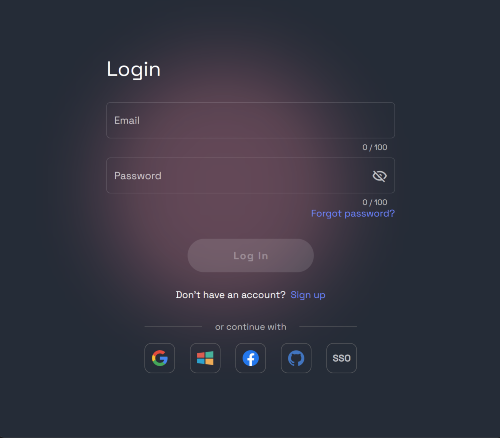
Login as an Admin on your Enterprise team
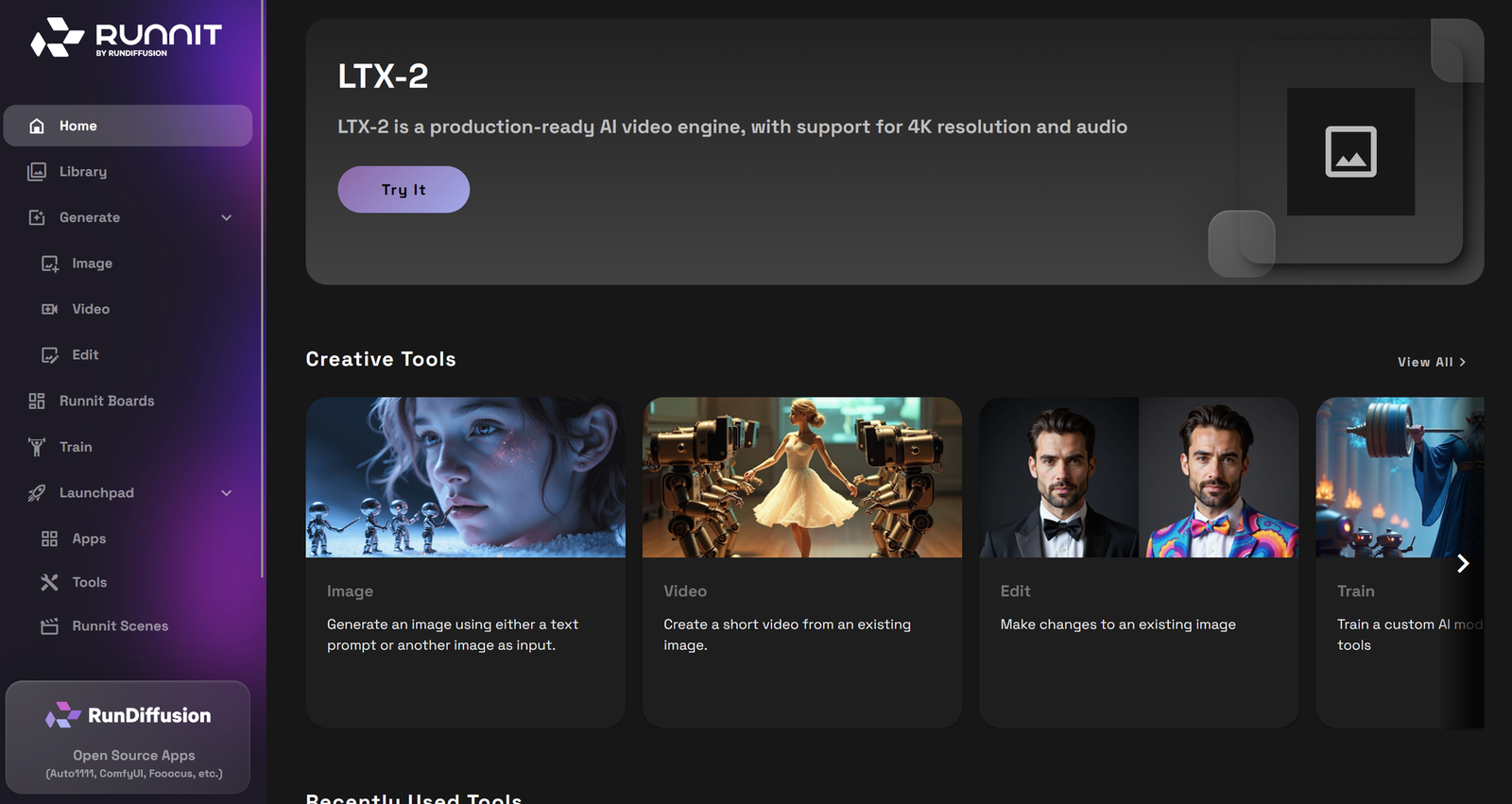
Go to the Runnit Platform
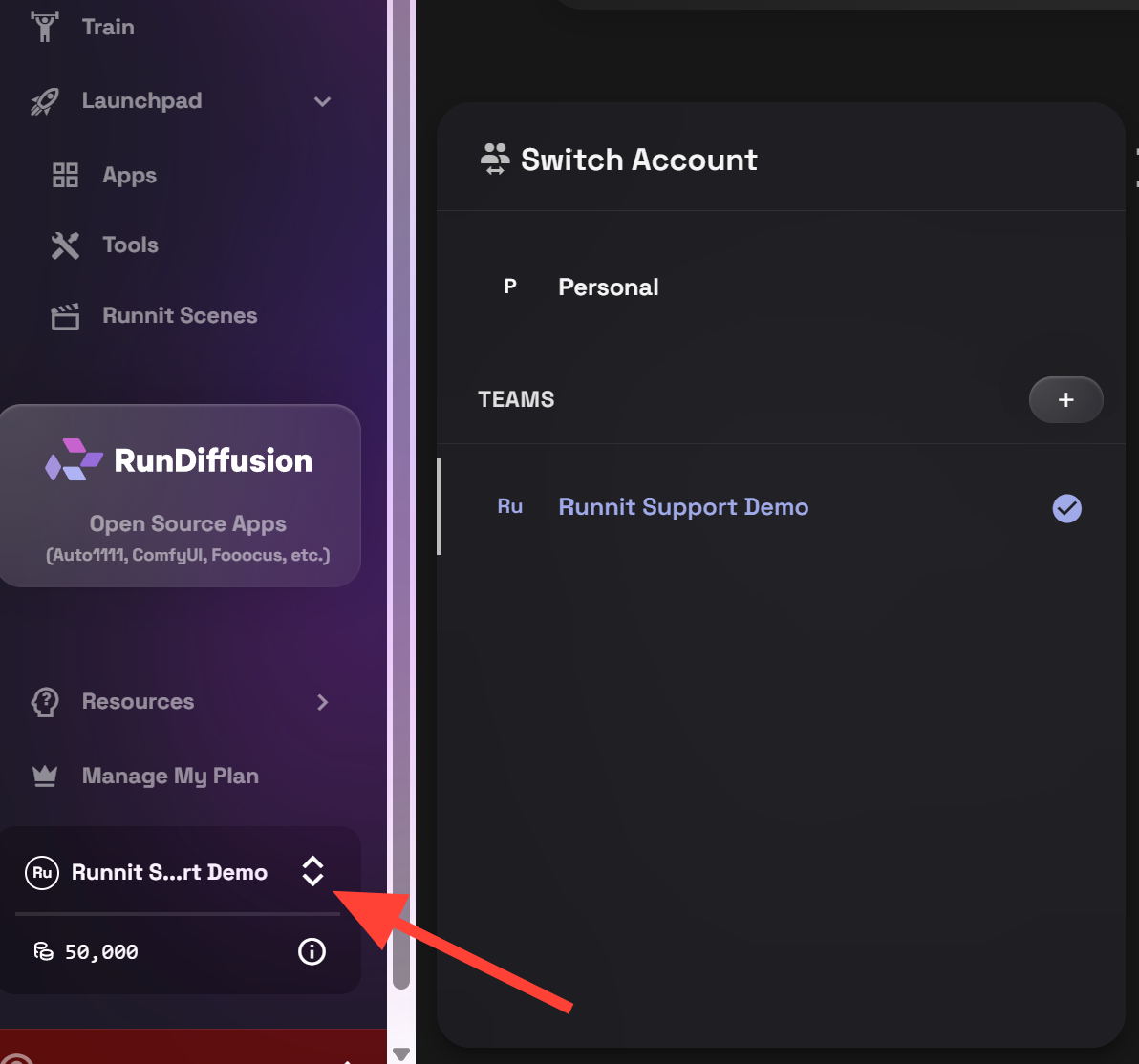
Scroll down on the left sidebar and select your team account
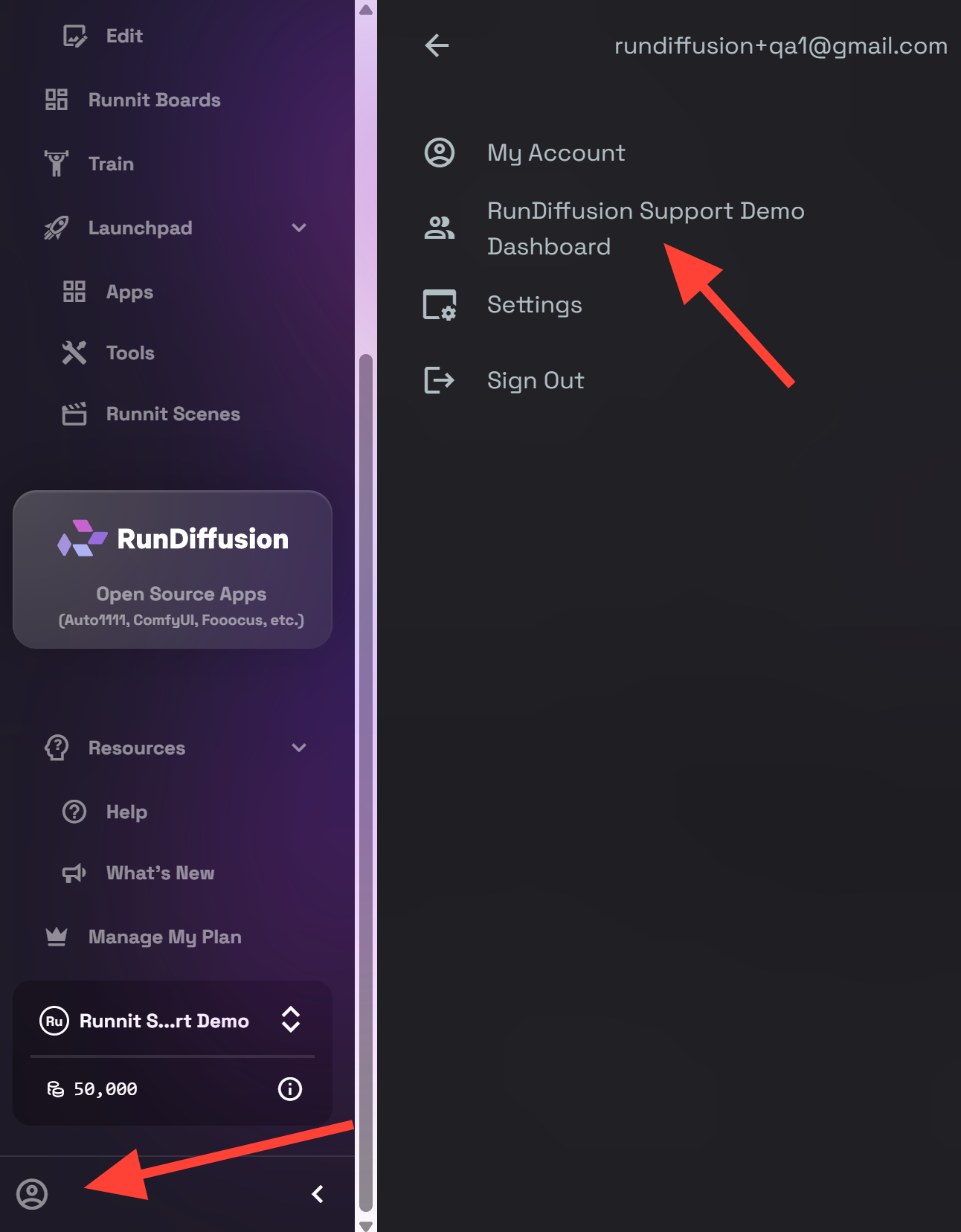
Scroll down to the account menu button, then click on your Company Dashboard at the top.
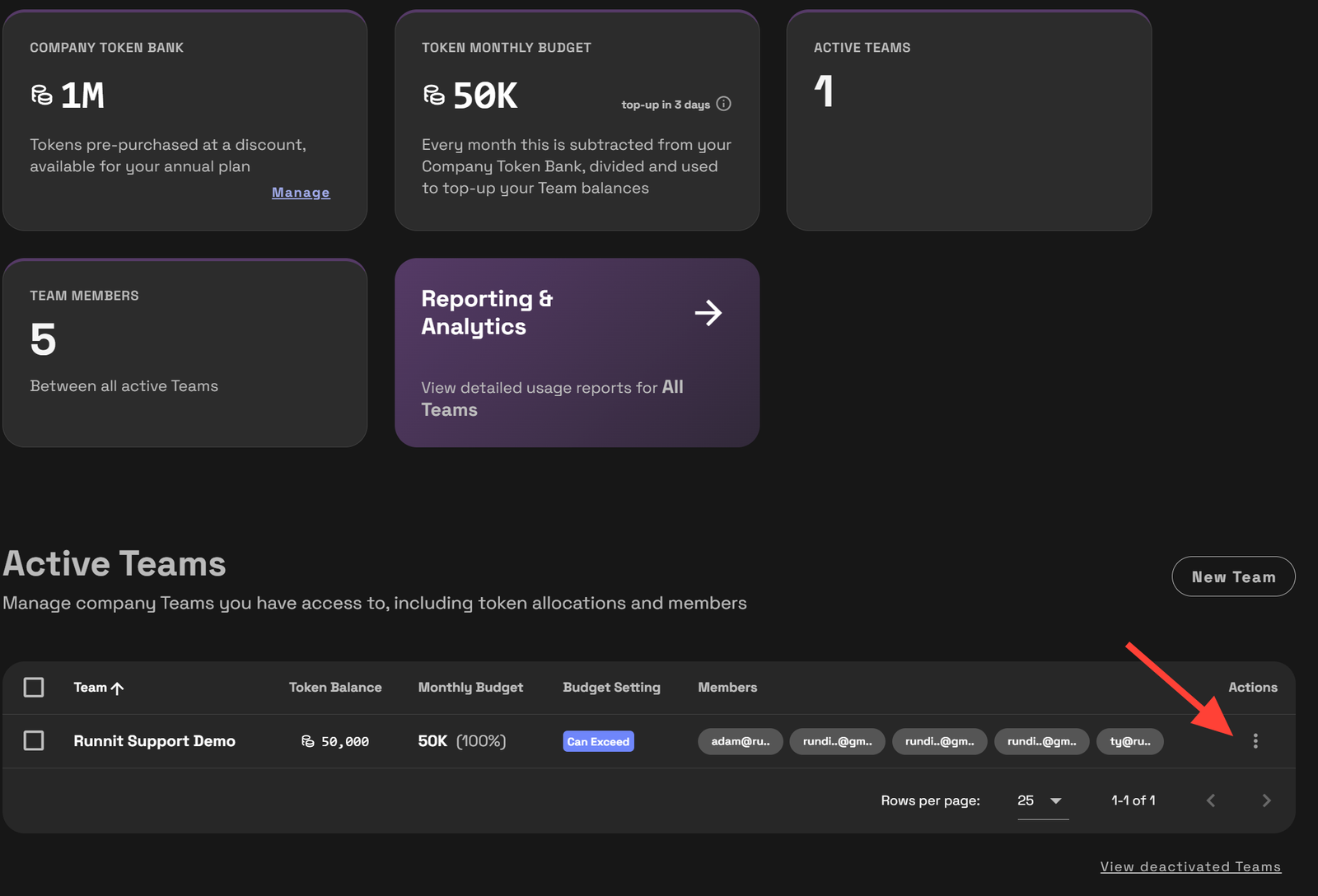
On the Company Dashboard Scroll down to Active Teams. Click on the 3 dots next to the team you want to add tokens too.
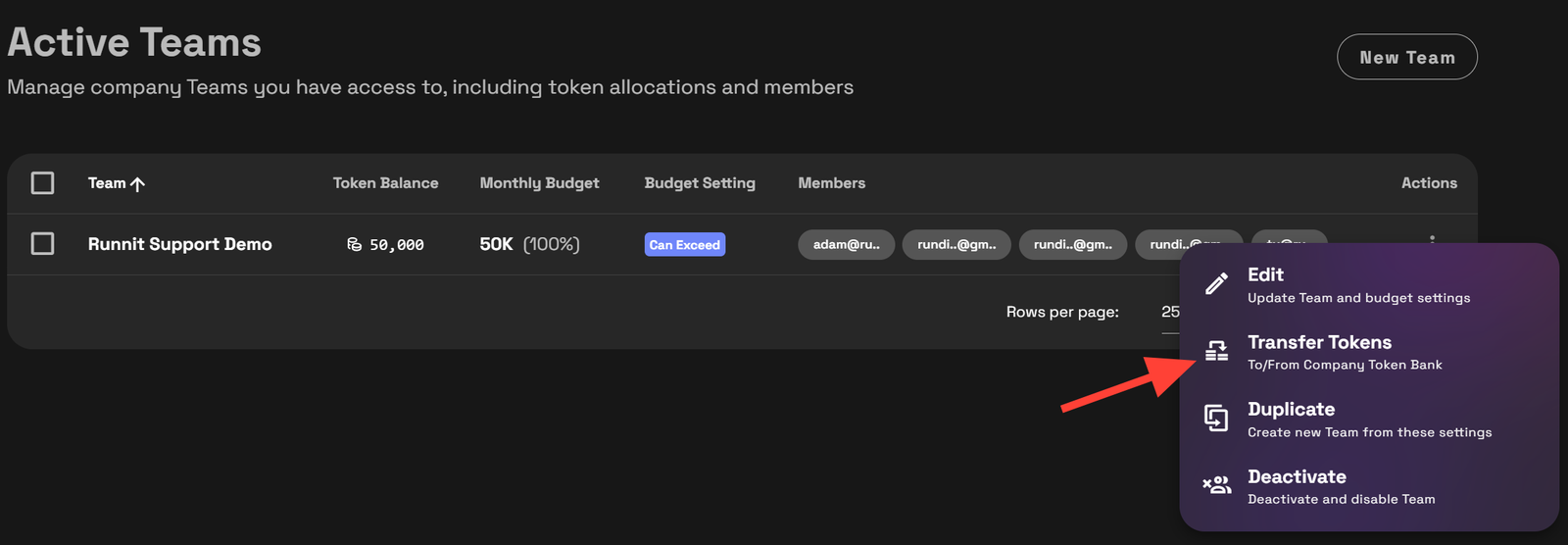
Click on Transfer Tokens.
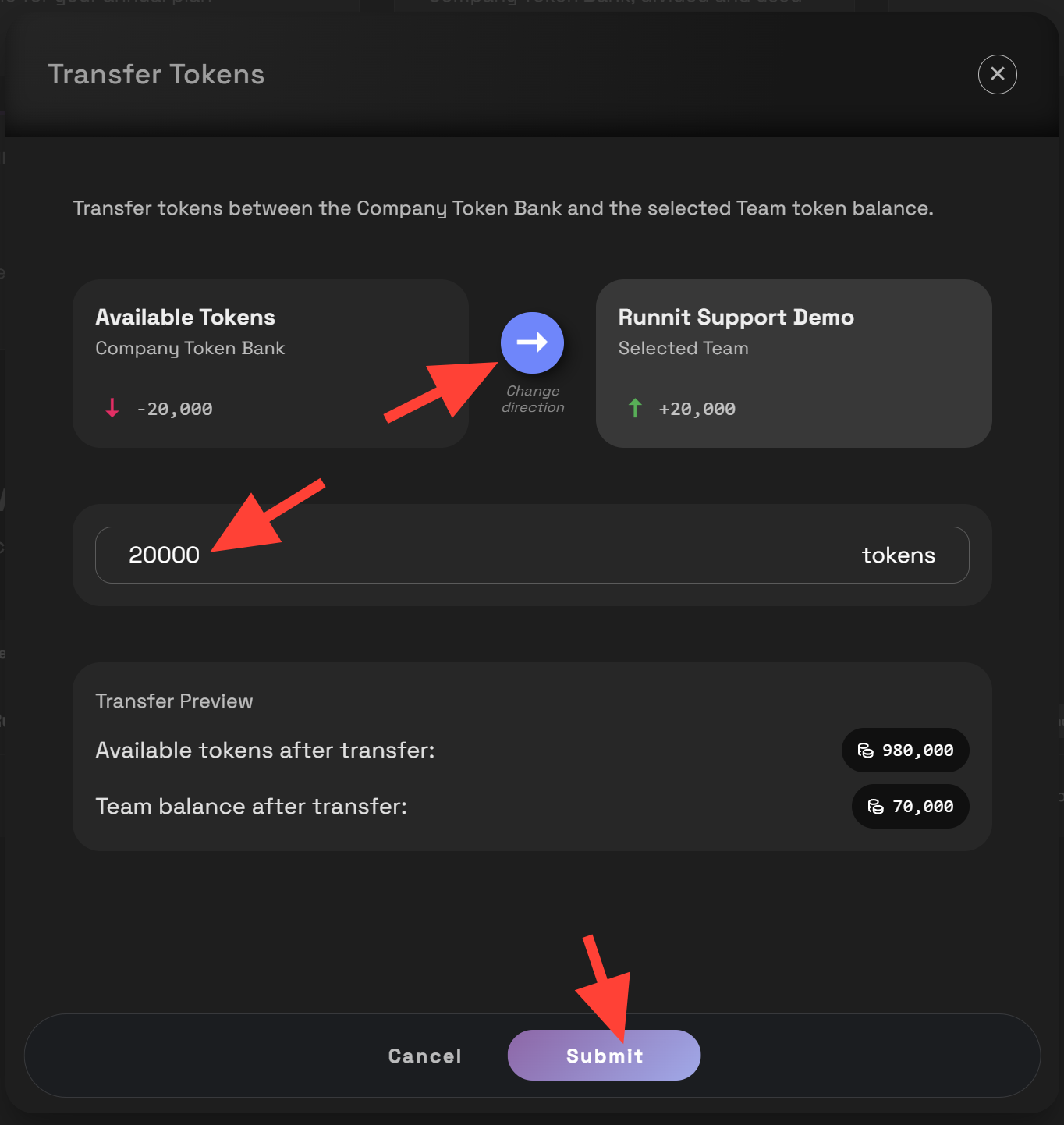
Type the number of tokens you wish to transfer. Then click Submit. The arrow indicates the direction of the transfer. You can transfer from your team back to the Company Token Bank or vice versa.
Final Thoughts
Being able to transfer tokens between your Company Token Bank and active teams/projects gives you full flexibility and control over how your organization uses RunDiffusion.
How to Open a Support Ticket | RunDiffusion
Need help? Open a support ticket by clicking the Help Chat Icon in the top right, our team will assist you as soon as possible!
RunDiffusion Team

How to Top Up Tokens on an Enterprise Account | RunDiffusion
Learn how to top up tokens on your Enterprise account in RunDiffusion.
RunDiffusion Team