

Tools
AI Models on RunDiffusion's Platform
Explore AI models on RunDiffusion for image generation, editing, upscaling, and video creation, including Nano Banana, Flux, Kling, Veo, and more.
View tool guideCompare RunDiffusion tool guides by the task, input, controls, and output you need instead of choosing from a model name alone.

Start here
Explore AI models on RunDiffusion for image generation, editing, upscaling, and video creation, including Nano Banana, Flux, Kling, Veo, and more.
View tool guideArticle library
Browse the complete directory across image generation, video, editing, upscaling, audio, and supporting production tools.

Use Kling 3.0 Pro on RunDiffusion for controlled AI video with start and end frame guidance and cinematic motion quality.
View tool guide
Use LTX 2.3 on RunDiffusion for high-fidelity AI video with synced audio, flexible framing, and precise motion control.
View tool guide
Use Veo 3 on RunDiffusion to generate AI video on the RunDiffusion Platform for fast iteration, cinematic concepts, and browser-based workflows.
View tool guide
Sora 2 is an AI video generation model available on RunDiffusion that allows creators to generate video content using prompt-based AI tools.
View tool guide
Juggernaut XI is an AI image generation model available on RunDiffusion that allows creators to generate images from prompts.
View tool guide
Juggernaut XII is an AI image generation model available on RunDiffusion that allows creators to generate images from prompts.
View tool guide
Veo 3 Fast is an AI video generation model available on RunDiffusion that allows creators to generate video using prompts.
View tool guide
Veo 3.1 is an AI video generation model available on RunDiffusion that allows creators to generate video content using prompts.
View tool guide
Kling 2.1 Pro remains available for prompt-based text-to-video generation on RunDiffusion. Its image-to-video workflow has been retired.
View tool guide
Use RunDiffusion Photo Flux to generate AI images from prompts and explore visual concepts with faster creative iteration.
View tool guide
Kling 1.6 Pro has been retired from RunDiffusion. Review current text-to-video and image-to-video alternatives for new video projects.
View tool guide
Generate roughly four-megapixel images with Flux Pro Ultra on RunDiffusion. Compare image sizes, use seed controls, and follow the launch walkthrough.
View tool guide
Use Juggernaut Base Flux on RunDiffusion to generate AI images from prompts and explore visual concepts more efficiently.
View tool guide
Use Juggernaut Pro Flux on RunDiffusion to generate AI images from prompts with strong realism and faster concept exploration.
View tool guide
Use Qwen Image 2512 on RunDiffusion to generate AI images from prompts and explore visual concepts with flexible creative control.
View tool guide
Wan 2.5 Image is an AI image generation model available on RunDiffusion that allows creators to generate images from prompts and explore visual ideas quickly.
View tool guide
Use ChatGPT 1.5 Image on RunDiffusion to generate AI images from prompts and explore visual concepts with simple workflow control.
View tool guide
Use Z-Image Turbo on RunDiffusion to create artwork, illustrations, and visual concepts with prompt-based AI image generation.
View tool guide
Explore Veo 3.1 Fast on RunDiffusion for rapid AI video generation and efficient motion-based creative workflows.
View tool guide
Generate AI video with Kling 2.6 Pro on RunDiffusion. Create short motion visuals and experiment with prompt-based video generation workflows.
View tool guide
Explore Flux 2 Max on RunDiffusion for concept generation, artwork creation, and prompt-driven image workflows.
View tool guide
Generate AI images with Juggernaut Lightning on RunDiffusion. Create concept art, illustrations, and prompt-based visual ideas.
View tool guide
Generate AI images with Nano Banana Pro on RunDiffusion. Create concept art, illustrations, and visual ideas using fast prompt-based image generation.
View tool guide
Generate AI video with Seedance 1.5 Pro on RunDiffusion. Create motion visuals and experiment with AI video generation tools.
View tool guide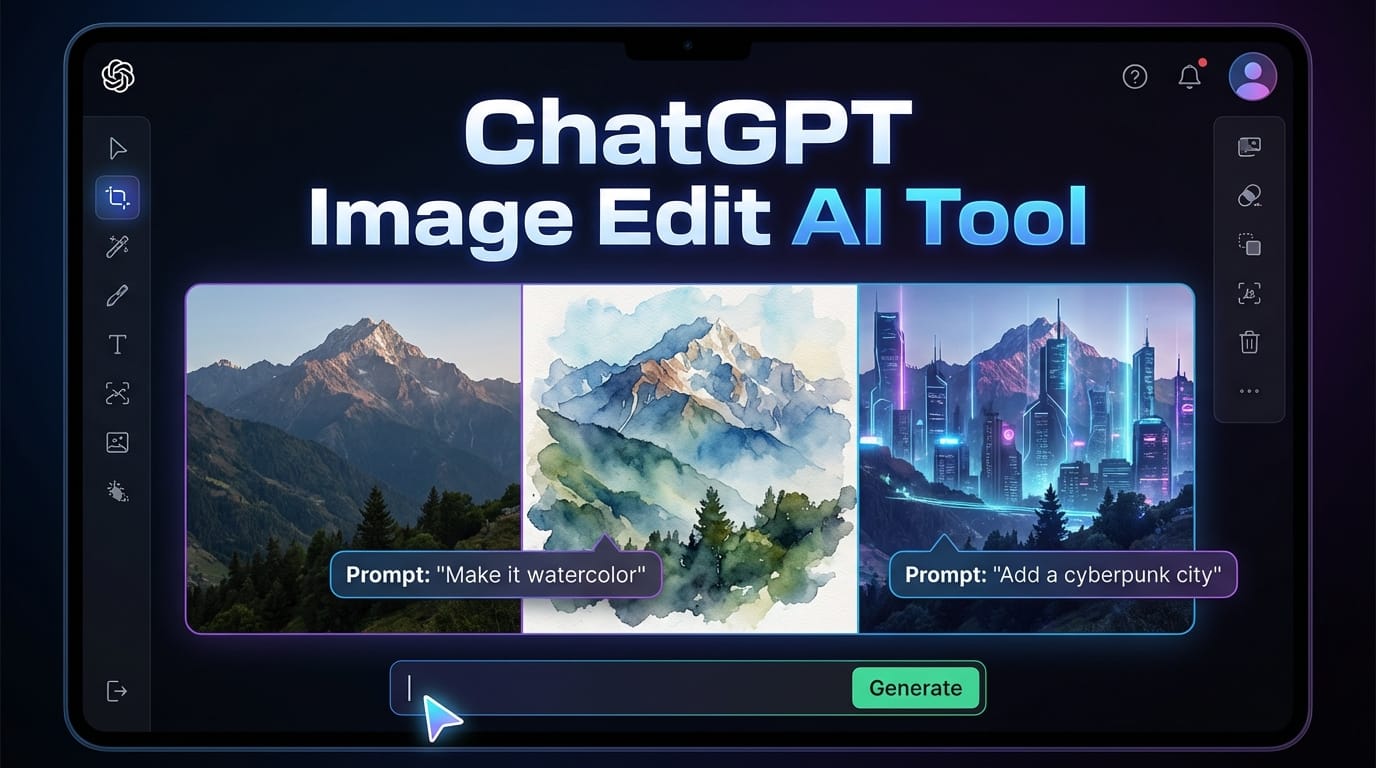
Edit images using ChatGPT Image Edit on RunDiffusion. Modify visuals with prompts and experiment with AI-assisted image editing.
View tool guide
Create AI images with Nano Banana 2 on RunDiffusion. Generate artwork, design inspiration, and visual concepts using prompt-based image generation.
View tool guide
Edit images using Seedream V4.5 Edit on RunDiffusion. Modify visuals with prompts and experiment with AI-assisted image editing workflows.
View tool guide
Generate images with Flux 2 Pro on RunDiffusion. Explore visual ideas, concept art, and prompt-based image generation using this AI model.
View tool guide
Edit and refine images with Nano Banana Edit on RunDiffusion. Use AI prompts to modify visuals, experiment with variations, and enhance existing images.
View tool guide
Generate images with Seedream V4.5 on RunDiffusion. Create concept art, illustrations, and visual inspiration using prompt-based AI image generation.
View tool guide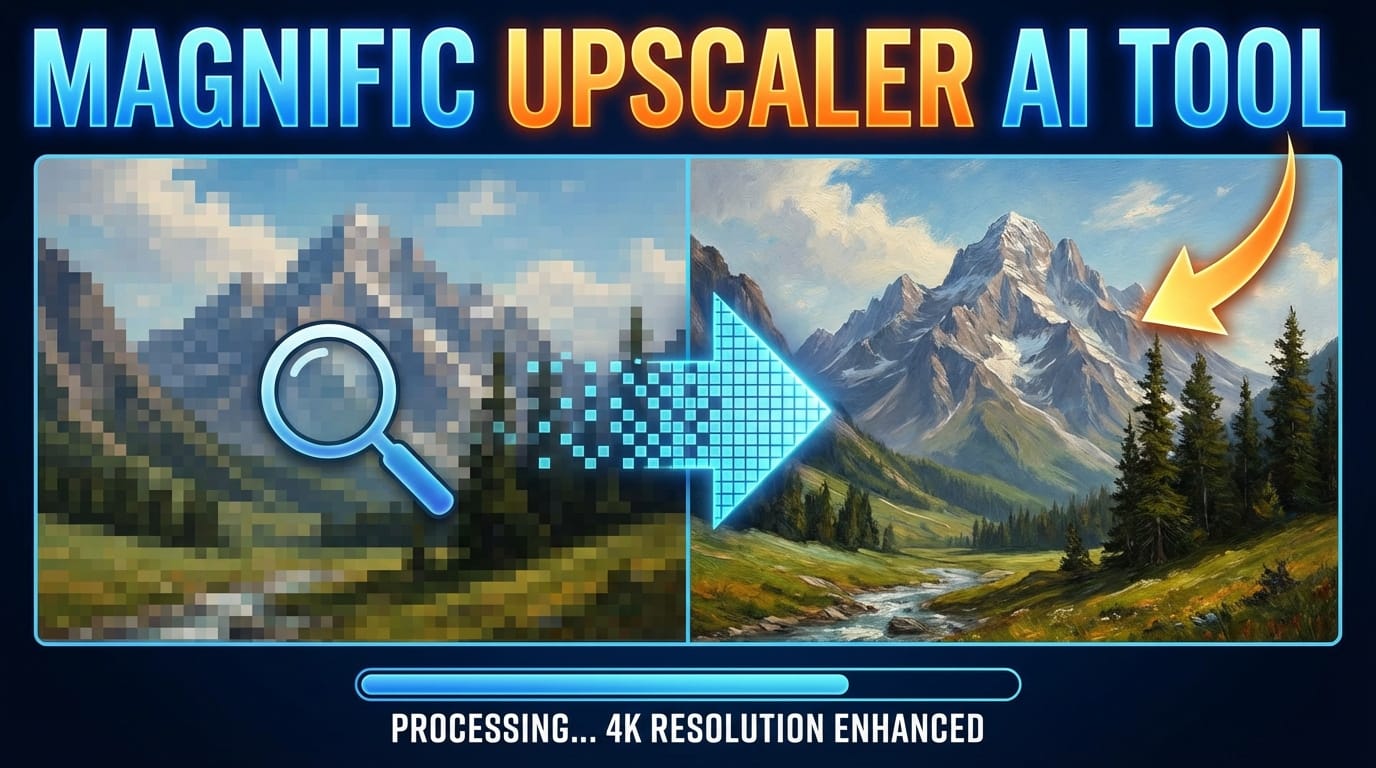
Enhance and upscale images with Magnific Upscaler on RunDiffusion. Improve resolution and detail using AI-powered image enhancement.
View tool guide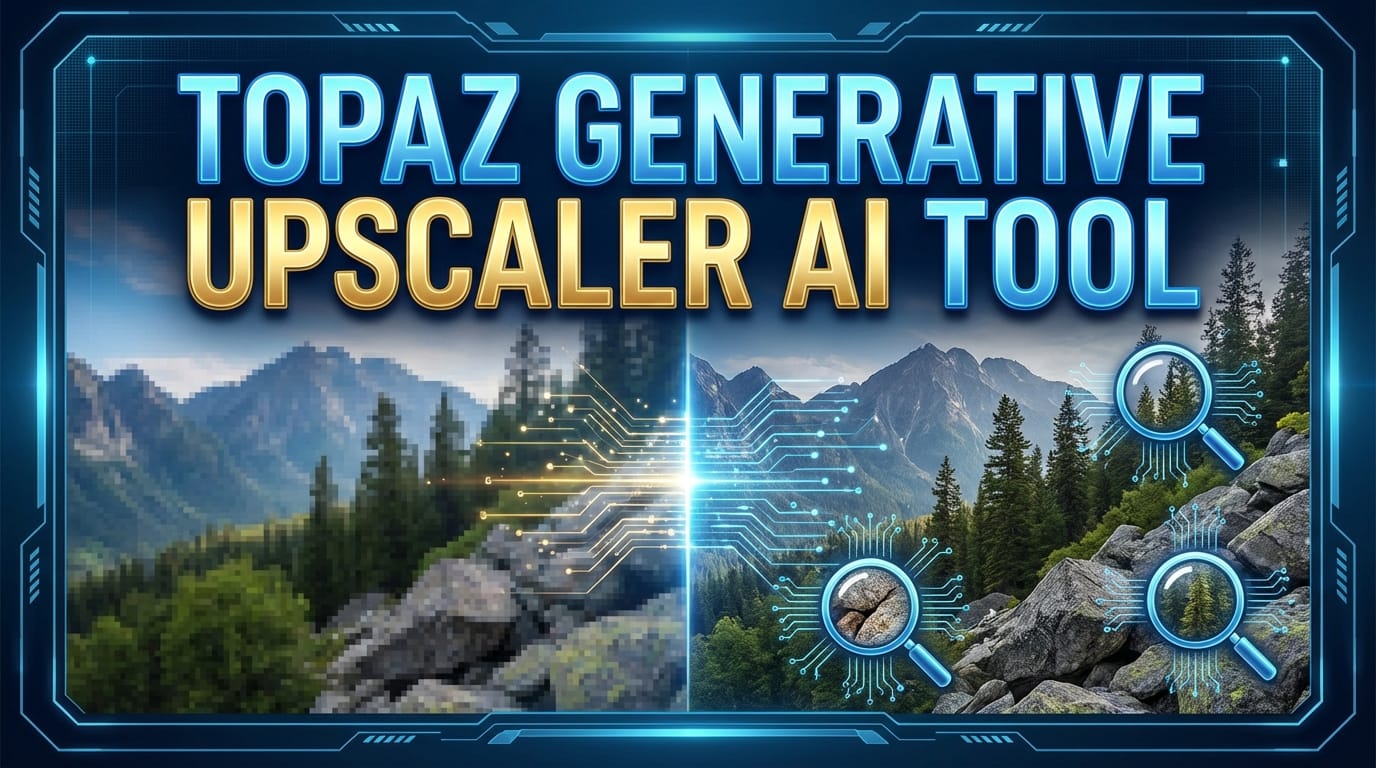
Upscale and enhance images with the Topaz Generative Upscaler on RunDiffusion. Improve image resolution and visual clarity using AI.
View tool guide
Create AI video using Bytedance Seedance on RunDiffusion. Generate motion visuals and explore prompt-based AI video workflows.
View tool guide
Create AI video clips using Kling 2.5 Turbo Pro on RunDiffusion. Explore motion visuals and experiment with AI-generated video concepts.
View tool guide
Create AI images with FLUX Dev on RunDiffusion. Experiment with prompt-based image generation to explore creative visuals and concept artwork.
View tool guide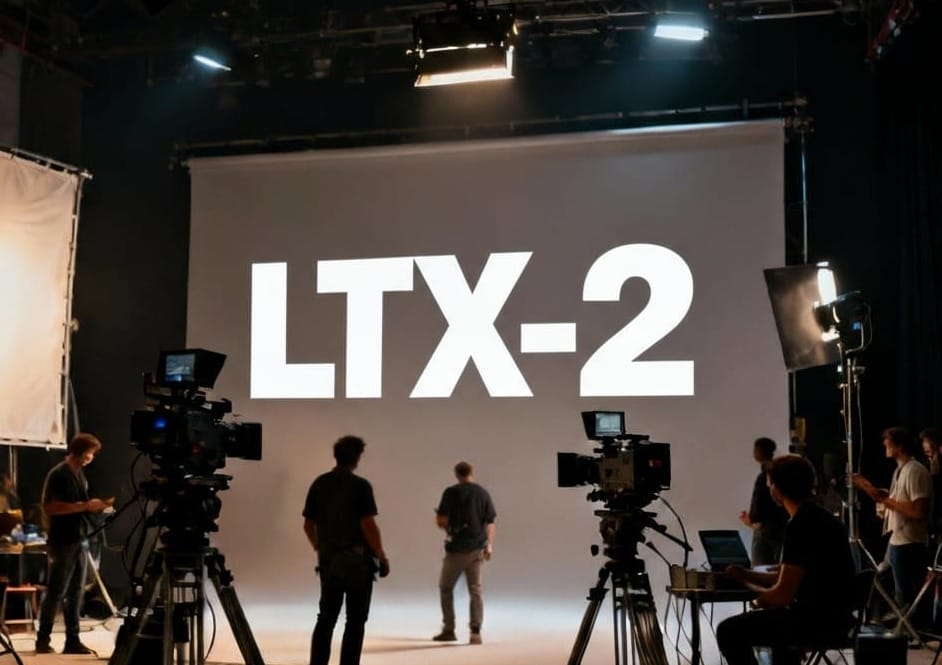
Generate AI video clips with LTX-2 on RunDiffusion. Experiment with motion visuals and AI-powered video generation workflows.
View tool guideSign up for RunDiffusion to explore available tools and move from a model guide into an image, video, editing, or enhancement workflow.
Continue with related workflows, tools, and creative disciplines across RunDiffusion.