The Complete Nano Banana Pro Prompt Guide
Learn how to prompt Nano Banana Pro on RunDiffusion for architecture, interiors, landscape design, illustration, advertising, product design, reference images, annotations, and precise edits.
Read guideLearn how to structure prompts, use references, direct camera and style choices, and communicate edits more clearly across RunDiffusion workflows.

Start here

Learn how to prompt Nano Banana Pro on RunDiffusion for architecture, interiors, landscape design, illustration, advertising, product design, reference images, annotations, and precise edits.
Read guideArticle library
Explore the complete collection across image, video, architecture, editing, reference inputs, camera direction, and model-specific syntax.

Learn how architecture teams use FLUX 3 on RunDiffusion for text-to-video, start-frame animation, start-and-end transitions, camera movement, synchronized audio, continuation, and project-film production.
Read guide
Use architectural lighting prompts to create new interior and exterior images or relight existing renders on RunDiffusion
Read guide
Learn the Subject → Action → Camera → Style framework for Seedance 2.5 on RunDiffusion, then add references, timing, continuity, sound, and endings only when needed.
Read guide
Learn how to prompt MiniMax H3 with reference images and video, character sheets, storyboards, voice referencing, consistent characters, camera direction, and sound.
Read guide
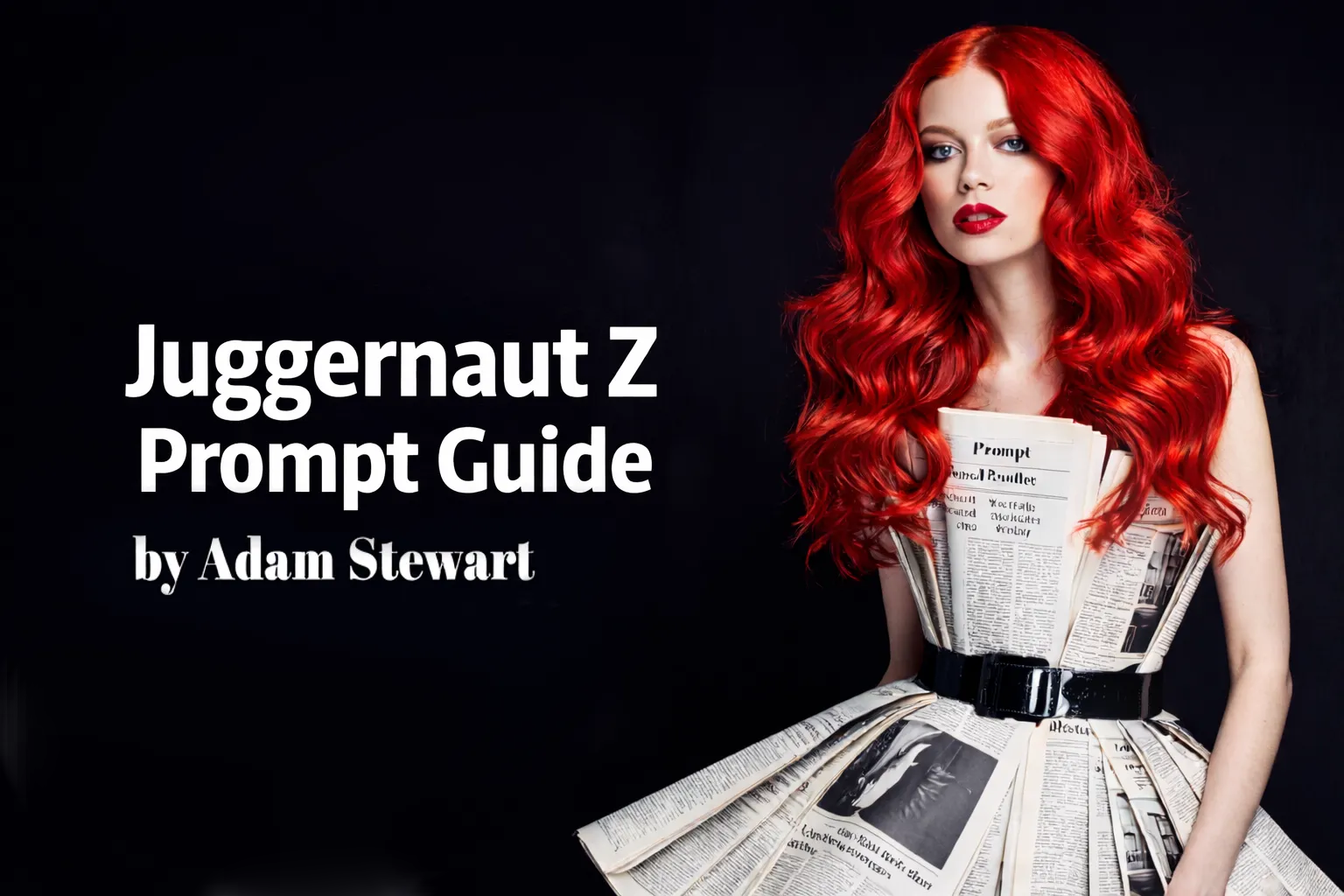
Juggernaut Z by RunDiffusion covers prompt structure, settings, and example categories for stronger portraits, architecture, interiors, products, cinematic scenes, and more.
Read guide
Learn how to prompt Seedance 2.0 using text, images, video, and audio for stronger AI video control.
Read guide
Learn how to write effective multi-image prompts using targeting, annotations, and references for more consistent results.
Read guide
Explore practical Flux 2 prompting techniques for structured inputs, cleaner outputs, and smarter resolution choices on RunDiffusion.
Read guide
Master Juggernaut XL on Runnit by RunDiffusion. Our complete guide covers photorealistic prompting, comparisons, and a step-by-step tutorial to create stunning AI art.
Read guide
Learn how to write stronger prompts for Juggernaut XI and XII to improve composition, detail, and style consistency on RunDiffusion.
Read guide
Learn how to prompt Juggernaut X for more precise image generation and stronger creative control.
Read guide
Learn the key factors behind exceptional AI-generated images, including prompts, composition, lighting, styles, and workflow choices.
Read guide
Learn how negative prompting improves image generation by reducing unwanted features, artifacts, and inconsistencies in your outputs.
Read guide
Learn beginner prompting basics for Stable Diffusion so you can write clearer prompts and generate better first results.
Read guide
Weather its a common negative, or a beautiful scenery, find out how to save those prompts!
Read guide
Emphasizing made easy!
Read guide
Learn prompting fundamentals, including structure, syntax, and practical techniques for getting better AI image results.
Read guideContinue with related workflows, tools, and creative disciplines across RunDiffusion.
Sign up for RunDiffusion to test prompt structures across available image, video, and editing workflows, then refine them against the actual result.