
Training
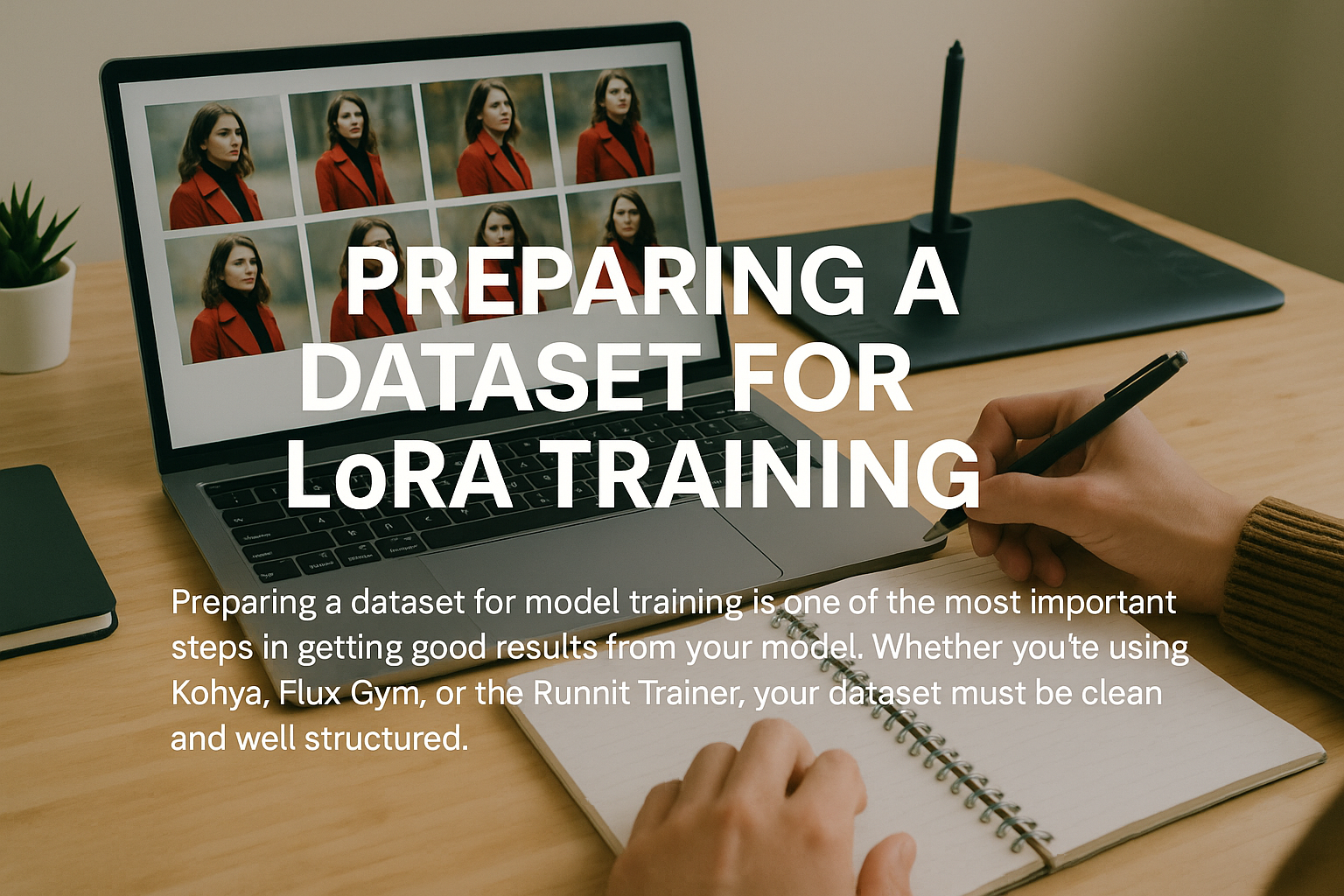
How to Prepare a Dataset for Model Training on RunDiffusion
Learn how to prepare a clean dataset for model training on RunDiffusion, including captions, resolution, and common pitfalls.
Read guideLearn how to prepare training data, use RunDiffusion training workflows, apply LoRAs, and move a trained model into image-production tools.

Start here
Learn how to prepare a clean dataset for model training on RunDiffusion, including captions, resolution, and common pitfalls.
Read guideArticle library
Explore the complete training collection across datasets, captions, trainers, base models, LoRA upload, application, download, and reuse.
See what’s new in Audiolab on RunDiffusion, including voice tools, sound generation, transcription, and timbre transfer workflows.
Read guide
Learn how RunDiffusion Pro users can download trained LoRA models and use them in ComfyUI, ReForge, or Automatic1111 on RunDiffusion.
Read guide
Learn how to use the Juggernaut base model with LoRA on the RunDiffusion Platform for cloud-based AI image generation without local setup.
Read guide
Train AI models on the RunDiffusion Platform with the Standard Trainer for fast cloud-based LoRA training across multiple model types.
Read guide
Explore the full list of Stable Diffusion, SDXL, SD3, Flux, and video models available on RunDiffusion. Updated for April 2025. Quick reference guide.
Read guide
Learn how to upload and apply a LoRA model in Boards on the RunDiffusion Platform for better workflow control and customization.
Read guide
Learn how to train custom AI models with the RunDiffusion LoRA Trainer using fast cloud-based workflows.
Read guide
Learn the basics of Flux LoRA training, including dataset prep, workflow setup, and how to fine-tune custom styles or subjects.
Read guide
Learn the basics of LoRA training with Kohya, including setup, dataset preparation, and how to train custom models for RunDiffusion workflows.
Read guide
Learn how checkpoint merging works and how to combine model strengths for custom image generation results in your RunDiffusion workflow.
Read guide
Learn about preloaded checkpoints on RunDiffusion and how they make it faster to launch workflows and start creating immediately.
Read guide
Learn how to train an SDXL LoRA with Kohya on RunDiffusion, including dataset prep, captioning, parameter tuning, and storage.
Read guideFollow a LoRA training walkthrough covering dataset prep, training basics, and how to create custom models for RunDiffusion workflows.
Read guide
How to use LoRA models / How to import custom LoRA models
Read guide
Importing custom models to Auto1111 and invokeAi!
Read guideLearn how model merging works and how to combine checkpoints to create new image generation behaviors and visual styles.
Read guideLearn the basics of LoRA training, including how to prepare data, fine-tune models, and create custom visual styles.
Read guideLearn how DreamBooth training works for custom AI models, including the basics of fine-tuning subjects, styles, and creative workflows.
Read guideLearn how LoRA, hypernetworks, and embeddings work in Automatic1111 and how they shape styles, subjects, and prompt control.
Read guideContinue with related workflows, tools, and creative disciplines across RunDiffusion.
Sign up for RunDiffusion to explore available training guidance and connect a trained LoRA to supported image-production workflows.